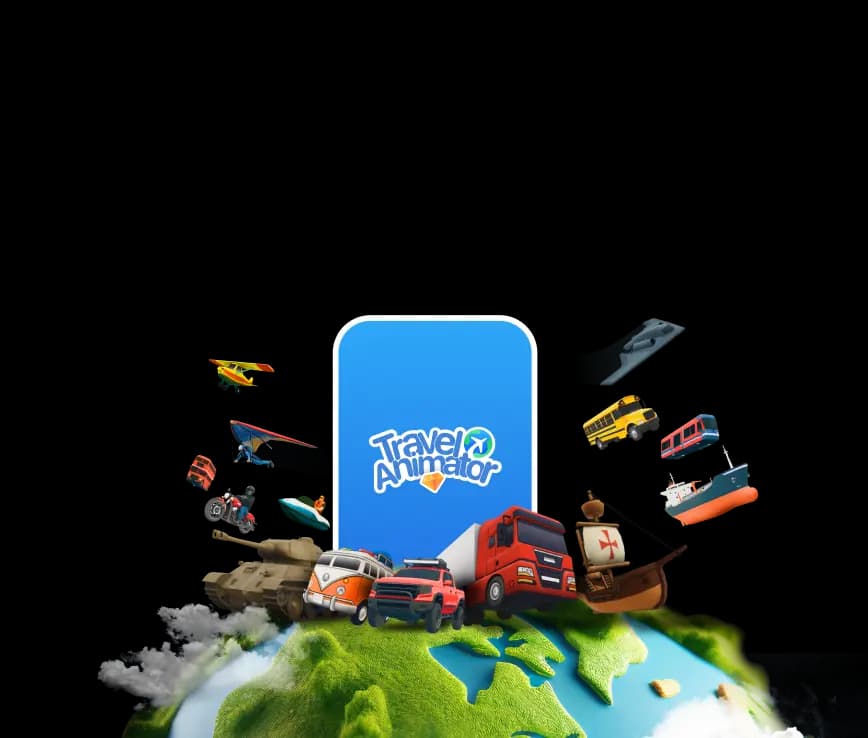
Create Custom, Personalized 3D ModelsAnimate your
Animate your
travel route
in seconds
Travel Animator is a travel map animation app for iOS and Android. Add your stops, choose a 3D model and map style, then export your journey as an animated video. Free to start, no editing skills needed.


1,000,000+ Downloads 4.6 Average Rating

What is Travel Animator?
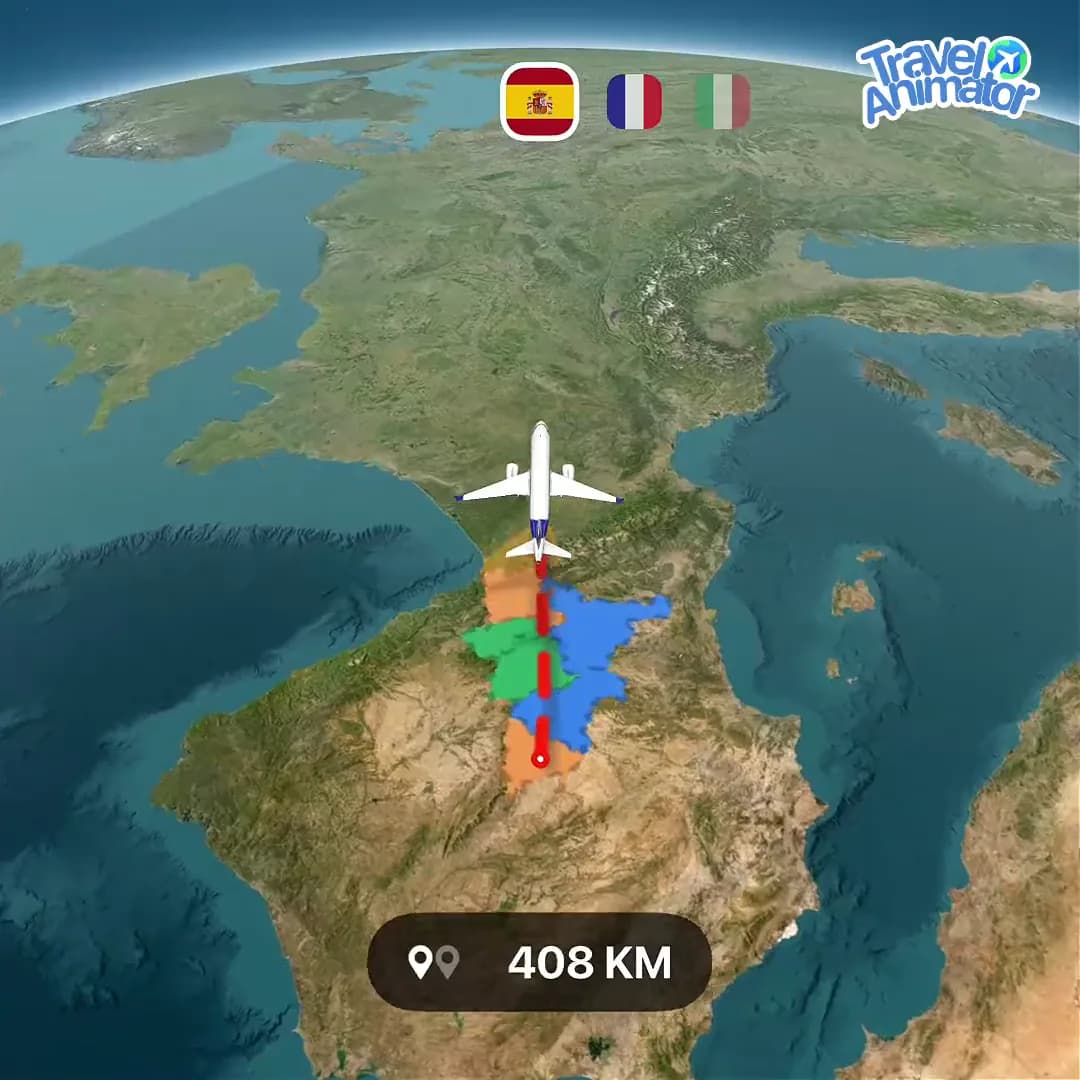
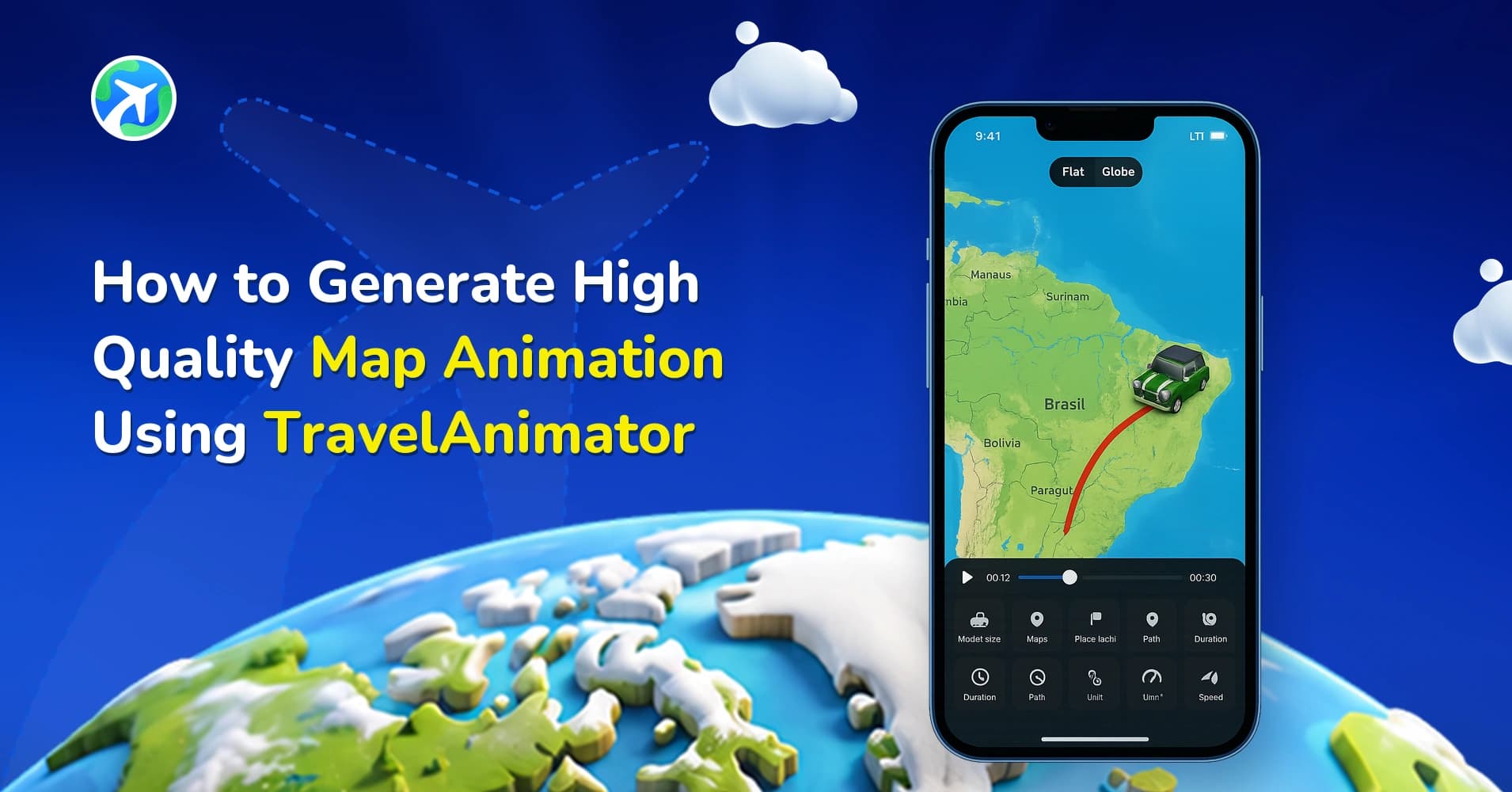
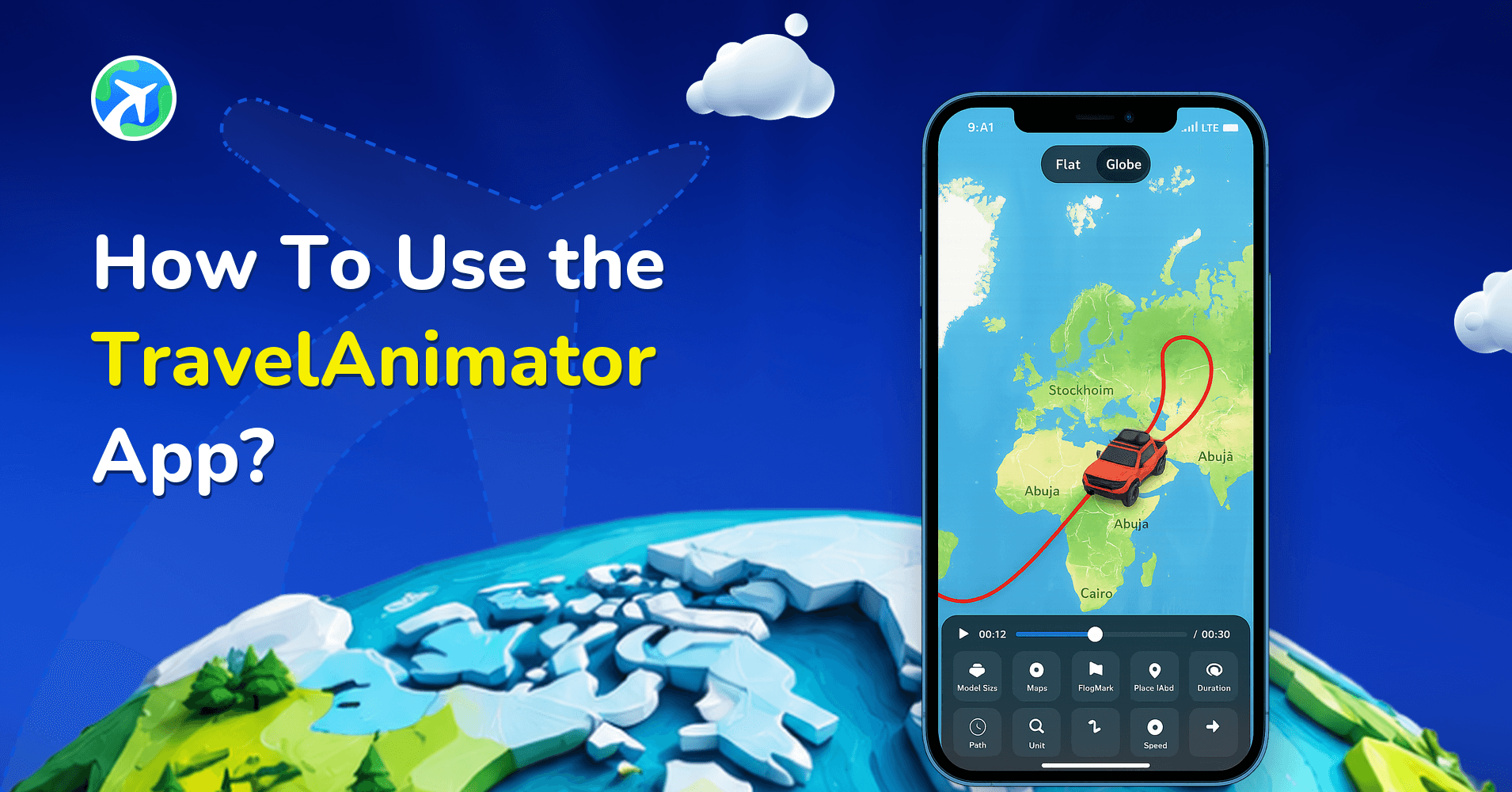
Travel Animator is a travel map animation app for iOS and Android that turns any journey into an animated route video. Travel Animator plots your waypoints across 30+ map styles, animates the route with one of 300+ 3D vehicle models, and exports the finished video in HD or 4K — sized for Instagram Reels, TikTok and YouTube Shorts.
One route. Every tool you need.
Follow the flight path — every stop is a feature that brings your travel map to life.
01
300+ 3D Models
Pick cars, planes, trains, boats and more to bring every route to life.











02
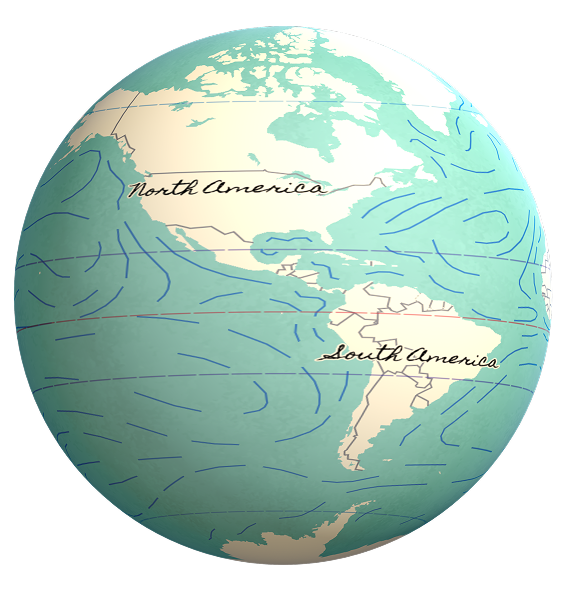
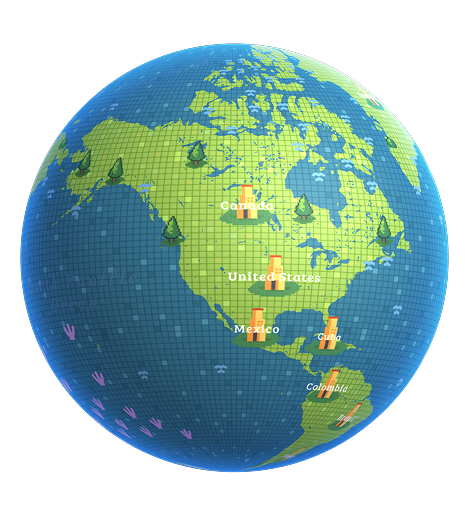
Personalise with 30+ map styles









03
80+ drop-down models
Drop famous monuments, landmarks and places onto your map — the 3D model of each spot pops right up along your route.
Paris · Agra · Rio · and 80+ more04
Add your own Avatar
Upload your photo and ride along as your own avatar — your face travels the whole journey.


05
Import GPX routes
Upload a GPX file and your real-world track is plotted on the map instantly.

06
Plot routes from Google Maps
Search any place and draw your journey point-to-point, straight from Google Maps.

07
4K & HD video export
Render your animated map in crisp 4K or HD — ready to post anywhere.

Create Travel Animation Videos in a Few Easy Steps

Travel Animator tutorial walkthrough video
Add Your Starting Point
Tap “Add Locations” and enter your starting location and end point to begin your journey.
Add Your Destination
Tap the “+” and enter the location to add your next stop. Keep adding waypoints to map out your full travel route.
Adjust your travel path
Drag the line between the points to create smooth, natural curves. Double-tap any point to remove it.
Hold to customize
Press and hold any point to assign a 3D vehicle model, add travel photos, texts or elements suitable to your path.
Export Your Animated Map Video
Preview your video, and customize it. Then export your finished animated travel route video in HD or 4K and be ready to share on Instagram Reels, TikTok, or YouTube.
Choose the Best from 300+ 3D Vehicle Models
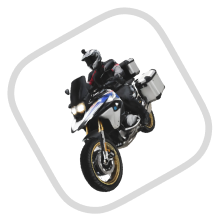
Pick the perfect vehicle to represent your journey. Travel Animator includes over 300 detailed 3D models, including road trip campervans, motorcycles, seaplanes, speedboats, horses, and trains. Choose one or more to animate your custom route. Browse all models or request a custom 3D model made just for you.















































Need A Custom Model?
Request a modelWho Uses Travel Animator?
Over 1 million creators use Travel Animator to bring their journeys to life. Here's who's making animated map videos right now.
Travel Bloggers & Vloggers
Create professional animated route videos for YouTube and your travel blog. Show your audience exactly where you went, city by city, country by country.
Road Trippers
Map out your entire road trip on a stunning animated video. Share the route on social media and relive every mile.
Instagram & TikTok Creators
Export vertical or horizontal animated travel route videos ready for Reels and TikTok. Stand out with unique map animations no one else is making.
Hikers, Cyclists & Adventure Travelers
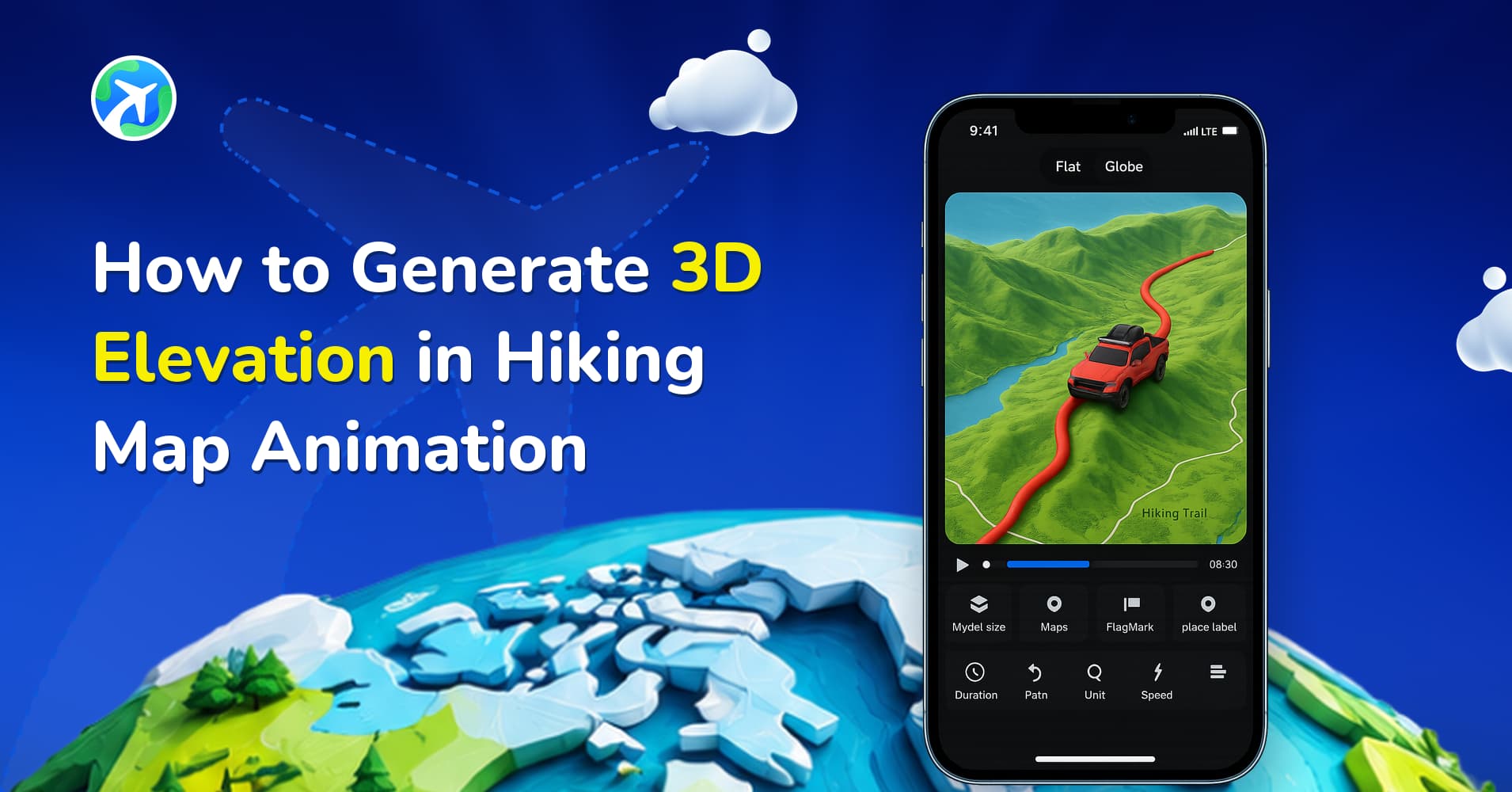
Import your GPX track from Strava or Garmin and animate your exact GPS route with a 3D mountain biker, horse rider, or hiking figure.




How Travel Animator compares
Travel Animator is free on iOS and Android, with Pro at $5.99 a month. Here is how that lines up against the two apps it is most often weighed against.
| Feature | Travel Animator | Competitors |
|---|---|---|
| Free plan | Free — full core creation, no ads | Free, with ads |
| 3D vehicle models | 300+ (cars, planes, trains, boats, balloons, more) | 250+ vehicles advertised |
| Map styles | 30+ flat & 3D globe styles | Multiple styles; check your device |
| GPX route import | Yes | GPX, KML, GeoJSON (Pro) |
| Video export quality | HD & 4K | HD & 4K (Pro) |
| Watermark-free export | Yes | Yes |
| Custom vehicle models | Yes | No |
| Scene styles (zoom) | Yes | Automatic path; start/end zoom controls |
| Place labels | Yes | Yes |
| Cover image | Yes | No |
| Custom logo / branding | Yes | No |
| Platforms | iOS & Android | Browser workflow |
Figures match our full comparisons and were last checked on 2026-09-17. See all comparisons
Real reviews from the road
S
Sophia L
Wow, love this app! I really appreciate the thoughtful people behind it, they really have made an effort to make the experience as smooth as it gets. Kudos!
C
Cristian Camilio
I recently tried this app, and it exceeded my expectations! Definitely a must-have for anyone looking to turn their travel experiences into lively, shareable stories!
M
Michael Lebrun
So happy when I saw the results, literally amazing! This app provides you the best animated travel routes as per our trip plan.
J
John Quinto
This creates quick map animation videos. Multiple maps designs are available, easy to use very smart to operate.
R
Robertus Trikumoro
Found this on Facebook and being a very active traveller find it a great way to bring to life my travels
A
Adriano Scarabelli
I’m thrilled with the 3D maps and the variety of vehicles. They make my videos pop!
J
Joel Gonzalez
Awesome app for storytelling. I love adding photos that brings my memories to life.
C
Carlos Pop
The app does what it says on the tin, and is worth the year’s investment if you travel frequently.
Frequently Asked Questions
Is Travel Animator free to download?
Yes, Travel Animator is free to download on both iOS (App Store) and Android (Google Play). This mobile app includes a free tier with core features. Premium plans unlock additional map styles, vehicle models, 4K export, and more. See our Plans page for full details.
Does Travel Animator work on Android?
Yes. Travel Animator is available on both iPhone (iOS) and Android devices. Download it for free from the Google Play Store or the Apple App Store.
Can I export animated travel videos in 4K?
Yes. Travel Animator supports HD and 4K video export. 4K export is available on premium plans. Your animated map video will be ready to share directly to Instagram Reels, TikTok, YouTube, or any platform you choose.
What map styles are available in Travel Animator?
Travel Animator includes 30+ map styles, including classic road maps, dark mode, satellite view, terrain maps, and an immersive 3D globe mode. Different map styles are available in premium plans.
Can I import a GPX file from Strava or Garmin?
Yes. Travel Animator supports GPX file import. If you've recorded a run, hike, bike ride, or road trip on Strava, Garmin or any GPS device, you can import the GPX file and animate your exact route with a 3D model of your choice.
How do I plot a route from Google Maps?
Open Google Maps, get directions for your journey, copy the link, and paste it into the Travel Animator app. Your route is automatically plotted on the animated map, without having to manually add routes. You can then customize it with 3D models, photos, and map styles.
Can I add photos to my animated travel video?
Yes. You can drop real travel photos onto any point on your route. Each photo appears on the animated map, so your audience can see your actual destinations as the animation plays.
Can I get a custom 3D model of my own vehicle?
Yes. Travel Animator offers a custom 3D model service. Submit your vehicle details, and we'll create a personalized 3D model for your animated travel videos. Visit the Custom Models page for more information.
Still deciding? The pricing page sets out what the free plan includes and what Pro unlocks, and if you are weighing up route-animation apps, we put Travel Animator and TravelBoast side by side.
Learn How to Make Animated Travel Route Videos
Browse all tutorials →New to Travel Animator? Start with what it takes to animate a travel route, then dig into our Resource Hub — step-by-step tutorials for every feature, from importing your first GPX route to exporting 4K animated map videos for Instagram Reels and YouTube.


TravelAnimator - 2026