How to Create a Bike Travel Map Animation Using TravelAnimator
 Jaseel S6 min read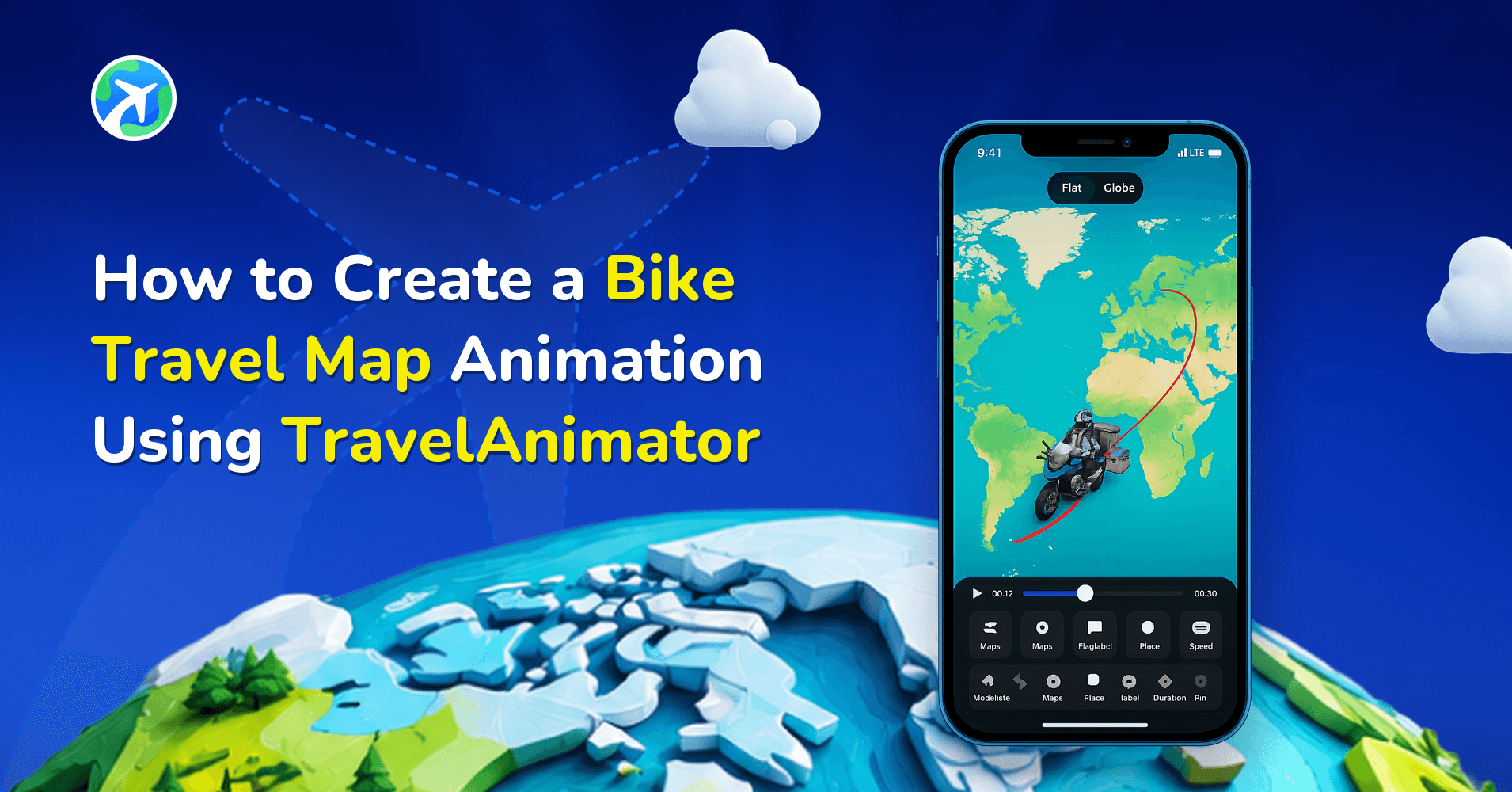
TravelAnimator can create bike travel map animations that show your exact route, movement, and stops in a smooth, engaging video.
Instead of static screenshots from Google Maps or basic ride summaries, bike travel map animations turn your journey into a visual story. Whether it’s a short city ride, a multi-day cycling tour, or a long-distance bike journey, many riders want a better way to show where they went and how the journey happened.
This guide explains what bike route animations are, why they’re more engaging than static map screenshots, and how to animate a bike route on a map using TravelAnimator in a few simple, beginner-friendly steps.
What are Bike Travel Map Animation?
A bike travel map animation is a video that shows your cycling or bike route on a map. Instead of displaying a static line, the route animates gradually while a bike model moves along the path, showing direction, distance, and flow.
A typical bike journey animation includes a visible route line following your bike path, a moving bike icon or rider model, a start and end point, and, if needed, multiple stops, along with optional images, labels, or notes at key locations.
This type of animation helps viewers understand where you went and how the journey progressed. Bike trip map animations are commonly used for travel recaps, cycling content, route planning, storytelling, and social media sharing.
Why Animate a Bike Route Instead of Using Google Maps Screenshots?
Many cyclists rely on Google Maps or tracking apps to record their rides. While these tools are great for navigation, screenshots have clear limitations for storytelling.
A static screenshot shows the route but not the movement. So it lacks emotion and flow. It doesn’t explain stops or highlights, and it looks similar to thousands of other posts.
A bike route animation, on the other hand, shows the journey step by step, makes distance and direction easy to understand, keeps viewers engaged with animation, and feels personal and story-driven.
Animated bike route maps help your audience follow your ride as if they were traveling with you. This is especially effective for social platforms where motion performs better than still images.
Common Use Cases for Bike Trip Map Animations
Bike travel map animations are useful across many scenarios, not just social media posting.
Cyclists use bike journey animations to
- Share road trips or cycling tours
- Create recap videos after long rides
- Document daily travel during bikepacking trips
- Explain planned routes before a journey
- Show progress across multiple days or countries
Content creators use animated bike route maps to
- Add context to cycling vlogs
- Explain travel routes in short videos
- Make Reels, Shorts, and Stories more engaging
Organizations and institutes use bike route animations to
- Explain cycling routes or events
- Promote bike tours or trails
- Teach geography or route planning visually
How TravelAnimator Helps You Create Bike Route Animations Easily
TravelAnimator is designed for users who want professional-looking animations without technical complexity. You don’t need editing skills, timeline tools, or desktop software. Everything works through simple taps and gestures, making it ideal for travelers and cyclists who want fast results.
- TravelAnimator lets you create a bike route by searching locations, importing GPX files, or pasting a Google Maps link, so your bike journey follows a real or planned path.
- The app animates the bike route smoothly, with the bike model moving along the path to show the full journey from start to finish.
- You can customize the map style, route line color, and place labels to match the mood and purpose of your bike trip animation.
- TravelAnimator lets you add images and text at specific stops, helping you highlight scenic spots, stops, or important milestones along the route.
- The animation automatically slows down when images or text appear, creating natural reading pauses that make the bike journey easier to follow.
- You can preview the entire bike route animation and adjust the model size, duration, and ratio before exporting.
- TravelAnimator exports bike route animations in HD or 4K and supports vertical formats, making them ideal for sharing on Instagram, WhatsApp, and other platforms.
Step-by-Step: How to Create Bike Travel Map Animation in TravelAnimator
- Open the TravelAnimator app and start creating a new animation.
- You can build your bike route in multiple ways, such as searching for locations by name, pasting a Google Maps route link, or importing a GPX file.
- Tap between points to add curves and adjust the route (if it is added manually) to get a curved flow like real roads. This step helps your animated bike route map feel natural instead of straight and artificial.
- Long-press on specific points to see options to enable & disable real routes, add images & text, change model, and delete points.
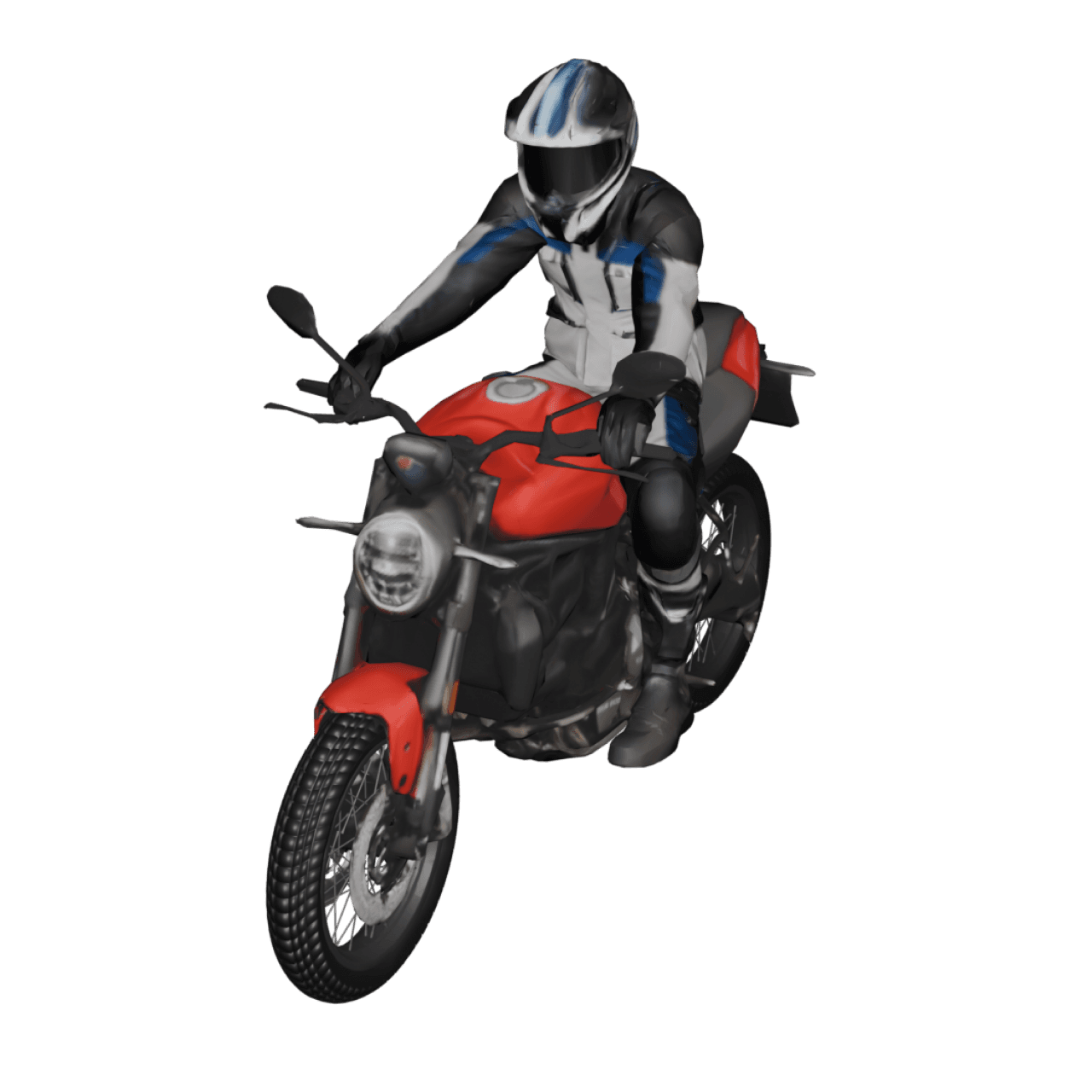
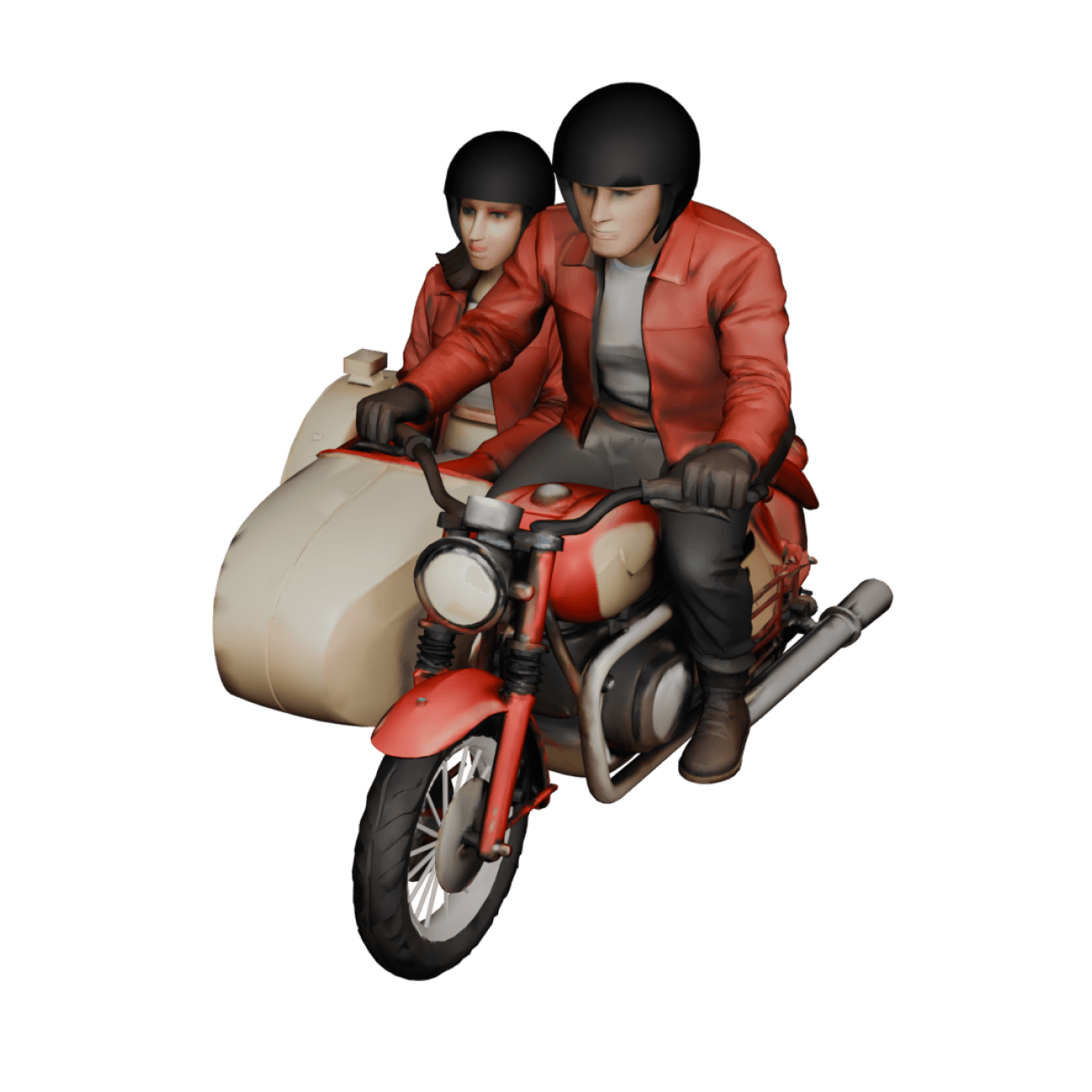
- Go to Change Model and choose the bike model you want in your animation.
- You can enhance your bike journey animation by adding images at main points, writing short labels for locations or milestones, and highlighting rest stops or destinations.
- Preview the animation and adjust video ratio (9:16, 16:9, etc.), route color & thickness, model size & video duration, and map style (2D or 3D).
- Export your bike travel map animation in HD or 4K quality and share it on social media or save it as a travel recap.
Tips to Make Your Bike Travel Animation Look Realistic
- Follow real roads and paths with curves so the bike route animation reflects how journeys actually move through streets, trails, and winding roads, rather than cutting across the map in an unrealistic way.
- Avoid overly straight lines unless appropriate, because straight paths can feel artificial for bike journeys unless you are representing highways, bridges, or long open stretches.
- Keep the bike model size proportional to the map to ensure the route remains clearly visible and the animation doesn’t feel cluttered or overwhelming on smaller screens.
- Use a moderate animation speed for cycling so the movement feels natural and relatable, matching the speed of a real bike journey rather than rushing through the route.
- Add pauses at important stops by placing images or text at key locations, allowing viewers time to absorb landmarks, rest points, or memorable moments along the ride.
Who Can Use Bike Route Animations?
- Casual cyclists sharing ride updates
- Long-distance riders documenting journeys
- Travel vloggers creating cycling content
- Cycling or bike riders clubs explaining group routes
- Event organizers showcasing race paths
- Tutors teaching geography or routes
Bring Your Bike Journeys to Life on the Map
With TravelAnimator, you can turn your cycling routes into animated stories that show movement, direction, and progress in an engaging way. Whether you’re documenting a short city ride or a multi-day cycling adventure, TravelAnimator helps you create bike travel map animations quickly and without technical barriers.
Download the TravelAnimator app from the App Store or Play Store and start creating your bike travel animation today.