How to Create a Travel Animation Video?
 Jaseel S6 min read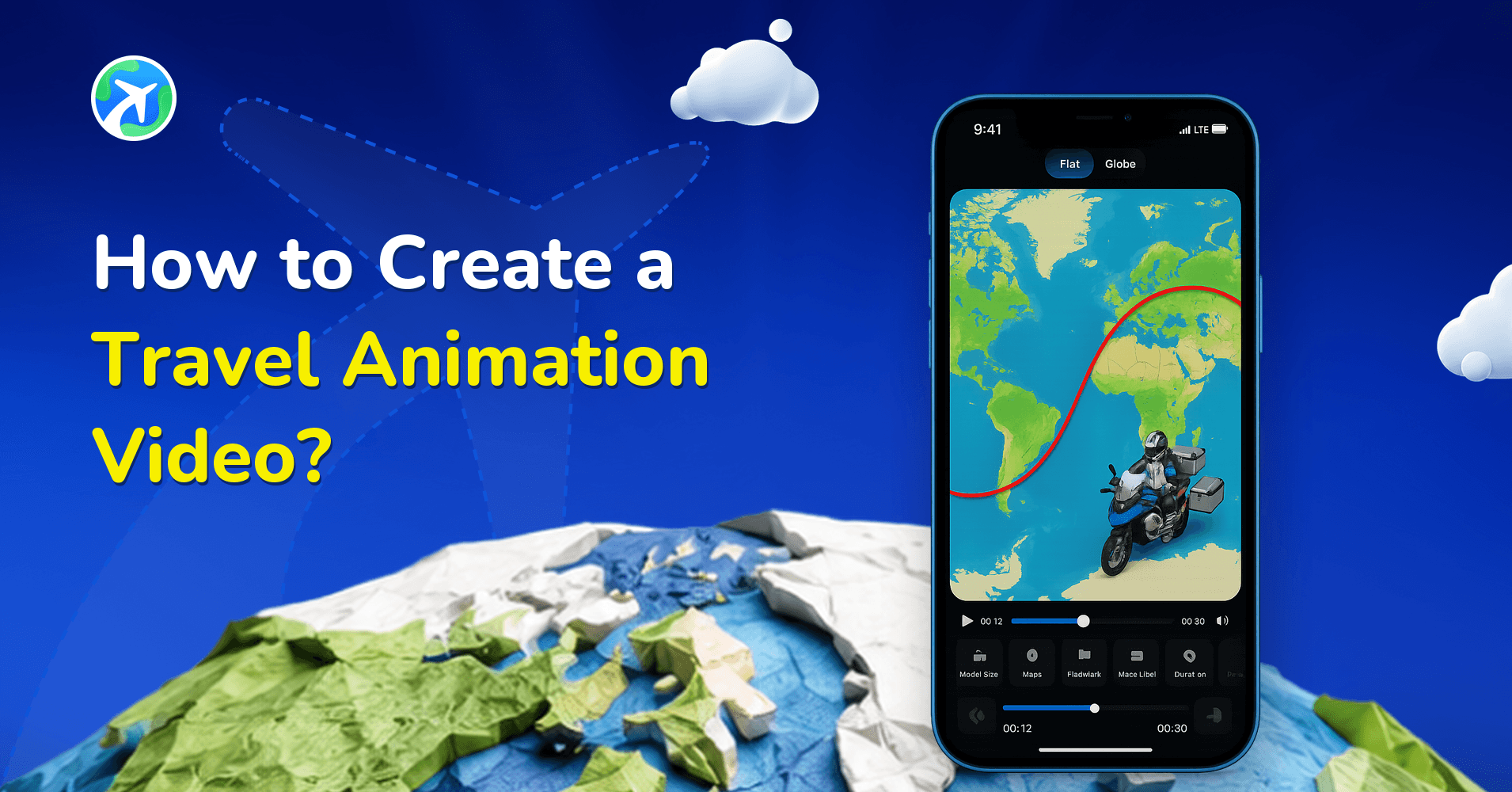
Creating a travel animation video is a creative way to present your travel experiences, share trip routes, and preserve travel memories in a visual format. Instead of showing individual photos or describing your itinerary in text, travel animation lets you display your journey as a moving route on a map.
Today, many travelers, content creators, and travel businesses use animated travel maps to explain where they traveled and how their journey unfolded. However, many people assume that creating such videos requires professional video editing skills or complicated software.
The good news is that tools like TravelAnimator make the process extremely simple. With a smartphone and a few steps, anyone can create professional-looking travel animation videos without advanced technical knowledge. In this guide, you’ll learn different ways to create travel animations and the easiest method using the TravelAnimator app.
Different Methods to Create Travel Animation Videos
1.Google Earth Studio
Google Earth Studio is a web-based animation tool that allows users to create 3D camera animations using Google Earth satellite imagery. It produces realistic visuals and accurate geographic details, making it useful for documentaries and professional projects.
However, it requires some technical skills and is limited to Google Earth imagery.
2. Adobe Premiere Pro
Adobe Premiere Pro is a professional video editing software widely used for creating films, YouTube videos, and complex visual projects. Users can create map animations, transitions, motion graphics, and visual effects.
Although the software is powerful and flexible, it is not specifically designed for travel map animations. Creating a route animation requires manual work, additional assets, and significant editing knowledge. The software is also expensive compared to dedicated travel animation apps.
3. Adobe After Effects
Adobe After Effects is a motion graphics and visual effects software commonly used for advanced animation and cinematic visual effects. Users can animate maps, zoom into locations, highlight routes, and add professional visual effects.
While After Effects offers extremely detailed customization, it requires strong technical skills and can take hours or even days to produce a single animation. Because of its complexity, it is mainly used for film production, television graphics, and professional motion design.
4. Canva
Canva is a beginner-friendly design platform that offers basic animation features through a drag-and-drop interface. It allows users to create simple visual presentations and animated graphics using templates.
Although Canva is easy to use, its animation capabilities are limited when it comes to map-based travel routes. Custom route animation, geographic accuracy, and route visualization options are minimal compared to dedicated travel animation tools.
Why Use TravelAnimator Instead of Complex Software?
TravelAnimator is specifically designed for creating travel map animations.
- User-friendly – Travel Animation app allows beginners to create travel videos without technical skills. Instead of learning complicated software tools, users can simply add locations, customize their route, and generate an animation instantly.
- Cost-effective – Professional software often requires expensive subscriptions, while TravelAnimator offers free features and affordable upgrade options.
- Quick and efficient – The app provides ready-to-use features that simplify the entire process, saving you time and effort. And allow users to focus on storytelling rather than editing.
- Mobile Accessible – The app is also optimized for mobile devices, allowing users to create travel animation videos directly on their smartphones. This makes it easy to create and share content quickly on social media platforms such as Instagram, YouTube, and TikTok.
- Optimized for specific needs – TravelAnimator is designed specifically for travel storytelling. It includes features such as map styles, vehicle models, route customization, image integration, and export options that are tailored for travel animation.
- Perfect for casual users – While tools like Adobe are used for advanced creators, travel animators are useful for various users like creating travel videos for travel bloggers, highlighting tour packages for travel companies, and many more.
How to Create a Travel Animation Video Using TravelAnimator
Creating travel videos using Travel Animator is a simple process. You can recreate your travel memories in 3 to 4 steps in less time.
1. Download and open the App
- Download the TravelAnimator app from the Google Play Store (Android) or the Apple App Store (iOS).
- Once installed, open the app and sign in using your email address. Signing in is optional, so you can start creating travel animation videos without creating an account.
- After opening the app, you will see the map interface where you can begin building your travel route.
2. Add Your Travel Route
- Tap Add Locations, then add your starting point and destination using the search bar.
- You can create your route in several ways such as search locations manually using the place name, search airports using IATA codes (for example, DXB for Dubai), paste a Google Maps link to automatically generate the route, or upload a GPX file if you recorded your route using a GPS tracker.
- Long-press the stop, then enable the Real Routes feature at each stop from the options to have your path follow real roads or walking trails instead of straight lines. When Real Routes is activated, the route between points follows actual road paths.
- You can also add multiple stops along your journey to represent the destinations you visited from the + icon.
3. Customize your Travel Animation
Once your route is created, TravelAnimator allows you to customize your animation in several ways.
- Add curves or stops to refine your path.
- Long-press on the stop, and you can choose different travel models such as cars, planes, trains, or ships to represent your journey.
- Images can be added and customized at specific destinations to highlight important landmarks or memorable moments from your trip. You can also include captions to describe the location.
4. See the Preview and Adjust features
- Tap on the preview video or a blue icon to see how your video looks.
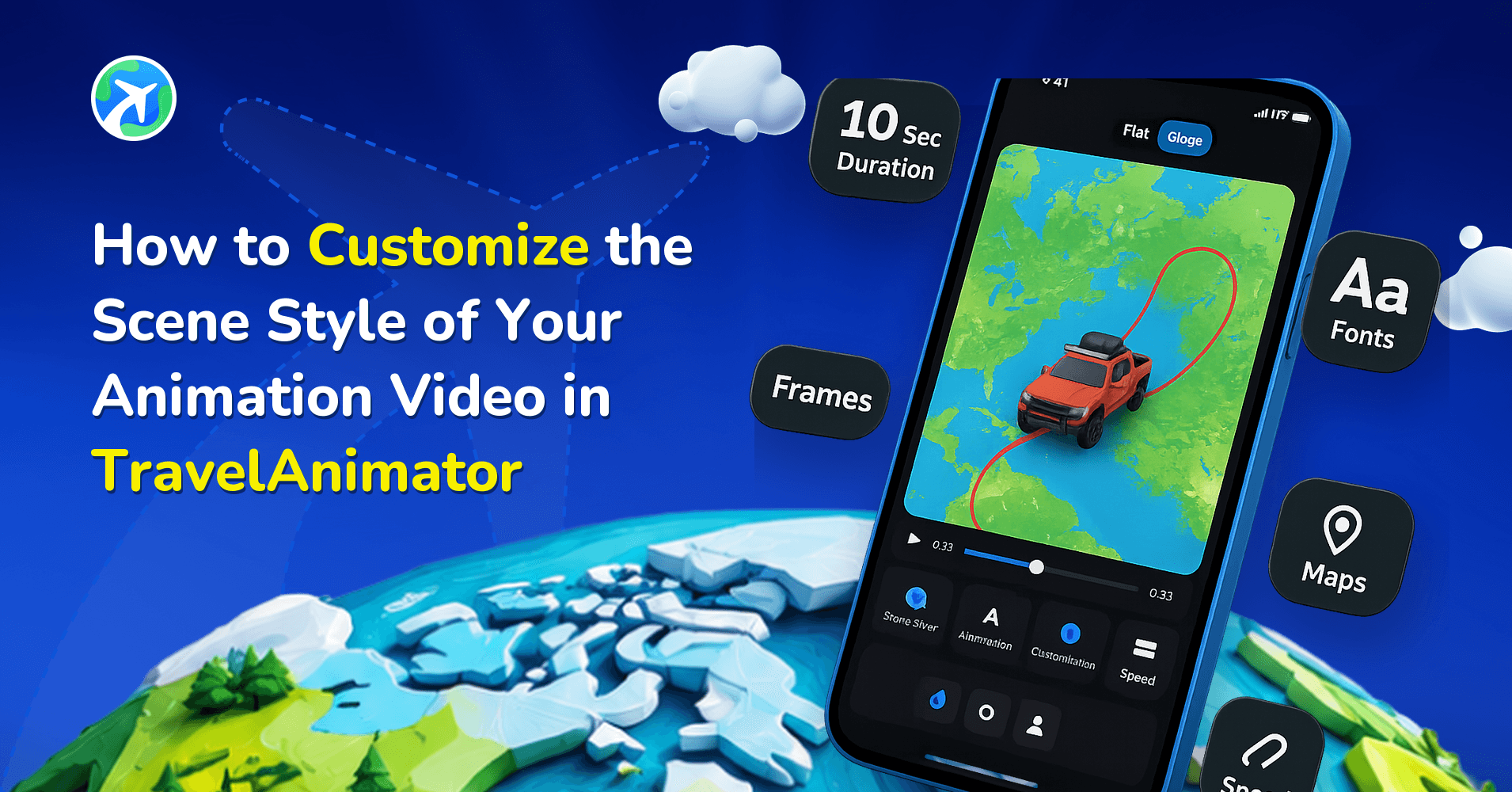
- You can customize additional features on the preview page, such as changing the ratio, map style, model size, 3D or 4D, and video duration.
- TravelAnimator also supports various map styles, including satellite imagery that shows realistic terrain and hills. Enabling 3D mode makes the landscape appear more dramatic.
- You can also customize the route color and adjust the place labels
These customization options help transform a simple route into a visually engaging travel story.
5. Download your Travel animation Video
- Export the animation video to your device if your travel video is ready to download.
- You can also share directly on social media to showcase your travel experiences.
What Makes Travel Animation Videos So Popular?
Travel animation videos have become increasingly popular because they simplify storytelling. Instead of showing multiple photos or explaining a complex itinerary, a single animation can visually explain the entire journey.
Travel creators use animated maps to introduce travel vlogs, recap road trips, and highlight adventure routes. Travel agencies use them to promote tour packages, while educators use them to explain historical journeys or geographic routes. Animated maps help viewers understand the route quickly while making the content visually engaging.
Create Stunning Travel Videos in Minutes
Creating travel animation videos no longer requires professional editing skills or expensive software. With tools like TravelAnimator, anyone can turn their travel routes into engaging animated videos within minutes. Whether you want to document your travel memories, plan a future trip, or create engaging social media content, TravelAnimator provides all the features needed to bring your journey to life.
Download TravelAnimator today from the App Store or Play Store and start transforming your travel routes into stunning animated travel videos.
How to use the Travel Animator app to create different kinds of stunning travel videos?