How To Download Videos in Travel Animator?
 Jaseel S5 min read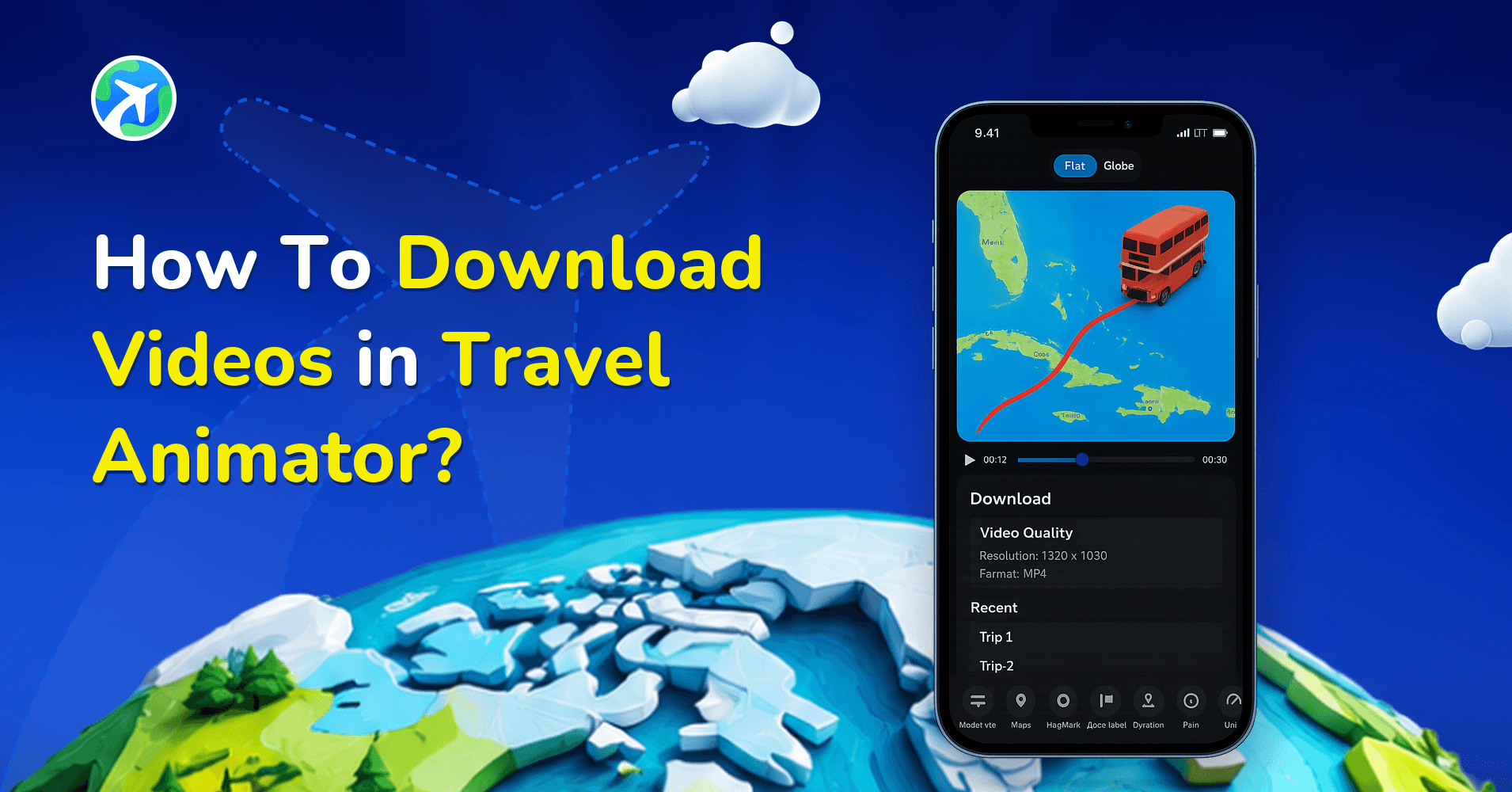
In this article 8 sections
You can download videos in Travel Animator easily.
Imagine you are creating travel videos to share with the world. Whether you are a one-time user creating your special itinerary or a creator consistently keeping engaging content, knowing the right steps to download the video is essential.
Downloading your travel video is the final step to keep it on your device before you share it on social media. But you are unsure about how to download your travel animation videos.
In this guide, you can see the simple process of downloading Travel Animator videos and the way to export them quickly.
Steps to download videos in Travel Animator
- Complete your travel animation video and preview the video.
- Choose the preferred quality of the video, whether it is HD or 4K.
- Tap on the “export video” button and wait for the processing to finish.
- Click “Done” on the top right side of the screen.
- Tap “Share” to share your travel animation video directly on social media.
How to export the video quickly?
Travel Animator Pro provides ad-free and faster export than standard export, ensuring you can generate 4K quality videos without delays. Activate the pro version to export your video quickly.
Where are the downloaded videos for the travel animator stored?
On Android, exported videos are automatically stored in the device’s gallery, but the exact location may vary depending on the app’s storage settings and permissions. Some apps create a dedicated folder within the gallery, while others save videos in the default folder.
On iOS, exported videos are also saved directly to the device’s gallery. They typically appear in the “Recents” or “Videos” album within the Photos app.
HD or 4K: Which One Should You Download?
The quality you pick right before exporting decides the size of the file that lands in your gallery. HD in Travel Animator is 1920 x 1080 pixels and is available on the free plan. 4K is 3840 x 2160, four times the pixels, and comes with Pro.
HD is the sensible default for Reels, Stories and WhatsApp. It exports faster and uploads quicker, and most phone screens won’t show the difference. Go for 4K when the video is headed for a TV, a projector, a client presentation or a YouTube upload where viewers might watch full screen.
One habit that saves time: export a quick HD version first to check the route, labels and timing, then export the final in 4K once you’re happy. 4K files are much bigger, so check you have enough free storage on your phone before you start. The HD vs 4K comparison goes into more detail.
Set the Ratio and Duration Before You Hit Export
Your download uses whatever ratio and duration are set on the preview screen, so it’s worth checking both every time. The ratio options (1:1, 9:16 and 16:9) sit at the top centre of the preview page, and the Video duration control is at the bottom.
Say you’ve made a Lisbon to Porto train ride. For Instagram Reels you’d export it in 9:16. For YouTube you’d switch to 16:9 and export again, maybe with a slightly longer duration so the train doesn’t rush past Coimbra. Each export is a separate file, so you can keep both versions on your phone.
If you’re not sure which shape to use, our guide on choosing the right aspect ratio lists the best option for each platform.
When the Downloaded Video Isn't What You Expected
- A label or photo is missing. The export only contains what was in the project at the time. Add it, preview again, and re-export.
- There’s a watermark in the corner. Free exports include a Travel Animator watermark. Pro removes it.
- The video has black bars or looks zoomed in after posting. The ratio didn’t match the platform. Pick the right one in preview and export again.
- You want to change something after downloading. The downloaded file is a finished MP4, not an editable project. Open the saved route from Load Route, make your changes, and export a new copy.
Free users can save one route at a time, so if you plan to come back and tweak a video later, save that route before you start a new one.
Want to download high-quality video?
Downloading your video is the final step before sharing it on social media. By following these simple steps, you can easily save and keep your video on your device. For a faster experience and high-quality download, upgrade to the premium version of Travel Animator. Enjoy the Travel Animator premium for activating more features needed to create your travel experience.
Frequently Asked Questions
How to export the video quickly?
Start the export after previewing the route and choosing the required quality. Export time depends on the video and device; wait for completion before checking the gallery. Pro provides additional export options, including 4K.
Where are the downloaded videos for the travel animator stored?
On Android, exported videos are automatically stored in the device’s gallery, but the exact location may vary depending on the app’s storage settings and permissions. Some apps create a dedicated folder within the gallery, while others save videos in the default folder.
What should I check if an exported video is missing?
Confirm that the export finished, then check the device’s gallery or video folders. Check the app’s photo or media permissions if the video is not appearing where expected.
What file format does Travel Animator download videos in?
Every Travel Animator export is an MP4 file, whether you choose HD or 4K. MP4 plays on almost every phone, computer and TV, and you can upload it straight to Instagram, TikTok, YouTube or WhatsApp. If you need another format such as MOV, you can convert the MP4 with a free online converter after downloading it.
Can I edit a Travel Animator video after I've downloaded it?
Not the downloaded file itself, because it’s a finished MP4. To make changes, open your saved route in Travel Animator using Load Route, edit the stops, photos or settings, preview it, and export again. Your new download is saved as a separate video, so the old version stays on your device until you delete it.