Supported Resolutions in Travel Animator
 Jaseel S6 min read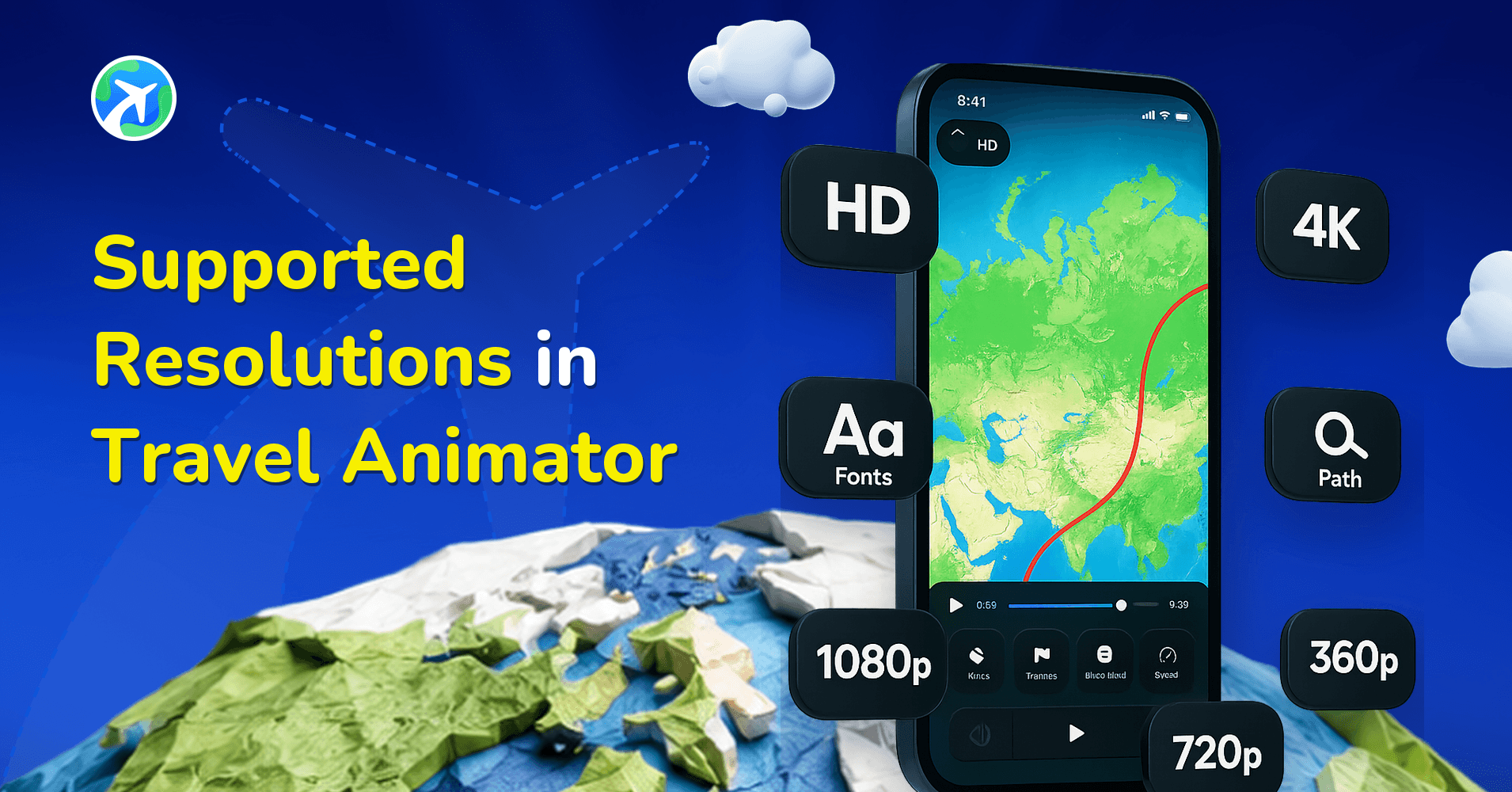
In this article 9 sections
The quality of your video decides whether your journey feels attractive, professional, and memorable. From sharpness and clarity to how well your animations display on different platforms, resolution plays a crucial role in shaping the final output.
Whether you are creating casual social media clips or cinematic-quality travel documentaries, Travel Animator offers different qualities for each purpose.
In this blog, we’ll explore the supported resolutions in Travel Animator, why they matter, and which option works best for you.
Why Resolution Matters in Travel Animations
Resolution matters more when it comes to the videos. The clarity, sharpness, and level of detail in your video decide how your audience experiences your journey. A high-quality video instantly makes a strong first impression, giving your work a professional look that grabs attention easily. Higher resolutions also improve storytelling and ensure your message is communicated clearly.
Different platforms like YouTube, Instagram, and TikTok compress videos in their own way. By choosing the proper resolution, you can ensure your animation retains high quality after being uploaded.
What Is HD Resolution in Travel Animator?
In Travel Animator, HD (High Definition) is typically 1920 x 1080 pixels (1080p). This is the standard resolution used across most platforms and offers an outstanding balance between quality and file size. HD enhances your travel animation, making it look attractive and professional, all without the large files that can take longer to upload.
You can export your animation videos in HD quality in the free version of the Travel Animator App.
Benefits of HD in Travel Animator
- It is perfect for social media such as Instagram reels, Facebook posts, or YouTube uploads.
- Its smaller file size helps to export, upload, and share faster without taking up too much storage.
- It requires less processing power, allowing you to create your video quickly.
- HD supports almost every device, including mobiles, laptops, TVs, and more.
Limitations of HD in Travel Animator
- Like 4K, it’s not sharp on large screens.
- Small details, such as text or place labels, may not look crystal clear.
- There is a chance to decrease value in the future as content consumption shifts towards 4K.
What Is 4K Resolution in Travel Animator?
4K resolution is also known as Ultra-High Definition, with a resolution of 3840 x 2160 pixels. This means it has four times the resolution of HD, offering sharpness and depth in your animation. Even the most minor details like labels, place names, or tiny geographical features can be seen clearly on screen with 4K.
You need to upgrade to Travel Animator Pro to get 4K quality export of your videos. You can export without watermarks and will get access to all premium features.
Benefits of 4K in Travel Animator
- Perfect for large screens such as TVs, projectors, or big monitors.
- Routes, models, and text will appear in ultra-clear.
- Gives professional quality for vloggers, content creators, or businesses showcasing their brand.
- Your animation will remain high quality as 4K becomes the new standard.
Limitations of 4K in Travel Animator
- Requires more storage space due to its large file size.
- It requires longer export and upload times.
HD vs 4K: Comparison Table
| Feature | HD | 4K |
|---|---|---|
|
Resolution
|
1920×1080 pixels
|
3840×2160 pixels
|
|
Clarity |
Good for most screens
|
Ultra clear & highly detailed
|
|
File size
|
Smaller & easy to share
|
Larger & heavy storage
|
|
Export speed
|
Faster
|
Slower
|
|
Some use cases
|
Social media, quick exports, everyday content
|
Professional videos, YouTube vlogs, TV/projector displays
|
Tips for Exporting in the Best Resolution
- Know the platform before exporting. For example, if you’re creating for Instagram Reels or TikTok, HD is usually enough. For YouTube or presentations, go with 4K.
- 4K files are much bigger. Ensure you have sufficient storage before exporting.
- If you’re testing drafts, export in HD to save storage and time. Then export the final video in 4K.
- If your video is for professional use, subscribe to the app in 4K export without watermarks in the video.
Resolution, Aspect Ratio and File Format
These three settings get mixed up a lot, and they do different jobs.
- Resolution (HD or 4K) is how much detail the video holds.
- Aspect ratio is the shape of the frame: 9:16 vertical, 1:1 square or 16:9 landscape.
- File format is the type of file you get. Travel Animator always exports MP4, which plays on phones, laptops and TVs and uploads to every major platform.
Set the aspect ratio first, because it changes how your route, photos and labels fit on screen. A route that fits nicely in 16:9 may need a different zoom or fewer labels in 9:16. Our guide to choosing the right aspect ratio covers which shape suits each platform.
Pick the resolution last, once everything else looks right in the preview. If you need a format other than MP4 for an editing tool, convert the exported file afterwards; the export formats guide lists a few free converters.
Why Your Video Looks Soft After Uploading
A crisp export can still look blurry once it’s posted. Usually the resolution isn’t the cause.
Social apps compress every video they receive, and messaging apps tend to compress even harder. If you send your animation to yourself on WhatsApp and then post that copy, you’re uploading a squashed version. Always post the original file saved to your phone’s gallery.
Small details suffer first. Thin route lines and tiny place labels are the first things to blur, so for social clips make the route line a little thicker, keep labels short and use fewer of them. That often helps more than switching to 4K, especially since many social apps scale video down to their own display size anyway.
Where 4K clearly pays off is on large screens: a YouTube video watched on a TV, a client presentation on a projector, or a booth display at a travel fair. For a 15-second Reel, an HD export with clean, readable labels is usually the better use of storage and export time.
Which Resolution Tells Your Story Best?
In Travel Animator, both HD and 4K serve unique purposes. HD is perfect for quick, everyday storytelling and social sharing, while 4K is the go-to choice for professional, cinematic-quality animations. And the best resolution depends on your audience, goal, and platforms. So, whether you choose HD for convenience or 4K for impact, Travel Animator ensures your story shines with clarity, style, and professionalism.
Upgrade to Travel Animator Pro today to get 4K export.
Frequently Asked Questions
What Is HD Resolution in Travel Animator?
In Travel Animator, HD (High Definition) is typically 1920 x 1080 pixels (1080p). This is the standard resolution used across most platforms and offers an outstanding balance between quality and file size.
What Is 4K Resolution in Travel Animator?
4K resolution is also known as Ultra-High Definition, with a resolution of 3840 x 2160 pixels. This means it has four times the resolution of HD, offering sharpness and depth in your animation.
Which Resolution Tells Your Story Best?
In Travel Animator, both HD and 4K serve unique purposes. HD is perfect for quick, everyday storytelling and social sharing, while 4K is the go-to choice for professional, cinematic-quality animations.
Why does my Travel Animator video look blurry on Instagram?
Instagram compresses uploaded videos, so fine details like thin route lines and small labels can blur. Upload the original file from your gallery, not a copy forwarded through a messaging app. Use a thicker route line and fewer, shorter labels for social clips, and preview on your phone before exporting.
What file format does Travel Animator export videos in?
Travel Animator exports every video as MP4, in either HD or 4K. MP4 plays on almost every device and uploads directly to YouTube, Instagram and TikTok. If an editing tool needs another format, like MOV, convert the MP4 after exporting using a free conversion tool.