Download TravelAnimator Now from the Play Store or App Store and upgrade the app.
Supported Export Formats in Travel Animator
 Jaseel S6 min read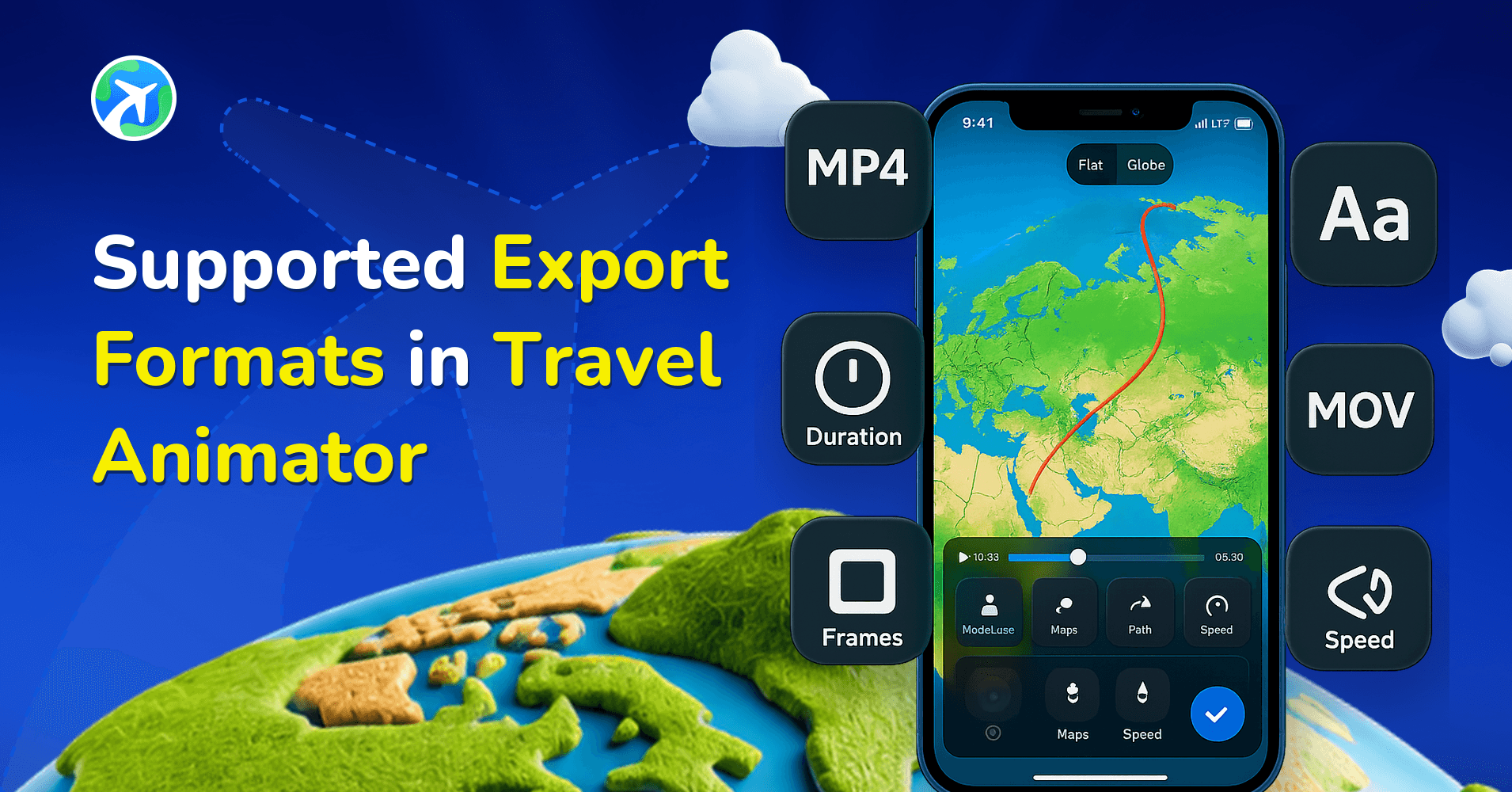
In this article 10 sections
Travel Animator supports a video format that delivers the perfect mix of quality, smooth playback, and easy sharing. Optimised for both professional use and casual uploads, it ensures your travel animations look stunning without creating oversized files.
Whether you’re preparing a documentary-style video, posting highlights on social media, or showcasing a presentation, the supported export format in Travel Animator makes it simple to share your journeys anywhere with clarity and confidence.
In this guide, we’ll explore the supported export format in Travel Animator and how to ensure your animations are exported in the best possible quality.
What Are Export Formats in a Travel Animator?
An exported format refers to the type of file your animation is exporting when you finish editing. This file type determines how your video is played on different devices, software, or platforms.
Which Export Format Does Travel Animator Support?
Currently, Travel Animator supports the MP4 format as its official export format. This means that every travel animation video you create with Travel Animator is displayed in MP4, whether it is for YouTube, Instagram, or to save on your device.
You don’t need to worry about compatibility issues because MP4 is universally supported on nearly all devices, from mobile phones to smart TVs.
Why MP4 Is the Best Choice for Travel Animator Videos
- Universal Compatibility — MP4 is one of the most widely used video formats. It works perfectly for uploading to YouTube, Instagram, embedding on a website, or transferring to a USB drive.
- Efficient Compression — The MP4 utilizes advanced compression that strikes a balance between quality and file size. This means your travel animation will look professional without consuming excessive storage space.
- Editing-Friendly — If you need further editing using another software, MP4 integrates easily. You don’t need complex conversions.
- Perfect for Sharing — MP4 is the preferred format across major platforms. This makes sharing your travel stories quick and stress-free.
Can You Export in Other Formats?
Travel Animator only supports MP4 format exports. It keeps the workflow simple, avoids confusion, and ensures the videos are working on all devices and platforms.
If you specifically need another format, such as MOV or AVI, you can easily convert your MP4 using free or paid tools. Some free tools include VEED.IO, CloudConvert, and Zamzar, which require no sign-up or installation.
Tips to Export High-Quality MP4 Travel Animations
- Choose the Right Resolution — Travel Animator supports both HD and 4K exports. Use HD for social media, casual sharing, or presentations where file size matters, and 4K when you want cinematic quality, perfect for YouTube, TV, or client projects that demand maximum detail.
- Optimise for Social Media — If you plan to post on Instagram, TikTok, or YouTube Shorts, consider exporting in vertical format (9:16) to make the most of screen space.
- Preview Before Exporting — Use Travel Animator’s preview option to review your video before final export. This helps you identify issues such as missing text, improper model size, or misplaced markers early.
What's Inside a Travel Animator MP4
Every export is an MP4, but the file you get depends on the resolution you pick. An HD export is 1920 x 1080 pixels and is available on the free plan. A 4K export is 3840 x 2160, four times the pixels, and needs Pro.
The ratio you choose in preview sets the shape of the frame: 16:9 for landscape, 9:16 for vertical and 1:1 for square. So a 9:16 HD export is a tall MP4 ready for Reels, while a 16:9 4K export is a widescreen file you could play on a TV.
4K files are much larger and take longer to export and upload. If you’re on a phone that’s nearly full, clear some space first, or export a draft in HD and save the 4K export for the final version.
Using Your MP4 in Another Editor
A lot of creators treat the Travel Animator MP4 as one clip in a bigger edit. You might drop a 10-second route animation between two vlog scenes, or open a YouTube video with the full itinerary before cutting to footage.
Since it’s a standard MP4, it imports straight into most editing apps without converting. A few tips that help:
- Export at the same ratio as your main project, so you don’t end up cropping or adding black bars in the editor.
- If you want to place the animation over your own footage, the Green Screen map style gives you a solid background you can key out in your editor. It’s a Pro map style.
- Want your branding on every clip? Pro lets you swap the Travel Animator watermark for your own logo so it’s baked into the MP4 before it reaches your editor.
If Your MP4 Doesn't Play or Look Right
You can’t find the file. Make sure the export actually finished, then check your gallery. If it’s still missing, check whether Travel Animator has permission to access your photos or media. Our guide on downloading Travel Animator videos explains where files are saved on Android and iOS.
It looks softer after uploading. Social platforms compress videos, so a posted clip rarely matches the original file. Compare the saved MP4 on your phone with the posted one before assuming the export was the problem.
It’s cropped or has black bars. The ratio didn’t match where you posted it. Change it in preview and export again.
What's the Best Way to Export Your Travel Animator Videos?
The only supported format to export your Travel Animator video is MP4. It’s designed to strike the optimal balance between quality, compatibility, and efficiency. By pairing MP4 with smart export settings, such as choosing HD or 4K resolution, you’ll ensure your travel animations always look polished, professional, and ready to share anywhere. If you need 4K quality for your video.
Frequently Asked Questions
What Are Export Formats in a Travel Animator?
An exported format refers to the type of file your animation is exporting when you finish editing. This file type determines how your video is played on different devices, software, or platforms.
Which Export Format Does Travel Animator Support?
Currently, Travel Animator supports the MP4 format as its official export format. This means that every travel animation video you create with Travel Animator is displayed in MP4, whether it is for YouTube, Instagram, or to save on your device.
Can You Export in Other Formats?
Travel Animator only supports MP4 format exports. It keeps the workflow simple, avoids confusion, and ensures the videos are working on all devices and platforms.
Can Travel Animator export a GIF?
No. Travel Animator only exports MP4 video. If you need a GIF, for example for a website banner or an email, export the animation as MP4 first and then convert it with a free online converter. Keep the clip short before converting, because GIF files get large quickly and lose colour detail compared with MP4.
Can I export a Travel Animator video with a transparent background?
MP4 files don’t carry transparency, so every export has a full background. If you want to overlay your route on other footage, use the Green Screen map style, which is available with Pro. It exports the animation on a solid green background that you can remove in most video editors using a chroma key effect.