How to Add Your Brand Logo to Travel Animator Videos
 Jaseel S4 min read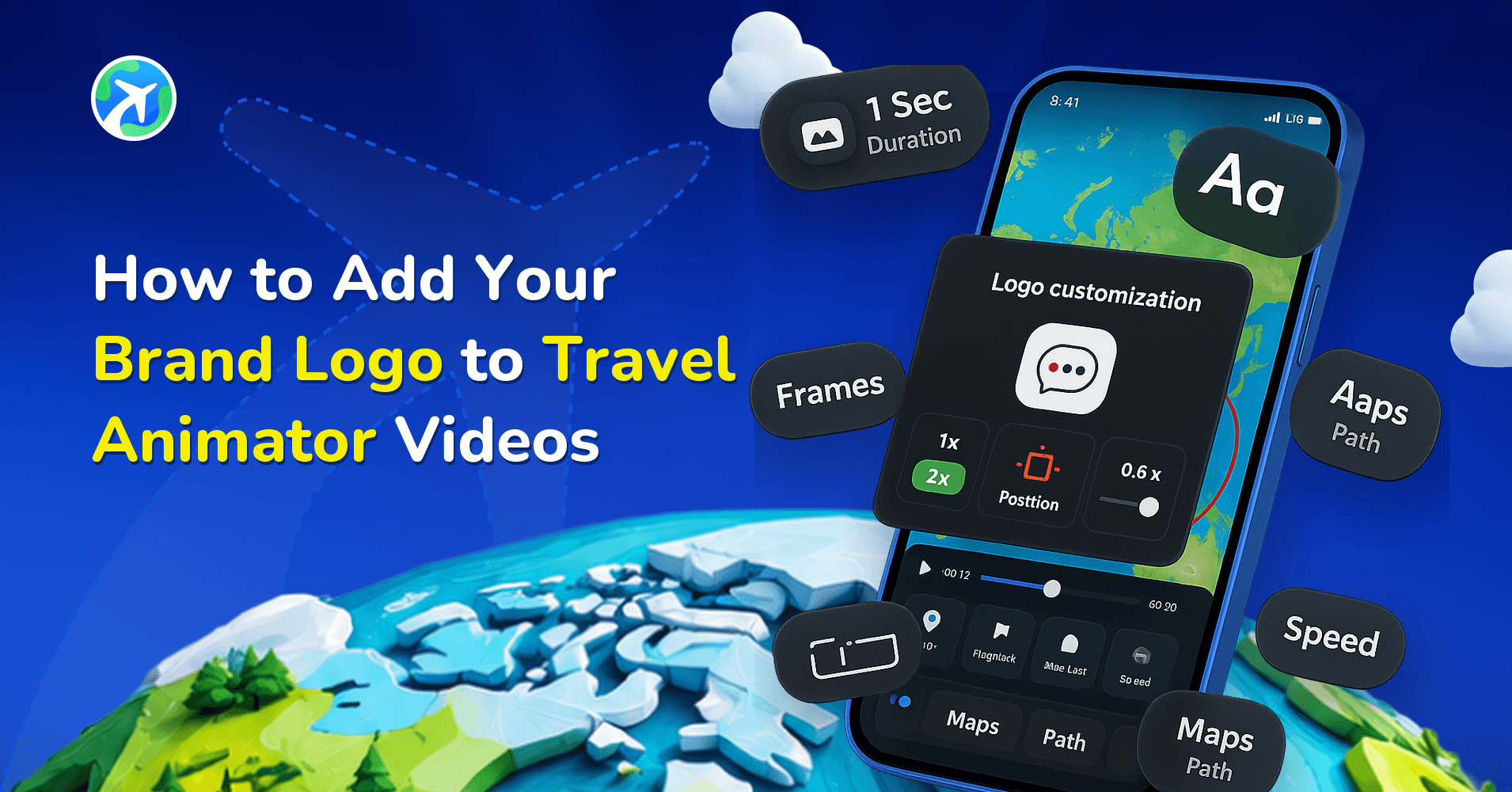
With the latest Watermark feature in the Travel Animator app, you can choose how your branding appears on exported videos. Users can select from multiple Travel Animator logo variations, export videos without any watermark, or upload their own logo or signature for a fully personalized look.
Creating great travel videos is only part of building a recognizable brand. Whether you’re a travel agency, tour operator, travel influencer, or content creator, adding your logo to your videos helps viewers instantly identify your content and builds long-term brand recognition.
This guide explains how to add your brand logo to Travel Animator videos, understand the available watermark options, and use the feature effectively to create professional-looking travel content.
Understanding the Watermark in Travel Animator
The Watermark feature allows you to control what appears in the corner of your exported travel animation videos. Depending on your plan, you can choose between Travel Animator logos, your own custom branding, or no watermark at all.
Step-by-Step to Add Your Brand Logo to Travel Animator Videos
Adding a custom logo in Travel Animator only takes a few moments.
- Open the Travel Animator app and create a new project or open an existing travel animation.
- Once your animation is ready, open the main settings menu from the top right corner of the home screen.
- Inside Settings, tap Watermark to open the watermark customization screen.
- Select the Custom option to upload your own branding. If you’re using Travel Animator Pro, you can upload company logos, personal brand logos, business branding, signatures, and creator marks.
- Tap the upload area and select your logo image from your device. For best results, use a high-resolution image, use a transparent PNG file whenever possible, and ensure the logo remains readable at smaller sizes.
- After uploading your logo, confirm the selection, and the logo will appear in future exports. You can add up to 4 logos for future use and use any one of them.
- Before exporting, preview your travel animation to ensure the watermark looks clear and professional. Check logo visibility, readability, and overall branding consistency
- Once everything looks correct, export the video in your preferred resolution. Your custom logo will automatically appear on the exported travel animation.
You can also read our detailed guide on how to create a travel animation video in Travel Animator for a complete step-by-step walkthrough.
Best Practices for Using Custom Logos in Travel Videos
Adding a logo is simple, but using it effectively can significantly improve the quality of your videos.
- Use a High-Quality Logo – Low-resolution images can appear blurry or pixelated in exported videos. Always upload a clear, high-quality version of your logo.
- Prefer Transparent Backgrounds – Transparent PNG logos usually provide the cleanest appearance because they blend naturally with different map styles and backgrounds.
- Keep the Design Simple – Complex logos with excessive text may become difficult to read when displayed as a watermark. Simple and recognizable branding generally works best.
- Maintain Consistent Branding – Use the same logo, colours, and branding style across all your travel videos to improve brand recognition. Consistency helps viewers instantly identify your content.
- Preview Before Exporting – Always preview the animation before exporting. This allows you to verify that the watermark looks professional and doesn’t distract from the visuals of the travel route or destination.
- Match Branding with Your Audience – Different audiences respond to different branding styles. For example, Travel agencies may prefer clean corporate logos, Influencers may use personal branding, Tourism businesses may use destination-focused branding, and creators may use custom signatures or channel logos. Choose a style that matches your content and audience expectations.
Who Should Use the Custom Logo Feature in TravelAnimator?
The custom logo feature is useful for anyone looking to create more professional, recognizable travel videos.
Travel Agencies
Travel agencies can add their company logo to itinerary presentations, destination previews, and client proposals. This helps strengthen brand identity and creates a more professional experience for clients.
Tour Operators
Tour operators can brand route animations and travel packages with their business logo, making promotional videos more recognizable.
Travel Influencers
Influencers can use custom logos to reinforce their personal brand across Instagram Reels, YouTube Shorts, TikTok videos, and travel content.
Content Creators
Content creators who regularly produce travel-related videos can build audience recognition through consistent branding.
Tourism Businesses
Hotels, resorts, tourism boards, and destination marketers can add logos to promotional route videos and travel campaigns.
Freelance Travel Planners
Independent travel planners can use branded travel animations when presenting customized itineraries to clients.
Turn Every Travel Video Into a Branded Experience
Adding a custom logo helps transform ordinary travel videos into professional, recognizable content that viewers can instantly associate with you. The Watermark feature in Travel Animator gives you the flexibility to choose between Travel Animator logos, your own custom branding, or completely watermark-free exports. Whether you’re creating travel content for social media, client presentations, marketing campaigns, or personal branding, the right watermark can make your videos look more perfect and professional.
Download the Travel Animator app from the App Store or the Play Store. Then upgrade to Travel Animator Pro to unlock custom logo uploads, watermark-free exports, and additional premium features that take your travel videos to the next level.