How to Unlock Pro Features in TravelAnimator: Full Guide
 Jaseel S8 min read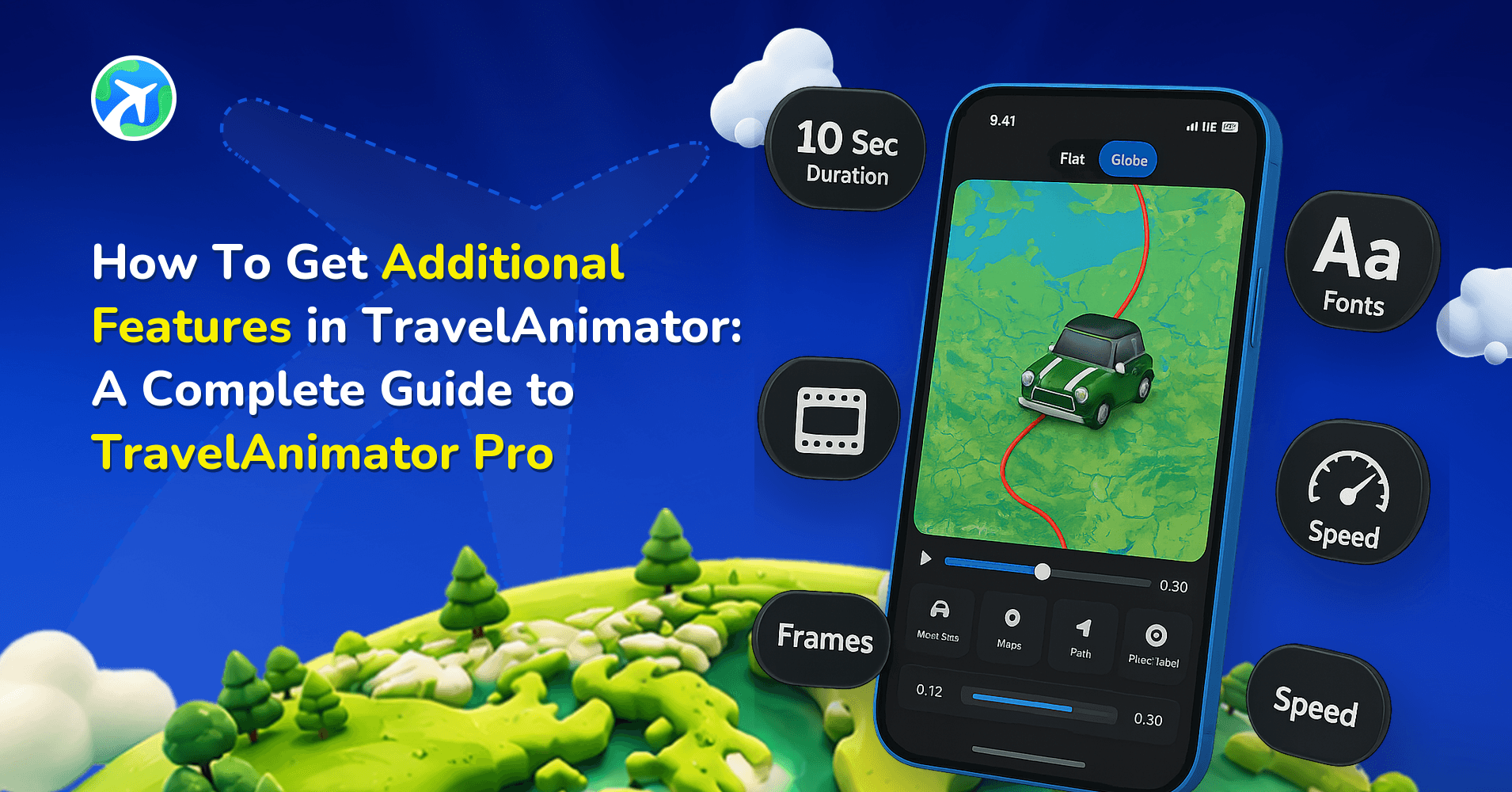
In this article 10 sections
Travel Animator offers a pro version that gives users full creative control over customizing their travel videos professionally.
With its high-quality exports and advanced features, Travel Animator Pro makes it easy to create engaging content for Social media, business promotions, or personal storytelling. Say goodbye to ads, watermarks, and limitations, and enjoy more customization.
Let’s explore what the pro version of Travel Animator offers and how upgrading the app can help you enjoy its full potential.
Explore the full potential of Travel Animator- A guided tour to the Pro version
Travel Animator Pro provides advanced features to enhance your travel animations with high-quality professional videos.
The premium version gives you the tools to customize every detail of your travel animations like a pro. It boosts your audience and increases engagement and reach on social media.
Premium features available in Travel Animator Pro
- Pro models
Travel Animator ensures pro models to customize your animation video to match your different travel experiences. - Map styles
With different varieties of maps, you can choose the map that fits your storytelling. Whether it is classic, blueprint, satellite, or any other, you can use the map based on your video theme. Activate the pro version of Travel Animator to get every map available. - Save multiple routes
Upgrading to pro allows you to save various travel routes for easy access and future needs. Whether planning different trips or creating multiple travel videos with Travel Animator, you can switch between the routes without starting from scratch. - 2D and 3D Maps
Different types of 2D and 3D Maps are available in the pro version of Travel Animator. It allows you to select the map in both 2D and 3D, depending on the purpose of creating a travel animation. - 4K quality
Travel Animator Pro offers 4K and can export extra-high-quality videos from devices. It is perfect for professional content creators and travel bloggers who want to share their travel experiences on Social media like YouTube and Instagram. - No Watermark
Enjoy clean and professional-looking videos with Travel Animator Pro. You can export videos without watermarks in the video, especially for sharing with the audience or clients. - Ad free exporting
Enjoy ad-free exporting with Travel Animator Pro. Export the travel animation video without ad interruptions, ensuring a smooth and hassle-free experience.
How to upgrade to Travel Animator Pro?
- Open the Travel Animator App to upgrade to the pro version in just a few steps.
- Tap the “Get Pro” button to explore your upgrade options.
- You can choose the subscription plan that suits you, whether the weekly or monthly plan for short-term access or the annual plan for long-term benefits.
- Click “Continue” to choose the payment method from the Play Store and Subscribe to pay.
- Enjoy the features of the pro version for creating your travel videos. You can cancel your subscription at any time.
Different Subscription plans in Travel Animator
1. Weekly Plan
Travel Animator offers weekly plans for your flexibility to create travel videos without long commitments. Whether you need a one-time access or quick edit, it includes all premium features for users to create stunning animations.
2. Monthly Plan
Monthly subscriptions are perfect for users who need short-term access to Travel Animator’s premium version. This plan allows users to explore pro models without a watermark, export ad-free, and use advanced customization options for a month. It is perfect for occasional travelers, content creators, or anyone ready to explore Travel Animator’s full potential.
3. Annual Plan
The yearly plan offers 12 months of uninterrupted access to all premium features at a discounted rate compared to the monthly rate. This provides premium models, high-quality videos, and other advanced tools for another year. It is perfect for frequent travelers, content creators, digital marketers, and creators to create travel videos without spending more time and effort.
What TravelAnimator Pro Costs
On the US storefront, Pro Monthly is $5.99 a month and Pro Yearly is $24.99 a year, which works out to about $2.08 a month. The App Store and Google Play show prices in your local currency and may adjust them by region, so the amount on the confirmation screen in the app is what you actually pay.
A simple way to choose: if you’ll use Pro for more than about four months of the year, the yearly plan costs less overall. For one trip or a single client job, monthly is enough. The weekly option appears on the pricing screen when you try to export without a watermark, which suits one video you need clean in a hurry.
In Bangladesh and the Philippines, Pro is free for life. Users there get it during setup by logging in with an email and answering three short questions.
Not sure you need Pro yet? Our guide to the free version shows how far the free plan goes before you pay anything.
Benefits of using Travel Animator Pro
- Create experiences of your journey with more customizable options.
- High-quality content can increase engagement and reach for creators and businesses.
- Best for content creators, bloggers, and influencers for sharing travel destinations and experiences.
- Create high-quality travel videos without ad interruptions.
- Travel Animator provides professional map videos for businesses and creators without watermarks.
- The annual plan saves money for frequent travelers and content creators.
- Travel businesses can effortlessly showcase their destinations and vehicles in a single video.
Pro Features People Overlook
The feature list above covers the headline items. These smaller ones matter once you’re making videos regularly.
- Your own logo instead of ours. In Settings, open Watermark and choose Custom to upload a company logo, channel logo or signature. A transparent PNG looks cleanest. You can keep up to four logos and pick one per video. The steps are in adding your brand logo to TravelAnimator videos.
- Faster rendering. Pro exports get priority processing, which helps when you’re exporting a few versions of the same route.
- The full library. Pro opens 300+ 3D vehicle models and 30+ map styles, so a Tokyo to Kyoto trip can run on a Shinkansen model instead of a generic train.
Managing Pro After You Subscribe
Pro is billed and managed by the App Store or Google Play, not inside TravelAnimator. That shapes a few everyday tasks.
- Cancelling. Cancel from your device’s subscription settings at any time. You keep Pro until the end of the period you’ve paid for, and no further payments are taken.
- Switching from monthly to yearly. Use the subscription management screen for the store account that bought Pro. It shows the available changes and billing dates before you confirm.
- Receipts. Check the purchase history and receipt emails for that same Apple or Google account.
Looking for a discount to activate the pro version?
Travel Animator offers two types of promo codes to get discounts on the pro version to make the premium more accessible. Whether you are a new user or part of the Travel Animator, these promo codes help you save money while unlocking the pro version for creating stunning travel videos.
Read this blog to learn more about the promo codes available in Travel Animator and Grab yours soon to activate at a discounted rate.
Frequently Asked Questions
How to upgrade to Travel Animator Pro?
Open the Travel Animator App to upgrade to the pro version in just a few steps. Tap the “Get Pro” button to explore your upgrade options. You can choose the subscription plan that suits you, whether the weekly or monthly plan for short-term access or the annual plan for long-term benefits. Click “Continue” to choose the payment method from the Play Store and Subscribe to pay. Enjoy the features of the pro version for creating your travel videos. You can cancel your subscription at any time.
What are the benefits of using Travel Animator Pro?
Create experiences of your journey with more customizable options. High-quality content can increase engagement and reach for creators and businesses.
Can a promo code reduce the cost of Pro?
Travel Animator supports promotional offers, including discount codes. Enter an eligible code through the app’s promo-code option and review the offer before completing a purchase.
How much does TravelAnimator Pro cost?
On the US storefront, Pro costs $5.99 per month or $24.99 per year, about $2.08 a month on the yearly plan. Your App Store or Google Play storefront shows the price in your local currency, and the amount you confirm in the app is final. In Bangladesh and the Philippines, Pro is free for life.
What happens when I cancel TravelAnimator Pro?
Cancelling stops future renewal payments, and you keep every Pro feature until the end of the billing period you’ve already paid for. After that you’re back on the free plan, which still lets you create and export videos in HD with the watermark. If you change your mind, tap Get Pro in the app and choose a plan again.
Can I apply a promo code after I've already paid for Pro?
No. Promo codes have to be applied before you complete payment, and only one code works per subscription. Go to Settings, tap “Do you have a promo code?” and enter the code exactly as given, since codes are case-sensitive. The paywall then shows the discounted price. Most discount codes are time-limited, so use yours while the campaign runs.