How to Apply a Discounted Promo Code in TravelAnimator
 Jaseel S2 min read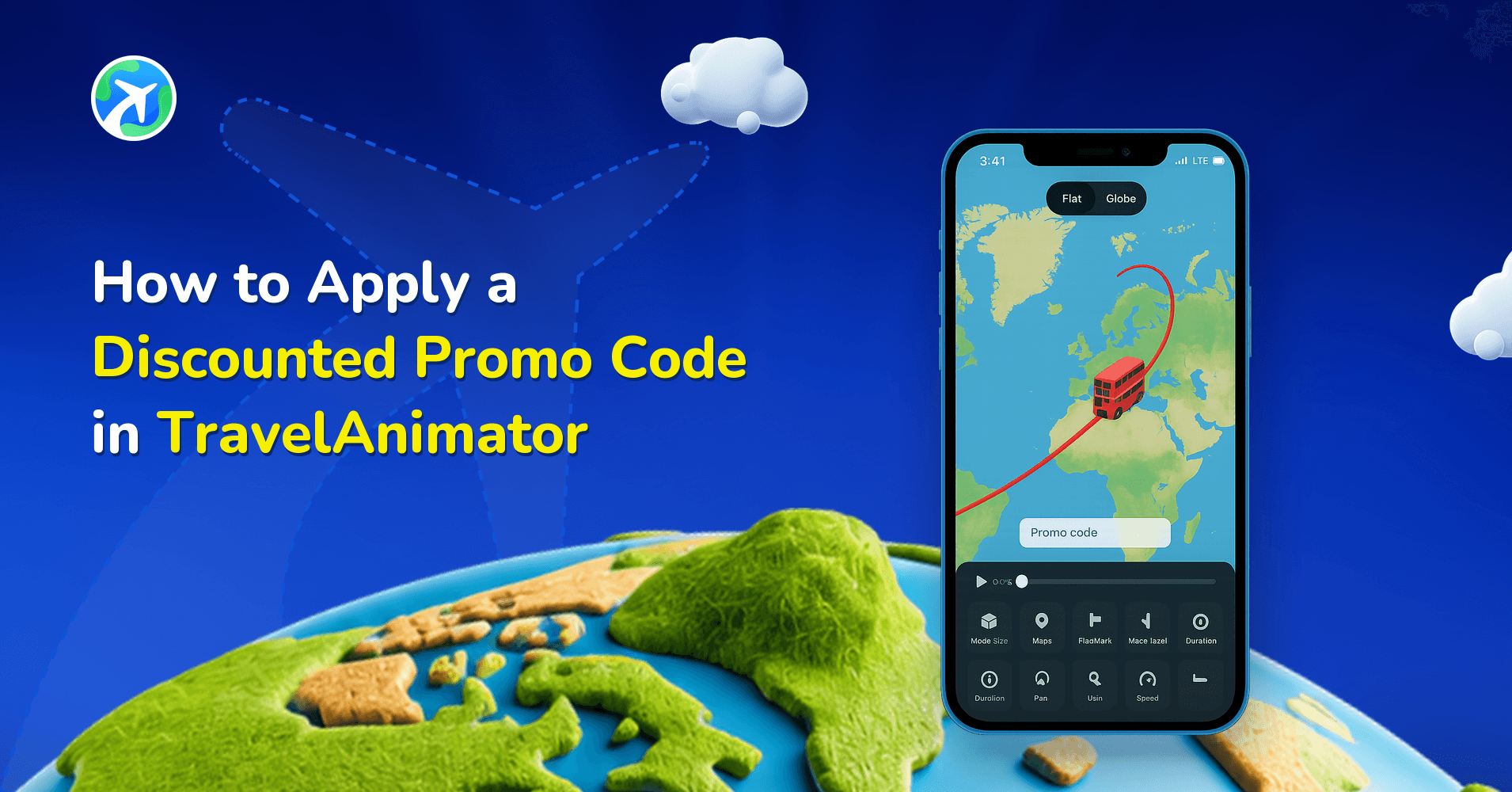
TravelAnimator occasionally offers discounted promo codes that reduce the subscription cost while still giving you full access to Pro features. These codes are intended for users who want premium tools at a lower price.
Upgrading to TravelAnimator Pro doesn’t always mean paying the full price. If you’ve seen creators mention discounts or heard about promo codes but aren’t sure how they work, this guide is for you.
In this article, you’ll learn what discounted promo codes are, where they come from, how they differ from free Pro access, and exactly how to apply one inside the TravelAnimator app, step by step.
Step-by-Step Guide to Apply a Discounted Promo Code in TravelAnimator
Applying a discounted promo code is quick and straightforward. Here’s how to do it correctly.
- Download and open the TravelAnimator app on your device.
- Navigate to the settings options.
- Look for the option “Do you have a promo code?”
- Type or paste the discounted promo code exactly as provided. Promo codes are case-sensitive.
- Once applied, you’ll view the paywall with a discounted price
- Finish the payment using your preferred method. Your Pro subscription will activate immediately.
- After this, you’ll have full Pro access at a reduced price.


Common Questions About Discount Promo Codes
No. Only one promo code can be applied per subscription.
No. Promo codes must be applied before payment is finalized.
Not at all. You get the same Pro features as any full-price subscriber.
Yes. Most discounted promo codes are time-limited or campaign-specific.
Yes. Any user can apply a valid discounted promo code during upgrade.
Jaseel S is the CEO and founder of Lascade, the app studio behind TravelAnimator. He leads a team of 40+ engineers and designers building consumer mobile apps.
Models for a route like this
Drop these into Travel Animator and watch them travel your map.





Related Articles

How to Use TravelAnimator App: Step-by-Step App Guide (2026)

How to Create a Travel Animation for Instagram Stories & Reels

How to Participate in the #MadeUpCountry Creator Challenge
How to Customize Your Animation’s Scene Style in TravelAnimator
How to Add Your Brand Logo to Travel Animator Videos