How to Get Your User ID in Travel Animator
 Jaseel S3 min read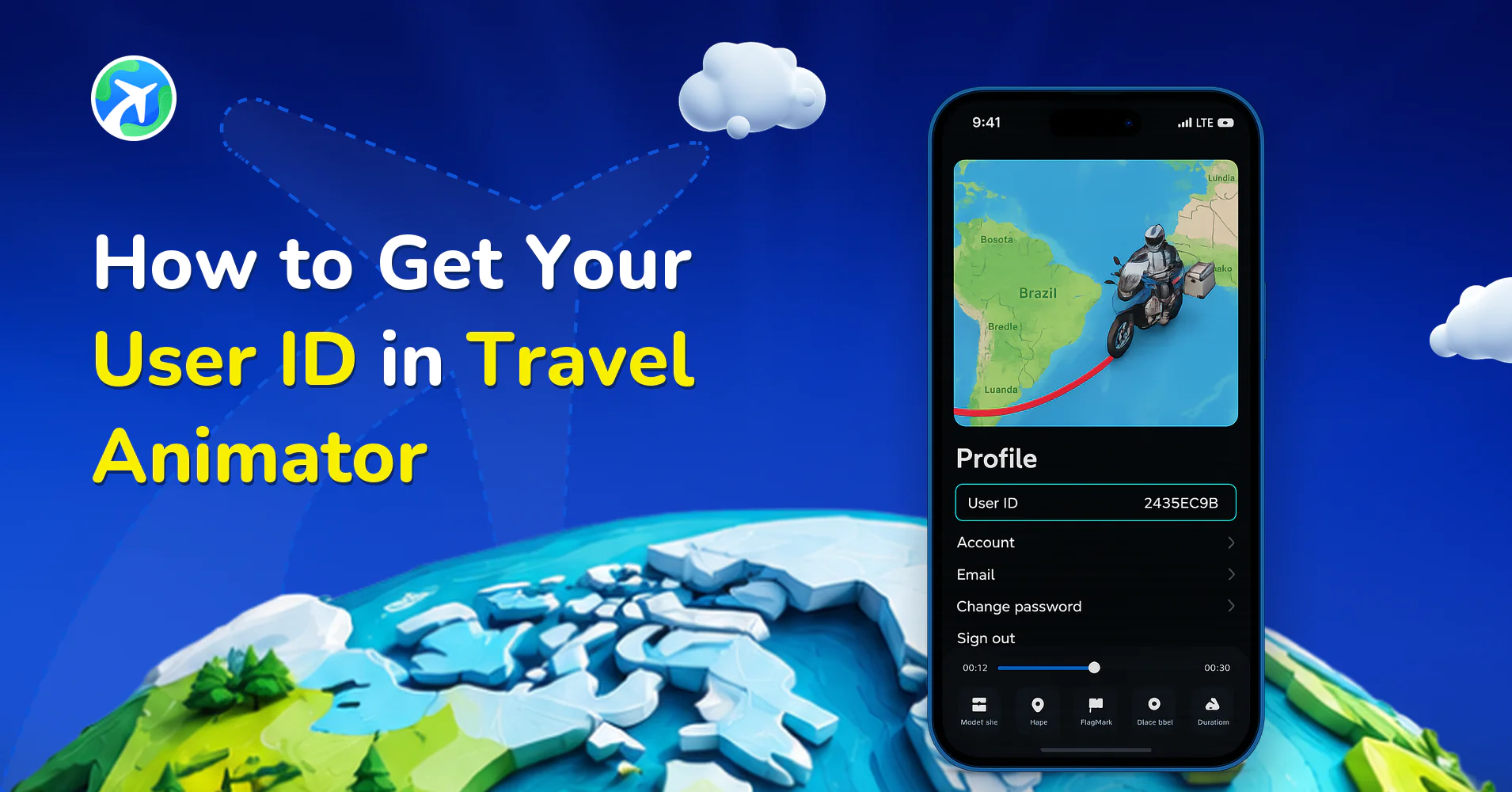
Travel Animator makes it simple to find your User ID inside the app, so you can quickly share it with the support team whenever you need help.
When you encounter issues like export problems, map loading errors, or subscription issues, the Travel Animator team may request your User ID. Many users get confused at this step because they’re unsure where to locate it.
This simple guide explains what a User ID is, why the Travel Animator team requests it, and how you can locate it in just a few steps.
What Is a User ID in Travel Animator?
A user ID is a unique identifier that combines numbers, letters, and symbols and is assigned to each user. It is not the same as your email or username; it is used for internal troubleshooting and support. Each app install has a different user ID. So the user ID will change when reinstalling the app, and it will stay the same for the same email on various devices.
Why Do You Need Your User ID in Travel Animator?
- The User ID serves as the key reference for Travel Animator to identify the exact account where issues are reported, enabling the support team to locate the problem.
- Instead of searching for email or usernames, the User ID immediately points to your profile, saving time and avoiding confusion with other users.
- With the correct User ID, the support team can directly look into your account’s settings, routes, or exports, leading to faster troubleshooting and accurate fixes.
- Since the User ID works as an internal identifier, your account stays secure while the team still gets the details they need.
How to Get Your User ID in Travel Animator (Step-by-Step)
- Open the Travel Animator and go to the main settings from the top right side of the screen.
- Scroll down to the end, and you will see your User ID.
- Tap the clipboard icon to copy the app’s user ID.
- Send the ID to Travel Animator if you’re facing any issues in the app.
When will the Team Ask for Your User ID in Travel Animator?
- Reporting export issues – Users sometimes encounter problems when exporting their animations, including failed HD/4K exports, prolonged processing times without export, or lower-than-expected video quality. Sharing your User ID helps the support team check what went wrong, specifically for your account settings.
- Problems with maps not loading – If a map style doesn’t appear, loads incorrectly, or gets stuck while selecting, the User ID allows the support team to identify and fix the issue quickly.
- Issues with PRO subscription activation – In cases where the Pro subscription isn’t unlocking premium features, exporting without a watermark, or accessing real models, the User ID helps the team verify the subscription status and resolve it.
- Crashes or unexpected glitches – If the app suddenly crashes or shows strange errors while animating routes, your User ID gives the support team the needed context to track technical logs and troubleshoot effectively.
Tips for Faster Support When Sharing Your User ID
- Always mention the issue clearly when reporting a problem with Travel Animator.
- Attach your screenshots or a screen recording of the issue. It will help to understand and solve the problem without complications.
- Send your User ID, along with the app version and device details, to help us identify which user is experiencing the issue and what went wrong.
Get Help Faster with Your User ID
Your User ID is the key to faster, more accurate support in Travel Animator. By sharing it when reporting an issue, the team can immediately identify your account, troubleshoot effectively, and provide a quicker resolution without the need for personal details. Next time, if you face an issue and reach out for help, include your User ID to help us solve it quickly.