TravelAnimator Free vs Pro – Full Plan Comparison
Travel Animator Free includes route creation and HD video exports with a watermark. Pro adds the full model and map libraries, 4K exports, watermark removal and unlimited saved routes. Check the current subscription price and renewal terms inside the app before buying.
 Jaseel S7 min read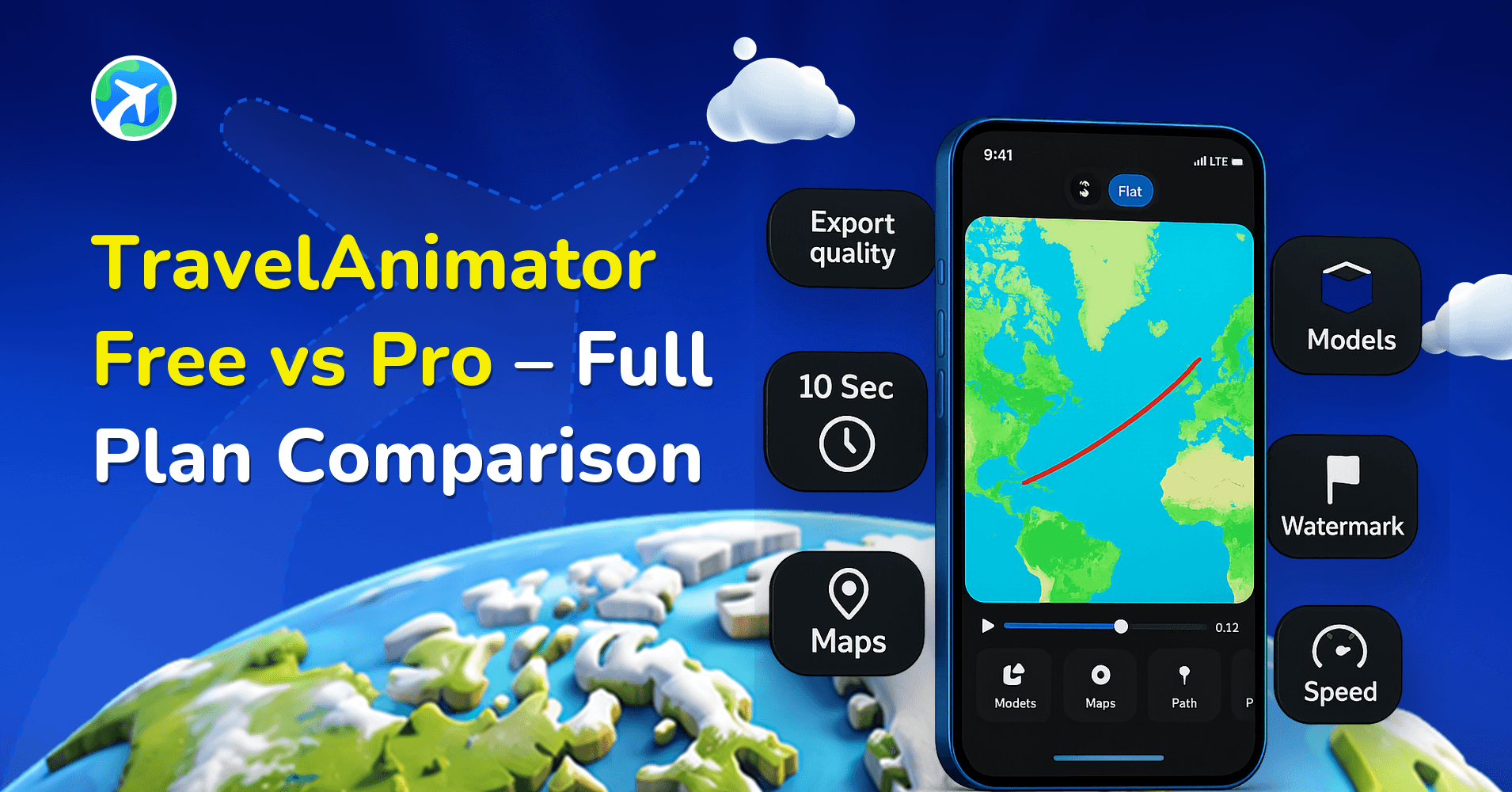
In this article 10 sections
TravelAnimator gives you two ways to create animated travel route videos: a Free plan you can use for as long as you like, and a Pro plan that unlocks the app’s full model library, map styles, and 4K exports. You can choose the one that best suits your needs.
Whether you are a casual user creating videos for fun or a professional looking for advanced features, comparing the plans will help you decide which is best.
This article explains the differences between the free and paid plans, what each includes, how much they cost, and which one is right for you.
Pricing is not the same everywhere: Pro is free for life in Bangladesh and the Philippines.
Pricing Overview
Here’s exactly what changes between the two, what each one costs, and how to decide which fits how you travel and create.
| Plan | Price | Best for |
|---|---|---|
| Free | $0 — no time limit, no credit limit | Trying the app, casual social posts, classroom projects |
| Pro Monthly | $5.99/month | Short-term projects, a single trip or campaign |
| Pro Yearly | $24.99/year (~$2.08/month) | Frequent creators, vloggers, agencies — the better value if you'll use Pro more than 4 months a year |
Prices are shown in USD as billed through the Apple App Store or Google Play; your local storefront may show a regionally adjusted price, and the amount you confirm in-app is always the final one.
Free Plan
TravelAnimator’s Free plan isn’t time-limited. You can keep making videos on it for as long as it covers what you need without upgrading to Pro.
With the Free plan, you can
- Create unlimited travel animation videos.
- Export videos in HD quality with the TravelAnimator watermark.
- Create routes manually, import a GPX file, or paste a Google Maps link.
- Use a selection of free vehicle models, including cars, bikes, buses, boats, and planes.
- Choose from a collection of free map styles.
- Save one route at a time.
- Undo changes while editing.
Pro Plan
The Pro plan gives you access to all of TravelAnimator’s premium features.
You can use 300+ 3D vehicle models, including premium cars, trains, airplanes, cruise ships, motorbikes, hot air balloons, and more. It also unlocks 30+ map styles, including 2D, 3D, realistic, and themed maps to match different types of trips.
With the Pro plan, you also get
- Export videos in 4K without the TravelAnimator watermark.
- Save unlimited routes.
- Undo and redo edits while creating your video.
- Faster video rendering with priority processing.
- GPX file import and Google Maps link import, just like the Free plan.
TravelAnimator Free vs. Pro – Complete Feature Comparison
| Feature | TravelAnimator Free | TravelAnimator Pro |
|---|---|---|
| Vehicle models | Selection of free models | 300+ premium models |
| Map styles | Selection of free map styles | 30+ styles, including 2D and 3D maps |
| Import routes | GPX, Google Maps link | GPX, Google Maps link |
| Saved routes | 1 route at a time | Unlimited |
| Undo / Redo | Undo & redo available | Undo & redo available |
| Customization | Image, Text, Place Labels, Route line | Image, Text, Place Labels, Route line |
| Elements | 30+ available | 30+ available |
| Video exports | Unlimited, HD, with watermark | Unlimited, HD & 4K, no watermark |
| Price | $0 | $5.99/mo or $24.99/yr |
Who should stay on TravelAnimator Free?
- Casual creators documenting a trip for social media or personal memories, where the watermark is not an issue.
- Students and teachers building a one-off school project or presentation
- Anyone testing the app before deciding whether Pro is worth it. Since the Free plan never expires, you can use it for as long as you need.
Who should upgrade to TravelAnimator Pro?
- Frequent travellers and vloggers who want clean, watermark-free 4K exports for YouTube, Instagram, or TikTok
- Travel agencies and tour operators showcase detailed itineraries to clients, where premium vehicle models (planes, trains, boats) make routes more realistic
- Businesses and marketers producing travel content regularly need unlimited saved routes and faster video exports.
- Anyone who wants access to all premium vehicle models, map styles, and other Pro features.
Can I Cancel My Pro Subscription Anytime?
Yes. Your Pro subscription is managed through the Apple App Store or Google Play, so you can cancel it at any time from your device’s subscription settings.
If you cancel, you’ll continue using Pro features until the end of your current billing period.
Need help? Read our guide on how to cancel your TravelAnimator subscription on iOS and Android
Frequently asked questions
Is the TravelAnimator Free plan really free forever?
Yes. The Free plan has no time limit and no credit limits. You can keep using the current Free plan indefinitely, for as long as its features cover what you’re creating.
Is there a free trial for TravelAnimator Pro?
Check the offer shown inside the app. A paid weekly subscription is not a free trial. If a trial is offered to your account, review its length, renewal price and terms before confirming.
Can I cancel my TravelAnimator subscription anytime?
Yes, you can cancel your subscription anytime, and it is handled through the App Store/Play Store. Read the detailed guide on cancelling a subscription.
Can I switch between Monthly and Yearly?
Use the subscription-management options for the App Store or Google Play account that purchased Pro. Available plan changes, billing dates and charges are shown there. Review those details before confirming; the timing can depend on the store and the type of change.
Do prices vary by country in the TravelAnimator app?
The prices above are the US storefront rate. The App Store and Play Store automatically show your local currency, and the price you confirm in the app is always the final amount you pay.
Which payment methods are supported in TravelAnimator?
Payment is handled entirely by the App Store or Play Store, so any card, wallet, or carrier-billing method you’ve already added there will work. TravelAnimator never sees your card details directly.
Ready to Get Started?
Want to explore all premium features? Compare TravelAnimator plans and pricing.
Not ready to upgrade? Download TravelAnimator for free from the App Store or the Play Store, and start creating your travel route videos today.
How to decide before subscribing
Create one complete route on Free: add your destinations, pick a vehicle, add a photo, and export an HD video. Watch the saved file on the screen where you plan to share it. If the quality and watermark suit your project, you can continue using Free.
Consider Pro when a specific requirement justifies it: a premium vehicle or map style, watermark-free output, 4K delivery, or keeping multiple routes saved. Check the locked feature and current subscription offer inside your app before buying. Monthly and yearly plans provide the same Pro feature set; compare the total charge and renewal period shown at checkout.
For the current feature list, see Travel Animator plans. For billing changes, follow Apple’s subscription-plan instructions or Google Play’s subscription help, using the store account that made the purchase.