Why Is TravelAnimator the Best Free Travel Animation App?
 Jaseel S6 min read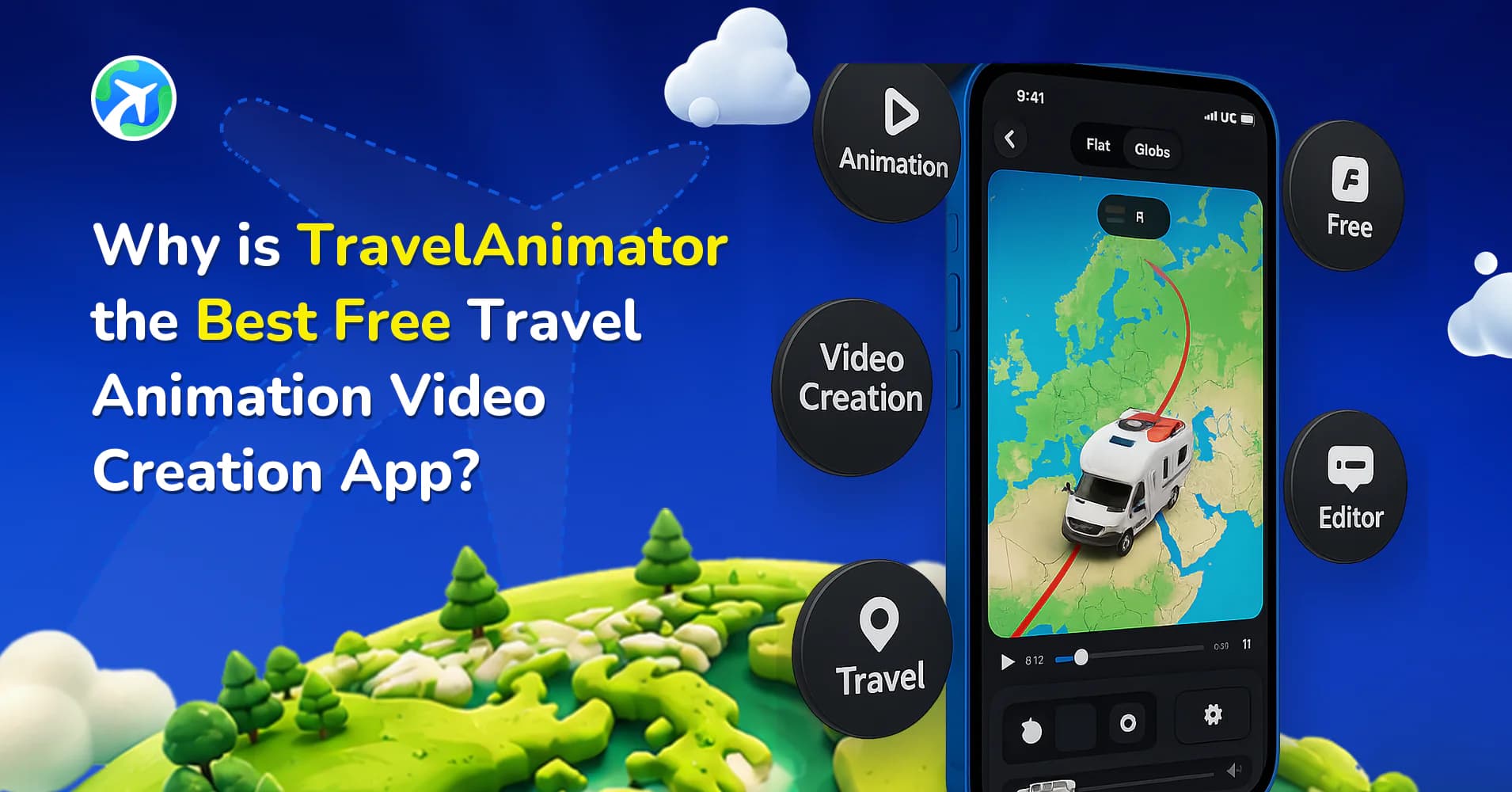
In this article 10 sections
Travel Animator is the best travel animation app for freely creating travel videos because of its unique features and simple interface for everyone.
It is the ultimate free tool for travel enthusiasts, vloggers, and content creators to create content to share on social media within five minutes.
Let’s explore the features of Travel Animator, which allows us to create travel videos in 3 to 4 steps using its free features.
Travel Animator provides free access for a lifetime.
One of Travel Animator’s most significant advantages, which makes it a favourite among users, is its lifetime free access to create travel animation videos. Developed for this purpose, Travel Animator includes all the features needed to create travel memories at no cost. Its free features are accessible to everyone who creates itineraries.
Multiple Animation Models are available.
Travel Animator provides various vehicle models to create videos for different use cases. The app has multiple models to customize your travel video, allowing you to choose the best model for your journey. Each animation is designed to add a unique touch to your videos.
The app also allows multiple models to be added to a single animation video. For example, if you want to create an entire journey that includes different vehicles you travelled in for other places, you can easily add multiple models.
Multiple points travel mapping
One of Travel Animator’s outstanding features is its ability to map multiple stops or destinations for free in a single video. When showcasing a country trip or a multi-city road trip, this feature allows you to connect all destinations using points. This multiple-point feature helps to create a smooth transition video that is visually appealing and good for storytelling.
You can also add images and text to each point to showcase the capture of specific destinations or personal photos, making the video more attractive and engaging.
The easy-to-use interface of Travel Animator
Travel Animator is for anyone with little or no technical knowledge. It has a simple and user-friendly interface that includes all the features needed to make travel videos in 3 to 4 steps. Whether you’re a beginner or a seasoned traveller, you can make travel videos quickly and without any cost.
Many animations, like Adobe, require extensive technical and video editing skills. Travel Animator is designed with simplicity and basic skills.
The pre-set templates and guided steps make it easy for everyone. You need only a few clicks to create your travel memories.
Why Choose Travel Animator Over Other Free Travel Animation Apps?
- Travel Animator regularly updates, adding new features and improving user experience.
- Travel Animator was developed solely for creating travel videos. Therefore, it includes all the features you need to create them.
- Free features for a lifetime to create travel animation videos.
- Various travel models are available to choose from that fit your journey.
- Travel Animator provides a high-quality output that keeps it professional.
- You have free access to add multiple destinations and multiple photos to your animations.
- It is a user-friendly app that requires basic skills.
What the Free Plan Actually Includes
“Free” means different things in different apps, so here’s what you get in Travel Animator without paying:
- 10+ travel models and 80+ video elements
- Multiple destinations in one video, with multiple photos and captions at each stop
- Manual stops, GPX import and Google Maps link import
- Real Routes, so road segments follow actual roads
- Route line colour, thickness and style, plus place label customization
- A cover image, country flags and distance units
- Unlimited HD exports, with no credit limit and no time limit
The trade-offs are honest ones. Free exports include a small Travel Animator watermark, you get the default map selection, and you can keep one saved route at a time. Pro adds 300+ models, 30+ map styles including 3D, 4K export, watermark removal or your own logo, and unlimited saved routes. The full Free vs Pro comparison breaks it down.
A Free Video From Start to Finish
Here’s how a 3-day Kerala trip comes together on the free plan. Day one is Kochi, day two is the drive up to Munnar, and day three is down to Alleppey, finishing with a backwater boat ride to Kumarakom.
- Add Kochi as the start point, then Munnar, Alleppey and Kumarakom as stops.
- Long-press Kochi and turn on Real Route so the drive to Munnar follows the hill road instead of a straight line. Do the same at Munnar for the drive down to Alleppey.
- Pick a car for the road legs and switch to a boat for the last stretch across the backwaters.
- Add one or two photos at each stop, like the Chinese fishing nets in Kochi or a tea estate in Munnar.
- Open preview, choose 9:16 for Reels, set the duration, and export in HD.
That’s a complete, shareable video without spending anything. If you’d rather start from a route you already planned, you can paste a Google Maps link instead of adding stops by hand.
When It Makes Sense to Upgrade
Plenty of people never need Pro. If you post trip recaps to Instagram or WhatsApp, HD is enough and the watermark is small.
Upgrading starts to pay off when you need things the free plan doesn’t cover: 4K for a TV or client presentation, no watermark for paid work, your own logo on every video, a specific map style like satellite or 3D, or more than one saved route because you’re working on several projects at once.
Are you looking for the best Free Travel Animation app?
If you are looking for the best travel animation app, Travel Animator is the best choice. With lifetime free access, multiple models, multiple destinations, and an easy-to-use interface, Travel Animator offers various features for creating engaging travel videos. If you want to document your travel experience, Travel Animator is here to help.
In two countries it goes further still — Pro is free for life in Bangladesh and the Philippines.
Frequently Asked Questions
Can I include multiple stops in a free travel animation?
One of Travel Animator’s outstanding features is its ability to map multiple stops or destinations for free in a single video. When showcasing a country trip or a multi-city road trip, this feature allows you to connect all destinations using points.
Why Choose Travel Animator Over Other Free Travel Animation Apps?
Travel Animator regularly updates, adding new features and improving user experience. Travel Animator was developed solely for creating travel videos.
Do I need video-editing experience to create a basic route animation?
No. The app provides controls for plotting destinations, choosing models and previewing the result. Start with a simple route and add photos or labels as needed.
Does Travel Animator's free plan have an export limit?
No. The free plan includes unlimited HD exports, with no credits to buy and no trial period that runs out. You can make and export as many videos as you like. Free exports carry a small Travel Animator watermark, and 4K export is reserved for Pro, but the core video creation tools stay free for as long as you use the app.
Can I import a GPX file on the free version of Travel Animator?
Yes. GPX import is included on the free plan, along with Google Maps link import. That means you can upload a route recorded in Strava, Garmin or another GPS app and turn it into an animation without adding every stop by hand. You can then add models, photos and labels before exporting in HD.