How to Access Saved Routes on Another Device in TravelAnimator
To access a saved Travel Animator route on another device, save the route while signed in on your first device, then open the app on the second device and sign in with the same account. Your saved routes appear automatically, including when switching between Android and iOS.
 Jaseel S6 min read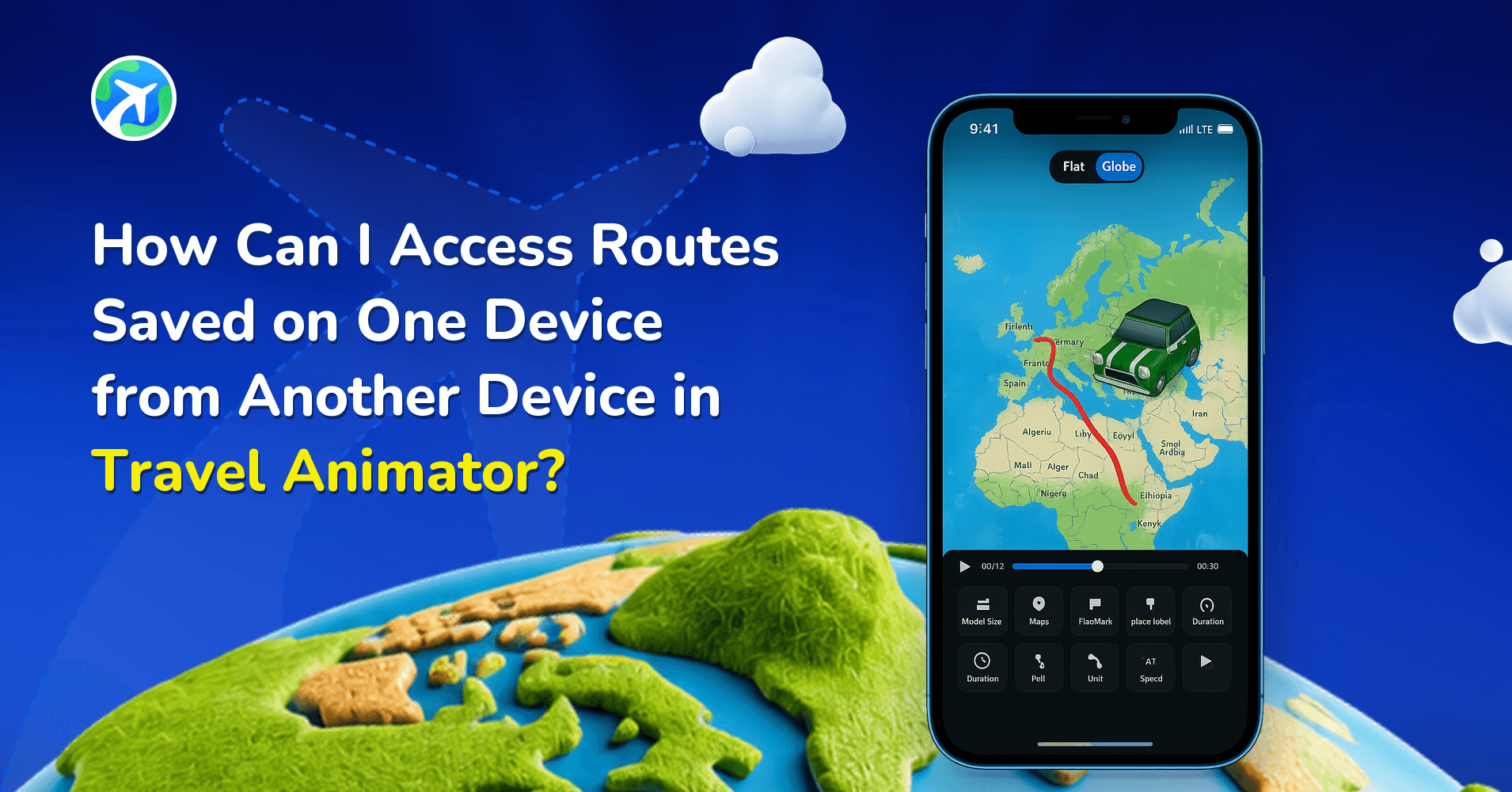
In this article 8 sections
With the latest feature in the Travel Animator app, you can now save your routes on one device and access them instantly on another, whether you’re switching from Android to iOS or vice versa.
Imagine you started creating a travel animation on one device and wished you could continue it on another without starting over. That’s a common challenge for travel creators who switch between phones, tablets, or even different operating systems.
In this guide, we will walk you through how to access your routes on different devices, why this feature is important, and how it improves your workflow.
What Does It Mean to Access Routes Across Devices?
Accessing routes across devices means your travel animation projects are not limited to a single phone or tablet. Instead, they are linked to your account, allowing you to open and continue your work from any device.
When you create or save a route in Travel Animator, it is connected to your login. Once you sign in on another device using the same account, your saved routes automatically become available. This means your routes are not restricted to one device, you can switch between Android and iOS easily and your projects remain safe even if you change devices. This ensures your work is always accessible and ready to edit anytime.
This matters because today’s creators often work across multiple devices. You might start planning a route on your phone while travelling and later want to edit or export it on another device. Being able to access your routes from anywhere gives you the flexibility to work without interruptions, helps you continue projects without restarting or recreating routes from scratch, and keeps all your work organized in one place, regardless of the device you use. For travel vloggers, agencies, and frequent travellers, this makes content creation much more efficient.
Step-by-Step: How to Access Routes on Another Device in TravelAnimator
- Open the Travel Animator app on your first device.
- Log in using your email.
- Create a new route or open an existing project.
- Make sure your route is saved within the app.
- Now switch to another device (Android or iOS).
- Install and open the Travel Animator app on the second device.
- Log in using the same account/email.
- Once logged in, your saved routes will automatically appear.
- Select the route you want and continue editing or exporting.
How Accessing Routes Across Devices Works in TravelAnimator
The process is simple and automatic. Once you log in to the TravelAnimator app, your routes are linked to your account, your data becomes available across devices, and any device with the same login can access your saved projects.
There’s no need to transfer files manually or use external tools. Everything is handled within the app. This also works across platforms, so you can start your project on Android and continue it on iOS without any issues.
Before You Switch Devices
A minute of prep on the first device saves a lot of head-scratching on the second.
- Save manually. Travel Animator doesn’t auto-save routes yet, so tap the route settings icon at the top of the screen and choose Save Route before you put the first device down. Our guide to the Save Route feature covers the details.
- Use a name you’ll recognize. “Kerala 3 days v2” is much easier to spot in Load Route than “Route 1”.
- Sign in the same way. The account matters, not the type of phone. If you used Google sign-in on your Android phone, use that same Google account on your iPad.
- Update the app on both devices. Different app versions on different devices can behave inconsistently. Here’s how to check your app version.
- Mind the free plan limit. The free version holds one saved route at a time, while Pro allows unlimited saved routes. On the free plan, finish or export one project before starting another.
Handy Ways to Use Routes Across Devices
Plot on the road, polish at home. On a 3-day Kerala trip, add each day’s stops on your phone in the evening, then open the route on a tablet back home to add photos, labels and a map style on a bigger screen.
Moving to a new phone is another common case. Switching from an older Android phone to an iPhone? Sign in on the new phone with the same account and open Load Route, and your saved projects are there to pick up where you left off.
It also helps when one device is short on space. 4K exports take up storage, so if your phone is nearly full, open the same route on a device with more room and export from there.
Access Your Travel Projects Anytime, Anywhere
The ability to access your routes across devices in the Travel Animator app makes travel animation more flexible and user-friendly. It removes the limitations of working on a single device and allows you to continue your work anytime, anywhere.
Whether you’re switching between Android and iOS or simply moving from one device to another, your routes stay with you. If you want a smoother workflow and more flexibility, simply log in on your devices and continue your travel story without interruption.
Download Travel Animator on iOS or Android and pick up your routes on any device, anytime.
If a saved route does not appear
- Check the account on both devices. Signing in with a different email does not open the original account’s projects.
- Return to the original device and confirm that you saved the route. An exported video is a finished file, not an editable saved project.
- Check the internet connection on both devices, then reopen the saved routes list on the second device.
- Keep the original project while you check. If it still does not appear, contact support with the device platforms and app versions; do not send your password.
Use the sign-in instructions if you need to check the account. For the number of routes included in your subscription, consult current plan limits.
Frequently Asked Questions
How do I open a saved route on my second device?
Log in to Travel Animator on the first device and save the route. Install and open the app on the second device, then sign in with the same account or email. Select the saved route to continue editing or exporting.
Can I access the same saved routes on Android and iOS?
Yes. Saved routes are linked to your Travel Animator account, so you can start on Android and continue on iOS, or the other way around, using the same login.
Do I need to transfer a route file between my devices?
No manual file transfer is needed for this account-based workflow. Save the route in the app on the first device and use the same login on the second device to access it.
Does Travel Animator save my route automatically before I switch devices?
No. Routes currently need to be saved manually. Tap the route settings icon at the top of the screen, choose Save Route and give the project a clear name. Confirm the save worked before closing the app, then sign in with the same account on your other device and open the route from Load Route.
Do I need Travel Animator Pro to open my routes on another device?
You don’t need a paid plan to sign in. The difference is how many routes you can keep: the free version saves one route at a time, while Pro allows unlimited saved routes. If you work on several projects across a phone and a tablet, Pro avoids juggling which single route is currently saved.