
App Features
What each part of the app actually does, and when to reach for it — the 3D model library, map and terrain styles, globe animation, GPX import, and the export settings. Read these with the app open when you want to know what a control changes before you commit to a render.
52 articles
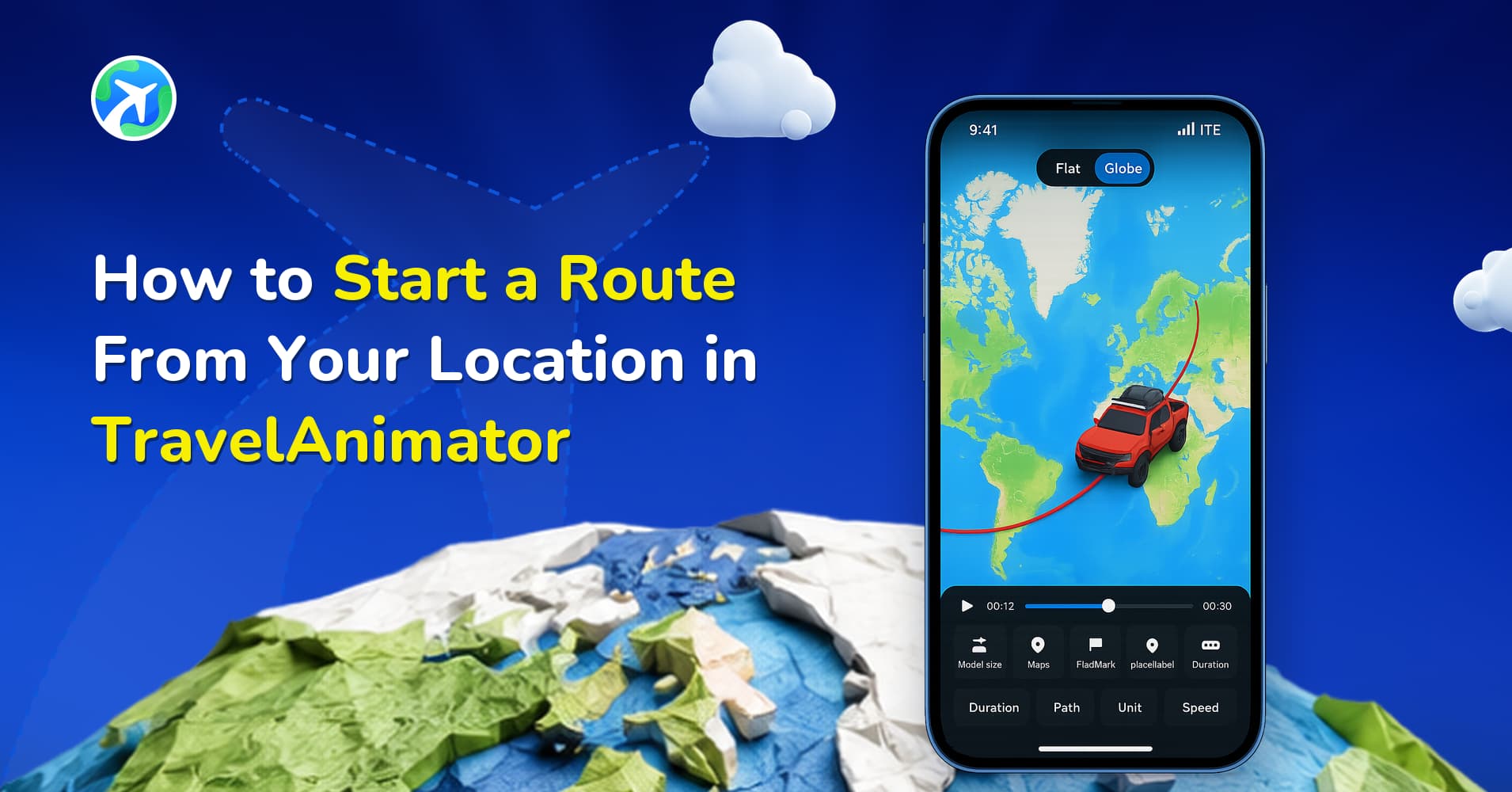
How to Start a Route From Your Location in TravelAnimator
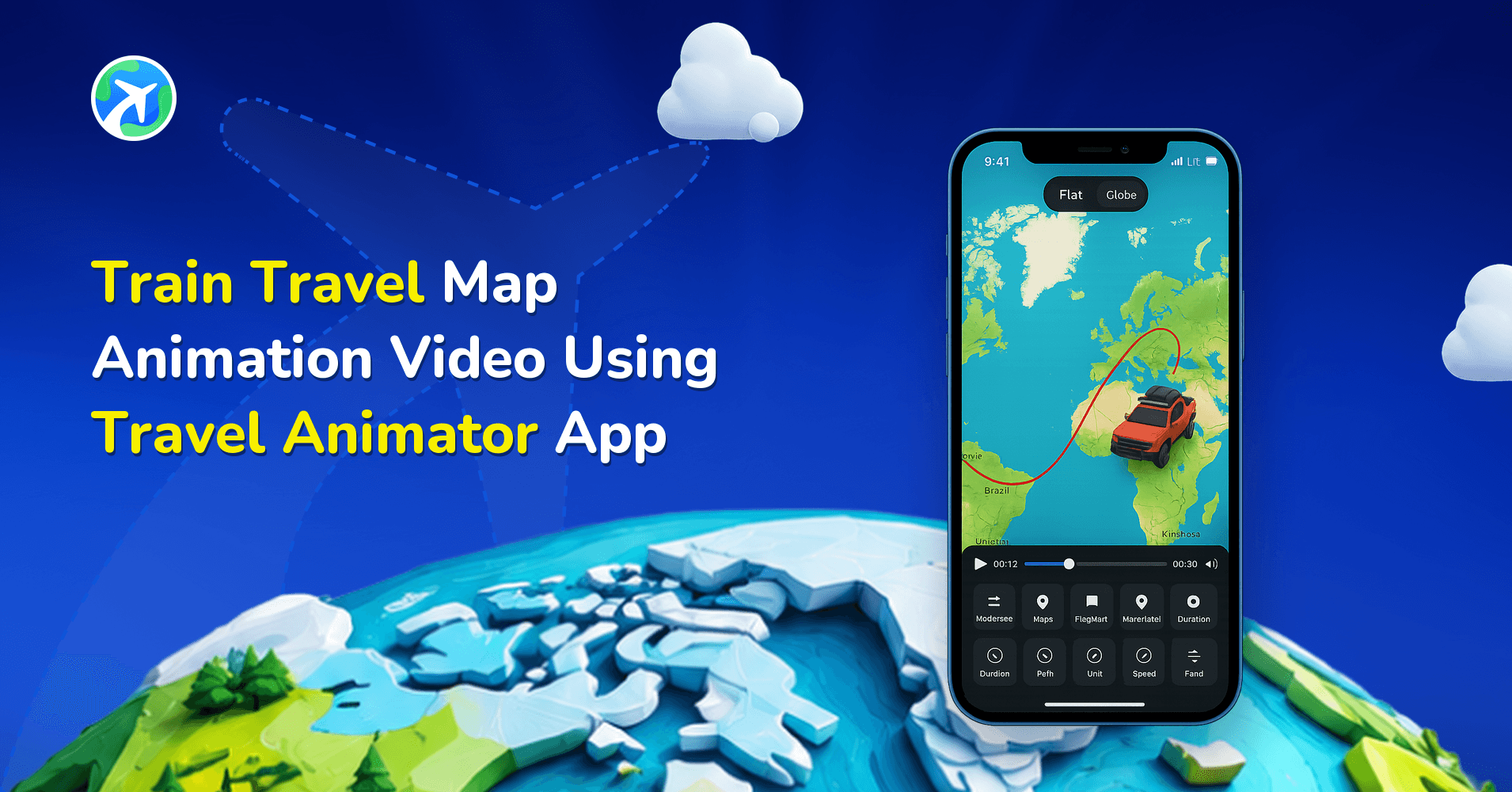
Train Travel Map Animation Video: Step-by-Step Guide

How to Participate in the #MadeUpCountry Creator Challenge
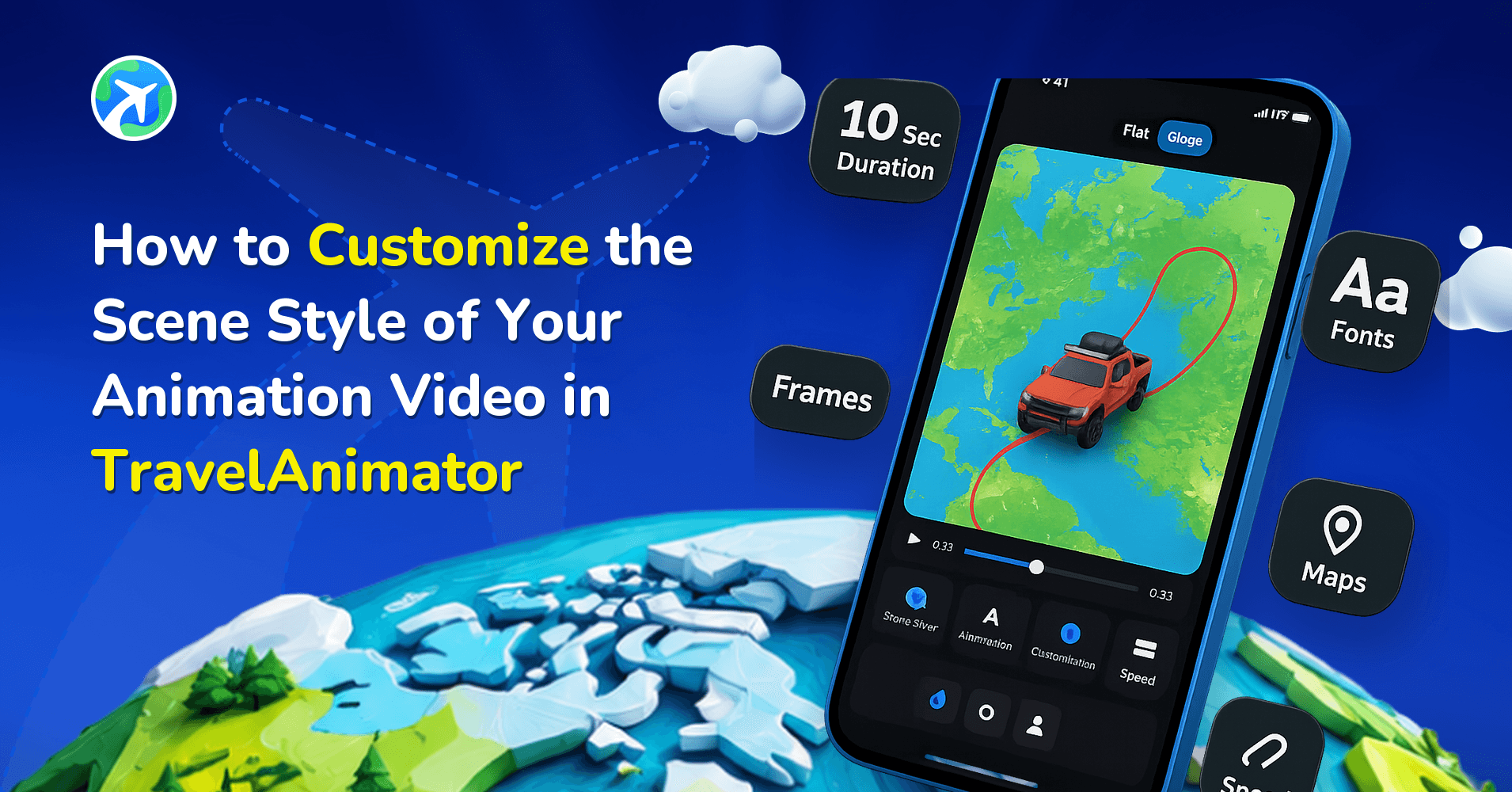
How to Customize Your Animation’s Scene Style in TravelAnimator
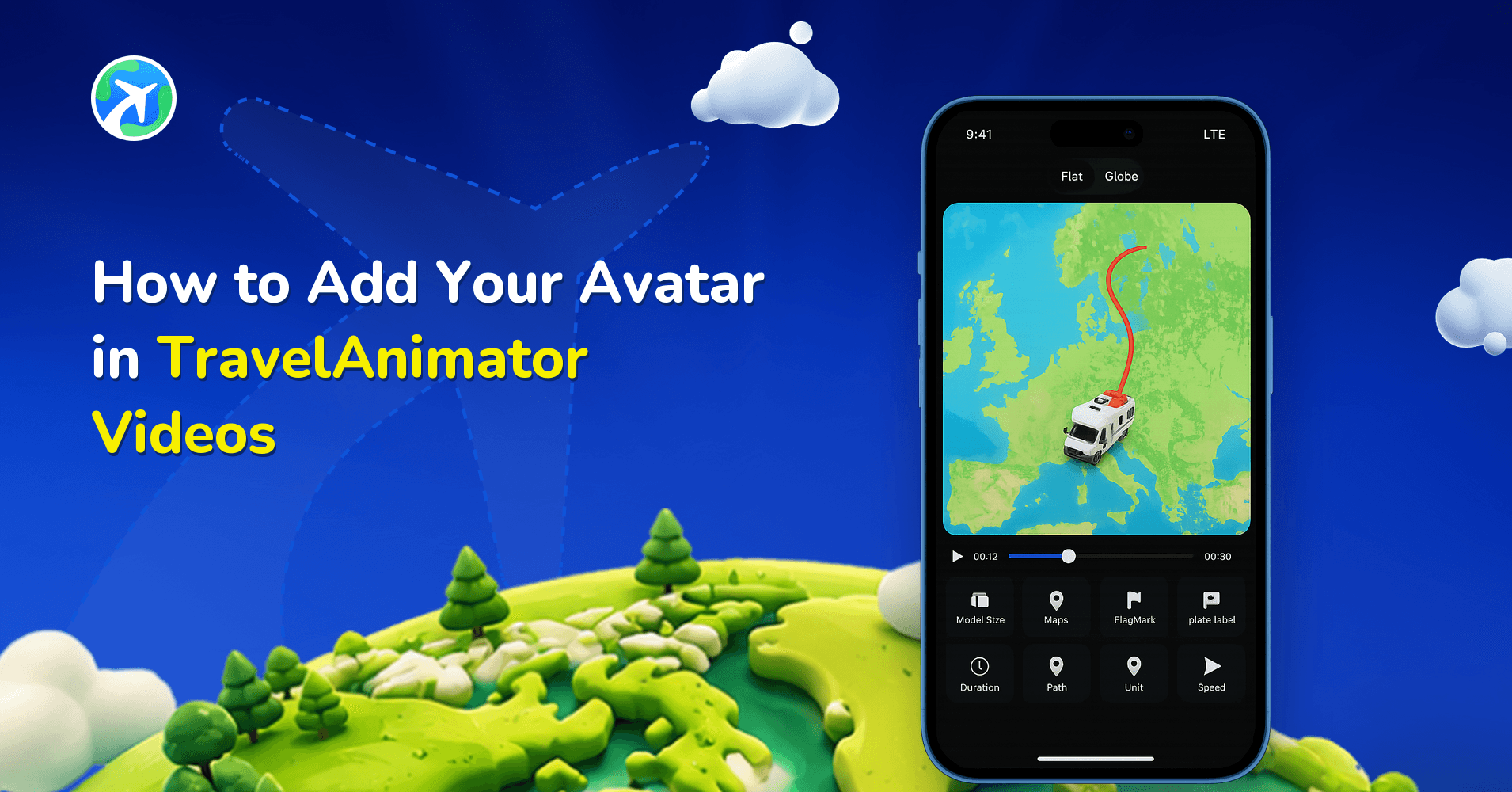
How to Add Your Avatar in TravelAnimator Videos
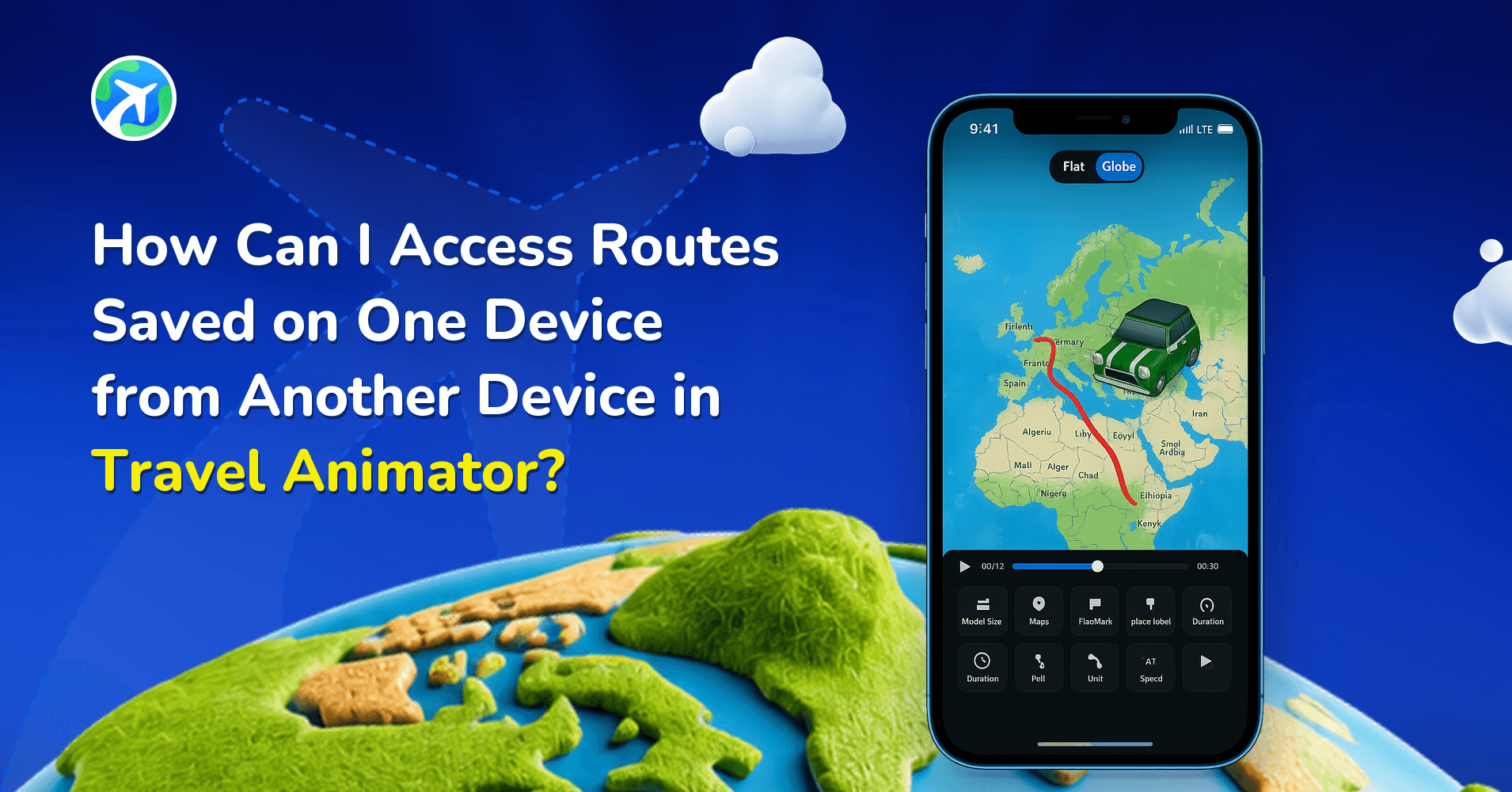
How to Access Saved Routes on Another Device in TravelAnimator
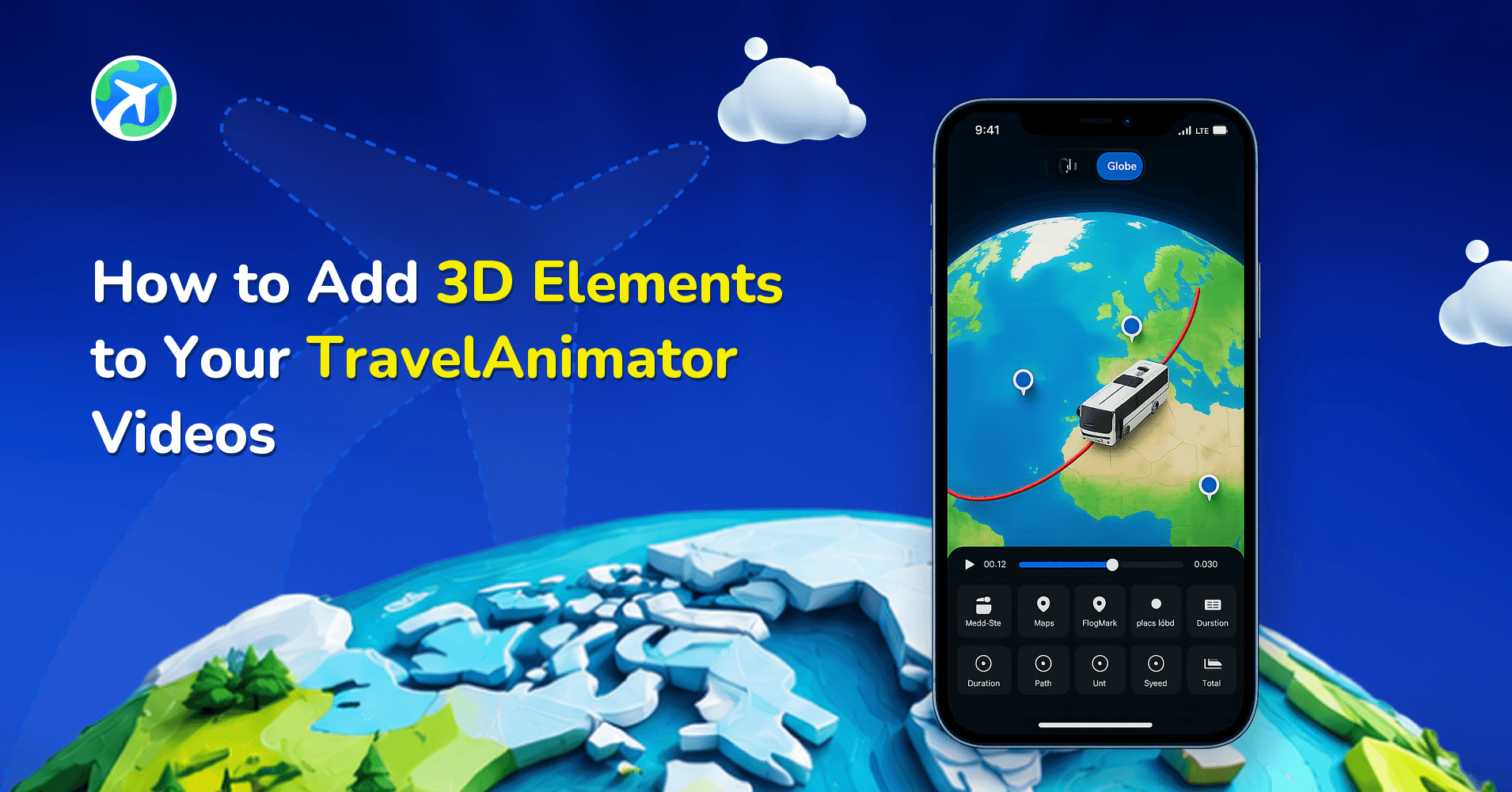
How to Add 3D Elements to Your TravelAnimator Videos
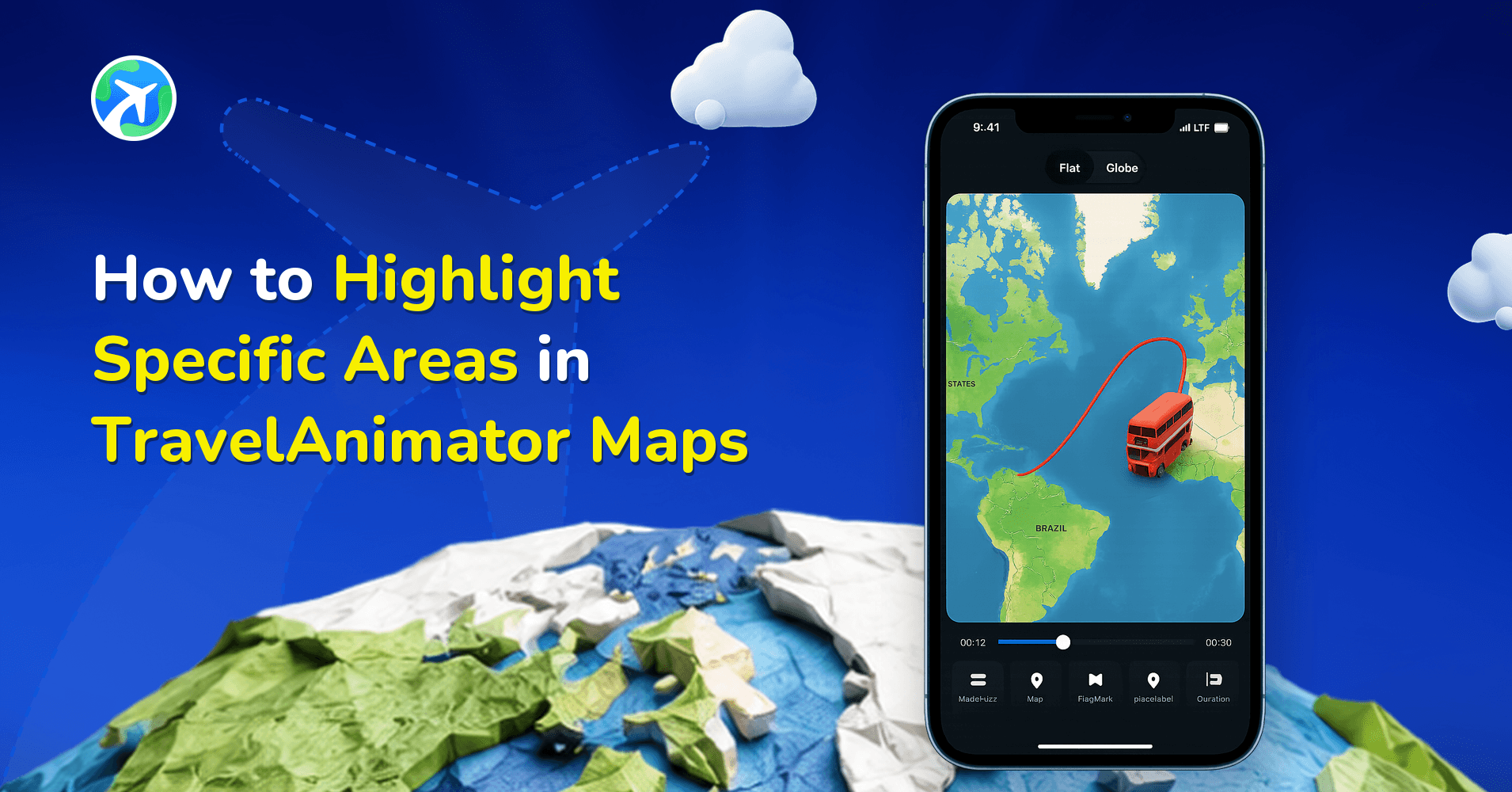
How to Highlight Specific Areas in TravelAnimator Maps
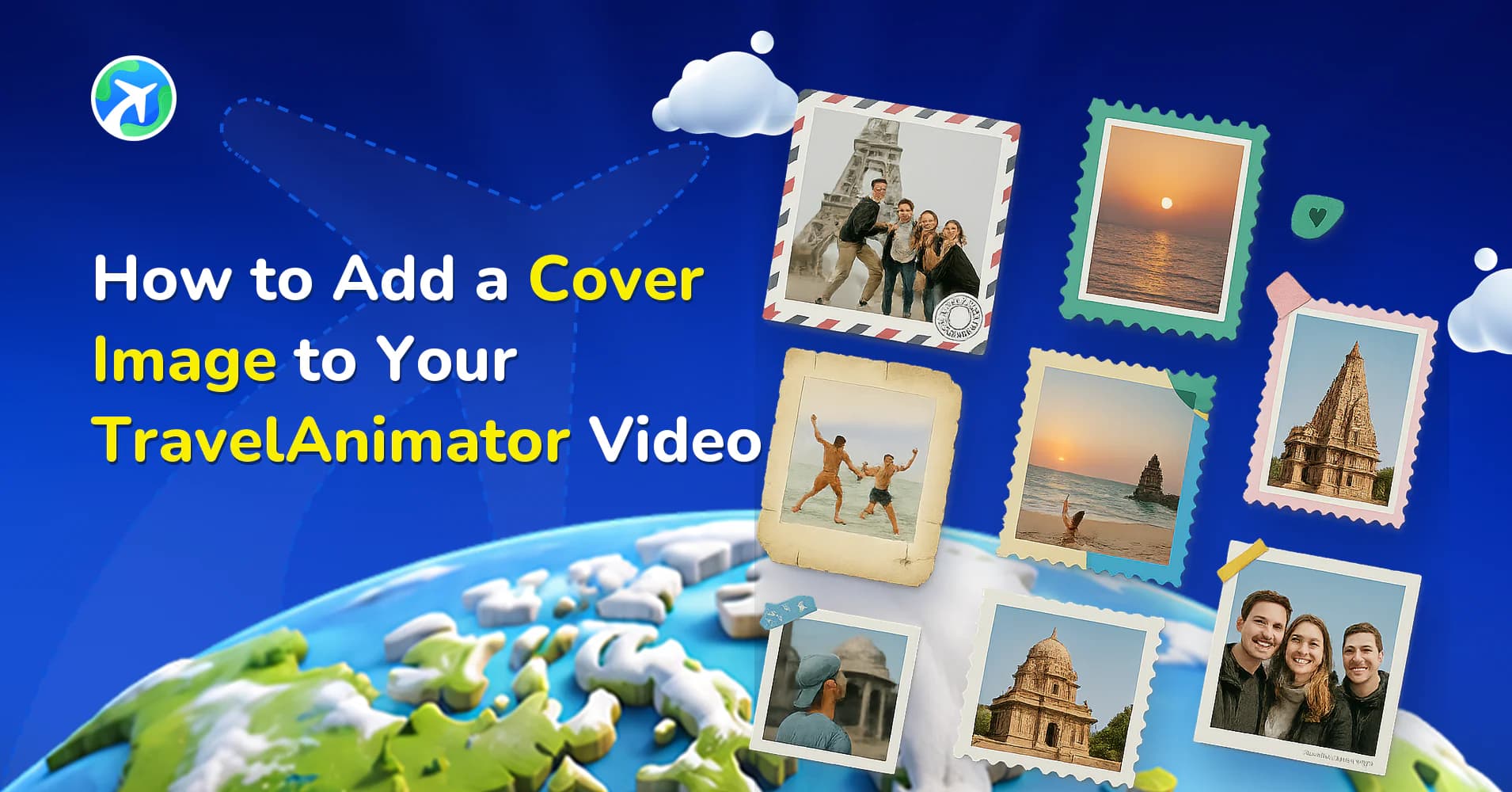
How to Add a Cover Image to Your TravelAnimator Video
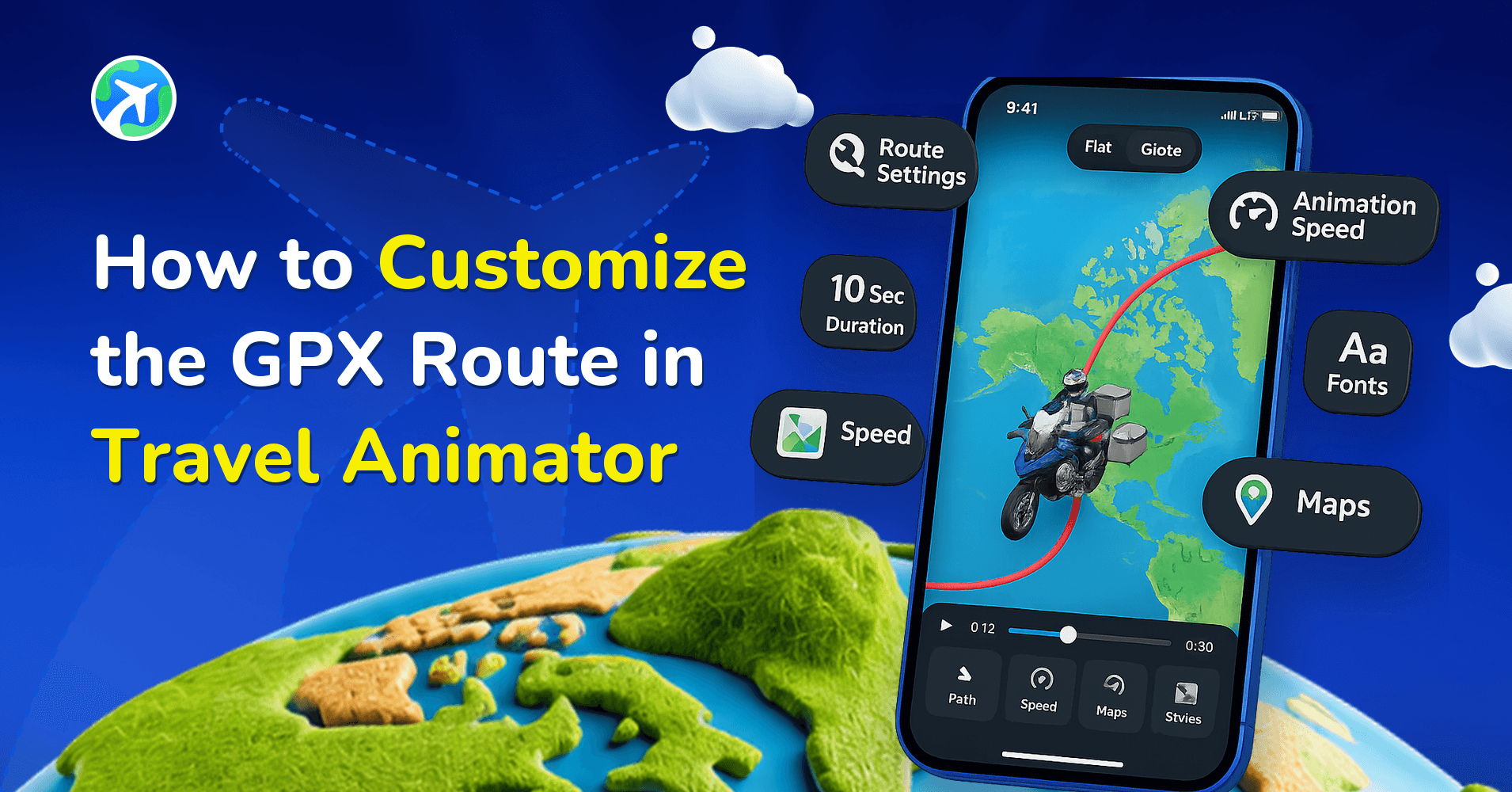
How to Customize the GPX Route in Travel Animator
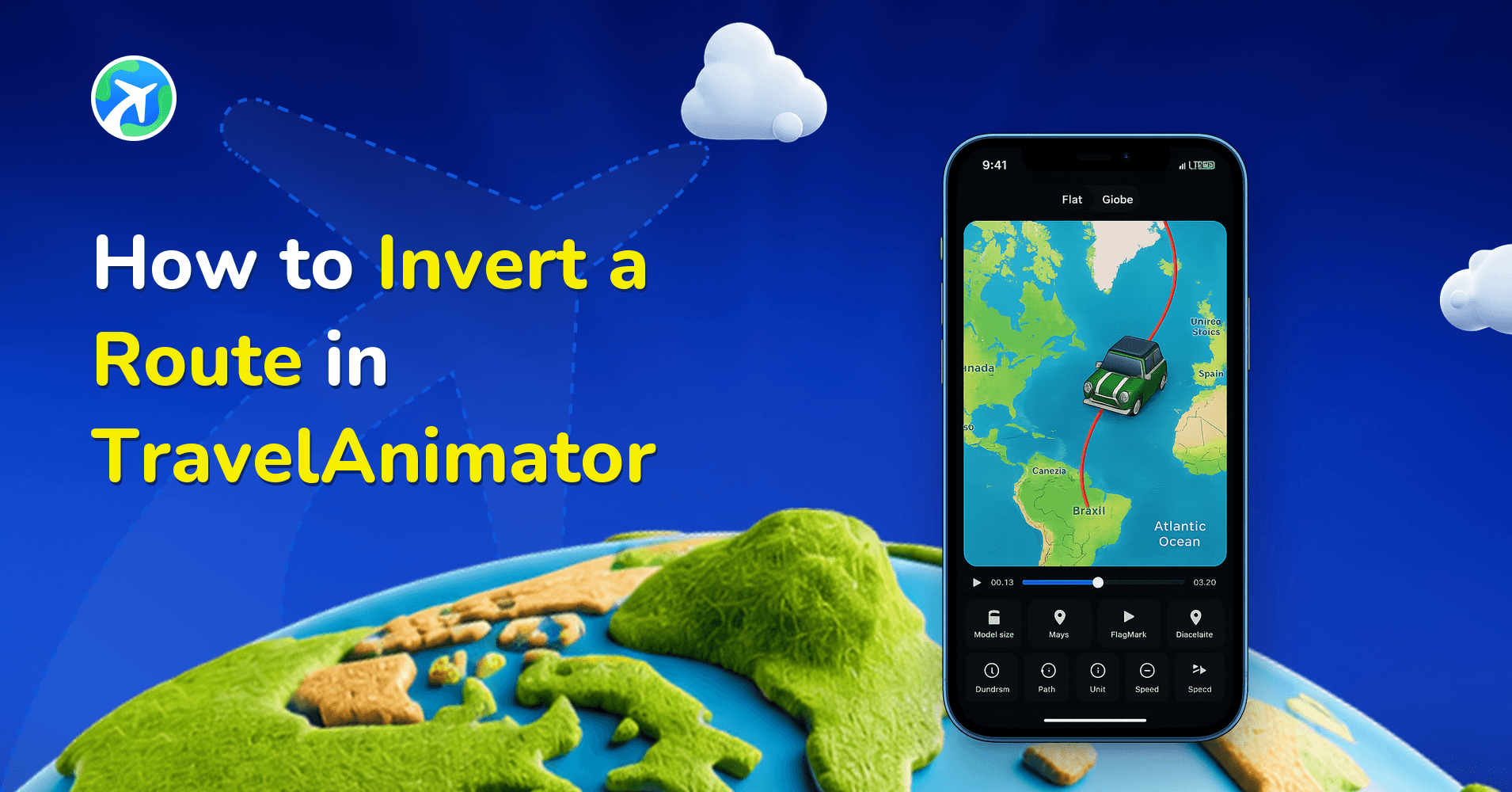
How to Invert a Route in TravelAnimator
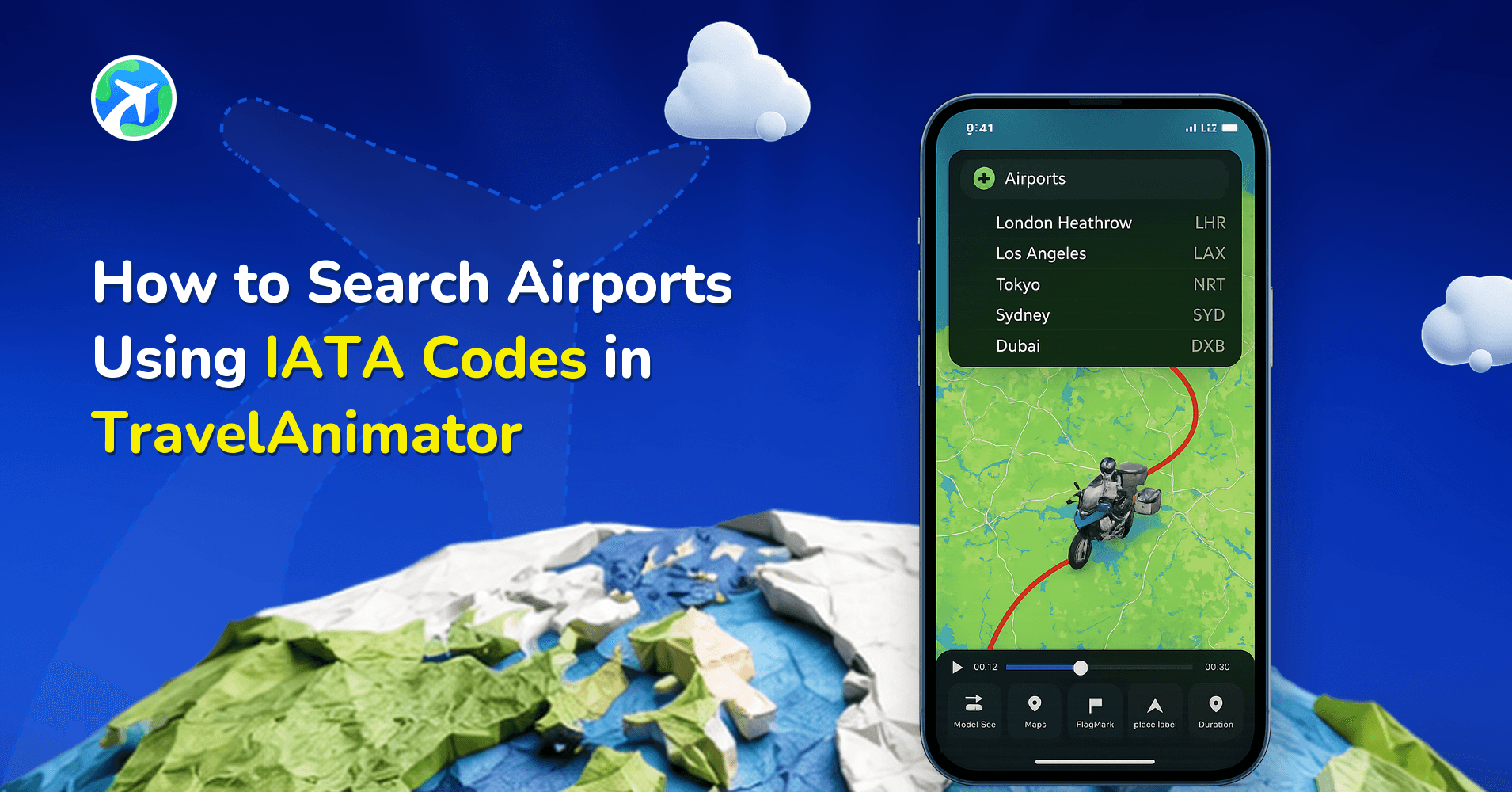
How to Search Airports Using IATA Codes in TravelAnimator
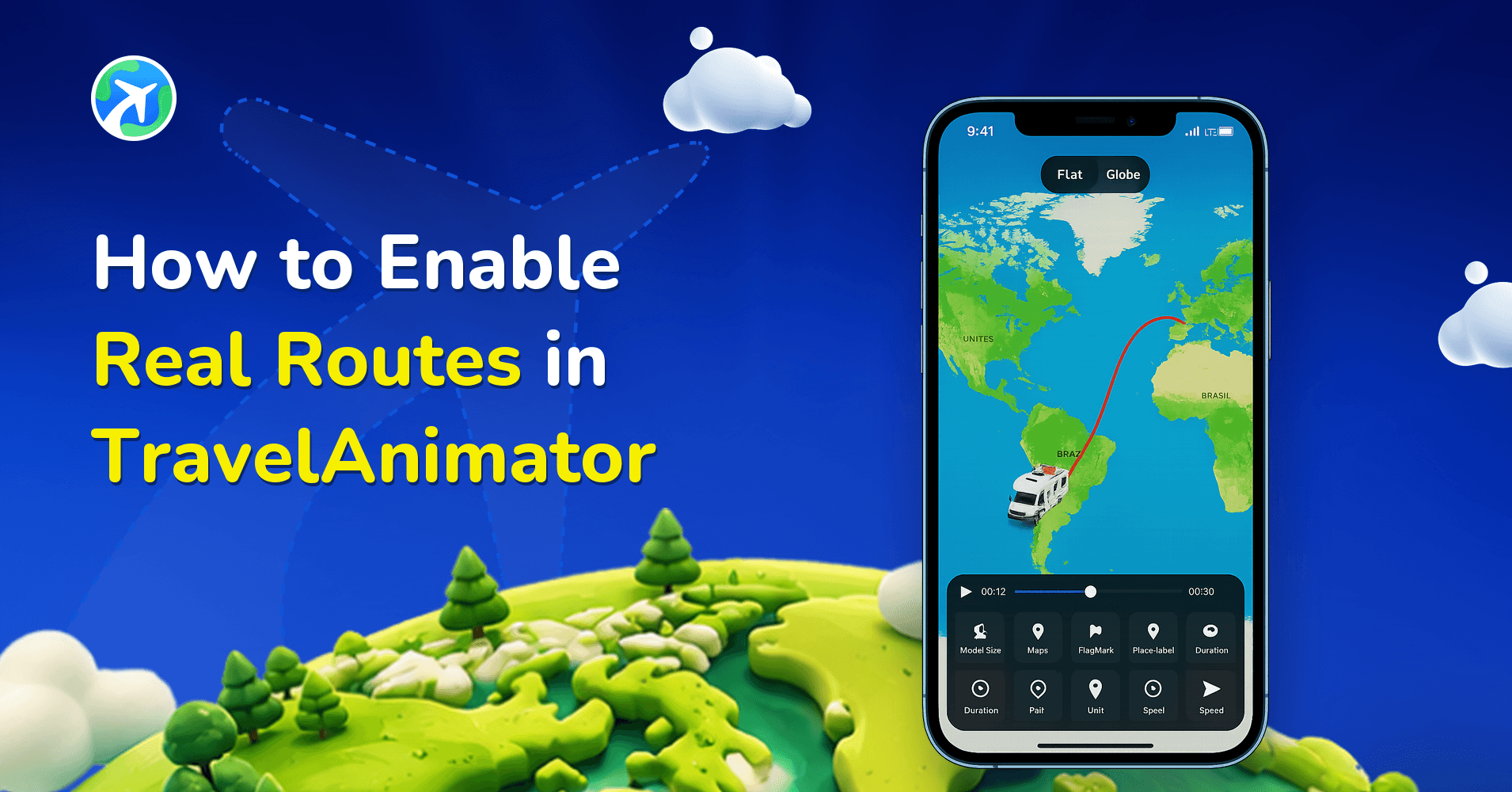
How to Enable Real Routes in TravelAnimator
TravelAnimator Creator Challenge
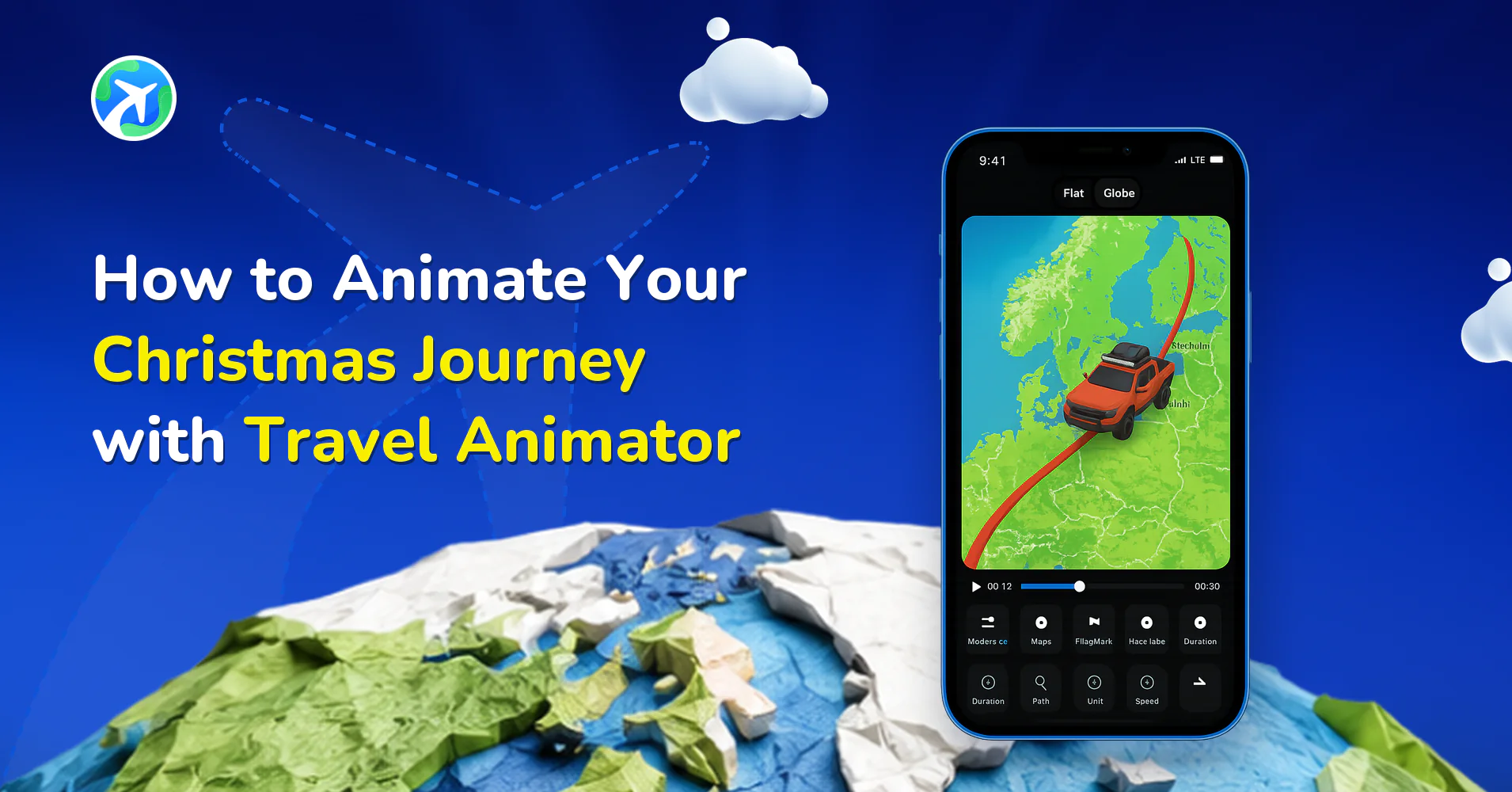
How to Animate Your Christmas Journey with Travel Animator
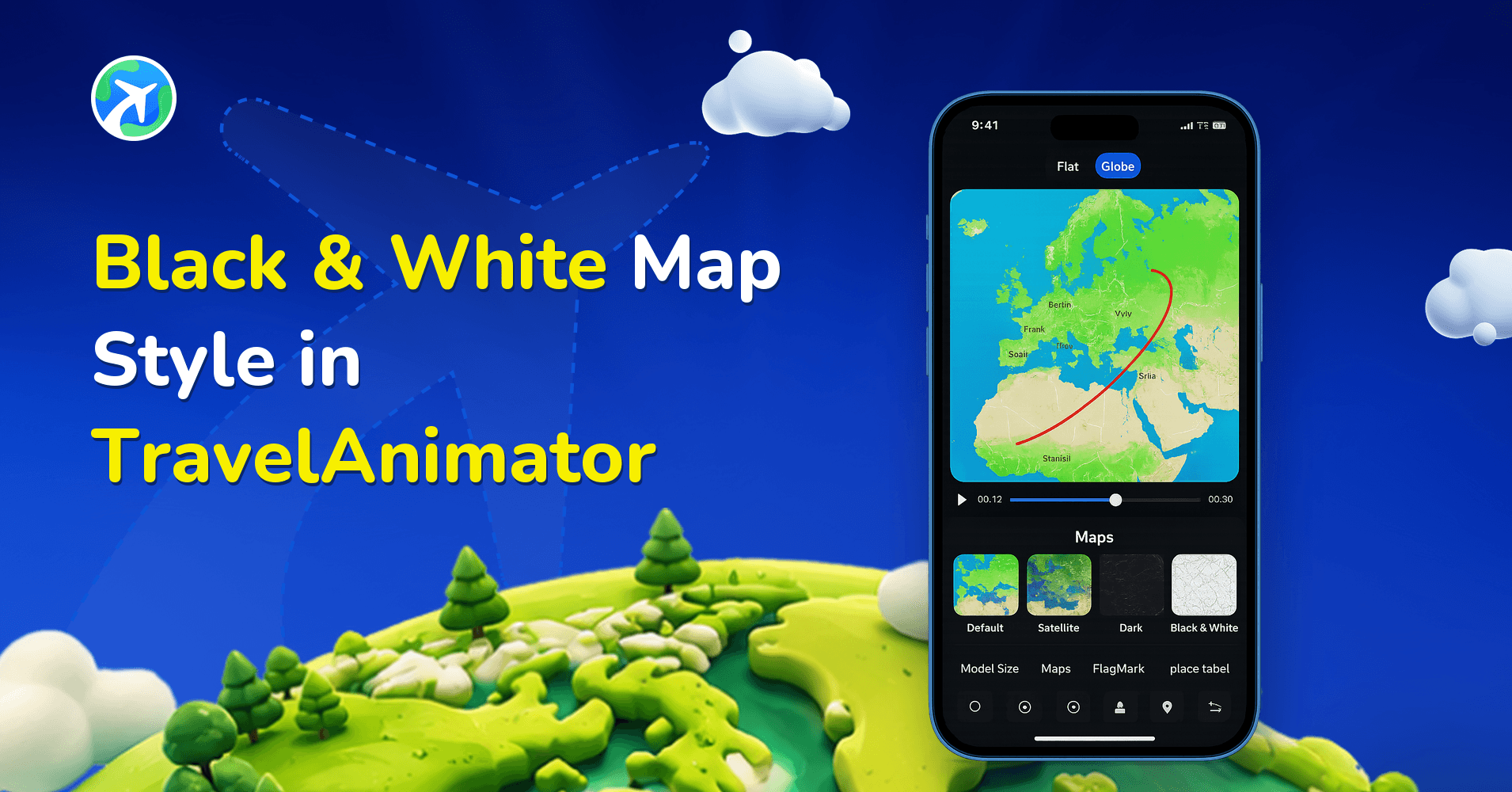
Black & White Map Style in TravelAnimator
Travel Animator Is Now Free in Bangladesh and the Philippines
How to Smoothen GPX Routes in Travel Animator
Blank Model in Travel Animator
Travel Animator Forum: How to Share Feedback, Suggestions & Get Support
TravelAnimator Video Tutorials: Step-by-Step In-App Guidance
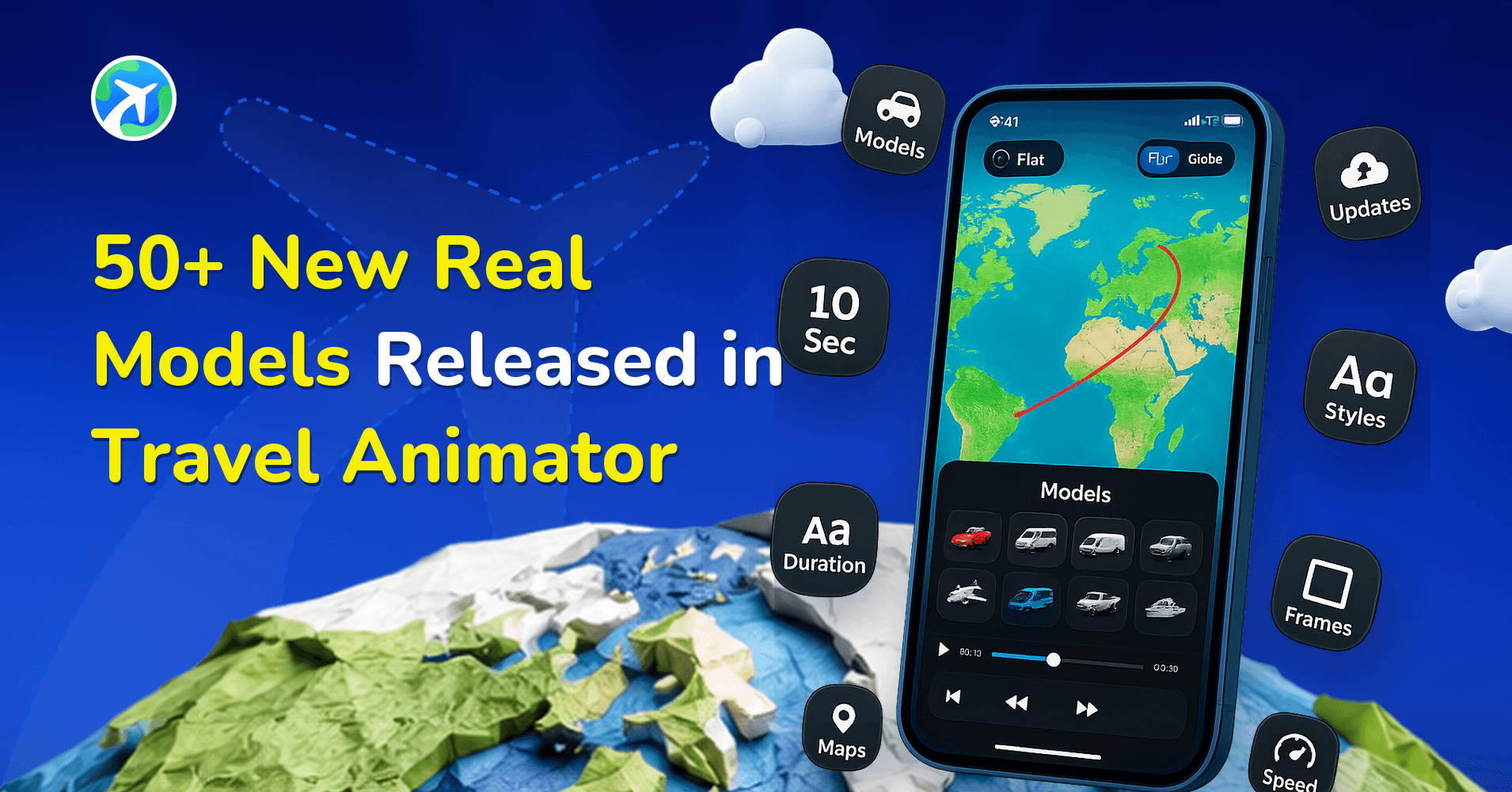
50+ New Real Models Released in Travel Animator
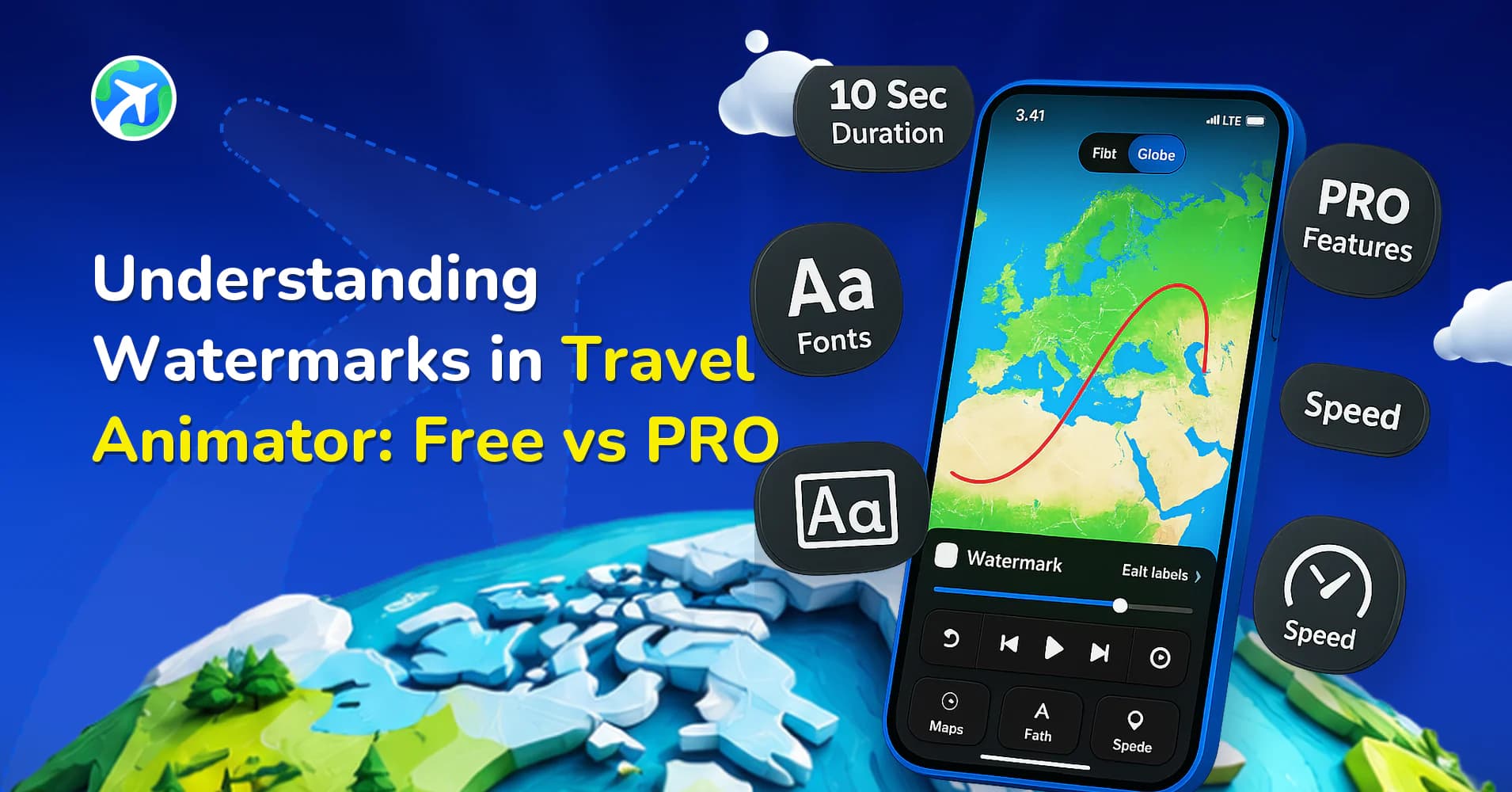
Understanding Watermarks in Travel Animator: Free vs PRO
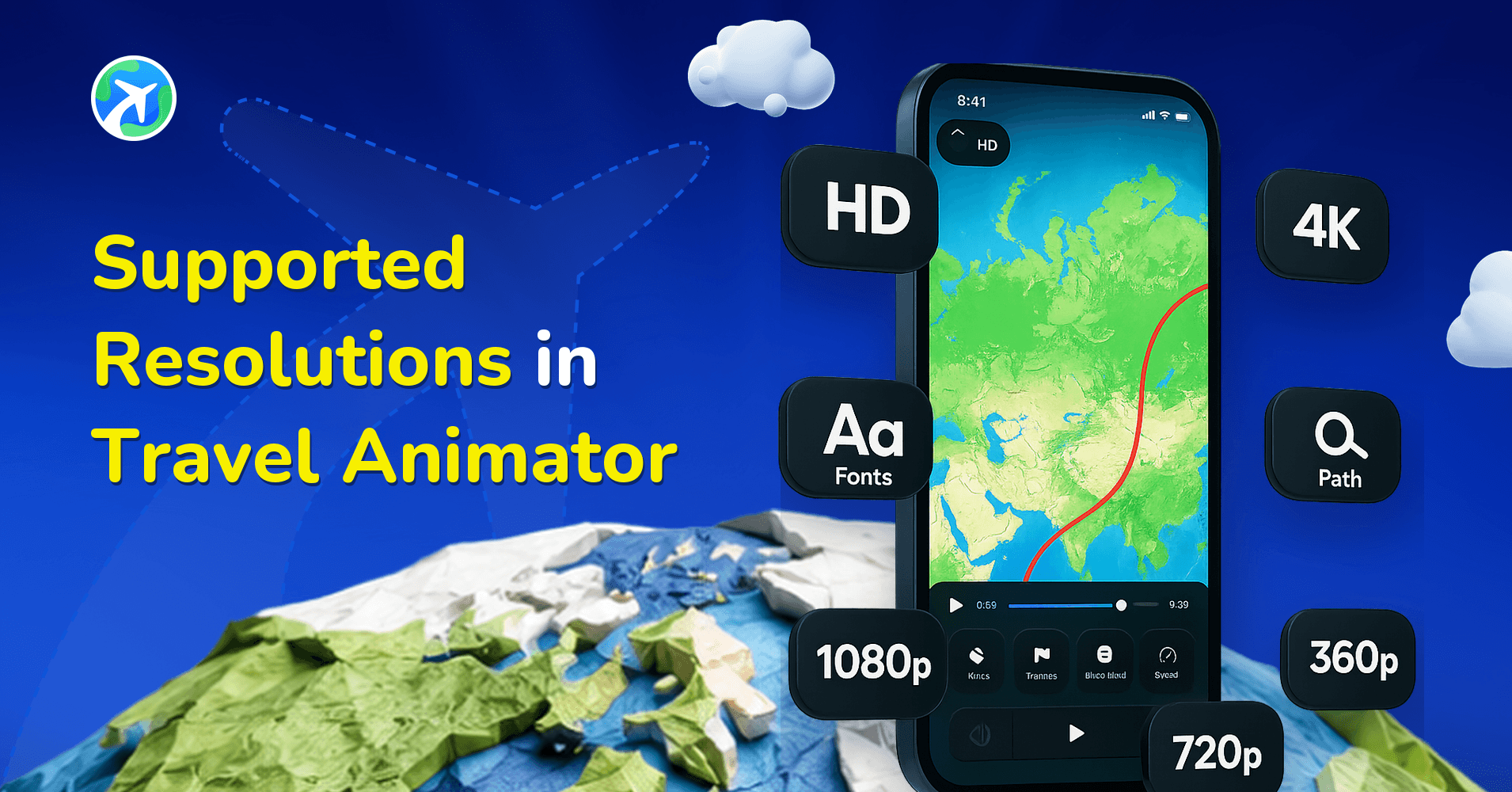
Supported Resolutions in Travel Animator
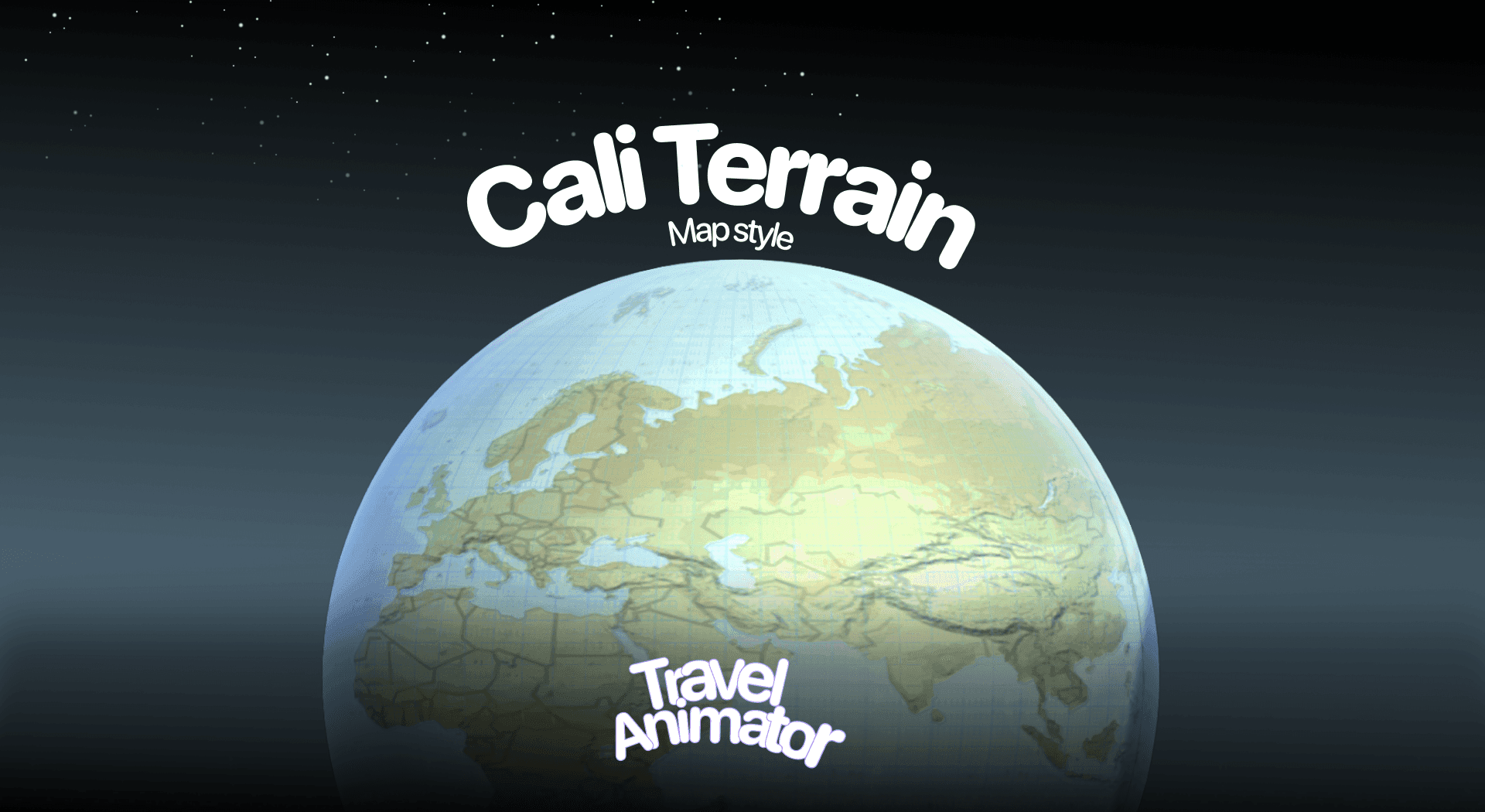
Cali Terrain Map in Travel Animator
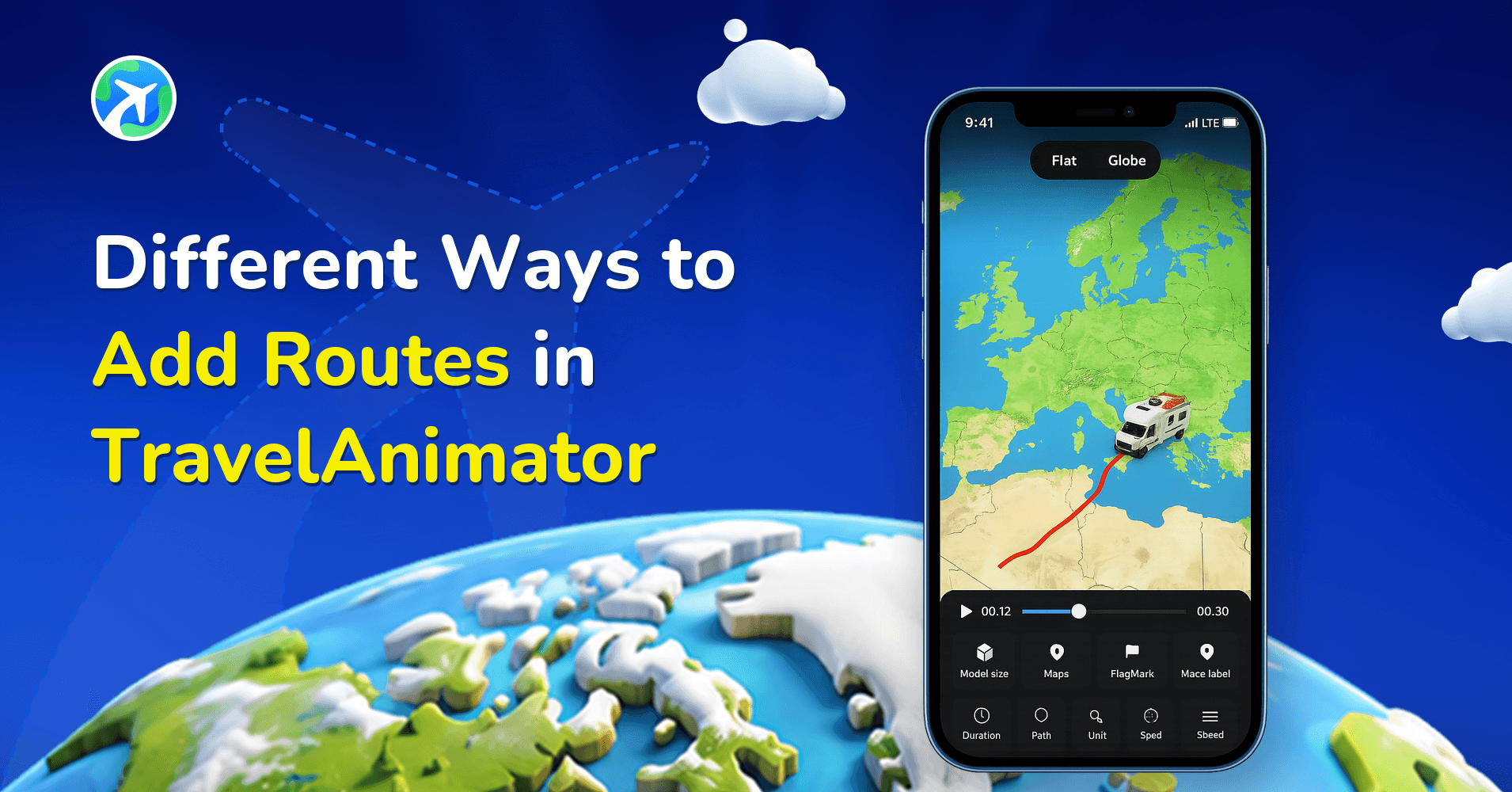
Different Ways to Add Routes in TravelAnimator
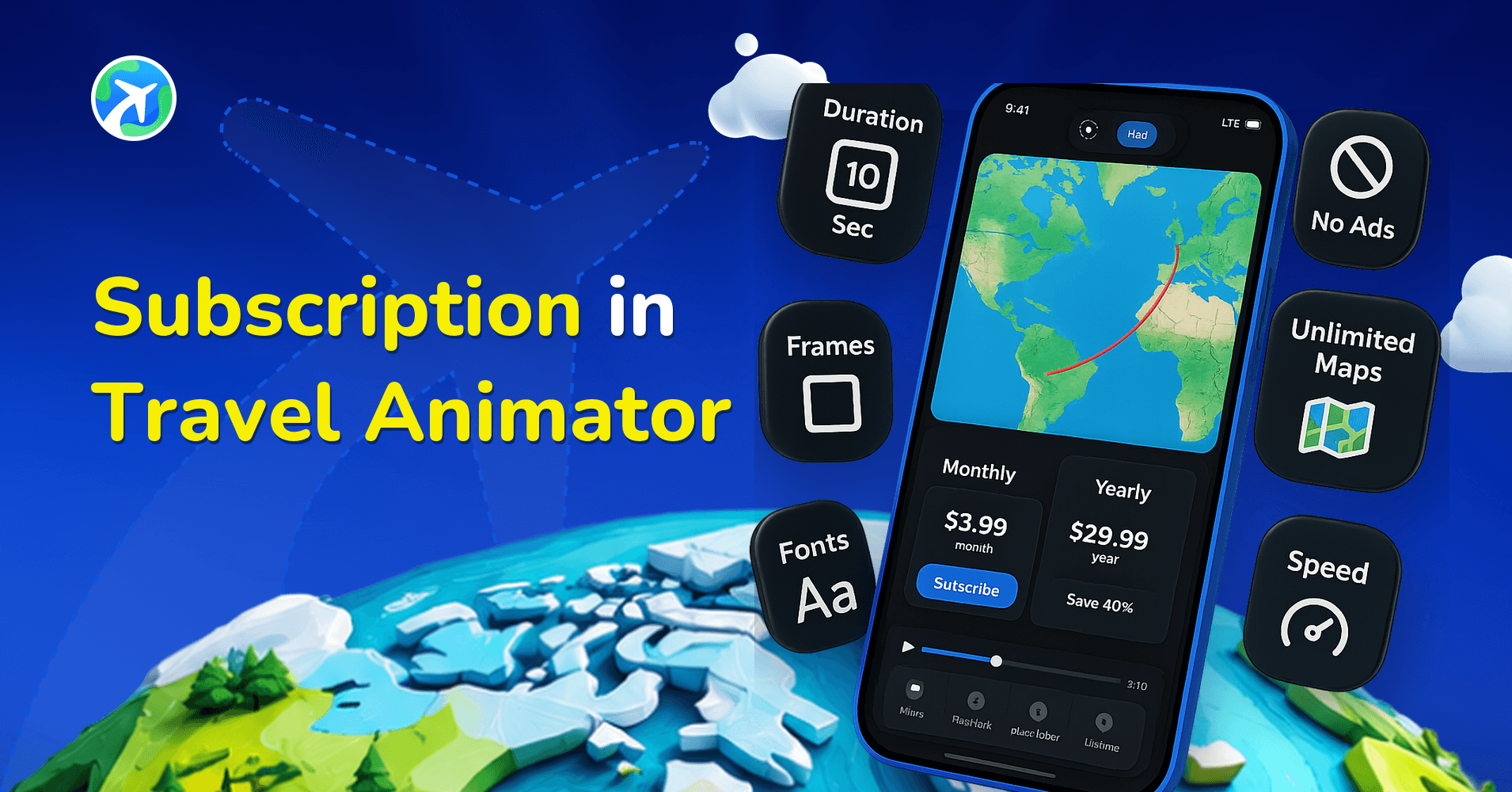
Subscription in Travel Animator
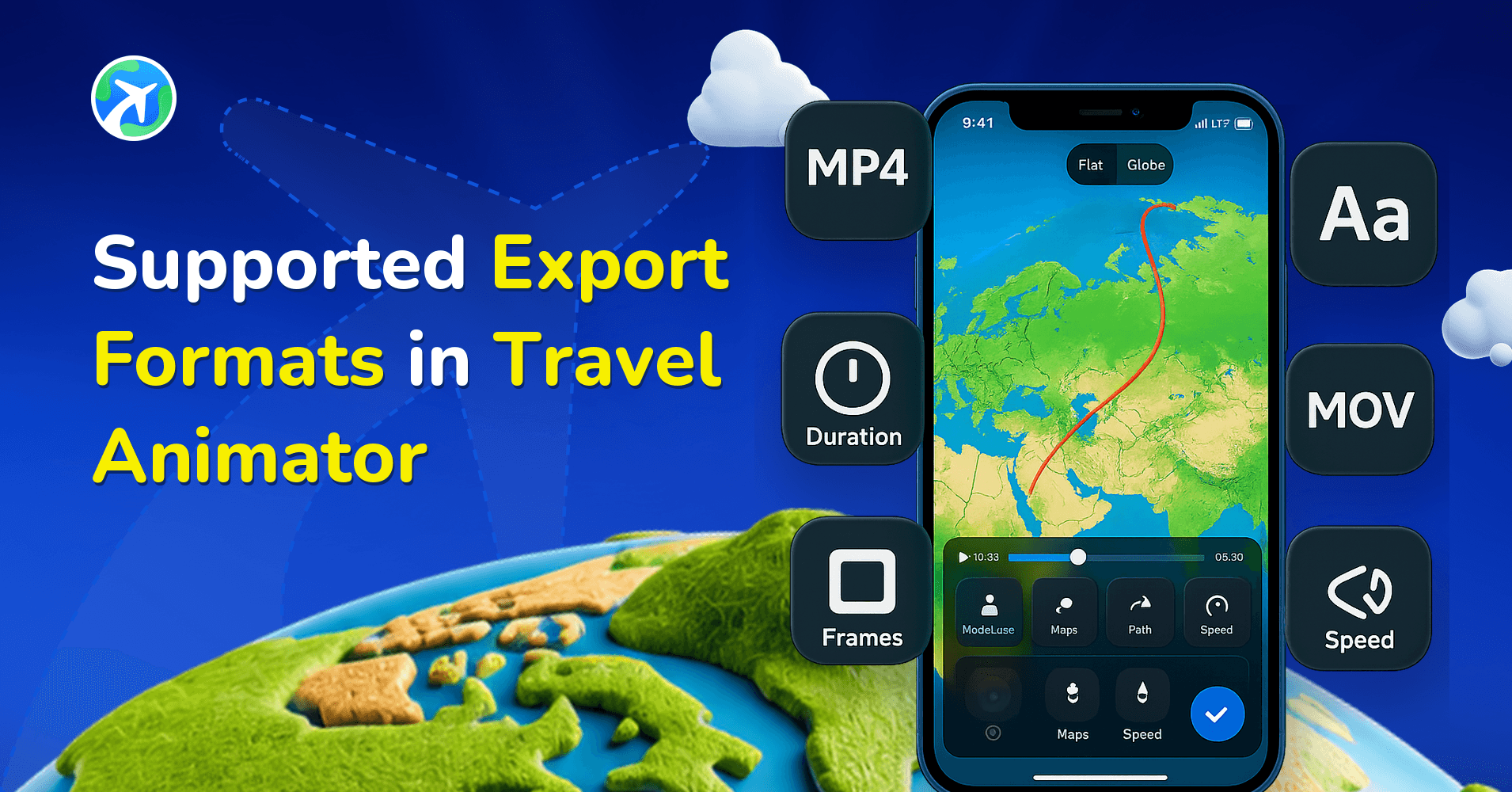
Supported Export Formats in Travel Animator
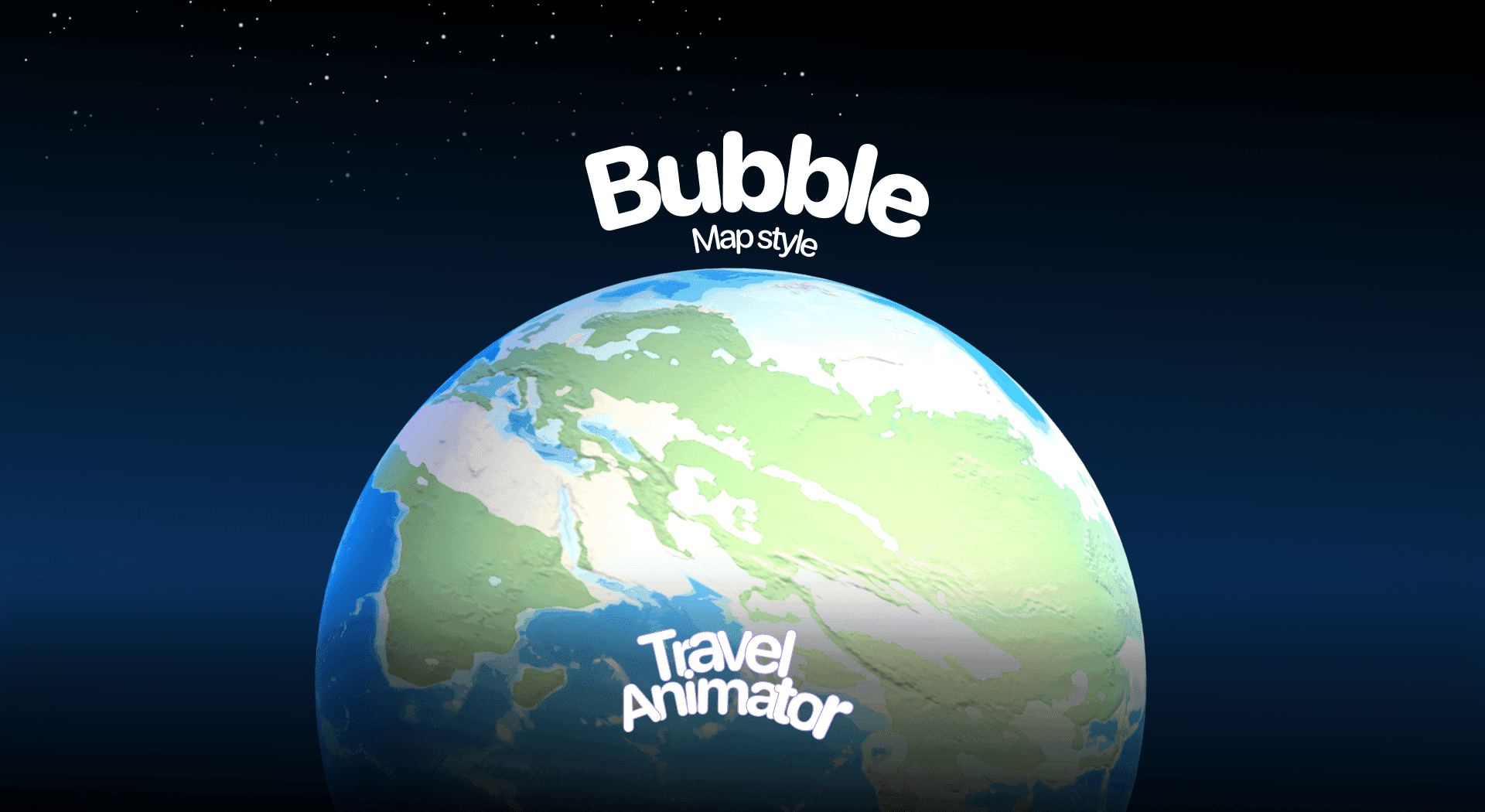
Bubble Map in Travel Animator
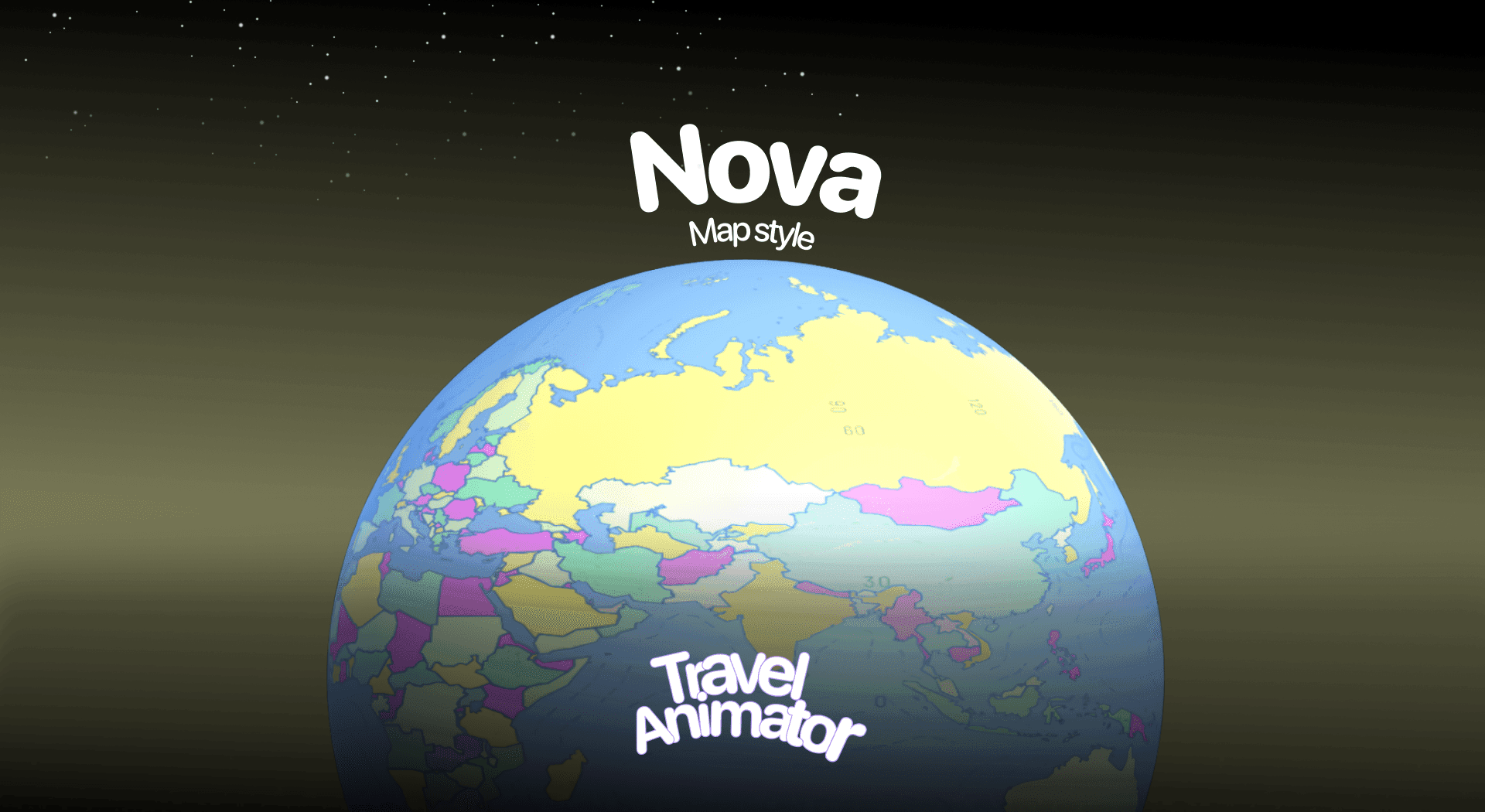
Nova Map in Travel Animator
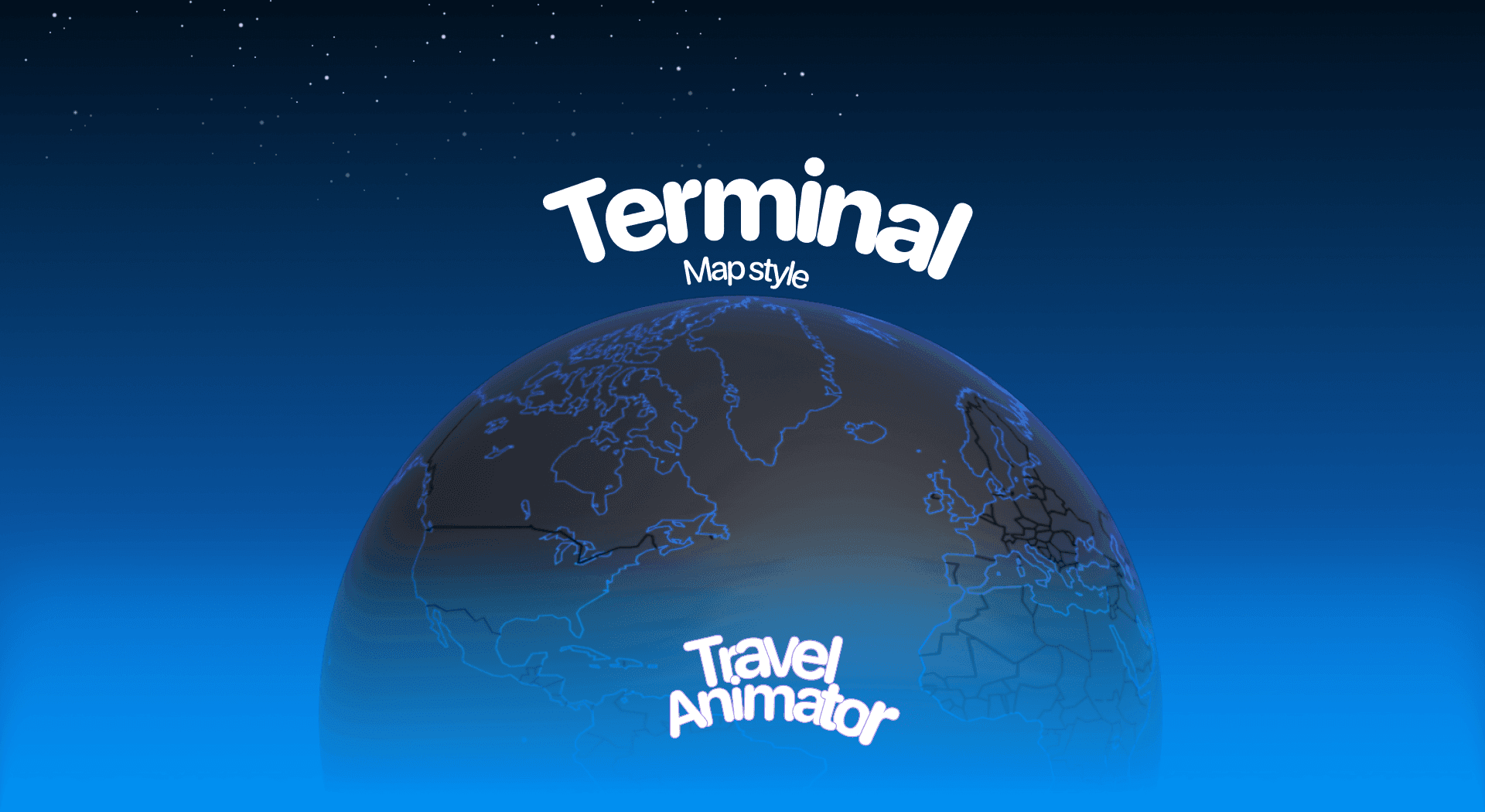
Terminal Map in Travel Animator
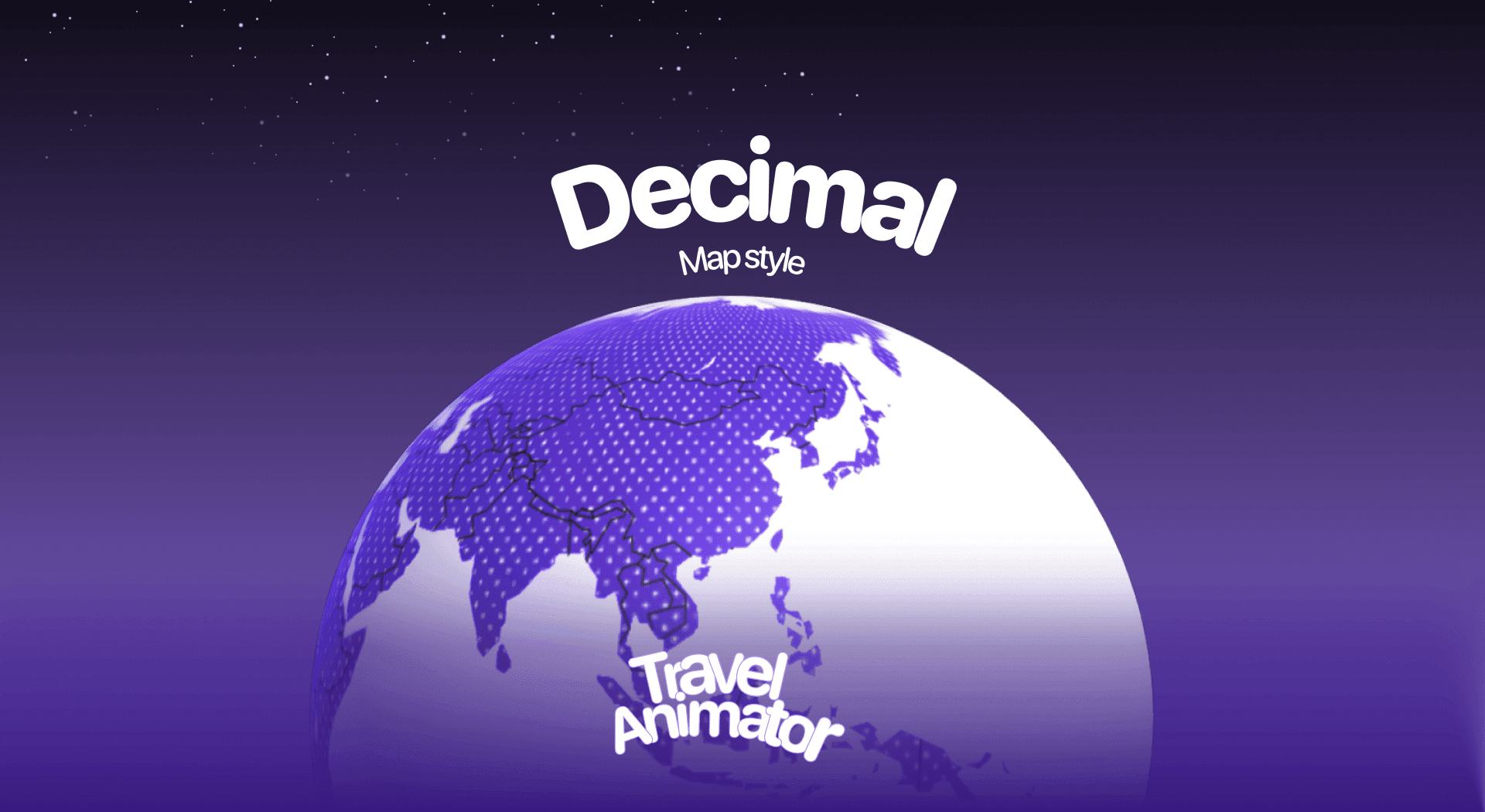
Decimal Map in Travel Animator
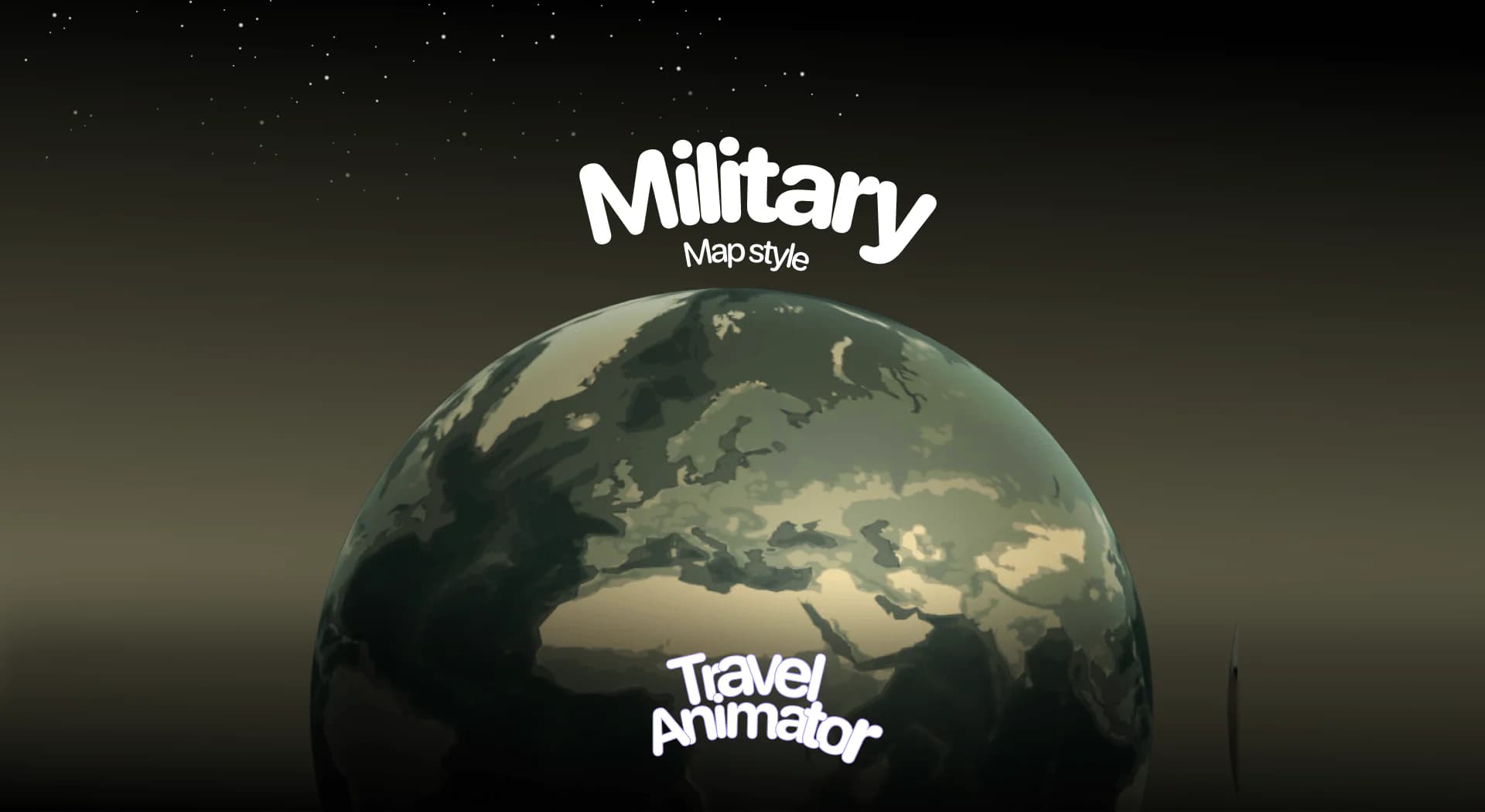
Military Map in Travel Animator
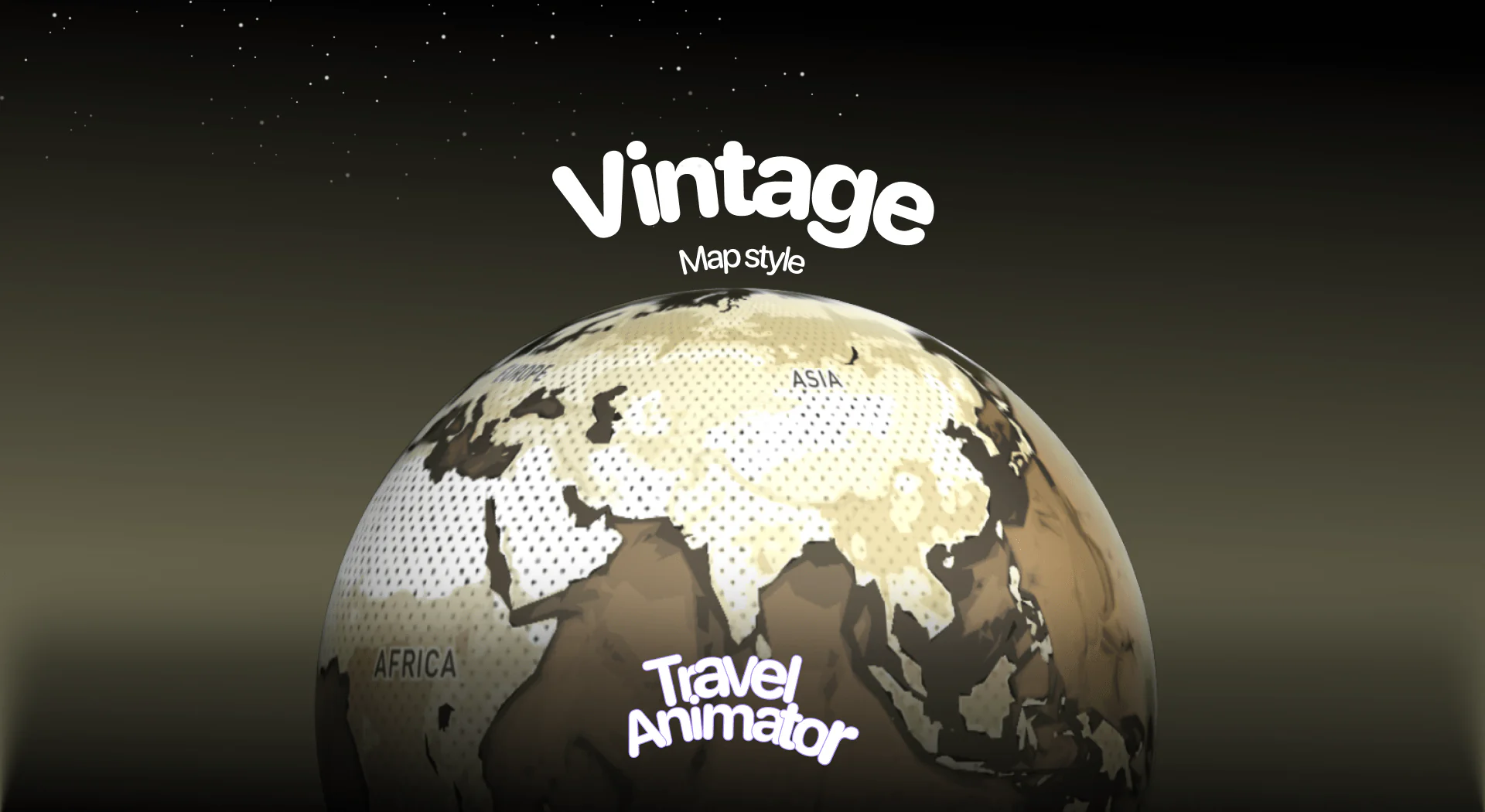
Vintage Map in Travel Animator
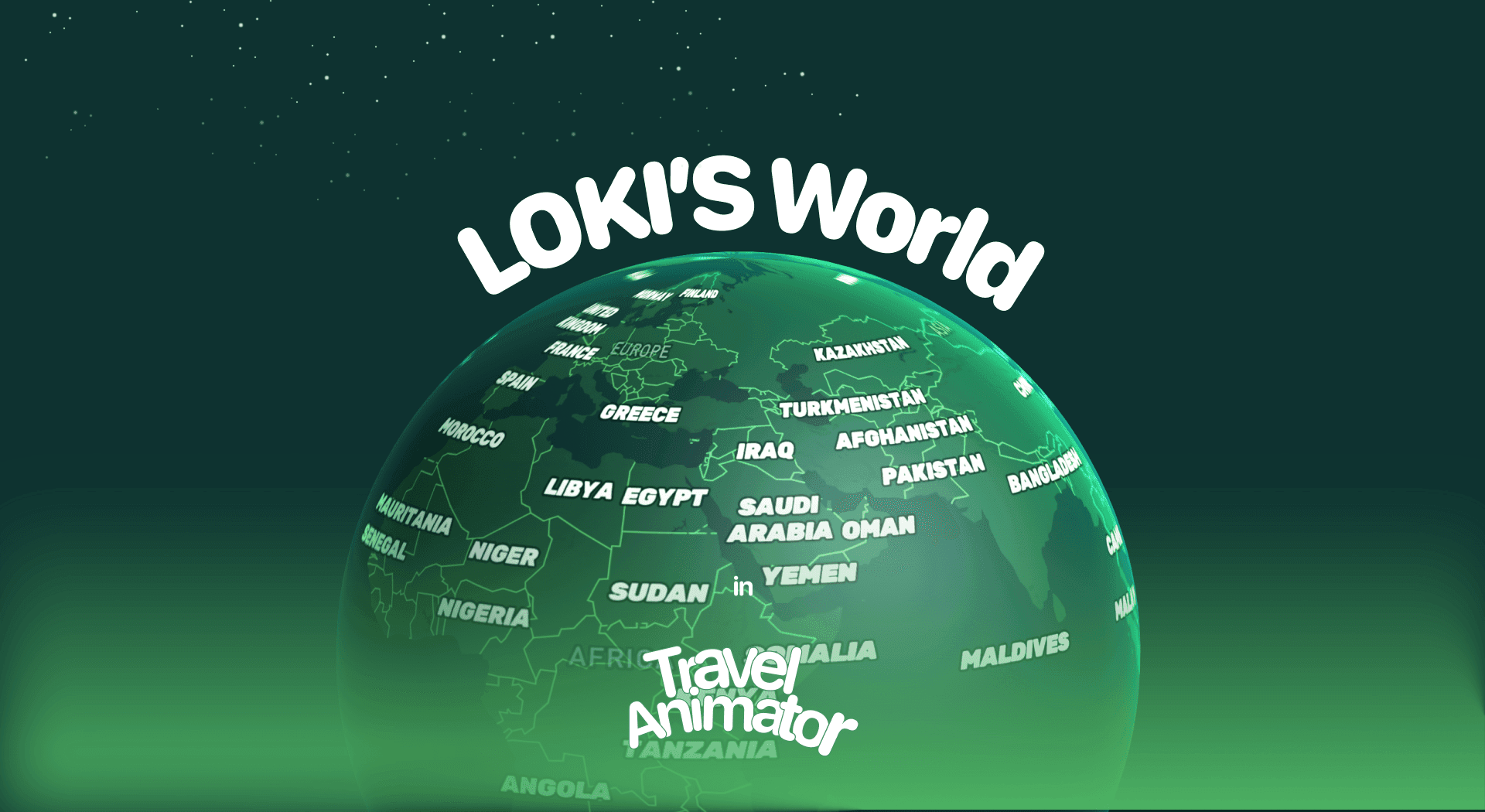
Loki’s World Map in Travel Animator
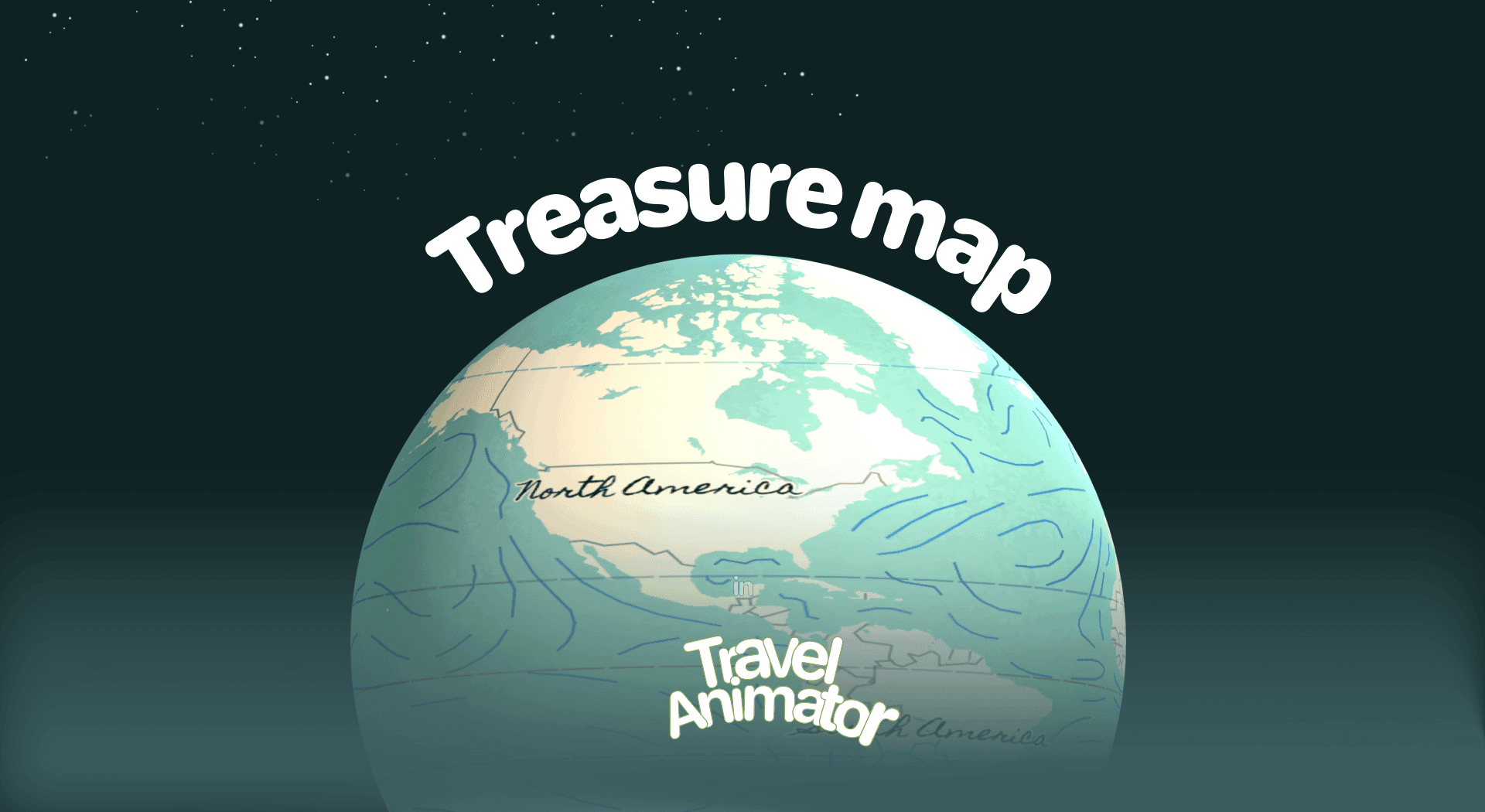
Treasure Map in Travel Animator
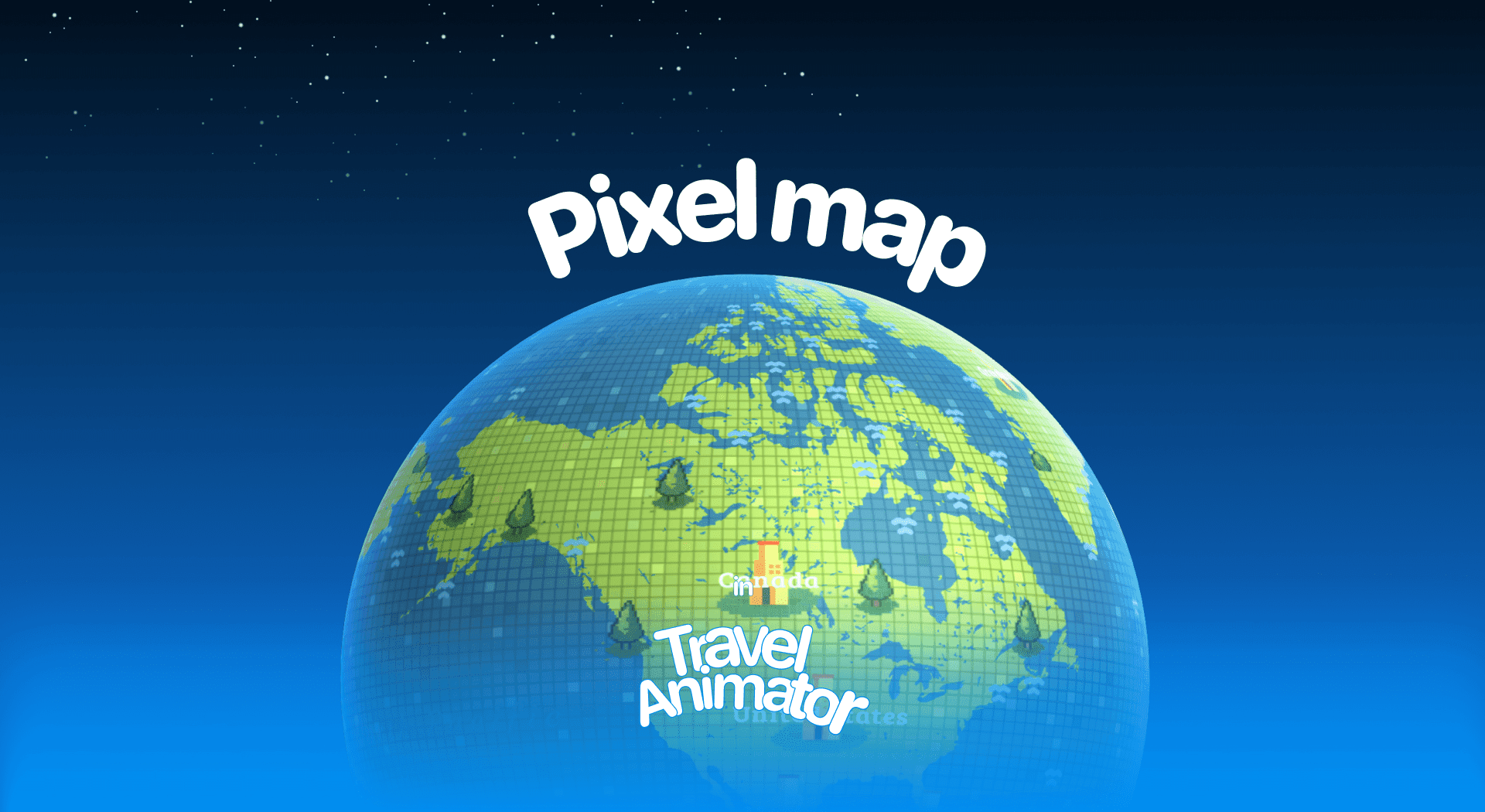
Pixel Map in Travel Animator
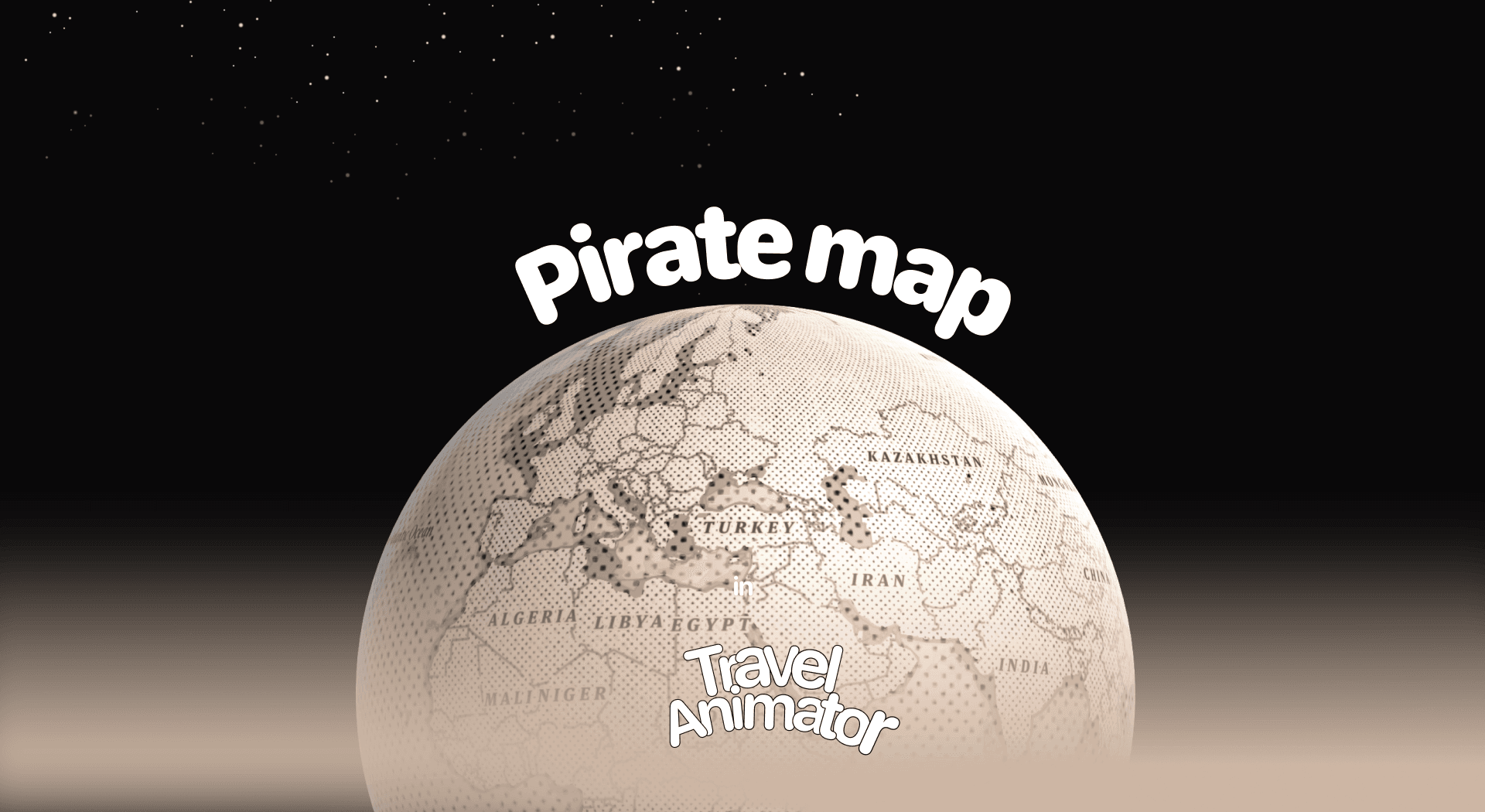
Pirates Map in Travel Animator
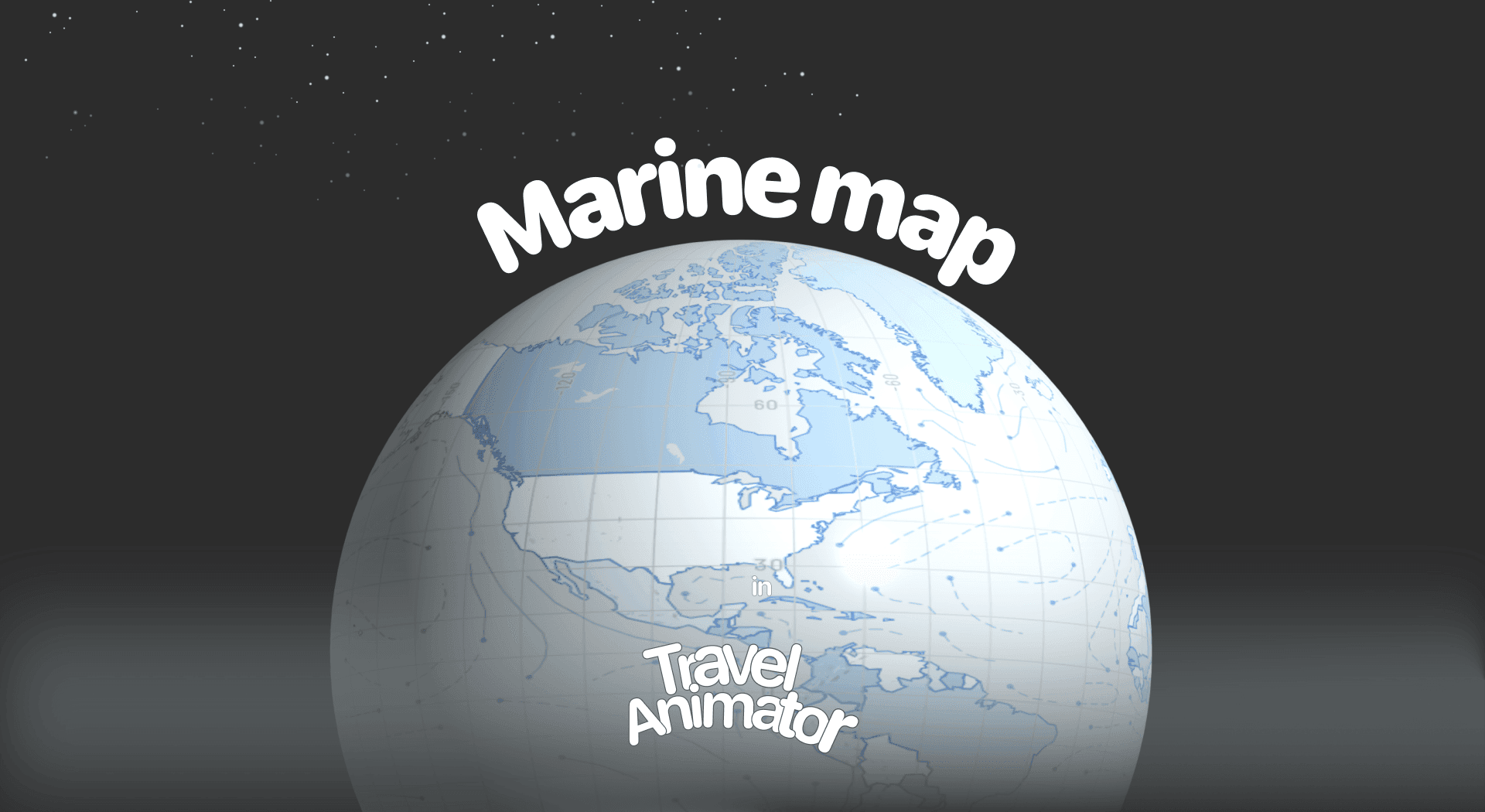
Marine Map in Travel Animator
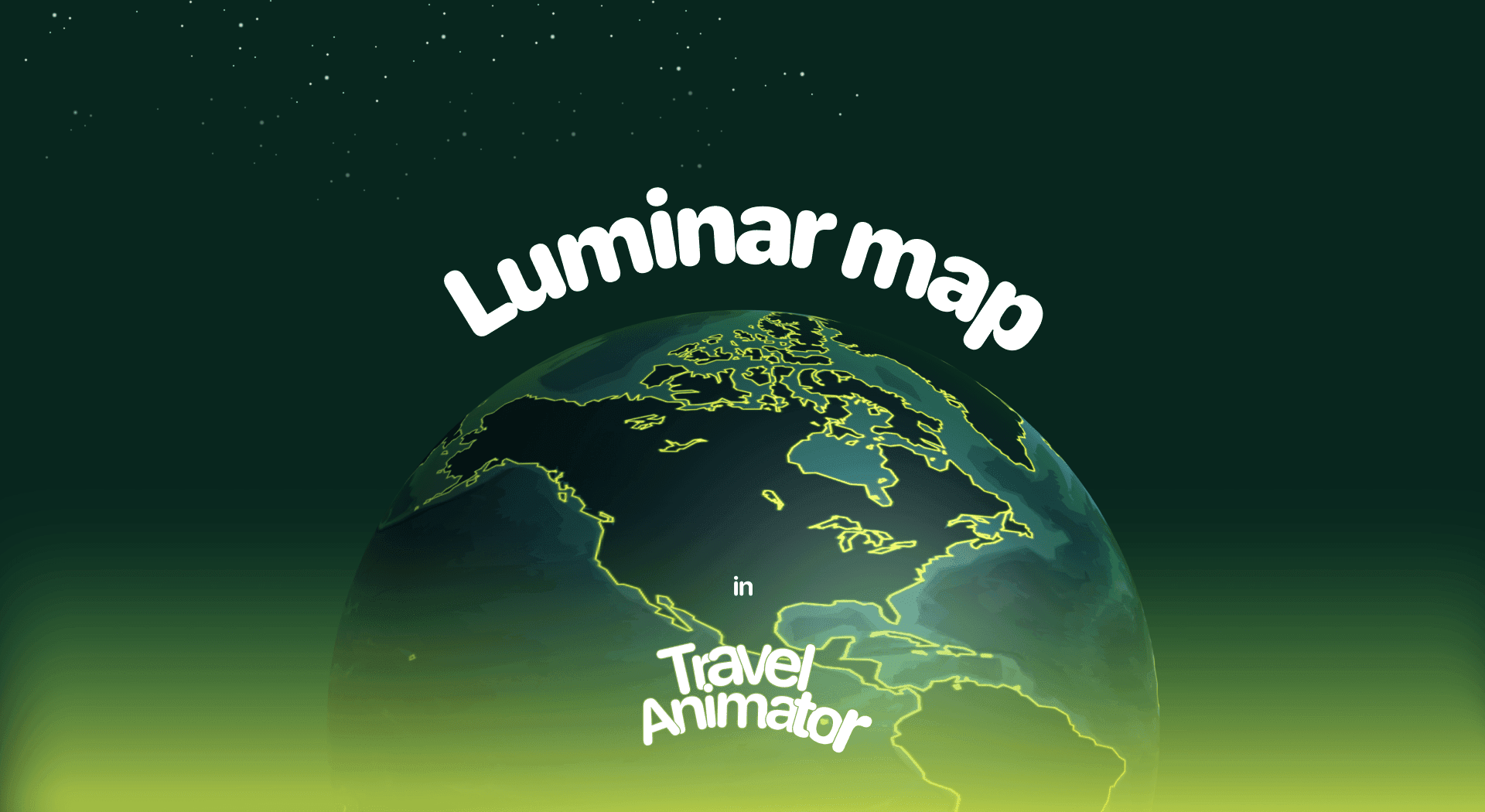
Luminar Map in Travel Animator
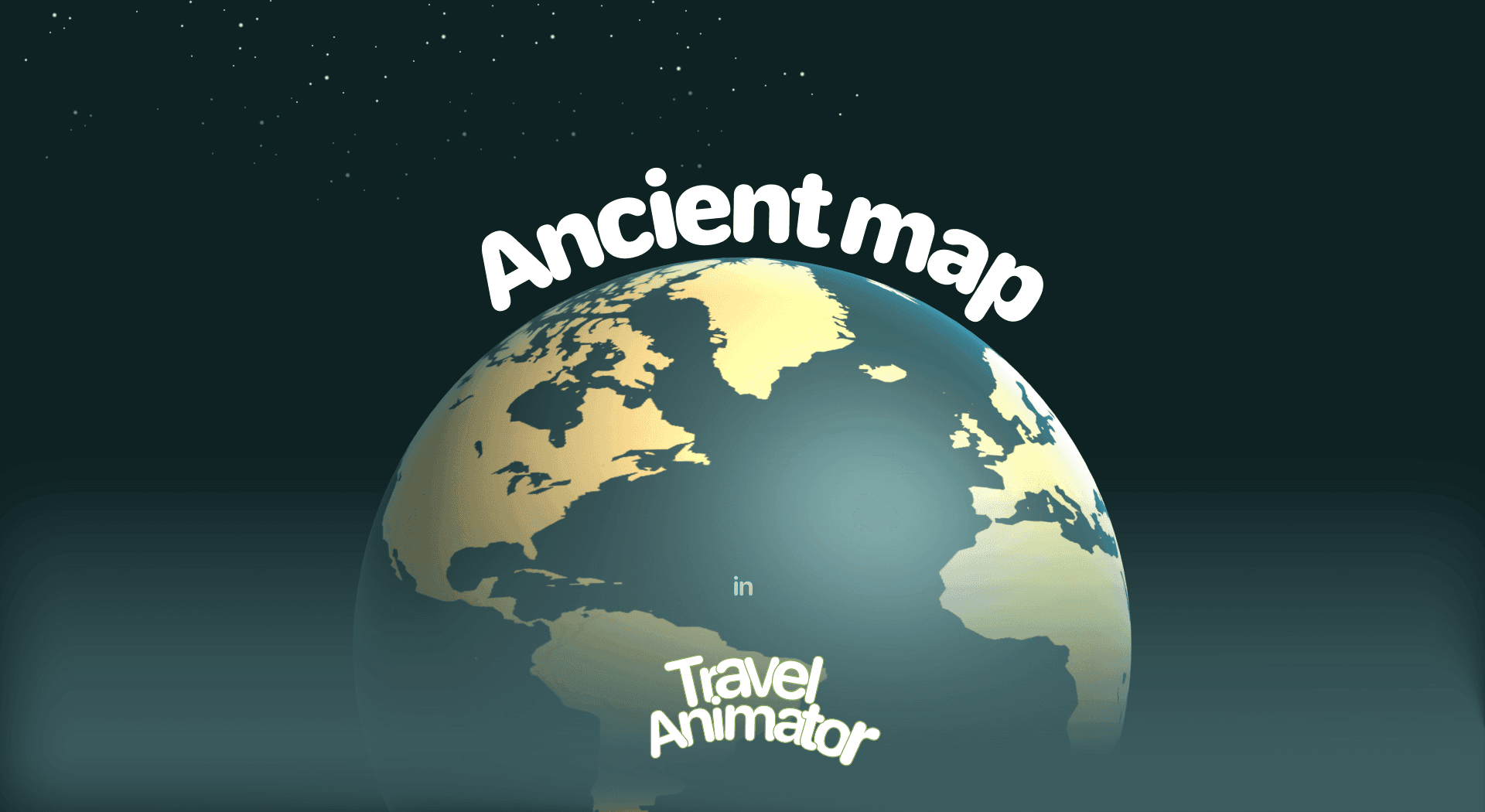
Ancient Map in Travel Animator
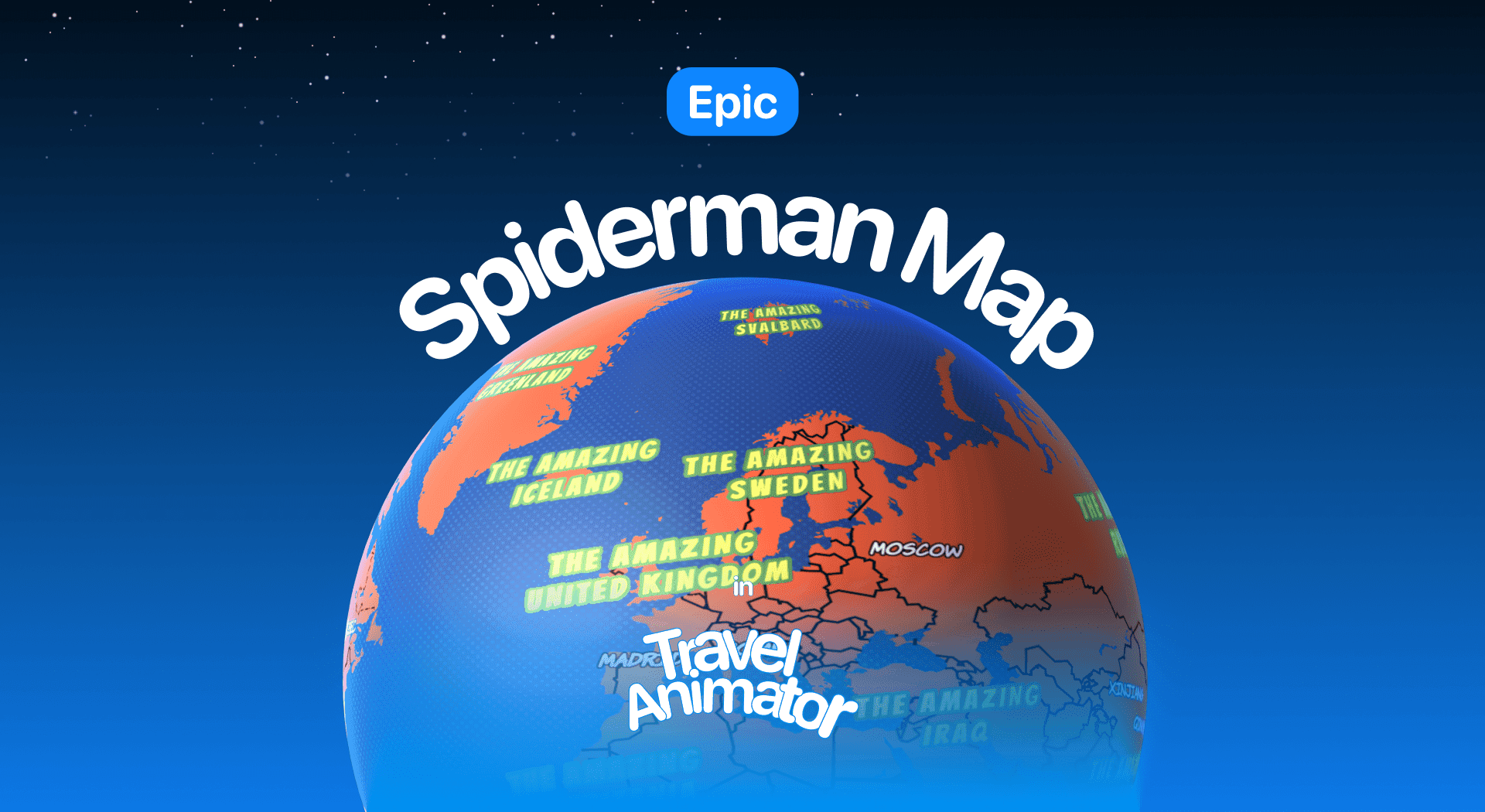
Spiderman Map in Travel Animator
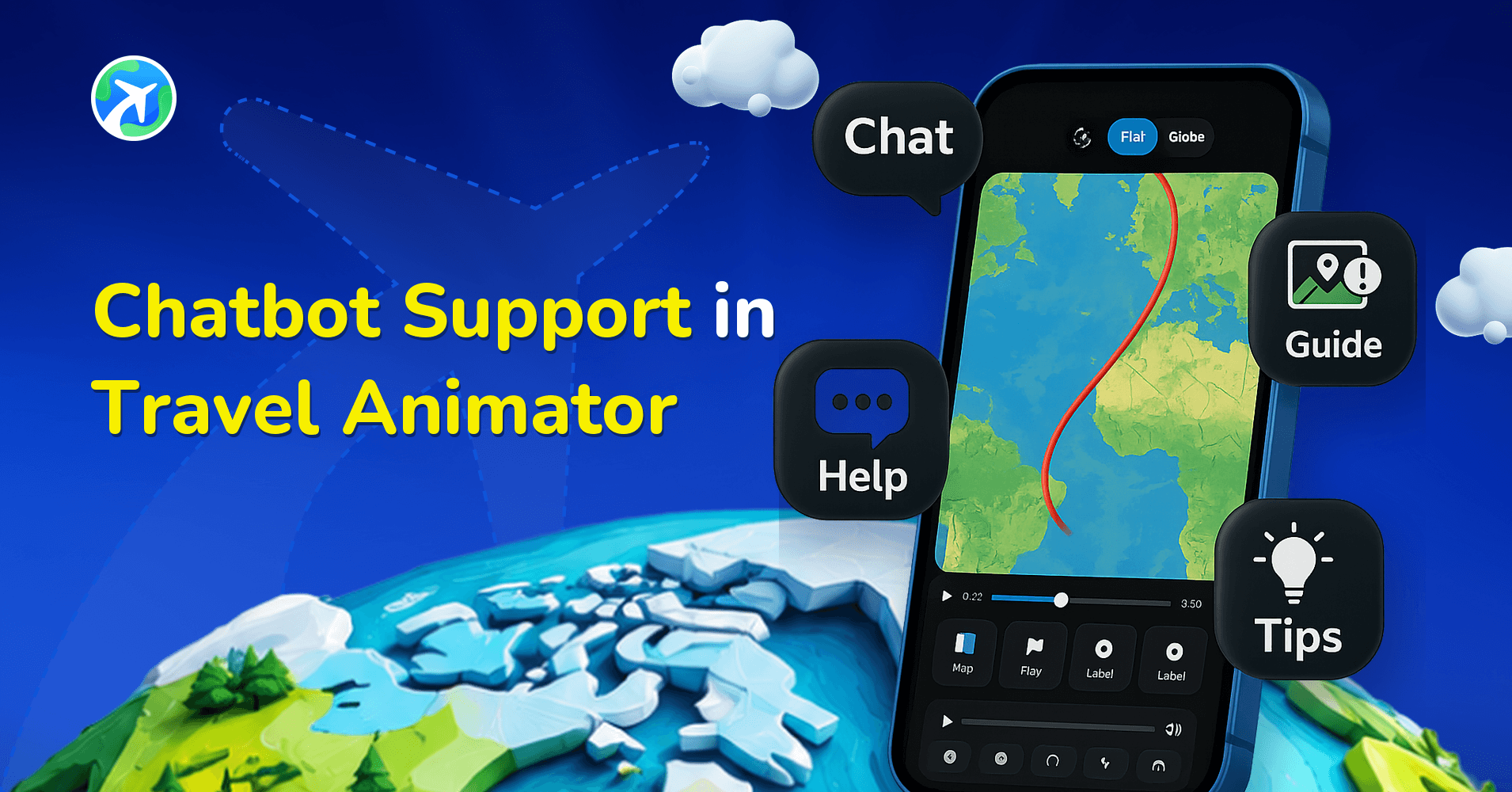
Chatbot Support in Travel Animator
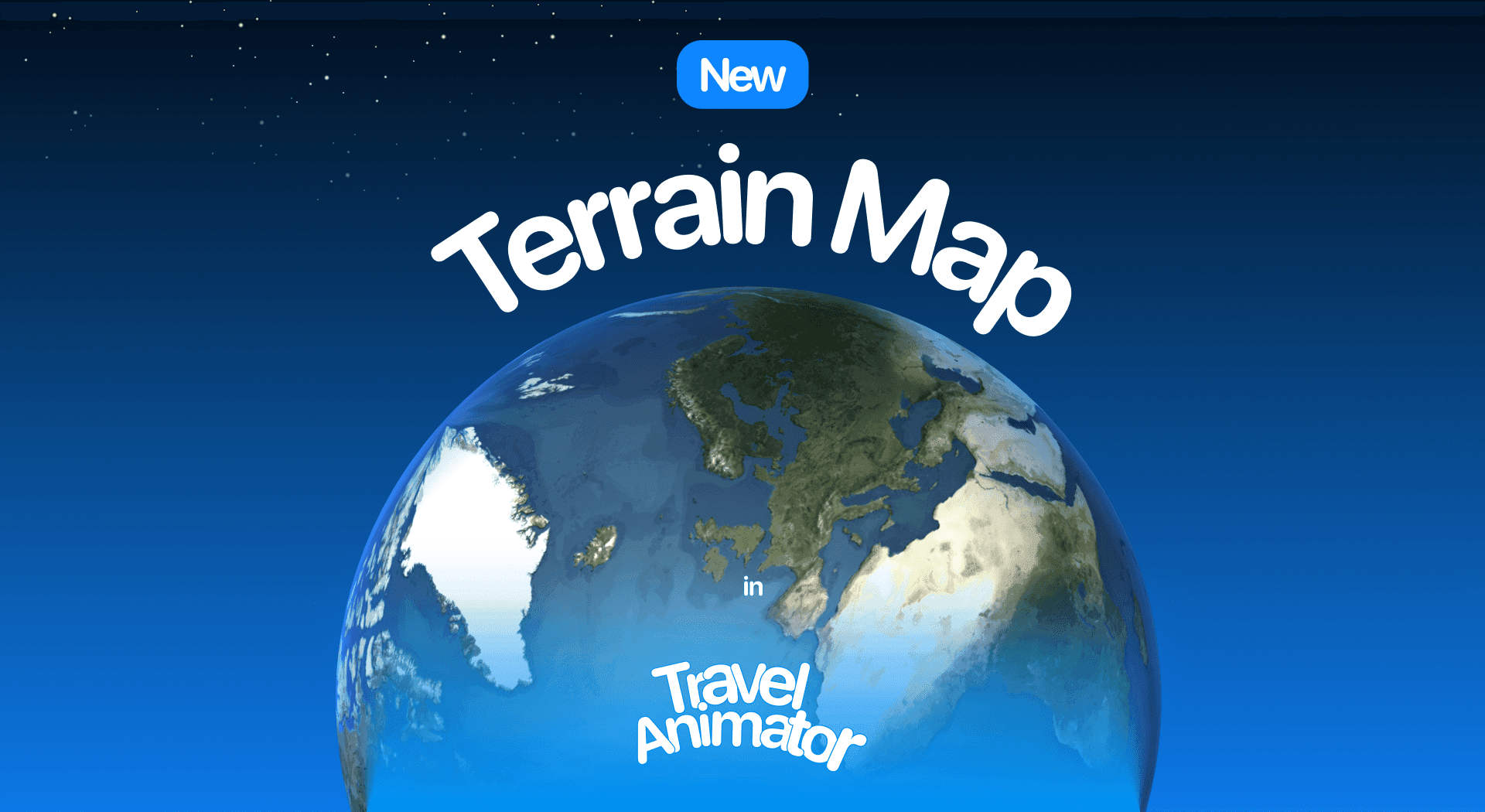
Terrain Map in Travel Animator
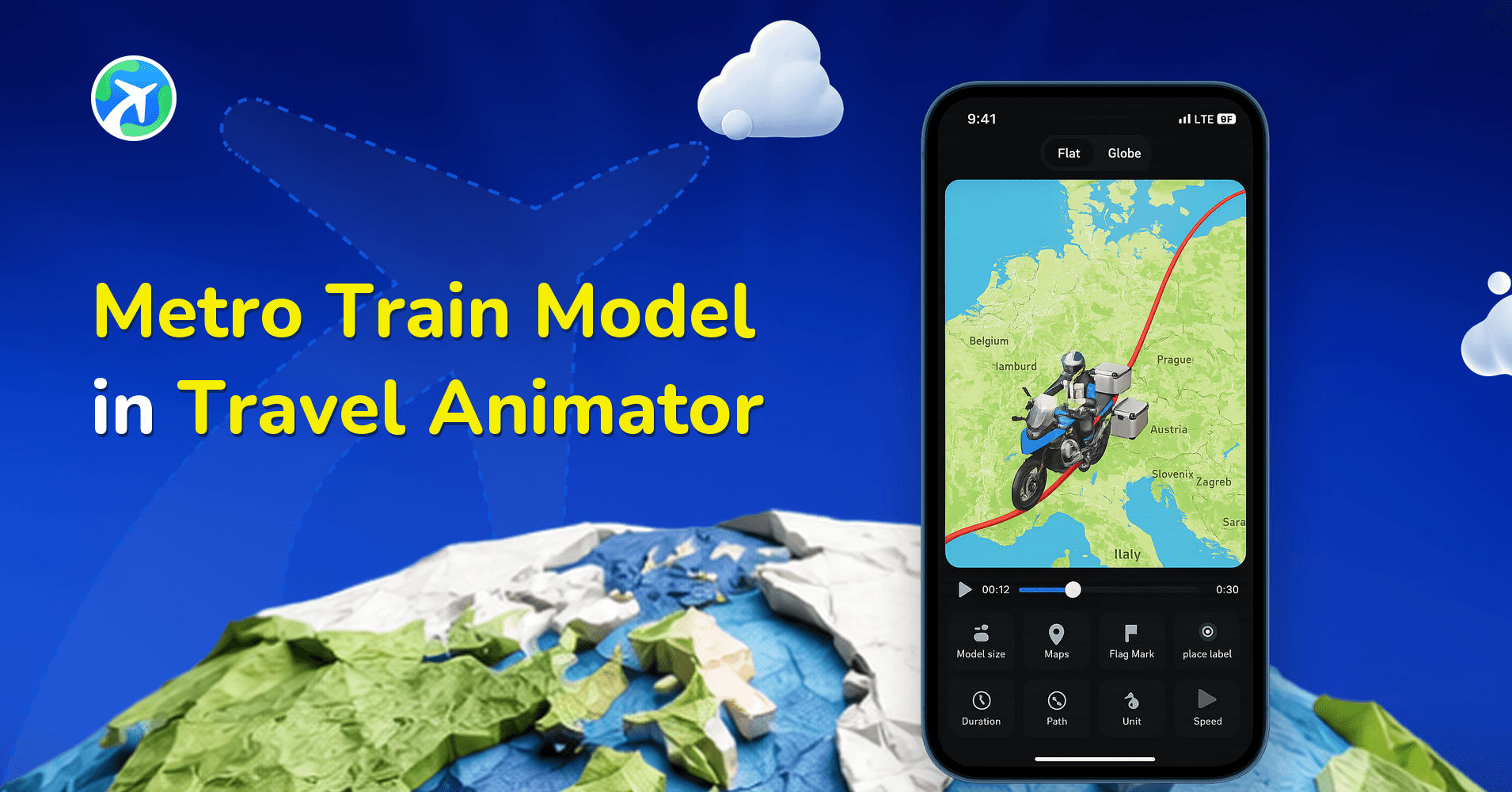
Metro Train Model in Travel Animator
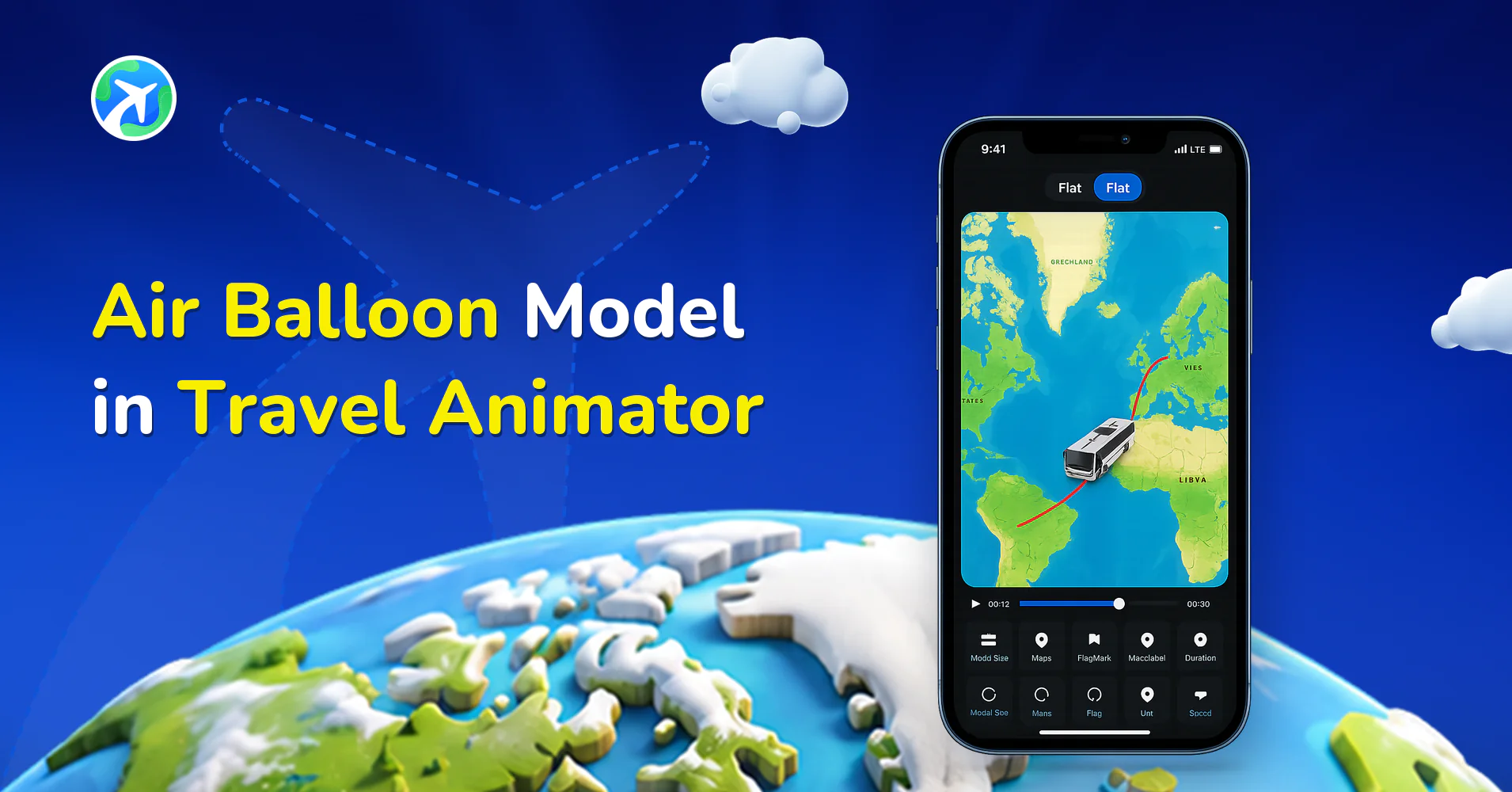
Air Balloon Model in Travel Animator
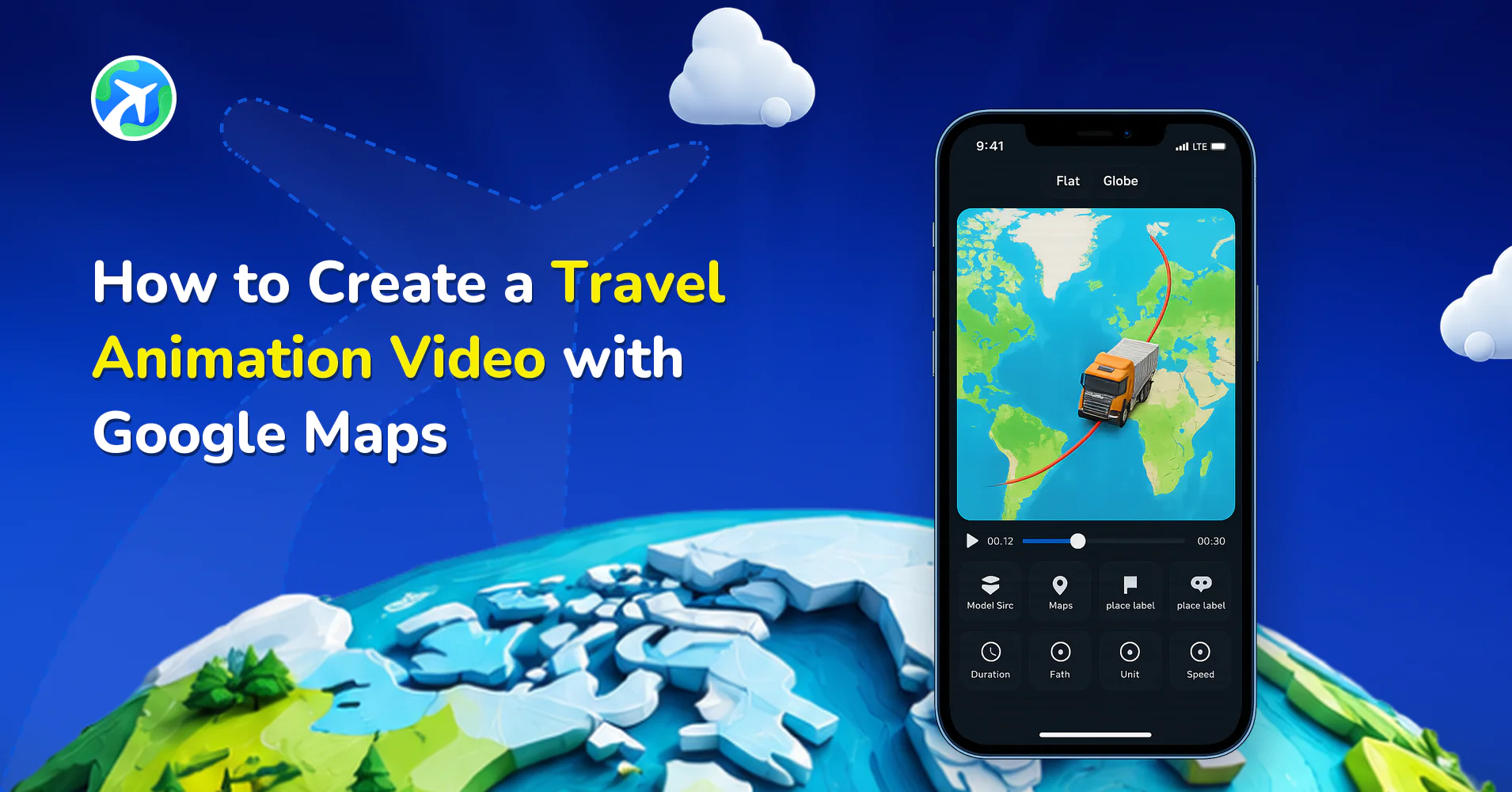
How to Create a Travel Animation Video with Google Maps
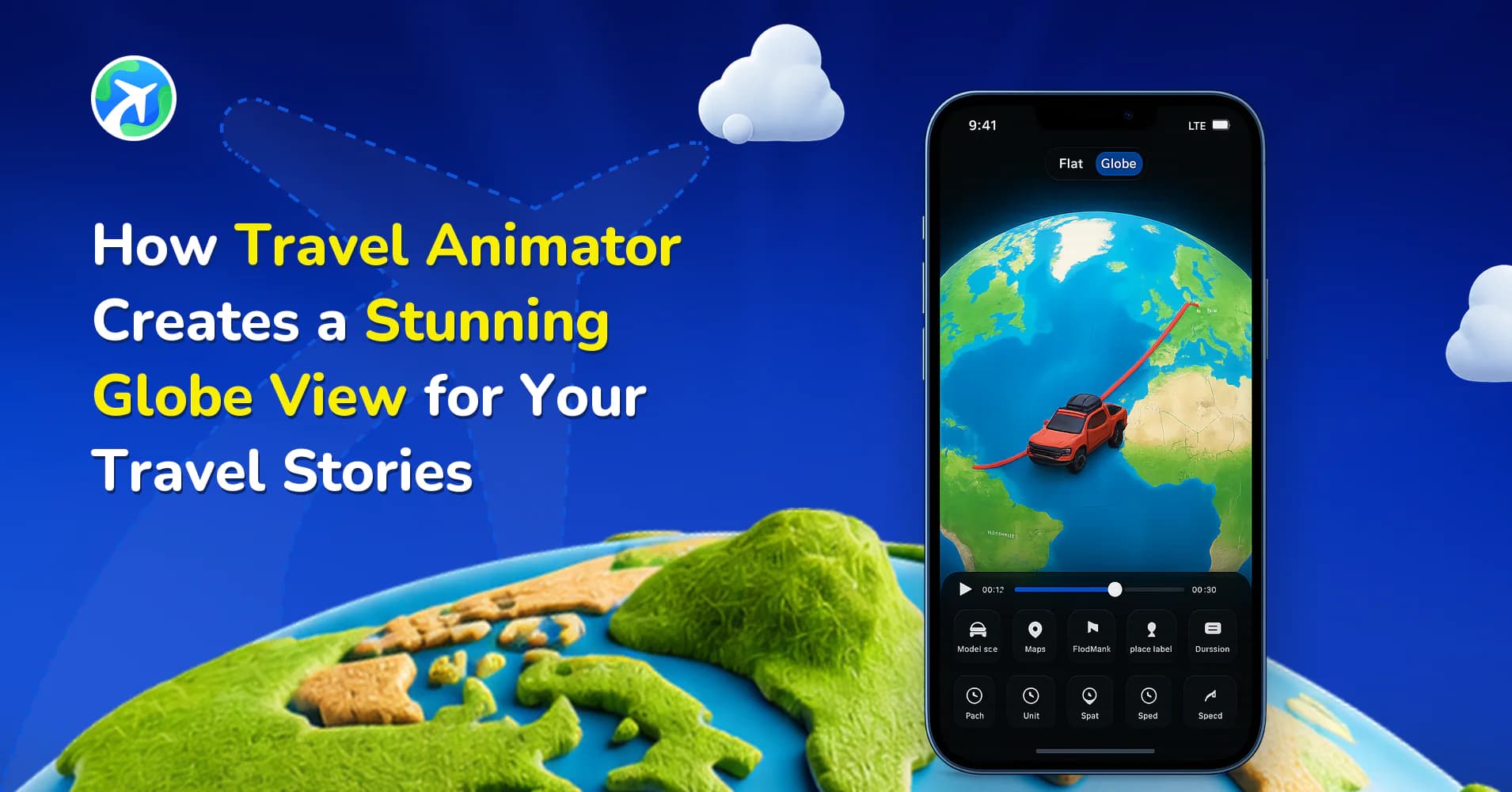
How TravelAnimator Creates a Stunning Globe View for Trips
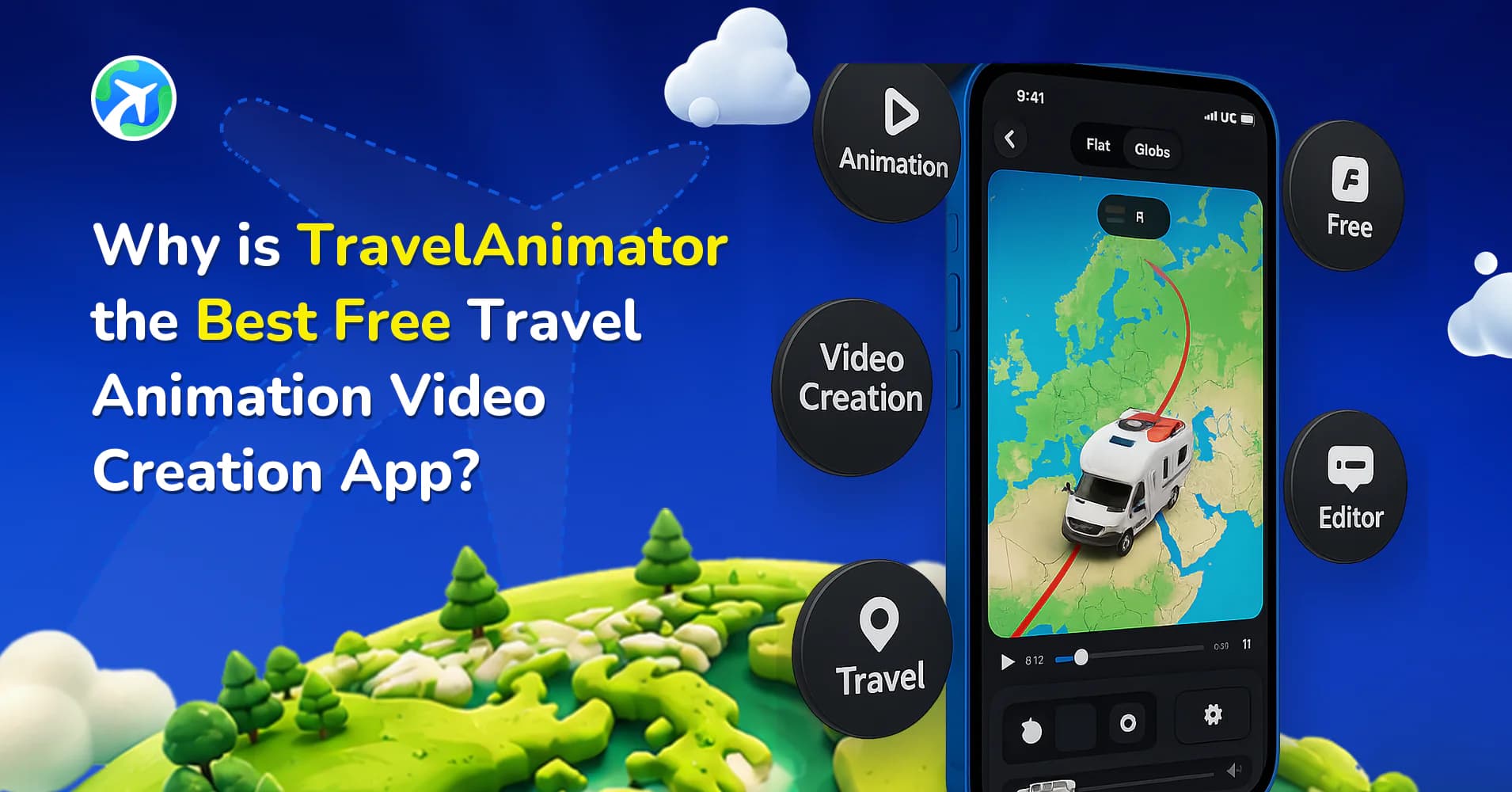
Why Is TravelAnimator the Best Free Travel Animation App?
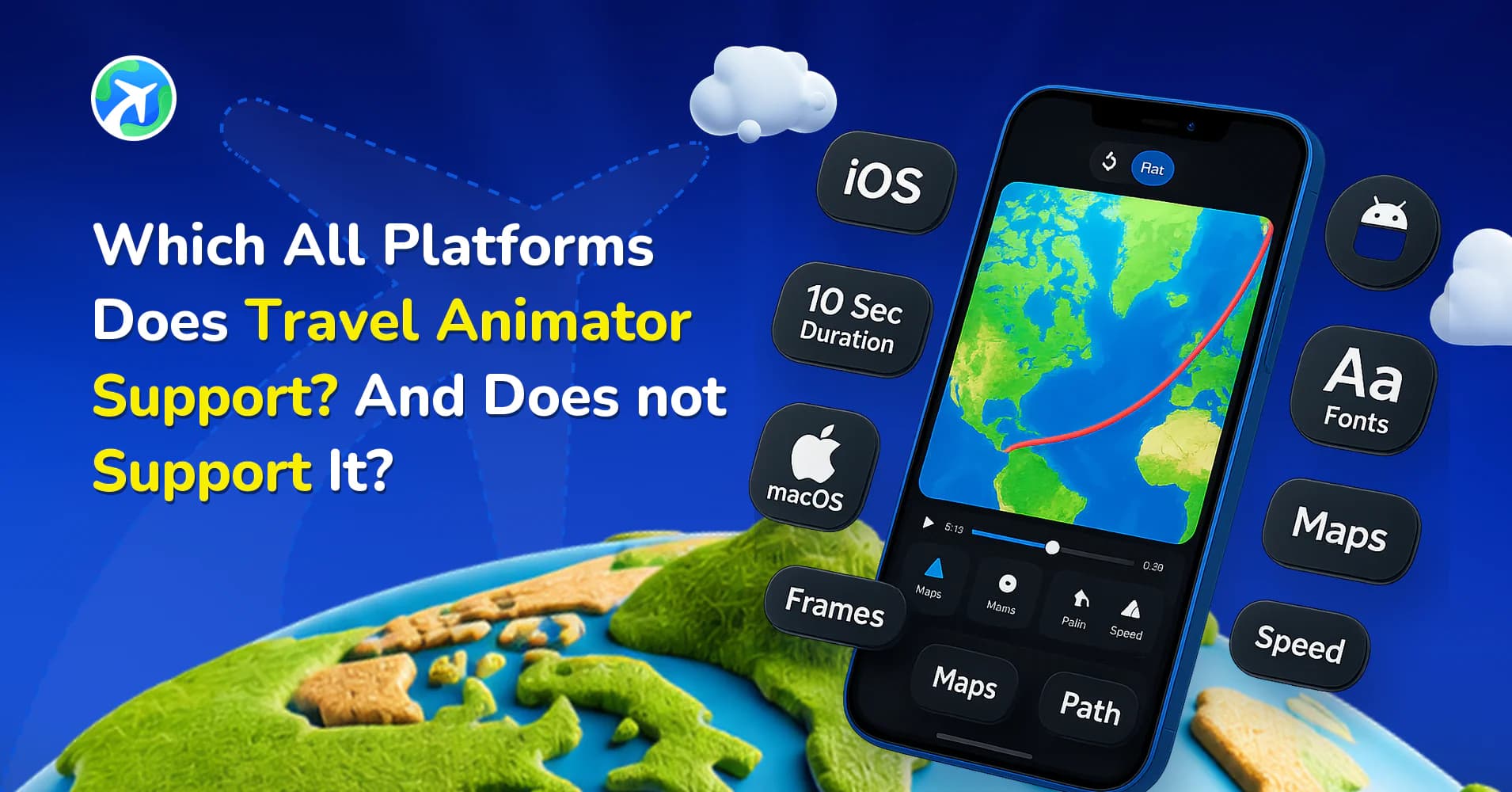
Which Platforms Does TravelAnimator Support?
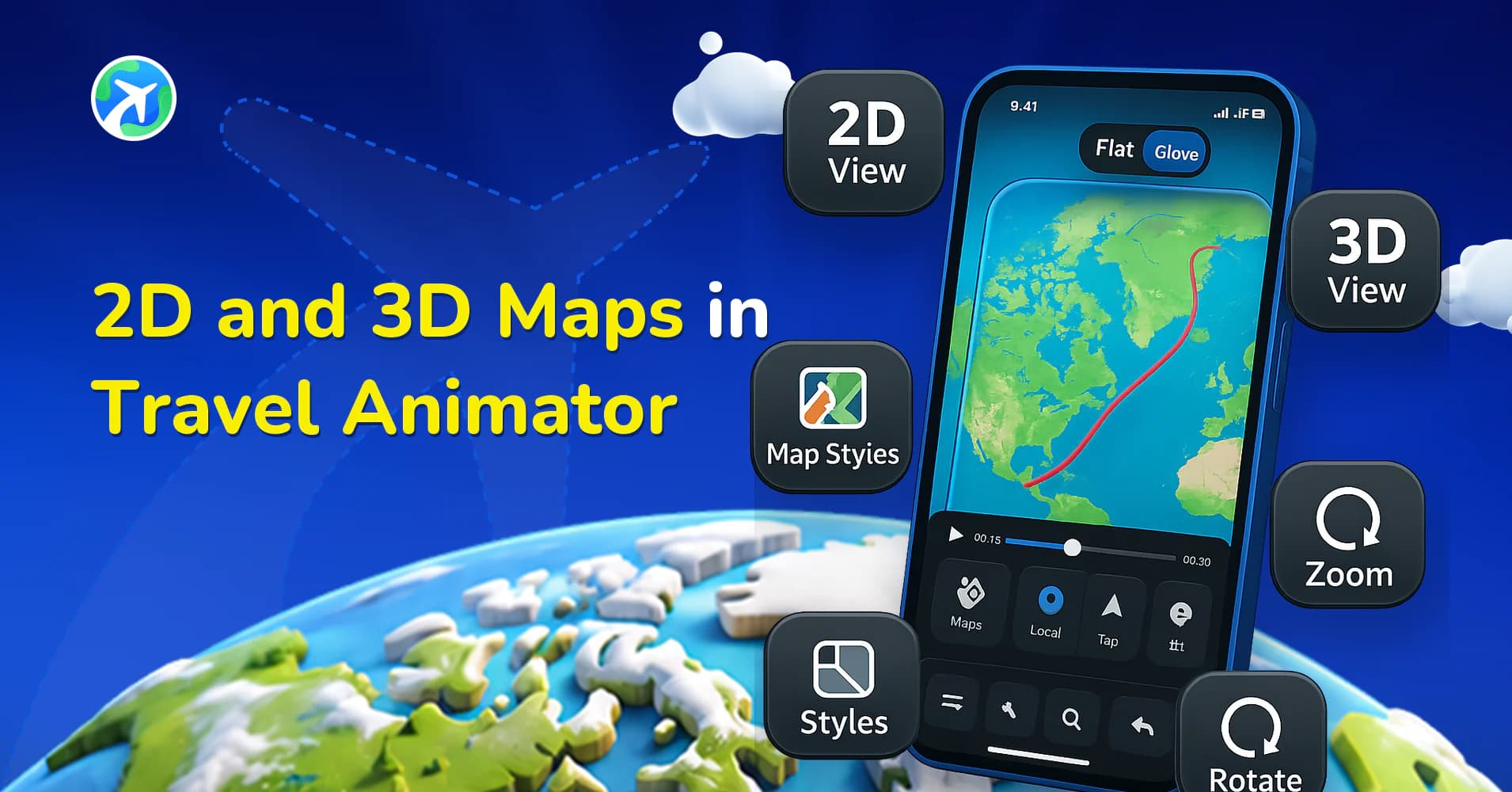
2D and 3D Maps in Travel Animator
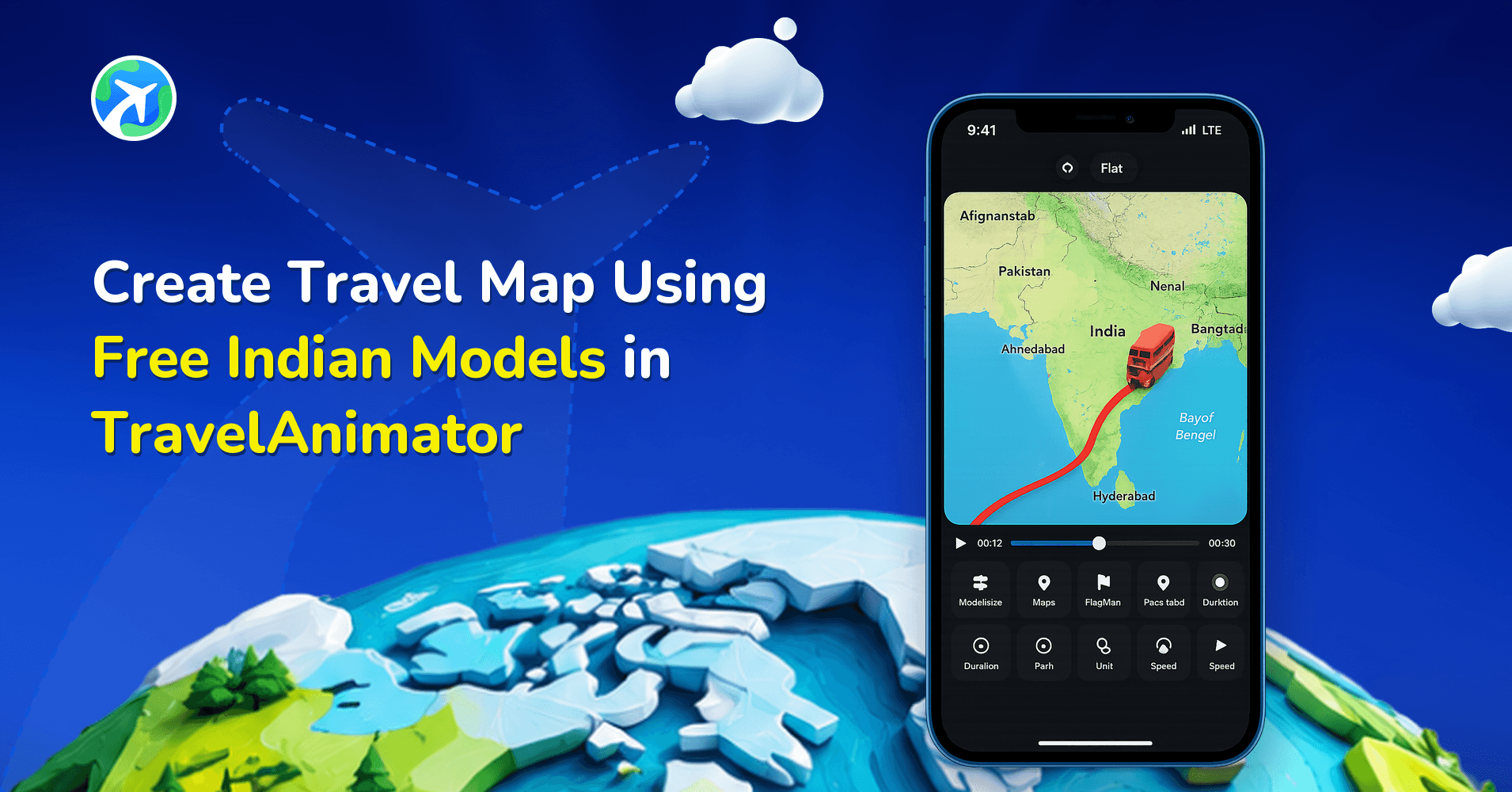
Create Travel Map Using Free Indian Models in TravelAnimator
App features: common questions
What do the feature guides cover?
What each control in Travel Animator actually does — the 3D model library, map and terrain styles, the globe view, GPX import, timing and camera settings, and the export options — and when each one is the right choice. They are written to be read with the app open.
Which features need a Pro subscription?
The free plan covers plotting or importing a route, animating it and exporting unlimited HD videos. Pro adds the full 300+ 3D model catalogue, all 30+ map styles, 4K export, watermark-free video and unlimited saved routes. Each guide says where the line falls for the feature it describes.
Where can I see the full list of models and map styles?
The models gallery lists all 300+ 3D vehicles by category, and the map styles page covers the 30+ backdrops with guidance on which suits which kind of route. Both link from every feature guide in this category.

