Metro Train Model in Travel Animator
 Jaseel S6 min read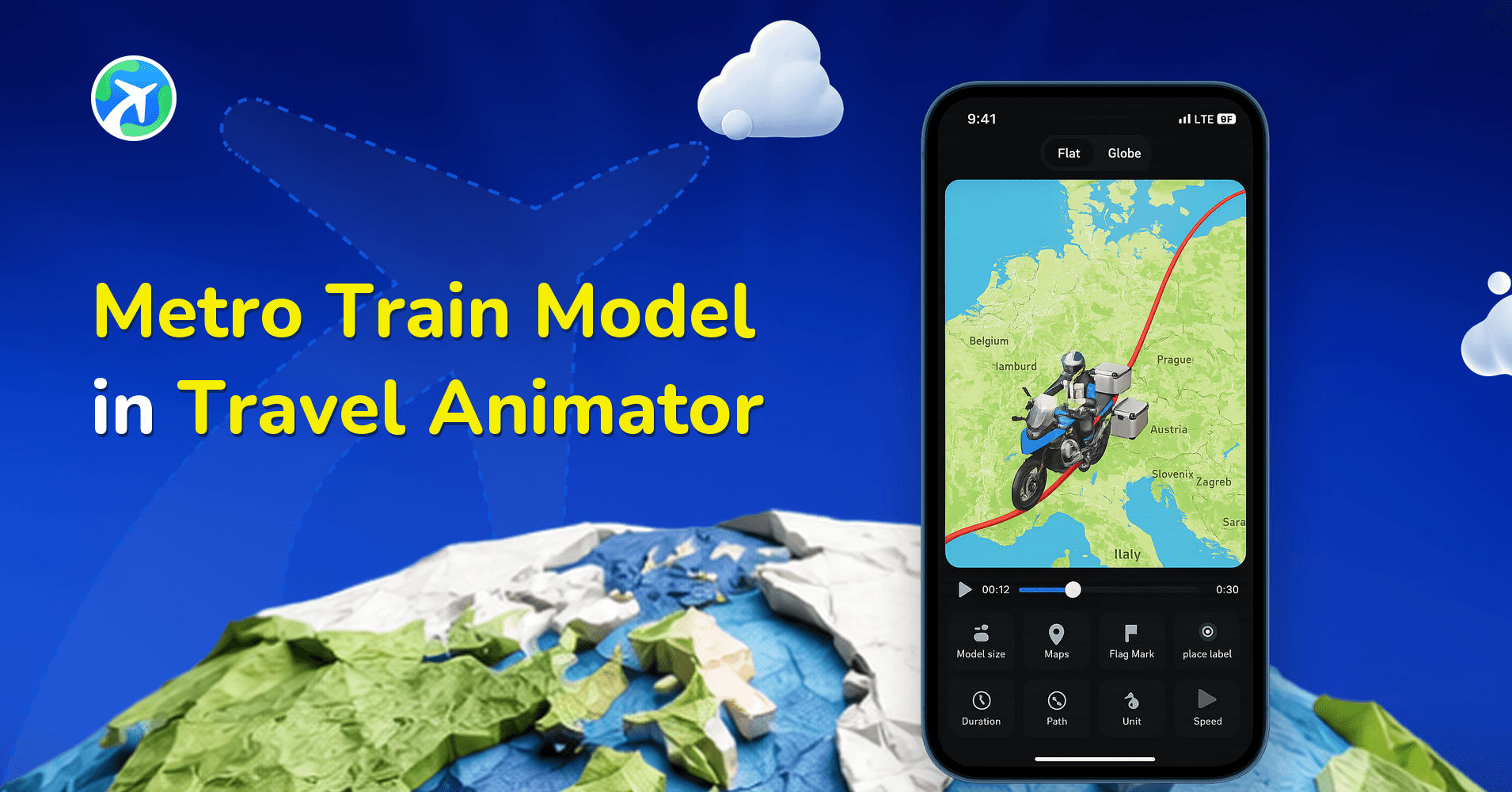
In this article 9 sections
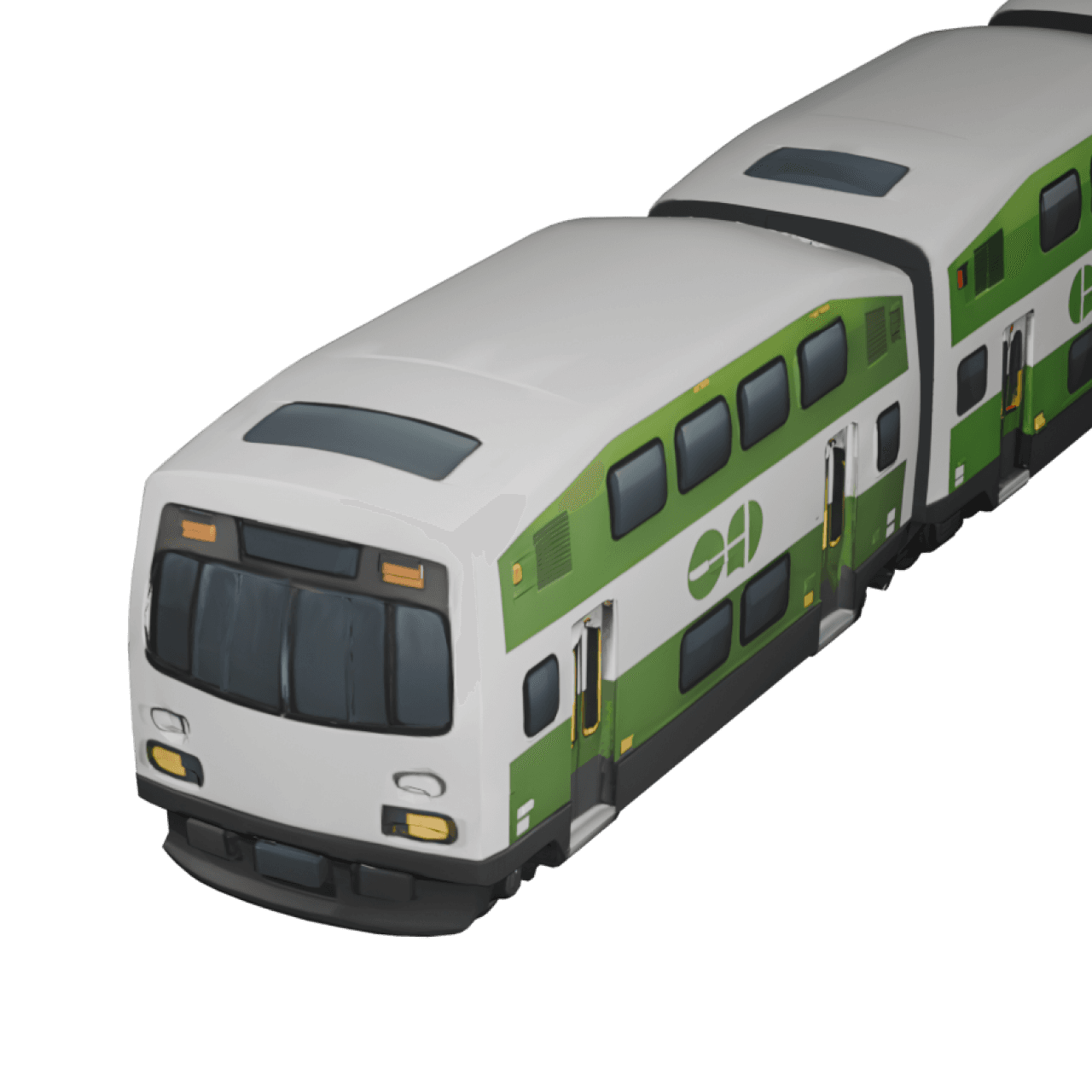
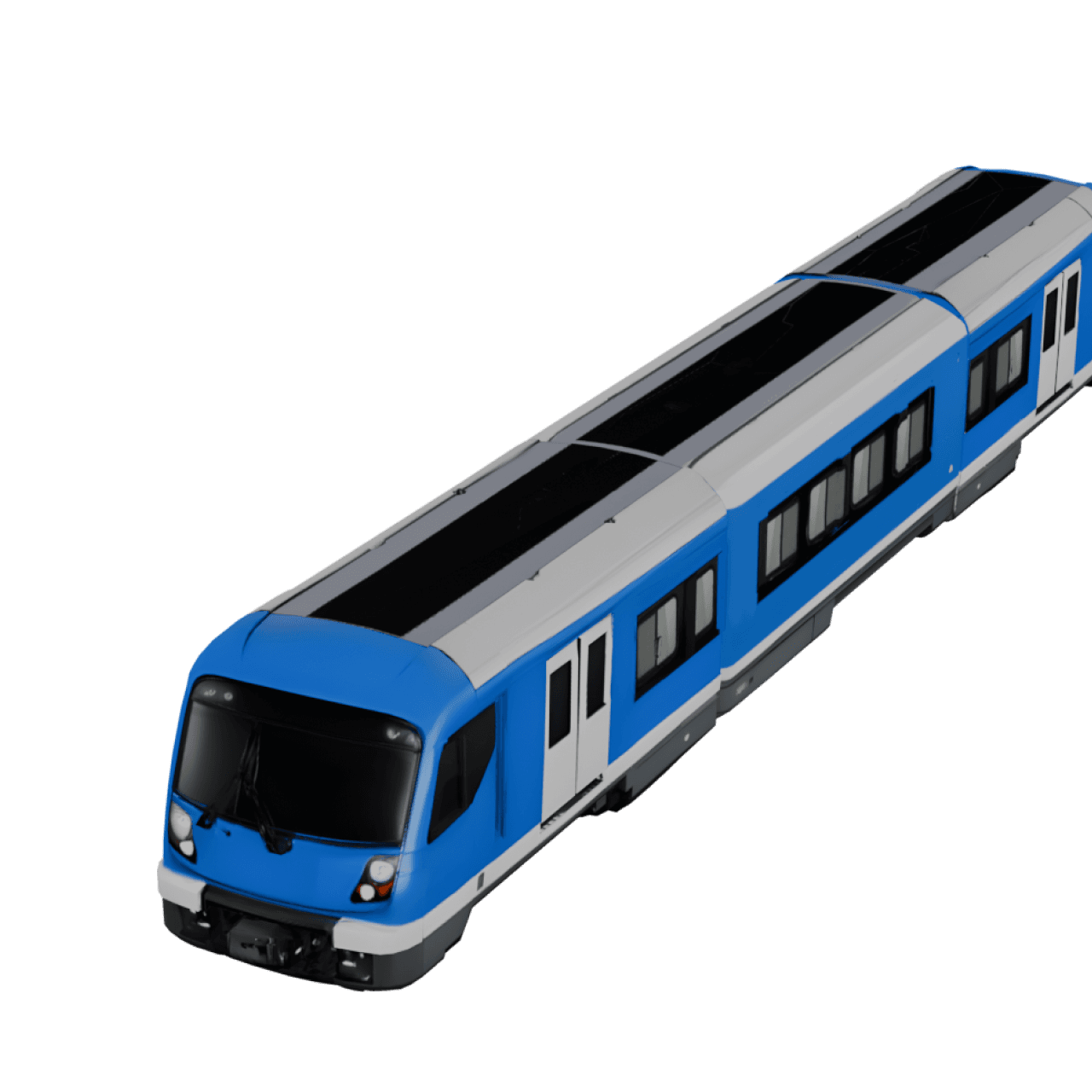
Travel Animator has just launched the metro train model, allowing you to replicate your metro journeys in cities in just a few minutes.
Let’s say you’re creating a travel video about your weekend in Singapore. You took the MRT from Little India to Marina Bay, and now you want to show that journey in your animation. Instead of using a plain line or generic icon, Travel Animator lets you bring the route to life with a Metro Train model.
Let’s explore everything you need to know about the latest metro train model and how to create it.
What is a Metro Train in a Travel Animator?
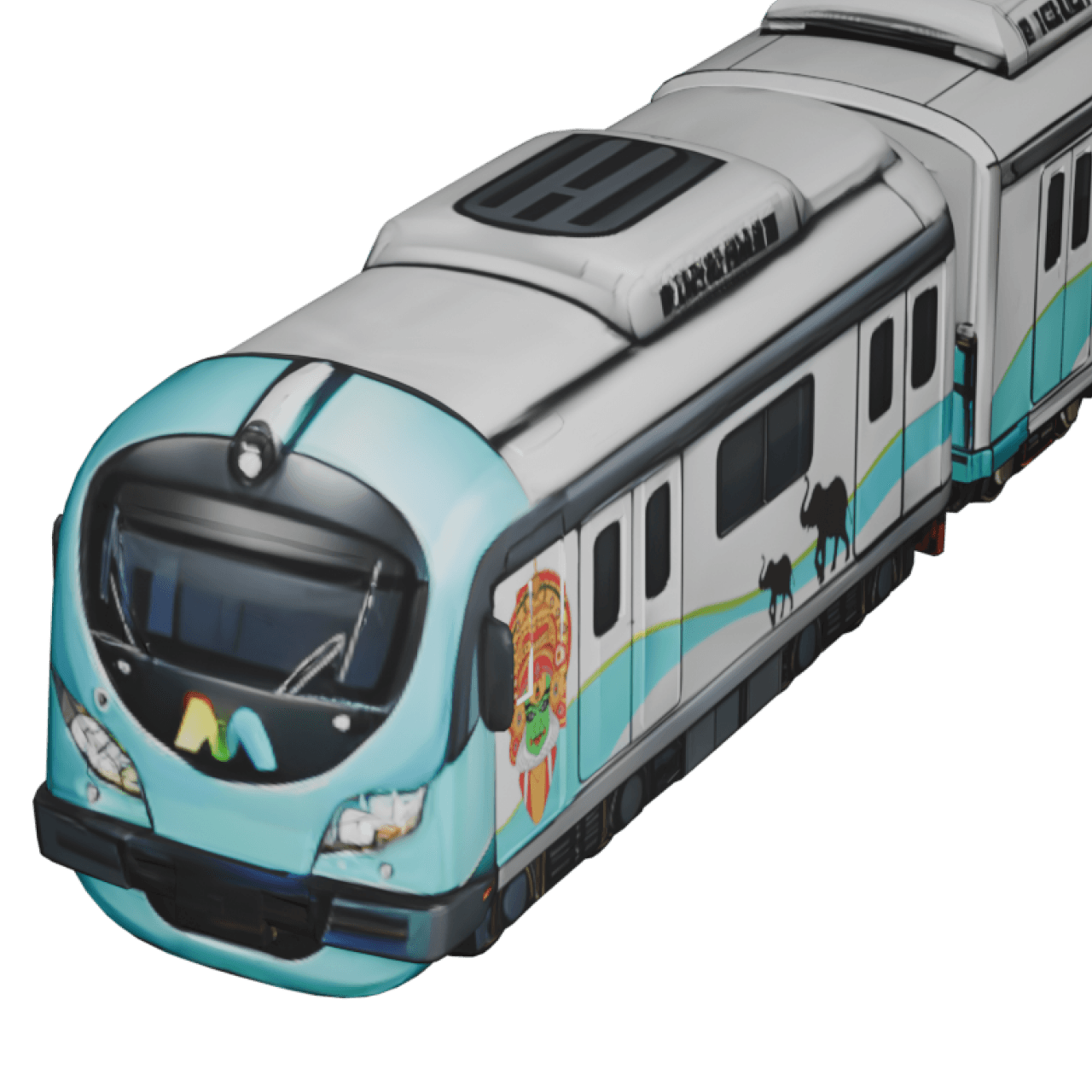
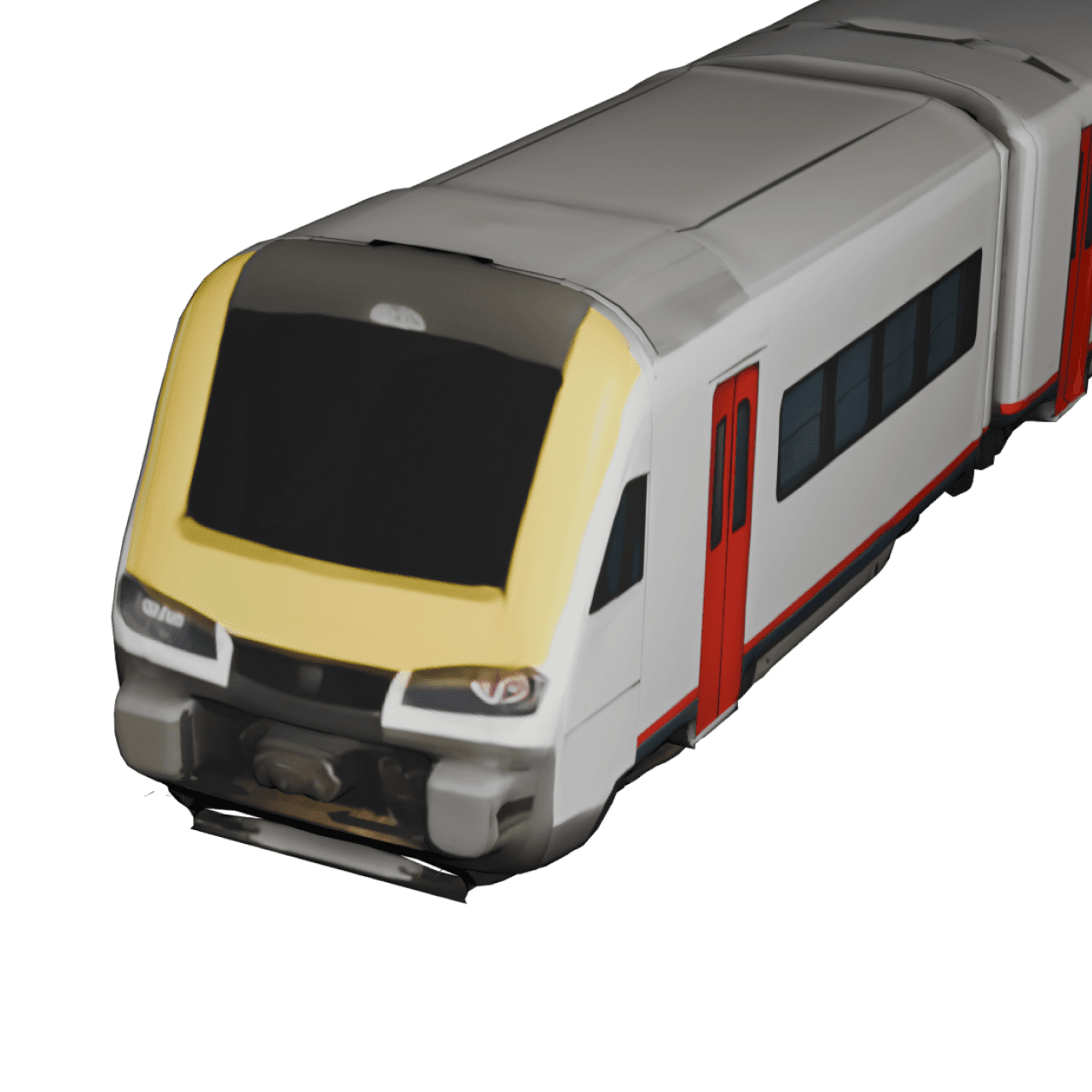
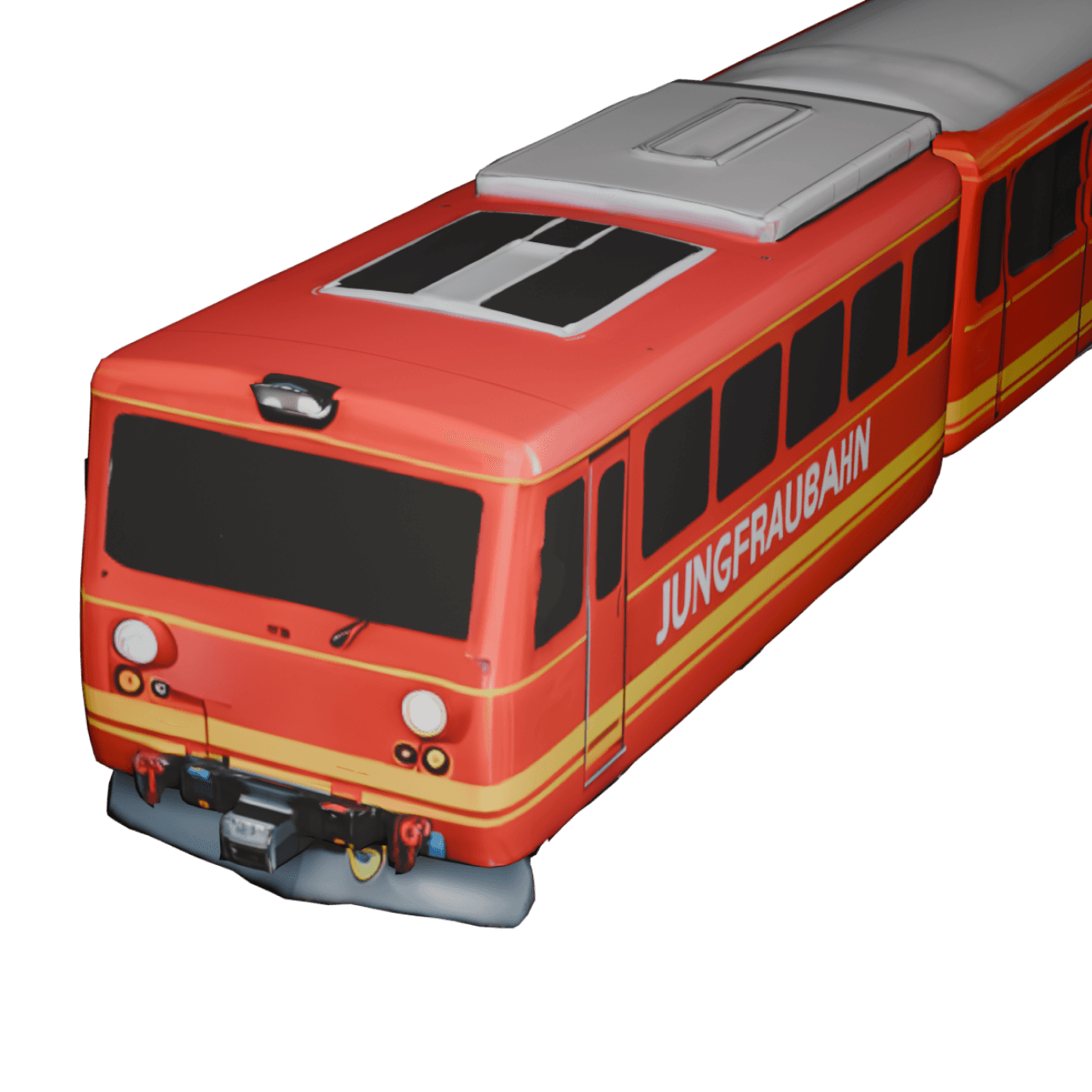
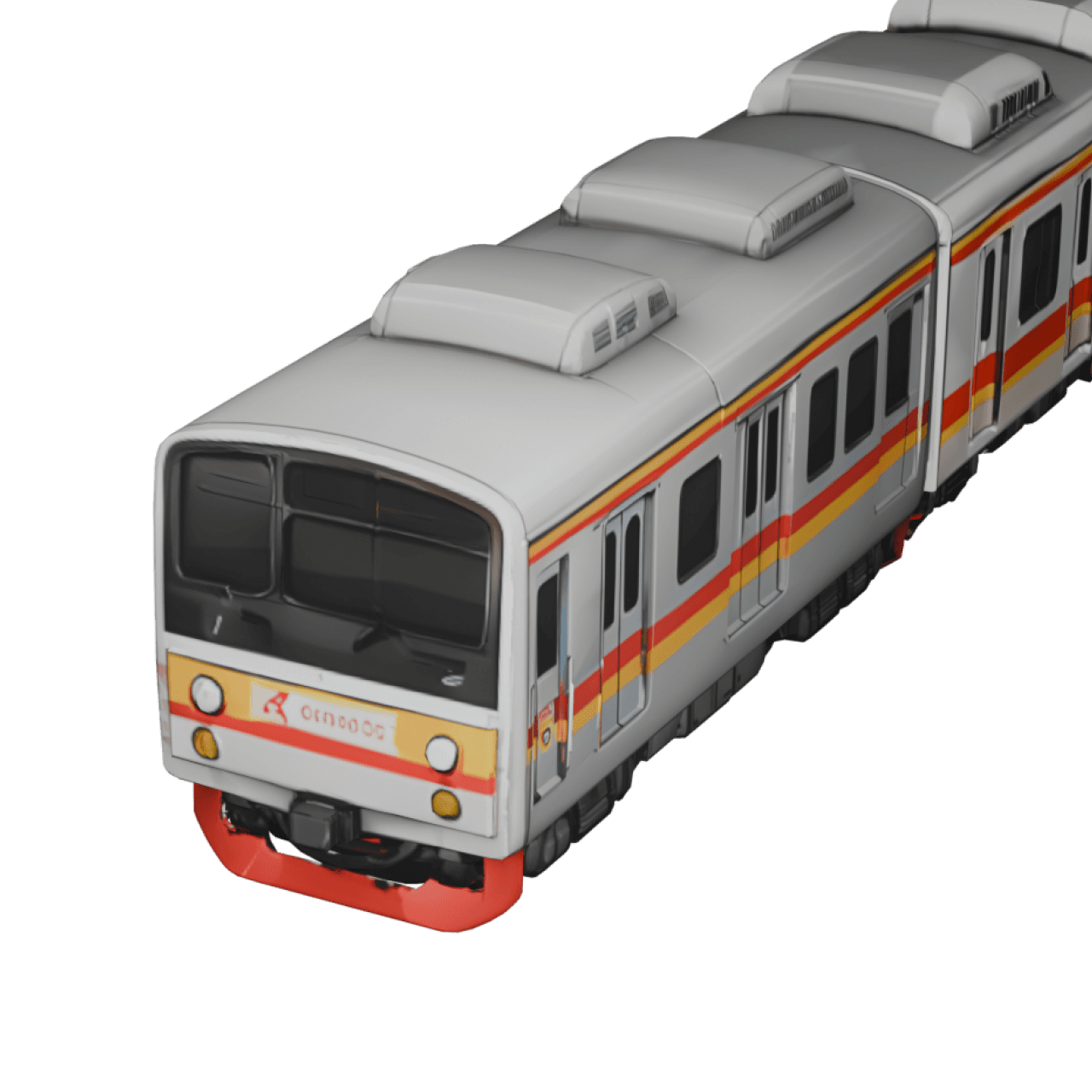
In Travel Animator, the Metro train is a 3D animated model designed to showcase city life and travel videos. It recreates the overall look and movement of real metro systems with smooth animation and curved paths, providing a realistic representation.
You can customize your metro train’s path, model size, video duration, background map, and add images and labels to the animation. This is developed for everyone to use in simple 3-4 steps.
Where Can You Use the Metro Train Model?
- Create city vlogs and reels using the Travel Animator’s metro train model to visually showcase how you navigate the city with smooth, dynamic animation.
- Tourist guides and travelers can demonstrate how tourists can save on taxi fares by using the metro train.
- Food vloggers can map the food spots nearest to each station by adding images of the destinations and their corresponding food.
- You can compare two routes, one using the metro train and the other using the regular train or road transport. This is perfect for showing the most efficient and convenient route for traveling.
Is the Metro Train Model Free or Premium?
The Metro train model can be seen in the Indian Pro Models of the Travel Animator app. Upgrade the app to use the metro train model in your animation video. You can also export the animation video at 4K quality without a watermark in the upgraded version. Pricing is available for weekly, monthly, and annual packages.
How to Get and Use the Metro Train Model in the Travel Animator App
- Open the Travel Animator app and sign up using an email address. Sign in if you already have an account.
- Start a new project by adding destinations manually or by pasting the Google map link.
- Long-press on the destination point to open the model menu from which you want to start your metro train journey.
- Choose the metro train from the Indian Pro Models.
- Click on the select button and use the model.
- If you haven’t subscribed, tap the GET PRO button to activate Travel Animator Pro and access this model.
- Preview the video after adding other features and models based on your needs.
- Adjust every feature in the preview menu and export the video.
Plotting a Metro Line So It Looks Right
Metro lines rarely run in a straight line between two stations, so a route with just a start and an end point can look wrong to anyone who knows the city. Take the Singapore example from earlier. Add Little India as the start and Marina Bay as the end, then add the interchange you actually changed at as a stop in between. Drag the points into gentle curves so the path follows the shape of the line. Our guide to adding curves shows how.
Resist adding every station. A metro ride with ten stops in a 15-second video turns into a blur of labels. Keep the stations that matter to your story, like where you boarded, where you changed and where you got off, and shorten their names so they read on a phone screen.
Combining the Metro With Other Parts of the Trip
Most city days aren’t metro-only, and Travel Animator lets you use different models on different legs of the same route. Long-press each point and choose the vehicle for the next leg. A day in Dubai might start with a plane landing at the airport, switch to the metro into the city, then finish with a taxi to dinner. Seeing the model change at each point tells viewers how you got around without a single caption. See how to add multiple models for the full steps.
Add a photo at the station where something happened, a food stall outside the exit or the view from the platform. Text or an image at a point slows the animation there, which gives viewers a moment before the train moves on.
Other City Rail Models Worth Knowing
If you want a train that matches a specific city, the Pro catalogue also includes named metro and urban rail models such as the Dubai Metro, Paris Metro, New York Metro, Tube Train, BTS Skytrain, São Paulo Metro, Kochi Metro and BART Metro. There are trams too, including a Skoda Artic Tram and a Siemens Tram. A London video with the Tube Train is instantly recognisable to anyone who’s ridden it. The full lineup is in our train travel animation guide.
Is the Metro Train Model Worth Trying?
The Metro Train model in Travel Animator is worth trying if you are traveling in cities or on metro trains. It adds visual movement to your journey, making it more engaging when shared on social media. Whether you’re a travel blogger, content creator, or business traveler, this feature helps your viewers experience your routes in cities. Upgrading to the Pro version not only unlocks new and advanced models but also grants you access to various map styles, unlimited video creation, and 4K-quality export for all your videos.
Frequently Asked Questions
What is a Metro Train in a Travel Animator?
In Travel Animator, the Metro train is a 3D animated model designed to showcase city life and travel videos. It recreates the overall look and movement of real metro systems with smooth animation and curved paths, providing a realistic representation.
Where Can You Use the Metro Train Model?
Create city vlogs and reels using the Travel Animator’s metro train model to visually showcase how you navigate the city with smooth, dynamic animation. Tourist guides and travelers can demonstrate how tourists can save on taxi fares by using the metro train.
Is the Metro Train Model Free or Premium?
The Metro train model can be seen in the Indian Pro Models of the Travel Animator app. Upgrade the app to use the metro train model in your animation video.
Can I show a metro ride and a taxi ride in the same Travel Animator video?
Yes. Long-press each point on your route and pick a model for that leg, for example the metro from the airport into the city and a taxi for the last stretch. The animation switches vehicles at each point, so viewers can see how you moved around. Preview the whole route to check the changeovers happen at the right stops.
Does Travel Animator have models for specific metro systems like the London Tube?
Yes. Alongside the Metro Train model, the Pro catalogue includes named urban rail models such as the Tube Train, Dubai Metro, Paris Metro, New York Metro, BTS Skytrain, Kochi Metro, São Paulo Metro and BART Metro. They’re Pro models, so you’ll need an active Pro subscription to use them in your exports.