How to Add Curves in Travel Animator Video
 Jaseel S6 min read
In this article 9 sections
Travel Animator has a feature to make the path curve, allowing your travel animation videos to be more realistic and visually engaging.
You’ve just added your travel destination across Europe using Travel Animator, from Paris to Rome, then to Athens. However, the route appears robotic, with a straight path across the map. That’s because real-world travel follows curved paths.
This guide will show you how to add curves instead of straight lines in the Travel Animation video.
What are Curves in Travel Animator?
In Travel Animator, curves are used to bend the path between two points instead of keeping it straight, making the animation look more realistic. This simple feature helps you to recreate the exact route in the real world, whether you’re animating a road trip, a flight, or a sea voyage.
Why Use Curves Instead of Straight Lines?
- Real travel routes are rarely straight paths. By adding curves, you can make the travel route more natural and feel real.
- They create a smoother visual journey for the viewer and make the video more engaging and exciting to watch.
- It adds movements and feels real, instead of static animations, which enhance storytelling.
How to Add Curves in Travel Animator - Steps
- Open Travel Animator and add the starting point and endpoint. Add additional destinations using the “+” icon.
- You can see the straight line between the destinations.
- Plot the point on your map and simply drag the point to the side to bend smoothly.
- You can control the direction of the curve based on how far you drag.
- Do it for each point you need to bend.
- Add models, images, and labels for destinations you need.
- Preview the Video and adjust elements such as ratio, map styles, model size, and so on from here.
- Export the video in HD or 4K quality and share it directly on various social media platforms or save it to your device.
Creative Ways to Use Curves
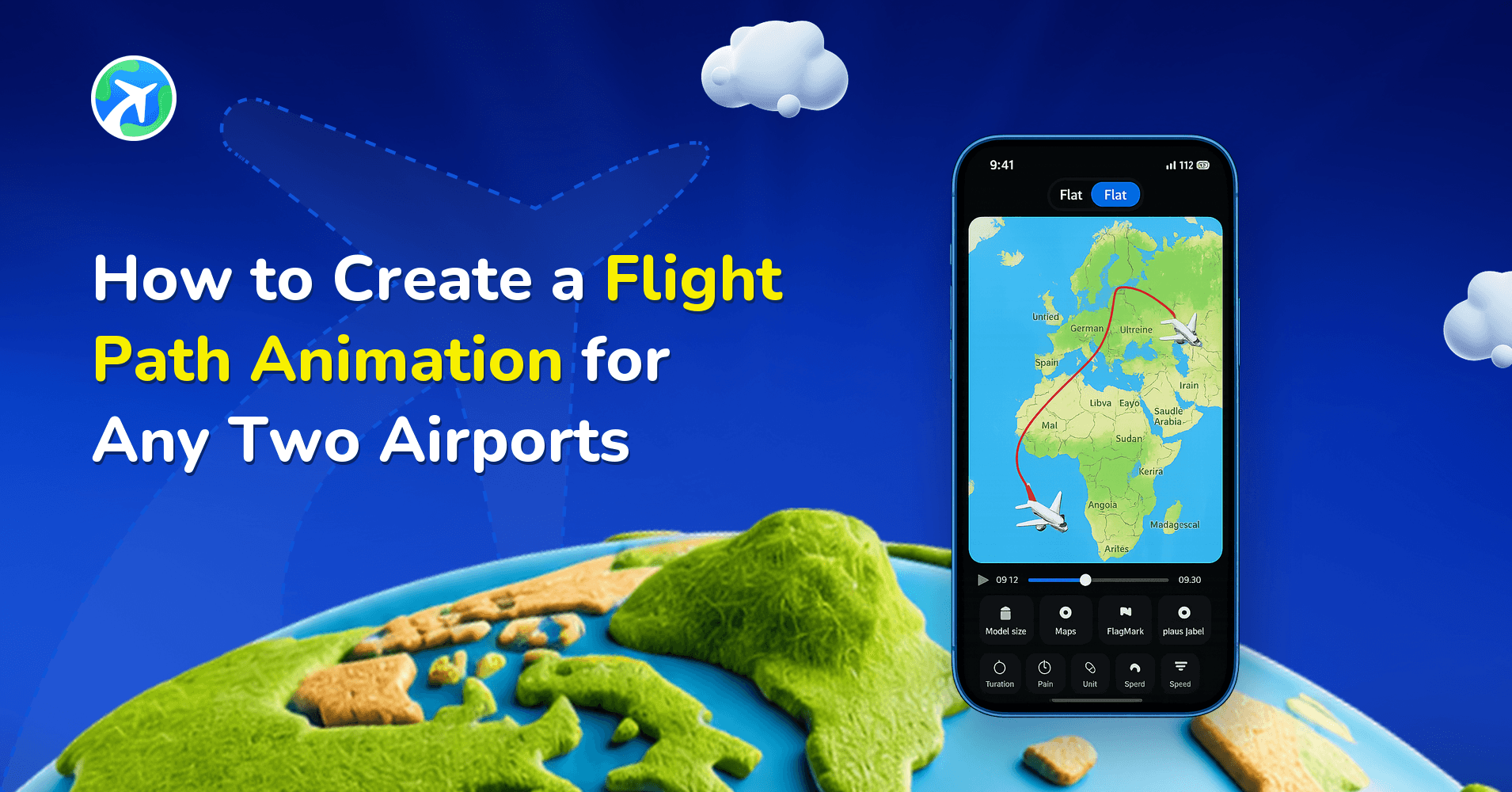
- For animating a flight, show a gentle curve to make it feel more realistic. Adding a straight line feels unnatural.
- A train rarely moves on a perfect straight line. By adding a slight bend and curves, you can create a more effective path.
- Adding curves and turns in a road trip can recreate those real-world traveling experiences through animation.
- Curves are significant when animating water travel, like ships and boats. Ships rarely travel on a straight line. Using a gentle curve in a cruise ship on the ocean makes your water routes feel natural.
Manual Curves, Real Routes or GPX: Which to Use
Dragging points is one of three ways to get a bent path in Travel Animator, and each one suits a different trip.
- Manual curves are best when there’s no road to follow: flights, ferry crossings, a cruise along a coastline, or a stylized route where you want full control over the shape. The Paris to Rome to Athens example in this guide is a good fit.
- Real Routes are better for driving. Long-press a stop and tap Enable Real Route, and the segment to the next stop follows actual roads. It works segment by segment, so you can use Real Routes for the drive from Lisbon to Porto and a hand-drawn arc for the flight home.
- GPX import is the one to use when you recorded the trip. A GPS track already contains every bend, and the Smoothen Route toggle can clean up a zig-zag recording.
Mixing them is normal. A road trip with one ferry leg might use Real Routes on land and a single manual curve across the water. Our comparison of straight and curved paths goes deeper on when a straight line is the better call.
How to Restart the Tutorial to See How to Add Curves
- Open the main Settings inside the TravelAnimator app.
- Scroll to find the option Restart Guided Tour. It appears directly below the ‘Remove Watermark‘ section. Tap on it.
- If you’re currently working on a route, the app will ask you to choose between:
Save and Continue – saves your current project before launching the tutorial.
Continue Without Saving – starts the tutorial immediately without saving your changes. - Once selected, the guided tour will restart, showing you step-by-step how to create, including how to add curves.
Common Curve Mistakes and How to Fix Them
Curves are quick to add, which is exactly why they’re easy to overdo.
- Too many points. Ten small bends between two cities can make the vehicle wobble. Start with one well-placed point per leg and only add more if the path genuinely needs it. Double-tap a point to delete it.
- Big drags on long routes. On a map zoomed out to a whole continent, a small finger movement becomes a huge detour. Zoom in on the map before you drag, and make smaller adjustments.
- A ship crossing land. If a boat route cuts across a headland, add a point near the coast and pull the line out to sea.
- Judging the curve in edit mode. A route can look slightly different once it’s animated, depending on the map projection, so always play the preview after shaping.
Made a bend you don’t like? The undo arrow on the route editing screen reverses your last change. To flatten a curve completely, see how to remove curves in Travel Animator.
Are You Ready to Make Your Routes More Realistic?
Adding curves in Travel Animator feels like a simple feature, but it makes a big difference in how your travel story is showcased. Whether you are mapping a road trip, flight map, or boat ride, curves help your animation feel like a real experience more than a static image. Enjoy Travel Animator and its features to create stunning and engaging Travel videos.
Frequently Asked Questions
What are Curves in Travel Animator?
In Travel Animator, curves are used to bend the path between two points instead of keeping it straight, making the animation look more realistic. This simple feature helps you to recreate the exact route in the real world, whether you’re animating a road trip, a flight, or a sea voyage.
Why Use Curves Instead of Straight Lines?
Real travel routes are rarely straight paths. By adding curves, you can make the travel route more natural and feel real.
How do I add a curve between route points?
Tap and drag along the route line to create or adjust a point, then move it to shape the curve. Preview the path to make sure the bend matches the journey you want to show.
How do I remove a curve in Travel Animator?
Drag the bending point back toward the line between the two stops until the path straightens out, or double-tap the point to delete it. If you’ve only just made the curve, the undo arrow on the route editing screen will reverse it. Preview the animation afterwards, because a route that looks straight in edit mode can still show a slight bend once it plays.
Can I use Real Routes and manual curves in the same Travel Animator video?
Yes. Real Routes are turned on one segment at a time, by long-pressing a stop and tapping Enable Real Route. Segments you leave alone stay as normal lines that you can bend by dragging a point. That lets you follow real roads for a drive and draw a smooth arc for a flight or ferry crossing in the same animation. Preview the full route to check the transitions.