How to Remove a Watermark from a Travel Animator Video
 Jaseel S6 min read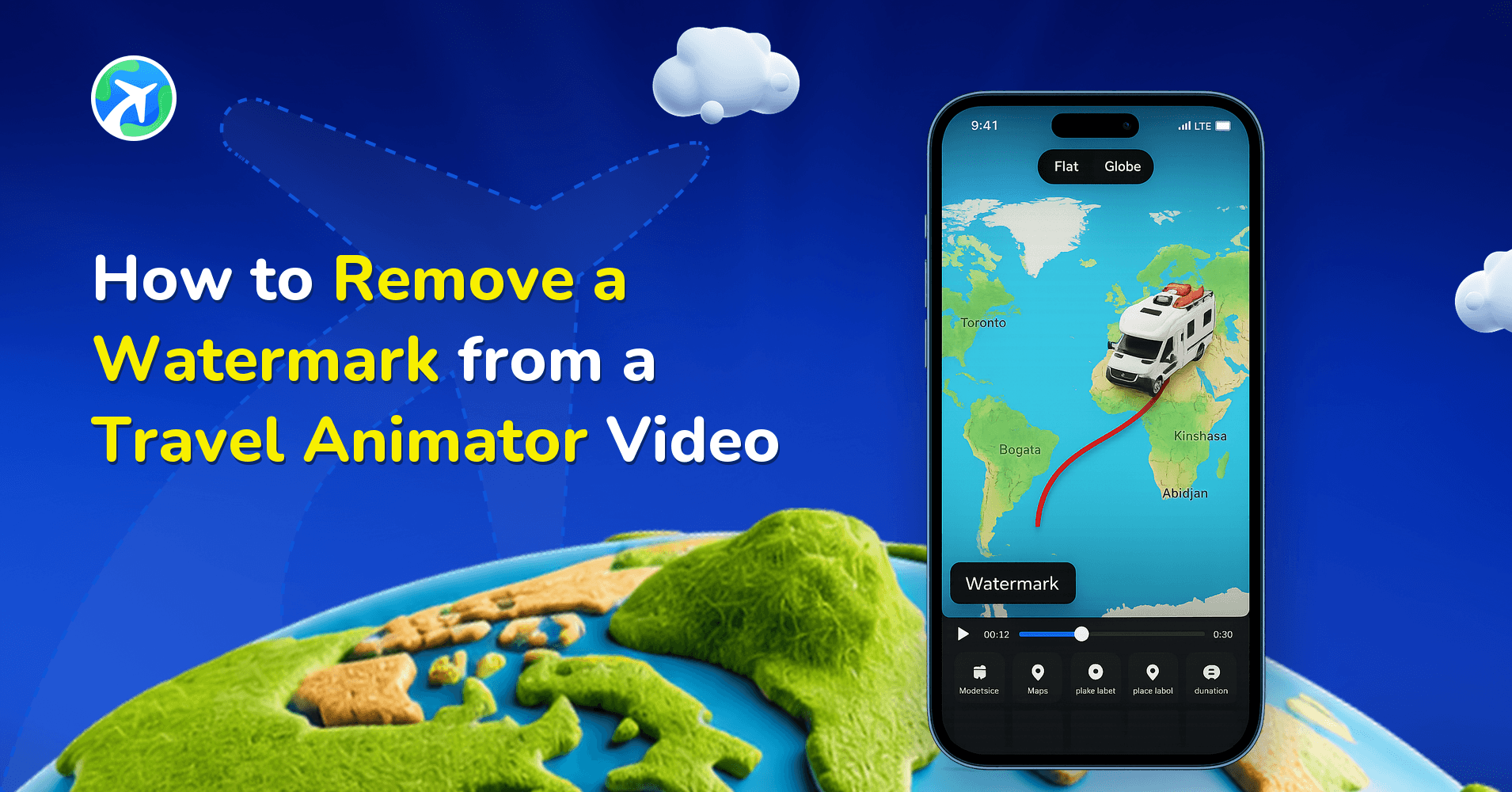
In this article 7 sections
Travel Animator helps you remove watermarks from your videos, enabling you to share professional travel animations that enhance your storytelling, create brand videos, and make a stronger impression on your audience.
You’re ready to post your video on Instagram, but then you notice there is a watermark on the video. It doesn’t look bad, but it’s distracting.
This guide will help you to remove the watermark from the Travel Animator Videos.
What is a Watermark in Travel Animator?
A watermark in Travel Animator is a logo embedded in the video, positioned in the top right corner. It’s a way for creators to get credit for the app. In tools like Travel Animator, it indirectly indicates that this video was created using this platform. There is nothing wrong with that, especially when it’s free.
Why Remove the Watermark from Travel Animator Videos?
A video without any extra logos looks more polished and professional.
If you’re building a travel-related business brand, having someone’s watermark on your video may confuse your viewers.
Watermark-free video makes a more professional impact if you’re presenting your videos to clients, investors, or a public audience.
A watermark may distract the audience when posting your travel content on social media.
How to Remove Watermarks in Travel Animator?
- Open the Travel Animator App and either open an existing project or start creating a new animation.
- Add destinations, change models, upload photos, and text to make your video how you want.
- Preview the video to make sure the path’s flow is good.
- Tap on the logo shown in the top right corner of the video.
- You can see the plans here. In this option, you can also subscribe to the app for one week.
- Choose the plan you need and upgrade the app to Travel Animator Pro.
- You can now remove the watermarks from the Travel Animator video.
- Change the map styles that align with your animation in the upgraded version.
- Export the video in HD or 4K quality without ads.
With the pro version, you will also get higher quality exports, different map styles, and more premium models.
Picking the Right Plan for a Watermark-Free Video
Removing the watermark means upgrading to Pro, but you don’t have to commit to a year if all you need is one clean video.
- Weekly suits a single deadline: a wedding route, one client itinerary, a trip recap you want to post this weekend. It shows up in the plan options when you tap the logo.
- Monthly ($5.99 on the US storefront) fits a short project, like a series of videos from one trip.
- Yearly ($24.99 on the US storefront) works out cheaper if you’ll use Pro for more than about four months of the year.
Prices can differ in your local App Store or Google Play storefront, and the amount you confirm in the app is the final one. A couple of other things are worth checking before you pay. If a creator has shared a discount code, enter it under Do you have a promo code? in settings before you complete payment. And if you’re in Bangladesh or the Philippines, Pro is free, watermark-free exports included.
For a full side-by-side, see our guide to Travel Animator subscription plans.
Watermark Still Showing? Check These
Most “I upgraded but still see the logo” moments come down to one of a few things.
- The video was exported before you upgraded. The watermark is part of the exported file, so older exports keep it. Open the project again and export a new copy. If you saved the route, you can reopen it with Load Route instead of rebuilding it.
- You got a model or a map, not Pro. The free Pro model you claim at sign-in and the 30-day free access to newly released map styles don’t include watermark-free export.
- Your subscription period ended. After cancelling, Pro features stay active until the end of the period you paid for. Exports after that come out with the watermark again.
Play the preview before every final export and look at the top right corner. It’s quicker than exporting a 4K file and finding the logo afterwards.
Ready to Share Your Story Without Watermarks?
Creating engaging travel animation videos is a creative way to tell your stories. However, when you’re ready to share your content, a watermark can be seen, particularly in free tools like Travel Animator. The best way to remove such watermarks is by upgrading to the premium version of the app. It’s simple, ethical, and offers a wide range of advanced features. By these, you will get the output exactly what you imagined.
Frequently Asked Questions
What is a Watermark in Travel Animator?
A watermark in Travel Animator is a logo embedded in the video, positioned in the top right corner. It’s a way for creators to get credit for the app.
Why Remove the Watermark from Travel Animator Videos?
A video without any extra logos looks more polished and professional. If you’re building a travel-related business brand, having someone’s watermark on your video may confuse your viewers.
How to Remove Watermarks in Travel Animator?
Open the Travel Animator App and either open an existing project or start creating a new animation. Add destinations, change models, upload photos, and text to make your video how you want. Preview the video to make sure the path’s flow is good. Tap on the logo shown in the top right corner of the video. You can see the plans here. In this option, you can also subscribe to the app for one week. Choose the plan you need and upgrade the app to Travel Animator Pro. You can now remove the watermarks from the Travel Animator video. Change the map styles that align with your animation in the upgraded version. Export the video in HD or 4K quality without ads. With the pro version, you will also get higher quality exports, different map styles, and more premium models.
Does claiming a free Pro model remove the Travel Animator watermark?
No. The free Pro model offer for new sign-ins gives your account one premium model and nothing else. Maps, watermark-free export and the rest of the Pro features stay locked. To export without the watermark, you need an active Travel Animator Pro subscription, or free Pro access if you’re in Bangladesh or the Philippines.
Will my videos get the watermark again if I cancel Pro?
Videos you already exported without the watermark stay clean, because they’re finished files. After you cancel, Pro features keep working until the end of your current billing period. Once that period ends, you’re on the free version, and new exports include the Travel Animator watermark in HD quality.