Understanding Watermarks in Travel Animator: Free vs PRO
 Jaseel S7 min read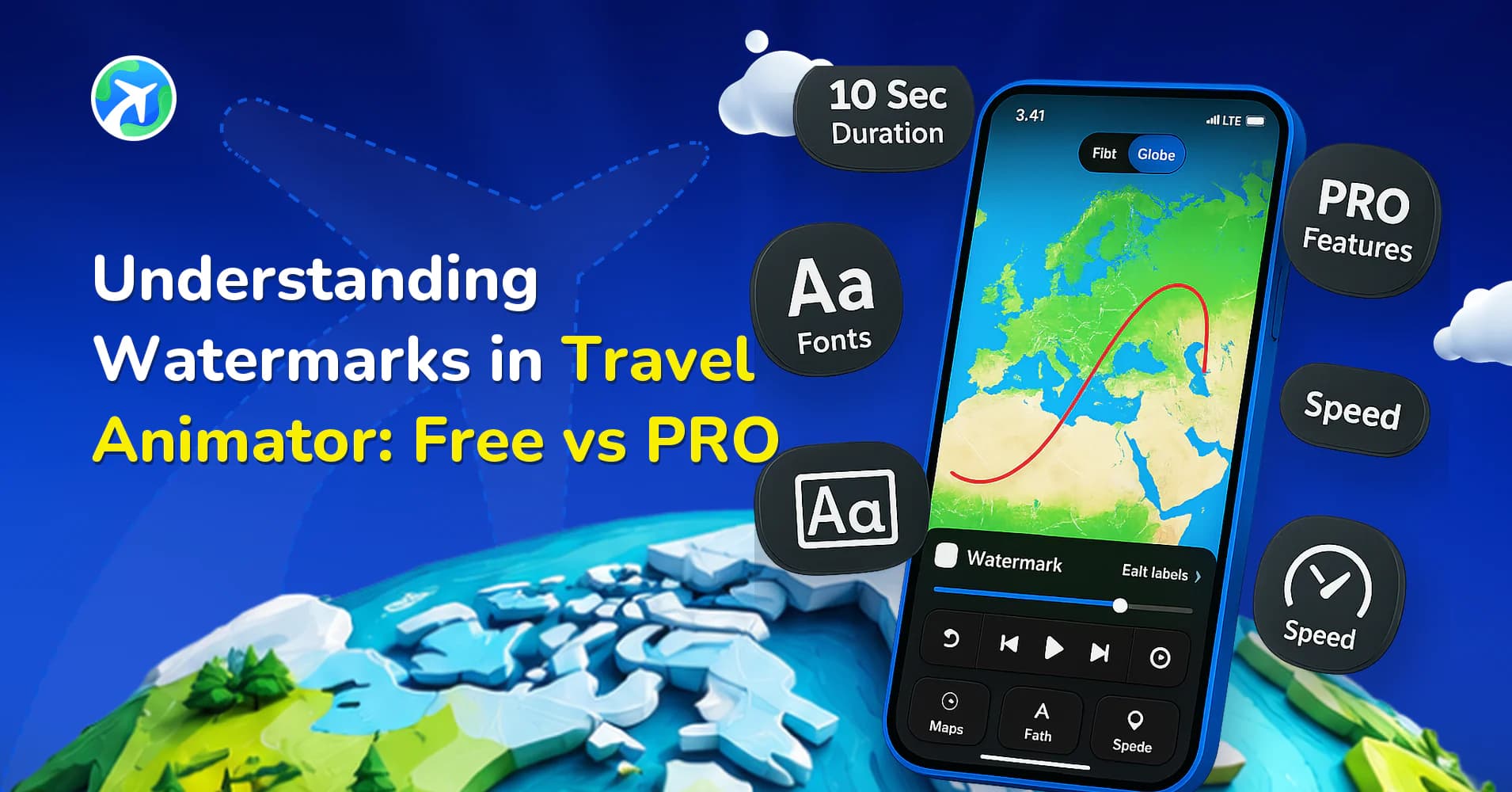
In this article 10 sections
Travel Animator uses watermarks in its free version to balance accessibility with professional output, giving you the chance to explore almost every feature before committing to PRO.
While some may see it as a minor detail, the presence of a watermark plays a significant role in how your final video appears and how your audience perceives it. For casual sharing, it may not matter much, but for vloggers, travel professionals, and businesses, a watermark can instantly make a polished story feel unfinished.
In this blog, we’ll break down why watermarks exist in Travel Animator, what limitations they create, and, most importantly, which one works for your needs – free or Pro.
What Is a Watermark in Travel Animator?
A Watermark is a logo of Travel Animator embedded over the animation video seen at the corner of the screen. If you have ever exported a video in the free version of Travel Animator, you’ve noticed a watermark on your final video.
In Travel Animator, the watermark serves as both a branding tool and a way to distinguish between free and PRO users. The watermark is always visible on your screen if you are a free user, and it doesn’t prevent you from creating and sharing animations.
Why does Travel Animator add a Watermark to Free Exports?
Travel Animator has a clear purpose in watermarks. So it uses watermarks for the following reasons.
Brand recognition – The watermark introduces the app to a broader audience. When you share a free export video, viewers recognize that this video was developed with Travel Animator, which helps to increase visibility.
Encouraging free users – Free users can explore almost all features of Travel Animator, but the watermarks remind them that watermark-free videos are for paid users. It strikes a balance between free and paid users.
Test before you upgrade – Travel Animator offers nearly a full experience in the free version, whereas others provide limited access. The watermark reminds you that you are using the free version, and a clean, professional export is available in the PRO version of Travel Animator.
Some users skip this altogether — Pro, and its watermark-free export, is free in Bangladesh and the Philippines.
What Are the Limitations of Using Free Exports With Watermarks?
- If you’re posting content on YouTube, Instagram, or a professional portfolio, recognize that you’re using a free tool. It may lose your professionalism.
- Instead of focusing on your video content, the audience may be distracted by the brand through the logo.
- Watermarks can feel unfinished when used for creating branded content, travel vlogs, or other commercial projects.
- Free videos with watermarks are harder to reuse. For example, if you plan to add a travel Animator video to your travel vlog, a watermark can ruin the entire video.
Free vs PRO: Key Differences in Watermark and Export Quality
| Feature | Free | Pro |
|---|---|---|
|
Watermark |
Visible on all exports
|
No watermark
|
|
Professional Use
|
Not recommended
|
Perfect for client work, vlogs, marketing, etc.
|
|
Audience perception
|
Looks like a normal video
|
Looks professional and high quality
|
|
Storytelling impact
|
Distracting element
|
Complete focus on the animation
|
How to Remove Watermarks in Travel Animator
There is only one way to remove the watermarks: upgrade to Travel Animator Pro. Your export will be watermark-free once you subscribe, allowing you to create professional and clean animation videos.
For step-by-step instructions on how to remove watermarks from a video, check out our guide How to Remove a Watermark from a Travel Animator Video.
Pro Watermark Options: None, a Logo Variation or Your Own Brand
Removing the watermark isn’t the only choice once you’re on Pro. Open the main settings menu from the top right of the home screen and tap Watermark. From there you can export with no watermark at all, pick one of several Travel Animator logo variations, or choose Custom and upload your own logo or signature.
Custom branding is the option most agencies and creators end up using. A tour operator sending route previews to clients gets their own logo in the corner instead of a blank frame, and a YouTube channel can stamp every clip with its mark. You can keep up to four logos saved and switch between them, which is handy if you post for more than one brand.
For a clean result, upload a high-resolution transparent PNG with a simple design. Detailed logos with small text become hard to read at watermark size. Our guide to adding your brand logo walks through each step.
Before You Upgrade for a Watermark-Free Video
A few things are worth knowing so the upgrade does what you expect.
- Exported videos keep their watermark. The logo is part of the saved file, so upgrading doesn’t change videos you’ve already exported. Save the route of any project you’ll want to re-export, then export it again after upgrading.
- Free accounts save one route. If you’re working on two projects at once, finish or export one before starting the other. Pro lets you save multiple routes.
- Sign in first. Upgrading requires a signed-in account, so log in with the email you plan to keep using.
- Check for a promo code. If you have one, apply the promo code from settings before you pay.
Build and preview the full video in the free version first. Once you’re happy with it, the watermark is the only thing left to change.
Which One Should You Choose: Free or Pro?
The Travel Animator Free version is sufficient for casual users who are experimenting with travel storytelling, working on personal projects like documenting family trips, or testing the app to see how it works for their travel content. Having a Watermark in your video is ok in such situations.
Travel Animator Pro is essential for content creators and vloggers because if you’re building a YouTube channel or Instagram presence, watermark-free videos increase your credibility. Agencies, tour operators, or influencers that rely on storytelling as part of their brand identity must have professional animations without watermarks. In such situations, upgrading to Pro is necessary.
Is Upgrading to Travel Animator Pro Worth it?
If you’re using Travel Animator casually for personal projects, the free version with watermarks may be enough. But if you want professional, clean videos without distractions, upgrading to PRO makes a big difference. By upgrading to Pro, you will gain complete creative freedom, high-quality results, and a more professional final output by utilizing every feature in the Pro version to share anywhere.
Upgrade to Travel Animator Pro to get watermark-free animation video with high-quality export.
Frequently Asked Questions
What Is a Watermark in Travel Animator?
A Watermark is a logo of Travel Animator embedded over the animation video seen at the corner of the screen. If you have ever exported a video in the free version of Travel Animator, you’ve noticed a watermark on your final video.
Can I create a video with the free watermark still visible?
Yes. Free exports include Travel Animator branding. You can use that workflow to create and share a route video without removing the watermark.
How can I export without the Travel Animator watermark?
Use the watermark-free export option available with TravelAnimator Pro. Preview the branding setting before exporting the final video.
Will upgrading to Pro remove the watermark from videos I already exported?
No. The watermark is part of any video file you’ve already exported, so those files stay as they are. To get a clean copy, open the saved route after upgrading and export the video again. Saving your route before upgrading makes this quick, since you won’t need to rebuild the animation.
Why do I still see the watermark after upgrading to Travel Animator Pro?
First, check you’re signed in to the account you upgraded with. If you reinstalled the app or switched phones, use Restore Purchase in settings. Then open Settings, tap Watermark and confirm that no watermark or your custom logo is selected. Export again, because older exports won’t change.