How TravelAnimator Helps You Earn Through Faceless Content
 Jaseel S6 min read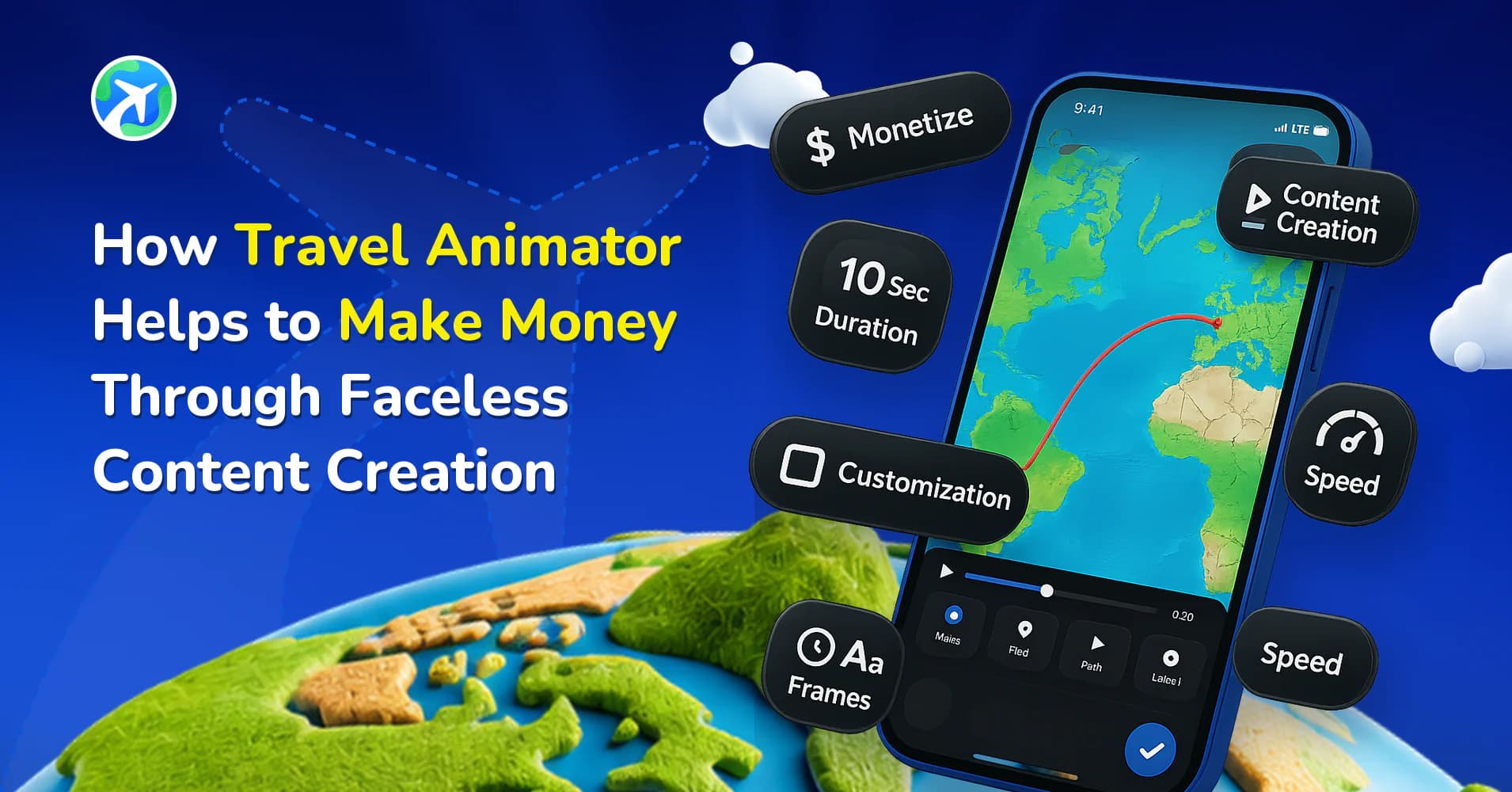
In this article 7 sections
You are looking for ways to generate income but are uncomfortable appearing in front of the camera. Faceless content creation offers a perfect alternative for those who want to generate revenue without revealing their identity.
Ad revenue is not the only route — you can also earn commissions as a TravelAnimator affiliate.
Travel Animator is one of the most engaging formats, allowing creators to showcase destinations without stepping in front of the camera.
This article will help you see how Travel Animator can be utilized to make money by creating faceless content on YouTube.
How Travel Animator Can Help You Create Engaging Faceless Videos
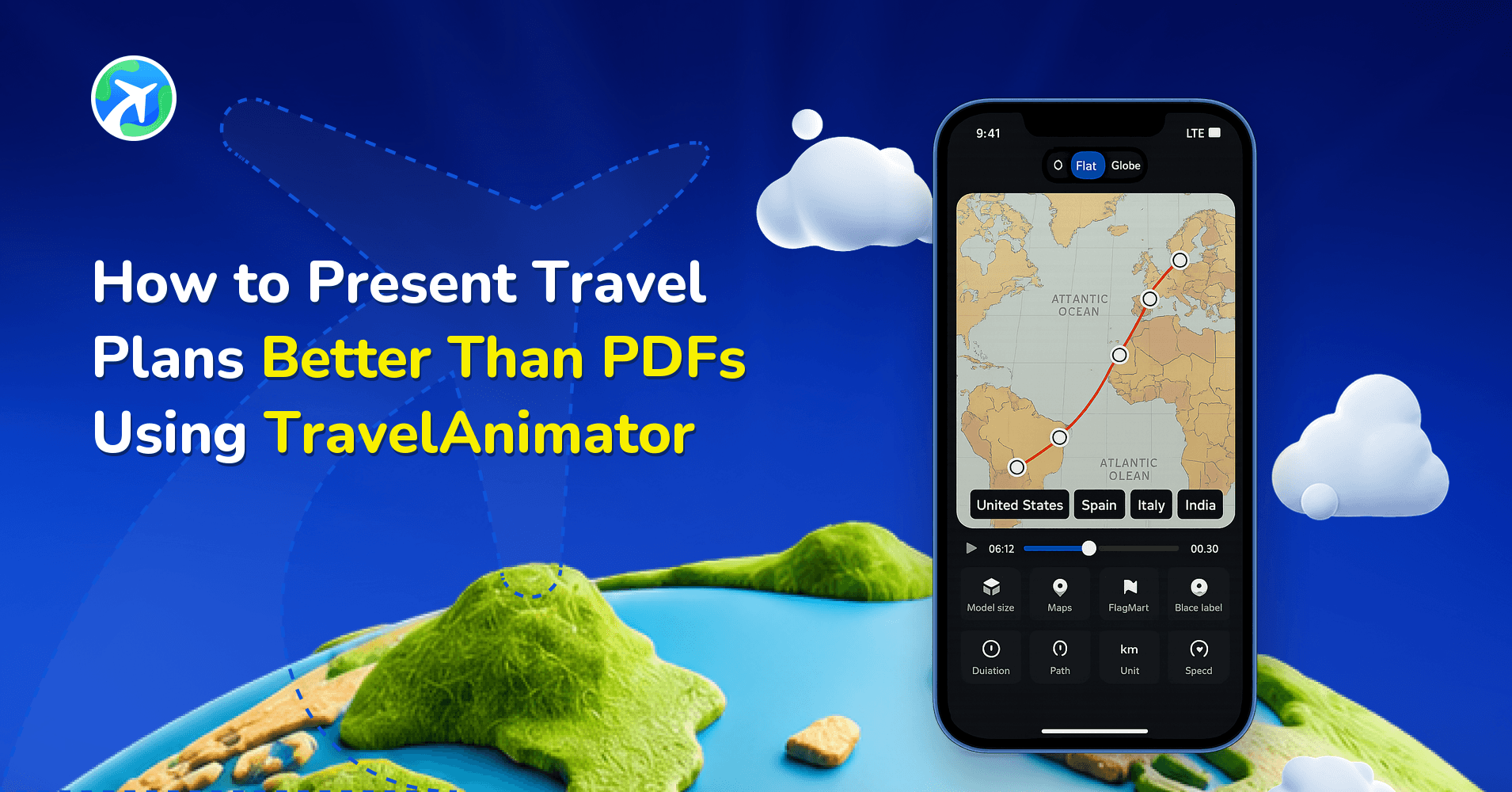
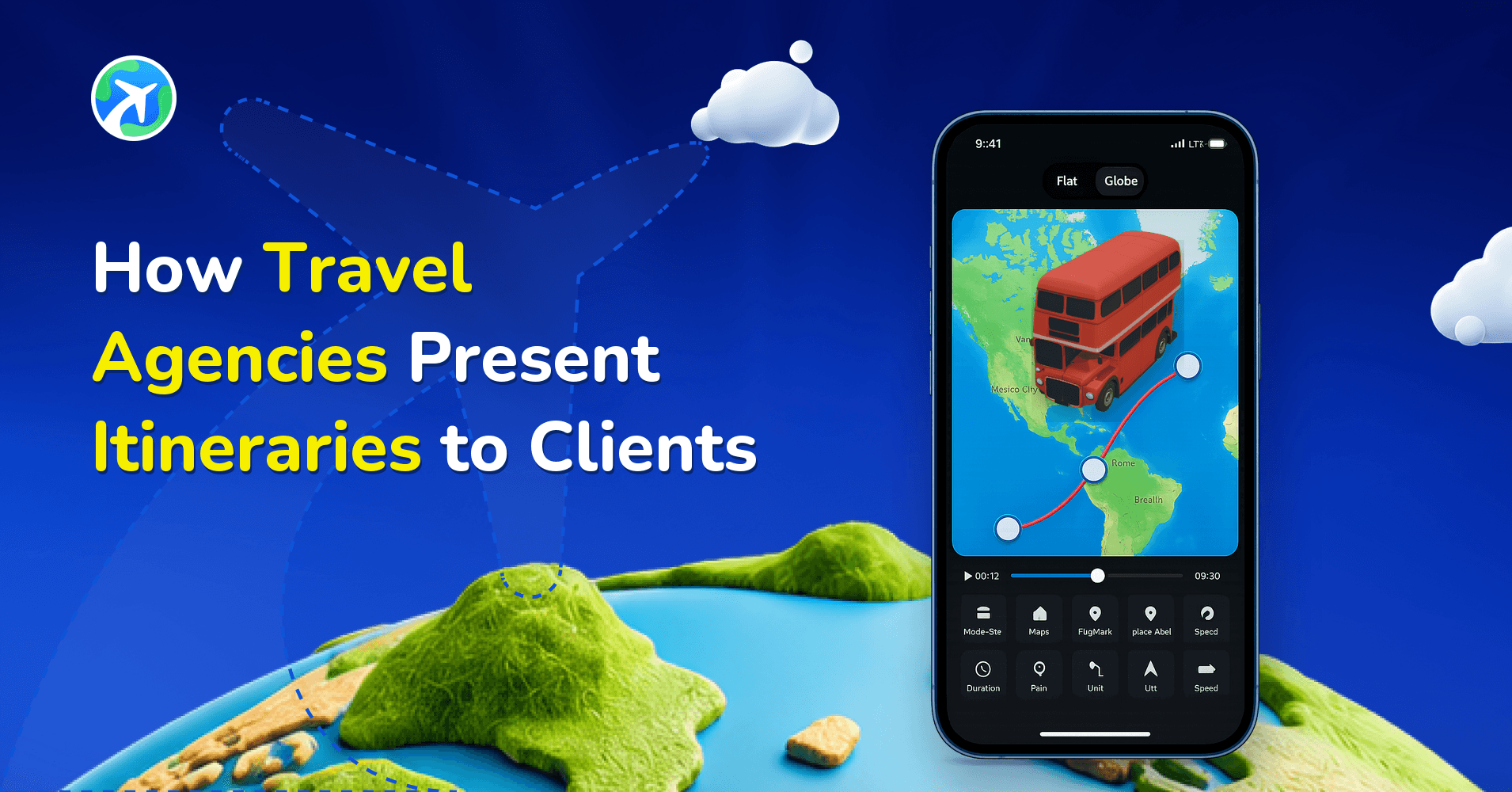
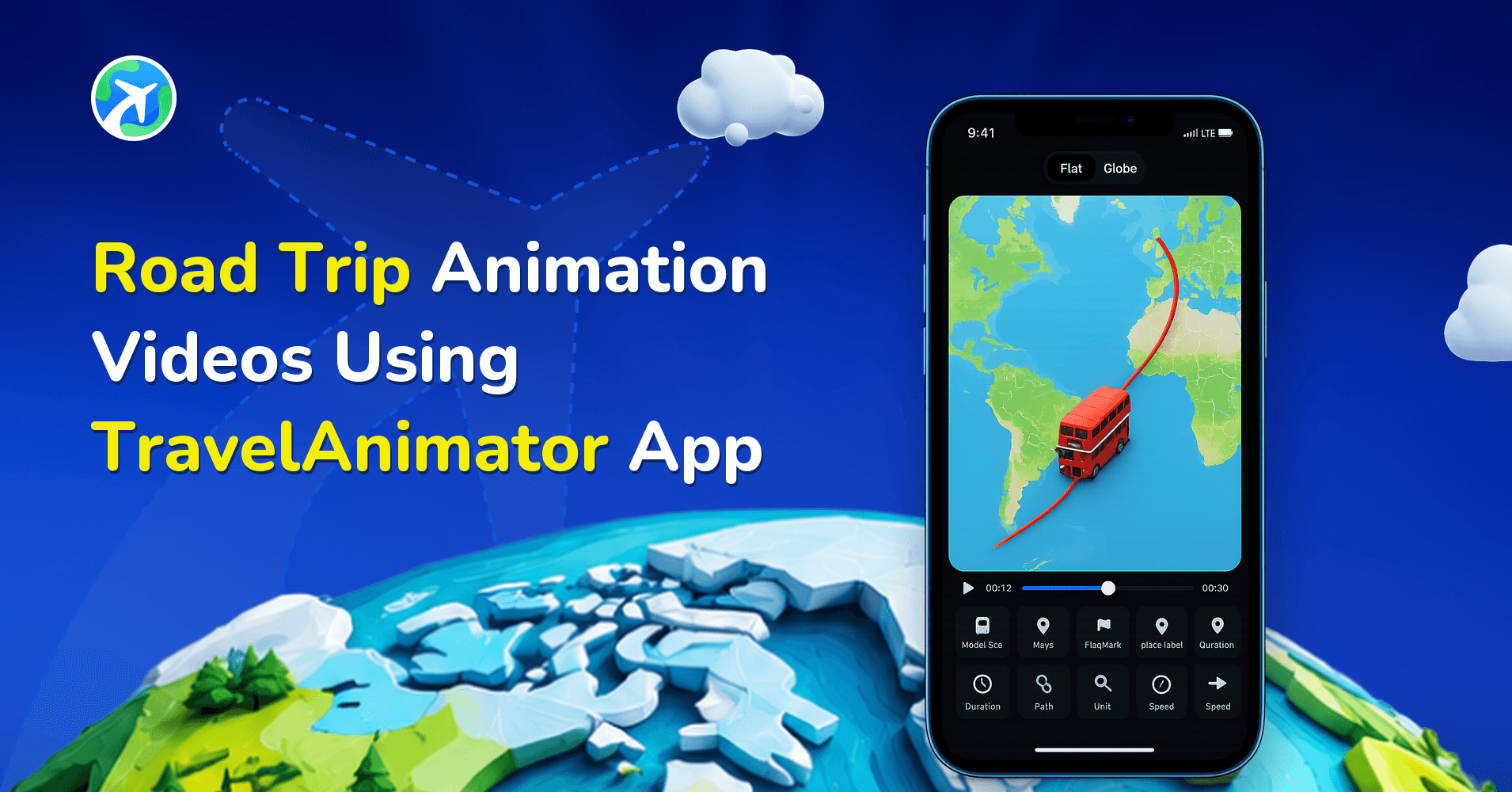
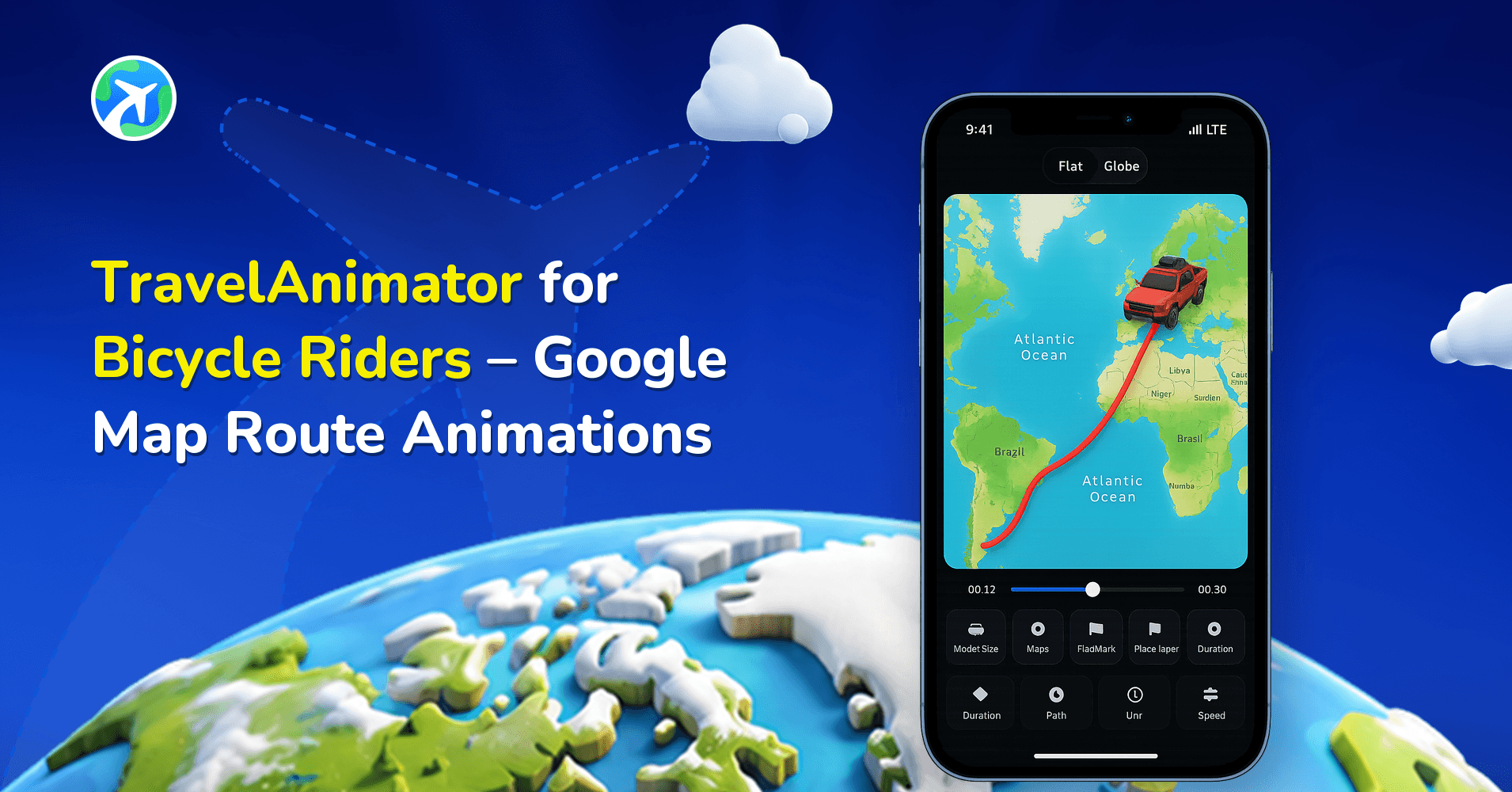
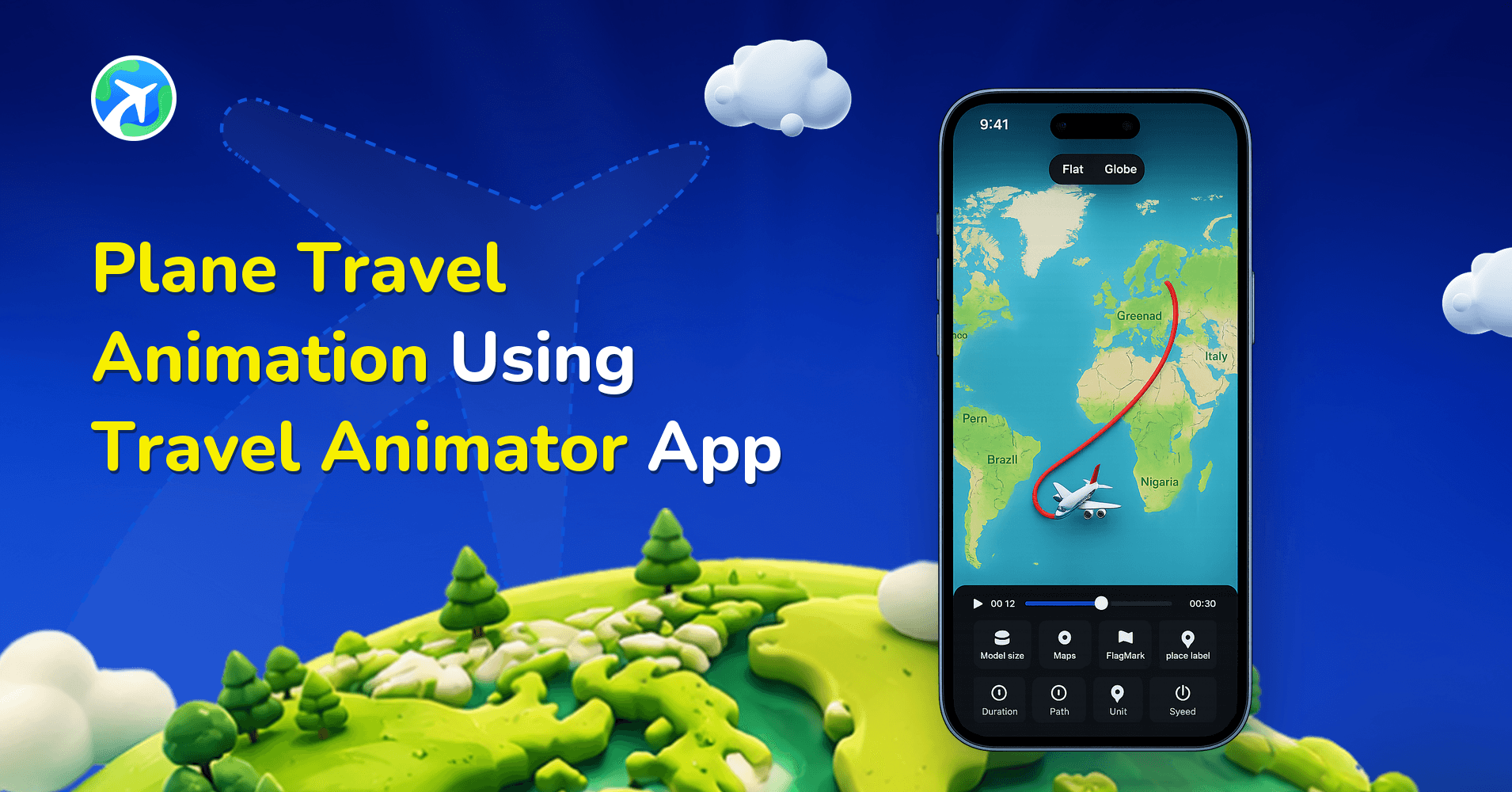
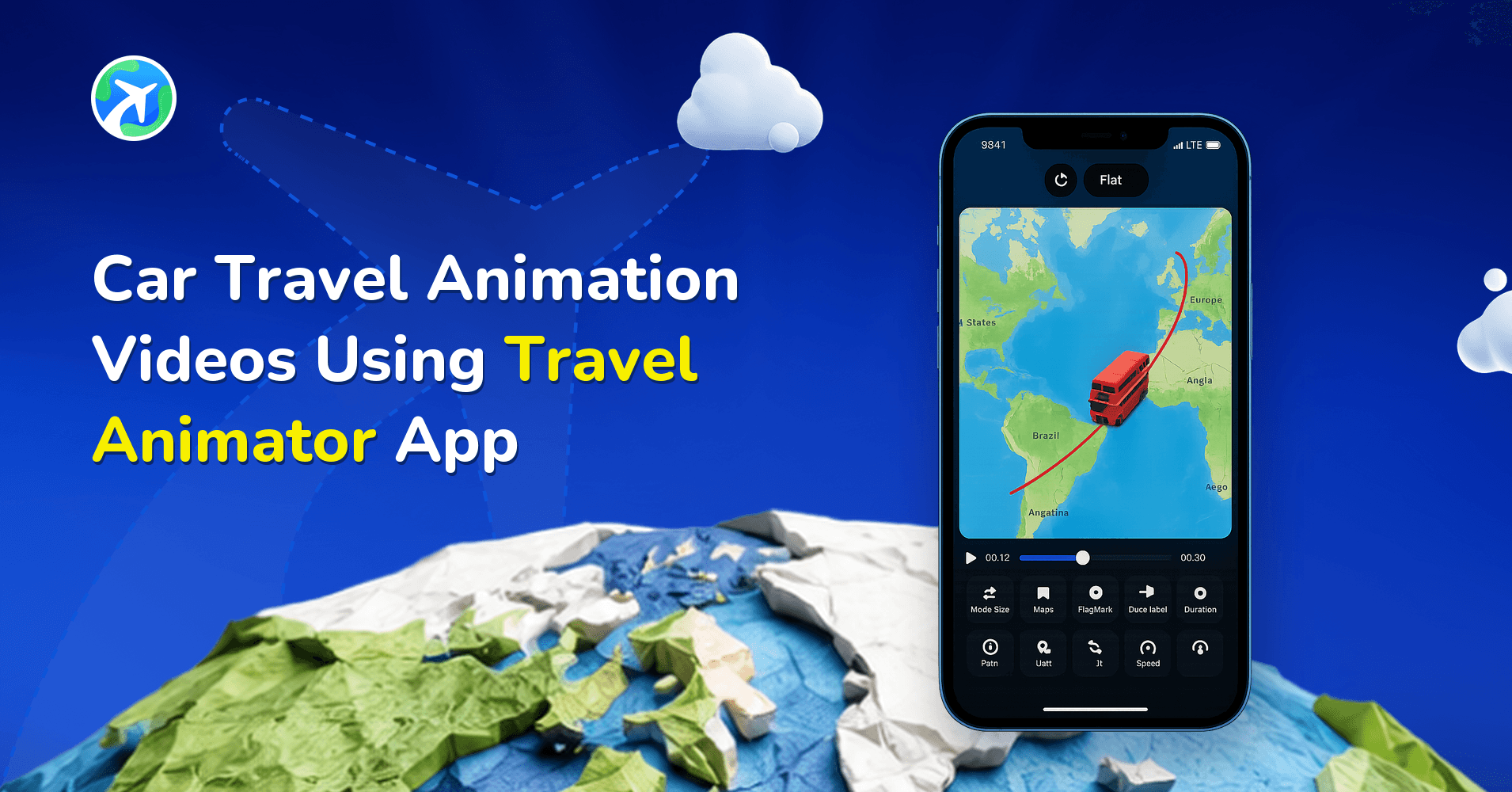
Visually appealing animated travel map
One of Travel Animator’s standout features is its ability to create the whole journey and route visually engagingly. The dynamic video helps the user include their complete experience in a single video, and its advanced features help.
Storytelling without a face
Faceless content doesn’t mean compromising on storytelling. Travel Animator allows creators to narrate stories with dynamic visuals. Combining travel animation with destination images, Texts, and different models makes a different experience for the viewer.
Different use cases
Travel Animator is not limited to a single type of travel content. It offers different kinds of content for various use cases such as,
- Showcase destination attractions like food, views, culture, etc.
- Provide travel guides and tips on where to stay, eat
- Share affordable travel routes and packages through a single video.
- Highlight historical landmarks with animation video.
Steps to Start a Faceless Travel YouTube Channel Using Travel Animator

1. Define your niche
The first step is to decide what content you will create using Travel Animator. Some popular niches include Travel destinations, adventure travel, information content, historical context, and Budget travel. Choose a specific niche that helps you build a loyal audience.
2. Plan your content and collect visual assets
Before creating videos, create an outline plan for how you will work out. Research trending topics or common questions people ask.
Faceless content needs high-quality visuals to attract the audience. Collect royalty-free images from platforms like Pexels and Freepik.
3. Create videos with Travel Animator
Use Travel Animator to make engaging animation videos by following these steps:
- Select routes to highlight the journey you want to animate.
- Add travel models, destinations, and stops to customize visuals.
- Combine your animation video with engaging photos and relevant text.
- Choose the map best suited for the type of animation video.
4. Optimize for YouTube
Optimize your video for YouTube by selecting the 16:9 ratio and exporting in HD or 4K quality on your device. You can also share directly from Travel Animator.
When uploading to YouTube, use convincing titles related to your travel niche and create visually appealing thumbnails.
5. Promote your content
Maximize your reach by sharing your content on Instagram, Facebook, and Pinterest. Engage with your audience through comments and stories.
Tips for Success in Faceless Travel Content Creation
- Upload videos regularly to keep your audience engaged with your content and to keep consistency.
- Engage with your audience by responding to the comments and asking for feedback.
- Collaborate with other content creators to reach a broader audience. Partnering with travel content creators is the most effective strategy if you choose travel destinations as a niche.
- Stay updated on travel trends and add them to your content to keep it interesting and up-to-date. The trend doesn’t matter if the niche is different, like education.
Adding Narration and Music to a Faceless Video
On a faceless channel, your voice or soundtrack does the job your face would normally do. Travel Animator doesn’t have a built-in audio or music feature, so the workflow is: build and export the map animation first, then add sound in a video editor such as CapCut or InShot, or in the platform’s own editor when you upload.
A few things make that step easier:
- Write the script before you set the duration. If your narration for a 3-day Rome itinerary runs 45 seconds, set the animation duration close to that so you aren’t stretching or cutting footage later.
- Give each stop room to breathe. When you add text or an image at a stop, the animation slows and holds there. Those reading pauses are natural places to say a line about that stop.
- Use licensed audio. Stick to royalty-free tracks or the platform’s own music library, especially if you plan to monetize.
Turning One Trip Into a Content Series
Faceless channels grow on consistency, and one long trip can supply several videos. Instead of animating a two-week Southeast Asia trip as a single route, split it into parts: Bangkok to Chiang Mai, Chiang Mai to Luang Prabang, then on to Hanoi. Each part gets its own video, and the series gives viewers a reason to come back. Our tips for long-distance routes cover this approach in more detail.
Keep a consistent look across the series, using the same map style, route line colour and model family, so your videos are recognisable in a feed before anyone reads the title.
It’s also worth thinking about your plan at this point. The Free plan lets you create unlimited videos, but exports are HD with a watermark and you can save one route at a time. Pro adds watermark-free 4K exports and unlimited saved routes, which matters once you’re juggling several episodes. The Free vs Pro comparison lays out the differences.
Are you looking for an income source without revealing your identity?
Faceless content creation is a trend and a main profitable source. With tools like Travel Animator, creating engaging videos not only makes income, but it also needs to follow a proper structure, from defining your niche to optimizing and promoting your video consistently. Faceless content creation offers endless possibilities to turn your skill into profit, and Travel Animator helps to fulfill that.
Frequently Asked Questions
How can I tell a travel story without appearing on camera?
Faceless content doesn’t mean compromising on storytelling. Travel Animator allows creators to narrate stories with dynamic visuals. Combining travel animation with destination images, Texts, and different models makes a different experience for the viewer.
How should I format a faceless travel video for YouTube?
Optimize your video for YouTube by selecting the 16:9 ratio and exporting in HD or 4K quality on your device. You can also share directly from Travel Animator.
What can I show in a faceless travel video?
Combine an animated route with destination images, short text and suitable transport models. These visuals can explain a journey or location while narration provides context without showing the creator on camera.
Can I add a voiceover or music in TravelAnimator?
Not inside the app. TravelAnimator doesn’t have a built-in audio or music feature. Export your animation as an MP4, then add voiceover and music in a video editor like CapCut or InShot, or in YouTube’s or Instagram’s editor when you upload. Set the animation duration to roughly match your narration first.
Do I need TravelAnimator Pro to start a faceless travel channel?
No. The Free plan has no time limit and lets you create unlimited videos, so you can test your niche first. Free exports are HD with a watermark, though, and only one route can be saved at a time. Upgrading makes sense once you post regularly and want watermark-free 4K exports and unlimited saved routes.