Train Travel Map Animation Video: Step-by-Step Guide
 Jaseel S7 min read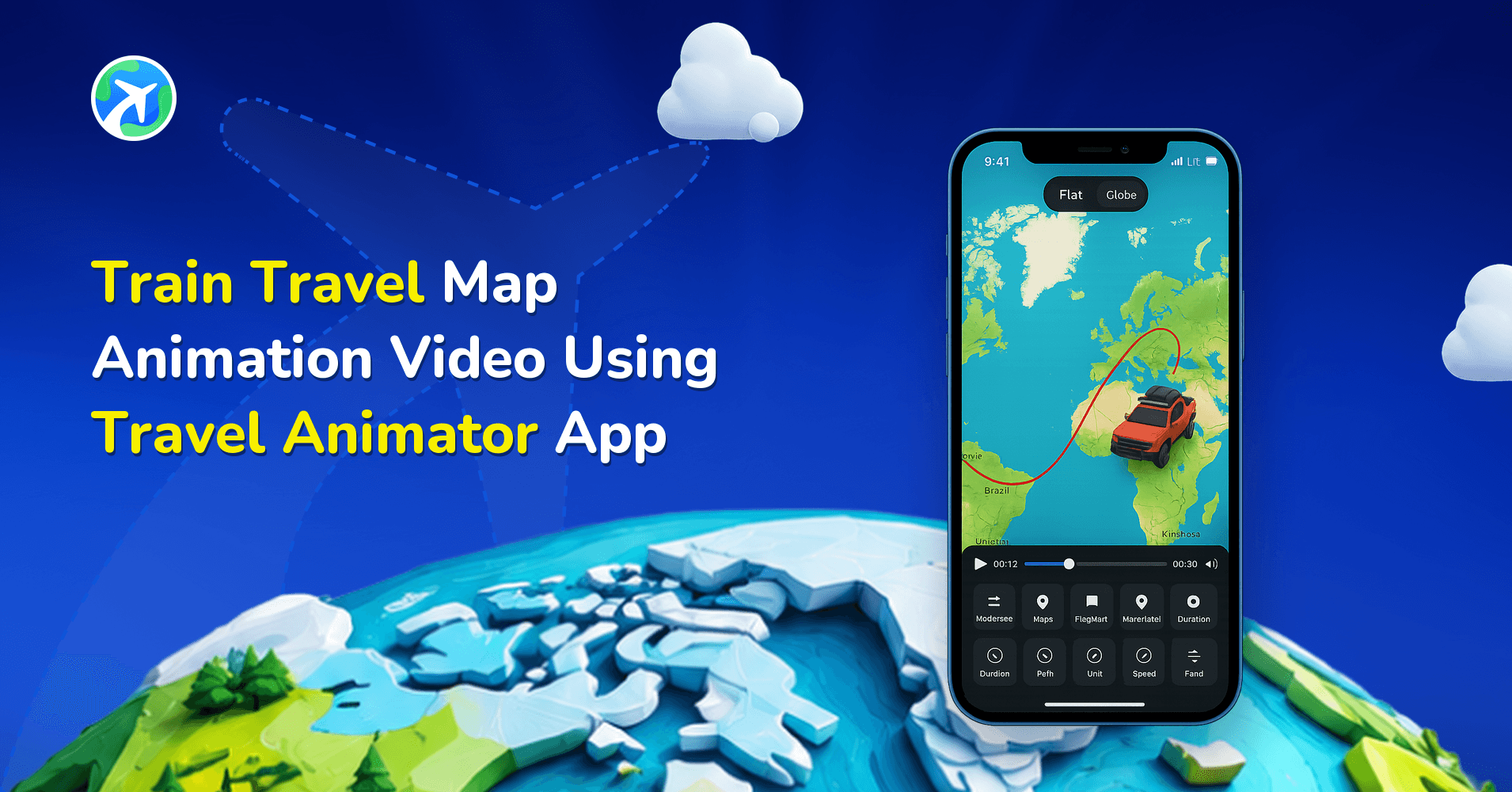
In this article 8 sections
Creating a train travel map animation is one of the most engaging ways to visually showcase your railway journey. Instead of sharing scattered clips or plain screenshots, you can transform your entire route into a smooth, animated railway travel map for videos within minutes.
Imagine travelling from New Jalpaiguri to Darjeeling to experience the famous Darjeeling Himalayan Railway, also known as the “Toy Train.” You want to share the rail route, images of the tunnels, and the mountain views you captured during the journey in a single video rather than many casual clips. You’ve found the Travel Animator App, but you’re unsure how to create a video.
If you’re wondering how to create train travel map animation content without editing skills, this guide explains everything step by step train route animation.
What Is a Train Travel Animation Video?
A train travel animation video is a visual way to show your rail journey on an animated map. Instead of using only photos or video clips, it displays a train model moving along your travel route while highlighting stations and destinations. You can also add your own photos, labels, and other details to make the journey more personal and engaging.
Whether you’re showing a short train ride between two cities or a long-distance railway adventure, train travel animation videos make it easy to tell the complete story of your trip. They are popular among travel vloggers, railway enthusiasts, tourism organizations, educators, and anyone who wants to present their journey in a creative and easy-to-follow way.
Why Animate the Route Instead of Just Posting Raw Clips?
Photos and video clips show what you saw during your train journey, but they don’t clearly show where you travelled. A route animation displays your entire journey on a map, making it easy for viewers to follow your route from start to finish.
It also turns a long trip into a short, engaging video that people can watch in just 20–30 seconds, making it perfect for sharing on social media.
41 Train Models, 2 Free Models to Start
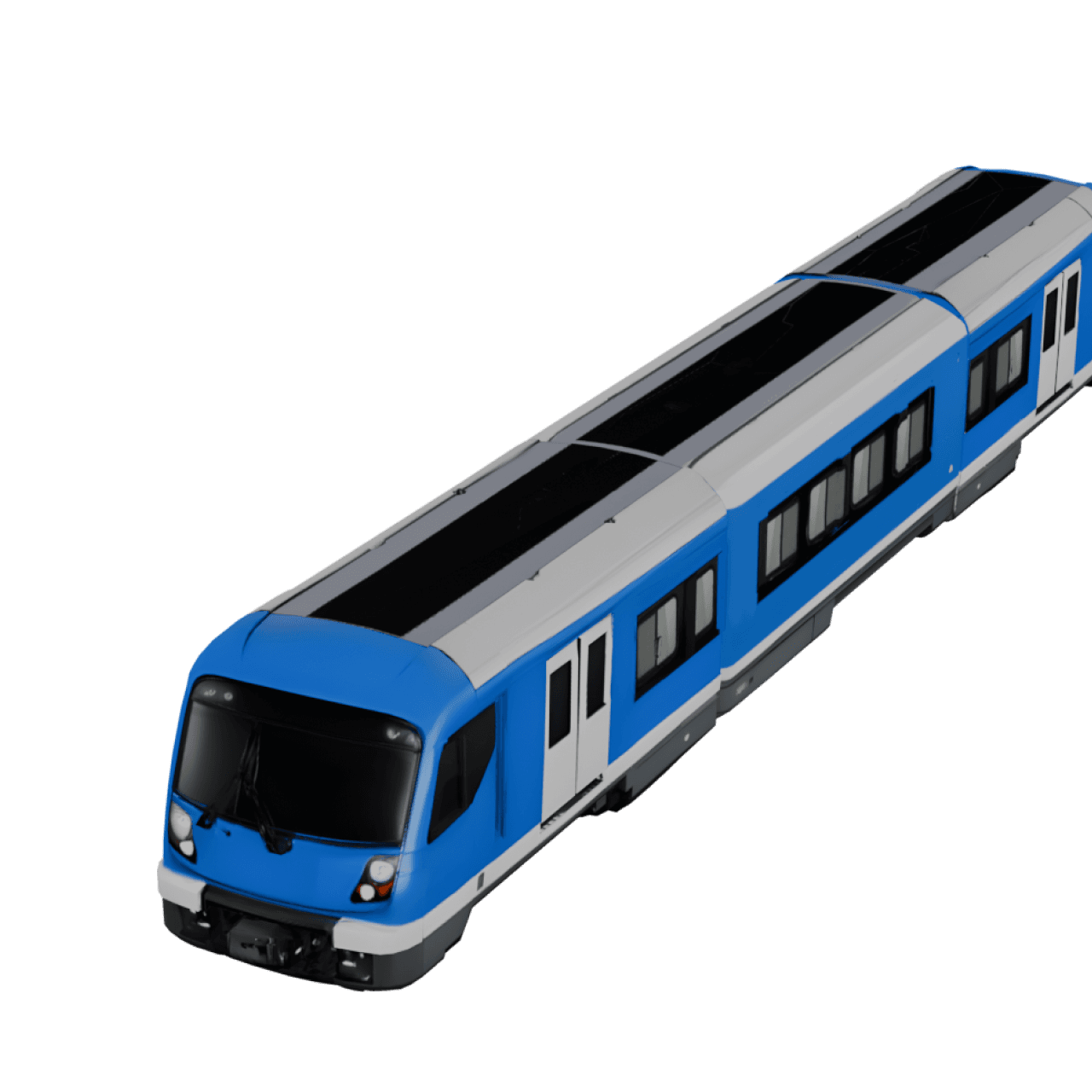
TravelAnimator currently ships 41 train models as part of its full 3D vehicle catalogue (300+ models across all transport types). Two are available on the free plan:
- Bullet Train – a generic high-speed model, good as a default for any fast-rail route.
- Train – a classic multi-car passenger train, the right default for most intercity, regional, or heritage-line journeys.
The remaining 39 are Pro models, covering named trains and transit systems from around the world:
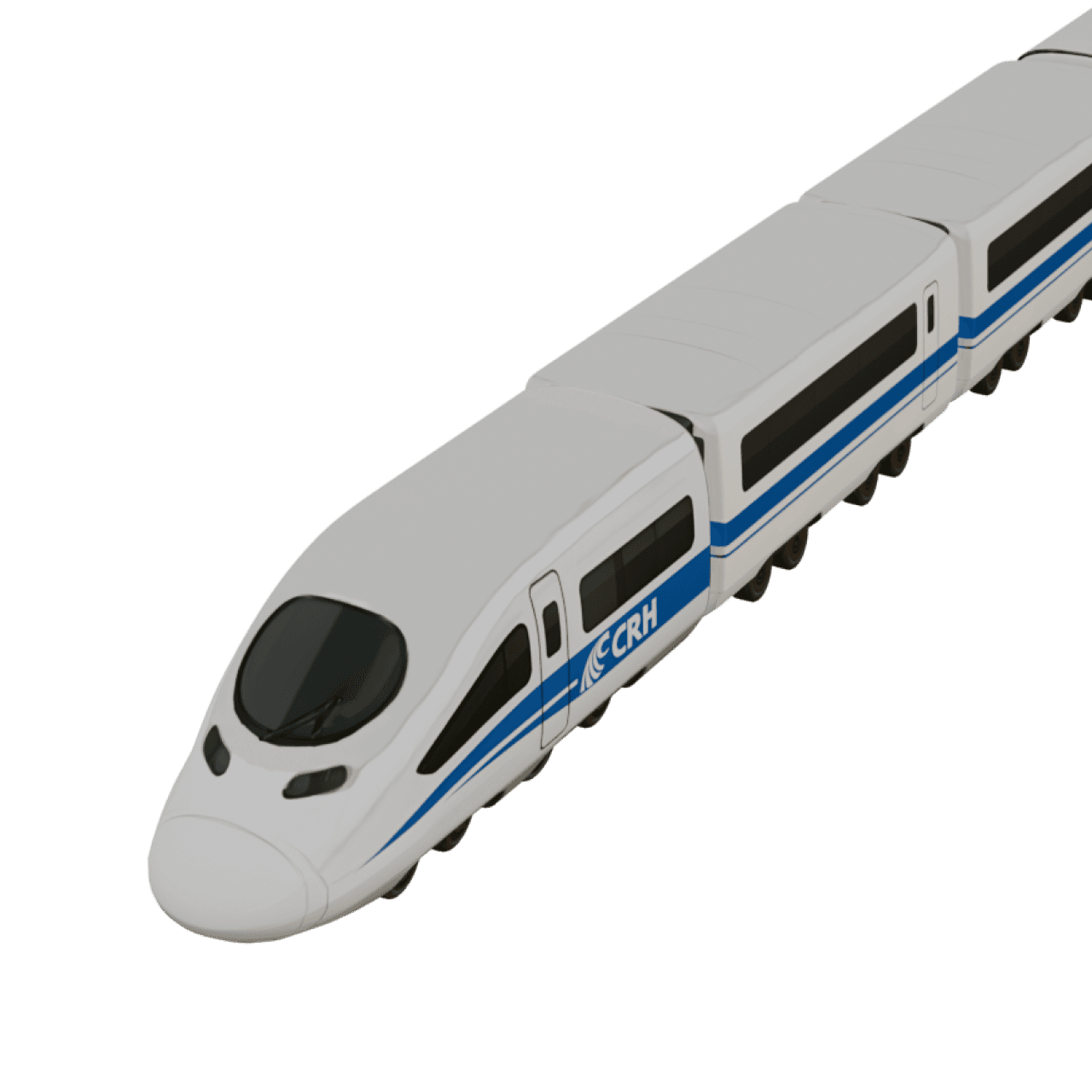
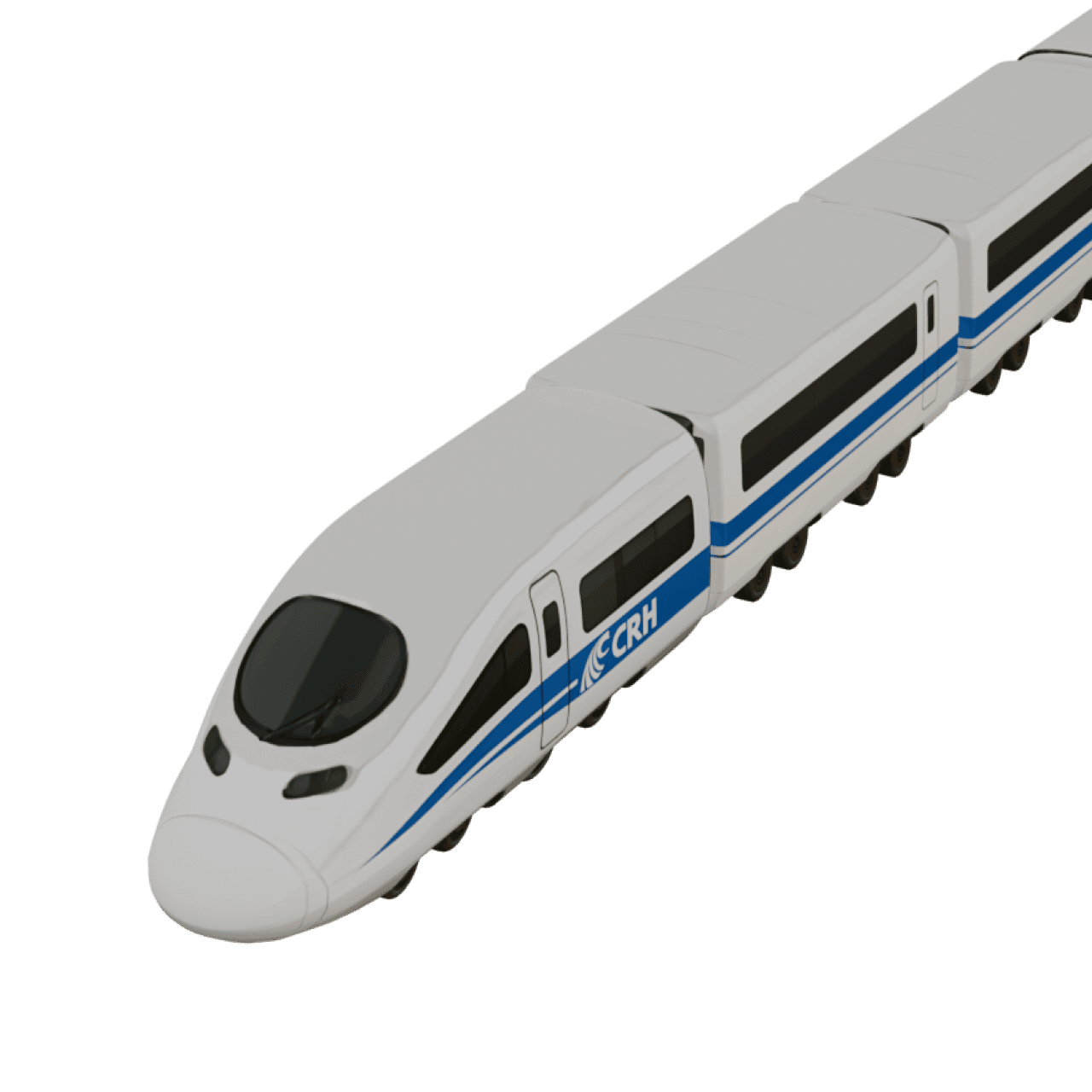
- High-speed rail (10): Vande Bharat, Shinkansen Train, Shinkansen 2, TGV Duplex, TGV Duplex 2, ICE Train, ICE 2, CRH High Speed Train, CRH High Speed Train 2, Hitachi Express
- Intercity & regional rail (13): Amtrak Train, Amtrak Train 2, Irish Rail, KiwiRail, NSW TrainLink, Sydney Train, Regio Trains, DSB IC3 Train, OSE Desiro ML Train, SNCB Class AM96 Train, CD Class 814 “Regionova”, Jakarta JR 205 Train, Bombardier BiLevel Train
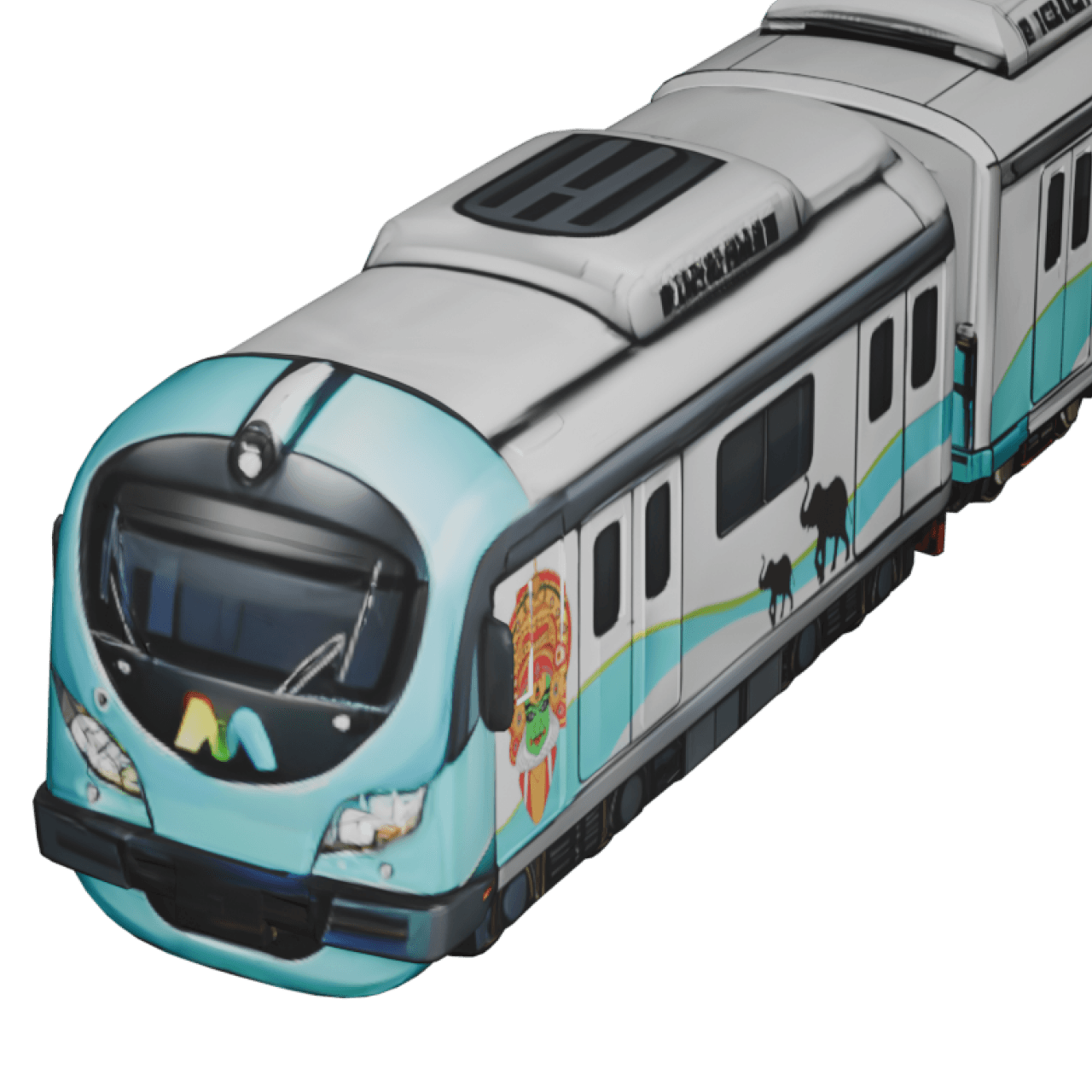
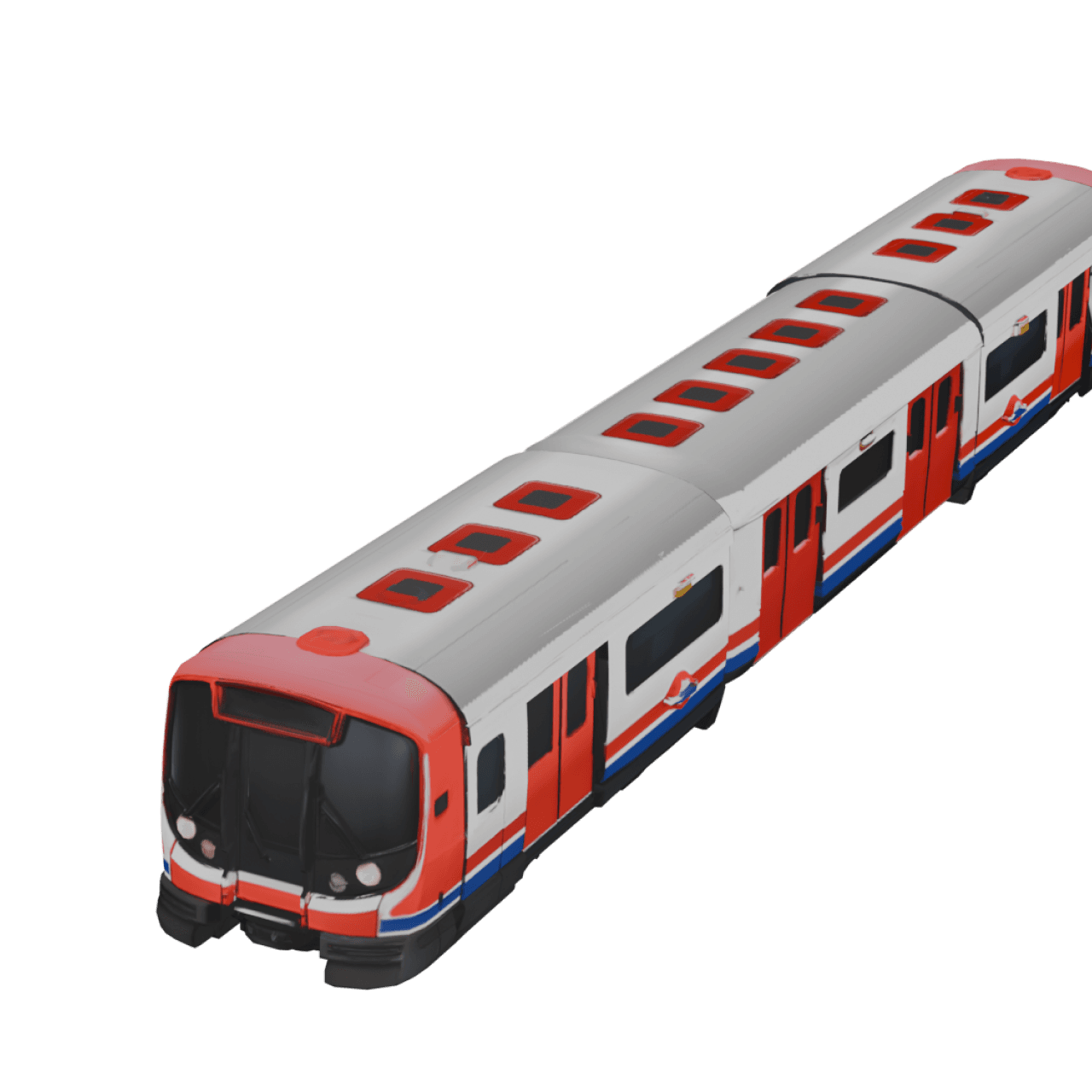
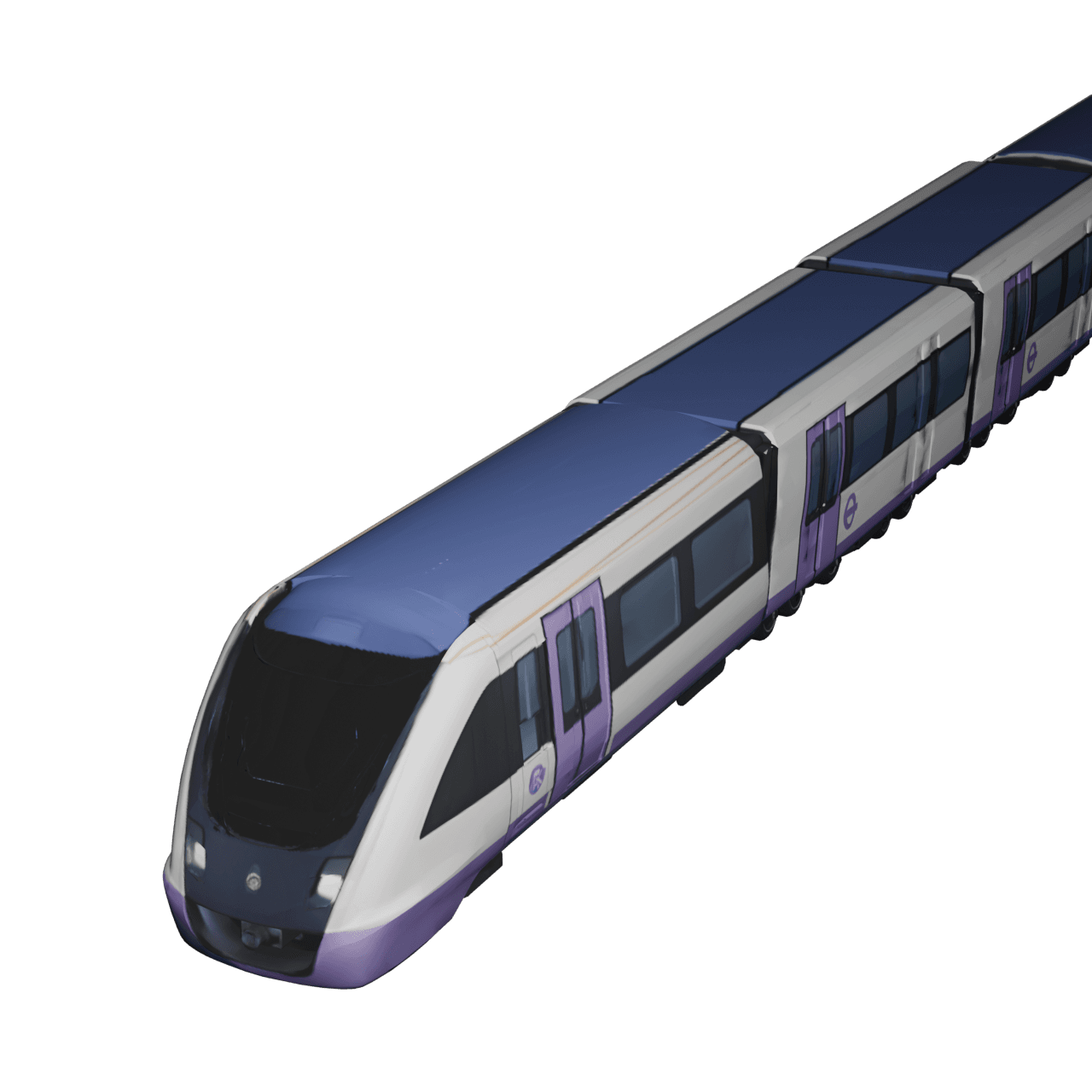
- Metro & urban rail (11): BTS Skytrain, São Paulo Metro, Dubai Metro, Kochi Metro, New York Metro, BART Metro, Paris Metro, Tube Train, Class 345 Train, Class 710 (London Overground), Alstom Metropolis
- Trams (4): Tram, Skoda Artic Tram, Remodelado Tram, Siemens Tram
- Mountain rack railway (1): Jungfraubahn Train
How to Create a Train Travel Map Animation – Step by Step
Most people finish a first 30-second TravelAnimator Train route animation video in well under 10 minutes.
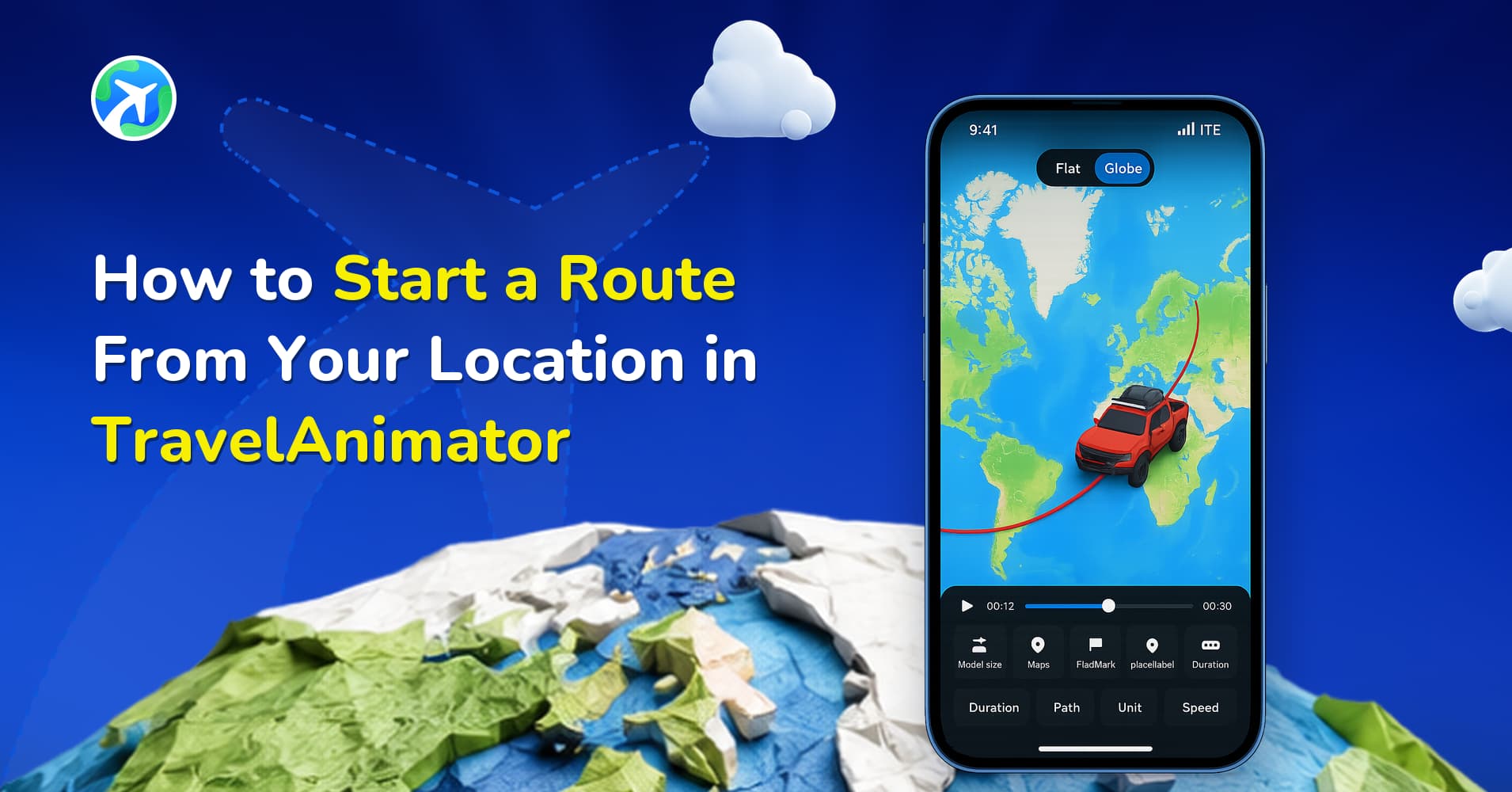
- Download the TravelAnimator App and sign up using an email address. Sign in if you already have an account.
- Start creating your video by manually adding the destinations in the order you want.
- You can also upload GPX files of your routes or paste the Google Map links directly into the app to make the process easier.
- Long-press the point and choose a suitable train model from the model menu. 2 train models are available for free, and the others are pro models.
- Long-press the point to add images, texts and elements to mention destinations or to show captured images. You can customize those images and text with different frames, colours, timing, and more.
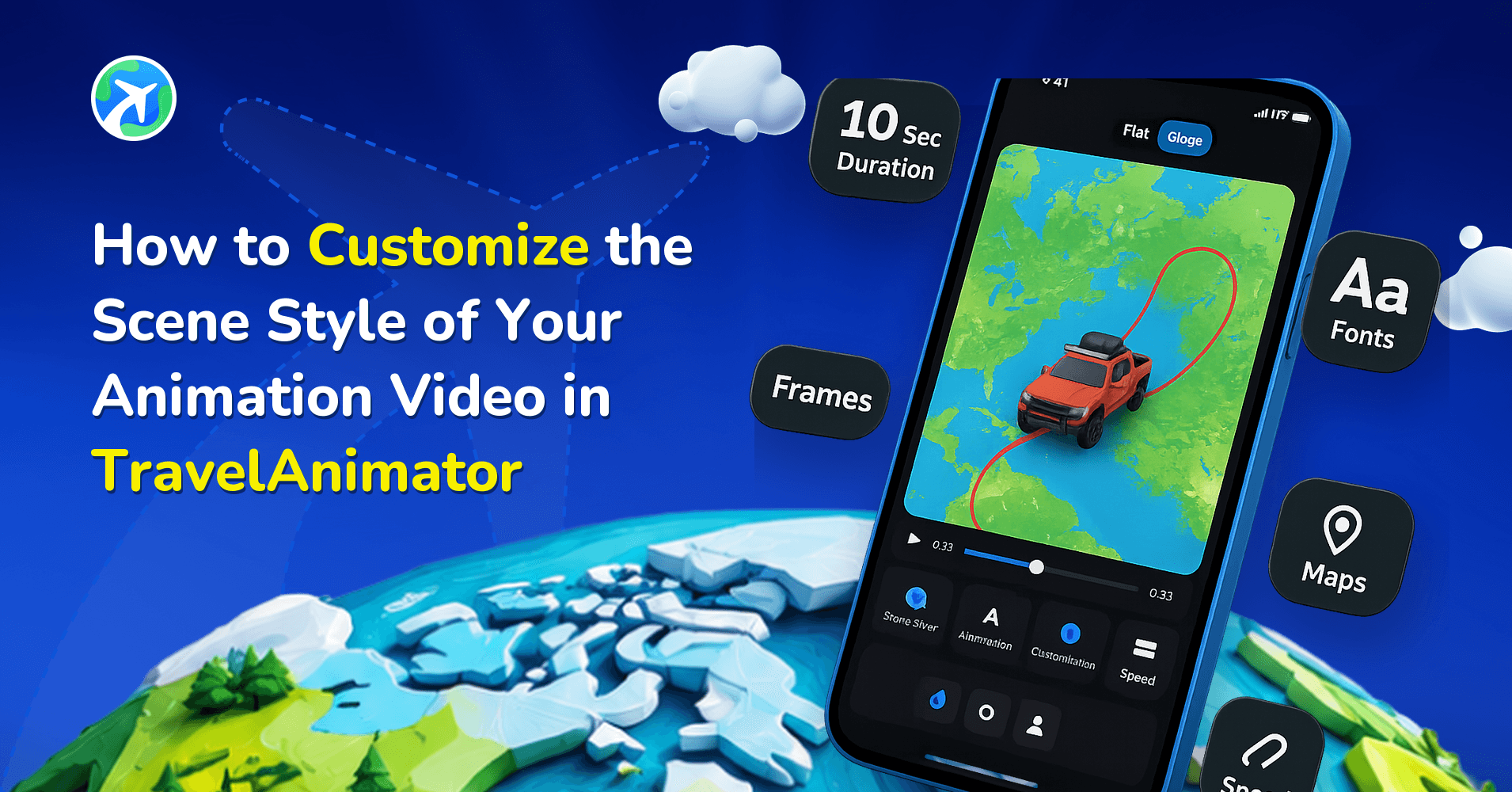
- Preview the video and select suitable 2D or 3D map styles that match your whole animation.
- Adjust other elements like ratio, video duration, model size, units, etc., and customize the route line and place labels to align with the complete animation.
- Tap preview to review your train travel map animation and export in HD (Free version) or 4K (Pro version). You can share directly to Instagram, YouTube, or any platform.
See how to create a train travel animation video
Tips for Better Train Travel Map Animation Videos
- Use a GPX file if you have one to make your route more accurate.
- Add photos from your journey, such as train stations or views from the train, to make the video more personal.
- Highlight the main stops instead of every station to keep the map clean and easy to follow.
- Choose a train model that matches your journey, such as a high-speed train or a classic steam train.
- Keep location labels short so they’re easy to read.
TravelAnimator as a Map Video Maker for Rail Journeys
A map video maker turns a route into a video where a vehicle travels across an animated map, so viewers can see where you went instead of guessing from clips. TravelAnimator is a map video maker built for travel, and it suits rail routes well because the train, the route line and the stations all stay in one clear frame.
What this means for a train video:
- Start from your real route – Add stations manually, paste a Google Maps link, or import a GPX file so the line follows the track you actually rode.
- Show the right train – Pick from 41 train models, including two free ones (Bullet Train and Train), or a named Pro model like the Shinkansen or Vande Bharat.
- Tell the story on the map – Add photos, short labels and other elements at the stations and views that mattered.
- Match the look to the platform – Choose 2D or 3D map styles, set the aspect ratio and video duration, and style the route line and place labels.
- Export and share – Export in HD on the free plan or 4K on Pro, then post straight to Instagram, YouTube or any other platform.
You don’t need video editing skills, because the route, model, photos, map style and export are all handled inside the app. One thing to know: TravelAnimator is a mobile app for iOS and Android, so if you specifically need a browser-based tool on a laptop, it isn’t one. For creating and sharing a rail journey from your phone, it’s a quick way to get a finished map video.
Who Can Use Train Travel Animation Videos?
- Railway enthusiasts share their favourite train journeys.
- Travel vloggers and YouTubers are creating engaging travel content.
- Travel agencies and tourism organizations promote scenic rail routes.
- Teachers and students explaining geography or railway history.
- Anyone who wants to remember and share a train trip in a fun and creative way.
Frequently Asked Questions
Is TravelAnimator free to use for train videos?
Yes. You can build a route, use either of the 2 free train models, and export in HD, including many free customization options. Upgrading to Pro unlocks the remaining 39 train models, 4K export, and additional customization options.
Can I use a real GPX file from my train trip?
Yes, import a GPX file, and the app aligns the animated route to your actual tracked path, which is more accurate than manually placing points for routes with many curves or tunnels.
Do I need video editing experience?
No. The entire process, including route, model, photos, map style, and export, is handled in the app through the simple steps above.
What video length works best for social media?
15–30 seconds perform best on Instagram Reels, TikTok, and YouTube Shorts. Longer cross-country routes can run longer, but keep the timing tight and avoid overcrowding the map with too many stops.
Can I animate a well-known route like the Darjeeling Toy Train or Switzerland's Glacier Express?
Yes, add each station as a stop, and pick a model that matches the train type so the animation matches the real journey.
Start Animating Your Train Journey
Creating a train travel map animation is one of the easiest ways to turn your railway memories into engaging videos. Whether you’re showcasing a mountain toy train, a metro commute, or a cross-country rail trip, a train route animation helps viewers follow your journey clearly.
Download the TravelAnimator app from the App Store or Play Store and start creating your train trip map animation today to bring your railway journeys into engaging visuals.