Top 5 Train Travel Map Animation Apps in 2026
 Jaseel S8 min read
In this article 11 sections
Are you looking for the best tool to create a train travel map animation for your railway journeys? Today, there are several tools that allow travelers and content creators to transform train routes into engaging animated videos. These animations visually show how a train travels between stations, making the journey easier to understand and more interesting to share.
Train travel animations are becoming increasingly popular among railway enthusiasts, travel vloggers, and social media creators. Instead of sharing screenshots of train routes or writing long descriptions about their journey, many travelers now prefer animated route videos that clearly show the train moving from one destination to another.
If you’re searching for the best train map animation apps, this guide provides a clear and transparent comparison of some popular tools. We will explore the key features, strengths, and limitations of each platform so you can choose the right railway route animation app for your needs.
Publisher disclosure: This guide is published by the team behind Travel Animator. It compares our product with alternatives and is not an independent review. Availability and purchase options can vary by app version, device and region.
What Are Train Travel Map Animation Apps?
Train travel map animation apps are tools designed to convert railway routes into animated map videos. Instead of displaying a static route between stations, these apps create animations that show a train moving along the railway path, visually illustrating the journey.
Most train route animation apps simplify the process of building animated travel maps. These apps are commonly used for Travel vlog intros featuring train journeys, Social media travel stories, Visual railway itinerary presentations, documenting scenic railway trips, and Educational content explaining train routes.
Using an animated train travel map, travelers can easily create engaging content that visually explains their railway journey.
Best Train Travel Map Animation Apps
| App / Tool | Short Description | Platform | Free |
|---|---|---|---|
| TravelAnimator | Feature-rich railway trip animation app with various train models, multiple maps, and HD/4K export. | Android, iOS | Yes (limited features) |
| TravelBoast | Popular animated travel route app with multiple transport models, including train. | Android, iOS | Yes |
| Pictramap | Web-based animated map creator that has vehicle icons and photo integration. | Web | Yes (limited projects) |
| Anim8Map | An animation tool designed for simple route visualization. | Web | Yes |
| Mult.dev | A developer-oriented map animation tool used for custom route visualization projects. | Web | Limited |
TravelBoast
TravelBoast is one of the most recognized travel animation apps used by social media creators and travelers. The app focuses on simplicity and allows users to create animated travel videos with minimal effort.
Many travelers use TravelBoast to create quick train route video animations that show a train moving between destinations on the map. The interface allows users to add stops and choose from different transport models, including trains.
Key Features
- Large vehicle library including train models
- Simple route entry system
- Quick animation generation
- GPX import option for getting real routes
- Social media-ready video exports
Pros
- Beginner-friendly interface
- Large transport model library
- Fast animation creation
Cons
- Limited map customization options
- Fewer advanced animation controls
TravelAnimator
TravelAnimator focuses on flexibility and storytelling when creating animated travel routes. The platform allows users to build detailed train journey map animations using different map styles and customization tools.
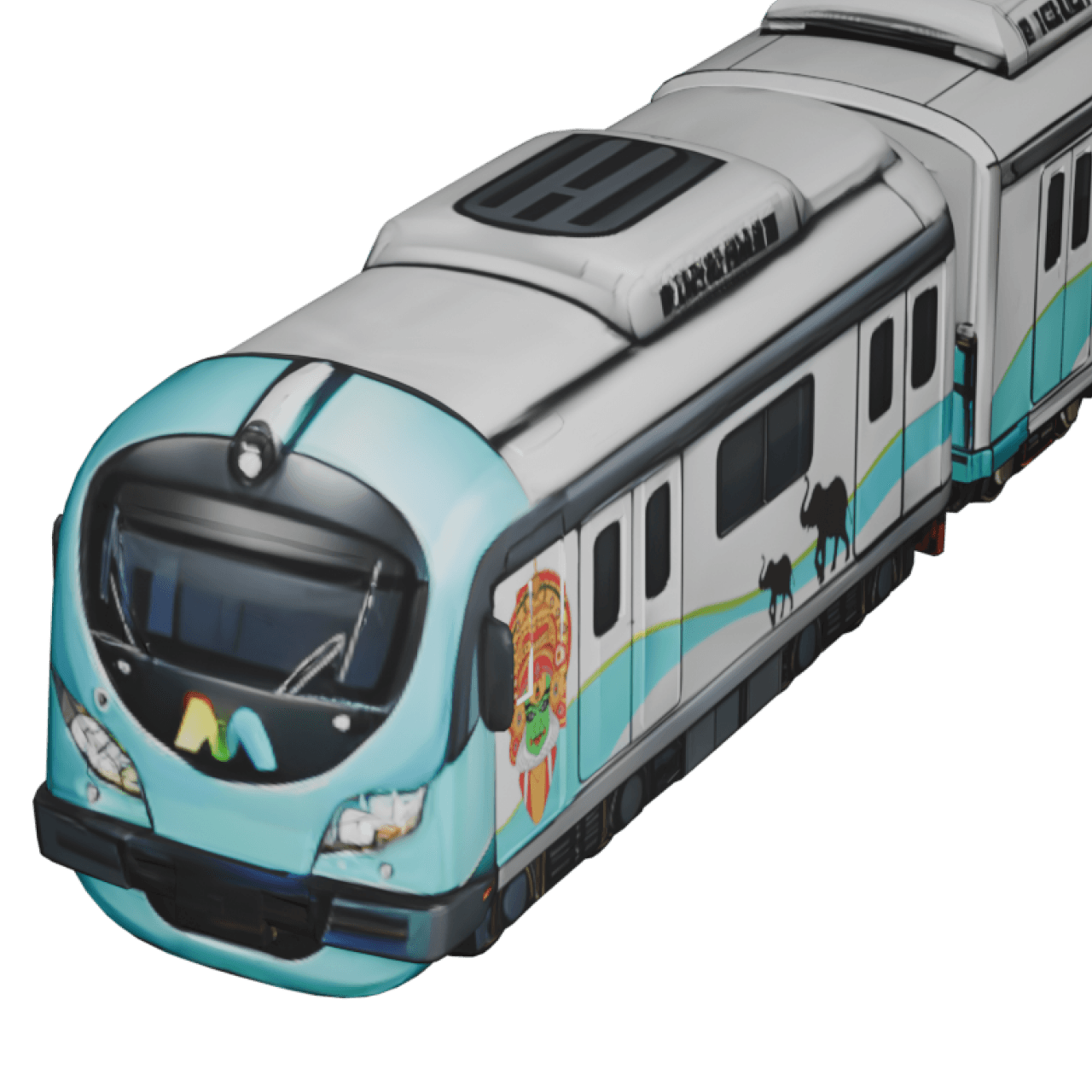
For travelers documenting railway journeys, TravelAnimator works as a powerful railway trip animation app that transforms train routes into engaging animated videos.
Key Features
- 30+ map styles including 2D and 3D options
- Real Route feature for realistic route paths
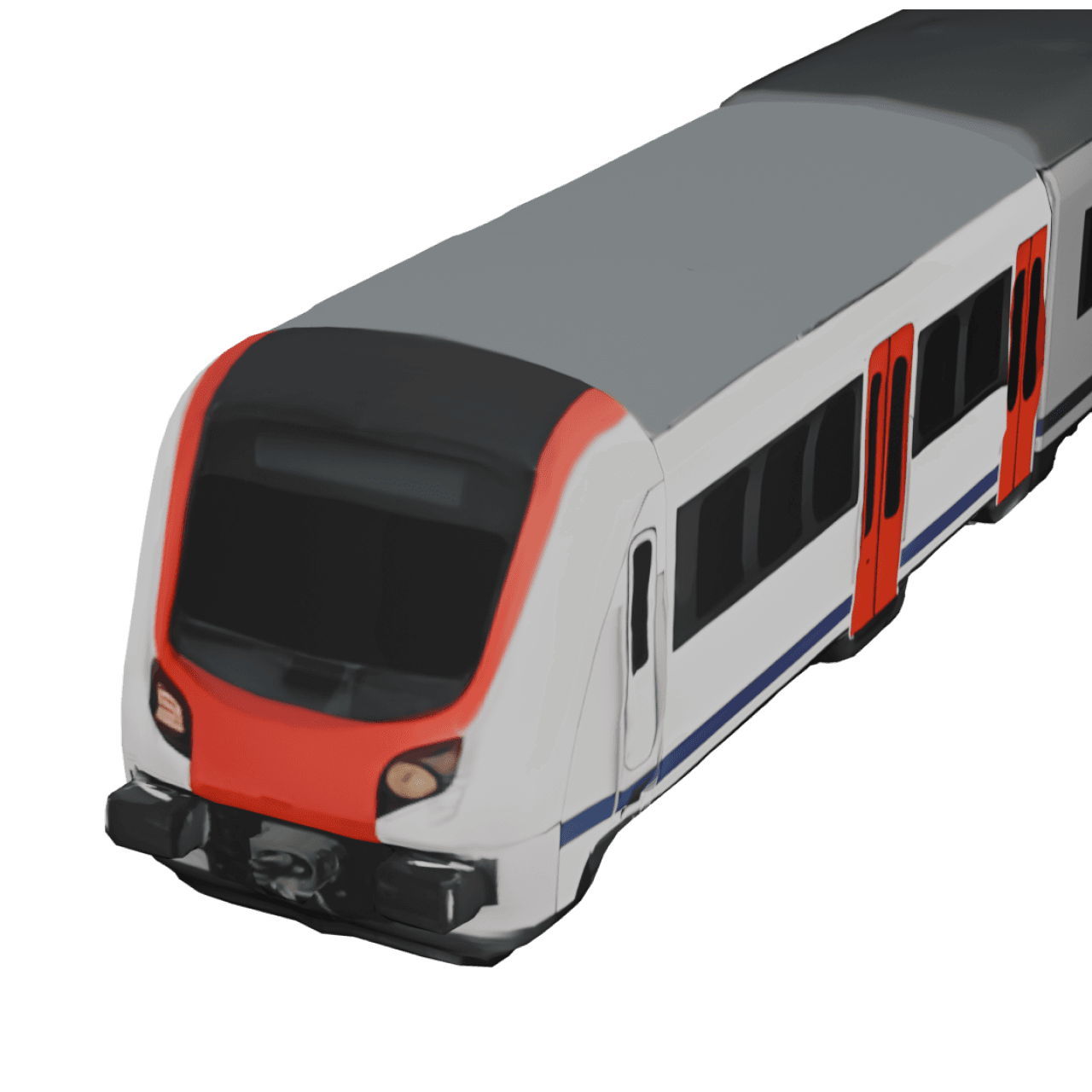
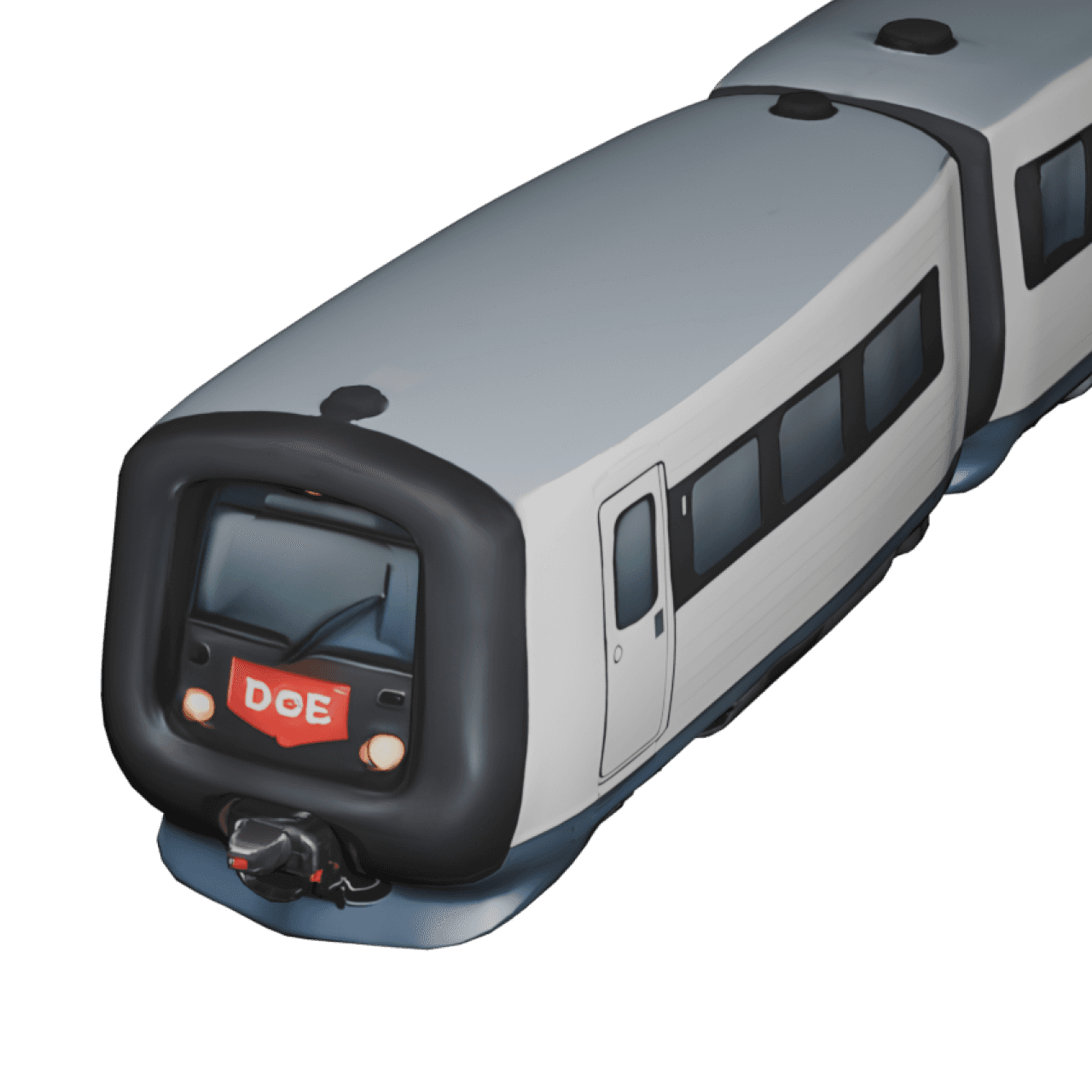
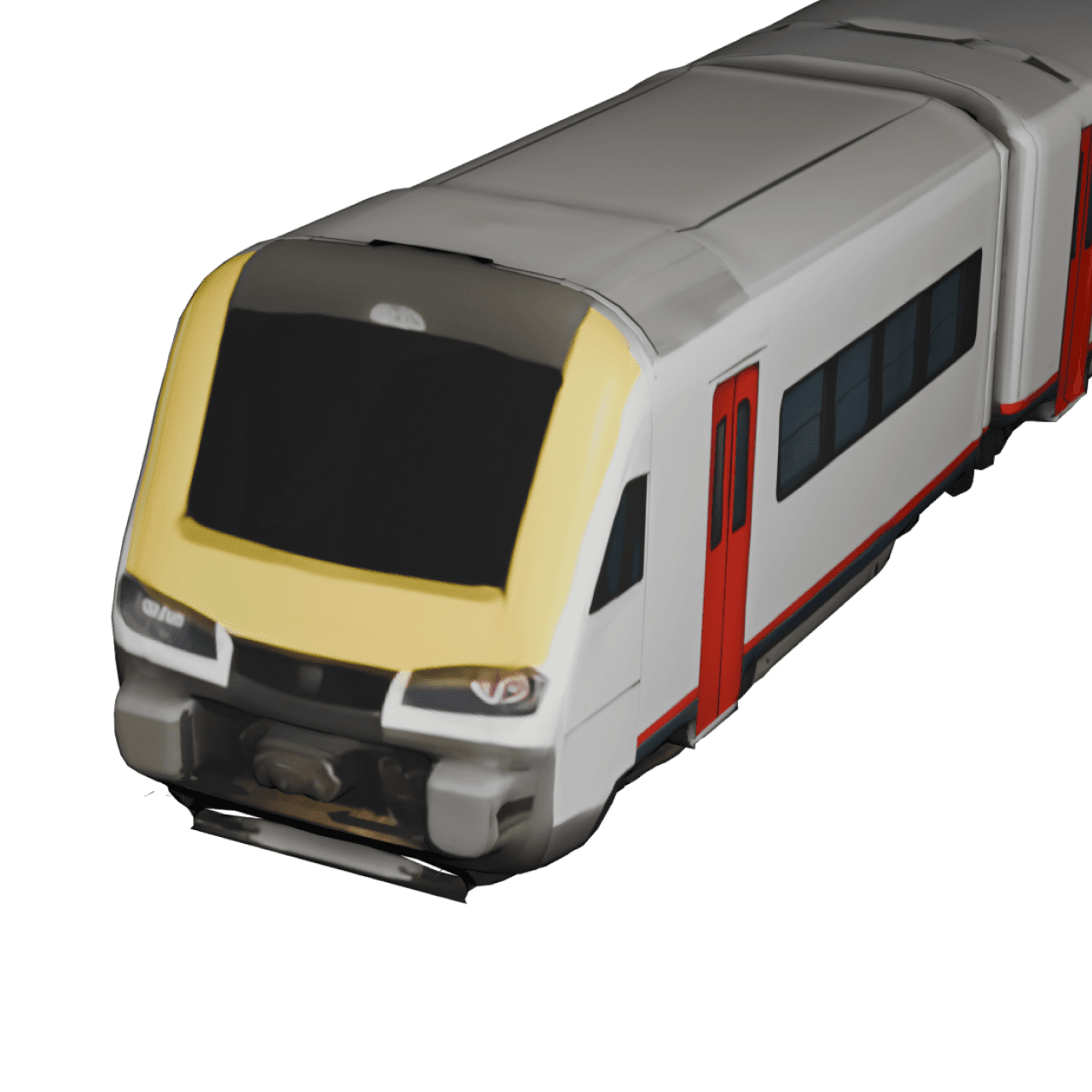
- Large model library including multiple train types
- GPX file import and Google Maps link import for real route tracking
- Image and text customization
- HD and 4K export options
Pros
- Advanced route customization
- Multiple aspect ratios for social media videos
- Realistic route visualization
- Suitable for both beginners and advanced users
Cons
- Some advanced features require the Pro version
- Desktop version not currently available
Pictramap
Pictramap is a web-based animated map creator that allows users to build travel animations without installing an app. It is often used by bloggers and travelers who want to quickly generate simple animated route maps.
Users can create a train travel map animation by adding locations on the map and selecting a vehicle icon to represent the journey.
Key Features
- Drag-and-drop route creation
- Multiple image uploads at a single travel stop
- Vehicle animations, including train icon
- Web-based editing interface
Pros
- No app installation required
- Accessible from any browser
- Simple and beginner-friendly
Cons
- Limited vehicle and map styles
- Fewer animation customization options
Anim8Map
Anim8Map is an animation tool designed for simple route visualization. It is suitable for users who want to create quick animated travel routes without many advanced customization options.
This platform can function as a basic train route animation app that quickly visualizes railway journeys.
Key Features
- Custom route drawing
- Simple vehicle animation
- Basic animation export options
Pros
- Minimal interface
- Intro and outro option
- Multiple image uploads at a single travel stop
Cons
- Limited map styles
- Lower export quality compared to advanced tools
Mult.dev
Mult.dev provides map-based animation tools often used for data visualization or web development projects. Although it is not specifically designed for travel animations, it can still be used to build animated route visualizations.
This makes it more suitable for technically experienced users creating custom railway route animation projects.
Key Features
- Advanced animation frameworks
- Custom map styling
- Web integration support
Pros
- Highly customizable animations
- Suitable for development projects
Cons
- Requires technical knowledge
- Not beginner-friendly
- Less optimized for travel storytelling
Comparison Overview
| Feature | TravelBoast | TravelAnimator | Pictramap | Anim8Map | Mult.dev |
|---|---|---|---|---|---|
| iOS Support | ✓ | ✓ | Web | Web | Web |
| Android Support | ✓ | ✓ | Web | Web | Web |
| 3D Maps | ✓ | ✓ | ✗ | ✗ | Limited |
| Real Routes | ✗ | ✓ | ✗ | ✗ | ✓ |
| GPX Import | ✓ | ✓ | ✗ | ✗ | ✓ |
| Google Maps Link Import | ✗ | ✓ | ✗ | ✗ | ✗ |
| HD Export | ✓ | ✓ | ✓ | ✓ | Advanced |
| 4K Export | ✗ | ✓ | ✗ | ✗ | Depends |
How to Create a Train Travel Map Animation (Step-by-Step)
Most train travel map animation apps follow a similar workflow. To help you understand how the process works, here is an example using TravelAnimator.
- First, download the TravelAnimator app and open it on your smartphone.
- Once inside the app, enter your departure station as the starting point and your destination station as the endpoint using the search bar.
- Next, tap the + icon to add additional stops if your railway journey includes multiple stations along the way. You can rearrange these stops to match the correct order of your trip.
- After creating the route, long-press on a stop to open the model menu and select a train model from the available transport options. This converts the route into an animated train travel map.
- You can enable Real Routes to make the route follow realistic paths.
- You can also personalize the animation by adding images or captions at specific stops.
- Then go to the preview screen, where you can customize the map style, adjust route lines, and modify video settings such as aspect ratio, model size, or video duration.
- Once everything looks correct, preview the animation to see how the train journey map animation appears.
- Finally, export the animation video in HD or 4K resolution and share it on social media or include it in your travel content.
FAQs About Train Travel Map Animation Apps
Are there free train travel map animation apps available?
Yes. Many train travel map animation apps provide free versions that allow users to create basic route animations. However, premium versions often unlock higher export quality, additional train models, and advanced customization options.
Can I create a train route animation without video editing experience?
Yes. Most train route animation apps are beginner-friendly. Users typically only need to enter stations, select a train model, and export the animation.
Can I animate a railway journey with multiple stops?
Yes. Most railway route animation apps allow users to add multiple stations along the route, making it easy to visualize complex train journeys.
Can Google Maps create animated train route videos?
No. Google Maps does not provide a built-in feature to export animated route videos. To create animated train route maps, you typically need dedicated travel animation apps like TravelAnimator.
Finding the Best Train Travel Map Animation Apps
Train travel map animation apps continue to improve in 2026, giving travelers new ways to visually present their railway journeys. Whether you’re creating travel videos, documenting scenic train rides, or building railway itineraries, these tools make it easier to turn routes into engaging animations.
Each app offers different advantages. Some focus on simplicity and quick animation creation, while others provide deeper customization, advanced map styles, and higher video export quality. If you want to create animated train route maps, build engaging train route video animations, or produce visual stories of your railway journeys, testing a few tools can help you find the platform that best fits your needs.