The Best Free Alternative to PictraMap in 2026 (With Free Video Export)
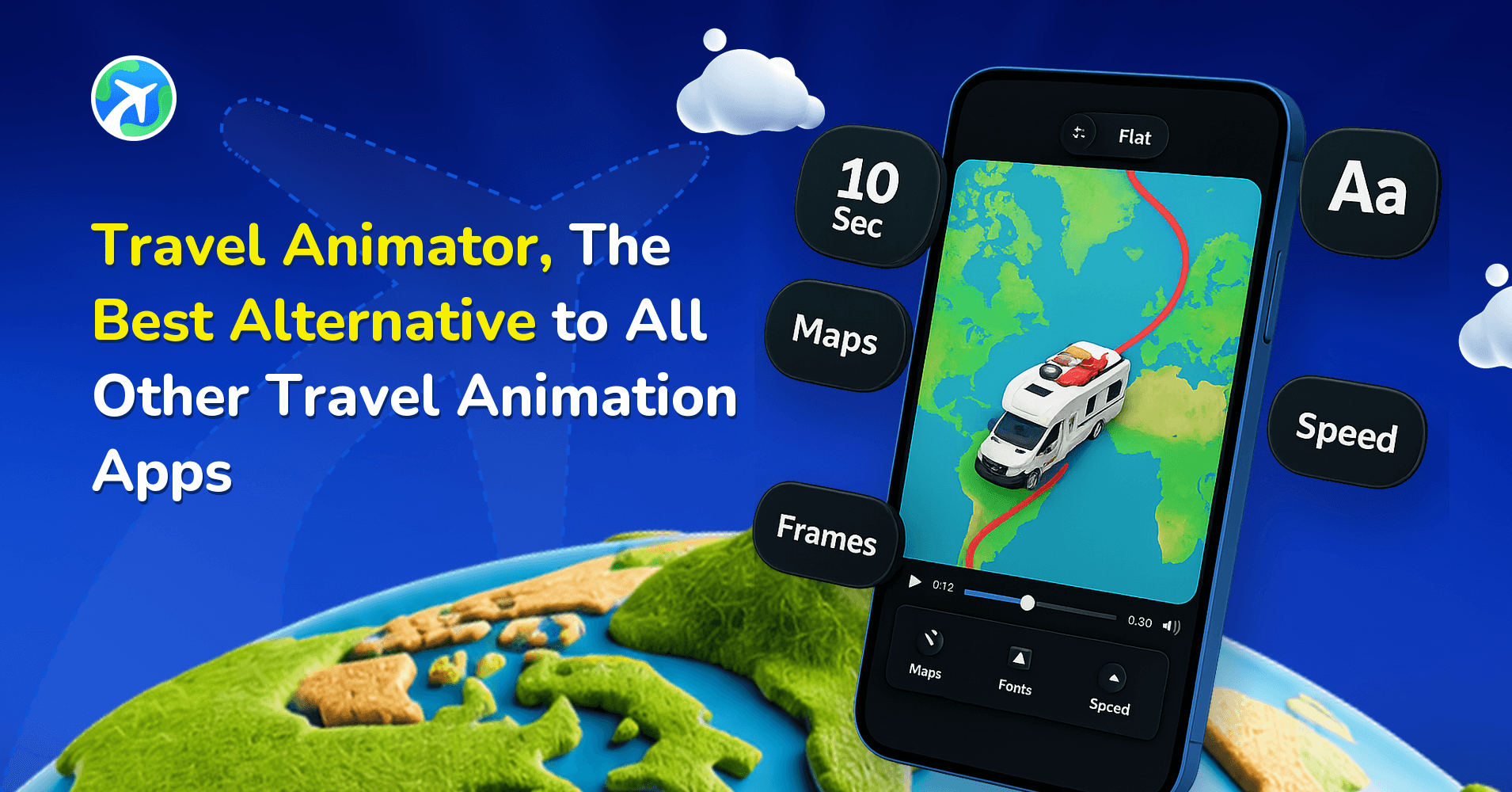
Travel Animator is a free-to-start mobile alternative to PictraMap for creating animated route videos. Use it to plot stops, choose a vehicle and export a video; check the plan limits if you need premium models or 4K output.
 Jaseel S8 min read
In this article 10 sections
You can build an animated map in PictraMap by choosing a map style, adding locations, photos, captions, and music. But when you want to export that map as a video, the free plan does not include video export.
If you want a finished travel video without paying to unlock export, Travel Animator is a strong free alternative to PictraMap. It supports GPX and Google Maps import, unlimited HD video exports, and does not require a credit card.
Let’s explore how Travel Animator became a free alternative to PictraMap and what its features are.
What Is PictraMap?
PictraMap is a web-based tool for creating animated, interactive travel maps with locations, photos, captions, map styles, and background music. You can share maps through a link or embed them on a website.
Its free plan supports map creation and embedding but does not include video export. To download an animation as a video, you need the Screen Capture feature, available on the Pro ($4.95/month) or Ultimate ($29.95/month) plans.
What Is Travel Animator?
Travel Animator is a mobile travel animation app for iOS and Android. It is designed to turn travel routes into animated videos that you can share on social media, YouTube, or other platforms.
The free plan includes 10+ vehicle models, GPX import, Google Maps import, manual route creation, and unlimited HD video exports. It is free forever and does not require a credit card. Free videos include a small watermark. The Travel Animator Pro plan ($5.99/month or $24.99/year) adds 300+ vehicle models, 30+ map styles, 2D and 3D options, 4K export, and watermark-free videos.
Why People Look for a PictraMap Alternative
PictraMap works well if you want an interactive map for a website. But its free plan has some limits if your main goal is creating travel videos.
- The free plan doesn’t include video export, so you’ll need the Screen Capture feature on a paid plan to download your animation as a video.
- The Free plan has limits on projects, photos, and locations. You can create up to 2 projects, use up to 20 pictures in total, and add up to 10 locations per project.
- There is no GPX import. If you already have a route from Strava, Garmin, or another GPS app, you need to add locations manually.
- It is a browser-only tool. There is no dedicated PictraMap mobile app.
- Removing the PictraMap logo and using videos commercially require the Ultimate plan, which costs $29.95/month.
These limits may be fine if you mainly want an interactive map for your travel blog. But if your goal is to create and export travel videos for free, you may want another option.
Travel Animator Free vs PictraMap Free: Quick Comparison
| Feature | PictraMap (free) | Travel Animator (free) |
|---|---|---|
| Platform | Web browser only | Mobile app – iOS & Android |
| Pricing model | Free; Pro $4.95/mo, Ultimate $29.95/mo | Free forever; Pro $5.99/mo or $24.99/yr |
| Video export | ❌ Not included | ✅ Unlimited HD exports |
| Route creation | Manual pin drops | Manual, GPX import, or Google Maps import |
| GPX import | ❌ | ✅ |
| Projects/routes | Up to 2 projects | 1 saved route at a time |
| Photos | Up to 20 pictures total | Included, no stated cap |
| Locations per project | Up to 10 | No stated cap |
| Vehicle animation | No moving vehicle | 10+ free vehicle models |
| Background music | ✅ Built-in music themes | ❌ Add audio after export |
| Watermark | PictraMap logo | Small watermark |
| Sharing | Embed with iframe or shareable link | Export video and share anywhere |
Want the full feature-by-feature breakdown? See our complete comparison of Travel Animator and PictraMap.
What Makes Travel Animator a Free PictraMap Alternative?
- You can actually export a video for free – Travel Animator’s free plan includes unlimited HD exports. PictraMap’s free plan only builds and embeds a map; exporting a video needs a paid plan.
- Real GPS routes without manual pin-dropping – Import a GPX file or a Google Maps route and Travel Animator plots it for you. PictraMap has no GPX or Google Maps route support.
- Built for your phone – Travel Animator is a dedicated iOS and Android app. PictraMap is a browser-only tool.
- A vehicle & avatar animates your route – Travel Animator shows a 3D car, plane, or other model moving along your journey. You can also move your avatar along with the moving model.
- More Freedom on the Free Plan – Travel Animator does not have the same project and location limits as PictraMap’s Free plan. You can create travel videos without worrying about reaching a paid video-export limit.
What Makes PictraMap Better?
- Built-in background music – PictraMap lets you choose a music theme for your animation. Travel Animator does not have built-in audio, so you need to add music after exporting the video. has no built-in audio; you add a soundtrack after exporting.
- Made for embedding on a website – PictraMap’s maps are designed to live inside a blog post via an iframe. Travel Animator produces a video file, not an embeddable map.
- Works entirely in a browser – PictraMap works through a web browser, so there is no app to install. This can be useful if you prefer creating maps on a laptop or desktop.
- Interactive for your readers – Because PictraMap maps are embedded, not exported, a reader can click around and explore your route themselves; a video can’t do that.
Which Tool Is Right for You?
Choose Travel Animator if you
- Want a finished video you can post today, without paying to unlock export
- Have a recorded route (Strava, Garmin, Google Maps) to import instead of placing pins by hand
- Want a vehicle animating your route, along with your avatar
- Want to create several travel videos for free with HD exports
- Prefer working from your phone.
Choose PictraMap if you
- Want an interactive map to embed on a blog or website
- Want built-in background music
- Prefer working in a browser
- Only need a small number of maps
- Are comfortable paying for video export later
How to Get Started with Travel Animator
Creating a travel animation in Travel Animator only takes a few steps.
- Download Travel Animator from the App Store or Google Play Store.
- Tap Add Location and search for your start and end points.
- Use the + icon to add more stops. You can drag each stop to make the correct order.
- Long-press a stop to open the model menu and choose a vehicle that is suitable for each destination or the whole trip. You can also add Avatar with your own photo moving along the animation.
- You can enable real routes of manually added destinations. Or import a GPX file or Google Maps route instead of adding stops manually.
- Long-press a point again and go to Add Media to add photos, text, or elements to each stop.
- Preview the animation before exporting.
- From there, Adjust ratio, map style, path, place labels, highlight areas, duration, scene style, unit, flag and cover image to fit how you’ll share your animation.
- Export in HD for free (4K export available in Pro plan), then share directly to social media.
See the full Travel Animator Free vs Pro comparison to decide you want to continue with free plan or need to updated to Travel Animator Pro plan.
Frequently Asked Questions
Can I export a video for free on PictraMap?
No. PictraMap’s free plan lets you build and embed an animated map, but exporting it as a video needs the Pro ($4.95/mo) or Ultimate ($29.95/mo) plan’s Screen Capture feature, which is still in BETA.
Is Travel Animator really free?
Yes. The free plan is free forever, includes most needed features and unlimited HD video exports, and requires no credit card. Exports include a small watermark, which Pro removes.
Does PictraMap support GPX files?
No. PictraMap routes are built by manually placing pins. There’s no GPX import. Travel Animator supports GPX import on its free plan.
Does Travel Animator have a web version like PictraMap?
No. Travel Animator is a mobile app for iOS and Android only. If you specifically want a browser-based, embeddable map, PictraMap fits that need better.
How many locations can I add for free?
PictraMap’s Free plan allows up to 10 locations per project and up to 2 projects. Travel Animator does not state a location limit for its free plan.
Disclosure: This article was written by the TravelAnimator team. Plan details and pricing for both tools were checked directly against their current pricing pages and are accurate as of September 2026; features and prices may change.
Which One Should You Choose?
Choose Travel Animator if you want a finished HD video today without paying to unlock export, especially if you already have a GPS route to import.
Choose PictraMap if you want an interactive map embedded on a blog or website with built-in background music, and you’re comfortable working in a browser.
Travel Animator is rated 4.6 on the App Store and 4.3 on Google Play, with 43,000+ combined ratings from 165 countries.
Download Travel Animator and start creating your first travel animation for free.
You can also see how Travel Animator compares to other travel animation apps.