The Best Free Alternative to AvoMap in 2026
 Jaseel S8 min read
In this article 10 sections
Travel Animator is a free AvoMap alternative, developed to create your travel memories into engaging animated videos for everyone using a user-friendly app.
Imagine you’re travelling and want to create a quick video to share on Instagram. You don’t want to spend too much time creating or waiting for your video, so you start looking for an AvoMap alternative. That’s when you discover Travel Animator. If you want to create a travel video quickly on your phone without worrying about render credits, Travel Animator offers a simple and free option.
Let’s explore how Travel Animator compares with AvoMap and how you can use it to create an animated travel video in just a few easy steps.
Publisher disclosure: This guide is published by the team behind Travel Animator. It compares our product with alternatives and is not an independent review. Availability and purchase options can vary by app version, device and region.
What Is AvoMap?
AvoMap is a web-based tool that turns GPS routes into cinematic 3D videos. It is mainly made for hikes, trail runs, and race routes where terrain and elevation are important. You can use the editor for free to create and preview your route, but you need render credits to export a video. 4K export and watermark removal also require extra credits.
AvoMap does not have a vehicle model library. Instead, you can use a customizable avatar or track marker to show your route while the camera moves along the path. This creates more of a cinematic terrain flyover than a vehicle moving on a map. AvoMap supports GPX and KML imports, has 12 map styles, and automatically creates an elevation chart. These features make it useful for outdoor activities and race routes.
What Is Travel Animator?
Travel Animator is a mobile-first travel animation app available on iOS and Android. It has a 4.6/5 rating on the App Store and 4.3/5 on the Play Store, with more than 43,000 combined ratings.
The Travel Animator free plan includes 10+ vehicle models, 80+ video elements, GPX and Google Maps import, and unlimited HD export. Free videos include a watermark. The Pro plan unlocks 300+ models, 30+ map styles with 2D, 3D, and seasonal themes, 4K export, and watermark-free videos.
We compared Travel Animator and AvoMap by creating the same using identical route data and settings. We compared route setup, vehicle and marker options, map styles, customization features, export quality, and what it costs to export a finished video in each tool. Here’s what we found.
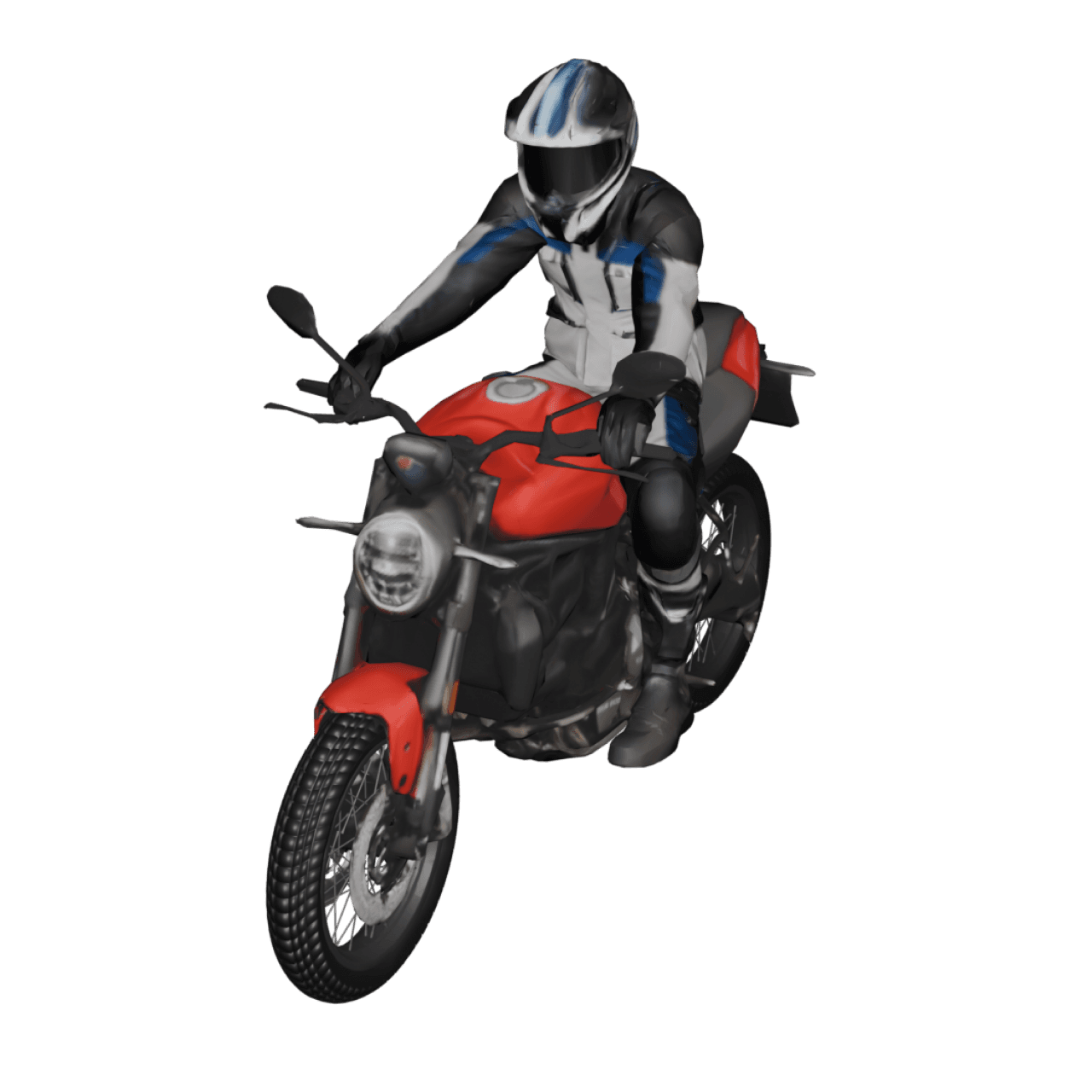
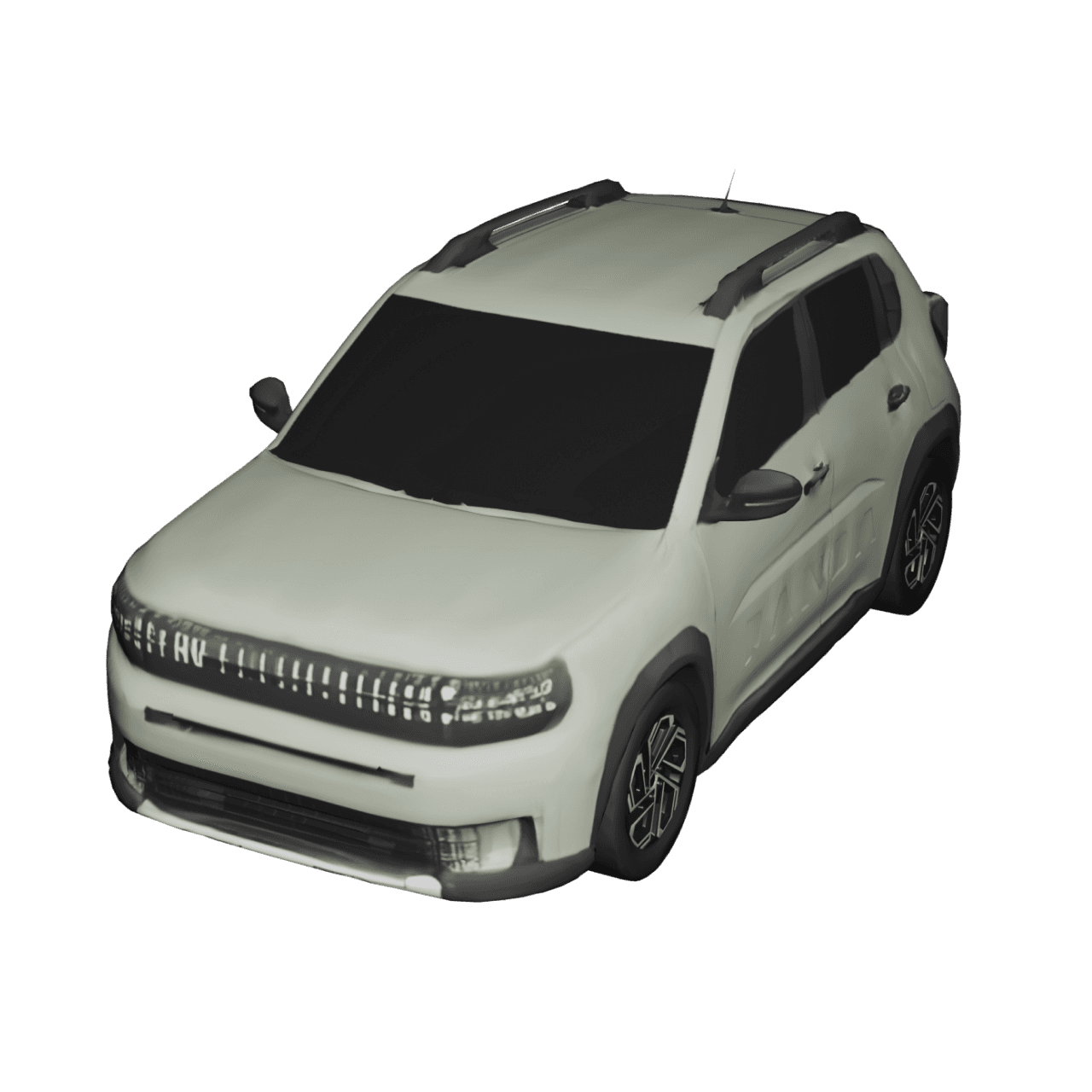
TravelAnimator
Avo Map
Why People Look for an AvoMap Alternative
AvoMap is a useful tool for routes where terrain and elevation are important. However, some users may look for an alternative because of the following reasons:
- There is no ongoing free export plan. Each exported video uses a render credit, including HD videos.
- 4K export and watermark removal require extra credits.
- AvoMap is web-based, so you need a laptop or desktop browser to create your videos.
- AvoMap does not have a vehicle model library. If you want to show a car, train, or plane moving along your route, it does not offer that option.
These limits may not be a problem for hikers, runners, or people creating race-course videos. But for casual travellers who want to create travel videos on their phones without worrying about render credits, they may want a simpler alternative.
Travel Animator Free vs AvoMap Free: Quick Comparison
| Feature | AvoMap | Travel Animator |
|---|---|---|
| Platform | Web-based editor (desktop browser) | Mobile app — iOS & Android |
| Pricing model | Pay-per-render credits, no subscription | Free forever, or Pro at $5.99/month ($24.99/year) |
| Create a route | Yes | Yes |
| Video export | No free export — exports require credits | Yes — unlimited HD exports |
| Export credits | 1 credit required per export | No credits required |
| Watermark | Watermark-free export requires an extra credit | Free exports include a watermark |
| 4K export | Available with an extra credit | Available in Pro plan |
| Vehicle animation | No 3D vehicle models; uses route markers/symbols | 10+ free vehicle models for free |
| Map styles | 12 map styles | Default map style |
| GPX import | Yes, plus KML | Yes |
| Google Maps import | No | Yes |
| Multiple routes in one video | No — one route per project | Yes — multiple GPX and Google Maps routes |
| Elevation chart | Yes | No |
| Best for free users | Creating and previewing routes, then paying credits to export | Creating and exporting regular travel videos without export fees |
Want the full feature-by-feature breakdown? See our complete comparison of Travel Animator and AvoMap
What Makes Travel Animator a Free AvoMap Alternative
- Made for mobile – Travel Animator is available on iOS and Android, so you can create and export videos from your phone. AvoMap works in a desktop browser, so you need a laptop or desktop.
- No credits to manage – Travel Animator lets you export unlimited HD videos on the free plan. AvoMap uses render credits for each exported video. 4K export and watermark removal also use extra credits.
- A vehicle moves along your route – Travel Animator lets you choose 3D vehicles such as cars, trains, and planes to animate your route. AvoMap uses an avatar or track marker while the camera moves along the route.
- Simple free plan – Travel Animator adds a watermark to free exports, which you can remove with Pro. AvoMap also adds a watermark to exports unless you use credits to remove it.
Travel Animator’s free plan is enough to create and export travel route videos in HD, but Pro gives you access to more vehicles, map styles, 4K export, and additional customization options. See the full Travel Animator Free vs Pro comparison to understand what you get with each plan.
What Makes AvoMap Better?
- Elevation Visualization — AvoMap automatically creates an elevation chart for your route. This is useful for hikers, trail runners, and race organizers. Travel Animator does not currently offer this feature.
- Cinematic Camera Control — AvoMap lets you control the camera angle, height, and movement for each part of the route. This is useful for creating more detailed and cinematic videos.
- Works in a Browser — AvoMap works on a desktop browser, which can be more convenient if you prefer editing on a laptop or desktop.
- Credit-Based Export Model — AvoMap uses credits for video exports instead of requiring a subscription. This can work well for users who only want to pay when they need to export a video.
Which Tool Is Right for You?
Choose Travel Animator if you
- Want to create and export travel videos from your phone
- Don’t want to track render credits or pay per export
- Want an actual vehicle animating your route, not just a marker
- Make videos often enough that a flat monthly plan beats paying per video
- Are a casual traveller, vlogger, or social media creator
Choose AvoMap if you
- Are documenting a hike, trail run, or race course and want elevation shown automatically
- Prefer working from a desktop browser rather than a mobile app
- Only need a few videos and prefer paying for a small number of exports with credits instead of a subscription
- Want full manual camera control for a more cinematic, produced look
Both tools can help you create animated map videos without advanced editing skills. The main difference is how you create your videos, how often you use the tool, and whether you prefer a moving vehicle or a cinematic camera.
How to Get Started with Travel Animator
- Download Travel Animator from the App Store or Google Play. There is no web version.
- Tap Add Location and search for your location to set your start and end points.
- Use the + icon to add multiple stops to the same video.
- Long-press each stop to open the model menu and choose a suitable vehicle for each destination.
- Long-press the point, tap the media option, then add and customize images and text, or choose suitable elements.
- Add an avatar and enable real routes from the long-press options for free.
- Preview the video to get a preview about how the animation works now
- Adjust ratio, model size, path customization, place label customization, highlight settings, duration settings, scene style selection, unit selection, flag settings, cover image settings, etc.
- Export in HD on the free plan, then share it directly to social media.
Frequently Asked Questions
Is Travel Animator really free?
Yes. The Free plan is free forever, with unlimited HD video exports and no credit card required. Free exports include a small Travel Animator watermark, which Pro removes.
Does AvoMap have a free plan?
AvoMap’s editor is free to build and preview routes in. Since AvoMap doesn’t run on a subscription, exporting a finished video uses render credits instead.
Can I use Travel Animator without a computer?
Yes, it’s built entirely as a mobile app for iOS and Android, so you can create and export a video from your phone. There’s no web version.
Does Travel Animator support GPX files like AvoMap?
Yes. You can upload a GPX file to plot your route automatically instead of adding each stop by hand.
Does Travel Animator add music to my video?
No. Travel Animator doesn’t include built-in audio — add a soundtrack after exporting using Instagram or a third-party app like CapCut or InShot.
Which One Should You Choose?
Choose Travel Animator if you want to create a travel video on your phone in a few minutes with a vehicle moving along your route. The free plan includes a small watermark, which you can remove by upgrading.
Choose AvoMap if you prefer working on a desktop and want cinematic route videos with elevation details for hikes, trail runs, or race courses. Its credit system also lets you pay only for the videos you export.
Travel Animator is rated 4.6 on the App Store and 4.3 on Google Play, with 43,000+ combined ratings from 165 countries.
Download Travel Animator to start animating your first route for free, or see how Travel Animator compares to every other app we’ve measured ourselves against.