Travel Animator vs. Geolayers
 Jaseel S10 min read
In this article 10 sections
Travel Animator and GeoLayers are both used to turn geographic routes into animated map visuals, but they’re built for almost opposite audiences: one is a mobile app anyone can open and export from in minutes, the other is a professional Adobe After Effects plugin built for motion designers who already know their way around a compositing timeline.
Travel animation tools help people transform routes and journeys into engaging videos, whether that’s a personal trip recap for social media or a broadcast-quality map graphic for a documentary.
This guide compares Travel Animator and GeoLayers with their features, pricing, and the best use case for each, so you can pick the right one for what you’re actually trying to make.
Publisher disclosure: This guide is published by the team behind Travel Animator. It compares our product with alternatives and is not an independent review. Availability and purchase options can vary by app version, device and region.
Overview of Travel Animator and GeoLayers
Travel Animator is a mobile app (iOS and Android) built for travellers and content creators to turn real journeys into animated map videos. It uses a drag-and-drop workflow with 300+ 3D vehicle models, 30+ map styles, GPX and Google Maps route import, and HD/4K export — no editing or motion-graphics experience required. It also ships with an MCP server, so an AI assistant like Claude can plan, style, and render a route video from a plain-text prompt.
GeoLayers (currently GEOlayers 3) is a plugin for Adobe After Effects, not a standalone app.With GeoLayers, you can create maps using real geographic data, customize roads, buildings, borders, labels, and routes, and build advanced map animations inside an After Effects project. Its Helium integration also supports 3D terrain and elevation-based flyovers. GeoLayers requires Adobe After Effects and has its own license cost, so it mainly targets users who already work with professional video and motion graphics software.
Travel Animator vs. GeoLayers — Feature Comparison
| Feature | Travel Animator | MapTiler for After Effects |
|---|---|---|
| Platform | Android & iOS | Windows/Mac |
| Pricing | Free forever; Pro $5.99/mo or $24.99/yr | $329.99 one-time for single-user license. Floating license costs more. |
| Extra costs | None | Requires an active After Effects license/subscription; full map data control needs a MapTiler Cloud subscription. |
| Interface | Drag-and-drop, beginner-friendly | After Effects timeline and compositing workflow |
| Skill required | No editing experience needed | After Effects knowledge recommended |
| Vehicle models | 300+ animated 3D models (Pro) | No moving vehicle models |
| Map styles | 30+ styles, including 2D and 3D | Large default style library with detailed customization |
| 3D terrain | 3D globe map styles | 3D terrain and elevation-based flyovers, built on real elevation data |
| Route/data import | Multiple GPX files, Google Maps link import, manual coordinates, manual plotting | GPX, CSV/TSV import, manual coordinates, batch import from spreadsheets |
| Export | Direct HD/4K MP4 export from the app | No built-in export — render through After Effects |
| AI/automation | MCP server for AI-assisted route planning and rendering | None |
| Cross-device saving | Google/Apple Sign-In, routes sync across devices | Saved inside After Effects project files |
| Best suited for | All types of travellers and creators | Motion designers and professional video teams |
Pros and Cons of the Travel Animator App
Pros
- Free forever with unlimited HD exports — You can create travel videos without credits or an export limit.
- 300+ vehicle models — Choose from cars, bikes, buses, planes, boats, trucks, hikers, trains, and more.
- 30+ map styles — Use different 2D and 3D map styles for different types of trips.
- Easy to use — You can create an animation without knowing After Effects or motion graphics.
- GPX and Google Maps import — Import existing routes instead of creating every route manually.
- Multiple GPX routes — Combine several GPX files and Google Maps routes in one video.
- MCP and AI support — Use an AI assistant to help plan and create route animations.
- Cross-device route saving — Save routes using Google or Apple Sign-In.
Cons
- Mobile only — There is currently no web or desktop version.
- Less layer-level control — Travel Animator has many customization options, but it does not offer the same detailed timeline and layer control as After Effects and GeoLayers.
- No built-in audio — Music or audio needs to be added after exporting.
Pros and Cons of the Geolayers
Pros
- Detailed control inside After Effects — Map elements can be edited as individual layers.
- Advanced map customization — You can change colors, lines, fonts, borders, roads, buildings, and other map details.
- 3D terrain — Helium integration supports 3D terrain and flyover animations using real elevation data.
- Real geographic data — GeoLayers can use geographic data for roads, buildings, borders, places, and other map elements.
- Good for professional video production — It can be used as part of larger documentary, news, corporate, or motion graphics projects.
Cons
- Requires Adobe After Effects — You need an active After Effects license in addition to the GeoLayers license.
- High upfront cost — The single-user GeoLayers license costs $329.99.
- Steeper learning curve — Users need to be comfortable working in After Effects.
- No animated vehicle models — GeoLayers focuses on routes, markers, and map graphics rather than moving travel vehicles.
- No mobile app or web version — It is designed to run inside After Effects on a computer.
- No built-in AI/MCP tools — GeoLayers does not currently provide the same AI-assisted route workflow as Travel Animator.
- Additional map-data costs may apply — Full access to some map-data features can require a MapTiler Cloud subscription after the trial period.
Key Features That Set Travel Animator Apart
A Vehicle Library Built for Every Kind of Journey
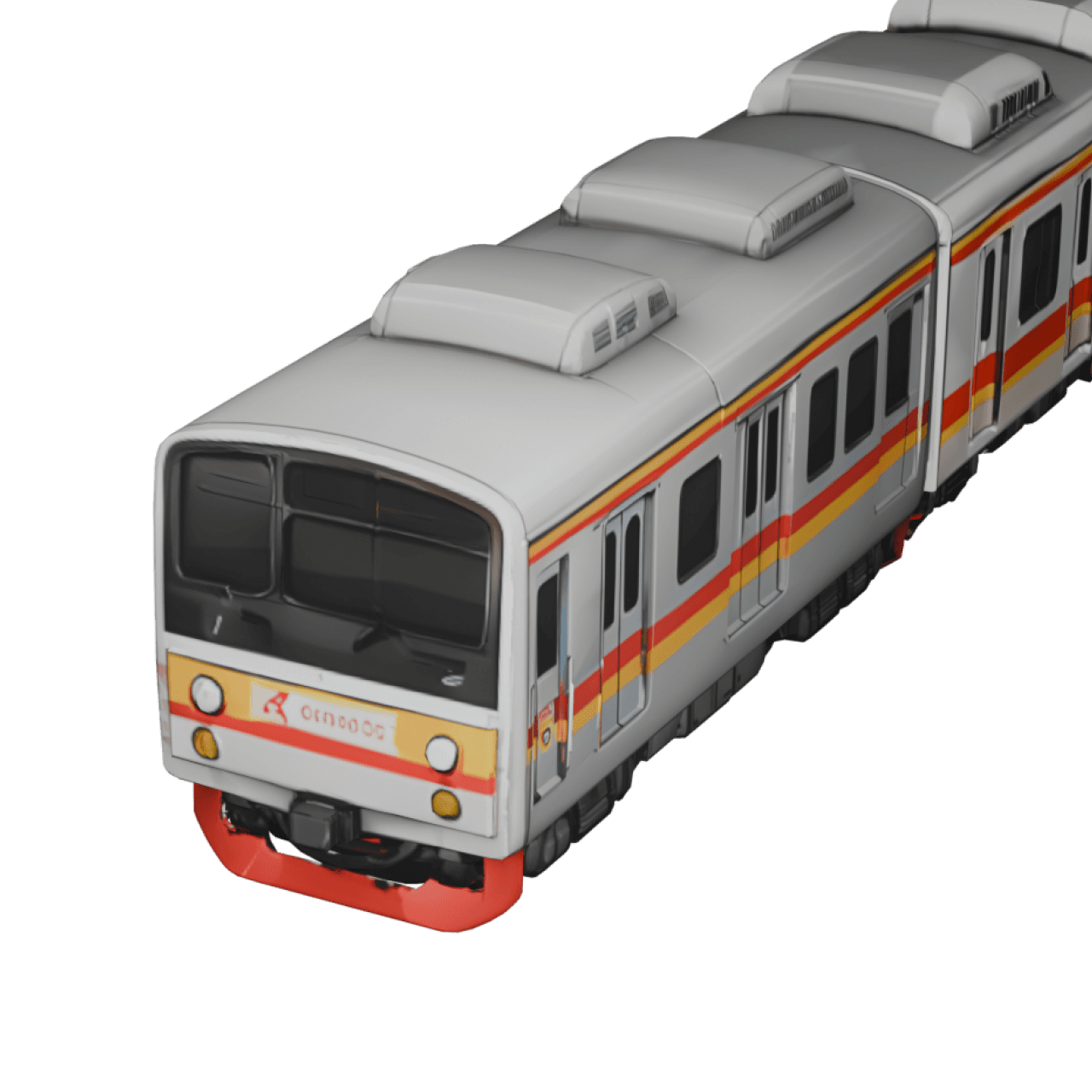
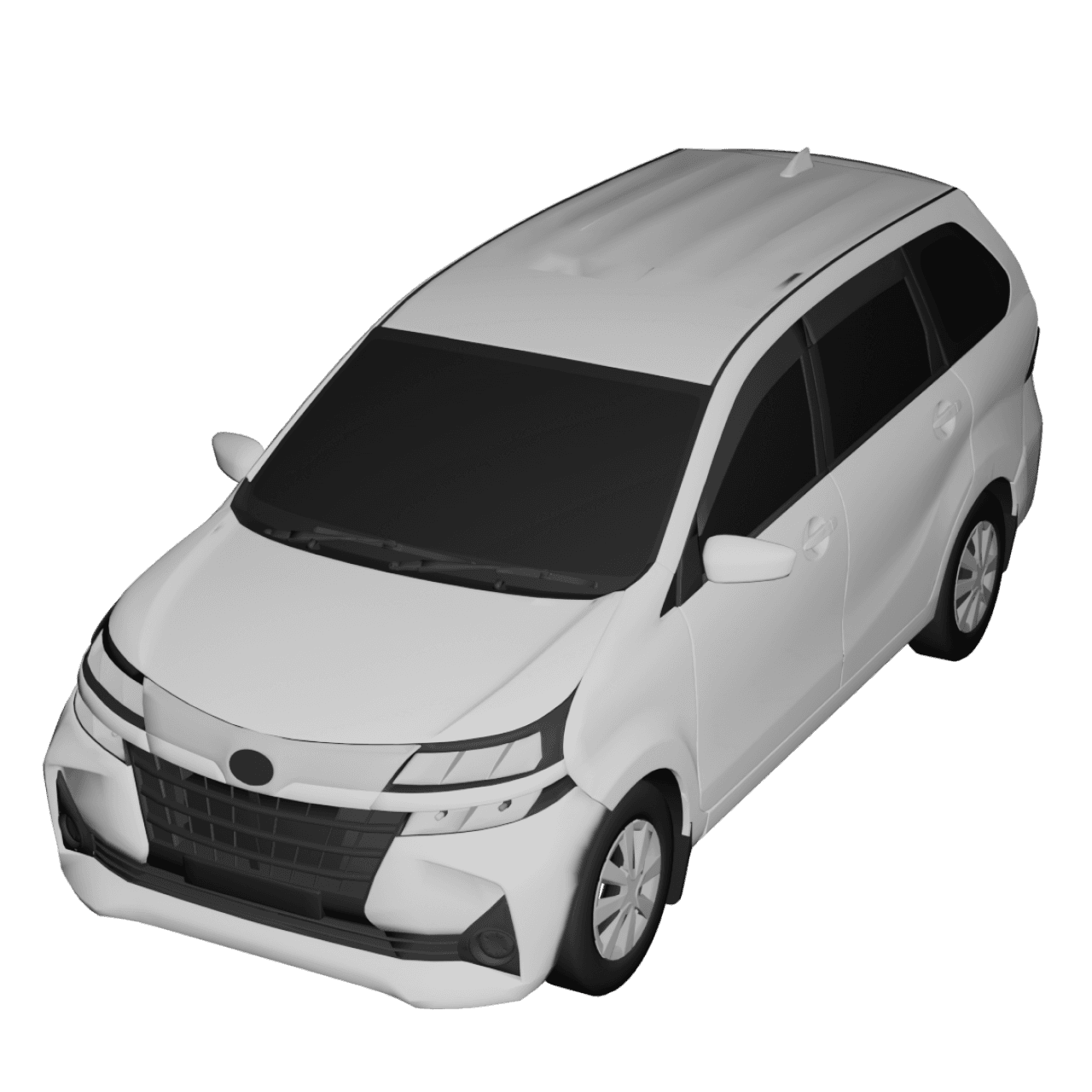
Travel Animator’s 300+ 3D models include cars, bikes, buses, planes, boats, ships, trucks, trains, hikers, and other models used to show how you travelled. You can also use different vehicles for different parts of one trip.
GeoLayers does not have a similar vehicle library. It focuses on route lines, markers, and map elements.
Create Routes Without an After Effects Timeline
You can plot a route by importing GPX files, pasting a Google Maps link, or entering stops manually, and the app builds the animation. GeoLayers can import the same kind of data (GPX, CSV, coordinates), but you need to build the animation yourself inside an After Effects composition.
MCP and AI Route Plotting
Travel Animator’s MCP server lets an assistant like Claude Desktop or Cursor help create a route animation from a text description. GeoLayers does not currently offer an MCP server or built-in AI route creation system.
Export in HD or 4K, Straight from the App
Travel Animator exports finished MP4s directly from the app, in HD or 4K on Pro. GeoLayers has no export step of its own, so you need to work through the normal After Effects rendering workflow.
Built for Social Media, Out of the Box
Travel Animator supports multiple aspect ratios for Instagram Reels, Stories, YouTube, and WhatsApp Status, so a route can be reused across platforms without rebuilding it. GeoLayers gives you control over the composition size through After Effects, but you need to set up the project and final format yourself.
Use Cases: Which App Is Best for Different Users?
Casual Travellers
Travel Animator is designed for users who want to create a travel video without learning complex editing software. You can create a route, choose a vehicle, customize the map, and export a video in a few steps. GeoLayers is more than most casual travellers need because it requires After Effects and a professional editing workflow.
Travel Vloggers and Content Creators
Travel Animator works well for creators who regularly post travel content. The vehicle library, map styles, route import, and different video ratios give creators several ways to make their videos more interesting. GeoLayers can also work for travel creators who already use After Effects and want detailed control over every part of the map animation.
Documentaries and News Graphics
GeoLayers is designed for professional map graphics and can be useful for documentaries, news videos, and other projects where detailed geographic data and custom animation are important. Travel Animator is better suited to ready-to-share travel videos rather than complex broadcast-style map graphics.
Business and Professional Travel Content
Travel Animator can be useful for businesses that need quick itinerary videos, destination videos, or route-based social content. You can create videos without hiring a motion graphics specialist or learning After Effects. Teams that already have an After Effects workflow may use GeoLayers when they need more control over geographic data, map layers, and 3D terrain.
AI-Assisted Workflows
Travel Animator supports AI-assisted route creation through its MCP server. This can be useful if you want to describe a trip in natural language and use an AI assistant as part of the route creation process. GeoLayers does not currently have an equivalent built-in MCP or AI workflow.
Which Travel Animation Tool Performs Best?
Travel Animator and GeoLayers serve different workflows.
Travel Animator is useful if you:
- Want to create a travel video quickly.
- Do not have After Effects experience.
- Want to work from your phone.
- Want animated vehicle models.
- Need GPX or Google Maps route import.
- Want unlimited free HD exports.
- Create videos for Instagram, YouTube, TikTok, or other social platforms.
- Want an AI-assisted route workflow.
GeoLayers is useful if you:
- Already use Adobe After Effects.
- Need detailed control over map layers.
- Want to create professional motion graphics.
- Need custom geographic data and map elements.
- Want elevation-based 3D terrain animation.
- Work on documentaries, news graphics, or corporate videos.
- Want to combine map animation with a larger After Effects project.
Travel Animator Free vs. Pro — Quick Reference
| Features | Free | Pro |
|---|---|---|
| Video exports | Unlimited, HD | Unlimited, HD & 4K |
| Vehicle models | 10+ models | 300+ premium models |
| Map styles | Default | 30+ styles, 2D & 3D maps |
| Watermark | Yes | No |
| Saved routes | 1 | Unlimited |
| GPX & Google Maps import | Included | Included |
| Price | Free forever | $5.99/month or $24.99/year |
See the full Free vs. Pro breakdown for more details about each plan.
Frequently Asked Questions
Does GeoLayers work without After Effects?
No. GeoLayers is an After Effects plugin, not a standalone application. You need Adobe After Effects to use GeoLayers.
Can Travel Animator create 3D terrain like GeoLayers?
Travel Animator offers 3D globe map styles, but it does not provide the same elevation-based terrain flyovers that GeoLayers can create through its Helium integration. GeoLayers is designed for users who need detailed 3D geographic visualization.
Is there a free way to try GeoLayers?
GeoLayers offers a free trial of the plugin. Map data access can also have its own trial period depending on the service being used. Travel Animator has a free plan with unlimited HD video exports, so you can continue using its free features without a trial deadline.
Which one should a beginner choose?
Travel Animator is easier for beginners because it does not require previous After Effects or motion graphics experience. GeoLayers is designed to work inside After Effects, so users need to learn the After Effects workflow as well as the GeoLayers tools.
Can Travel Animator import GPX files?
Yes. Travel Animator supports GPX import, including multiple GPX files in one animation. You can also use Google Maps routes or create a route manually.
Ready to Create Your Own Travel Animation?
Download Travel Animator from the App Store or Google Play and start animating your first route today, or explore the MCP server if you’d rather describe your trip to an AI assistant and let it build the video for you.