TravelAnimator: The Best Alternative to Other Animation Apps
 Jaseel S7 min read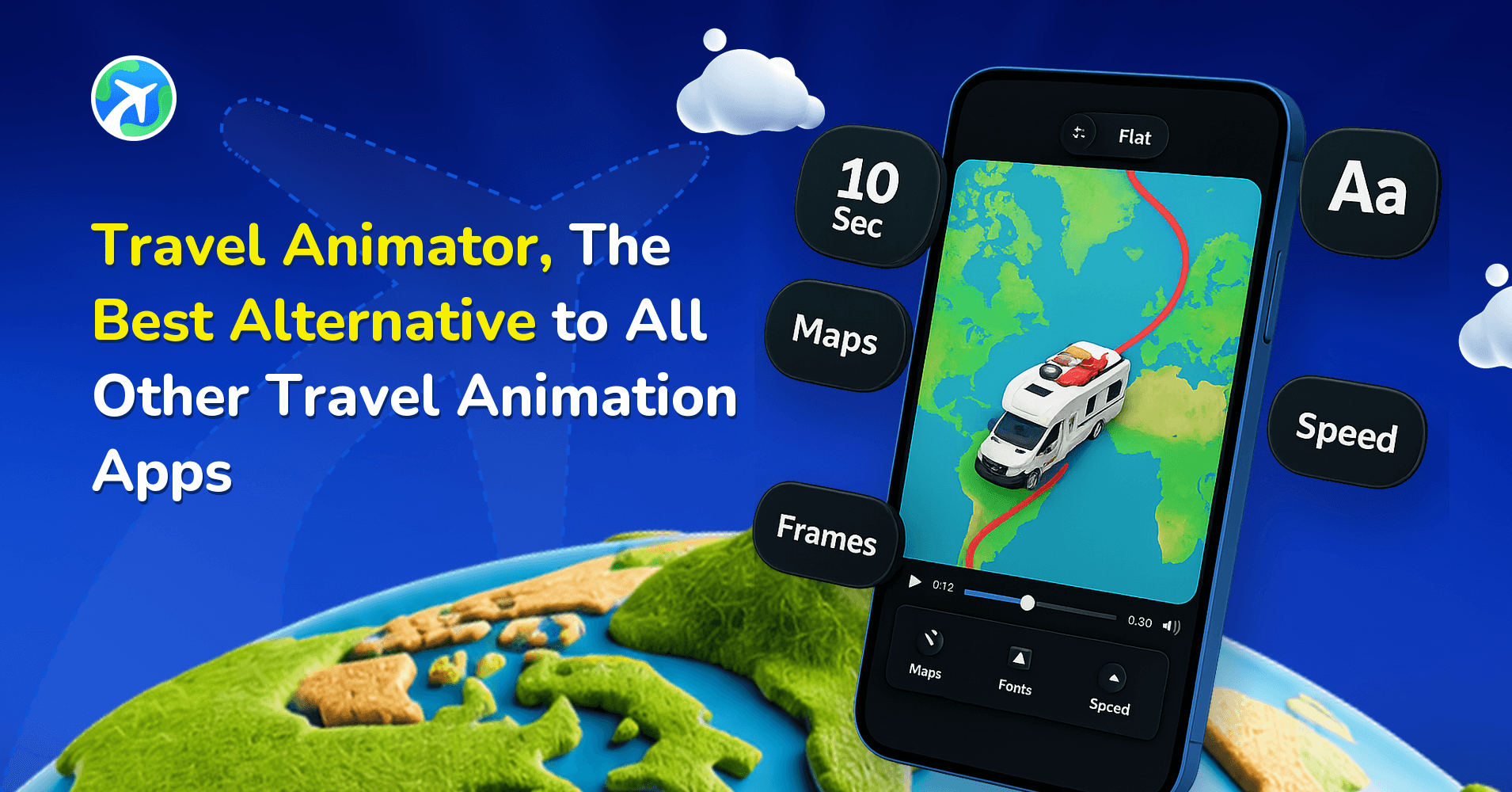
In this article 7 sections
TravelAnimator is the free alternative most travellers switch to when they want to turn a route into an animated map video without paying. You can build a full animation in three to four simple steps, generate a route directly from a Google Maps link, and export in HD for free. A Pro plan is available if you want the full model library, maps and 4K.
Publisher disclosure: This guide is published by the team behind Travel Animator. It compares our product with alternatives and is not an independent review. Availability and purchase options can vary by app version, device and region.
What Are The Major Free Travel Animation Apps?
TravelAnimator — A mobile app for iOS and Android built specifically for creating viral animated travel route videos for social media within minutes, no editing skills required.
- Generate animations in three to four steps, including directly from a Google Maps link or GPX import
- No technical knowledge required, so anyone can create videos.
- Free plan includes various travel models, 80+ video elements, multiple photos per stop, and HD export
- The free version gives you lifetime access, not a free trial, and has no per-video credit limit
- Free exports include a TravelAnimator watermark; Pro removes it
TravelBoast — A cartoon-style travel animation app popular with casual travellers who want a fun, shareable look for Instagram.
Mult.dev — A browser-based animation platform built for a broader audience, including businesses and editors, with more general-purpose flexibility.
AvoMap — An advanced, browser-based tool aimed at businesses and travellers who need detailed, professional-grade route videos.
PictraMap — A web-based tool for building simple travel animations, with map styles, pins, intros, endings, and music themes.
Compare Travel Animator With Other Travel Animation Apps

What Are the Major Premium Travel Animation Apps?
Travel Animator — Travel Animator offers lifetime free access with basic features and provides advanced features in the premium version of Travel Animator. It offers an affordable monthly/yearly plan ($5.99/month or $24.99/year) or a lifetime subscription that removes watermarks, unlocks premium models and different map styles, and provides unlimited video exports in 4K quality. While it’s user-friendly for beginners, premium features let everyone create more professional videos without editing knowledge.
Mult.dev — While Multdev offers a free trial, its premium plans have comparatively higher pricing for a specific number of videos. It can create all types of animations with advanced customization options, with routes, photos, and GPX track imports. It’s great for detailed route visualization with customizable transport modes and map styles.
Geolayers — Geolayers is a plugin for Adobe After Effects, a professional video editing software. It is a paid plugin and needs an After Effects license to design routes, landmarks, terrain effects, and 3D visuals. It requires professional knowledge about this because it is fully customizable and must be created manually.
PictraMap — While the free version offers basic features, the premium version includes a set number (20) of projects per month. It can also add more photos and locations to a single video. It is usually suitable for casual users who need simple animation.
TravelBoast — Like Travel Animator, TravelBoast offers a premium subscription that removes ads and watermarks and unlocks more vehicle models and effects to make the animation more engaging.
How to Choose the Right Travel Animation App
Every tool on this list can draw a route on a map. The differences show up in how you work, so it helps to answer a few questions about your own videos before comparing feature lists.
- Where will you make the video? If you edit on your phone, often while you’re still travelling, a mobile app fits. Browser-based tools suit people who plan at a desk, and an After Effects plugin like Geolayers makes sense if you already work in After Effects.
- How will the route get in? Pasting a Google Maps link is fastest for planned trips. A GPX import matters if you record hikes or rides on a GPS device. Check that the tool you pick supports the format you actually have.
- What does the free plan let you export? Look at resolution, watermark and any limit on the number of videos. In TravelAnimator, free exports are HD with a watermark, with no time or video limit.
- Where will it be posted? Vertical 9:16 for Reels and Shorts, 16:9 for YouTube or a presentation. Make sure the ratio you need is available before you build a whole project.
- How much time do you want to spend? A manual, fully custom workflow gives more control but takes longer. Most social clips don’t need it.
Plans and prices change, so check each tool’s current pricing page rather than relying on a comparison written months ago, including this one.
Run the Same Test Route in Each App
The most reliable way to compare is to make one identical short video in each app you’re considering. Pick something small, like a Lisbon to Porto train ride with a stop in Coimbra and one photo, then time yourself from opening the app to having an exported file.
While you work, note how easy it is to fix a mistake, such as moving a stop or swapping a vehicle. Then watch each export on the device your audience uses. A route that looks sharp on a laptop can be hard to read on a phone.
For TravelAnimator, our Free vs Pro plan comparison lists what changes when you upgrade, so you can see whether the free plan already covers your test. If you’re starting from a planned route, importing a Google Maps link is the quickest way to get the test video made.
Why Travel Animator Is A Best Alternative to Other Travel Animation Apps
Across these tools, Travel Animator’s combination of a genuinely free lifetime plan (no trial, no per-video credit limit), a Pro tier that unlocks a 300+ model and 30+ map-style library, and a mobile-first workflow is what pulls users over from TravelBoast, PictraMap, Mult.dev, and AvoMap. For a full feature-by-feature breakdown against any competitor, see the guides above.

Frequently Asked Questions
Which apps are compared in this guide?
The guide compares Travel Animator with TravelBoast, PictraMap, Mult.dev and AvoMap. They differ in platforms, route creation, customization and the features included in their free plans.
What does Travel Animator Pro add to the free version?
Pro adds premium models and map styles, watermark-free videos and 4K export. The free version is suitable for trying the route-creation workflow and creating basic travel animations.
Why choose Travel Animator as an alternative to other travel animation apps?
Across these tools, Travel Animator’s combination of a genuinely free lifetime plan (no trial, no per-video credit limit), a Pro tier that unlocks a 300+ model and 30+ map-style library, and a mobile-first workflow is what pulls users over from TravelBoast, PictraMap, Mult.dev, and AvoMap. For a full feature-by-feature breakdown against any competitor, see the guides above.
Can I use TravelAnimator on a laptop or desktop?
TravelAnimator is built for phones and tablets. It’s available for iPhone and iPad through the App Store and for Android through Google Play. It isn’t currently a desktop or macOS app, so if you prefer editing at a computer, check which of the tools in this comparison are designed for browser or desktop use.
Is the TravelAnimator free plan a trial?
No. The free plan has no time limit and no limit on the number of videos. You can create routes manually, import GPX files or paste Google Maps links, and export in HD with a TravelAnimator watermark. Pro adds the full model and map library, 4K export and watermark-free videos.