Travel Animator vs. AvoMap
 Jaseel S7 min read
In this article 8 sections
Travel Animator and AvoMap are two popular tools for turning real travel routes into animated map videos, but they take very different approaches: one is a mobile app built around vehicle models, the other is a web-based, timeline-driven editor built around terrain.
Travel animation tools help travellers transform their routes and experiences into engaging videos to share on social media, document past trips, or plan future itineraries. They were specifically built to make travel storytelling visual instead of a string of static screenshots.
This blog comprehensively compares Travel Animator and AvoMap, their features, pros and cons, and different use cases to help you choose the best app that aligns with your needs.
Publisher disclosure: This guide is published by the team behind Travel Animator. It compares our product with alternatives and is not an independent review. Availability and purchase options can vary by app version, device and region.
Overview of Travel Animator and AvoMap
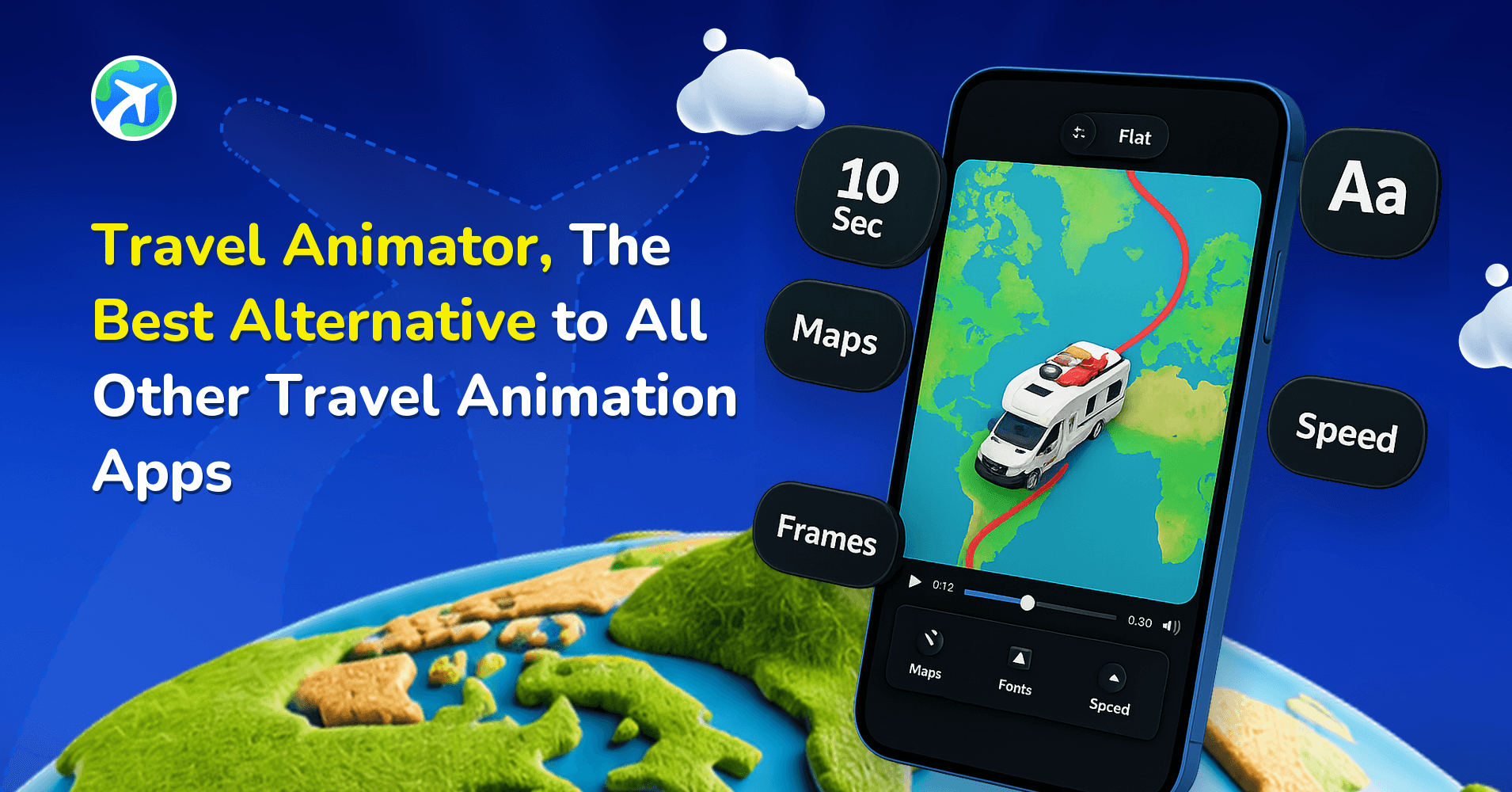
Travel Animator is a user-friendly mobile app designed for travellers and content creators to make map animation videos of their travel journeys. It offers a simple drag-and-drop workflow with customizations like 300+ vehicle models, 30+ map styles, and both 2D and 3D animation styles.
AvoMap is a web-based travel map animation tool built for adventures. It captures altitude changes, steep climbs, and remote terrain that make up a real hike or expedition, using a timeline-based editor with more control over individual video segments.
Travel Animator vs AvoMap – Feature Comparison
| Features | Travel Animator | ArcMap |
|---|---|---|
| Pricing | $5.99/month or $24.99/year; unlimited exports | Credits-based: $9/$15 credits, $29/$20, $59/$50 |
| Interface | User-friendly mobile app | Complex, timeline-based web editor |
| Free Access | Unlimited free video exports | No free exports; 1 credit per export |
| Platform Availability | Mobile only: MCP and AI route support | Web only; no MCP or AI tools |
| Vehicle Models | 300+ model cars, bikes, buses, planes, boats, ships, trucks, hikers, trains | No 3D vehicle; uses 100+ symbols and custom pins |
| Map Styles | 30+ styles with 2D and 3D options | 12 map styles |
| Target Users | All types of travelers | Mainly hikers and adventure travelers |
| GPX Option | Multiple GPX uploads with route customization | GPX and KML import; one route per project |
| Customization Options | Vehicle models, map styles, country flags, mask, custom place labels, 4 cameras and styles, custom line style, custom route line, cover image, custom photo avatar, image/video input at waypoints, 3D elements, multiple GPX and Google Maps support in one video | Map style, animation profile, dynamic camera control, timeline-based editor, custom route, avatar, custom symbols, photo/video input at waypoints |
| Route Saving | Cross-device saving via Google or Apple Sign-In | Web-based route saving |
Pros and Cons of the Travel Animator App
Pros
- User-friendly mobile interface — The drag-and-drop interface is simple and easy for beginners to use.
- Large vehicle variety — Choose from 300+ models, including cars, bikes, buses, planes, boats, ships, trucks, hikers, and trains.
- 30+ map styles — Choose from 30+ map styles with both 2D and 3D animation options.
- Deep customization — Add country flags, custom place labels, 6 camera scene styles, custom units and route line styles, cover images, photo avatars, images or videos at waypoints, and 3D elements.
- Multiple GPX uploads — Upload multiple GPX files and combine them with Google Maps routes in one video.
- Cross-device route saving — Save your routes across devices using Google or Apple Sign-In.
- MCP and AI integrations — Use MCP and AI integrations for route plotting.
- For all types of travellers — Travel Animator is useful for different types of travellers, not just a specific group.
Cons
- No web version — Travel Animator is currently available only as a mobile app.
- No audio support — You cannot add audio directly in the app.
Pros and Cons of AvoMap
Pros
- Web-based — Use AvoMap from any browser without installing an app.
- Timeline-based editor — The timeline gives you detailed control over each part of the video.
- Dynamic Camera — The Dynamic Camera automatically adjusts angles and movement to create cinematic results.
- Detailed terrain views — AvoMap shows altitude changes, steep climbs, curves, remote areas, and elevation profiles clearly for hiking routes.
Cons
- No free video exports — Every export costs one credit, and you need to purchase credits.
- No animated 3D vehicles — AvoMap uses route lines and symbol markers instead of moving vehicles.
- Only 12 map styles — AvoMap offers 12 map styles.
- One route per project — You cannot combine multiple routes or Google Maps routes in one project.
- No MCP or AI integrations — AvoMap does not currently support MCP or AI tool integrations.
- Narrower target audience — AvoMap is mainly suited to hikers and casual travellers.
- More complex editor — The timeline editor can be harder for casual users and beginners to learn.
Key Features That Set Travel Animator Apart
A Vehicle Library Built for Every Kind of Journey
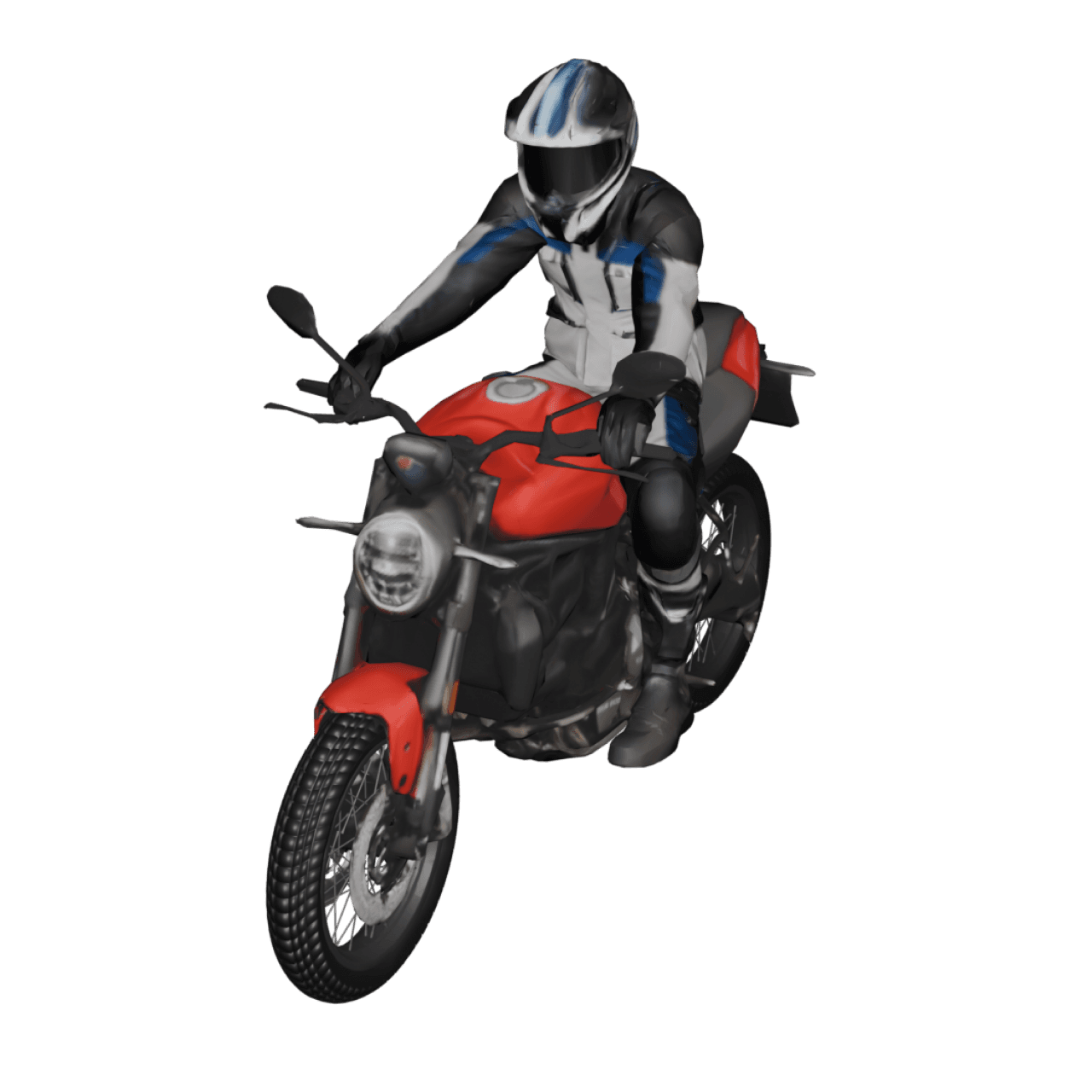
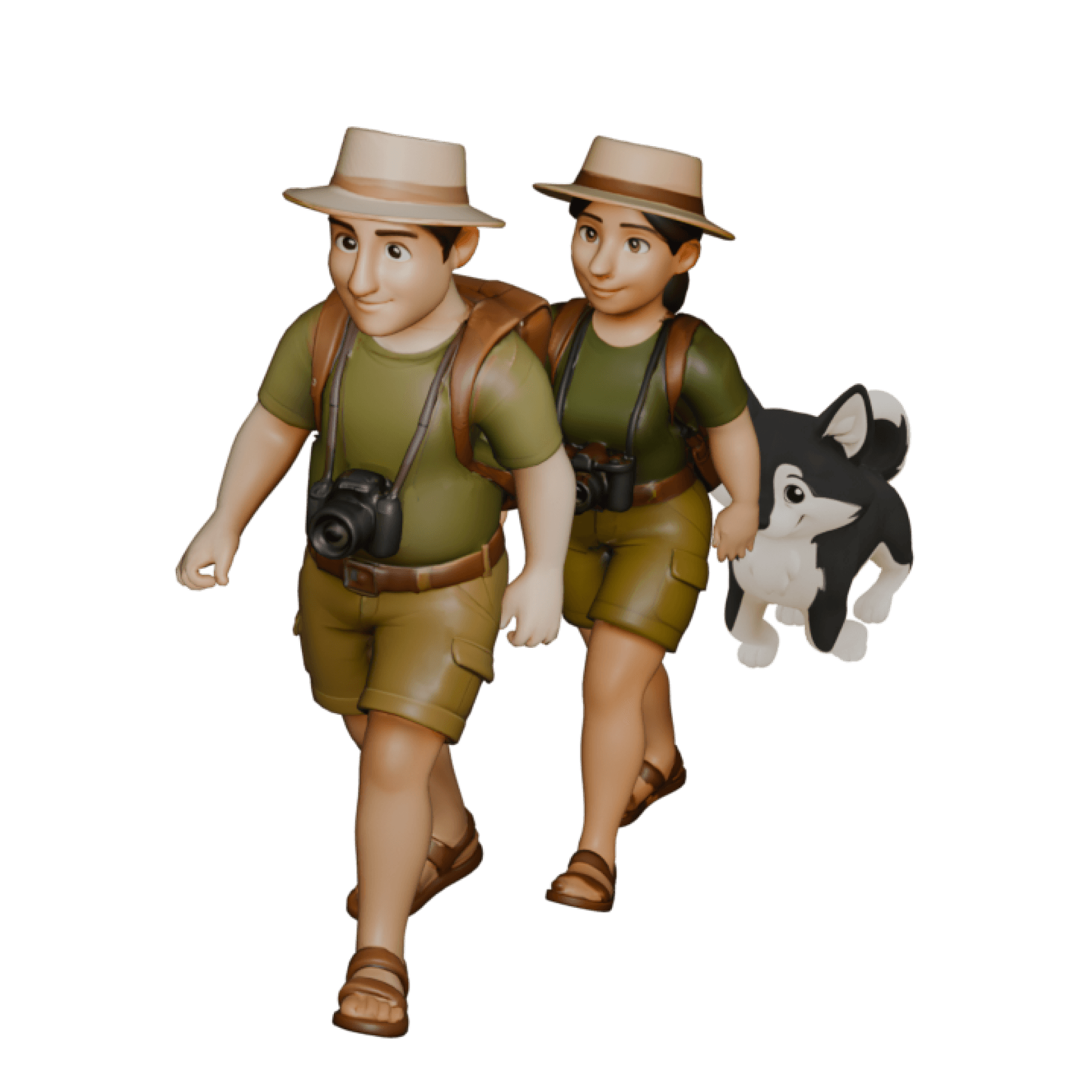
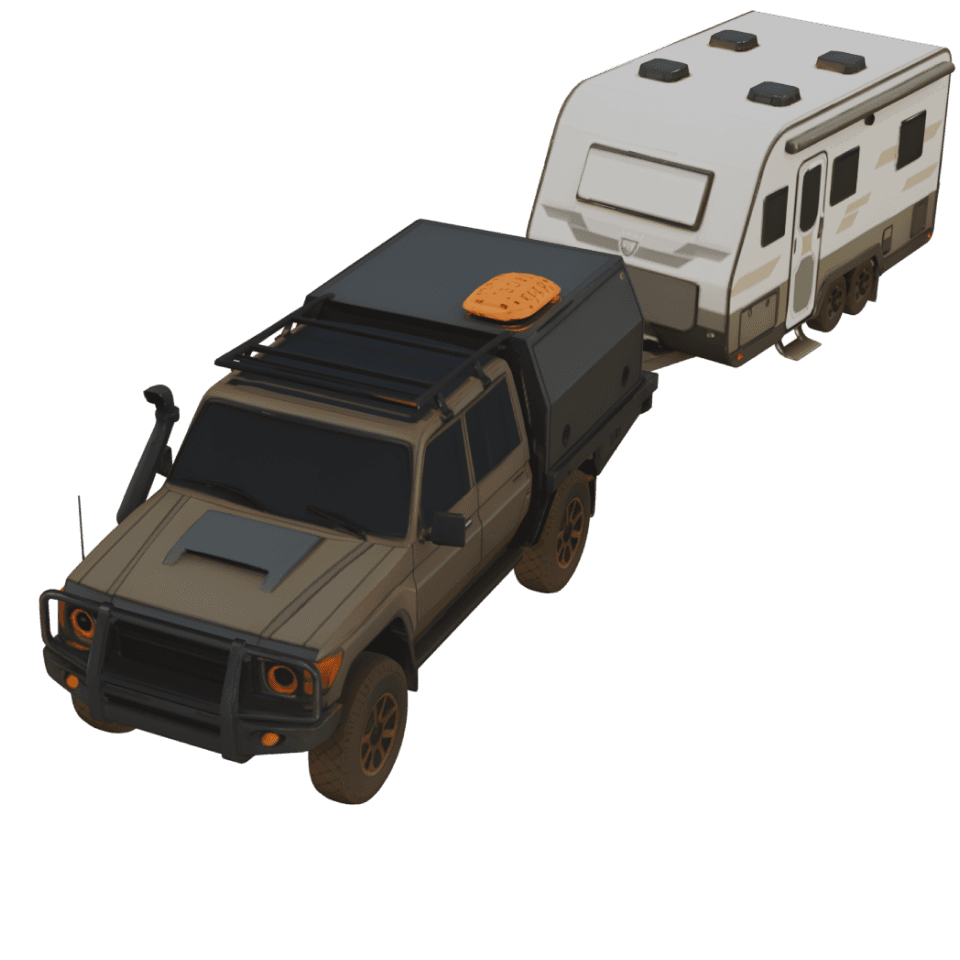
Travel Animator includes 300+ travel models, including cars, bikes, buses, planes, sailing boats, ships, trucks, hikers, and trains. This lets you show how you actually travelled instead of using a generic marker. AvoMap uses a route line and symbol presets instead of moving vehicles.
Combine Multiple Routes in One Video
Travel Animator supports multiple GPX uploads and lets you combine GPX tracks with Google Maps routes in one animation. This is useful for trips that include a flight, drive, and walk. AvoMap supports only one route per project and does not allow you to combine multiple routes.
Cross-Device Route Saving
Routes created in Travel Animator can be saved across multiple mobile devices using Google or Apple Sign-In. AvoMap saves routes through the web version where you created them.
MCP and AI Route Plotting
Travel Animator supports MCP and AI integrations for plotting routes. This gives users more options for automating route creation. AvoMap does not currently support MCP or AI tools.
Deep Customization Without a Timeline Editor
Travel Animator has a drag-and-drop interface with many customization options. You can add country flags, custom place labels, 6 camera scene styles, custom units and route line styles, cover images, photo avatars, and 3D elements. You can do this without the segment-by-segment timeline editing used by AvoMap.
Use Cases: Which App Is Best for Different Users?
- Casual travellers — Travel Animator is the better choice. Unlimited free exports let you create trip videos without paying, and the mobile drag-and-drop interface helps you finish a video in minutes.
- Travel vloggers and content creators — Travel Animator is a good choice for creators who post regularly. Unlimited exports on both the free and paid plans keep the cost per video the same, no matter how many videos you create. The 300+ vehicle models and 30+ map styles also give you more options for different videos.
- Business or professional travel content — Both apps can work well. Travel Animator is useful for creating multiple client itineraries with brand logos, cover images, and 4K export. AvoMap is better if you need detailed control over each video segment with its timeline editor and dynamic camera.
- Hikers and adventure travellers — AvoMap is worth considering if you need an automatic elevation profile to show altitude changes and steep climbs. If you want a hiker model on a 3D map or need to combine a flight, drive, and walk in one video, Travel Animator is the better option.
Which Travel Animation App Performs Best?
Choosing between Travel Animator and AvoMap depends on your specific needs, but Travel Animator performs best for a broader range of users. Travel Animator’s $24.99 yearly plan includes unlimited exports, making it more cost-effective if you create videos regularly. AvoMap charges one credit for each export and does not offer free exports. If you’re deciding whether the free plan is enough or if Pro is worth it, our full breakdown of Travel Animator’s free and paid plans explains what each tier includes.
AvoMap may be a better fit for hikers and adventure travellers who need elevation profiles, prefer working on a desktop, and only create a few videos each year.
Ready to create your own travel animation? Download Travel Animator from the App Store or Play Store today and start creating your first travel route video.
Frequently Asked Questions
Can I access saved routes across devices?
Routes created in Travel Animator can be saved across multiple mobile devices using Google or Apple Sign-In. AvoMap saves routes through the web version where you created them.
Which App Is Best for Different Users?
Choose Travel Animator for creating and exporting route videos on a phone. AvoMap suits a browser-based workflow. Compare the export options and editing controls against the kind of travel video you need.
What should I compare before choosing Travel Animator or AvoMap?
Compare the platform you want to work on, route-import support, customization and export limits. Check current plan details rather than choosing solely from a headline subscription price.