Pirates Map in Travel Animator
 Jaseel S6 min read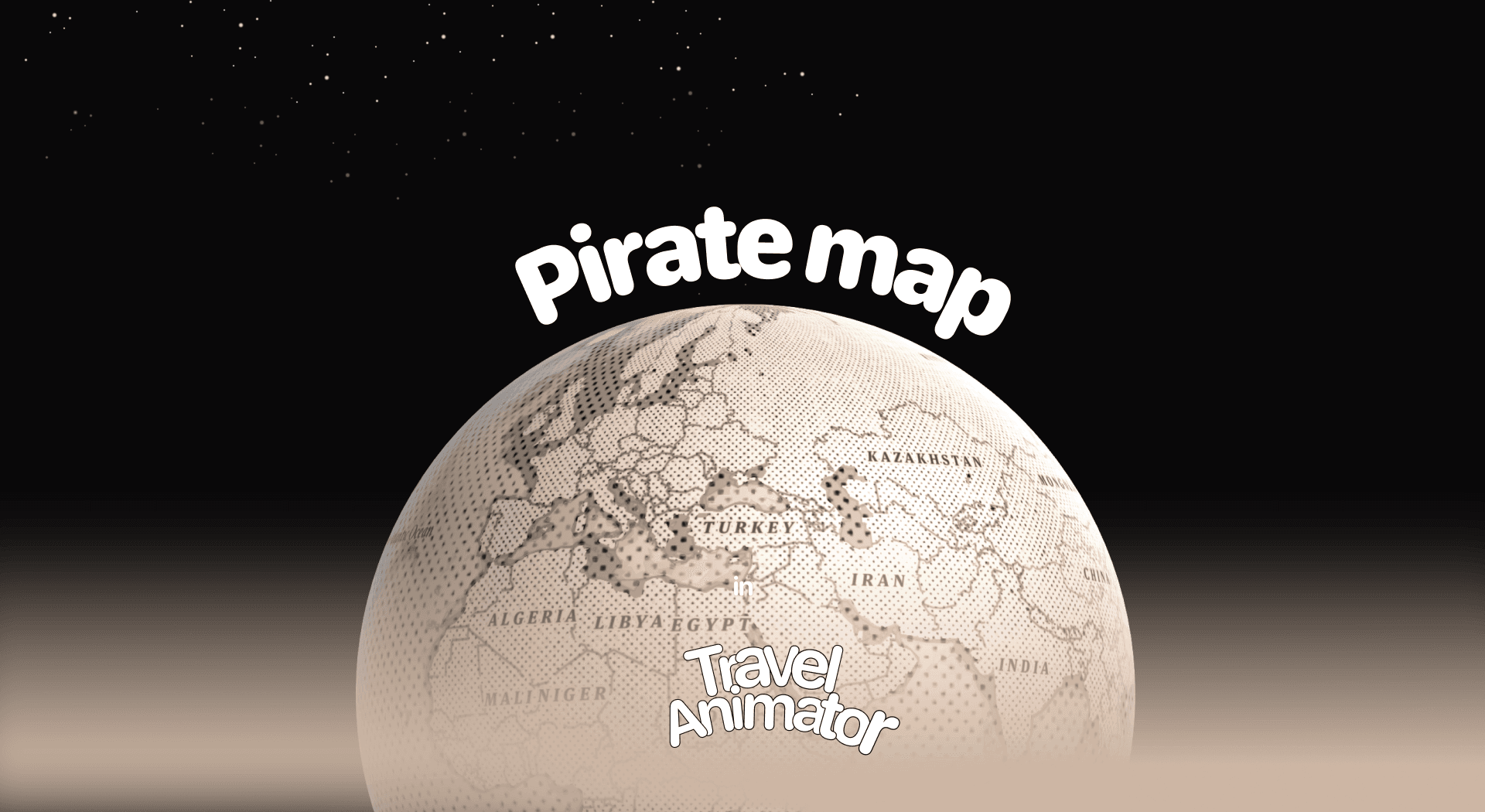
In this article 8 sections
Pirate Maps is Travel Animator’s newly released map style for adding a vintage-inspired touch that makes your travel videos stand out with a unique, adventurous edge.
Imagine creating a travel video where you sail across animated seas, follow treasure trails, and discover hidden destinations. And your story needs a vintage-style map that makes every journey feel like a legendary quest.
In this blog, you can explore the new Pirates Map, its use cases, and how to use it in your travel animation.
What Is the Pirates Map Style in Travel Animator?
The Pirates Map style is a new map theme that looks like an old, antique map with a warm brown color, similar to the ones you’ve seen in adventure stories and pirate tales. The land and sea are shown in a vintage design, with place names written in an old-fashioned font, giving your animation a classic, hand-drawn feel.
This map is designed to give you nostalgia and adventure in your animation. Its vintage look instantly transports the viewers to a time of treasure hunts, sea voyages, or unexplored land, making it perfect for storytelling, themed travel animations, or any creative project that needs a touch of history.
Is the Pirates Map Style Free or Premium?
Pirates Map is available for free for the first 30 days of the map’s release. However, you will only receive the map, not the other advanced features.
The Pirates map came under the Travel Animator premium maps. Subscribe to the premium version to activate the Pirates Map. You will also gain access to other advanced features with the map. Upgrading helps you achieve the perfect output for your travel animation video.
Steps to Use the Pirates Map Style in Your Project
- Open the Travel Animator App and sign in with an email address to upgrade the app.
- Upgrade the Travel Animation App. You can choose a weekly, monthly, or yearly plan depending on your needs.
- Add destinations, travel models, images, and labels to set up your travel path.
- Preview the video and then use Map Style to select the map.
- Choose the Pirates Map from the map menu and select. You can see the map style changed from Default to Pirates.
- After making the adjustments, export the video in HD or 4K quality and share it on different platforms.
Some Use Cases of the Pirates Map Style in Travel Animator
- Travel Vloggers can narrate trips to coastal regions, island chains, or foreign destinations. The old world aesthetic makes each destination feel like another world.
- Great for fantasy, history, or marine-themed content, this style enhances the narrative and is ideal for content creators making themed videos.
- A unique way for tourism boards and agencies to promote heritage trails, coastal tours, or tourist attractions.
- Event Planners can showcase themed events like “pirate nights,” nautical cruises, or destination weddings with a vintage twist.
- Helpful in teaching history, geography, or marine exploration in an engaging and visually appealing way.
Building a Pirates Map Route That Feels Like a Voyage
The map does half the work. The other half is how you draw the route on it. Say you’re animating a Greek island hop: Athens to Mykonos to Santorini and back.
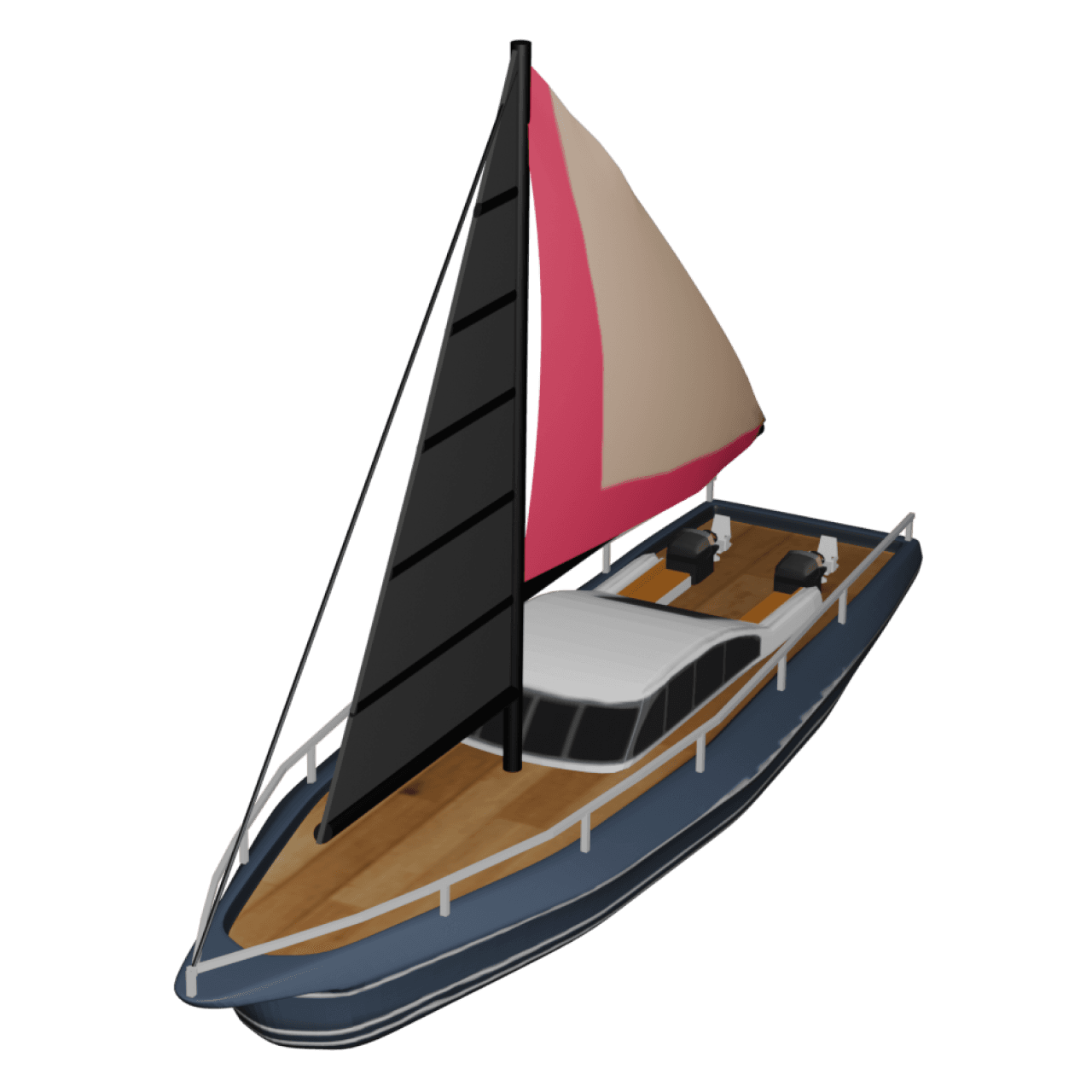
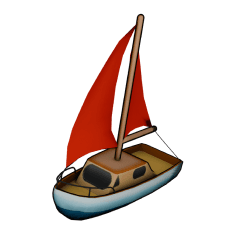
- Pick a boat, not a car. Ships and sailing boats suit this map best. If you’re mixing in a land leg, switch models at the port so the car stays on land.
- Curve the sea legs. Real ships rarely sail in a straight line. Drag the line between two points to bend it into a gentle arc, which looks far more natural on water. Our guide to adding curves to a route shows how.
- Try a dashed route line. It reads like the trail on an old treasure chart and sits well on the hand-drawn background.
- Give each island a moment. Add a photo or a one-line caption at each stop. That slows the model briefly so viewers can take it in before the next crossing.
- Keep the duration generous. Short durations make long sea crossings whip past. Preview, then lengthen it if the boat feels rushed.
Mistakes That Break the Pirate Look
A few choices pull viewers straight out of the old-world feel.
Modern-looking models. A sports car crawling across a parchment map looks like a mistake. If the trip is by road, vintage cars fit far better.
Neon route lines. The glowing line style is great on dark, high-energy maps, but on warm browns it can look like a sticker. A solid or dashed line in a deep colour suits the style.
Too many labels. The Pirates map already has its own old-fashioned place names. Pile your own labels on top and the hand-drawn detail disappears. Keep only the stops that matter.
For a real cruise rather than a themed adventure, our walkthrough on making cruise travel animations covers ports, ship models and pacing in more detail.
Why Choose the Pirates Map Style in Travel Animation Videos?
If you’re looking to make your animation video feel like a storytelling experience more than just a destination showcasing video, the Pirates Map is the best choice. It’s not just about sharing where you’ve traveled; it’s about making them feel like they’re part of the journey. It’s perfect for creators who need to try different animation content for various use cases.
Frequently Asked Questions
What Is the Pirates Map Style in Travel Animator?
The Pirates Map style is a new map theme that looks like an old, antique map with a warm brown color, similar to the ones you’ve seen in adventure stories and pirate tales. The land and sea are shown in a vintage design, with place names written in an old-fashioned font, giving your animation a classic, hand-drawn feel.
Is the Pirates Map Style Free or Premium?
The article describes a 30-day introductory offer measured from the map’s release date, not a fresh trial for each user. Check the map’s current availability and access requirement in the app before using it.
Why Choose the Pirates Map Style in Travel Animation Videos?
If you’re looking to make your animation video feel like a storytelling experience more than just a destination showcasing video, the Pirates Map is the best choice. It’s not just about sharing where you’ve traveled; it’s about making them feel like they’re part of the journey.
Which travel model works best with the Pirates map in TravelAnimator?
Ships and sailing boats are the natural fit, since the style is built around sea voyages and old adventure charts. For routes that include land, vintage-style vehicles keep the look consistent. Avoid sleek modern cars or high-speed trains, which tend to clash with the warm brown, hand-drawn background. Preview a couple of models before you export.
Can I use the Pirates map for a road trip instead of a sea route?
Yes. The Pirates map works with any route you build, whether it’s from search, a GPX file or a Google Maps link. It does feel most at home with coastlines and islands, though. For a road trip, choose a vintage-looking car and a solid or dashed route line so the video still fits the old-world style.