
Tutorials
Longer, start-to-finish tutorials that take you from opening the app to a finished video, without assuming you have used it before.
3 articles
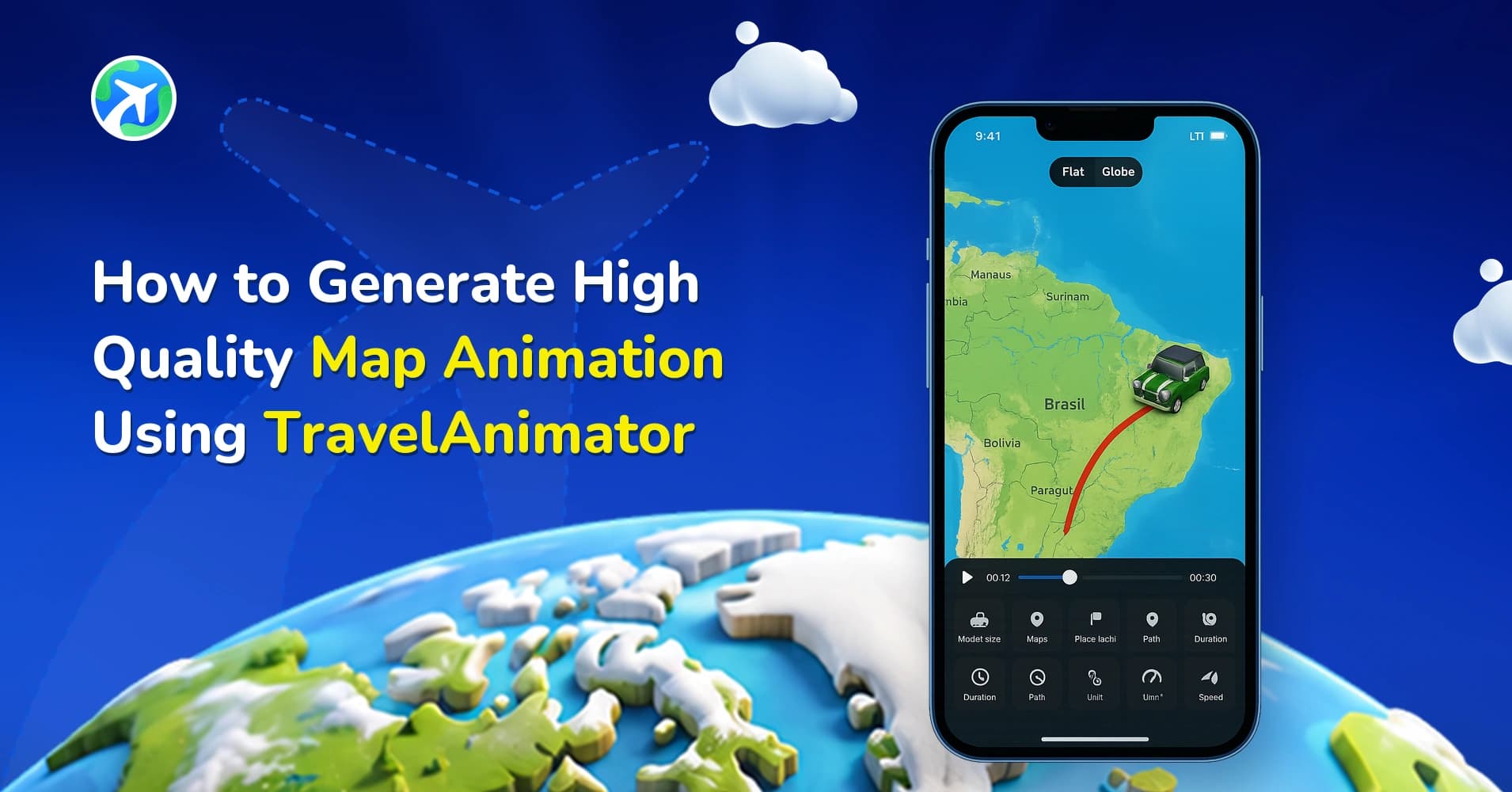
How to Create High-Quality Map Animations in TravelAnimator
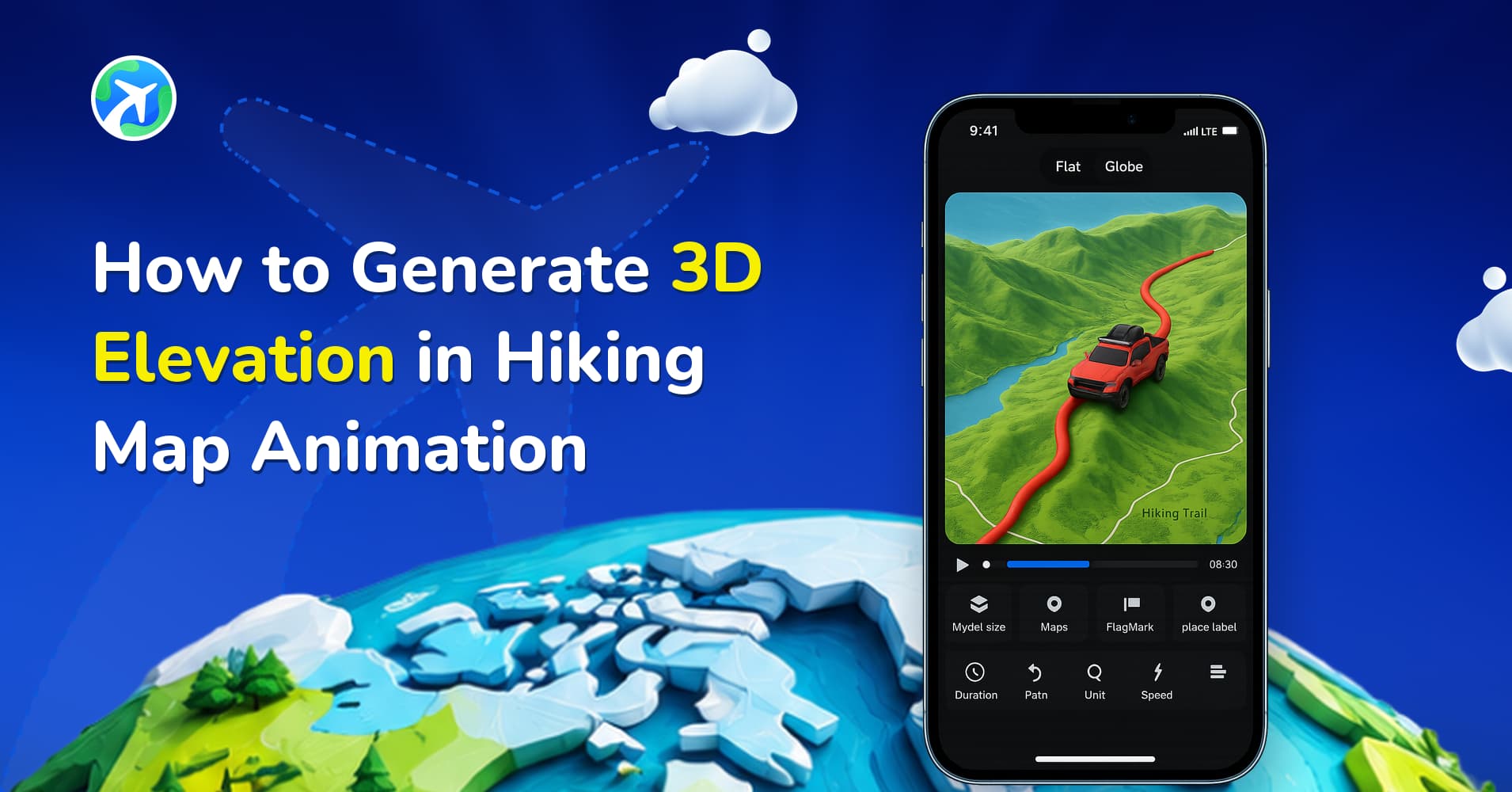
How to Generate 3D Elevation in Hiking Map Animation
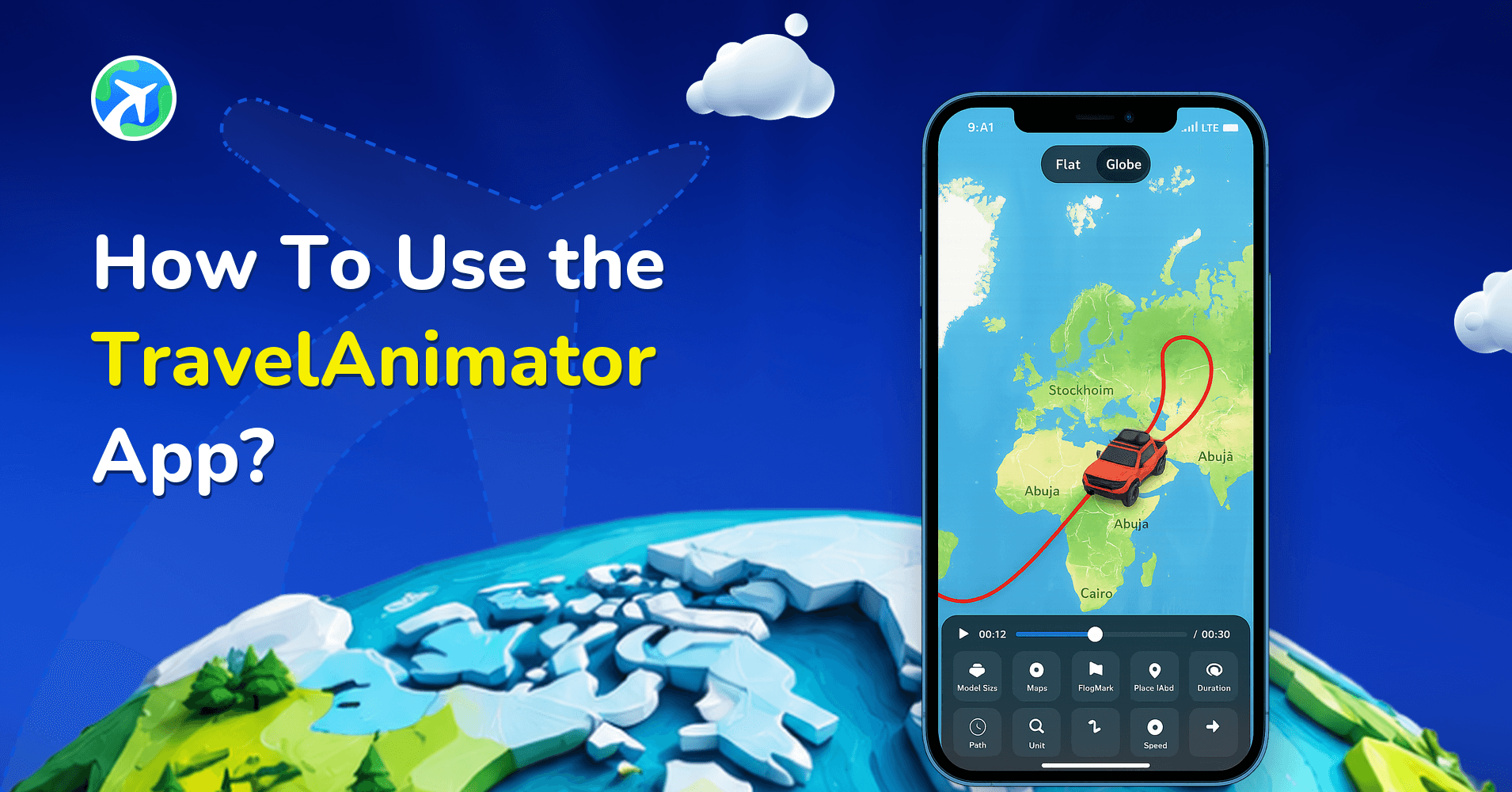
How to Use TravelAnimator App: Step-by-Step App Guide (2026)
Tutorials: common questions
What do the tutorials cover?
Complete walkthroughs from opening Travel Animator for the first time to exporting a finished video — building the route, choosing a 3D vehicle and map style, adding photos and labels, setting the timing and camera, and exporting at the right size for where you are posting.
Where should a complete beginner start?
With a start-to-finish tutorial rather than a single how-to: they assume no prior use of the app and explain each screen as it appears. Once you know your way around, the how-to guides answer individual tasks faster.
Do I need to pay anything to follow along?
No. The app is free and the free plan covers the full workflow in these tutorials, including unlimited HD exports. Where a step uses a Pro feature such as 4K export or a premium 3D model, the tutorial says so.

