
Real-World Integrations
How Travel Animator fits alongside the tools you already travel with — routes from Google Maps, GPS tracks from your watch or a tracking app, GPX files, camera footage, and the social platforms you publish the finished video to.
12 articles
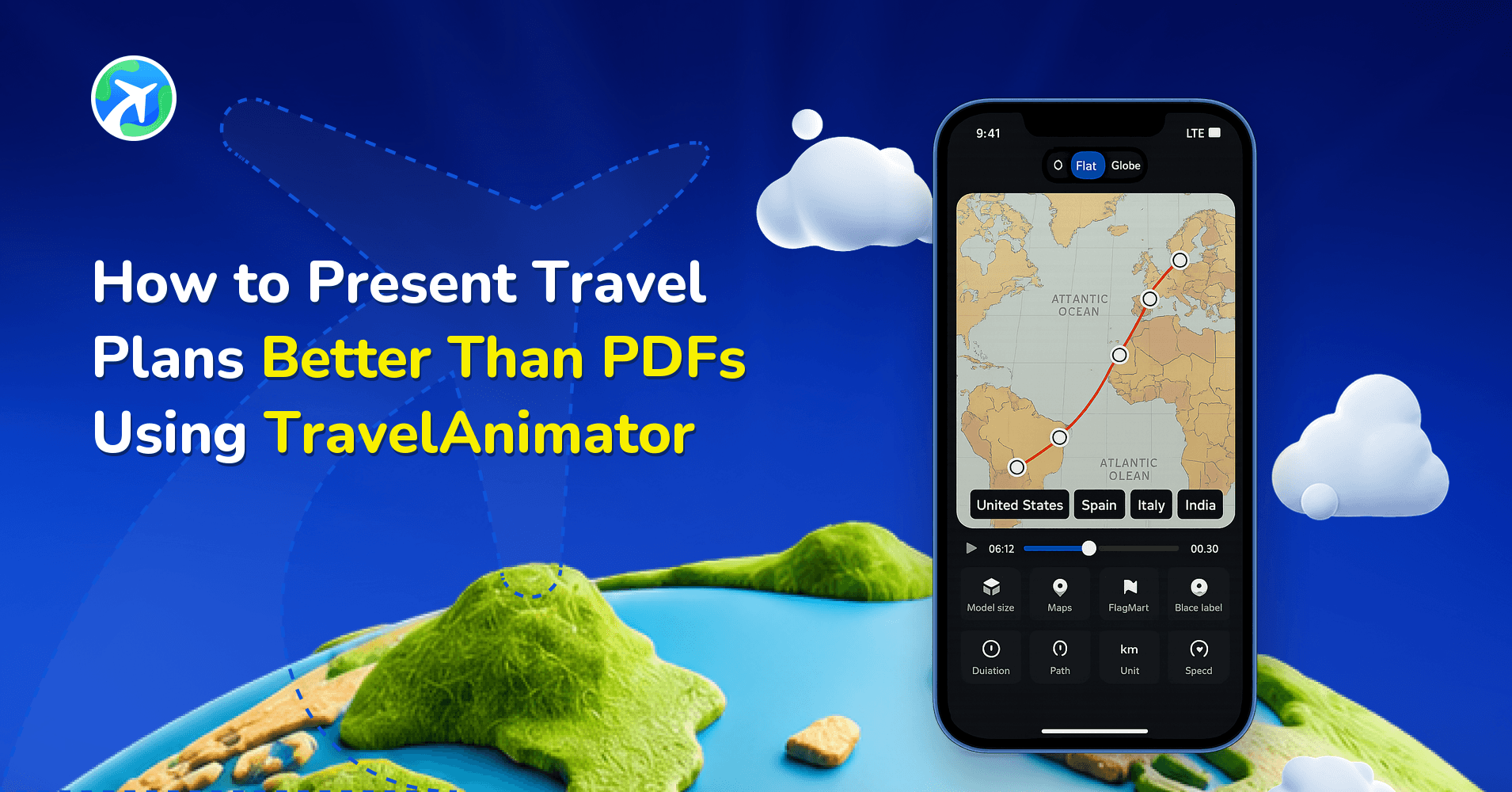
How to Present Travel Plans Better Than PDFs Using TravelAnimator

How Travel Agencies Present Itineraries to Clients
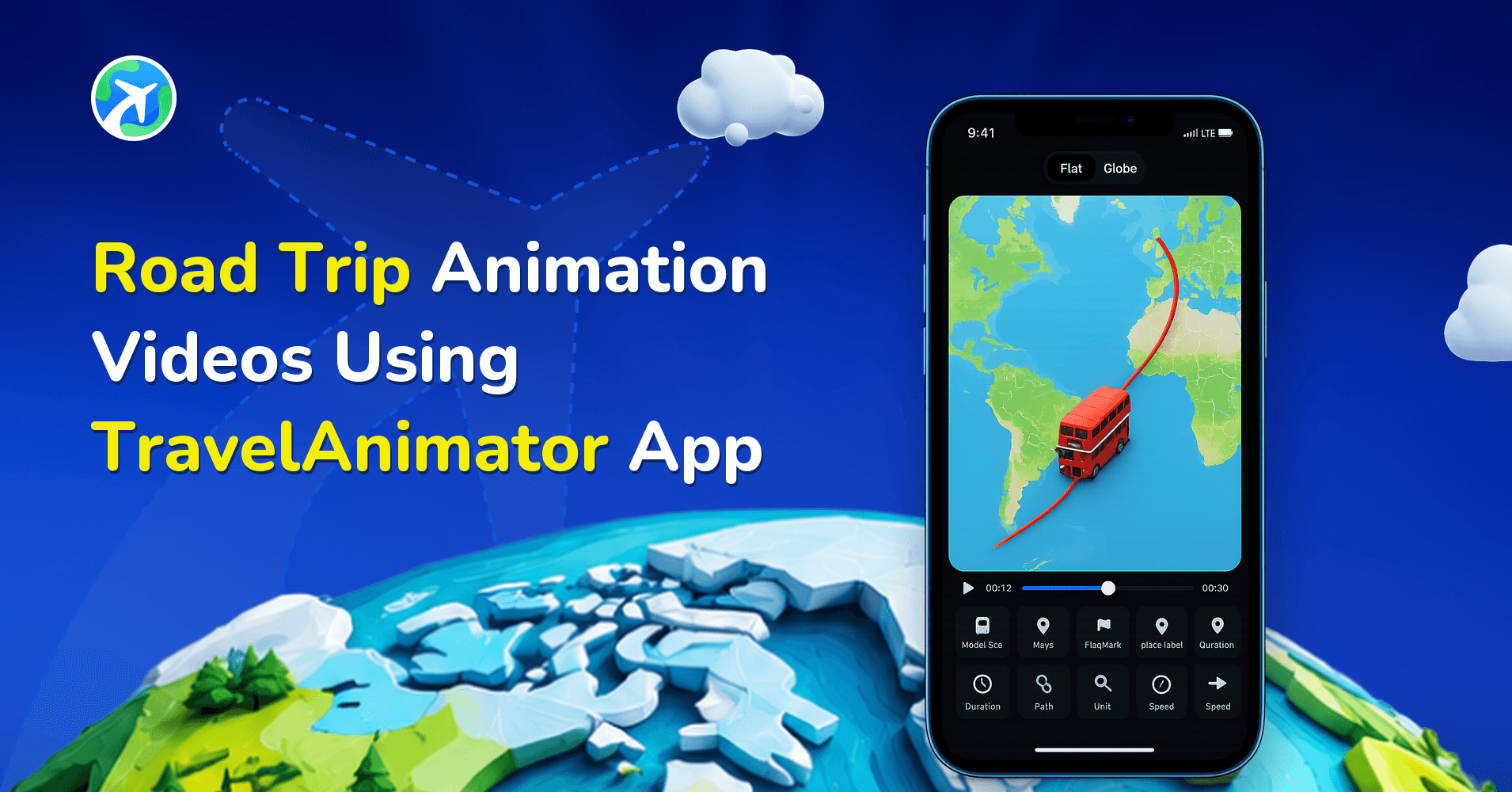
Road Trip Animation Videos Using Travel Animator App
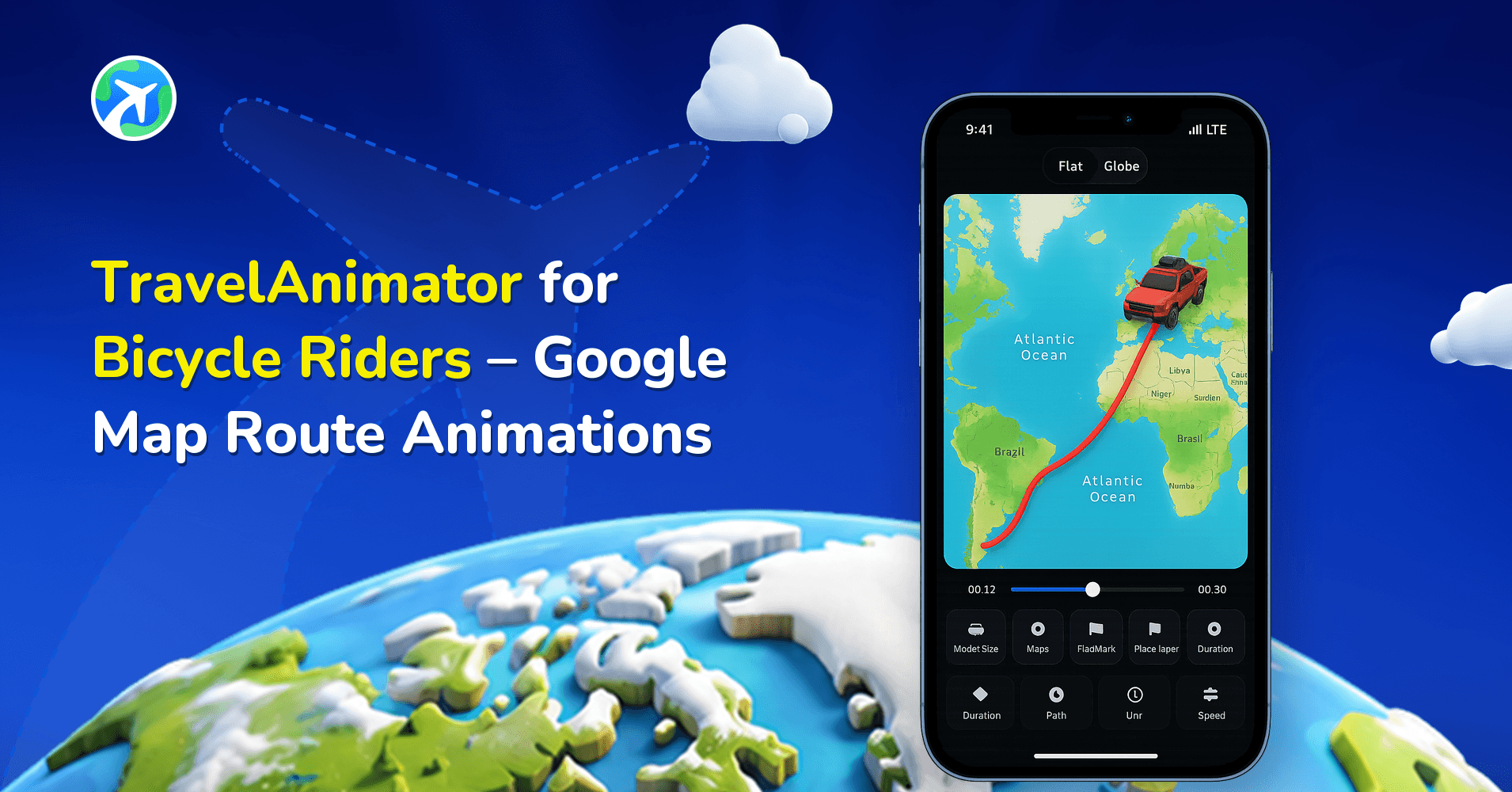
TravelAnimator for Bicycle Riders – Google Map Route Animations
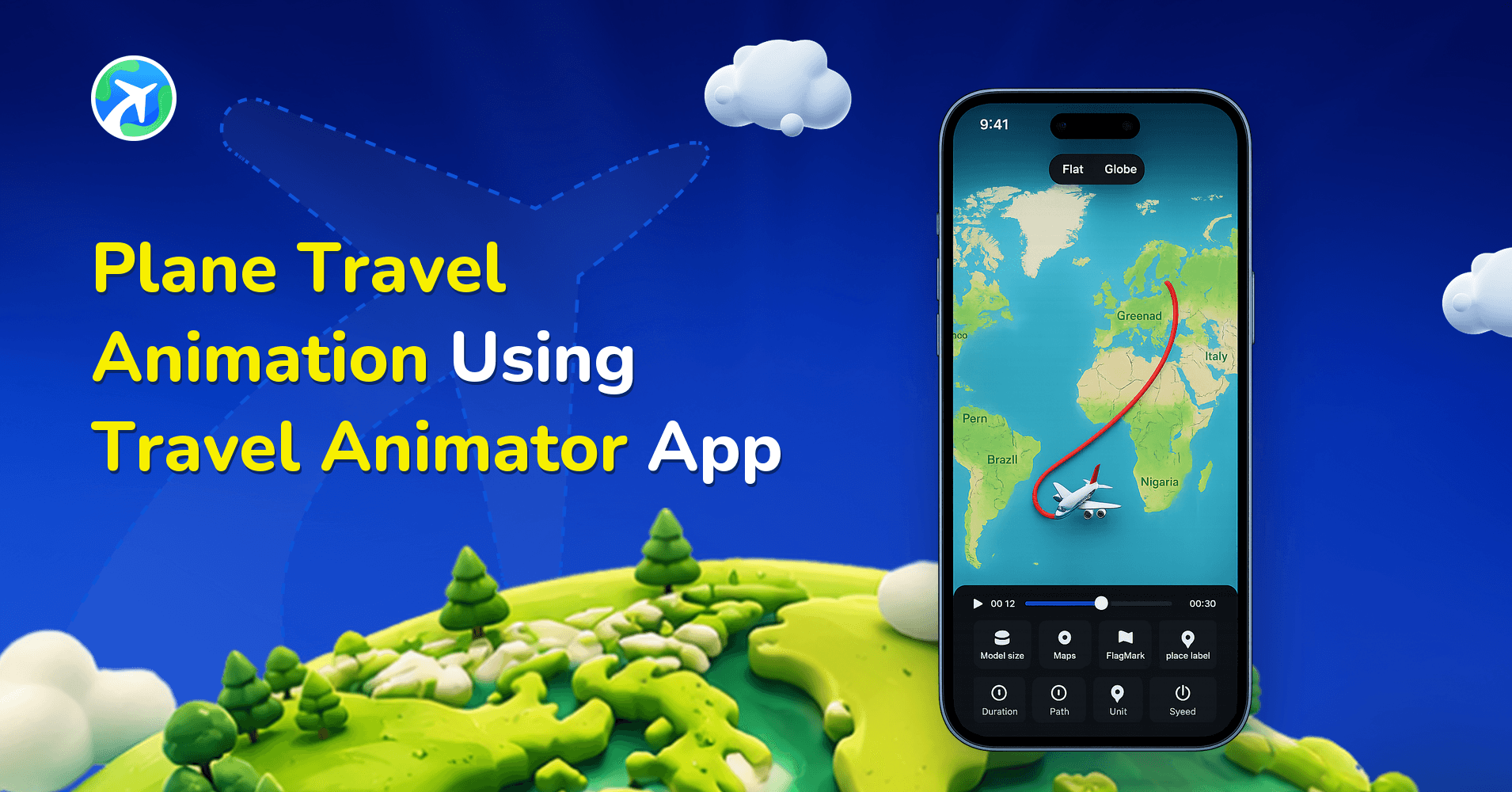
Plane Travel Animation Using Travel Animator App
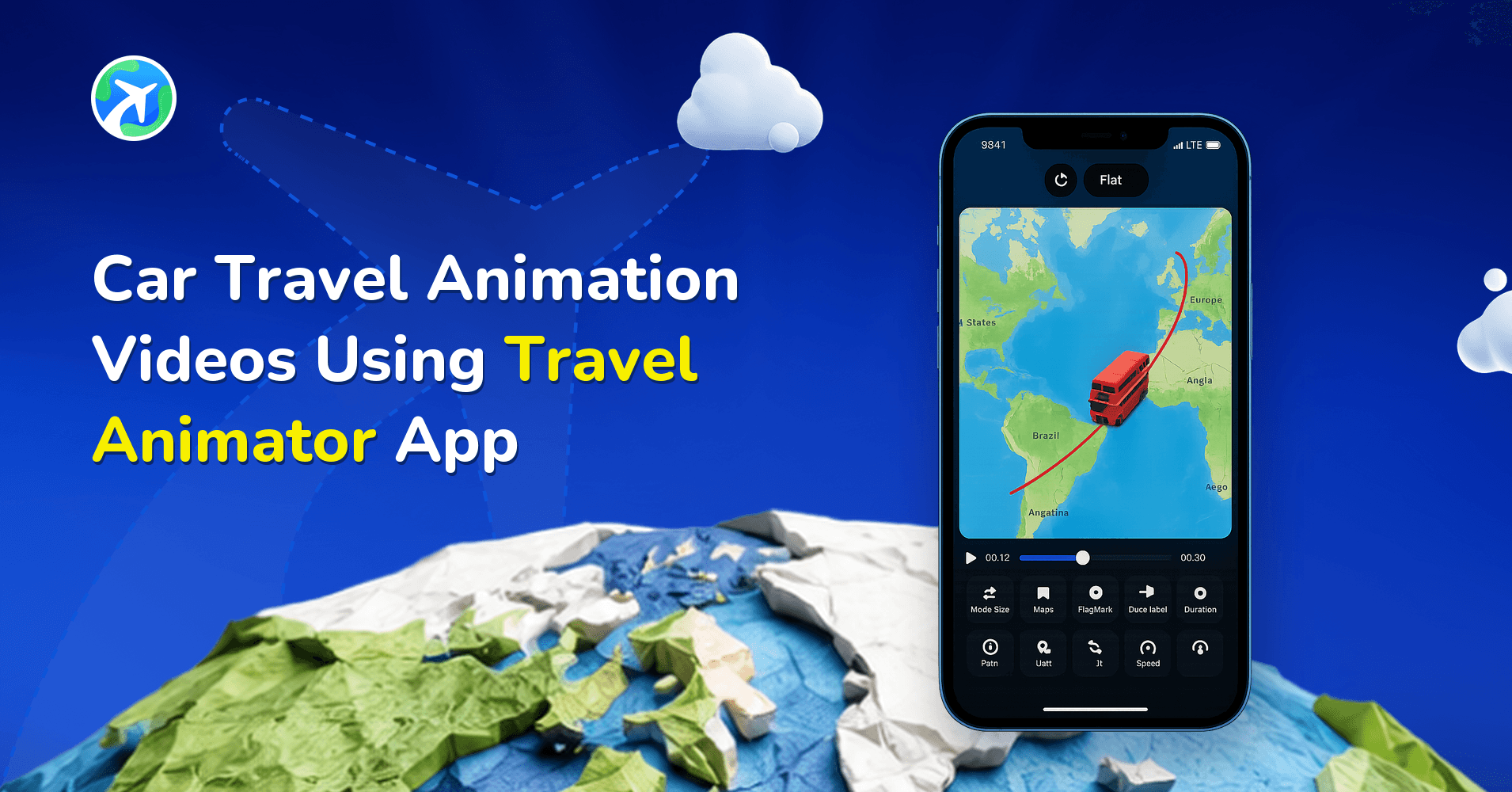
Car Travel Animation Videos Using Travel Animator App
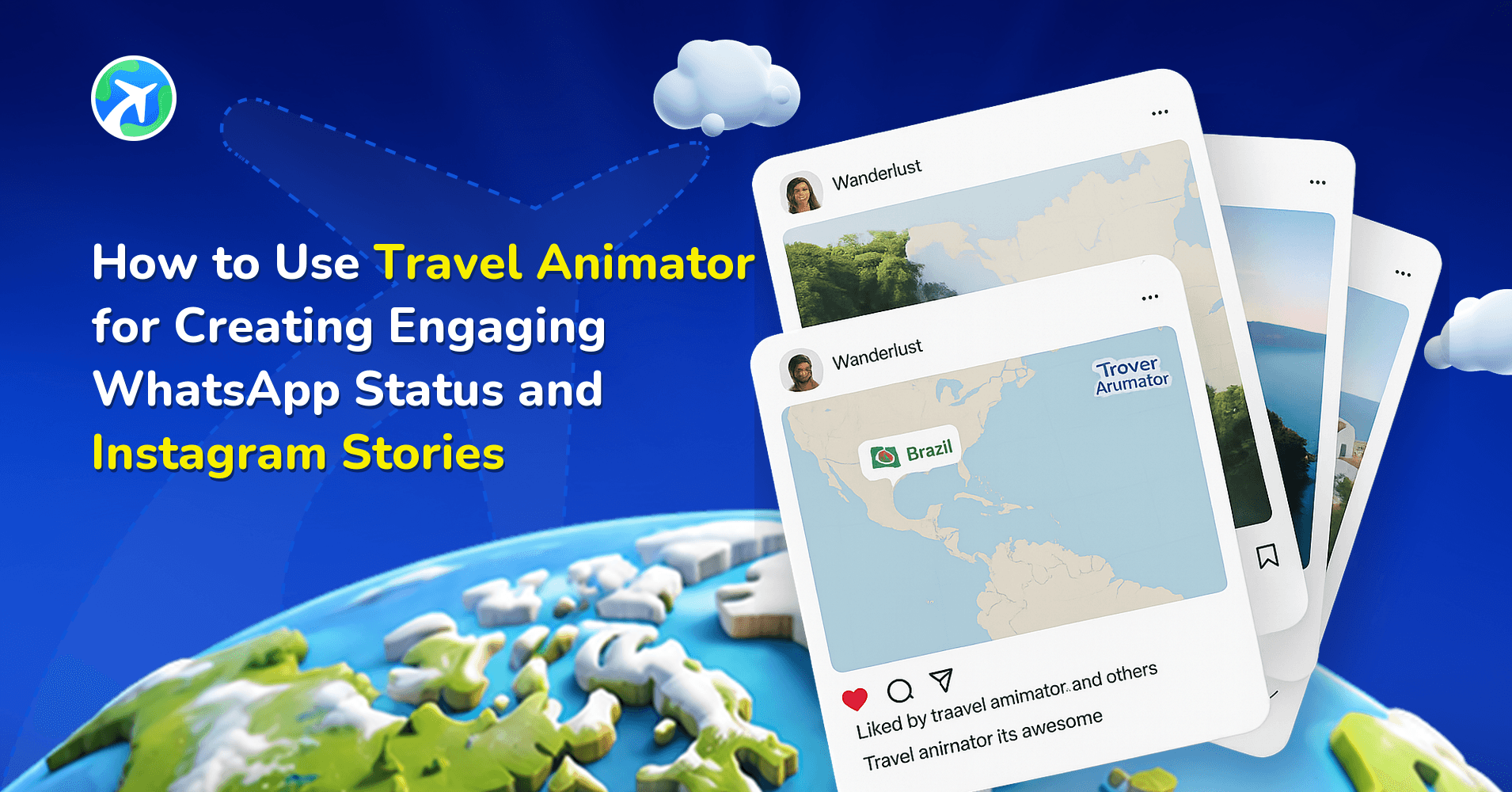
How to Use TravelAnimator for WhatsApp Status and Instagram Stories
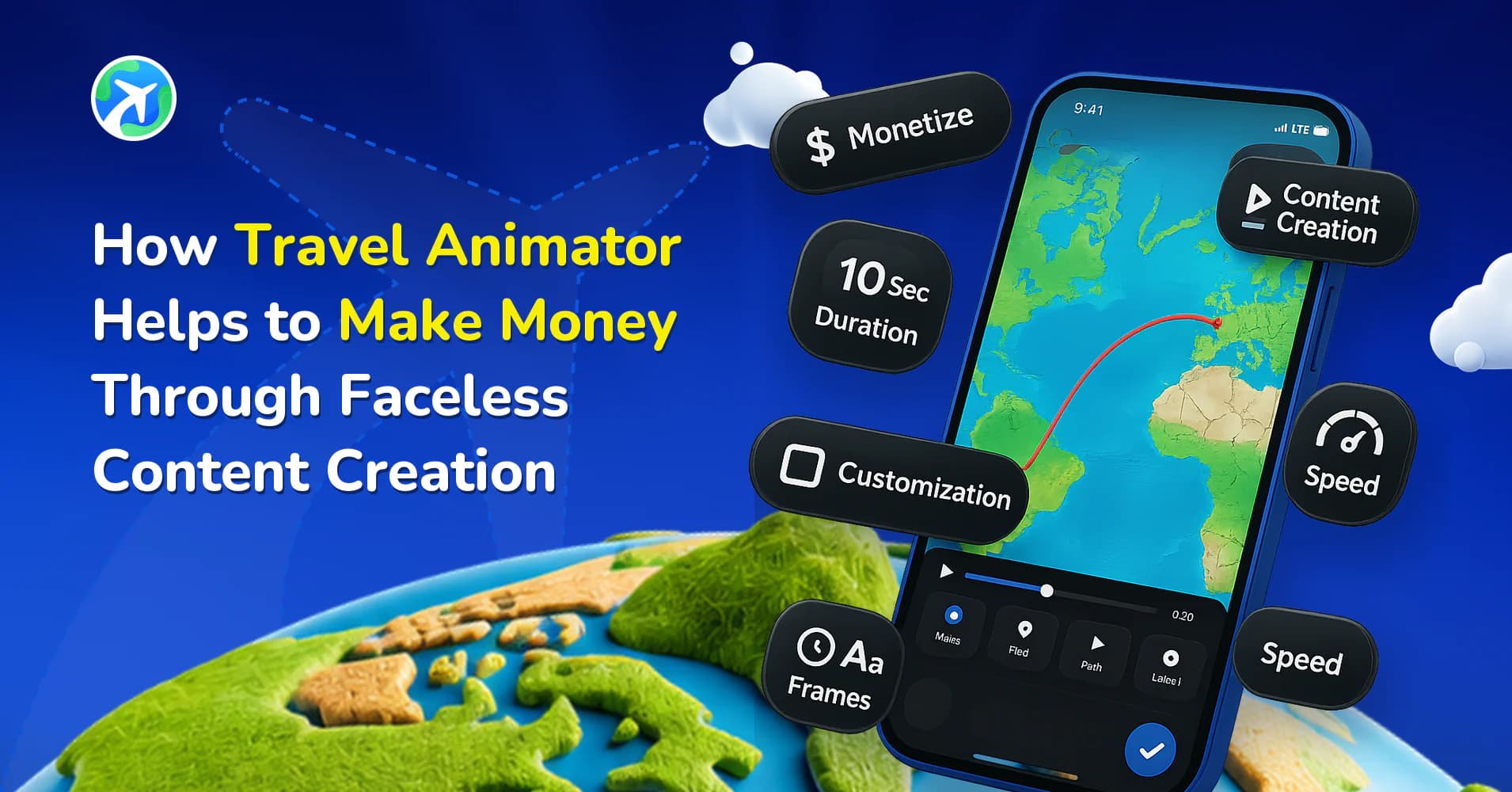
How TravelAnimator Helps You Earn Through Faceless Content
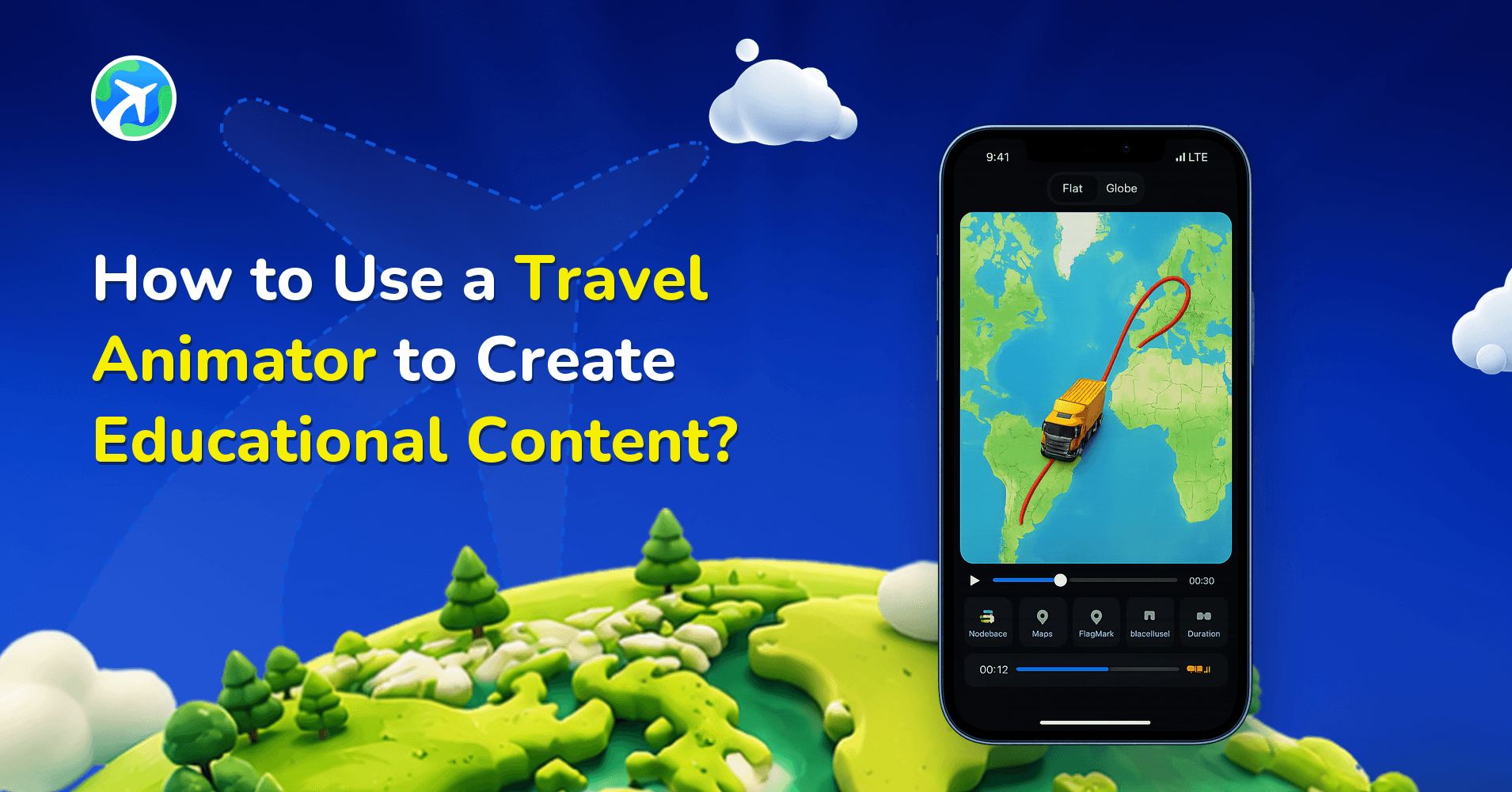
How to Use a Travel Animator to Create Educational Content?
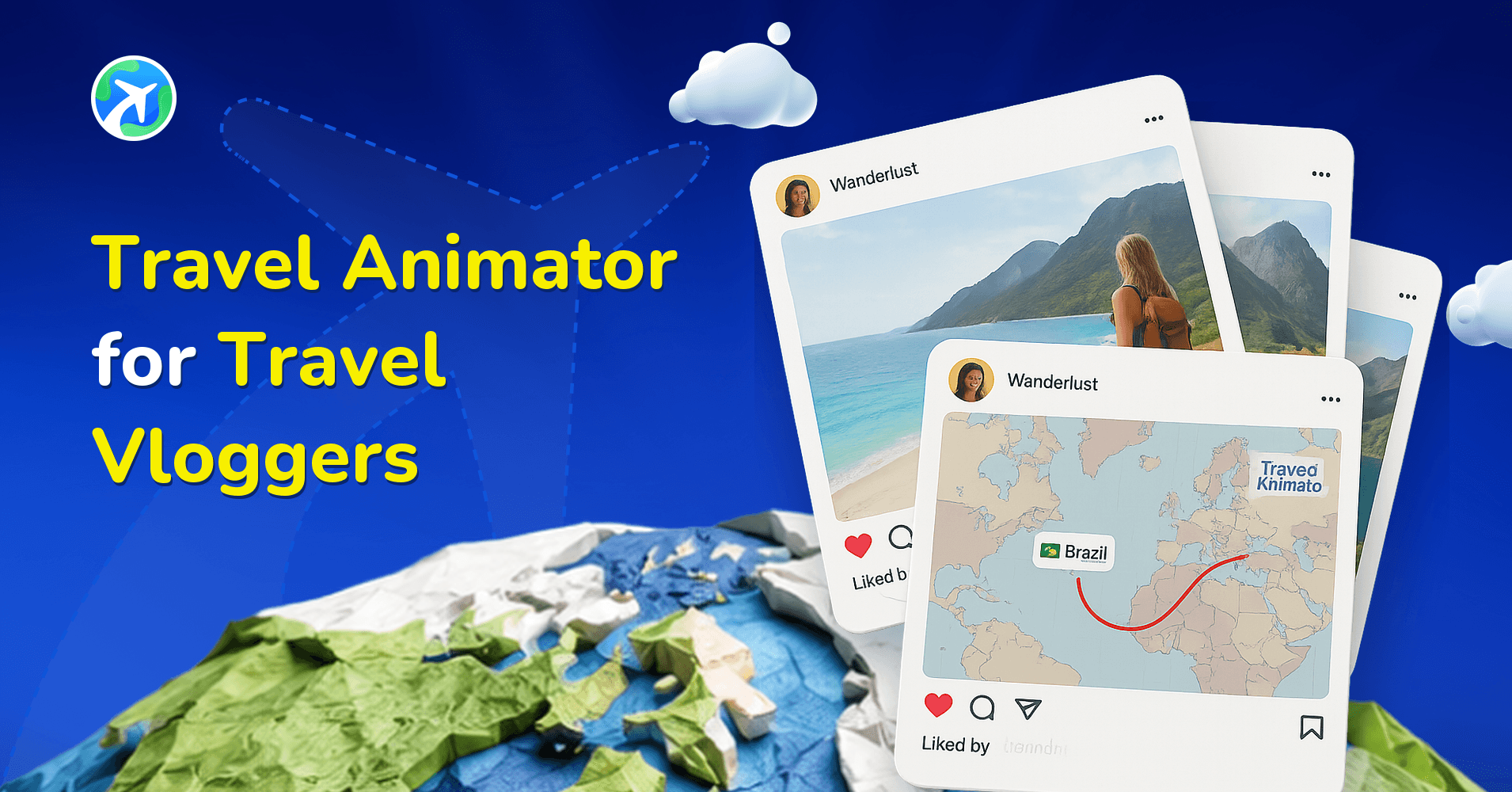
Travel Animator for Travel Vloggers
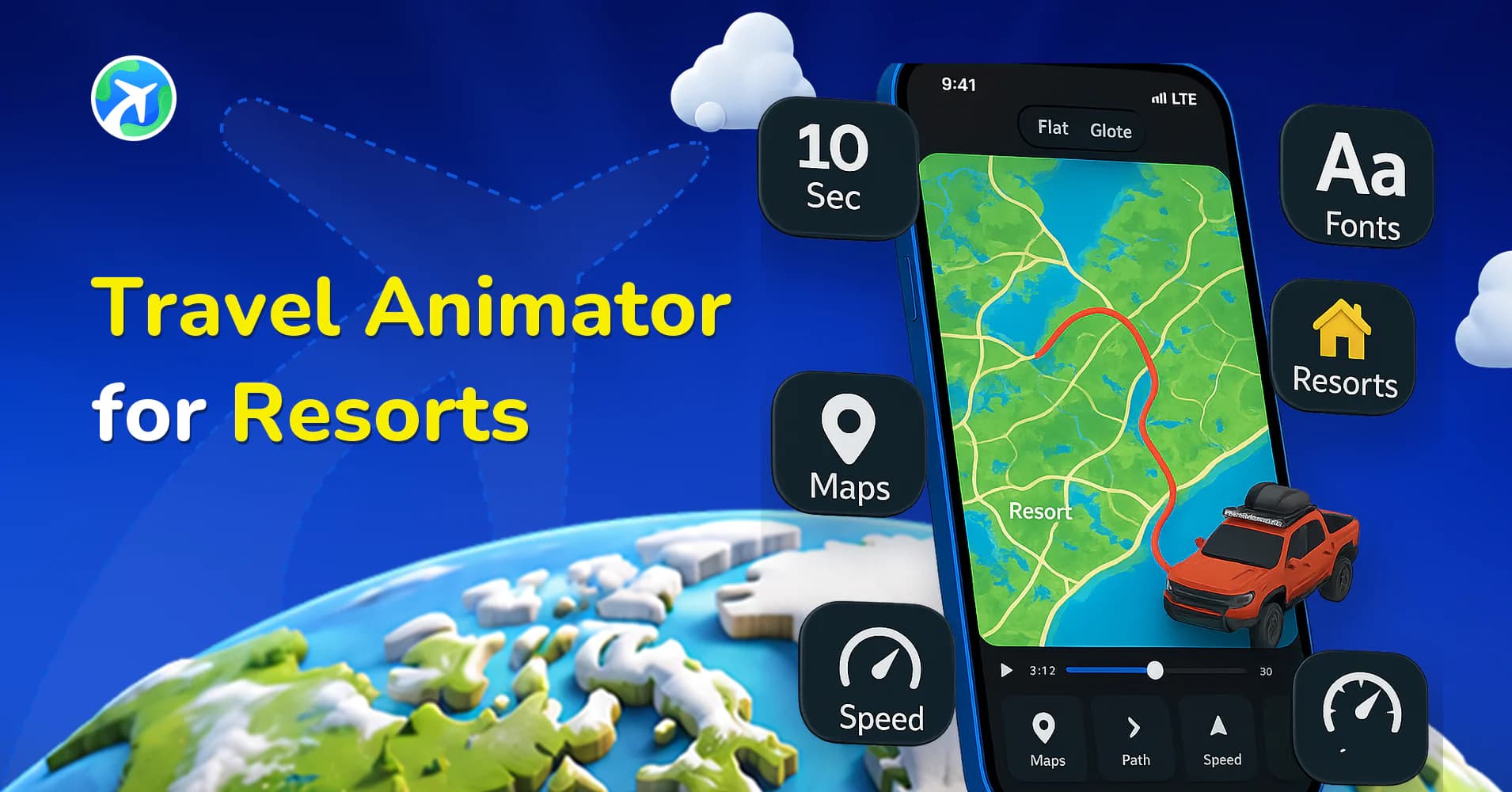
Travel Animator for Resorts
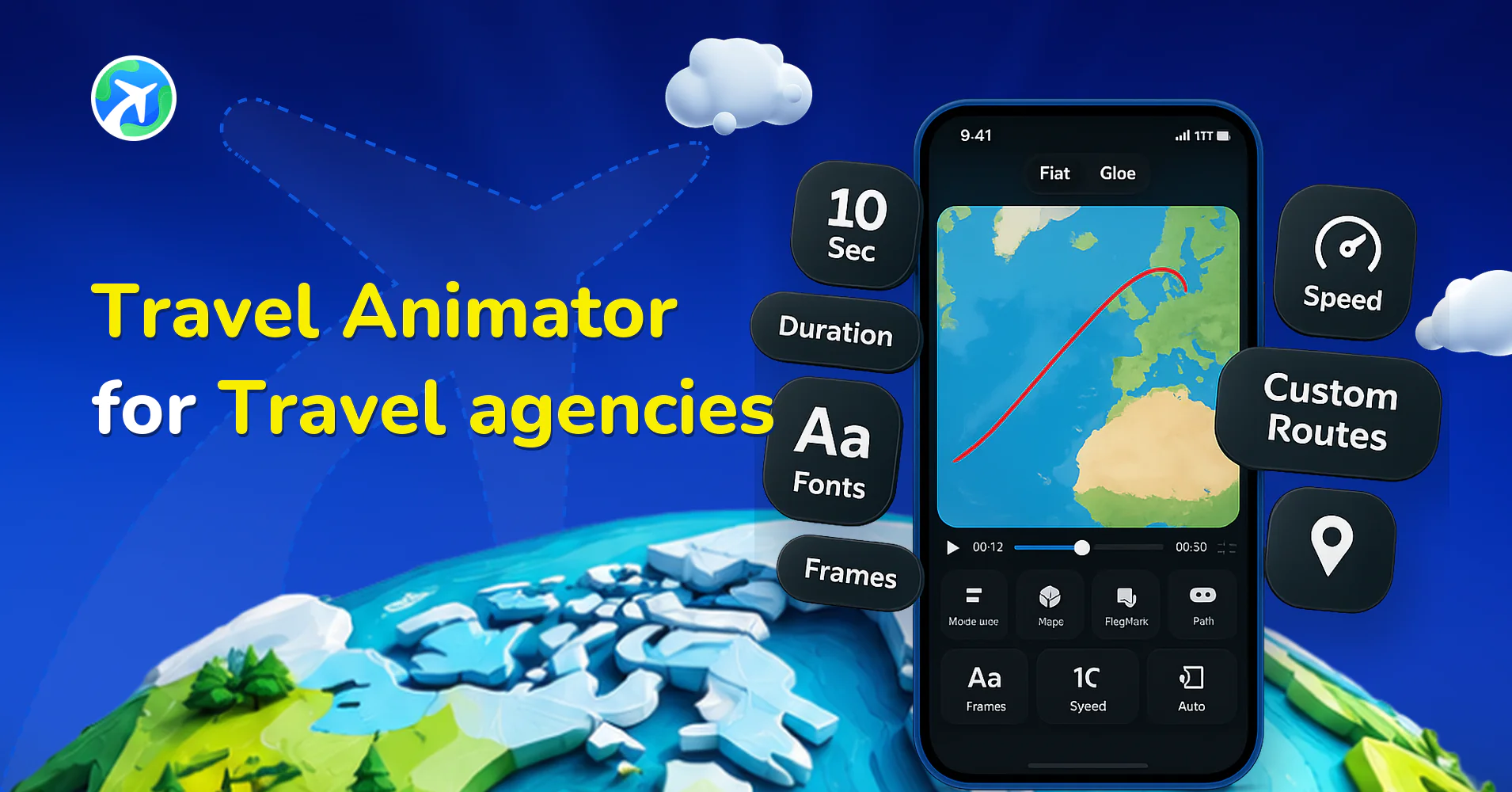
Travel Animator for Travel agencies
Integrations: common questions
Which tools does Travel Animator work with?
Routes can come from Google Maps links, from GPX files exported by Strava, Komoot, AllTrails, Garmin Connect or a GPS watch, or from stops you plot by hand. Finished videos export in HD or 4K for Instagram, TikTok, YouTube and anywhere else you publish.
How do I get a route out of another app and into this one?
Export it as a GPX file — nearly every tracking app and bike computer offers this — then import that file as your route. For a drive you have planned rather than recorded, a Google Maps route brings the same path in.
Can I combine an animated route with my own camera footage?
Yes. Export the animation as a video file and cut it into your edit like any other clip — route animations are most often used as the intro or the connective sequence between locations in a vlog.

