Car Travel Animation Videos Using Travel Animator App
 Jaseel S6 min read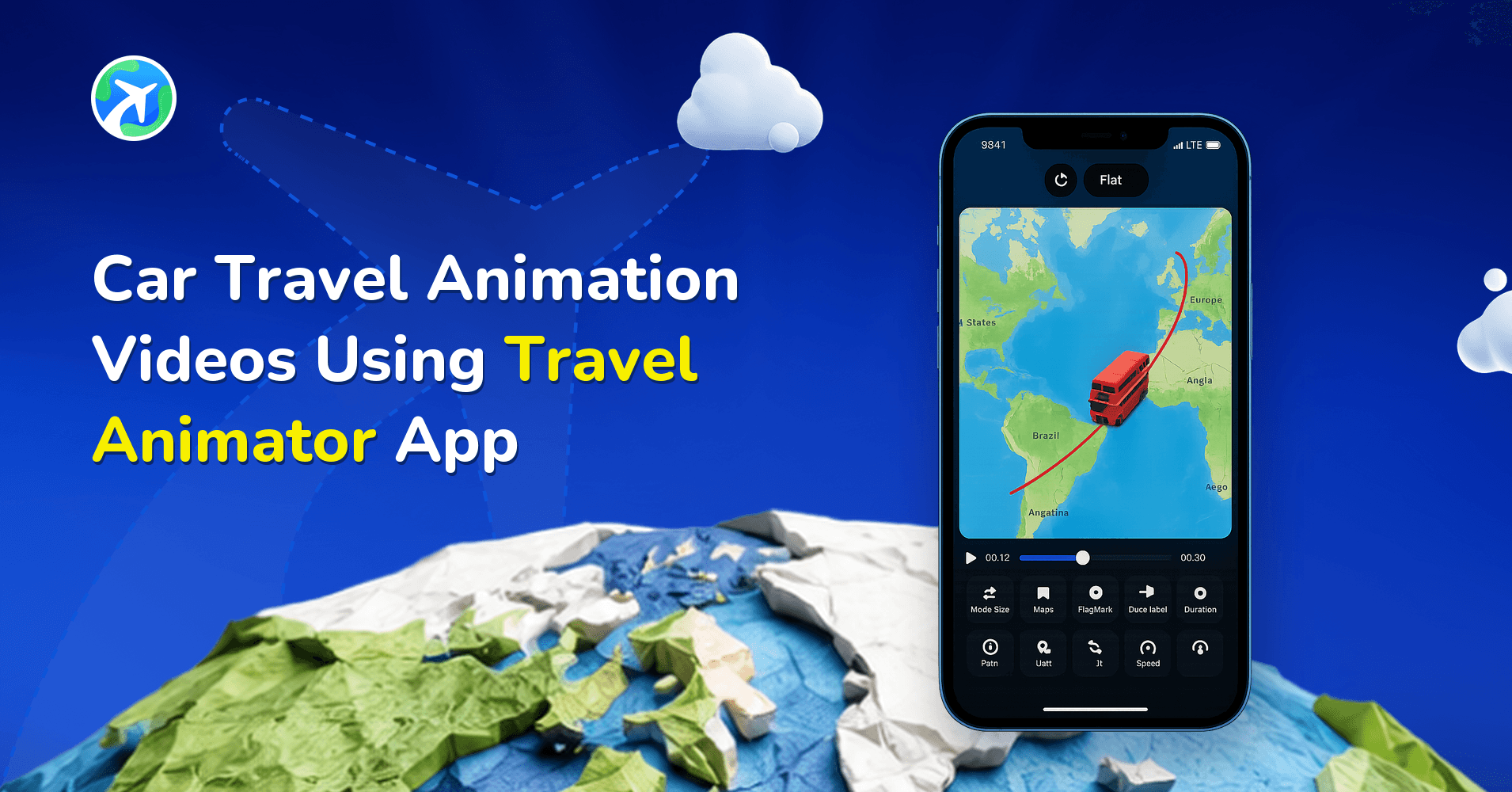
In this article 8 sections
Travel Animator makes it easy to create car route animation videos in just a few steps, even if you have no prior editing or animation experience. Instead of struggling with complex tools like car route animation in After Effects, you can quickly turn your road trip into a clean, animated map video that’s perfect for social media, presentations, or personal travel recaps.
Imagine you’re planning a long car road trip from Kerala to New Delhi. You want to share your complete itinerary on Instagram as a video that shows every major stop and route clearly. Screenshots from Google Maps feel dull, and learning professional animation software feels overwhelming. That’s where car travel route animation with Travel Animator becomes the ideal solution.
In this guide, you’ll learn how to create a car journey animation map, why animated car routes work better than static visuals, and how to create car travel map animation look realistic and engaging.
What Is a Car Travel Map Animation?
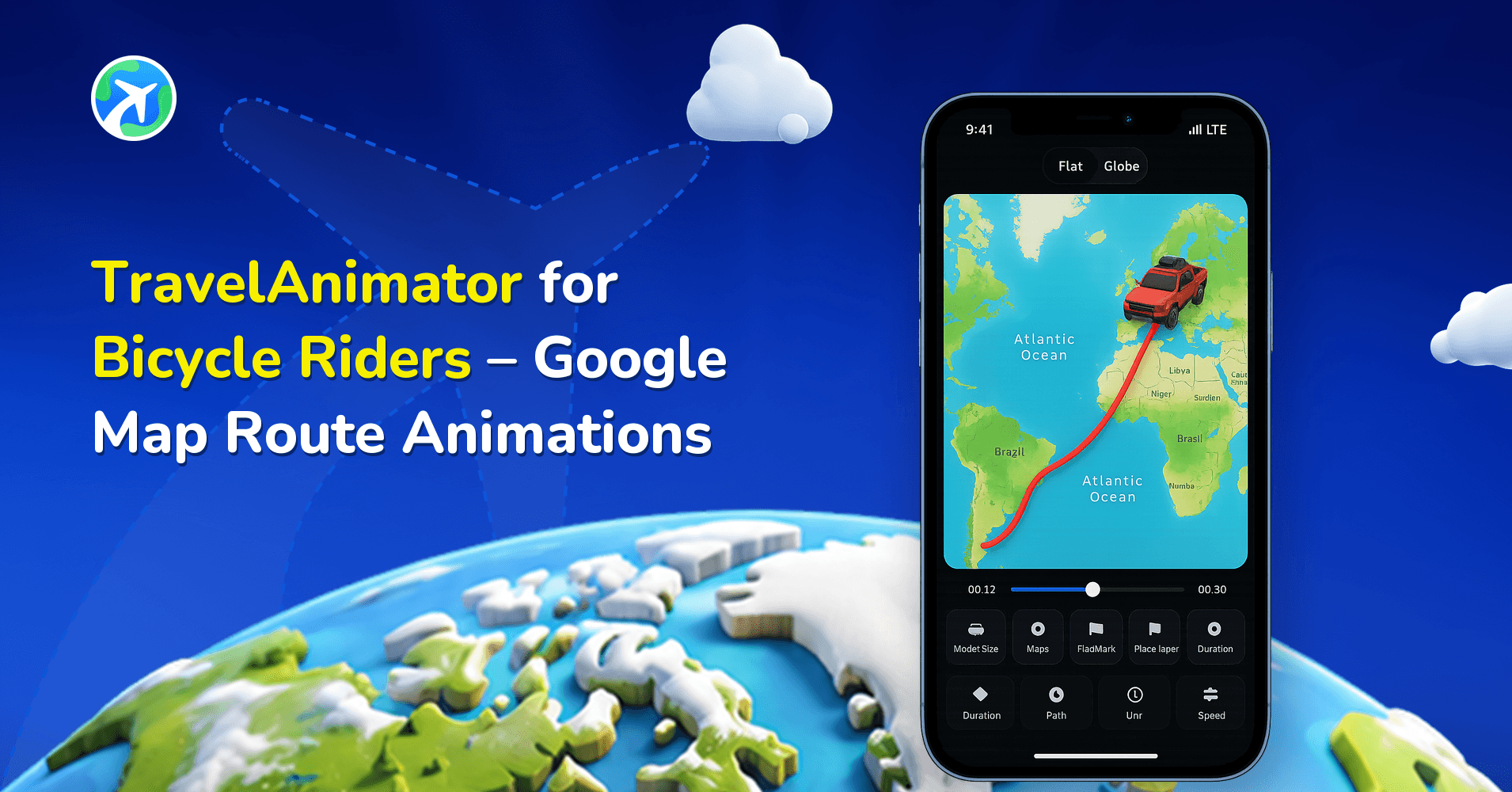
A car travel map animation is a visual representation of a road journey displayed on an animated map. It shows how a car moves from one location to another, highlighting routes, stops, and destinations with animated paths and vehicle icons.
A car route animation shows movement and progression, so viewers can instantly understand where the journey starts, which roads are taken, where stops occur, and how the trip unfolds geographically.
These animations are widely used for road trip recaps, itinerary planning, educational content, travel storytelling, and social media updates, making them both informative and visually appealing.
Why Use Travel Animator for Car Travel Videos?
- Travel Animator’s advanced features offer a wide range of customization options to personalize your car travel map animation, including vehicle models, destinations, map styles, and animation speed, to suit your video theme.
- Anyone can create professional-looking travel animations within minutes. It doesn’t need any video editing skills because of the user-friendly interface.
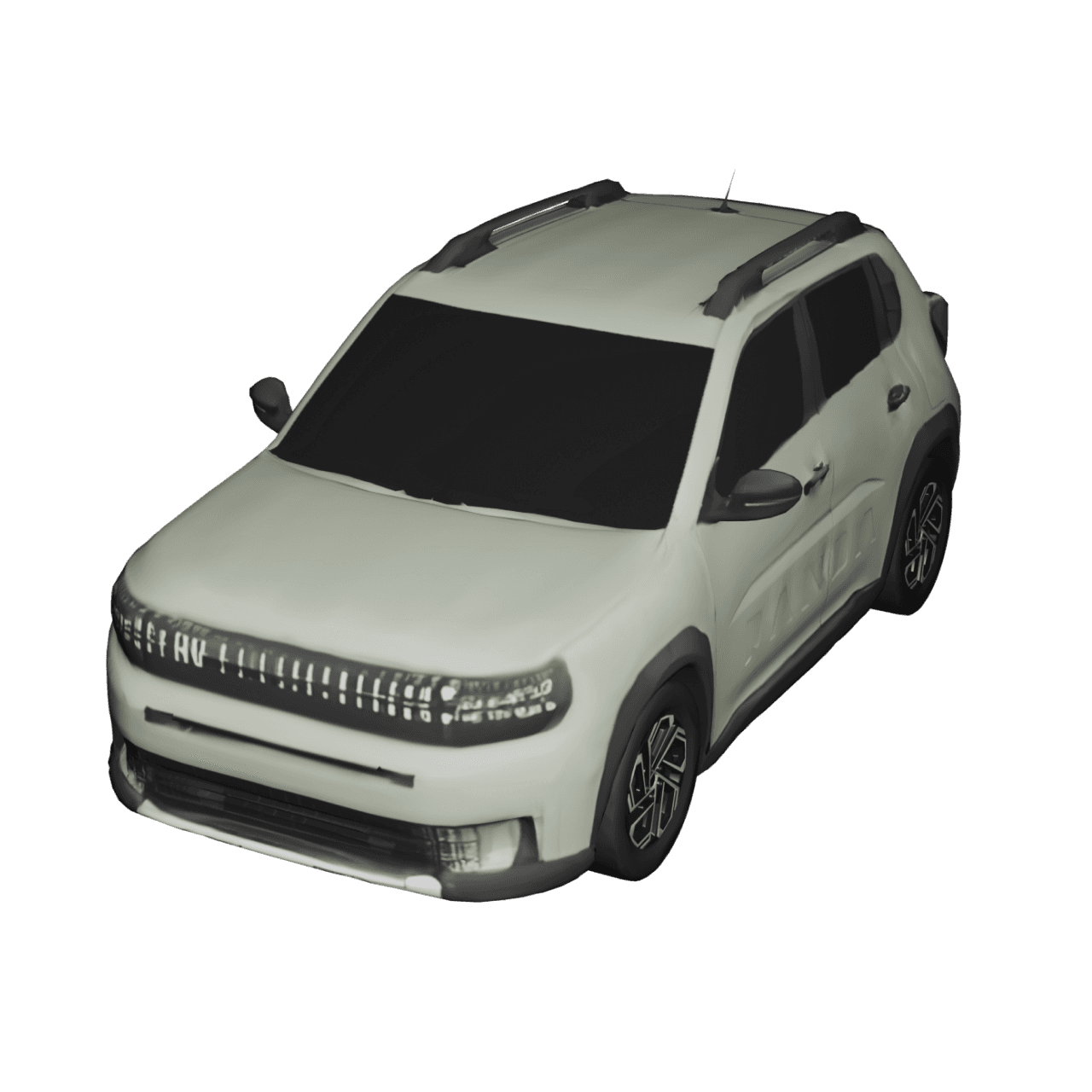
- You can choose from multiple car models you’re familiar with and even use different vehicles across destinations in a single video. This flexibility makes your car journey animation feel more realistic and relatable.
- The instant preview feature lets you see how your animation looks before exporting, helping you refine details such as map style, route flow, and timing.
- On top of that, 3D maps add depth and immersion, making car travel animations more engaging on platforms like Instagram Reels, Stories, and YouTube Shorts.
- You can also customize the image, text, place labels, and route lines to align with the car travel model you choose.
Step-by-Step: How to Create a Car Travel Animation using Travel Animator
- Download the Travel Animator app and sign up for an account using an email. Sign in if you already have an account.
- Next, add your destinations by searching location names, importing GPX files for real road routes, or pasting Google Maps links. This step helps you build an accurate car route animation step by step, including multiple stops if needed.
- Choose the suitable car models that match your journey. You can use any car model at each stop, as many are available.
- Add and customize images and labels at each stop to make your car travel route animation more informative and personal.
- Preview the video and choose the map best suited to your journey from the 2D and 3D options.
- Adjust elements such as model size, video duration, and aspect ratio. Also, customize the place labels and the path line.
- Export the video directly to your device in HD or 4K quality. Then, you can share your travel animation video directly on different platforms.
Who Can Benefit from Car Travel Animation?
- Casual travelers can create quick, simple car road trip map animations to document and share their journeys without spending time on complex editing.
- Travel vloggers can instantly update their audience with animated route videos while on the move.
- Content creators can use car journey animation maps for travel storytelling, educational routes, or historical journeys.
- Travel companies and tour operators can present road routes and travel packages visually, helping customers better understand and visualize the journey.
Real-Life Situations Where Car Travel Animations Shine
- Car travel animations work well in many everyday scenarios. You can animate a personal road trip from your starting point to every memorable stop along the way.
- Family vacations become easier to relive when shown through an animated route map that highlights where everyone traveled.
- Travel bloggers and influencers can creatively narrate road adventures instead of explaining routes verbally.
- Tour operators can showcase scenic drives and destinations using animated previews that attract travelers.
- Short car route animation videos also perform well on Instagram and other social platforms, where audiences prefer quick visual summaries over long descriptions.
- Professionals can use car travel animations to clearly and effectively explain business travel routes.
Tips to Make Your Road Trip Animation Stand Out
- For accurate route mapping, upload a GPX file or a Google Maps link if you tracked your journey with GPS. This ensures your car travel map animation follows real roads smoothly.
- Adding photos at each destination makes your animation more personal and emotionally engaging.
- Keep social media videos between 15 and 30 seconds to maximize reach and viewer retention.
- Use car models that match the journey type, such as city drives, highways, or scenic roads, to make your car route animation feel authentic.
- Choosing the right map style also helps set the mood for your road trip story.
Ready to Animate Your Car Journey?
Creating dynamic car travel map animation videos makes your road trips more engaging and easier to share. With Travel Animator, you can turn any car journey into a clean, visually rich animated story, whether it’s for social media, personal memories, or professional use.
If you’re planning your next road trip or reliving a past journey, download TravelAnimator from the App Store or Play Store and start creating your car journey animation map.
Frequently Asked Questions
What Is a Car Travel Map Animation?
A car travel map animation is a visual representation of a road journey displayed on an animated map. It shows how a car moves from one location to another, highlighting routes, stops, and destinations with animated paths and vehicle icons.
Why Use Travel Animator for Car Travel Videos?
Travel Animator’s advanced features offer a wide range of customization options to personalize your car travel map animation, including vehicle models, destinations, map styles, and animation speed, to suit your video theme. Anyone can create professional-looking travel animations within minutes.
Who Can Benefit from Car Travel Animation?
Casual travelers can create quick, simple car road trip map animations to document and share their journeys without spending time on complex editing. Travel vloggers can instantly update their audience with animated route videos while on the move.