Plane Travel Animation Using Travel Animator App
To create a plane travel animation, add departure, arrival and connecting stops in Travel Animator, choose an airplane model, then preview and export the route video. Manually plotted stops illustrate your itinerary; they do not reproduce a recorded flight track.
 Jaseel S6 min read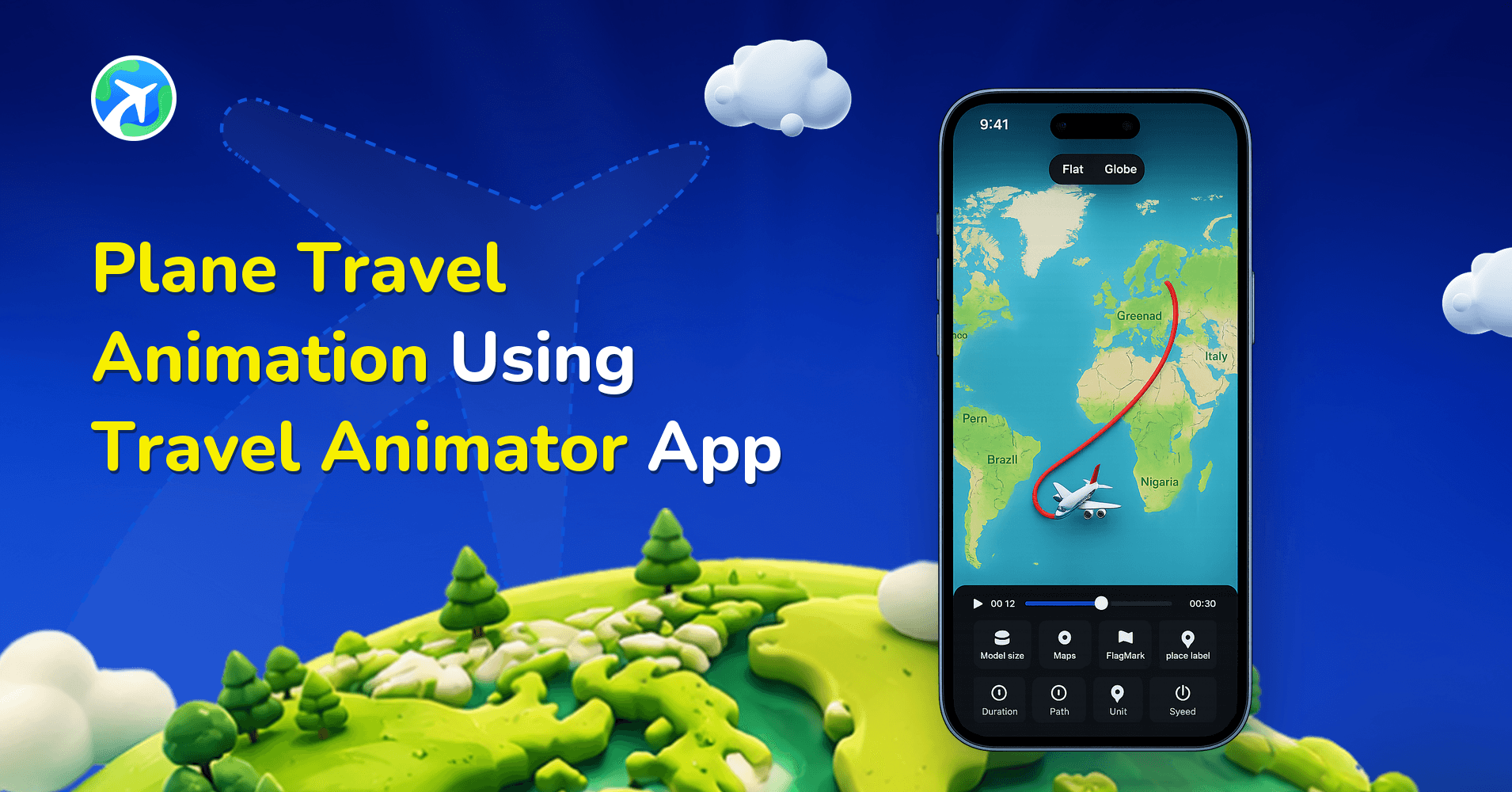
In this article 10 sections
To create a plane travel animation, add your departure, destination and connecting stops in Travel Animator, choose an airplane model, then preview and export the route video. It illustrates your itinerary on a map; manually entered stops do not reproduce a recorded flight track.
Follow the steps below to build a flight map animation for a travel recap, vlog introduction or itinerary presentation.
What is Plane Travel Animation?
A plane travel map animation is a visual way to show air travel routes on a map using animated paths and airplane models. Instead of static images or text lists, the animation clearly shows how a flight moves from one destination to another.
These animations are commonly used to represent international trips, multi-country journeys, long-distance air routes, and planned or completed flight itineraries.
A flight route animation helps viewers instantly understand the direction, distance, and flow of a journey. Whether it’s a single flight or a multi-stop trip, an animated map route for plane travel makes the experience engaging and easy to follow.
Common Use Cases for Plane Travel Animations
- Travel vlogs and YouTube videos often start with a flight map animation to show where the journey begins and how far it goes. This gives viewers immediate geographic context.
- Social media content creators use short air travel map animations for Instagram Reels, TikTok, and Shorts. These animated routes stand out more than static images and increase engagement.
- Educational content benefits from animated airplane routes to explain geography lessons, historical journeys, migration paths, or global trade routes.
- Travel planning and itineraries become more exciting when shared as an animated plane route instead of a written list. It builds anticipation for upcoming trips.
- Media and documentaries use animated plane routes to show real-world flight paths, global movements, rescue missions, or historical air travel stories in a cinematic way.
Why Use Travel Animator for Flight Route Animations?
- Travel Animator offers a variety of flight models, map styles, and route colors to suit your animation theme.
- Build and preview your animation in just a few clicks, without complicated video editing software.
- You can create an animation that includes multiple destinations and spots with clear flight transitions.
- Users can export HD videos; 4K export requires Pro. Share their travel animation videos in high quality on social media.
- TravelAnimator comes with a wide range of features, especially for creating travel animations, with a beginner-friendly interface.
Step-by-Step: How to Create a Plane Travel Map Animation
- Download Travel Animator on iOS or Android and start a route. Save any existing project first.
- Add your departure and arrival locations. Search for the city or airport name, check its map position, and add any connections in travel order.
- Review the line between stops. A Google Maps road route does not become a flight path simply because you select an airplane. For a stylized flight itinerary, plot the stops manually and adjust the path to suit the story.
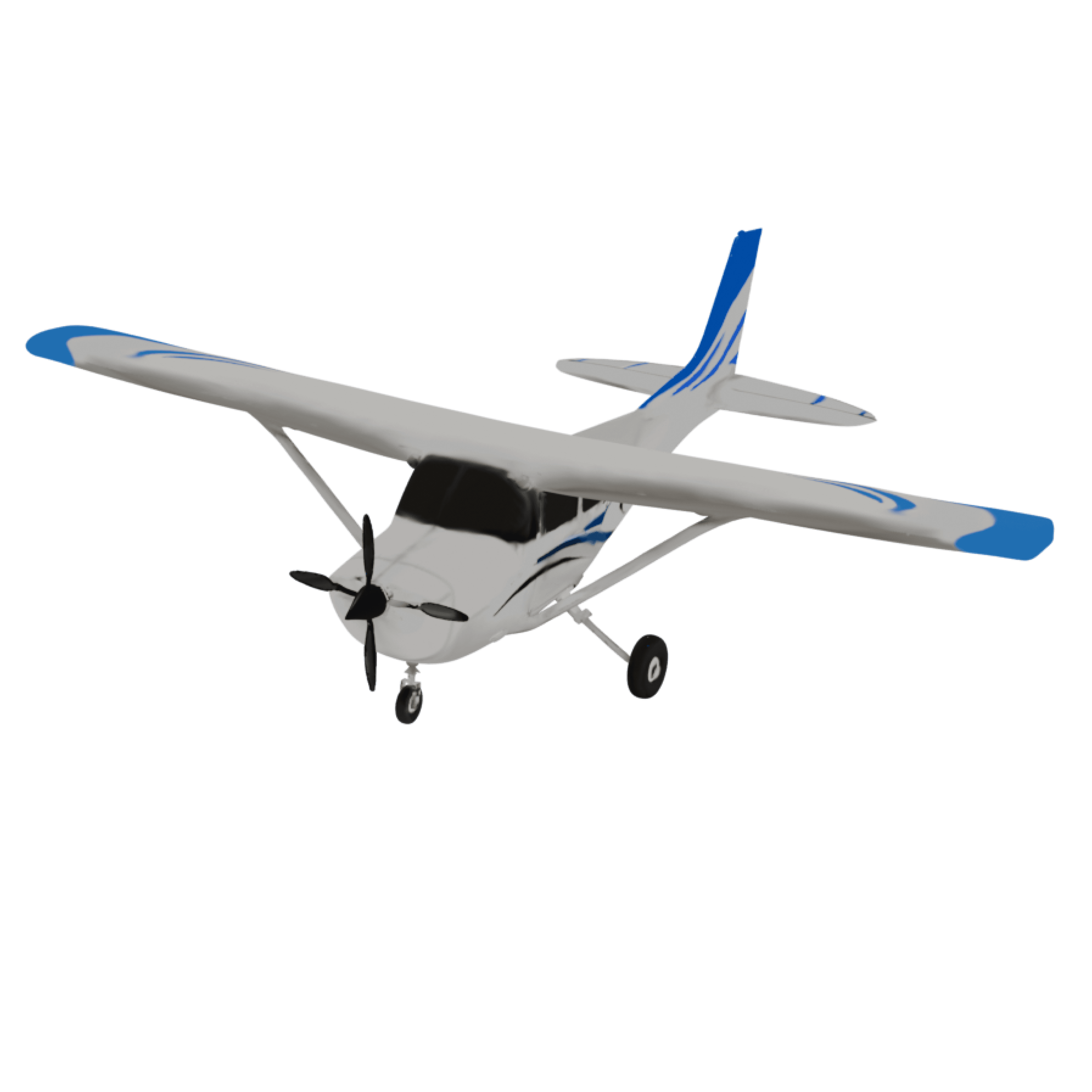
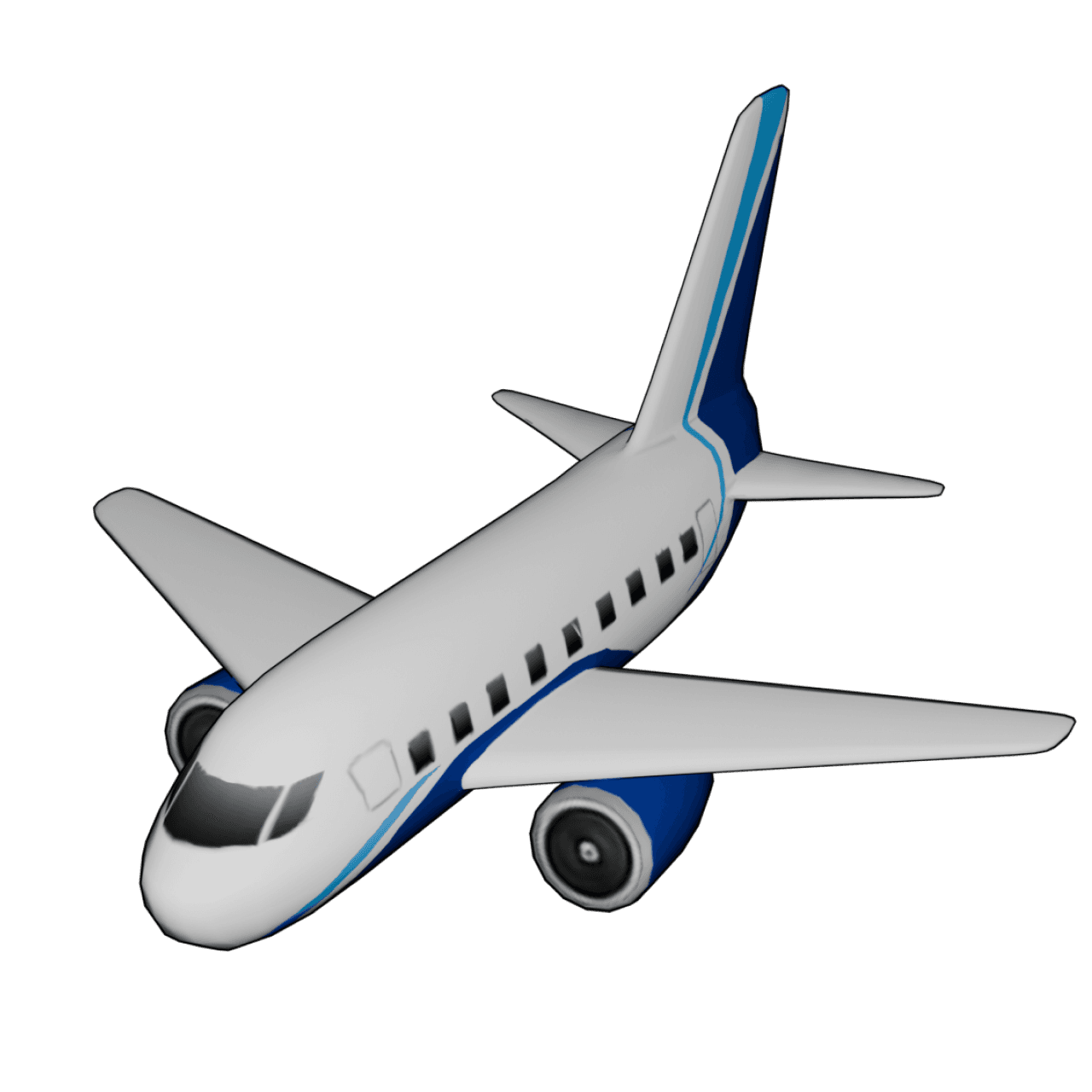
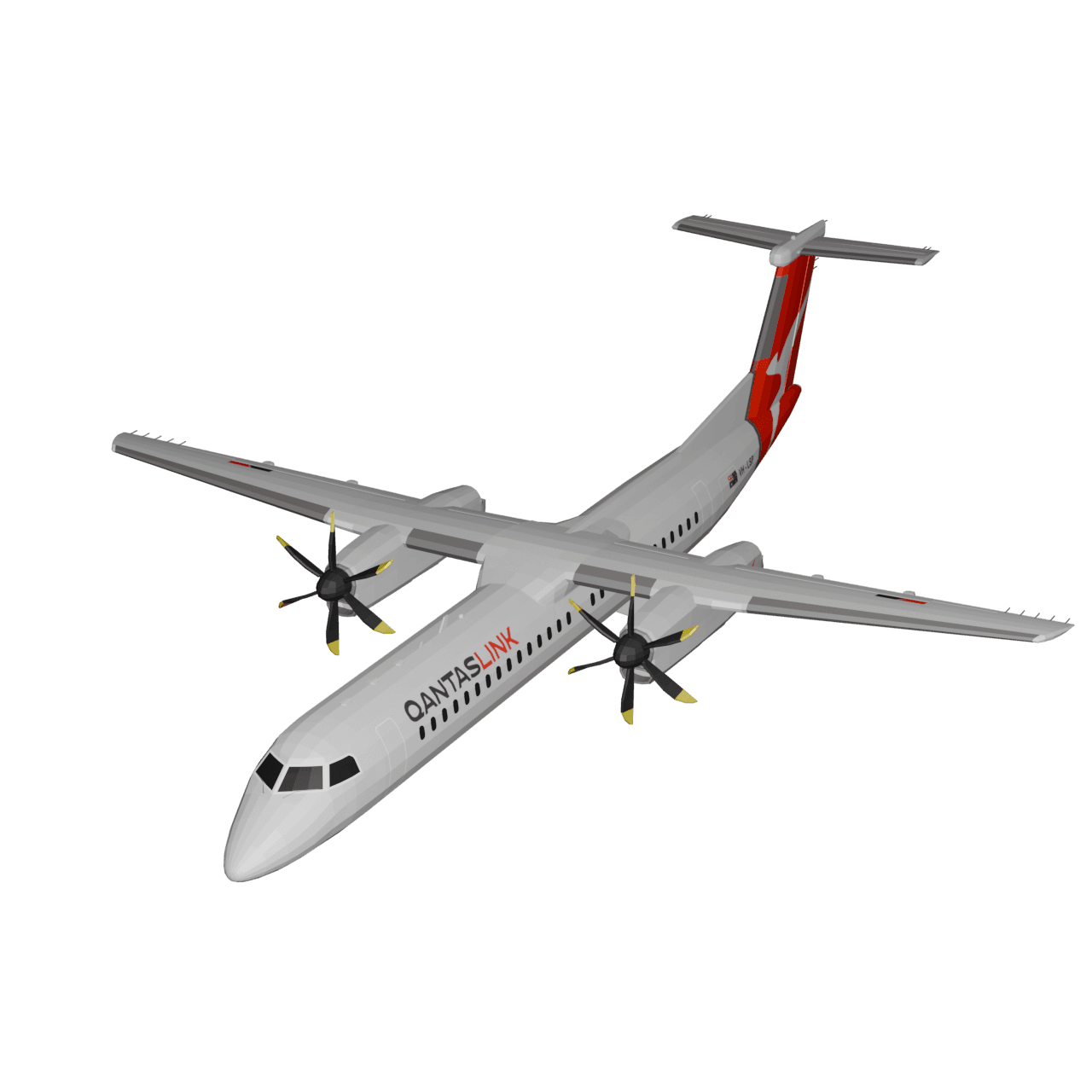
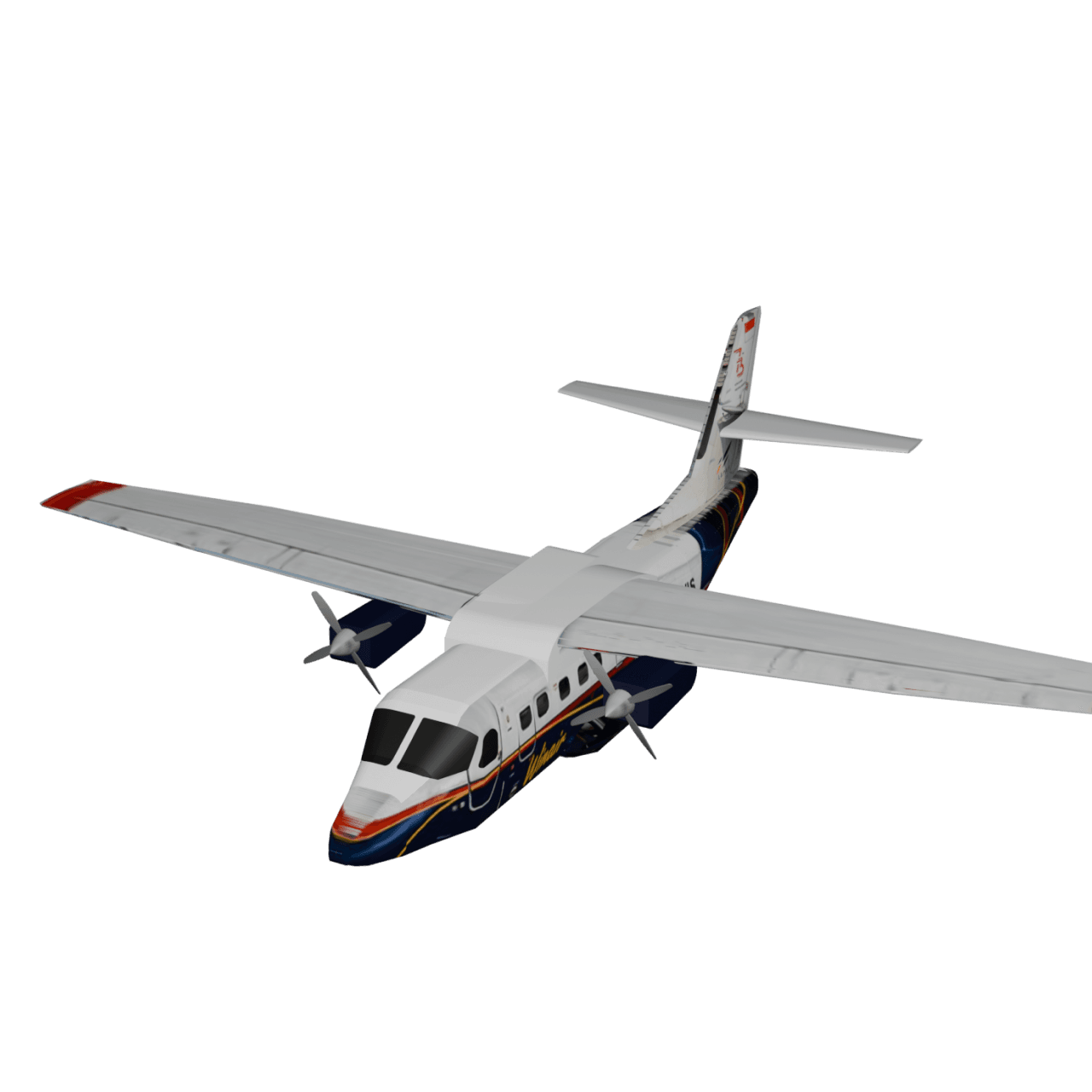
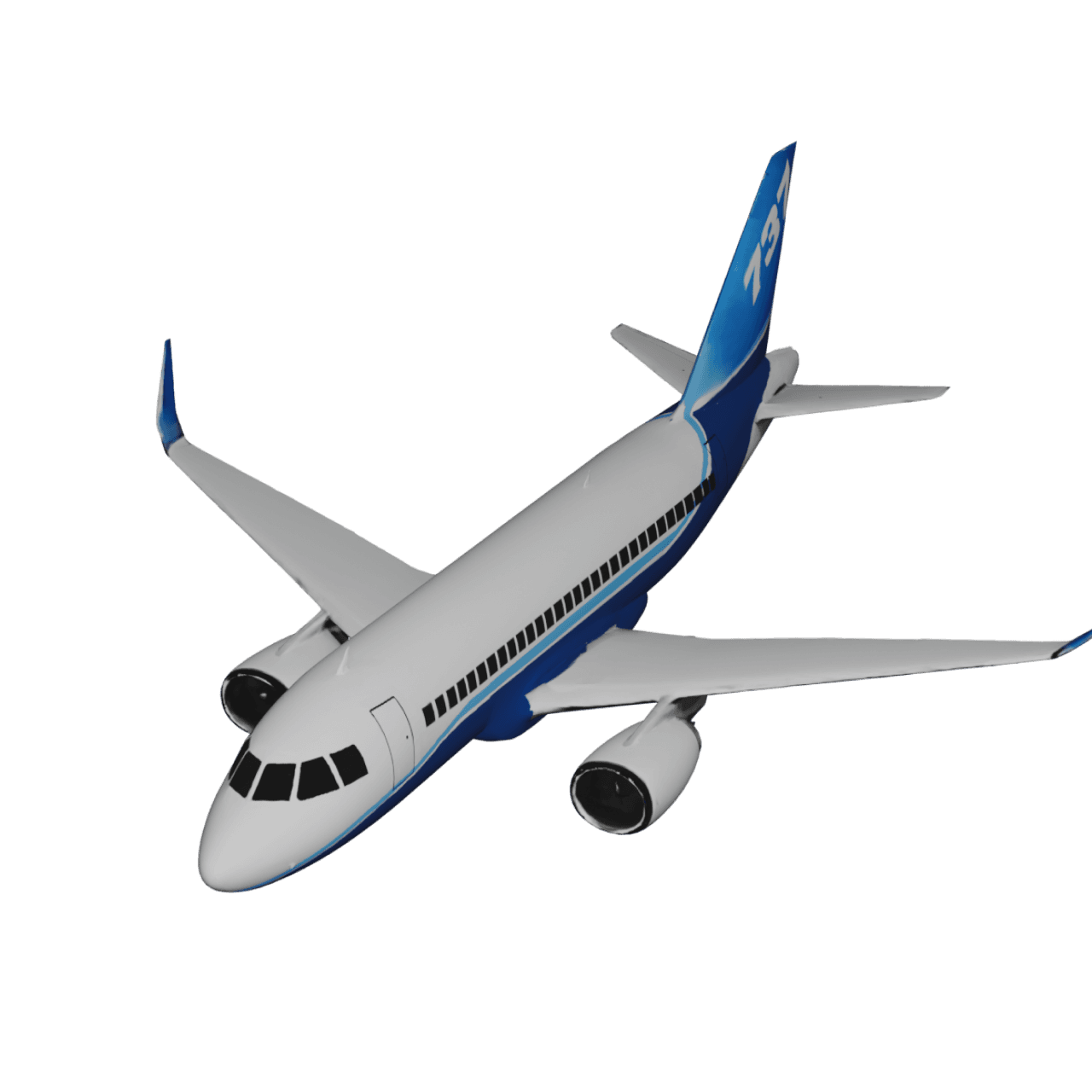
- Long-press a stop and select an airplane model. Preview each leg, especially if the trip also includes a train or car journey.
- Add short place labels and optional photos. Use city names when airport abbreviations would be unclear to your audience.
- Open Preview. Compare flat and globe map styles, adjust the model size and video duration, and choose a vertical 9:16 or landscape 16:9 format to suit the destination for your video.
- Watch the full preview before exporting. Free includes HD exports with a watermark; Pro adds 4K and watermark removal. Save the finished video and check it before sharing.
Tips to Make Plane Travel Animations More Engaging
- Focus on key destinations rather than overcrowding the map with too many stops. Clear routes are easier to follow.
- Use labels wisely to show city or country names so viewers can understand the journey without confusion.
- For social media, keep animations between 15 and 30 seconds to maintain attention and boost retention.
- Customize image, text, place labels, and route colors so they contrast and align with each other to ensure consistency.
- Use different map styles that align with the animation video. And 3D animation suits long flights well.
- Combine your air travel map animation with real airport clips or travel footage when posting on social platforms for a more personal touch.
Who Can Benefit from Plane Travel Map Animations?
- Travel bloggers and vloggers use plane route animations to visually introduce international trips.
- Content creators add animated airplane routes to explain global topics, geography, or storytelling projects.
- Tutors use flight map animations to simplify complex global movements.
- Businesses and travel agencies showcase international itineraries and travel plans using animated maps.
- Anyone looking to create animated airplane routes for videos without professional editing tools can benefit from TravelAnimator.
Create Your Flight Journeys Creatively
Plane travel animations transform flight routes into engaging visual stories. Instead of static screenshots or text-heavy explanations, a plane travel map animation clearly shows where you went, how you traveled, and how destinations connect. With TravelAnimator, you can create flight route animations, air travel map animations, and animated map routes for planes in minutes, without technical skills or complex software. Whether you’re sharing travel content, teaching geography, or planning international trips, animated airplane routes make your story clearer and more memorable.
Download the TravelAnimator app from the App Store or Play Store and start creating your plane travel map animation today to turn your flight journeys into visuals people love to watch.
Example: a flight with one connection
For a London–Dubai–Bangkok itinerary, add the three stops in that order and assign a plane to both legs. Preview the entire journey before choosing a globe view: the camera should make both departures and arrivals easy to follow. Keep the city labels short and allow enough time to read the connection.
Why does my plane animation look wrong?
The plane follows roads: check the route input and routing mode. A road itinerary imported from Google Maps is still a road itinerary. Rebuild the flight segment from your departure and arrival points when you want a simple flight illustration.
The wrong airport appears: verify each location on the map before exporting. Cities can have several airports, and similar names can identify places in different countries.
Labels overlap: shorten them, reduce the model size, or split a busy multi-country trip into separate clips. See how to edit place labels.
Does this show the exact route flown by an aircraft?
No. Manually plotted stops illustrate your itinerary; they do not establish an aircraft’s recorded flight track. A GPX import reflects the data in that file. Describe the result as an itinerary animation unless you have verified track data for the journey.
Frequently Asked Questions
What is Plane Travel Animation?
A plane travel map animation is a visual way to show air travel routes on a map using animated paths and airplane models. Instead of static images or text lists, the animation clearly shows how a flight moves from one destination to another.
Why Use Travel Animator for Flight Route Animations?
Travel Animator offers a variety of flight models, map styles, and route colors to suit your animation theme. Build and preview your animation in just a few clicks, without complicated video editing software.
Who Can Benefit from Plane Travel Map Animations?
Travel bloggers and vloggers use plane route animations to visually introduce international trips. Content creators add animated airplane routes to explain global topics, geography, or storytelling projects.