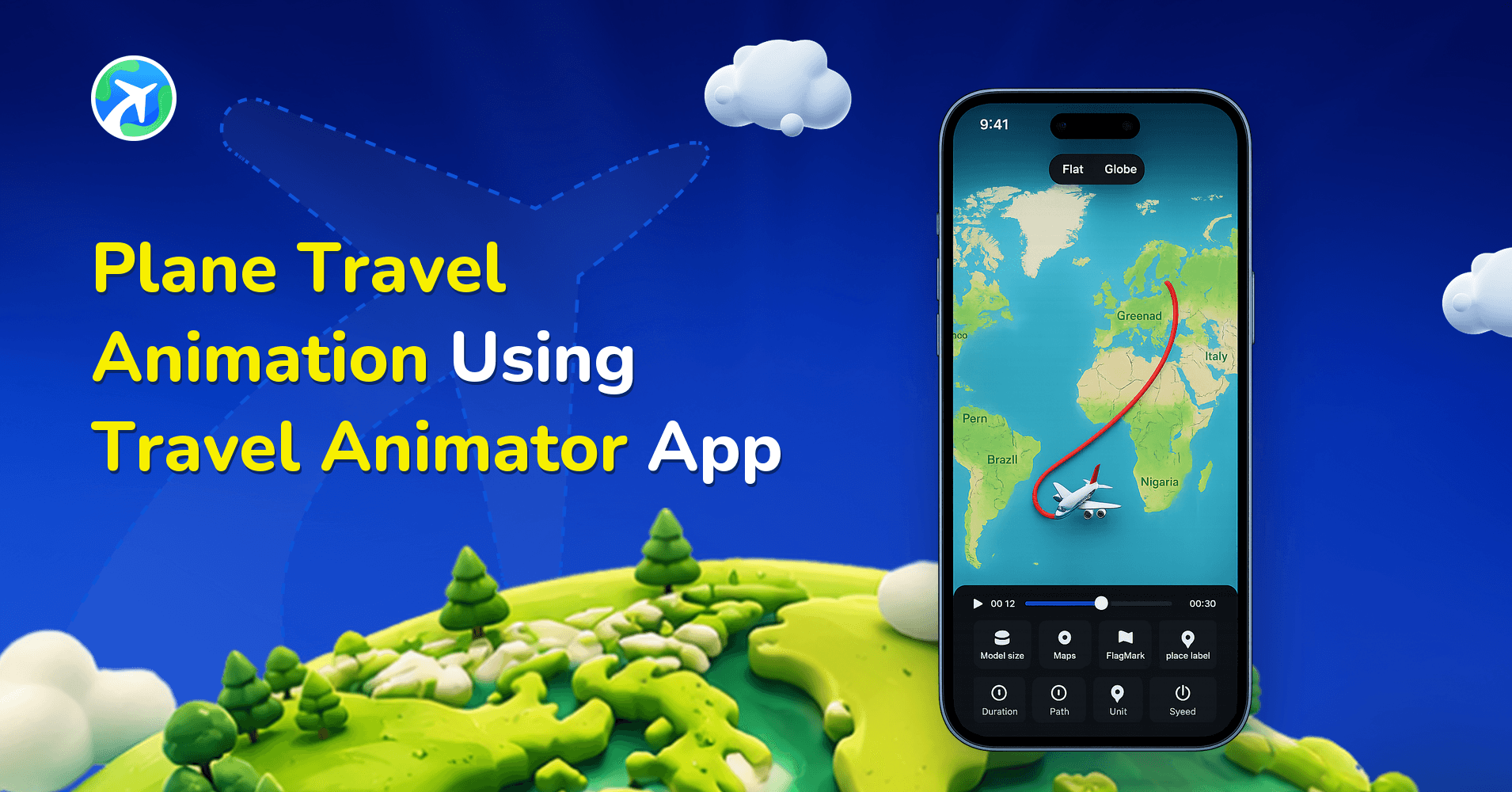
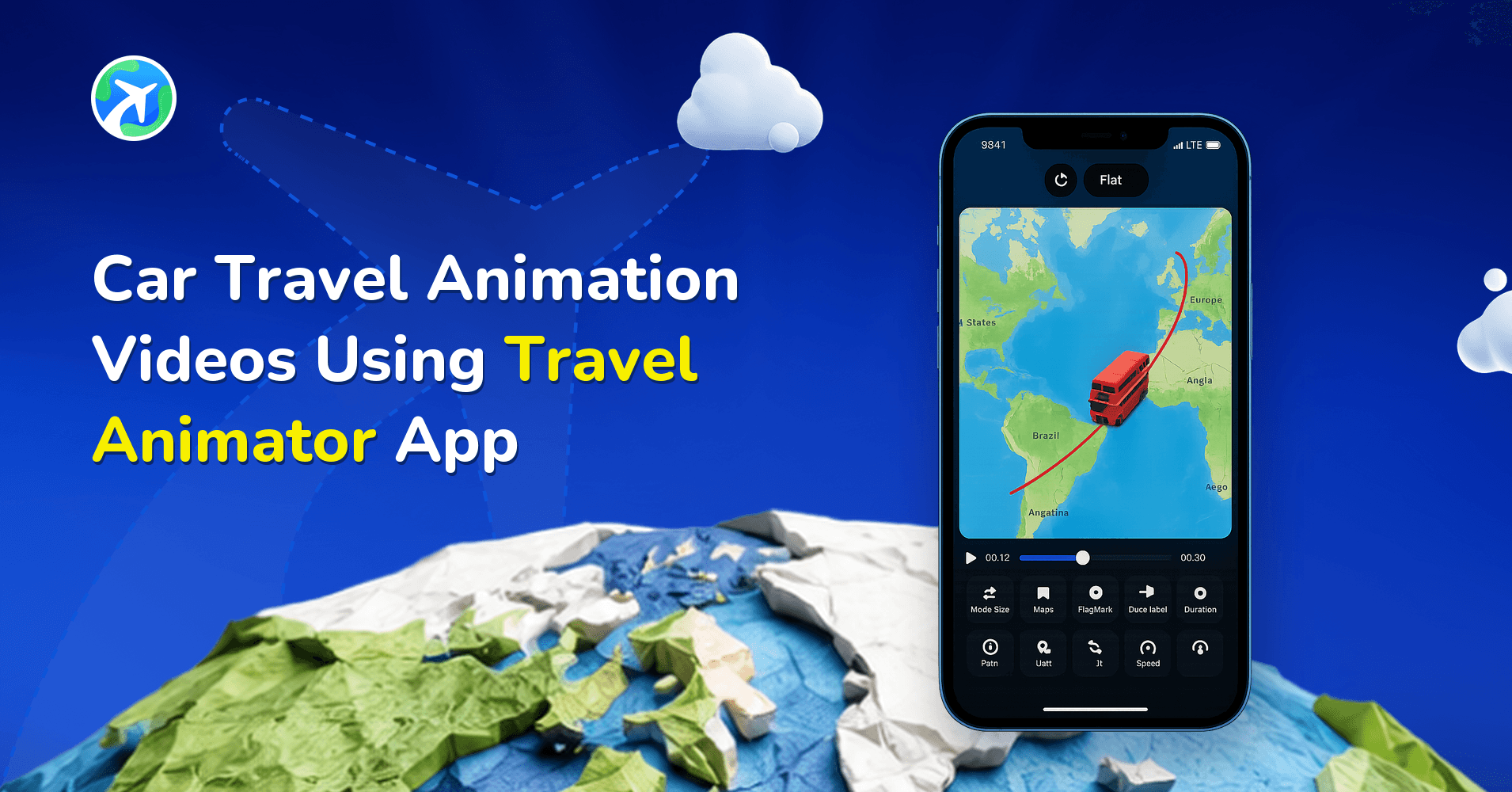
How to Use a Travel Animator to Create Educational Content?
 Jaseel S6 min read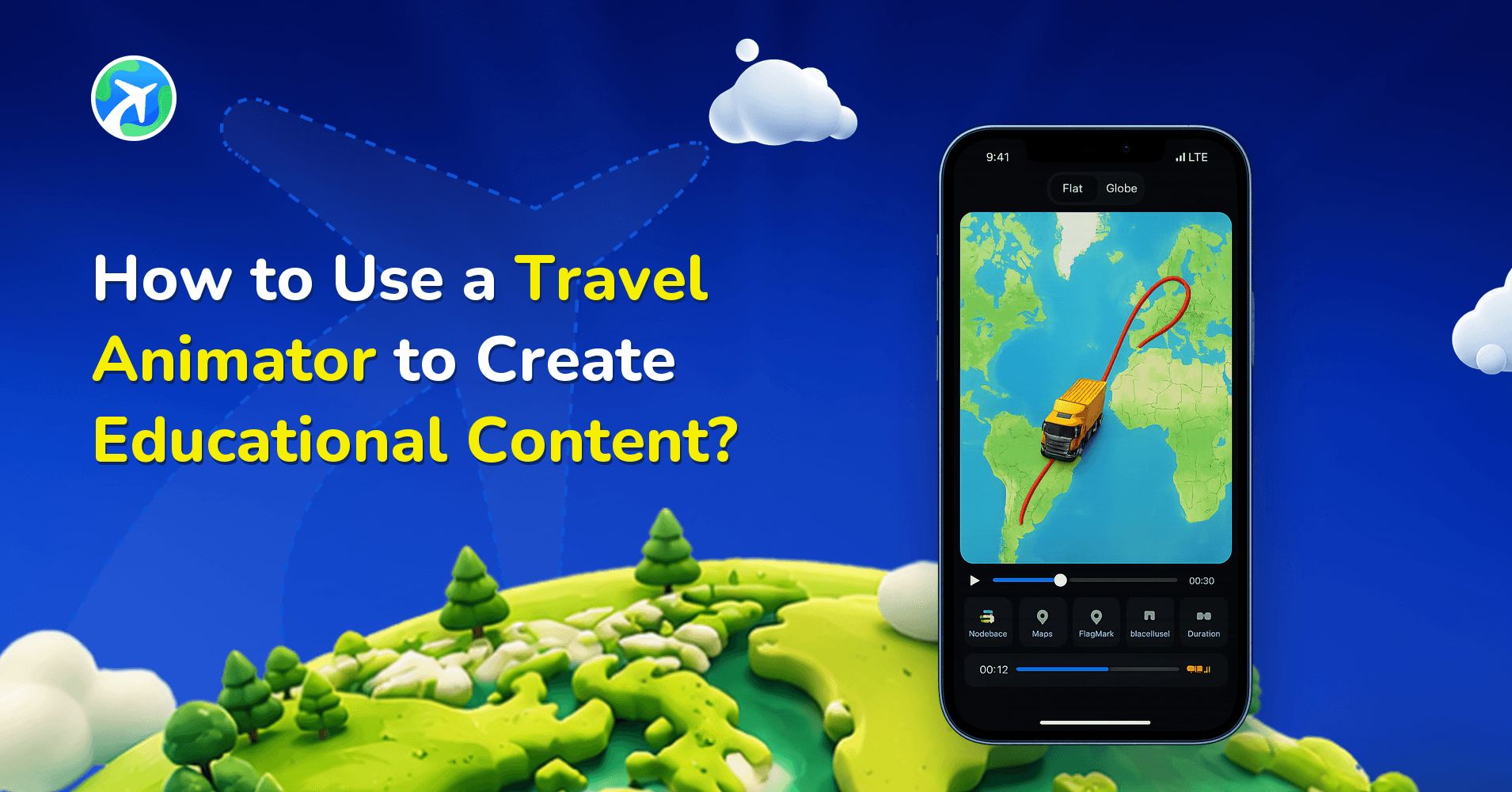
In this article 9 sections
Travel animation videos help the education industry by making complex histories and learning processes easier.
You are preparing a project about the history of Vasco da Gama’s first voyage from Europe to India. Instead of static images and text in the presentation, you want to create engaging video content to attract viewers.
This blog explains how the education sector can use Travel Animator to make learning easier.
How Travel Animator Makes Learning More Engaging and Effective
- Students are more likely to remember visual lessons than written texts. Creating video content using Travel Animator helps to memorize the lessons.
- Complex topics like historical routes, geographical landscapes, and cultural traditions become more accessible with visuals.
- Animation captures students’ attention and makes the classes more engaging and interesting.
- Students get virtual tours of different locations, making them curious to learn more.
How Educators & Institutions Can Use Travel Animator
For Students
- Students can engage in exploring historical and geographical locations.
- They can create their travel animated videos for school projects and presentations.
- Students can watch travel animation videos anytime to revisit and remember the lessons.
For Teachers
- Teachers can use travel animation videos to explain history, geography, and science topics.
- Instead of traditional projects, teachers can give tasks to create their travel animation projects.
For Graduates & Researchers
- Graduate students can use travel animation videos to present research interactively.
- Researchers studying history or travel can use animations to visualize their findings.
Benefits of Using Travel Animator in Education
- Educators can make the animations match their teaching needs, making the lessons more interactive and beneficial for students.
- Students can make their projects related to travel study, which increases their creativity and storytelling.
- Students and teachers can create travel route videos without spending money.
- A combination of visuals and text gave detailed knowledge of the specific topic.
- Travel animation videos showing historical routes can quickly convey complex history.
How to Create a Travel Animation Video for the Educational Sector
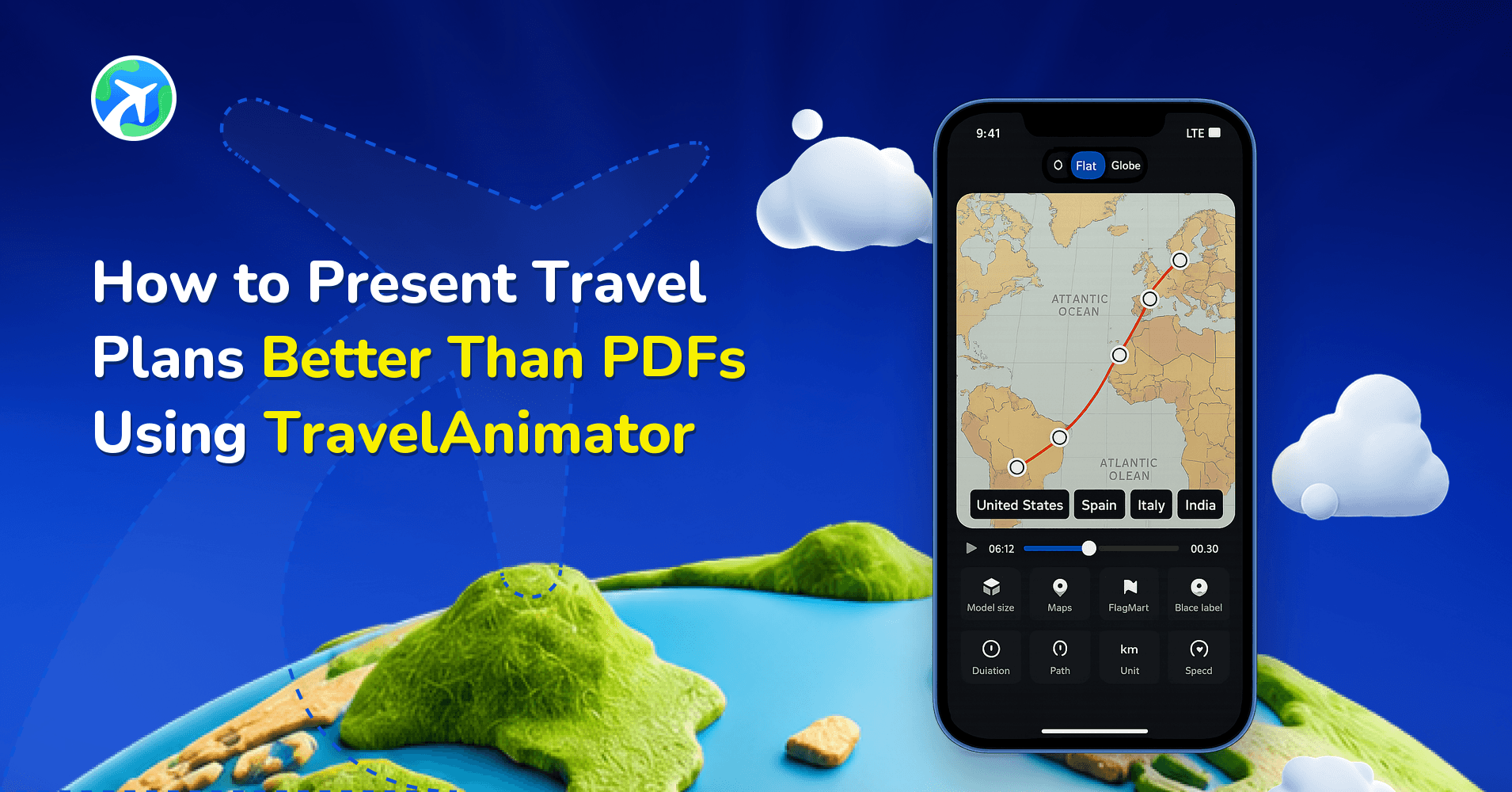
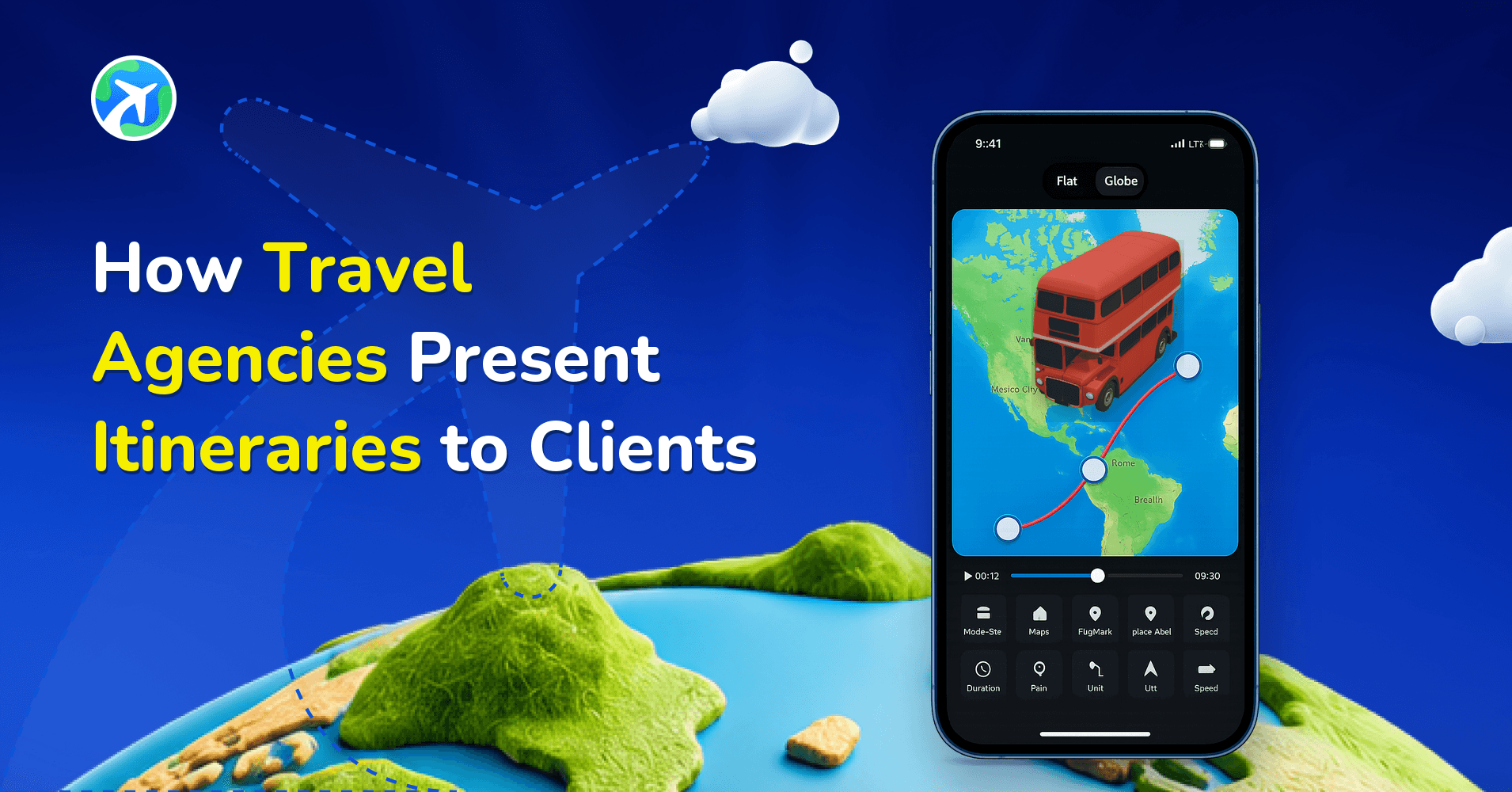
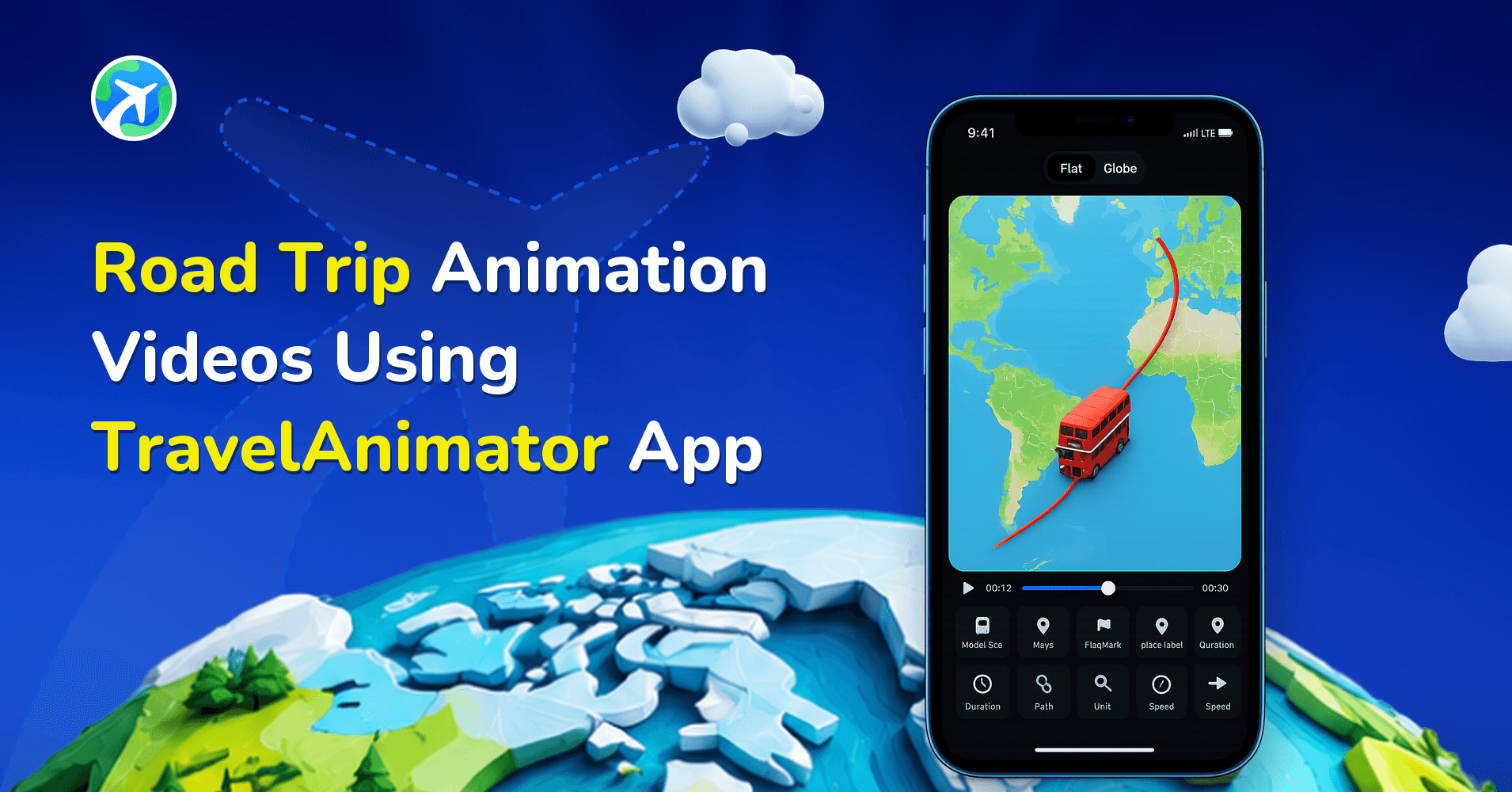
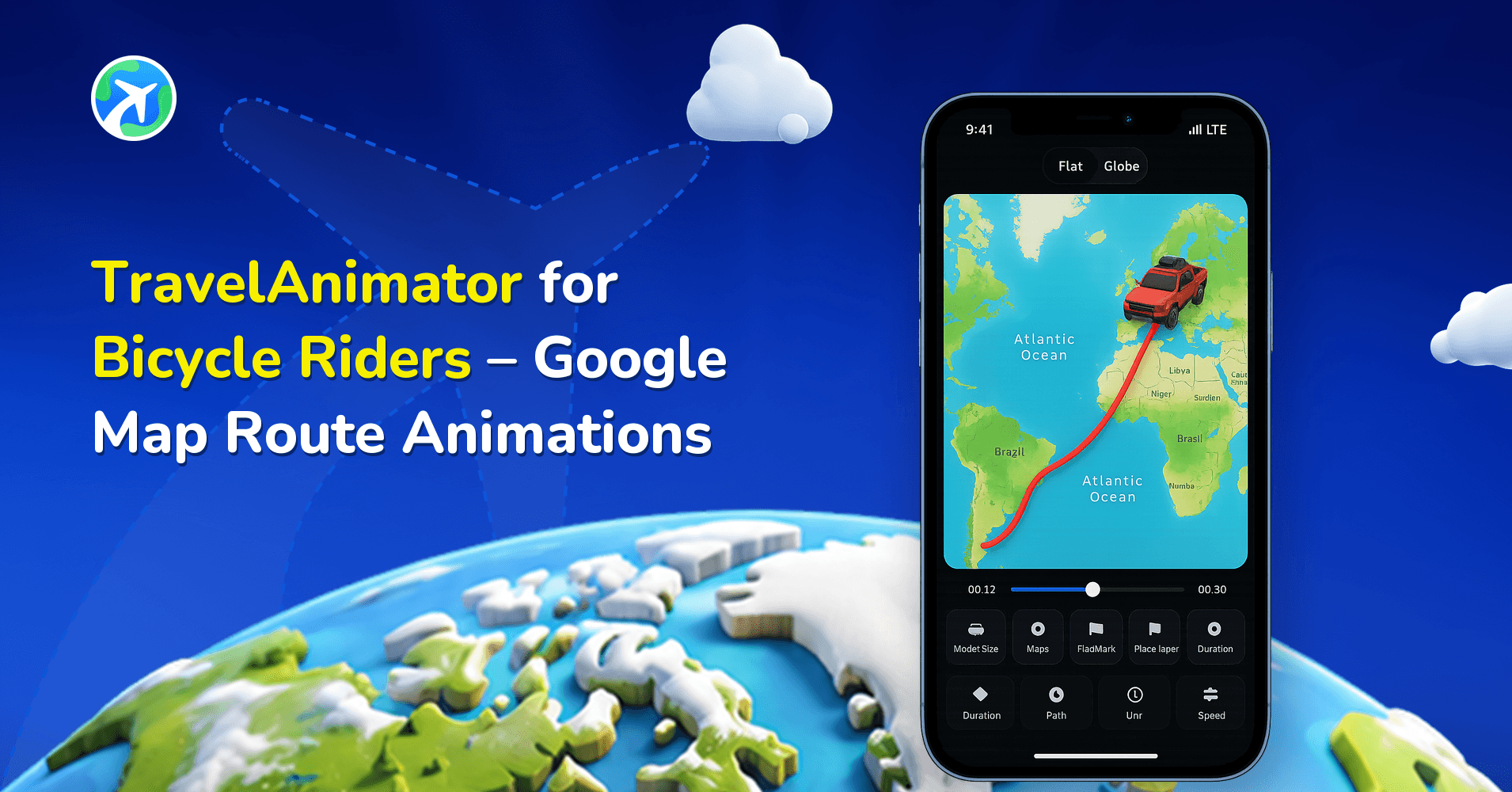
Creating a video for educational purposes is easy. For example, you could create an animation video that showcases the historical route of Vasco da Gama’s first voyage from Europe to India. You can make this route using a travel animation app like Travel Animator.
- Download the Travel Animator app from the App Store or the Play Store.
- Open the app and create a historical video by adding European destinations to India.
- Select models like ships used for travel and add features such as images, text, and color.
- Preview the video. Choose the best map to show historical routes and utilize other available features.
- Export the videos and use them for educational purposes.
Lesson Ideas Beyond Explorer Voyages
Vasco da Gama is a classic, but almost any subject with a “where” in it can become a short map video.
- Literature: Phileas Fogg’s route in Around the World in Eighty Days, from London through Suez, Bombay, Calcutta, Hong Kong, Yokohama, San Francisco and New York, then back to London. Because it ends where it starts, our guide to round-trip travel maps helps here.
- Geography: follow a river from source to sea, like the Ganges from Gangotri to the Bay of Bengal, with stops at the major cities along its banks.
- History: Ibn Battuta’s travels, a Silk Road leg from Xi’an to Samarkand, or a freedom movement march.
- Science: animal migration routes or a famous expedition, such as a research voyage to Antarctica.
- Field trips: show the class exactly where next week’s trip goes before you leave.
Making the Video Work in a Classroom
A video that works on Instagram can feel far too fast on a projector in front of thirty students. A few adjustments help:
- Use a 16:9 ratio for projectors and smartboards. See choosing the right aspect ratio for other formats.
- Slow down at the stops you’ll talk about. Adding text or an image at a stop makes the animation pause there, and you can lengthen how long it stays on screen.
- Label with dates, not just names. “Calicut, May 1498” teaches more than “Calicut”. Edit labels from the Place Labels option on the preview screen.
- Pick a map that suits the period. Ancient, Vintage or Classic styles fit historical routes, while Default or Standard keep modern geography clear.
- Explain the borders. Flags and highlights work with today’s countries and states, so for a 15th-century route, point out that the borders on screen are modern.
The free version exports in HD with a watermark, which is fine for most classroom use. Pro adds 4K, removes the watermark and opens up the full model and map library, which matters more if you publish lessons online.
Turning It Into a Student Assignment
Students learn more building the map than watching it. Split a long route into legs and give each group one leg to research, with one image and one short caption per stop. Ask them to justify their choice of vehicle model, too. Choosing between a ship and a walking figure makes them think about how people actually travelled. On a shared classroom tablet using the free version, only one route can be saved at a time, so have each group export their video before the next group starts.
Are you looking for an engaging way to remember complex histories?
Travel animation videos help people remember complex information in memorable, simple ways. They also make the process more effective with engaging visuals. You can utilize the travel animation video to prepare academic projects in a visually engaging way. Whether history, geography, or any tourist-related study, travel animation videos can significantly impact the educational industry.
Frequently Asked Questions
What are the benefits of Using Travel Animator in Education?
Educators can make the animations match their teaching needs, making the lessons more interactive and beneficial for students. Students can make their projects related to travel study, which increases their creativity and storytelling.
How do I create a Travel Animation Video for the Educational Sector?
Creating a video for educational purposes is easy. For example, you could create an animation video that showcases the historical route of Vasco da Gama’s first voyage from Europe to India. You can make this route using a travel animation app like Travel Animator. Download the Travel Animator app from the App Store or the Play Store. Open the app and create a historical video by adding European destinations to India. Select models like ships used for travel and add features such as images, text, and color. Preview the video. Choose the best map to show historical routes and utilize other available features. Export the videos and use them for educational purposes.
Which lessons can an animated travel map support?
Use it to explain an explorer’s journey, a historical route or the order and location of destinations in a geography lesson. Add short labels and relevant images so the animation supports the learning objective.
Can teachers use Travel Animator for free?
Yes. The free version lets you build routes, add models, images and labels, and export videos in HD with a watermark, which is enough for most lessons and student projects. Travel Animator Pro removes the watermark, adds 4K export and includes the full library of premium models and map styles, which helps if you publish lessons online.
Which Travel Animator map style is best for history lessons?
For historical routes, styles with an old-paper look work well. Ancient uses warm browns and textured backgrounds, Vintage has faded tones and classic fonts, and Classic gives a vintage map look in 2D or 3D. Preview your route in two or three of them and choose the one where the route line and labels stay easiest to read on a projector.