How to Create a Round-Trip Travel Map in TravelAnimator
 Jaseel S4 min read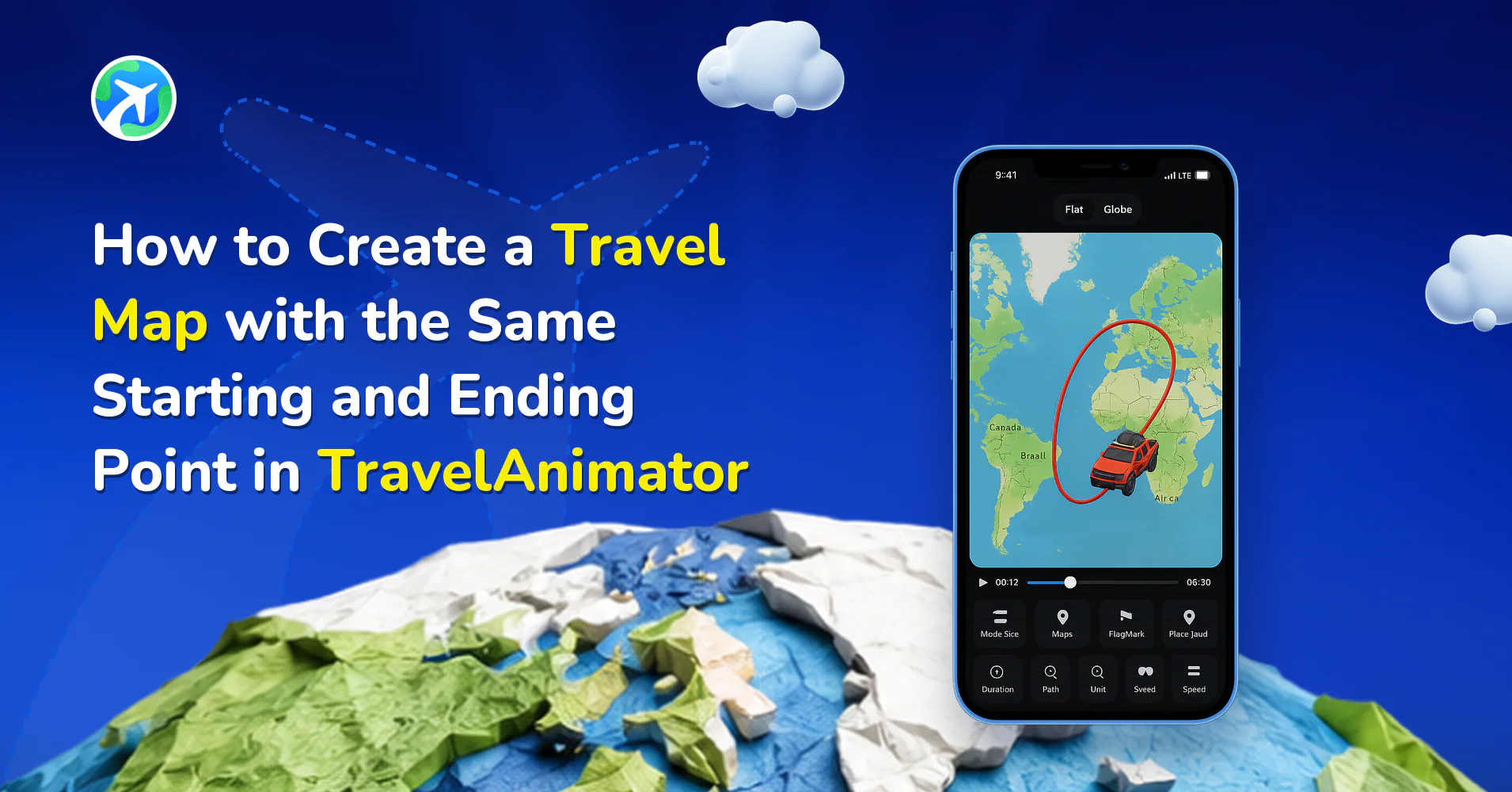
In TravelAnimator, you can create travel animations that start and end at the same location, making it easy to visualize real-life round trips.
Imagine you’re animating your recent trip. You started your journey from home, explored a few destinations, and finally returned home again. In this case, both your starting point and ending point are the same place, which can feel confusing when you first try to map it out in TravelAnimator.
In this blog, you’ll learn how to create a travel map in TravelAnimator with the same starting and ending point, along with tips to make your round-trip animation look clean and easy to understand.
Can a Travel Route Start and End at the Same Place?
Yes, TravelAnimator allows you to add the same location multiple times within a single route. The app treats each stop as a separate step in your journey, not as a unique location that can only appear once.
Your starting point and ending point can be the same city, address, or coordinate. The animation will still play smoothly with distance, movement, and direction remaining complete. As long as you intentionally add the location again as your final stop, the route will animate exactly as expected.
How TravelAnimator Handles Round Trips
TravelAnimator doesn’t restrict how many times you can use the same location in a route. Each stop is treated as an independent waypoint, even if the coordinates are identical. The app plots the route in sequence, and movement follows the order of added points. The vehicle or icon animates continuously, and returning to the starting location is shown as the journey’s final destination.
This design ensures that no locations are automatically deleted and that animations remain intact. From a storytelling perspective, this is ideal. The viewer clearly sees the journey unfold and return, making the animation feel complete.
Step-by-Step: How to Create a Map with the Same Start and End Point
- Open the TravelAnimator and start a new journey.
- Add your starting point by searching location, tapping directly on the map, or by coordinates. You can also upload a GPX file or a Google Maps link.
- Add all the intermediate destinations in the order you traveled. Each stop appears as a point connected by a route line.
- Search for the same starting location again and add it as your last destination. Or, you can tap the same location on the map again to add it as the final point.
- Adjust the route flow once the loop is complete.
- Preview the animation to confirm the route flow is clean from the start to the stops and back to where you start (the end destination).
- You can customize the animation by adding images and text, placing labels, and using every feature.
How the Animation Looks When Start and End Are the Same


Visually, the same start–end animation feels complete and satisfying. You’ll see the route gradually unfold from the starting point. The vehicle moves through each destination and a final return back to the original location. A looped or closed journey, depending on the route shape.
Tips for Making Same Start–End Routes Look Clean
- Use curved paths to clearly show direction
- Avoid placing start and end labels directly on top of each other
- Add text labels like Start and Back Home for clarity
- Adjust animation speed for long loops
- Use different models for travel in the real world.
- Add and customize images and place labels suitable for the journey.
- Choose route colors that stand out from the map
- Preview before exporting to ensure smooth flow
Ready to Animate Your Round Trip in TravelAnimator?
With TravelAnimator, creating a map where the starting and ending points are possible is easy. Whether you’re animating a road trip, a cycling loop, a business route, or a personal travel recap, the app gives you full control to tell your story accurately. By re-adding your starting location as the final stop and refining the route flow, you can create clean, professional round-trip animations that feel complete and meaningful.
Next time you return home after an adventure, let your animation do the same. Download TravelAnimator from the App Store or the Play Store, open and turn your full-circle journey into a story worth watching.