How to Search by Coordinates in TravelAnimator
 Jaseel S6 min read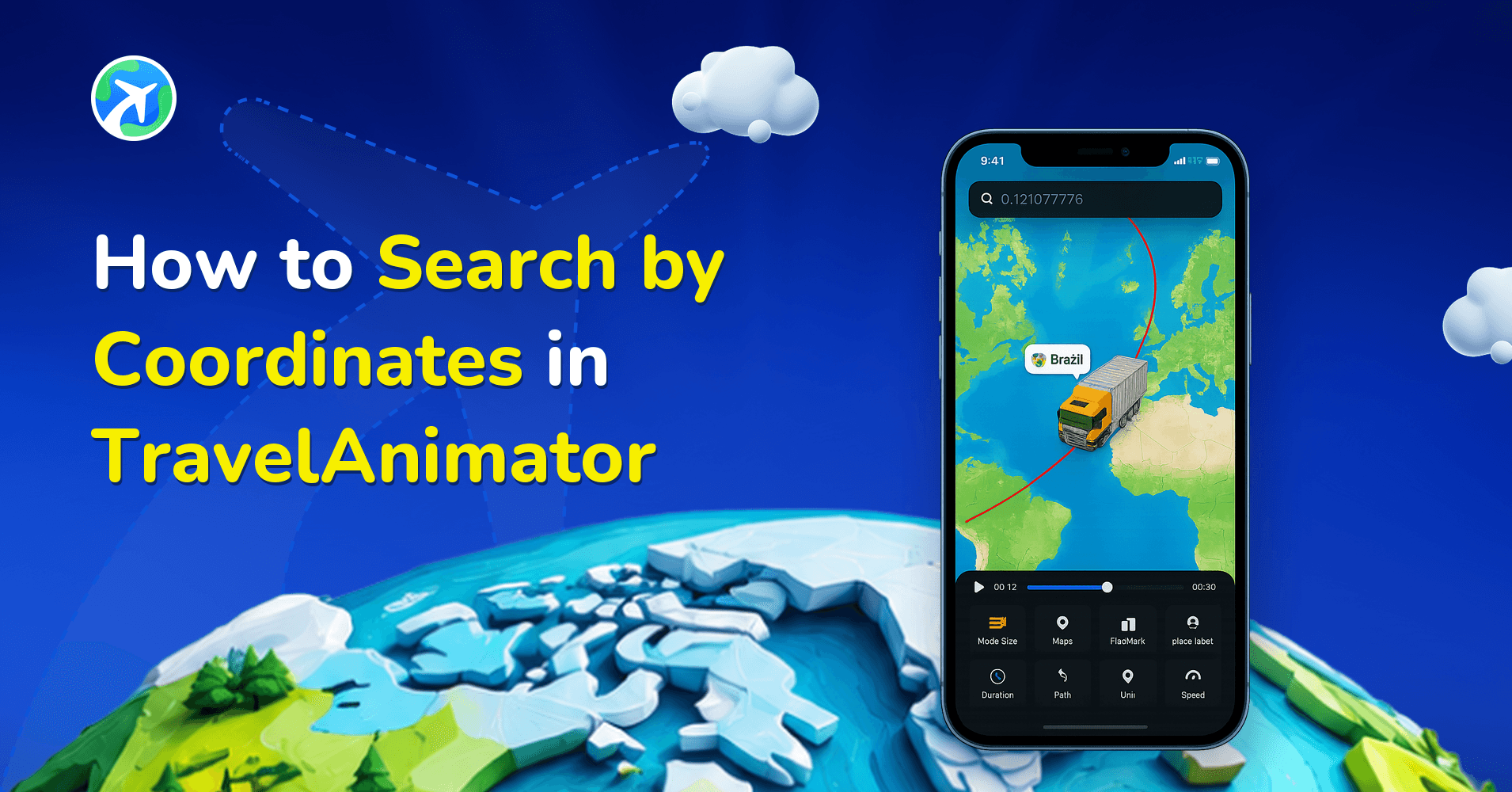
In this article 6 sections
The TravelAnimator app allows you to search for locations directly by coordinates, right in the same search bar you already use in the app.
Whether you’re working with GPS data, mapping a remote destination, recreating a scientific route, or animating a journey planned in another tool, searching by coordinates becomes essential. Sometimes, all you have is a pair of numbers with latitude and longitude.
In this guide, you’ll learn how to search by coordinates in TravelAnimator, when and why this feature is useful, supported coordinate formats, best practices, and how to turn raw geographic data into beautiful animated travel stories.
What Does Searching by Coordinates Mean?
Searching by coordinates means finding a location using its latitude and longitude values instead of a place name.
Latitude and longitude are a global system used to identify exact positions on Earth. Latitude defines how far north or south a location is from the equator, and Longitude defines how far east or west a location is from the Prime Meridian. Together, these values pinpoint an exact spot on the map, even if that spot doesn’t have a recognizable name.
For example, a mountain peak, a point in the ocean, a remote village, a research location, or a custom GPS marker. When you search by coordinates in TravelAnimator, the app translates those numbers into a visual map location that can be animated just like any other destination.
Step-by-Step Guide to Search by Coordinates in TravelAnimator
- Open the TravelAnimator app on your device. You can either start a new animation project or open an existing project to add a new location.
- Tap the same location search bar you normally use to search for place names like cities or landmarks. There is no separate coordinate input field, and it keeps the workflow simple.
- Enter the Coordinates – latitude and longitude directly into the search bar. Make sure the values are correctly ordered and formatted.
- Tap the Search button on your keyboard. TravelAnimator will automatically recognize the coordinates and display the matching location.
- Tap on the coordinate-based result from the list. The location will instantly appear on the map and be added as a start point, a destination, or an intermediate stop, depending on your project.
- Once added, the coordinate-based location behaves exactly like any other location you can connect routes to, add vehicle models to, customize path styles for, apply place labels to, and animate the complete journey. There are no limitations after adding a coordinate-based location.
When Would You Need to Use Coordinates in TravelAnimator?
- The location doesn’t have a proper name – Remote areas, trails, deserts, or ocean points often can’t be searched by name.
- You’re working with GPS or survey data – Many GPX files, research logs, and mapping tools provide coordinates instead of addresses.
- You planned your route outside the app – Google Earth, Google My Maps, drones, or navigation tools often export latitude and longitude values.
- You want precise start or end points – City names can be vague, but coordinates let you place your route exactly where it begins or ends.
- You’re creating educational or professional animations – Teachers, researchers, and planners often rely on exact geographic points.
- You’re animating off-grid or adventure travel – Trekking routes, camping spots, islands, or mountain passes are easier to locate using coordinates.
Supported Coordinate Formats in TravelAnimator
- Decimal Degrees (Most Common)
This is the most widely used format in GPS tools and mapping software. This format is recommended for the best accuracy and ease of use.
Example:
20.0000, 77.0000
40.834779, 140.214622
- Direction Indicators (N, S, E, W)
You can include direction indicators along with numeric values. This format is helpful when copying coordinates from geographic references or research materials.
Example:
20.0000 N, 77.0000 E
3°15′ N, 73°00′ E
- Comma-Separated Format
Coordinates should be separated by a comma to avoid confusion. Avoid adding unnecessary text, symbols, or labels when searching.
Correct format: latitude, longitude
Common Coordinate Mistakes and How to Spot Them
If a search result lands somewhere unexpected, it’s almost always one of these.
Latitude and longitude are swapped. The Eiffel Tower is at 48.8584, 2.2945. Enter it the other way round and you get a point in the Indian Ocean off the coast of Somalia. Latitude always comes first.
A minus sign went missing. Southern latitudes and western longitudes are negative in decimal degrees. Rio de Janeiro is -22.9068, -43.1729. Drop both minus signs and you end up in Saudi Arabia. If you’d rather not deal with signs, use direction letters instead: 22.9068 S, 43.1729 W.
Extra text came along with the copy. Coordinates copied from a document or website sometimes include labels, brackets or a place name. Strip it back to just the two numbers separated by a comma.
A quick sanity check before you build the whole route: zoom out after adding the point and make sure it sits on the right continent. It takes two seconds and saves rebuilding a trip later.
Once your points are in place, you can also turn on Real Routes between them so the path follows actual roads instead of straight lines.
Turn Precise Coordinates into Animated Travel Stories
TravelAnimator makes working with coordinates simple, intuitive, and powerful. By allowing you to search directly using latitude and longitude in the same search bar, the app removes unnecessary complexity while supporting advanced travel needs. Whether you’re mapping remote adventures, visualizing GPS data, recreating planned routes, or telling stories from places that don’t exist on standard maps, coordinate search gives you precision without sacrificing creativity. With TravelAnimator, raw geographic numbers turn into smooth routes, engaging animations, and visually rich travel stories — all in just a few taps.
Start using coordinates today and bring even the most precise journeys to life through animation.
Frequently Asked Questions
What Does Searching by Coordinates Mean?
Searching by coordinates means finding a location using its latitude and longitude values instead of a place name. Latitude and longitude are a global system used to identify exact positions on Earth.
How do I search by Coordinates in TravelAnimator?
Enter latitude and longitude in the normal location search bar, then select the matching result. The coordinate location can be used as the start, destination or an intermediate stop. Check the coordinate order and format before adding it.
When Would You Need to Use Coordinates in TravelAnimator?
The location doesn’t have a proper name – Remote areas, trails, deserts, or ocean points often can’t be searched by name. You’re working with GPS or survey data – Many GPX files, research logs, and mapping tools provide coordinates instead of addresses.
Why does my coordinate search show the wrong location in TravelAnimator?
The most common causes are swapped values or a missing minus sign. Latitude must come first, then longitude, separated by a comma. Locations south of the equator or west of the Prime Meridian need negative values, or the letters S and W. Remove any extra text copied along with the numbers and search again.
Can I search for an airport by its code in TravelAnimator?
Yes. The same search bar accepts place names, coordinates and IATA airport codes, such as LHR for London Heathrow or DXB for Dubai. That’s handy for flight routes, because you can add each airport as a stop with its code and then pick a plane model for the animation.