How to Manually Add a Location in Travel Animator
 Jaseel S4 min read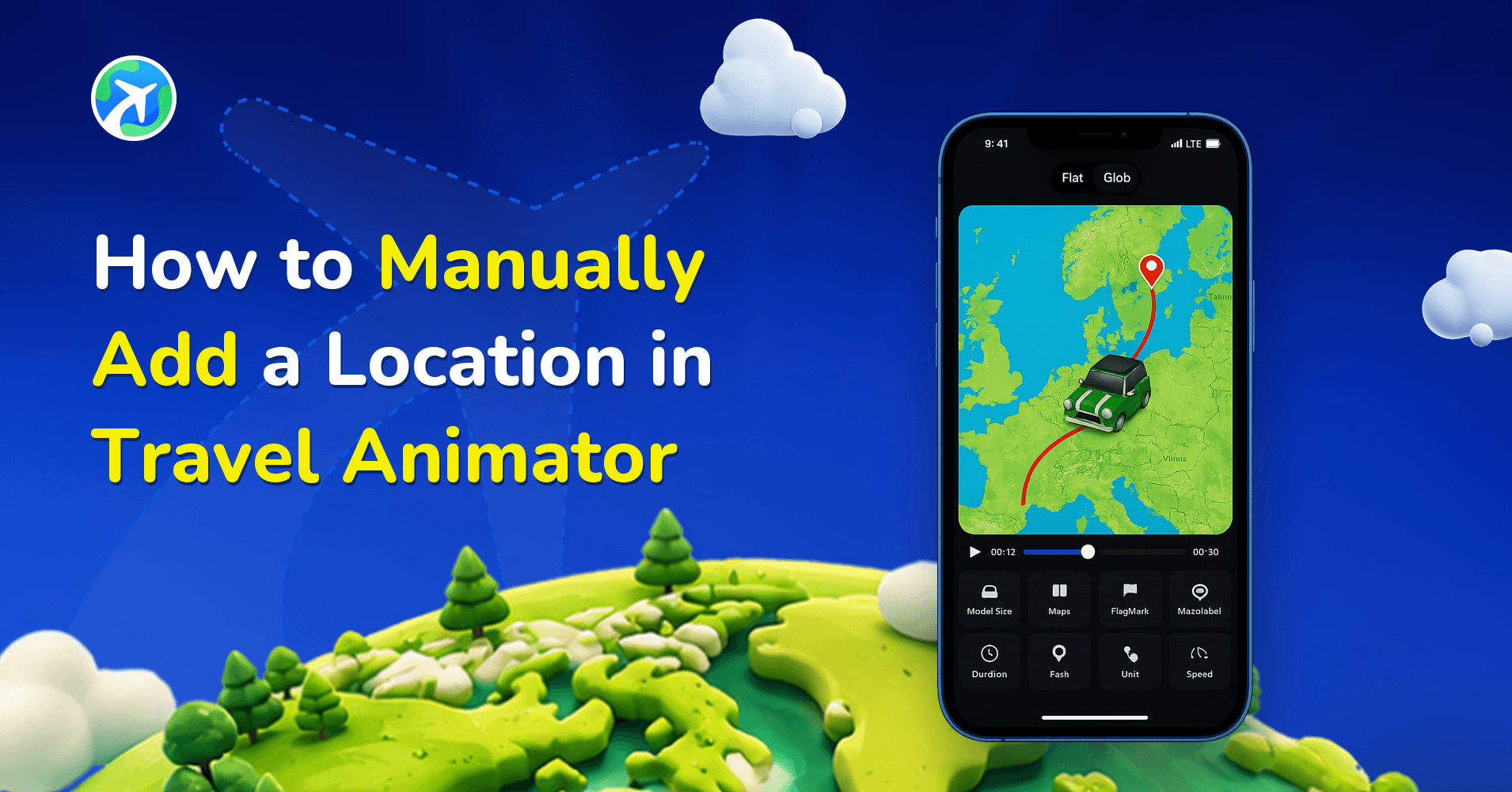
Every travel story begins with a starting point, a destination, and the journey that connects them. In Travel Animator, the way you add these locations defines the foundation of your travel animation video.
While you can import routes via GPX files or Google Maps links, many creators prefer the manual method, entering each location step by step. This approach gives you complete control over your travel route.
In this blog, let’s clear why manual location adding is important, when it’s the best choice, and how to do it step by step.
Why is Adding Locations Manually Important in Travel Animator
Manual location adding gives you creative flexibility. It ensures your animation reflects your real journey or the way you want your audience to experience it. By adding each destination yourself, you gain full control over your trip, showcasing exact stops, adding images, labels, and customizing stops to personalize them.
When importing GPX files or Google Maps links, you’re limited to the predefined route; you can’t easily add extra stops or adjust curves. Manual adding, on the other hand, gives you the freedom to get creative: you can bend paths, fine-tune waypoints, and craft smooth, cinematic flows that make your animation truly stand out.
When Should You Add Locations Manually – Use Cases
- Personal Travel Videos – If you’re highlighting your family trip or vacation, manually adding helps you to add key stops and images in that.
- Content creators and Influencers – For Instagram reels or YouTube vlogs, you can make creative edits by choosing unique routes rather than auto-generated paths.
- Business and Professional use – Tourism boards, travel agencies, or educators can plot organized routes for clients or students, highlighting chosen destinations.
- When Data Isn’t Available – If you don’t have a GPX file or don’t want to deal with third-party apps, manual input is the simplest way.
How to Add a Location Manually in Travel Animator: Step-by-Step
- Open the Travel Animator app to start a new animation.
- Tap on the starting point to add your first destination.
- A search bar will appear to search for the location you need.
- After selecting your first destination, tap on the End point to choose the next destination.
- A search bar like before will appear to search for your destination.
- Click on the + icon to add multiple routes.
- Tap and drag the route line to create smooth, natural curves.
- Long-press on any location or stop to customize by adding models, images, and labels.
- If you need to remove any point, Double-tap on that point.
- Preview your video and check how the paths look.
- Adjust the points until they match your journey.
Pros & Cons of Manual Location Adding in Travel Animator
Pros
- When adding locations manually, you have full creative control to plot exactly the route you want.
- There is more flexibility to add as many custom stops as you like.
- No need for third-party apps or tools. You can use your travel videos within the Travel Animator App.
- Adding destinations manually is Perfect for Storytelling. So, it allows personalized storytelling to make your animation unique.
Cons
- Adding multiple routes and adjusting curves can be time-consuming.
- While adding long routes manually, there is Less accuracy when importing GPX, which might capture exact recorded data better.
- The risk of errors is higher when adding manually. If you’re not very careful, points may be misplaced.
Common Mistakes to Avoid While Adding Locations Manually in Travel Animator
- Adding too many stops or waypoints can make the map look cluttered.
- Skipping to preview your animation may lead to uneven routes and models.
- Sharp turns or awkward lines can break engagement. So make sure the curves feel realistic and make the animation attractive.
- Switching between random vehicles can confuse viewers. So make the models consistent and align with the route.
- Ignoring Animation Speed: Too fast or too slow movement disrupts storytelling.
Is Manual Location Adding Right for You?
It depends on your animation. If you’re creating a quick route with an accurate route, importing GPX or Google Maps might be better. But if you want control, flexibility, and creative storytelling, manual adding is the way to go. Every travel video has a story to tell. By manually adding locations, you ensure your animation reflects your unique journey rather than a general route animation. So if you need to create a personalized, unique video, try adding locations manually to get customized output.