How to Create School Project Travel Maps Using TravelAnimator
 Jumana5 min read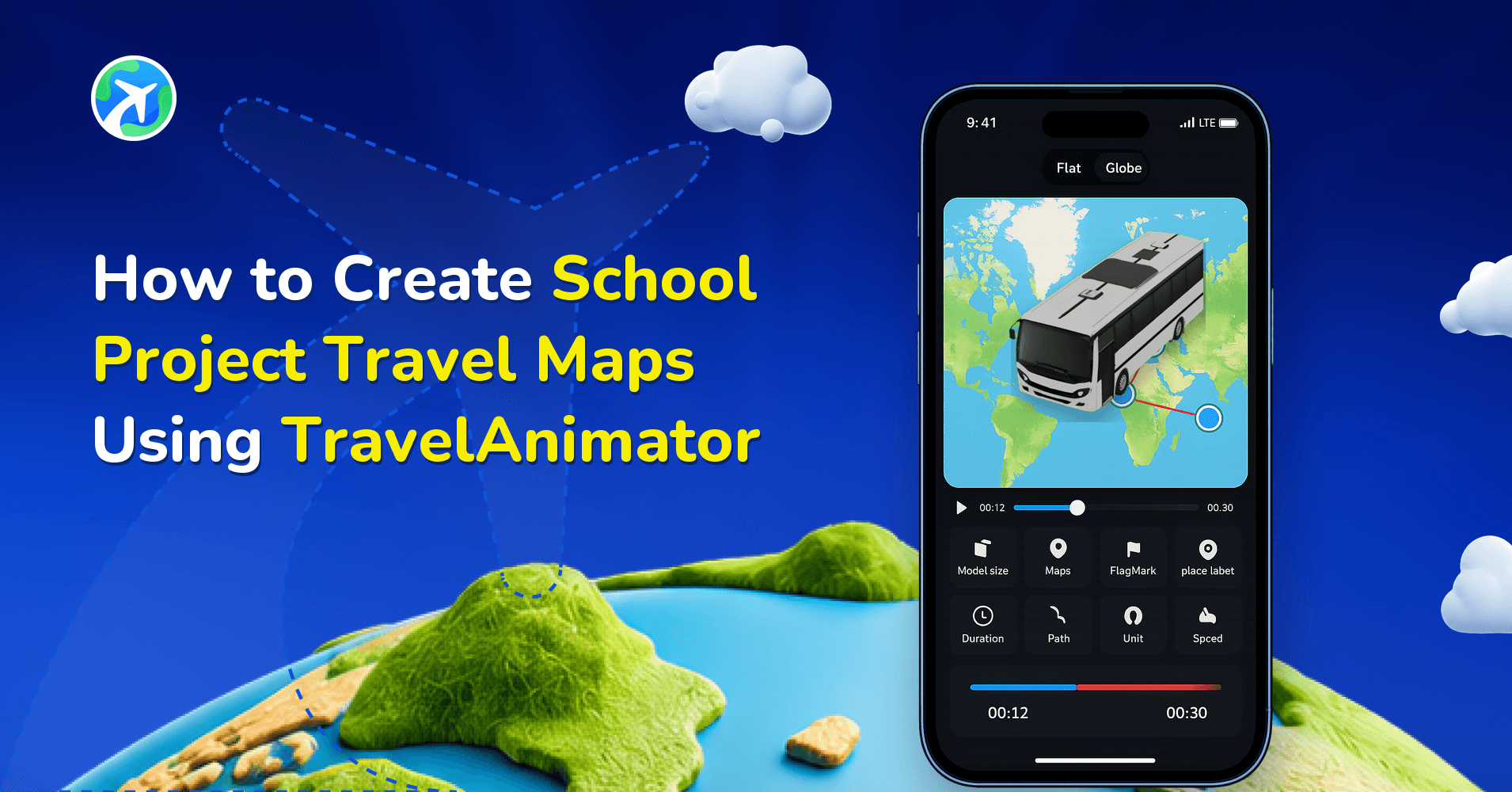
With the Travel Animator app, students and teachers can create animated travel maps that clearly show routes, destinations, transportation, and important locations. Instead of simply describing a journey, students can visually present it through animated maps, texts, images, and models.
School projects become more interesting when students can visually present information instead of depending only on charts, posters, or text-heavy slides. Travel maps are one of the most creative ways to explain journeys, historical routes, geography topics, educational tours, or cultural projects in a simple and engaging format.
Take a look at how to use the TravelAnimator app to make your animated travel maps for your school project more interactive and easier to understand.
Why Travel Animations Are Useful for School Projects
Travel maps help students visually explain information, making projects easier to understand and more engaging during presentations. Instead of only reading destination names or routes from a textbook or slide, viewers can actually see how the journey happens. This improves both storytelling and learning.
Travel maps are especially useful because they make projects more visual and interactive, help explain routes and geography clearly, improve storytelling during presentations, keep classmates and teachers engaged and make educational projects feel more creative and modern.
Animated travel maps can be used for many types of school assignments, including historical journey recreations, geography route explanations, educational field trip projects, tourism and cultural presentations, explorer route projects and state and country travel assignments.
Step-by-Step to Create a School Project Travel Map Using TravelAnimator
1. Plan the Project Topic and Destinations
Start by deciding the purpose of your project and the locations you want to include. This could be historical journeys, educational tours, geography routes, country or state presentations and explorer travel paths.
Organize the destinations in the correct sequence before creating the map.
2. Add Locations in TravelAnimator
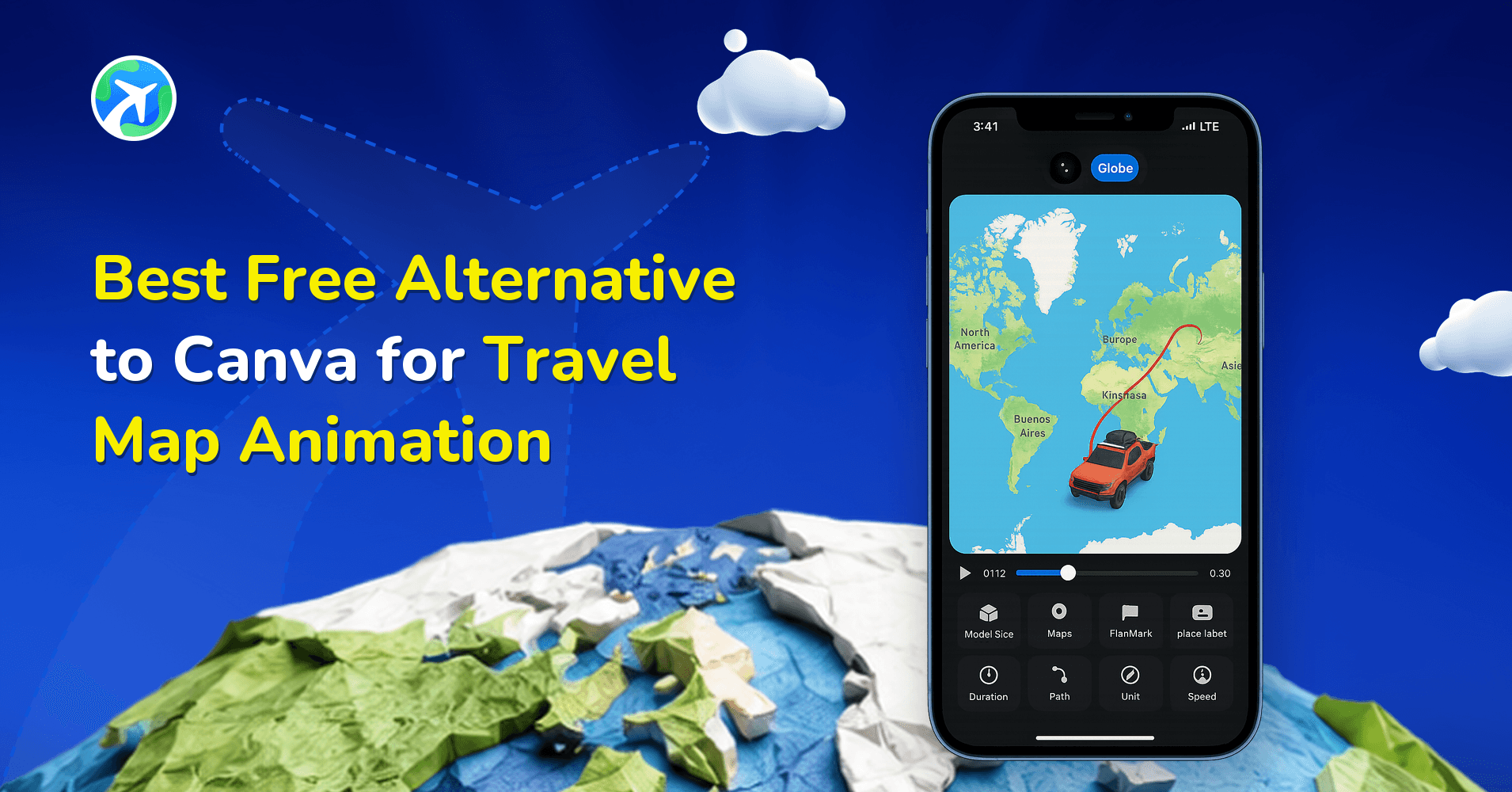
Open the Travel Animator app and create a new project. Search and add each destination point in the correct travel order. You can manually add locations or import routes if needed. This creates the base route for your school project map.
3. Add Text, Images, or Elements for Educational Context
Add Images and Texts to mention important locations, cities, or educational notes. It helps teachers and classmates understand each step clearly. You can also use elements to point out important areas on the map.
To make the project more informative, add landmark images, historical references, important locations, highlighted regions and educational notes.
For example, if your project is about ancient trade routes, you can highlight important cities and ports along the route.
4. Include Transportation Models
5. Customize the Map Style and Animation
Choose a map style that matches your project theme. You can use 2D or 3D maps in dark or light themes, with different path colours. Adjust model size, route smoothness, place labels, animation duration, etc., to improve presentation quality.
6. Preview and Export the Final Presentation
Preview your travel map before exporting to ensure everything looks clear and accurate. Check route flow, place labels, highlights and animation timing. Once satisfied, export the project in HD or 4K quality and use it in your school presentation.
You can also read our detailed guide on how to create a travel animation video in Travel Animator for a complete step-by-step walkthrough.
Creative Ideas for School Project Travel Maps
Travel maps can be used creatively for many educational subjects and activities.
- Historical Journey Projects – Students can recreate famous historical journeys such as freedom movement routes, explorer journeys, ancient trade routes or migration paths. Animated routes help explain how events expanded across locations.
- Geography and Tourism Projects – Students can create state tourism maps, country travel routes, climate or regional studies or cultural travel presentations. This helps make geography projects more visual and engaging.
- Educational Tour Presentations – Schools often organize educational tours and field trips. Students can use Travel Animator to create route presentations that show the starting point, stops and activities, travel routes, and destination highlights.
- Science and Research Projects – Travel maps can also support Wildlife migration studies, environmental route projects, scientific expedition journeys, ocean or mountain exploration topics.
- Cultural and Heritage Projects – Students can showcase famous heritage sites, pilgrimage routes, cultural festivals across regions and traditional travel routes. Adding visuals and animations makes these presentations more memorable.
Best Practices for Making Educational Travel Maps
To make your school project look clean and professional, follow these simple practices.
- Keep Routes Clear and Simple – Avoid adding too many unnecessary stops or complicated paths. Simple routes are easier to understand during presentations.
- Use Labels for Important Locations – Labels help viewers quickly identify important destinations and educational points.
- Avoid Too Much Text – Instead of writing long texts on the map, use short, clear labels.
- Match Models to the Project Theme – Use appropriate transportation models for the route, such as planes for international travel, trains for railway projects, ships for sea journeys, and walking for local exploration.
- Use Visuals to Improve Understanding – Adding images and elements makes the project more engaging and easier to explain.
- Preview Before Presenting – Always preview the animation before your final presentation to ensure the routes are correct, the labels are visible, and the animation timing feels smooth.
Make School Projects More Visual and Engaging
Animated travel maps are a creative way to make school projects more interactive, educational, and visually appealing. Instead of depending only on static charts or slides, students can use animated routes to explain journeys, geography topics, historical events, and educational tours more clearly. With the Travel Animator app, students and teachers can transform simple project ideas into engaging visual presentations using routes, labels, models, highlights, and map animations.
Download the Travel Animator app from the App Store or the Play Store, then start creating your school project travel maps with Travel Animator and turn educational presentations into visual storytelling experiences.