How to Show Country Flags in Travel Animator Video
 Jaseel S6 min read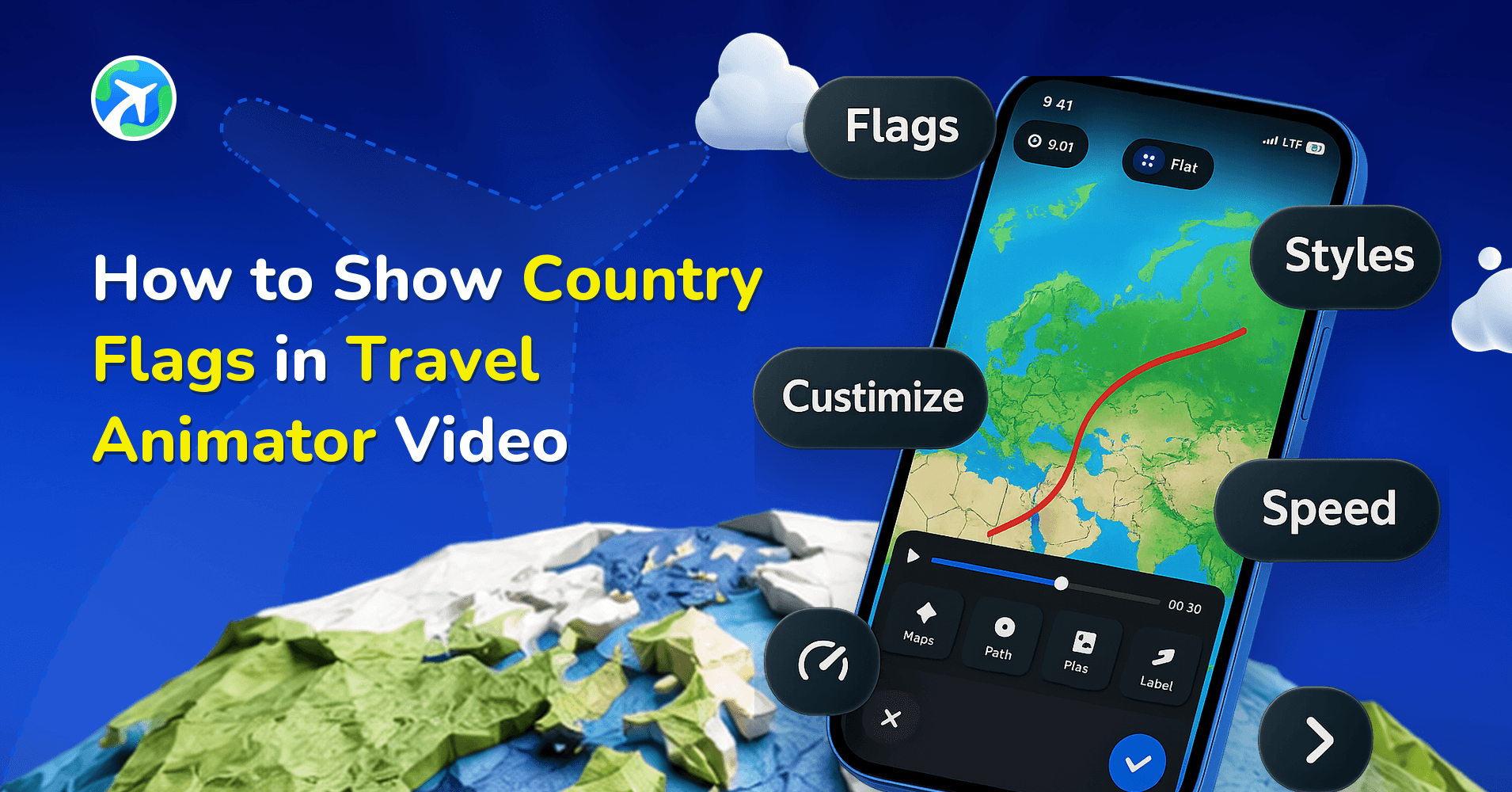
In this article 9 sections
Travel Animator displays the flags of countries you visited during your journey. Adding country flags enhances storytelling and helps viewers follow the journey more easily.
Whether you’re a traveler or a content creator documenting your journey or creating content for others, showing flags brings clarity and adds a professional touch to your video.
This will explain how to show country flags in Travel Animator to highlight the countries visited in a single journey.
What is a Country Flag in Travel Animator?
In Travel Animator, a country’s flag is a visual element of a national flag that you can add to your animated travel videos to represent the country you are visiting or passing through. It serves as a symbolic marker that helps the viewers recognise which countries are covered in the animation video.
Flags sit well alongside localised labels — see how to build a map in Arabic.
What is the Purpose of Adding Country Flags in Travel Animator?
The Primary purpose of adding country flags is to identify specific countries covered in Travel Animator. They instantly show which country is being covered and help create a smooth geographical transition. You can add emotion and different cultures to increase audience engagement and understanding of the travel route.
Importance of Highlighting Countries in Travel Animator Videos
- The journey becomes easy to follow for the audience, especially in multiple-country trips.
- The content is visually engaging, with each country highlighted using different colours and borders.
- Travelers can showcase their trip on social media in different countries. It helps to stand out the content on social media.
How to Add Country Flags in Travel Animator
- Open the Travel Animator and complete your project by adding destinations, transport model, images, labels, etc.
- Preview your video and tap the “Flag” button located at the bottom of the preview screen to activate the feature.
- You can see the flags displayed in the video that represent the countries covered.
- Each country is highlighted in a different colour, making it easier for the audience to recognize them.
- Once it is displayed, export the video to your device in HD or 4K quality.
- You can directly share the video on different platforms.
Tips to Make the Animation Clean and Professional
Adding country names to labels helps to identify the country through text and makes it more professional.
Images help the viewer to see the place visually, making the video more engaging and clean.
Set the video duration to be just right, not too short or too long.
Make a proper model size to make the video more professional.
When Flags Help and When to Leave Them Off
Flags earn their place when the border crossing is part of the story. A rail trip from Lisbon to Madrid to Paris, a Delhi to Singapore flight, a school project on the Silk Road: in each of these, the moment a new flag appears tells viewers more than a caption could.
They add much less to a trip that never leaves one country. On a weekend road trip around Scotland or a 12 km ridge hike, the same flag just sits there, and the screen feels busier for no reason. Toggle them off and let the route and your photos do the work.
International flights are the classic case. Our flight path animation guide shows how flags, short airport labels and a distance readout work together on a single route.
Getting Flags, Labels and Timing to Work Together
Once flags are on, the country is already covered. That frees up your labels. Rename “Singapore Changi Airport, Singapore” to just “Singapore”, or “Porto, Portugal” to “Porto”. Shorter labels are easier to read on a phone and won’t fight with the flag for space.
Timing matters more than people expect. If you’ve squeezed a five-country trip into a short duration, each flag is gone before anyone registers it. Lengthen the video duration a little, or add a photo or a line of text at the first stop in each new country. That creates a reading pause, so the model holds for a moment and viewers can take in the flag and the place together.
One more check: if you also colour countries with the Highlight panel, preview the two together. Strong fills plus flag colours on the same country can get loud, so keep the highlight subtle or drop one of them.
Wanna Highlight the Country Flag?
Travel Animator’s flag feature may seem like a small edition feature, but it plays a big role. By using country flags, your content becomes more engaging and helps you stand out from the competition. You can easily toggle this feature on or off to control the flag display in your video. Explore Travel Animator’s other features to make the video more engaging and professional on social media.
Frequently Asked Questions
What is a Country Flag in Travel Animator?
In Travel Animator, a country’s flag is a visual element of a national flag that you can add to your animated travel videos to represent the country you are visiting or passing through. It serves as a symbolic marker that helps the viewers recognise which countries are covered in the animation video.
What is the Purpose of Adding Country Flags in Travel Animator?
The Primary purpose of adding country flags is to identify specific countries covered in Travel Animator. They instantly show which country is being covered and help create a smooth geographical transition.
How do I add country flags to the video?
Open the route preview and use the Flag control to show country flags. Preview the journey to check how the flags appear as it moves between countries.
Can I turn country flags off in TravelAnimator after adding them?
Yes. The Flag button on the preview screen works as a toggle, so tap it again to hide the flags. Your route, models, photos and labels stay exactly as they were. It’s worth previewing both versions of a multi-country trip and keeping whichever reads more clearly at your chosen aspect ratio.
Do country flags work with GPX and Google Maps routes in TravelAnimator?
Yes. Flag is one of the preview screen settings, alongside ratio, model size, map style, place labels and duration, so you set it the same way whether you built the route from search, imported a GPX file or pasted a Google Maps link. Preview the full route to see each flag appear as it moves between countries.
Why do the country flags go by too fast in my video?
Usually the video duration is too short for the distance or the number of countries. Increase the duration on the preview screen, then watch again. Adding a photo or short text at the first stop in each country also makes the animation pause briefly there, giving viewers time to notice the flag.