How to Create Maps in Arabic Using TravelAnimator
 Jaseel S3 min read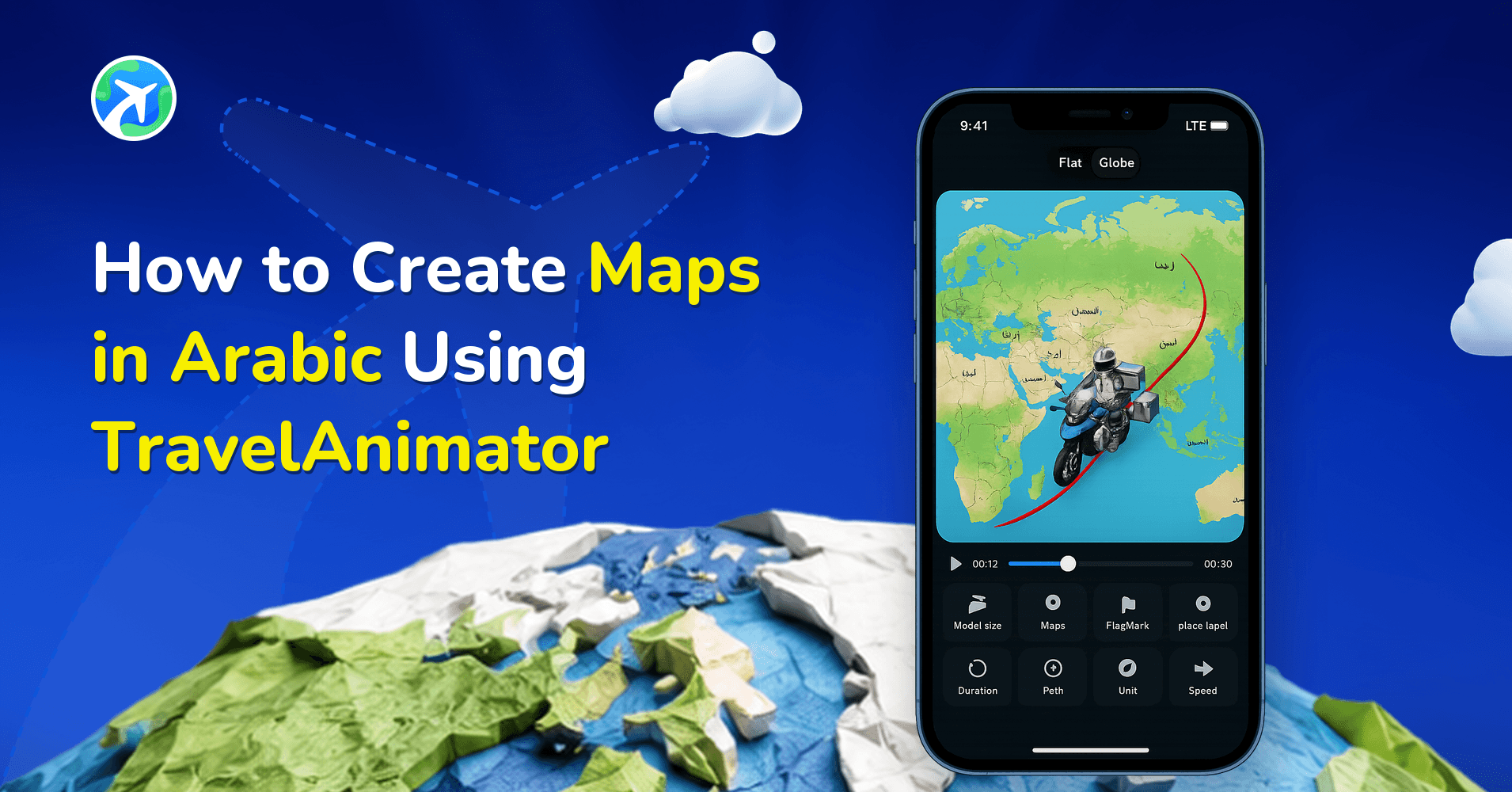
With TravelAnimator, you can create travel animation videos entirely in Arabic, making it easier to plan, design, and customize your journeys without language barriers. The Arabic interface helps you navigate tools, understand features, and focus more on creative editing rather than app settings.
Whether you’re building a personal travel recap or crafting a story for your audience, TravelAnimator lets you work comfortably and confidently in a familiar language while keeping your maps clean, clear, and universally readable.
In this guide, you’ll learn how Arabic works inside TravelAnimator, how to enable it, what changes, and how to create perfect travel animations while using Arabic throughout the creation process.
Why Create Travel Maps in Arabic, and How Does It Work?
Language plays a significant role in how comfortably and efficiently you create content. When the tools you use speak your language, creativity flows faster. Creating travel maps in Arabic is especially helpful when you are more comfortable navigating apps in Arabic, work in education, tourism, or storytelling within Arabic-speaking regions, or want a smoother, distraction-free editing experience. By working in Arabic, you reduce friction during creation and focus more on the story your journey tells.
When Arabic is enabled in TravelAnimator, the entire app interface switches to Arabic. This includes menus and settings, buttons and feature names, route creation tools, and customization options for models, text, images, and paths, making the whole creation workflow feel native for Arabic-speaking users, from adding routes to customizing animations and exporting videos.
While the app interface changes to Arabic, the map itself and its place labels remain unchanged. Map visuals stay the same, geographic place names follow the default map data, and locations added through search, GPX, or Google Maps remain consistent, continuing to appear in English in both the editor and exported videos. This ensures geographic accuracy and consistency with global map standards, while still giving you a comfortable Arabic creation experience and a result that stays universally readable for any audience.
How to Enable Arabic Language in TravelAnimator
TravelAnimator makes it easy to switch the language of your map output without disrupting your workflow.
- Open the TravelAnimator app
- Go to Settings from the home screen
- Scroll to the Language option
- Select Arabic from the language list
- The app interface instantly updates to Arabic
You don’t need to log in or restart the app. The change applies immediately.
Common Questions About Arabic Maps in TravelAnimator
Does enabling Arabic change the map language?
No. Only the app interface changes. The map and place labels remain the same.
Can I create Arabic text inside the animation?
Yes. You can add custom text overlays in Arabic.
Do I need an internet connection to use Arabic?
Yes. The app works on the internet, so language selection works the same once the app is installed.
Can I switch back to English later?
Yes. You can change languages at any time in Settings.
Do Arabic maps work in both Free and Pro versions?
Yes. Language options are available to all users, regardless of plan.
Make TravelAnimator Work in Your Language
TravelAnimator is built for a global community, and Arabic language support is part of that commitment. By allowing creators to work entirely in Arabic while preserving accurate, consistent maps, the app strikes the perfect balance between comfort and clarity.
If Arabic is your preferred language, TravelAnimator lets you focus on storytelling rather than on settings. Enable Arabic, start creating your routes, and turn your journeys into animated stories that feel natural, perfect, and professional.
Download TravelAnimator from the App Store or the Play Store today and create travel animations in the language you’re most comfortable with.