How to Adjust Video Duration in Travel Animator?
 Jaseel S5 min read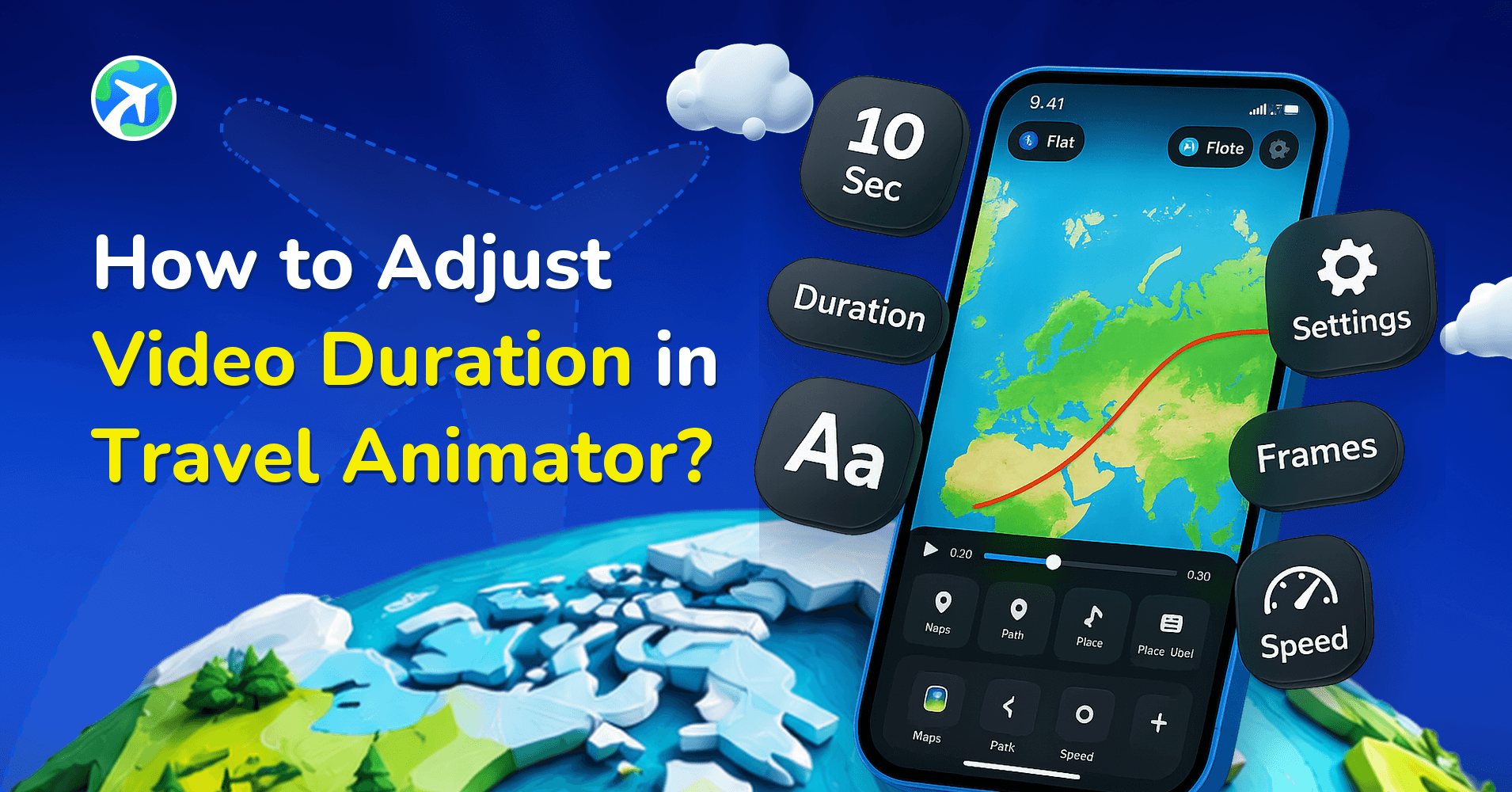
In this article 8 sections
Travel Animator allows you to adjust the duration of the animation video for different audiences on different social media platforms.
If an Instagram travel content creator is planning to create a 30-second reel showing their travel journey from Los Angeles to San Francisco along the Pacific Coast Highway.
They imported their route into Travel Animator, but the default video duration makes the journey too long for Instagram reels. So you want to reduce the video duration by not cutting any destinations.
This tutorial on how to reduce video duration in Travel Animator will guide you through adjusting the video duration.
You should also learn the importance of the right video duration in Travel Animator.
Why is Duration Important in Travel Animator Videos?
Video duration plays an important role because it helps to keep your audience engaged and connect with your content. If the video is too long, there is a chance of losing interest, and if the video is too short, it may not clearly show your complete route. So, choosing the right length makes your travel video easy to watch and enjoy.
Different platforms prefer different video lengths. Short videos work well in Instagram reels and YouTube shorts, while YouTube and Facebook can work with longer ones. Because different audiences have different attention spans and content preferences.
Steps to Set Video Duration in Travel Animator App
- Open the Travel Animator app and complete the project.
- If not, start a new project by adding destinations, travel models, images, and labels.
- Preview your video and adjust the duration of the video using the “Video duration” option located at the bottom of the video preview.
- After adjusting the video duration, set up other features like ratio, model size, map style, flag, etc.
- Export the animation video in HD or 4K quality. Activate Travel Animator Pro to get 4K quality export.
- You can share the animation directly on different platforms.
Common Mistakes to Avoid While Fixing the Video Length
- Trying to include every detail and stops can make your video lengthy. It loses viewer attention, especially in fast-scrolling platforms like Instagram and TikTok.
- A video that is too short may feel incomplete. Cutting too much can leave out a key part of our destinations.
- Always adjust video length for different platforms. Each platform has its ideal length. What works on Instagram did not work on Facebook.
- Try different video lengths because different audiences engage differently. For example, casual viewers prefer short content while travel enthusiasts enjoy lengthy, detailed videos.
What are the Benefits of setting the Right Video Duration for Travel Videos?
- Short and well-placed videos are more likely to get attention, especially on Instagram reels or YouTube shorts.
- Different social media platforms have different time limits. Setting the right duration ensures your video fits perfectly without needing to re-edit.
- A good time duration helps the animation keep the journey smooth and visually appealing. Too fast videos feel rushed, and too slow videos may lose interest.
- Shorter, optimized videos export faster and are easier to upload and share, especially for creators working with limited time.
What Duration Actually Changes
Duration sets the total length of the animation, and the app spreads your route across it. That has a few knock-on effects worth knowing.
- Speed. The same route over less time means a faster model. The Pacific Coast Highway drive from the intro squeezed into 15 seconds races along; given 30, it reads like a road trip.
- Reading time. Photos and text at a stop slow the model so people can take them in. Each appears for 1 second by default and you can lengthen that per item, so a route with lots of captioned stops needs more total time to avoid feeling rushed. See adding reading pauses.
- Map sharpness. Duration also affects how map tiles load during playback. If the map looks soft at one length, try a slightly different one before you export. Our guide to high-quality map animation covers this.
Starting Points by Platform
There’s no single correct number, but these are sensible places to start before you fine-tune in preview.
- Instagram Stories: 15 seconds per Story.
- Reels, TikTok and YouTube Shorts: 15 to 30 seconds tends to work best for a route clip.
- YouTube in 16:9: longer is fine, especially for a full-trip overview or an intro before your footage. Just cut stops that add nothing.
Need the same trip on two platforms? Finish the route once, export the short version, then lengthen the duration, switch the ratio and export again. Nothing needs rebuilding.
Ready to Set the Perfect Duration?
Choosing the right video duration helps you deliver an engaging travel story across different platforms. Adjusting the length based on your content and audience can ensure your video is perfect for each platform. Whether it is travel content creators, casual travelers, or businesses, this feature makes the process simple. You can easily adjust and export the same video content to share on different platforms.
Frequently Asked Questions
Why is Duration Important in Travel Animator Videos?
Video duration plays an important role because it helps to keep your audience engaged and connect with your content. If the video is too long, there is a chance of losing interest, and if the video is too short, it may not clearly show your complete route.
What are the Benefits of setting the Right Video Duration for Travel Videos?
Short and well-placed videos are more likely to get attention, especially on Instagram reels or YouTube shorts. Different social media platforms have different time limits.
Where can I change the duration of my travel video?
Open the animation preview and choose Duration. Adjust the length and play the preview again to check the route speed and the time available to read labels.
Why is my TravelAnimator animation moving too fast?
Your route is probably long for the duration you’ve set. The app fits the whole route into that time, so a long distance with a short duration makes the model race. Increase the duration in the preview screen and play it again. If the video needs to stay short, reduce the number of stops with photos and text instead.
Can I export the same TravelAnimator route at different lengths?
Yes. Build and save the route once, then export a short version for Reels or Shorts. Afterwards, increase the duration, change the ratio to 16:9 if needed and export again for YouTube. You don’t need to re-add stops, models or photos. Save the route first so you can reopen it later from Load Route.