Subscription in Travel Animator
 Jaseel S6 min read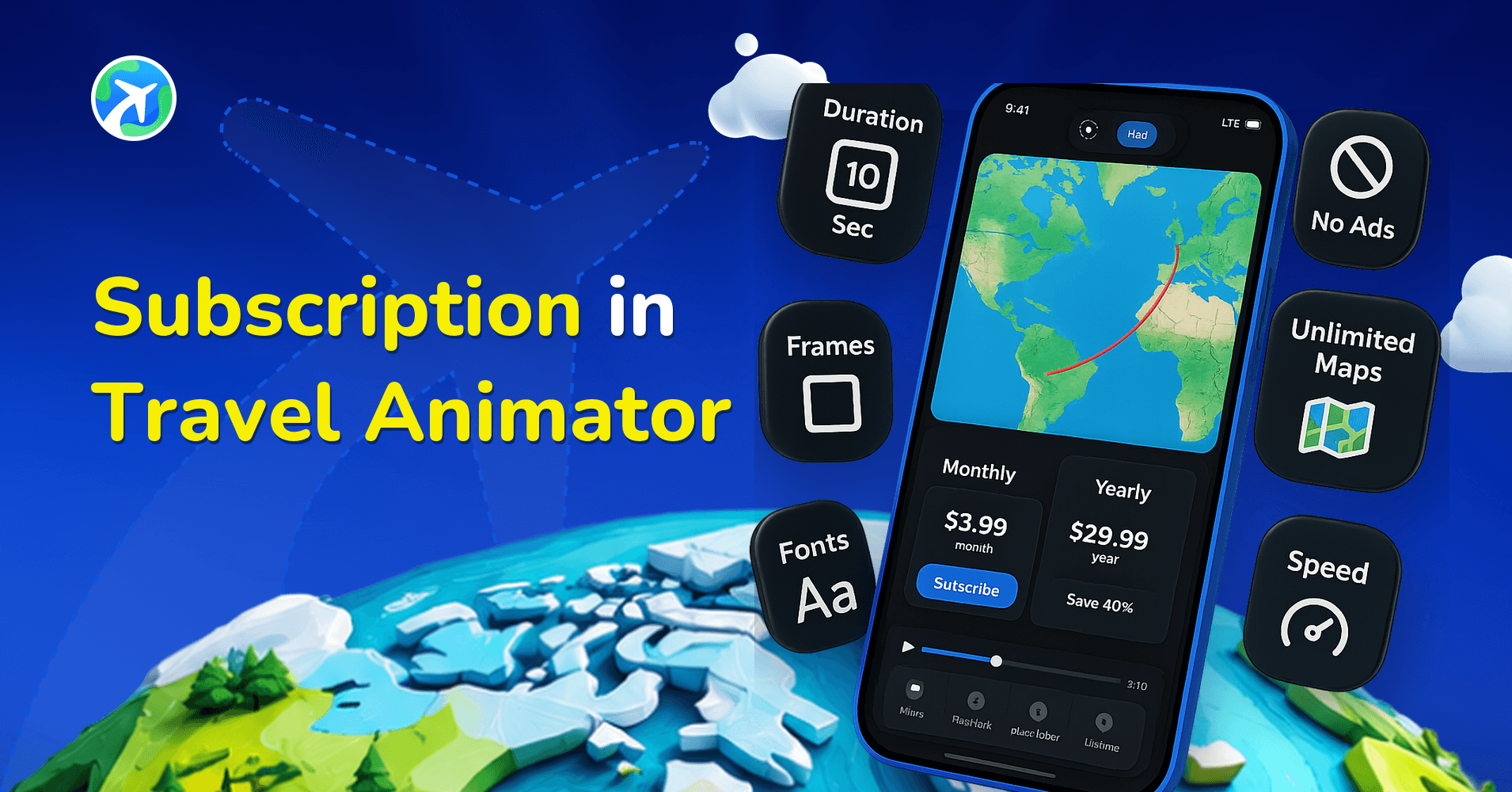
In this article 10 sections
Travel Animator subscription is the best way to unlock the full potential of the app. While the free version lets you try basic features, subscribing gives you access to premium tools like watermark-free exports and more creative options.
Whether you are creating a professional animation with premium features and without watermarks, or just experimenting with simple travel videos, the Travel Animator subscription works well for every creator.
In this blog, we’ll explore everything you need to know about subscriptions in Travel Animator – different plans, benefits, and how to subscribe.
What Is a Subscription in a Travel Animator?
The Travel Animator subscription unlocks the full potential of the app by accessing advanced features, premium map styles, and high-quality export options. While the free version lets you explore the basics and create animations with watermarks, the subscription removes these limits, allowing you to make your travel stories with premium features.
With a subscription, you can enjoy exclusive map styles, various 2D & 3D maps, watermark-free exports, and 4K resolution videos, making your animation look personalized and professional. It’s a template model designed to customize for different needs, whether you’re a casual traveler creating memories, a content creator building social media videos, or a professional storyteller producing high-quality travel documentaries.
Free vs. Premium: What's the Difference?
| Features | Free | Paid |
|---|---|---|
|
Models
|
Basic Models are available
|
Premium and Indian Pro models are available
|
|
Save Routes
|
Can save only one route
|
Can save unlimited routes
|
|
Images & Labels
|
Available
|
Available
|
|
Maps
|
Default 2D & 3D maps are available
|
All premium 2D & 3D maps are available
|
|
Resolution
|
HD export
|
4k export
|
|
Watermark
|
With watermark
|
Without watermark
|
What Are the Benefits of Subscribing to the Travel Animator App?
- Customize your animation with different premium models in a single video.
- Get access to use many more 2D and 3D map styles that are suitable for your route animation.
- Use 4K resolution export in the Pro version to get a higher resolution.
- High-quality content increases engagement for your animation on social media.
- Save your animation videos unlimited for future use.
- Export your animation videos without watermarks and ad interruptions.
- You can make professional and engaging travel content for an affordable price.
Plans & Pricing of Travel Animator
Weekly – Subscribe for 1 week to test whether the Travel Animator app works well or for a small need. The weekly plan can be selected when you try to export without a watermark. At that point, the pricing details will appear, including the weekly option.
Monthly – Choose the monthly plan if you need to explore the pro version of Travel Animator or to complete some projects with advanced features to get the best output.
Yearly – Subscribe to a 1-year plan to get all premium features for one year. You can choose this plan for a long-term project or personal use.
Weekly, Monthly or Yearly: How to Decide
All three plans give you the same Pro features. The only real question is how long you’ll need them.
- One deadline, one video: weekly. Good for a wedding route or a single client itinerary due on Friday.
- One trip’s worth of content: monthly, $5.99 on the US storefront. Enough time to make the full series from a two-week Japan rail trip.
- Regular posting or client work: yearly, $24.99 on the US storefront. It’s the better value once you’d otherwise pay for more than about four months.
Your local App Store or Google Play storefront may show a different price, and the amount you confirm in the app is the final one. Before paying, check two things: whether a creator has shared a discount code you can enter under Do you have a promo code? in settings, and whether you’re in Bangladesh or the Philippines, where Pro is free for life.
Who needs to subscribe to Travel Animator Pro? (Use Cases)
- Travel vloggers and content creators can create cinematic route animations with premium map styles, no watermark, and 4K resolution.
- Tourism Agencies & Businesses can design professional travel presentations and promotional videos showcasing tours, itineraries, or destinations without the distraction of watermarks.
- Use realistic 3D premium maps to add geographic context to documentaries, nature films, or adventure projects that demand a cinematic look.
- Students can explain geography, history, or cultural journeys with professional-quality animated maps that are engaging and visually clear.
- Families & individuals can turn holiday trips, road journeys, or backpacking adventures into high-quality memory videos you can share with family and friends.
How to Subscribe to a Travel Animator? (Steps)
- Open the Travel Animator app and sign in with an email address to upgrade the app.
- To view pricing plans, tap the “Get PRO” button. You’ll also see upgrade options in the main settings when choosing premium map styles or 3D maps, enabling 4K export, or exporting without a watermark.
- Choose the plan you need to subscribe to. You can choose the monthly plan for short-term needs and the yearly plan for long-term benefits.
- Then click Subscribe to select payment methods from the Play Store or App Store to subscribe to pay.
- Explore the pro features and get customized videos for your needs.
Managing Your Subscription After You Subscribe
Billing runs through the Apple App Store or Google Play, not through Travel Animator, so that’s where you make changes.
- Cancelling: cancel from your device’s subscription settings. You keep Pro features until the end of the period you’ve paid for, and no further payments are taken. Our step-by-step guide covers cancelling on iOS and Android.
- Switching between monthly and yearly: use the subscription management options for the store account that bought Pro, and review the billing date and charge there before confirming.
- Invoices for expenses: receipts come from Apple or Google. See how to get an invoice for your subscription.
Is Travel Animator Subscription Worth It?
Choosing a Travel Animator subscription is a smart step if you want professional-looking travel videos without limitations. From flexible weekly plans to longer options, it gives you the freedom to create perfect animations that stand out on social media. If you need engaging and professional travel videos, subscribing to the Travel Animator is worth the price. Subscribe to Travel Animator Today.
Frequently Asked Questions
What Is a Subscription in a Travel Animator?
The Travel Animator subscription unlocks the full potential of the app by accessing advanced features, premium map styles, and high-quality export options. While the free version lets you explore the basics and create animations with watermarks, the subscription removes these limits, allowing you to make your travel stories with premium features.
Free vs. Premium: What's the Difference?
The free version provides basic models and HD exports with branding. Pro adds premium models and maps, watermark-free output and 4K export; check the current plan details in the app for the full comparison.
What Are the Benefits of Subscribing to the Travel Animator App?
Customize your animation with different premium models in a single video. Get access to use many more 2D and 3D map styles that are suitable for your route animation.
How much does Travel Animator Pro cost?
On the US storefront, Travel Animator Pro costs $5.99 per month or $24.99 per year, which works out to roughly $2.08 a month on the yearly plan. A weekly option is also shown in the app. Prices can be adjusted for your region by the App Store or Google Play, and the price you confirm in the app is the amount you pay.