How to Undo or Redo a Route in TravelAnimator
 Jaseel S6 min read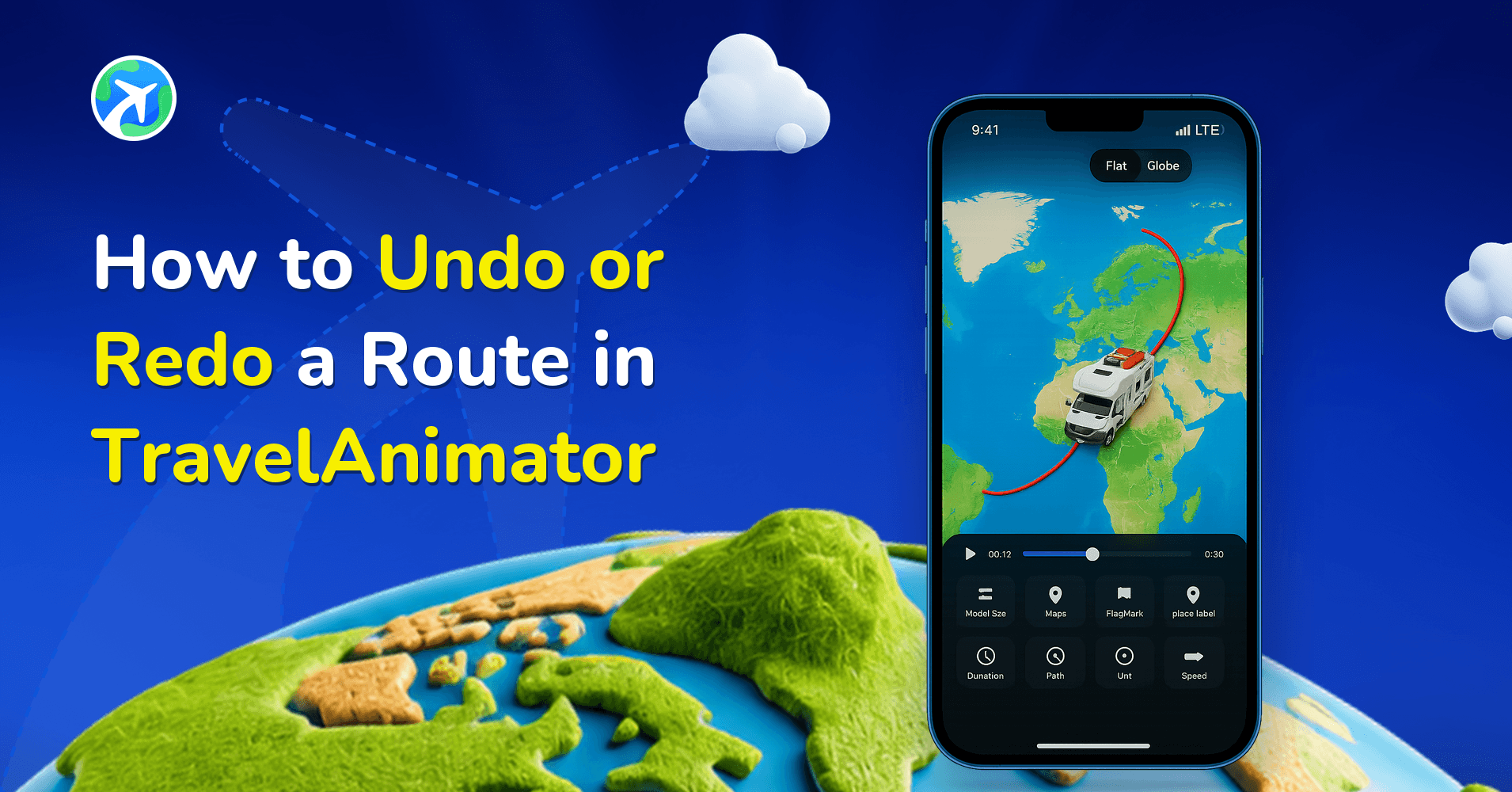
In this article 8 sections
With built-in undo and redo options in TravelAnimator, you can quickly correct route changes, refine your animation, and continue editing with confidence. TravelAnimator is designed to encourage experimentation without fear. You don’t have to worry about ruining your project or starting over just because of one wrong tap.
Creating a travel animation is an exciting process. You add routes, connect destinations, experiment with transport icons, and slowly watch your journey come alive on the map. But while editing, small mistakes are unavoidable. A stop might be placed slightly off location. A route could be connected in the wrong order, or you may want to test a different route layout and then go back.
This guide explains how undo and redo work in TravelAnimator, where to find these options, how to use them step by step, and how they make route editing smooth and flexible.
Where to Find the Undo and Redo Options in TravelAnimator
Undo and redo options are available directly on the route editing screen, where you add and connect stops on the map.
On the map screen, you’ll notice that a curved arrow icon pointing backward is Undo, and a curved arrow icon pointing forward is Redo. These icons are typically located near the lower area of the screen, close to other route-editing controls. They are always within reach while editing routes, so you don’t need to open menus or settings.
Undo becomes active once you make a change. Redo becomes active only after you undo something. If there’s nothing to undo or redo, the icons remain inactive.
Step-by-Step Guide to Undo or Redo a Route in TravelAnimator
- Open TravelAnimator and open your existing project or create a new one. Navigate to the map screen where your route is visible.
- Start editing the Route by adding stops, connecting destinations, or changing transport icons as needed. Each action you perform is recorded as a step.
- If you notice a mistake, tap the Undo icon. The most recent route action will be reversed immediately. For example: a stop disappears, a route point is removed, a previous route layout is restored, etc.
- Tap Redo to Restore an Undone Action. If you undo something and then change your mind, the undone action reappears exactly as it was.
- You can continue adding, removing, and adjusting routes, using undo and redo as needed. This allows you to experiment freely without committing to every change.
What Happens When You Undo a Route Action?
Undoing an action in TravelAnimator does not damage your project or permanently delete it. Instead, it simply restores the route to its previous state.
When you undo,
- Recently added stops are removed temporarily
- Route lines revert to their earlier position
- Transport icons return to their previous state
Nothing is permanently lost unless you continue editing beyond that point. Undo doesn’t cause any damage in your animation. You can redo the action, manually re-add stops, and maintain complete control over your animation. This makes undo safe to use at any stage of route creation.
Can You Fully Reset a Route Without Deleting the Project?
TravelAnimator does not force you to delete your entire project just to fix a route. Instead, you have flexible options to clean up and logically reset routes. Here’s how you can achieve a reset-like result.
- Use undo repeatedly to go back to an earlier clean state
- Remove individual stops and route connections manually
- Redesign the route step by step without touching other elements
This means you don’t lose images, text, or other customizations, don’t need to recreate the project from scratch, and you stay in control of what gets changed and what remains. This approach gives users freedom without the risk of accidental full resets.
Undo, Delete Point or New Route?
Undo isn’t the only way to fix a route, and it’s not always the quickest.
- Undo is best for the thing you just did: a stop dropped in the wrong spot, a curve you dragged too far, a model changed on the wrong point.
- Delete Point is better for a mistake from ten edits ago. Double-tap the stop, or long-press it and choose Delete Point, and only that stop goes, without undoing everything you’ve done since.
- Dragging fixes order and shape. Drag stops to reorder them, or drag the route line to reshape a curve, instead of deleting and re-adding.
- Invert Route is for a trip built in the wrong direction. It reverses the start, the end and every stop in between in one go. See how to invert a route.
- New Route in the route menu clears the whole project. Use it only when you really want a blank map.
Save Before You Experiment
Undo is great for small steps, but a saved route is the bigger safety net. TravelAnimator doesn’t auto-save, so before trying something big, like rerouting a Lisbon to Porto drive along the coast instead of the motorway, tap Save Route in the route menu. If the experiment doesn’t work out, open Load Route and pick up the saved version.
On Pro, where you can keep several routes, save the experiment under its own name, such as “Porto coast version”, so you can compare the two later. The Save Route guide covers naming and managing saved routes.
Refine Your Route with Confidence with TravelAnimator
Mistakes are a natural part of creating travel animations. What matters is how easily you can fix them. TravelAnimator’s undo and redo features ensure you never feel stuck with a wrong route, you can experiment without fear, editing remains smooth and stress-free,e and beginners feel confident from the first project. Instead of starting over, you can refine, adjust, and perfect your route step by step. With undo and redo always available, TravelAnimator gives you the freedom to focus on storytelling instead of fixing mistakes.
Open your project, explore different routes, and refine your journey with confidence. Your perfect travel animation is only a few taps away.
Frequently Asked Questions
Where can I find the Undo and Redo Options in TravelAnimator?
Undo and redo options are available directly on the route editing screen, where you add and connect stops on the map. On the map screen, you’ll notice that a curved arrow icon pointing backward is Undo, and a curved arrow icon pointing forward is Redo.
How do I undo or Redo a Route in TravelAnimator?
Use the backward curved arrow on the route-editing screen to undo the most recent action. Use the forward arrow to redo an action you just undid, then continue editing the route.
What Happens When You Undo a Route Action?
Undoing an action in TravelAnimator does not damage your project or permanently delete it. Instead, it simply restores the route to its previous state.
Why is the Redo button greyed out in TravelAnimator?
Redo only becomes active after you undo something, because there’s nothing to restore until then. If you haven’t undone an action, the icon stays inactive. If you undo and then keep editing, the step you undid may no longer be available to redo, so tap Redo straight away if you change your mind.
Does TravelAnimator save my route automatically?
No. Routes have to be saved manually. Open the route menu at the top of the map screen, tap Save Route and give it a name. To come back to it later, use Load Route in the same menu. Save before big changes and before closing the app, so a wrong tap never costs you more than a few steps.