How to Easily Create Travel Animations Between Busy Schedules
 Jaseel S6 min read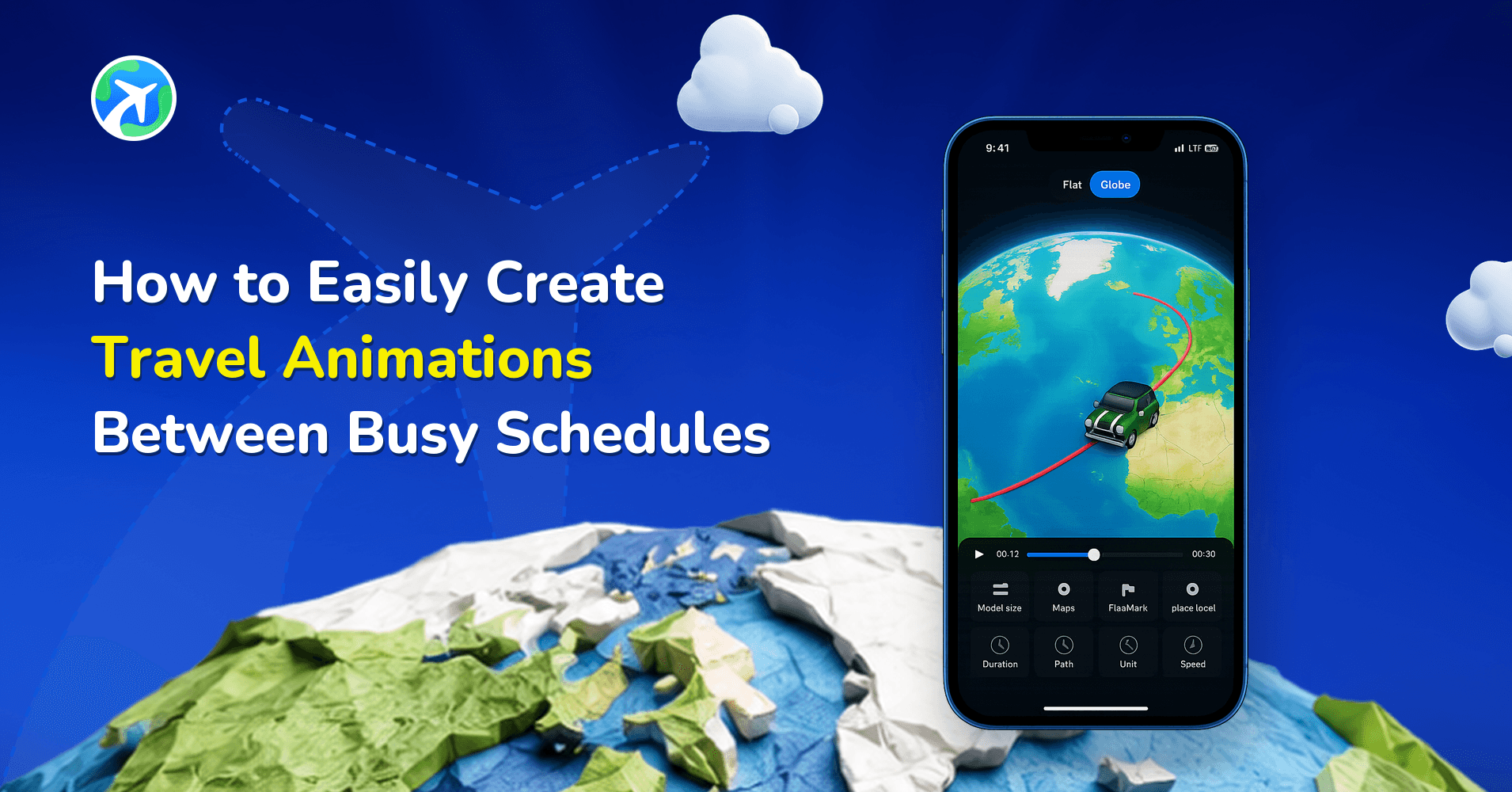
Between packing, airports, hotel check-ins, long road trips, and spontaneous plans, most travelers barely find time to breathe, let alone sit down and create beautifully crafted travel animations. Yet, animating your journey as it happens feels incredibly rewarding and helps you preserve memories while they’re still fresh. That’s exactly where TravelAnimator becomes your perfect travel companion.
Whether you’re on a train, waiting at the airport, sitting in your hotel, or grabbing a coffee between sightseeing spots, TravelAnimator helps you craft clean, cinematic route animations in minutes.
This guide shows you how to create stunning travel videos quickly and effortlessly, even during your busiest moments.
Why Travelers Need Fast & Simple Animation Tools
Most travelers are moving from one place to another, exploring new spots, and enjoying the moment. Most travelers don’t have time to sit and edit videos for long. But they still want to save their memories beautifully. Creating animations quickly during the trip helps you capture the real route and fresh details before you forget them.
Good internet isn’t always available, and each day adds new locations. That’s why a fast, easy tool like TravelAnimator is so helpful. It lets you create animations instantly, even on the go, and share them right away on social media. With simple controls and quick editing, it’s perfect for travelers who want great results without spending too much time.
The Quick-Create Workflow in TravelAnimator
- Tap to create routes instantly. You don’t need long search sessions, tap two points, and your route appears immediately.
- Use Google Maps route import for quick, accurate results. If you need precise roads or paths, import a Google Maps link and start customizing right away.
- TravelAnimator offers a clean, minimal interface. No clutter. No confusion. No learning curve, perfect for rushed travel situations.
- Just tap on the preview video. You can instantly see how your animation looks without exporting.
- Export the animation within seconds. It provides shareable video formats, including HD and 4 K.
- You don’t need to build the templates, models & maps from scratch. Everything loads quickly, so you can edit while waiting for your next train or bus.
Step-by-Step: How to Create a Fast Animation While Traveling
1. Create a New Route
- Open TravelAnimator and start a fresh project. Tap on the map to set your starting point, then tap again to set the destination.
- If you have more stops, tap between the lines to add multiple points, or use search for an accurate route.
2. Add a Model, Image & Label
- Choose a model that fits your journey, such as a plane, car, cycle, train, or a fun seasonal model (Pro). You can skip heavy customization if you’re in a hurry by selecting one model.
- If needed, add images and labels from the top-right of the model menu.
3. Preview the Video & Pick a Map Style
- Tap Preview to see how your journey looks now. If something feels off, move a point, adjust the curve, etc.
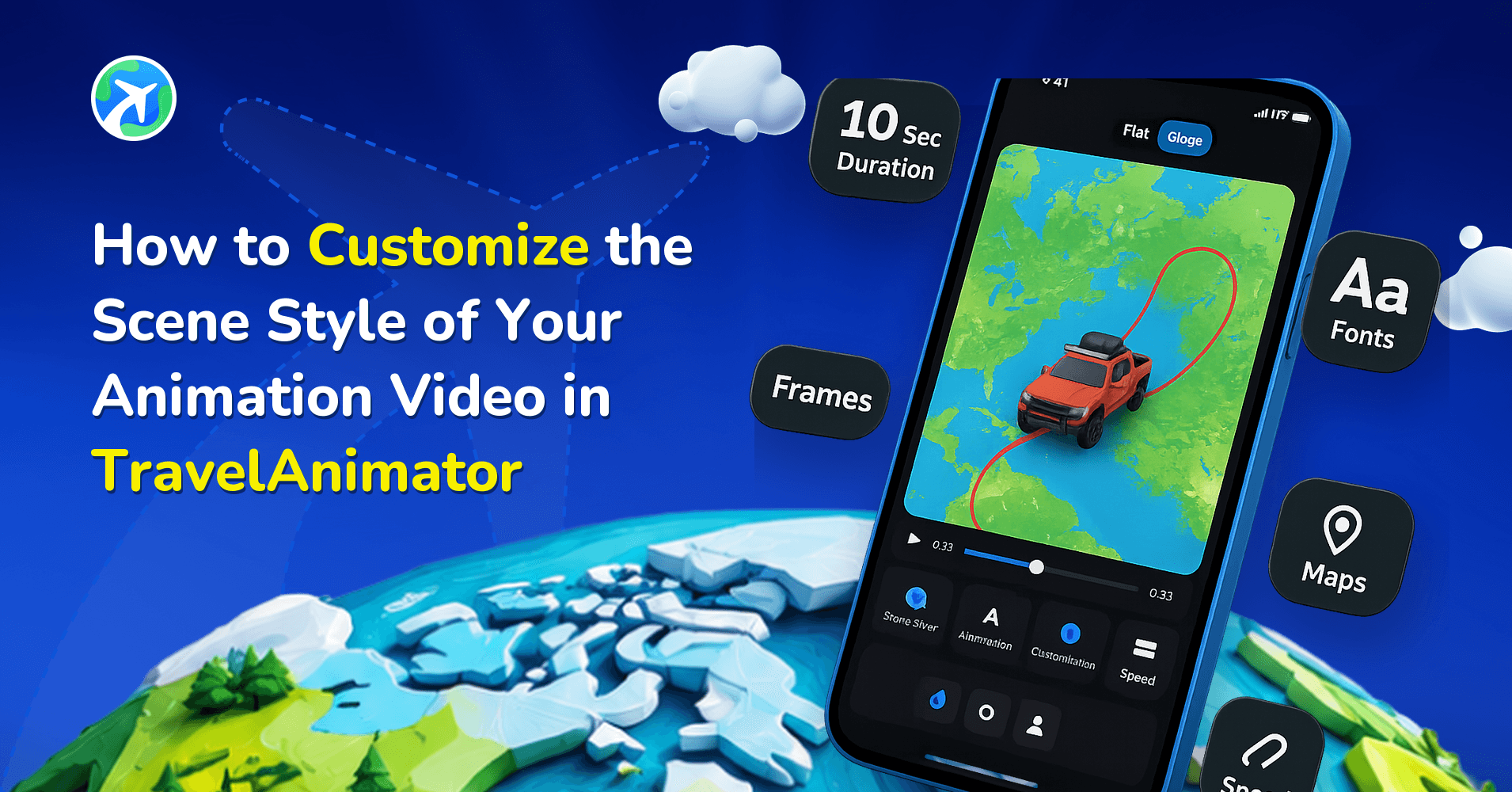
- Choose a map that works for your journey, such as classic 2D maps for a minimal, clean look, 3D Earth maps for long-distance routes, Dark or light maps for day/night visuals, or Seasonal maps for a winter/Christmas mood.
- These instantly set the tone of your animation.
4. Customize Only What You Need
- When you’re busy, keep it simple. Focus on the essentials, like changing the ratio, adjusting the model size, or adjusting the video duration.
- Adjust if you have time to prioritize other elements such as path color, flag, unit, etc.
5. Export and Save
- Once satisfied, export in HD for quick uploads and export in 4K when you want top quality.
- You can save to your gallery or share directly on Instagram Reels, TikTok, and YouTube Shorts.
Features That Save Time While You’re On the Move
Tap-to-Create Routes – Instead of searching for every destination, tap directly on the map to place points. Perfect for bus rides and routes that don’t require accuracy. It takes seconds to create the entire path.
Auto-Curved Routes – TravelAnimator automatically bends lines naturally, so you don’t spend time manually adjusting every curve.
Quick Editing Tools – Drag, delete, or add points with a simple tap. No interruptions or complex menus are needed.
Instant Google Maps Import – If you already navigated using Google Maps, just paste the link. No re-entering or searching details.
Fast Model Selection – Pick from built-in cars, flights, boats, or specialty models. Most users can choose a model in under 5 seconds.
Ready-to-share Export Ratios – Whether you want vertical, horizontal, or square, the app automatically optimizes them by simply tapping on the ratio.
Lightweight App Design – Runs smoothly even on older or low-storage phones, making it ideal for travelers with limited device capacity.
Pro Tips to Create Quality Animations With Limited Time
If you create short animations each day, it only takes 2–3 minutes rather than spending more time at the end.
Choose your favorite map, model, colors, and format, then use them repeatedly. This keeps your feed consistent and saves time.
Don’t add too many tiny stops when you’re in a hurry. You can refine and add only the essential stops.
Choose clean, simple models when time is tight to avoid complex adjustments.
Use a single map style for the entire trip. If you’re planning to create multiple videos, then combine them into a single video. This makes your travel series look professional and prevents unnecessary switching.
Don’t wait until the end to preview the animation. Check the flow often if possible. A quick preview avoids rework.
If you finished half your animation while you were busy traveling, save it as a draft so you can continue later when you have a few minutes.
Mistakes Travelers Make When Editing in a Rush
- Adding too many points makes your route messy and challenging to edit quickly.
- Not adjusting the model size hides the path, like oversized planes or cars, which can cover up the animation.
- Switching models too often slows down your workflow and creates inconsistency.
- Travel interruptions (calls, low battery, poor network) can cause lost work if you forget to save.
- If you edit while walking or inside a shaky vehicle, you might misplace points when adding manual points.
- A crowded screen with many labels and images appears overloaded and unprofessional. Keep it minimal.
Best Use Cases for Fast On-the-Go Animations
- Create route animations between flights while waiting at the gate.
- If you are in a Taxi or on a long train ride with nothing to do, it will be the perfect time to edit.
- You can animate your journey as a daily travel diary document, like Day 1, Day 2, Day 3, instantly on your social media.
- It is perfect for travel content creation for Instagram creators or YouTubers who post daily travel updates.
- Create quick presentations or travel logs on the way to a business trip.
- Turn your itinerary into a video timeline each evening to show your vacation experience.
Let TravelAnimator Do the Work for You
Creating travel animations doesn’t have to be a time-consuming task. With TravelAnimator, you can turn your journey into an engaging story even when schedules are tight. Its fast tap-to-create tools, instant map imports, simple editing gestures, and ready-to-export videos make it the perfect companion for travelers who want beautiful results without long hours of editing. Whether you’re backpacking, on a business trip, city-hopping, or enjoying a family vacation, TravelAnimator helps you animate your routes instantly while the memories are still fresh.