How to Create Stunning 3D Earth Route Videos in TravelAnimator
 Jaseel S4 min read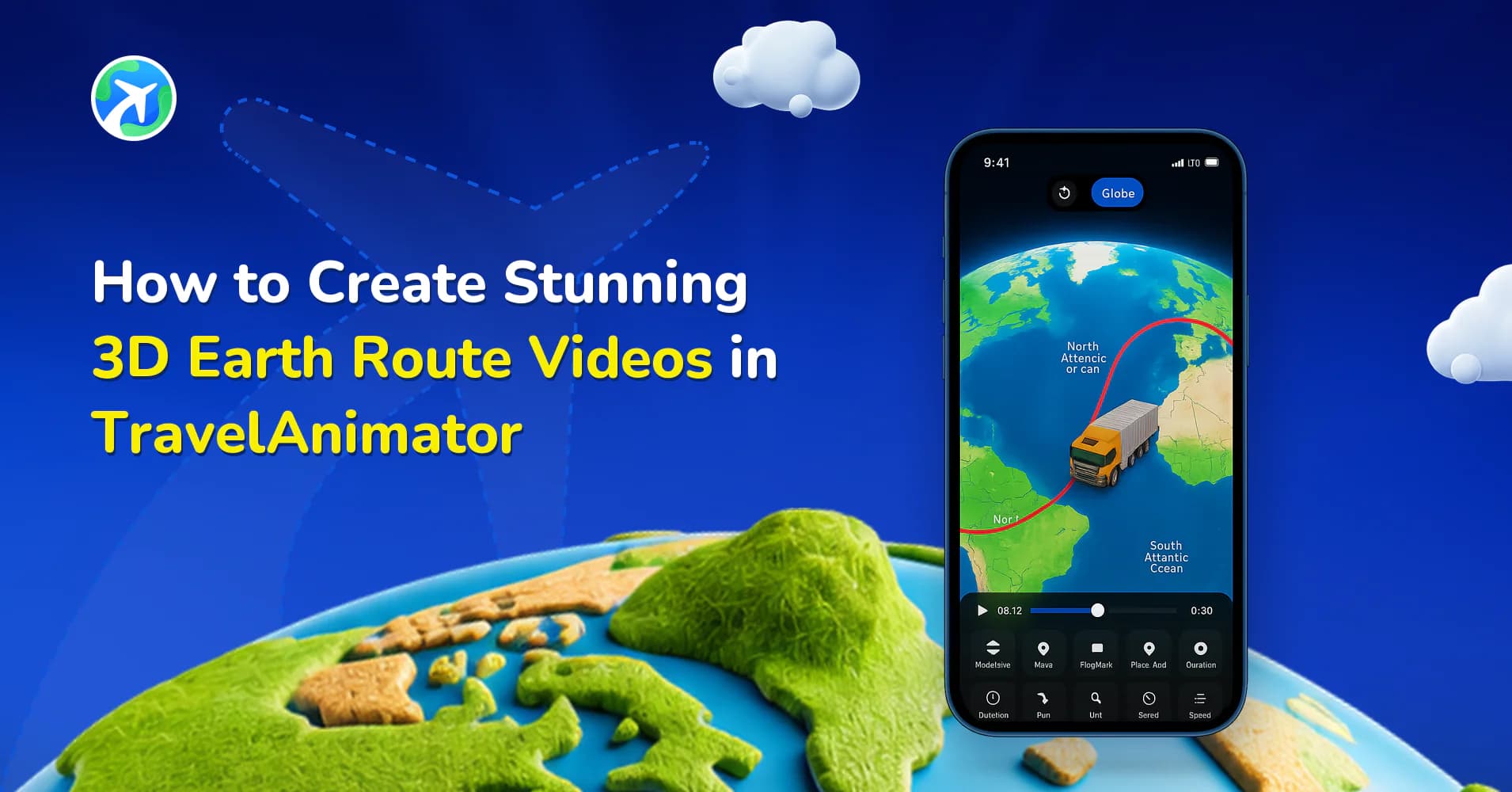
TravelAnimator transforms flat 2D map routes into 3D journeys that feel like scenes from a professional travel documentary.
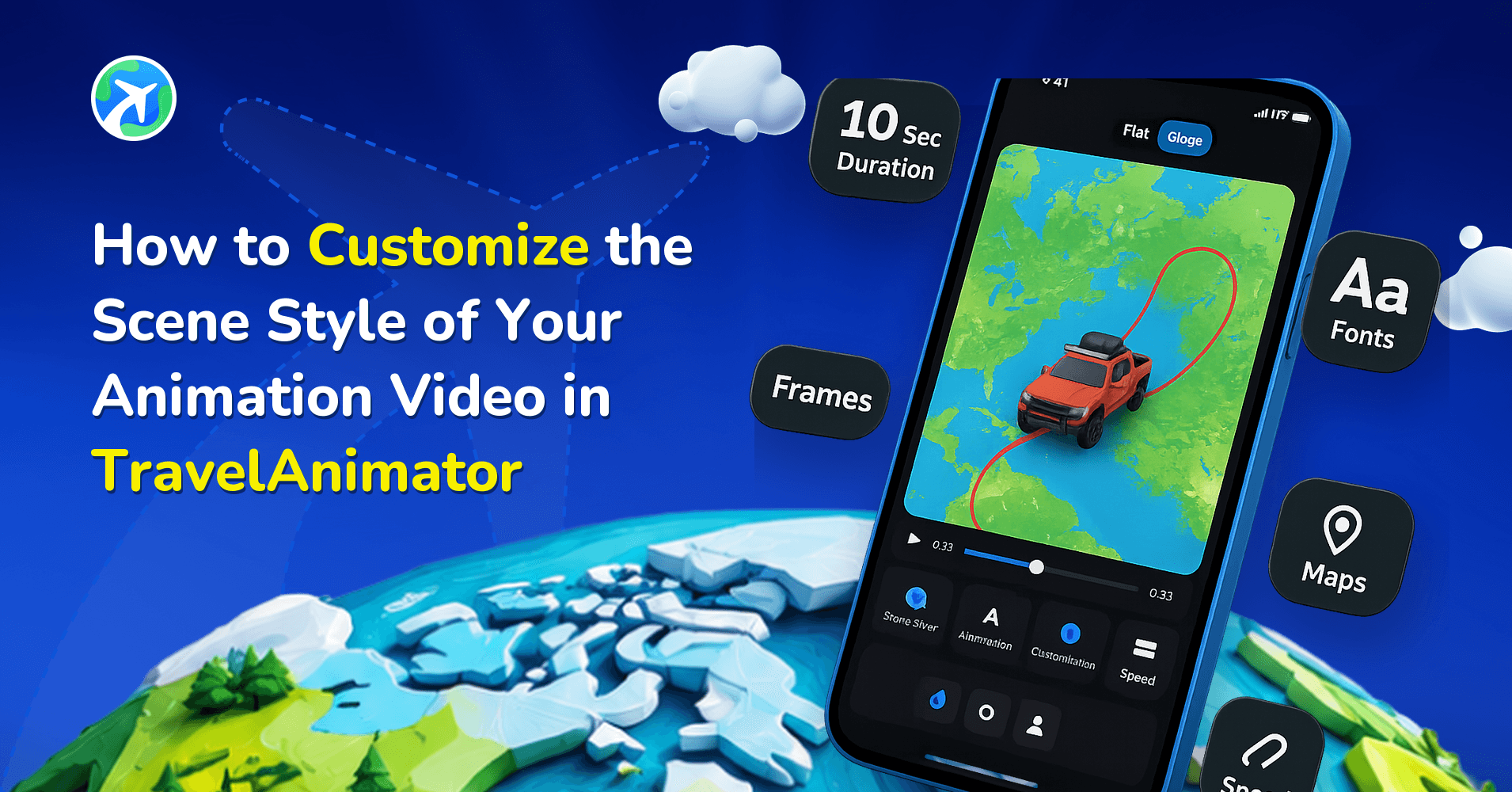
Whether you’re visualizing your flight from New York to Tokyo, a cross-country road trip, or even Santa’s Christmas route across snowy landscapes, the 3D Earth mode makes your story feel more memorable and engaged. With TravelAnimator’s new 3D Earth Map feature, you can now bring your travels to life in a cinematic, globe-spanning animation.
Let’s explore how you can use this exciting feature to create your own 3D Earth route videos in TravelAnimator through a step-by-step process.
What Are 3D Maps in TravelAnimator?
The 3D route feature gives users a dynamic, globe-based visualization of their travels. Instead of flat 2D lines across a map, your routes now curve naturally with the Earth’s surface, giving your animation a real-world sense of depth and perspective.
When you create a 3D route, TravelAnimator uses a spherical projection, meaning the path arcs over the horizon, just as a real flight path would appear on a globe. You can watch your route flow, moving from one destination to another.
Why Use 3D Routes for Your Travel Animations?
The 3D route globe view enables your animation to display the crossing borders and distances between destinations in a global perspective.
3D routes are perfect for showing long-distance trips or intercontinental adventures. Whether it’s a European backpacking journey, a flight from Sydney to Los Angeles, or a worldwide business tour, 3D makes these routes naturally beautiful.
3D animation videos are ideal for creating a short intro that provides a brief overview of your travel vlog on YouTube.
The rotating globe, various theme background maps, moving models, and personalized images immediately capture attention. It makes every video scroll-stopping and share-worthy.
How to Create 3D Earth Route Videos in TravelAnimator (Step-by-Step)
- Open the TravelAnimator app and start creating the animation video. Ensure you have already upgraded to the Pro version of the TravelAnimator app.
- Add destinations and customize the map by adding models, images, and labels.
- Preview the video to ensure the route is perfect and choose a suitable map for your animation.
- Adjust other elements, such as model size, video duration, path color, and ratio, etc.
- Switch to 3D maps from the top right corner of the screen. It will automatically show your path in a global map.
- Export the video in HD/4K quality.
Tips to Make 3D Earth Routes More Cinematic With TravelAnimator
- Choose 3D maps when your location is too far away, has multiple stops, or is a country-to-country trip.
- Add stops at key locations to help viewers understand major destinations, such as cities or landmarks.
- Select the exact models you used during your travels. You can use multiple models for each stop in a single animation.
- Add images and labels to personalize your video and get more engagement.
- Adjust the video duration based on the route length. Long routes with multiple stops require more time, as animation that is too fast can feel rushed.
- Choose a suitable map that is perfect for your type of journey.
Use Cases for 3D Earth Route Animations in TravelAnimator
For Travel Vloggers – Turn your flight routes and travel experiences into cinematic intros. Highlight your journey from one country to another with a globe animation.
For Businesses and Creators – Showcase global operations, shipping routes, or travel services. A 3D route adds a professional touch to presentations and advertisements.
For Personal Memories – Keep your lifetime journeys with TravelAnimator. Instead of photos, visualize your entire world travel story spinning across the Earth.
For Social Media – Create stunning, scroll-stopping reels that instantly grab attention. The 3D Earth mode adds a global touch that’s perfect for storytelling or travel videos.
Take Your Story Global With TravelAnimator
With TravelAnimator’s 3D Earth view, you can now turn your journeys into cinematic global adventures that feel attractive, engaging, and personal. Each route becomes a moving story across continents, more than a path. Whether you’re animating a real flight travel experience, creating a Christmas journey, or visualizing a dream trip, the 3D feature brings a memorable visual depth and storytelling power. Switch to TravelAnimator Pro, toggle your map to 3D mode, and watch your travel story spin beautifully across the world.