How to Create a Bus Travel Map Animation Using TravelAnimator
 Jaseel S6 min read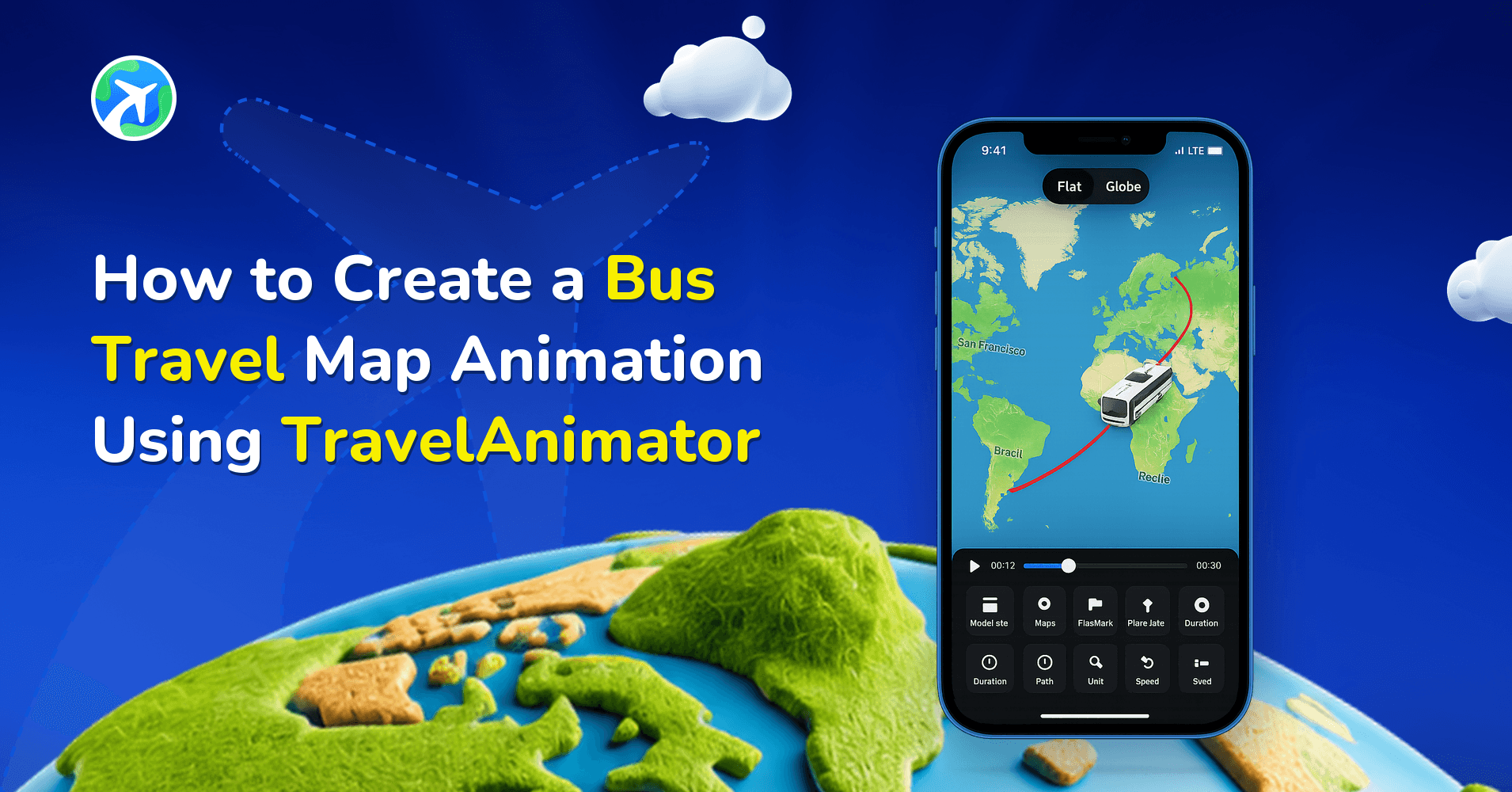
In this article 7 sections
With TravelAnimator, creating a bus route animation is simple, fast, and beginner-friendly. You don’t need animation skills or complex editing tools, just your route, a bus model, and a few taps.
Bus journeys are an important part of many travel stories, whether it’s an intercity trip, a scenic road journey, a budget backpacking route, or a daily journey across regions. Instead of sharing static screenshots or plain text updates, a bus travel map animation helps you visually show where you traveled, how the route flowed, and which places you passed along the way.
In this guide, you’ll learn what a bus travel map animation is, why it works better than static maps, and how to animate a bus route on a map step by step using TravelAnimator.
What Is a Bus Travel Map Animation in TravelAnimator?
A bus travel map animation is a visual representation of a bus journey shown on a map, with the bus’s movement. Instead of a static image, the route animates from the starting point to the destination, clearly showing the bus’s path.
A bus journey map animation visually represents a complete bus trip on a map by showing a clear route line that follows real roads, a moving bus icon traveling along that path, and well-defined start, stop, and end locations. It can also include optional elements like images, labels, or brief pauses at important points to add context and clarity. This type of animated bus route helps viewers quickly understand how the journey unfolds, especially when the trip covers multiple cities, highways, or long distances, making the travel story easy to follow at a glance.
Step-by-Step: How to Create Bus Travel Map Animation
- Open TravelAnimator and start a new animation.
- Add your starting point and destination using location search, coordinates, GPX file upload, or Google Maps link. You can also add multiple stops to represent breaks, cities, or transfer points.
- Long-press on a stop, then tap Change model from the options to open the model menu.
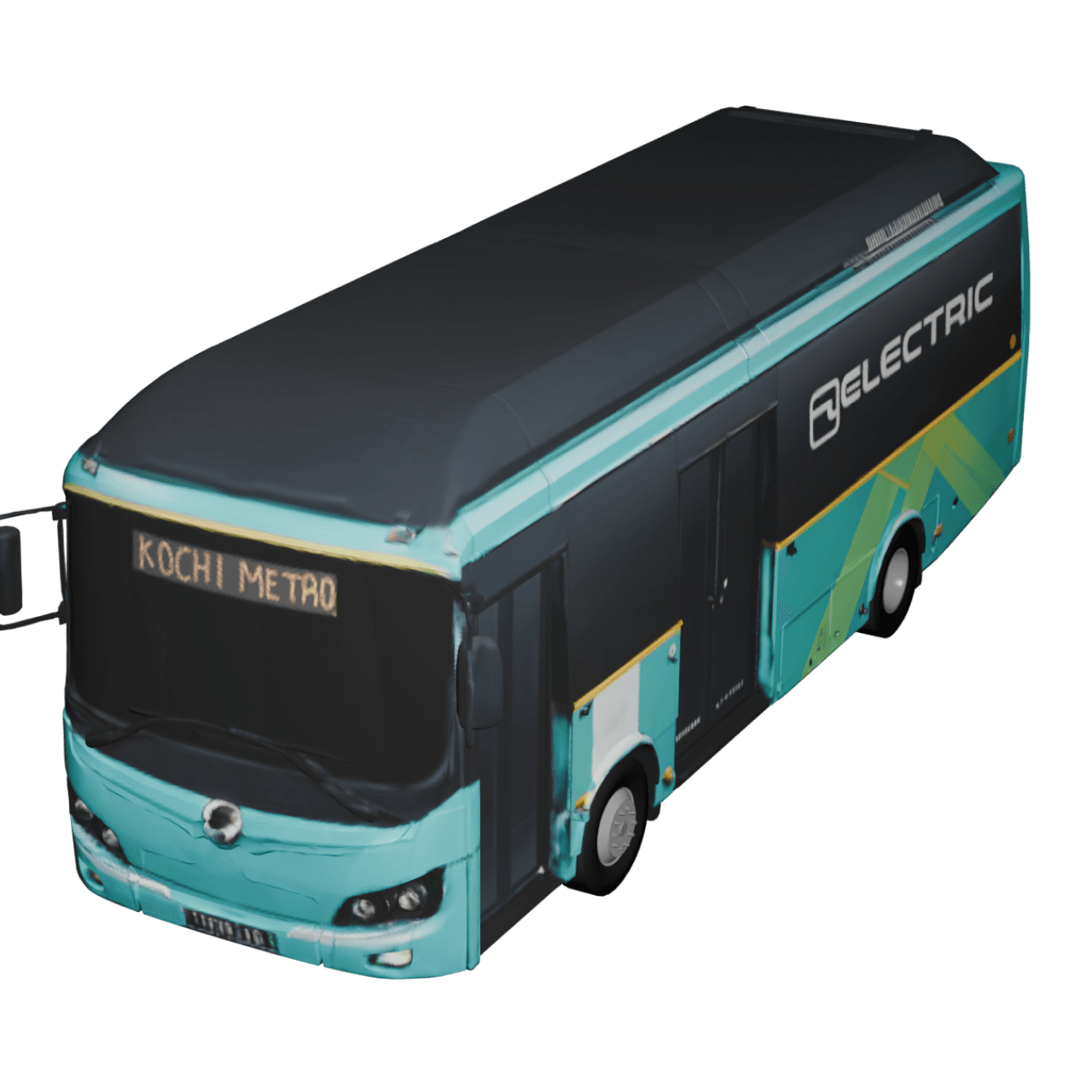
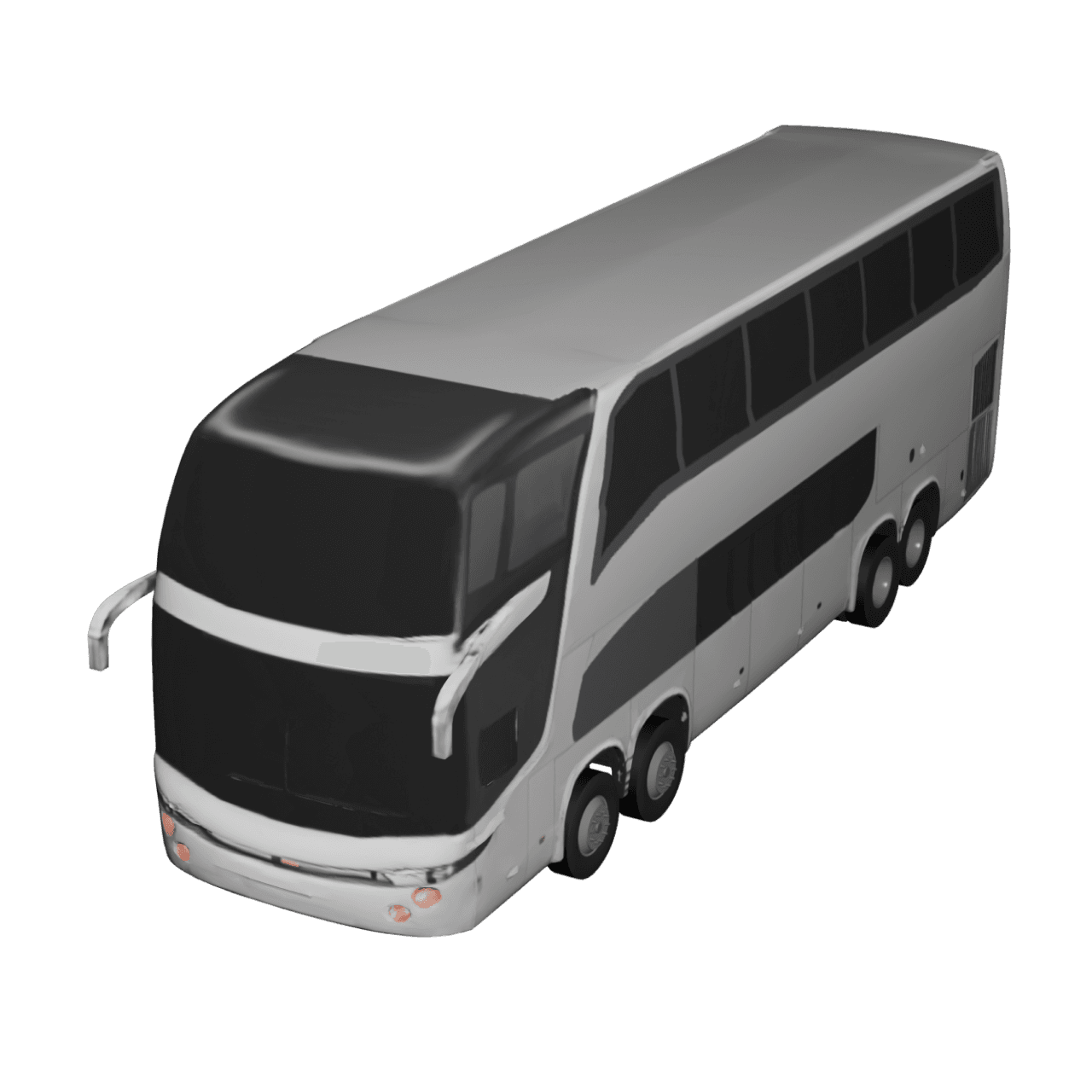
- Select a bus model that matches your journey: intercity, local, or long-distance. Follow the same process for each stop or destination you need.
- Add and customize images or labels to highlight specific locations in your animation if needed.
- Tap the preview button to watch the full animation and adjust ratio, video duration, model size, map styles, etc. You can also customize the path and place labels from there.
- Once satisfied, export your video in HD or 4K and share it anywhere.
Why Animate a Bus Route Instead of Using Static Maps or Screenshots?
Static maps and screenshots are useful for navigation, but they don’t work well when you want to explain or share a journey. A single screenshot captures only one moment and fails to show how the route actually unfolds. It doesn’t communicate direction, movement, or progression, making long or multi-stop bus journeys harder to follow and less engaging for viewers.
A bus route animation, on the other hand, visually tells the story of the journey from start to finish. Viewers can clearly see where the bus travels, how it moves through cities or regions, and how different stops connect along the way. The movement adds clarity and makes even complex routes easy to follow without explanation.
If your goal is to share a bus trip on social media, explain a route to passengers, or document a journey for storytelling or presentation, an animated bus route map is far more effective than a static image. It turns a simple route into a visual experience that feels informative, engaging, and easy to understand.
Common Use Cases for Bus Route Animations
Bus travel map animations are useful in many real-world situations.
- Personal travel recaps can visually show your intercity or interstate bus journey, helping you relive the route and share it clearly with others.
- Backpackers and budget travelers can highlight long-distance bus routes between destinations, making their journeys easier to understand and more engaging to watch.
- Daily or regional passengers can explain repeated travel paths in a simple animated format, making routine routes clearer and more visual.
- Educational creators can demonstrate geographic, cultural, or historical bus routes in a way that is easier for viewers to follow than static maps.
- Travel agencies and tour operators can present bus itineraries visually, helping customers quickly understand routes, stops, and travel flow.
- Content creators can share animated bus journeys on platforms like Instagram, YouTube, and Shorts to make their travel content more dynamic and engaging.
Common Mistakes Users Make When Creating Bus Route Animations
- Overcrowding the map with too many stops at once
- Using the wrong ratio for social platforms
- Skipping preview, leading to rushed animations
- Choosing low-contrast colors that blend into the map
- Avoid personalization by not using text or images
Bring Your Bus Journeys to Life with TravelAnimator
Bus trips often cover long distances, multiple cities, and meaningful transitions. Turning those journeys into animated maps makes them easier to understand, more engaging to watch, and more memorable to share. With TravelAnimator, creating a bus travel map animation is simple, fast, and accessible with no technical skills required. Whether you’re sharing a personal journey or explaining a route professionally, animated bus maps help your story engage and fulfill your purpose.
Download the TravelAnimator app from the App Store or Play Store, start animating your bus journeys, and turn every road trip into a visual story worth watching.
Frequently Asked Questions
What Is a Bus Travel Map Animation in TravelAnimator?
A bus travel map animation is a visual representation of a bus journey shown on a map, with the bus’s movement. Instead of a static image, the route animates from the starting point to the destination, clearly showing the bus’s path.
How do I create Bus Travel Map Animation?
Open TravelAnimator and start a new animation. Add your starting point and destination using location search, coordinates, GPX file upload, or Google Maps link. You can also add multiple stops to represent breaks, cities, or transfer points. Long-press on a stop, then tap Change model from the options to open the model menu. Select a bus model that matches your journey: intercity, local, or long-distance. Follow the same process for each stop or destination you need. Add and customize images or labels to highlight specific locations in your animation if needed. Tap the preview button to watch the full animation and adjust ratio, video duration, model size, map styles, etc. You can also customize the path and place labels from there. Once satisfied, export your video in HD or 4K and share it anywhere. Explore the Complete Guide to Using the Travel Animator App
Why Animate a Bus Route Instead of Using Static Maps or Screenshots?
Static maps and screenshots are useful for navigation, but they don’t work well when you want to explain or share a journey. A single screenshot captures only one moment and fails to show how the route actually unfolds.