How to Create a Landscape-Oriented Animation in Travel Animator
 Jaseel S3 min read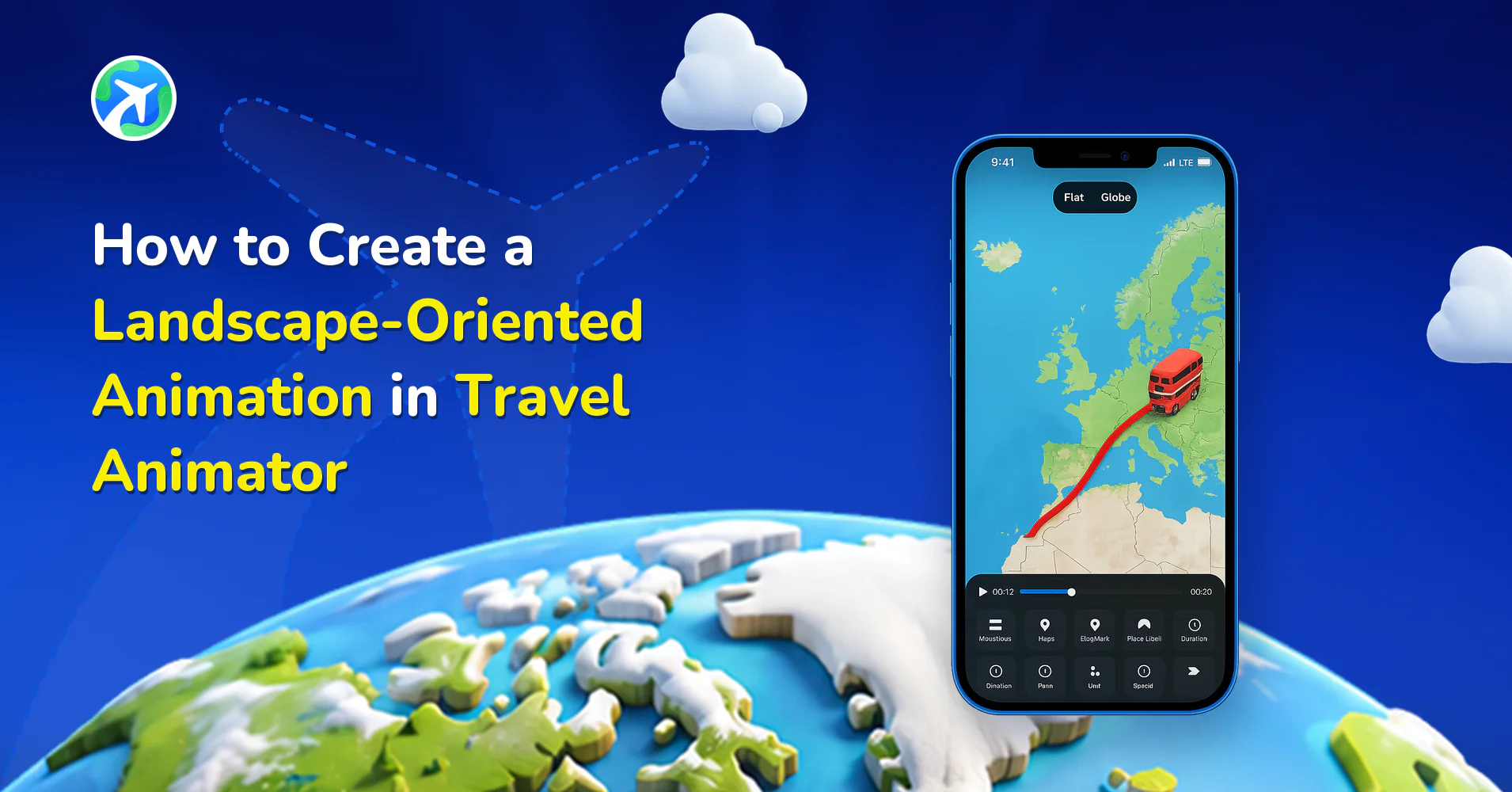
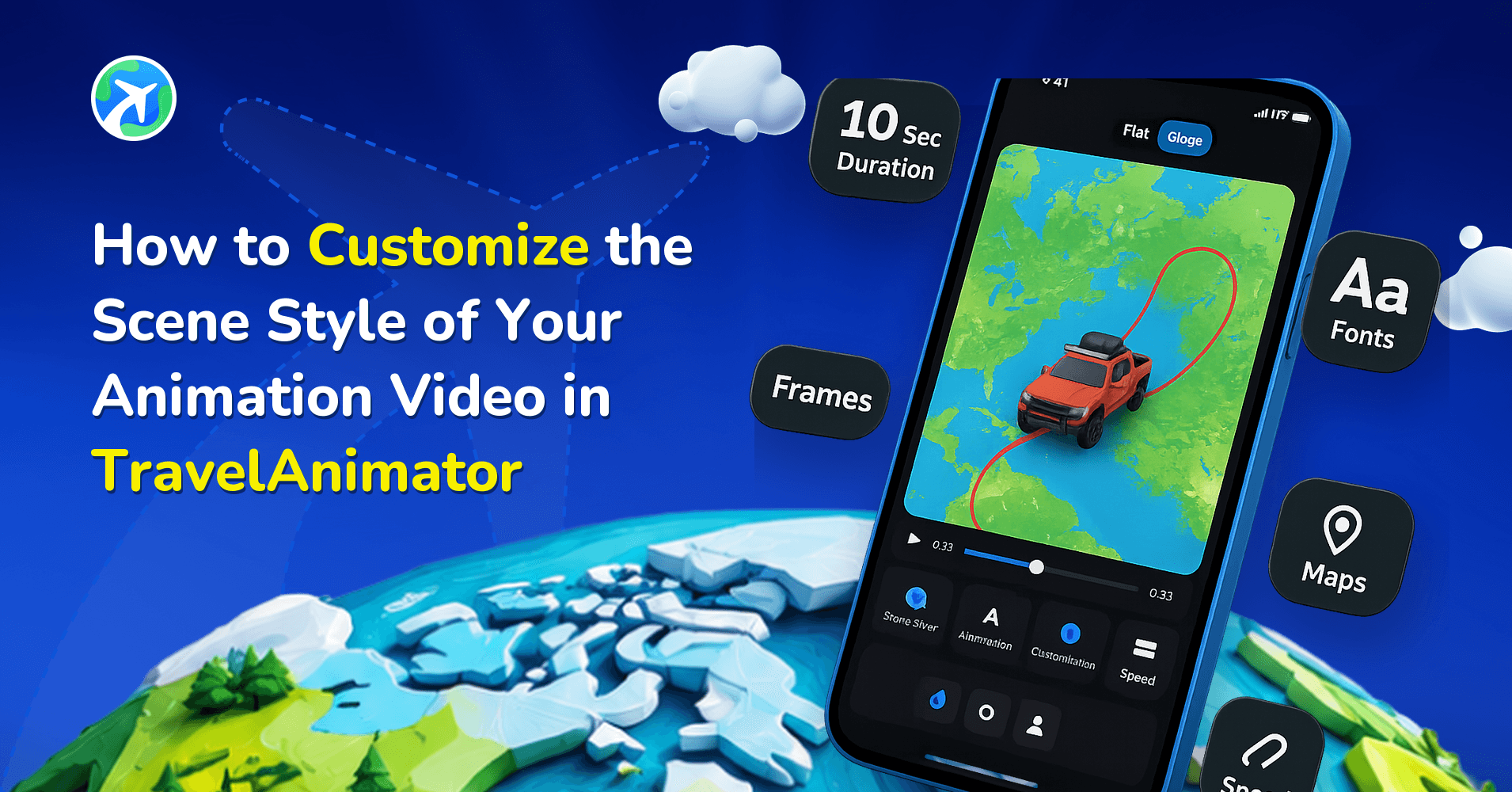
Travel Animator offers you landscape-oriented videos to create stunning, widescreen travel stories that are ideal for YouTube and large-screen presentations.
Whether you’re preparing a cinematic travel vlog, a professional presentation, or simply want to showcase your journey on a big screen, the way your animation is framed makes all the difference. A well-chosen orientation not only enhances the viewing experience but also ensures your story is delivered in the most impactful way.
In this blog, we will explain how to create a landscape animation in Travel Animator and some use cases of landscape travel animation videos.
What Is a Landscape-Oriented Animation?
Landscape-oriented animations are created in a 16:9 ratio, which means the video is wider than it is tall. This format is the global standard format for most screens, like TVs, projectors, computer monitors, and platforms like YouTube. It gives your travel stories a cinematic, professional appearance that feels natural to watch.
Landscape animations truly stand out when used for big-screen viewing, cinematic storytelling, and longer travel routes. Suppose you’re creating a documentary-style video that showcases a journey through different countries, or preparing a presentation for a broad audience. In that case, the landscape format ensures your routes and visuals appear attractive and visually appealing.
How to Create a Landscape Animation in Travel Animator (Step-by-Step)
- Open the Travel Animator app and start creating your animation video.
- Add destinations, stops, images, and labels to outline the route.
- Preview the video and tap on the ratio in the top center of the screen.
- Change the default ratio to 16:9, which is the landscape orientation, in Travel Animator.
- Adjust other elements, such as model size, video duration, and maps, on the page.
- After setting up the video, export it into HD or 4K quality.
Best Use Cases for Landscape Animations Using Travel Animator
- YouTube is built for wide-screen viewing, and the 16:9 ratio ensures your travel animation videos fit perfectly without black borders or cropping.
- For creators seeking to craft narratives that feel cinematic and engaging, landscape orientation is crucial. Whether a documentary on hiking trails, international road trips, or cultural exploration, the wider view helps capture the scope and detail of your journey.
- Businesses, tourism boards, and travel agencies often present their content on widescreens or projectors to display perfectly during pitches, conferences, or marketing events, enhancing credibility and engagement.
- If your travel animations are created for television broadcast or large-screen displays, the landscape orientation guarantees the highest compatibility.
- For personal keepsakes, such as family trips, vacations, or heritage journeys, landscape videos are an ideal choice. They’re easy to play on TVs, laptops, or home projectors, perfect for family gatherings to share memories.
Tips for Making the Most of Landscape Format
- Use longer routes and multiple points to maximize the movement.
- Choose the best map styles that look best in widescreen.
- Export your animation video in 4K quality if your purpose is to view it on a big screen.
- Keep the text short to avoid conjunction between routes.
Is Landscape the Right Choice for You?
Landscape format fits naturally on YouTube, TV screens, projectors, and professional presentations, making your routes feel bigger, clearer, and more cinematic. If you’re working on long journeys, storytelling edits, or content meant for widescreen viewing, landscape ensures your animations look perfect. So, next time you create using Travel Animator, switch to landscape and give your travel story a widescreen stage.