나만의 맞춤형 3D 모델 만들기나만의
나만의
여행 경로를
몇 초 만에 애니메이션으로
몇 번의 탭으로 여행을 움직이는 지도 영상으로 만드세요. 30개 이상의 지도 스타일, 300개 이상의 3D 모델, HD/4K 내보내기. iOS와 Android에서 무료, 편집 실력은 필요 없습니다.


1,000,000+ 다운로드 4.6 평균 평점

Travel Animator란?
Travel Animator는 모든 여행을 움직이는 경로 영상으로 바꿔 주는 iOS 및 Android용 여행 지도 애니메이션 앱입니다. Travel Animator는 경유지를 30+가지 지도 스타일에 배치하고, 300+개의 3D 차량 모델 중 하나로 경로를 애니메이션하며, 완성된 영상을 HD 또는 4K로 내보냅니다 — Instagram Reels, TikTok, YouTube Shorts에 맞는 크기로.
하나의 경로, 필요한 모든 도구.
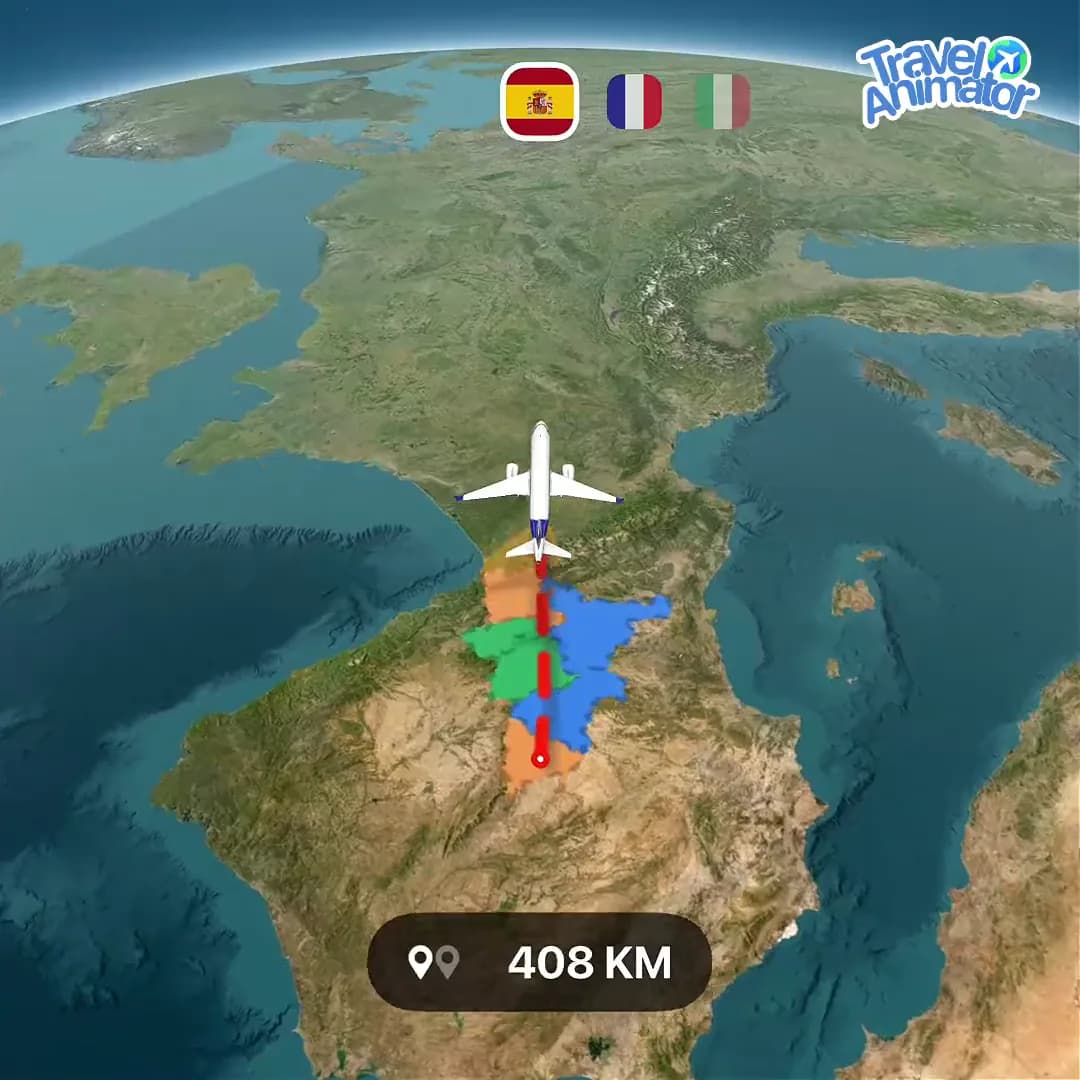
비행 경로를 따라가 보세요 — 모든 정거장이 여행 지도를 생생하게 만드는 기능입니다.
01
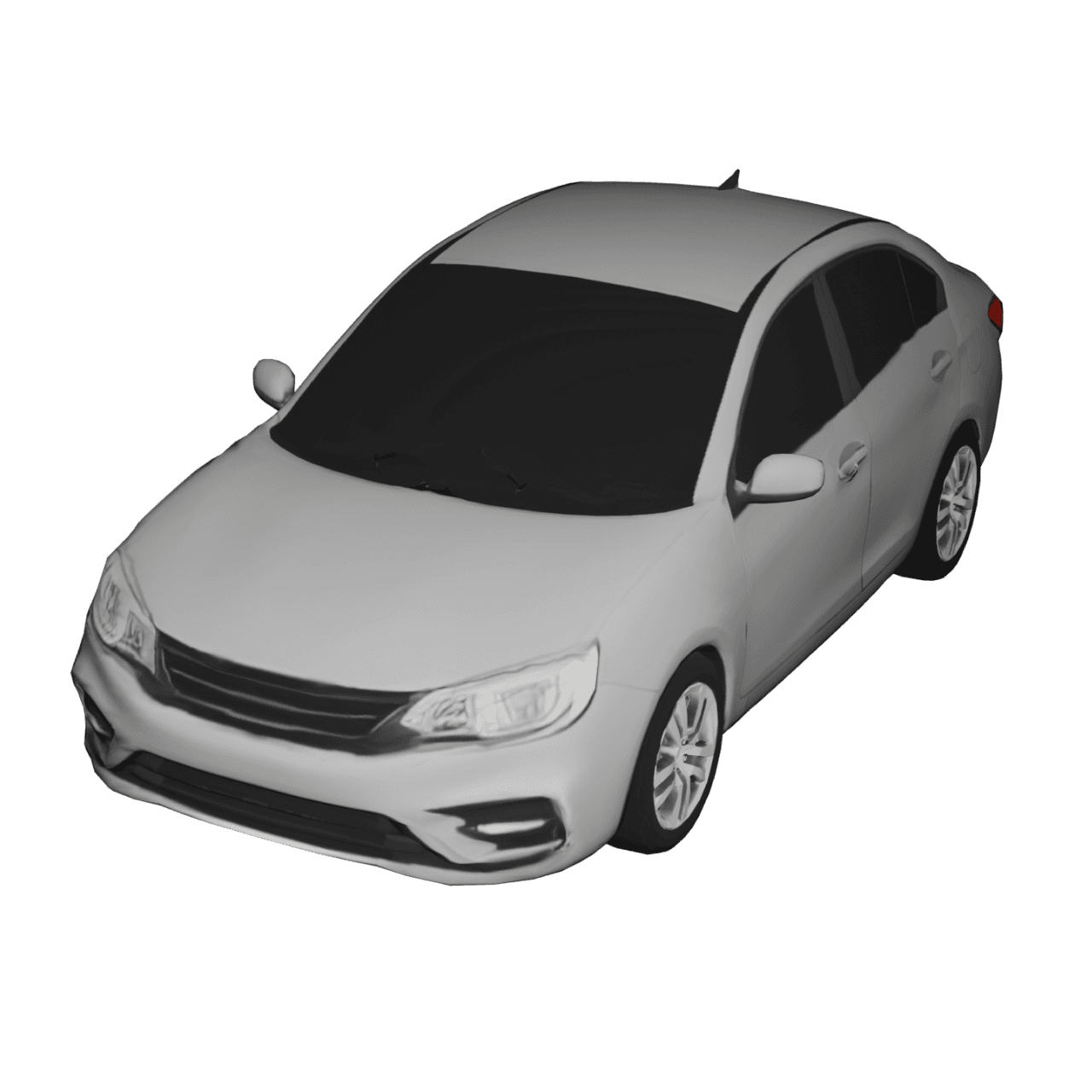
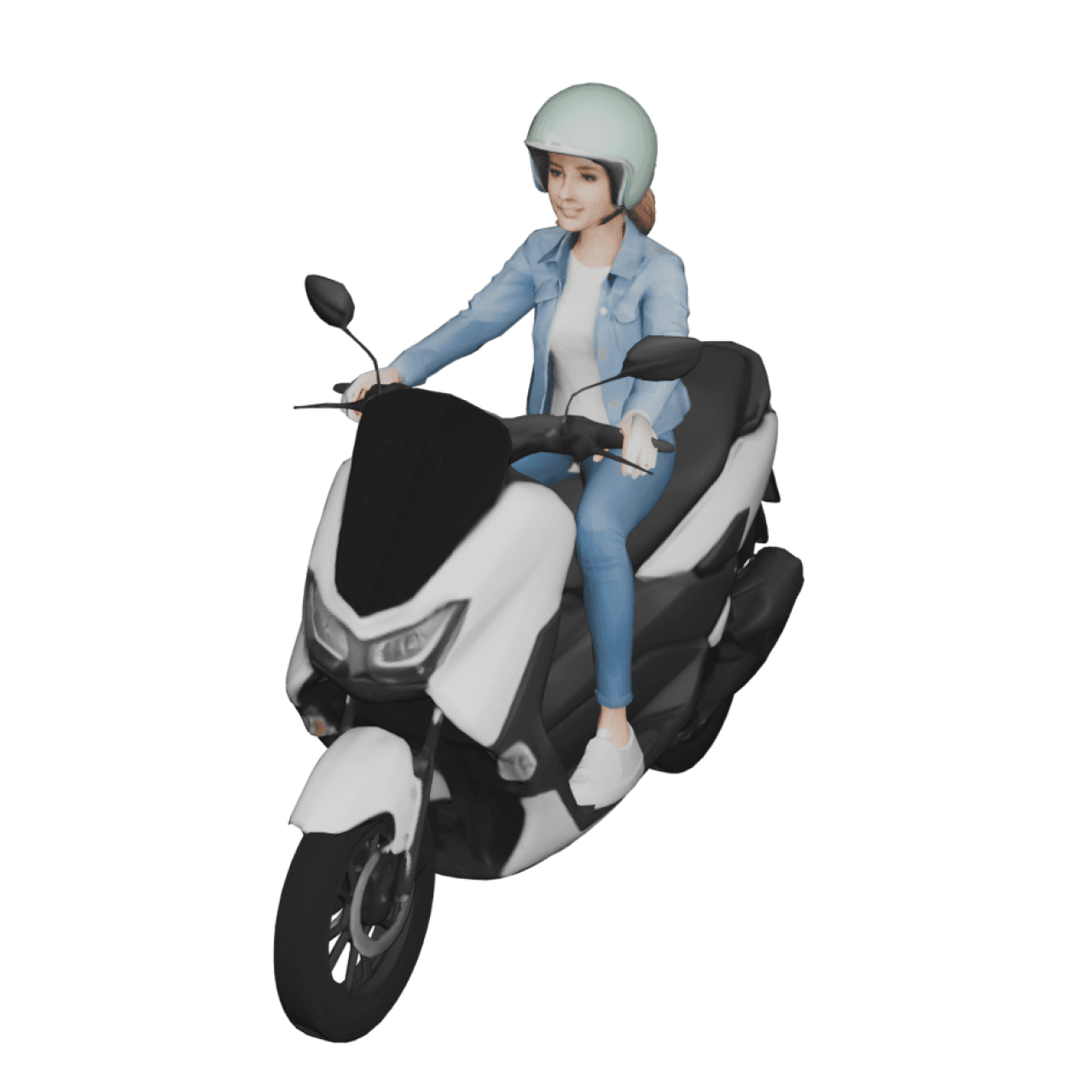
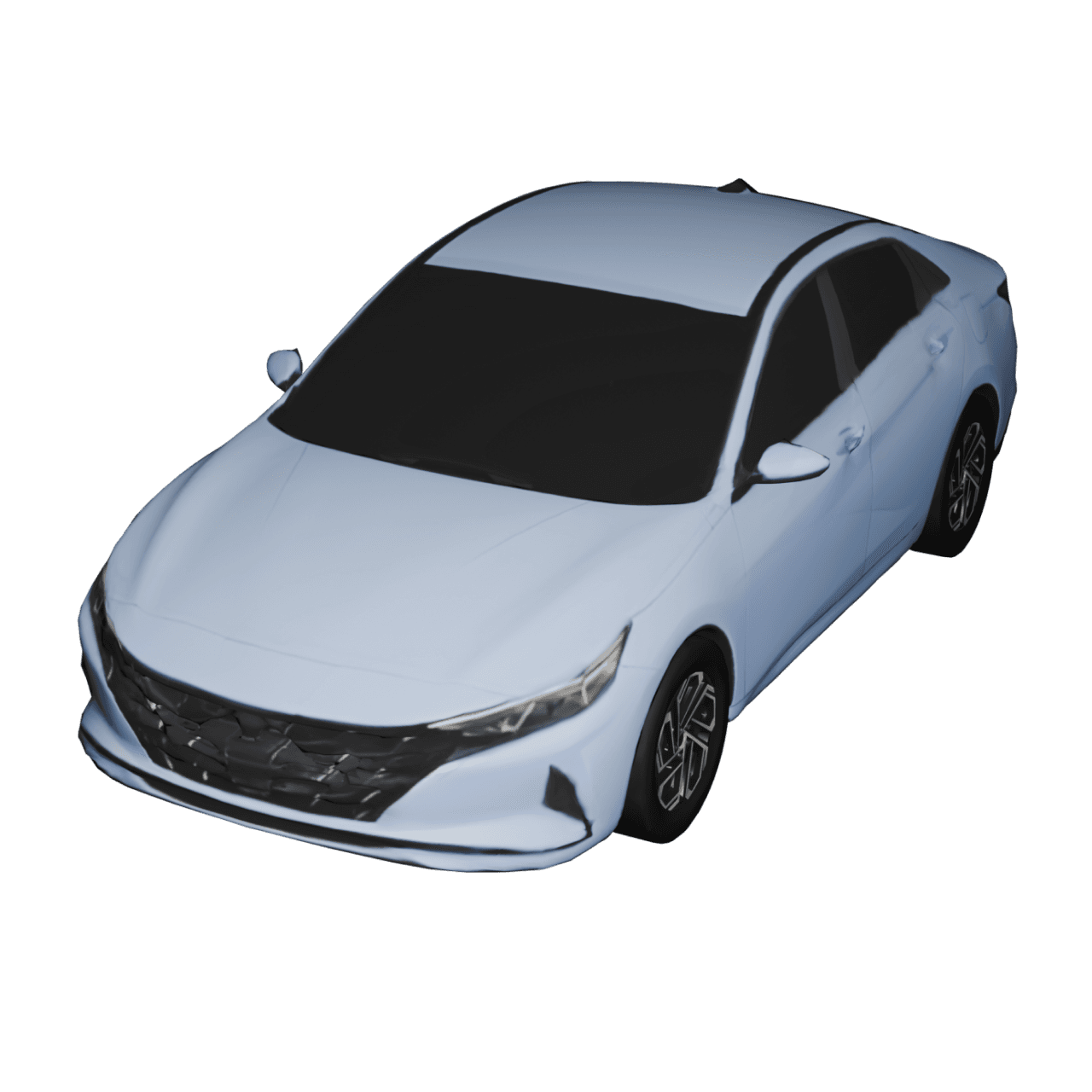
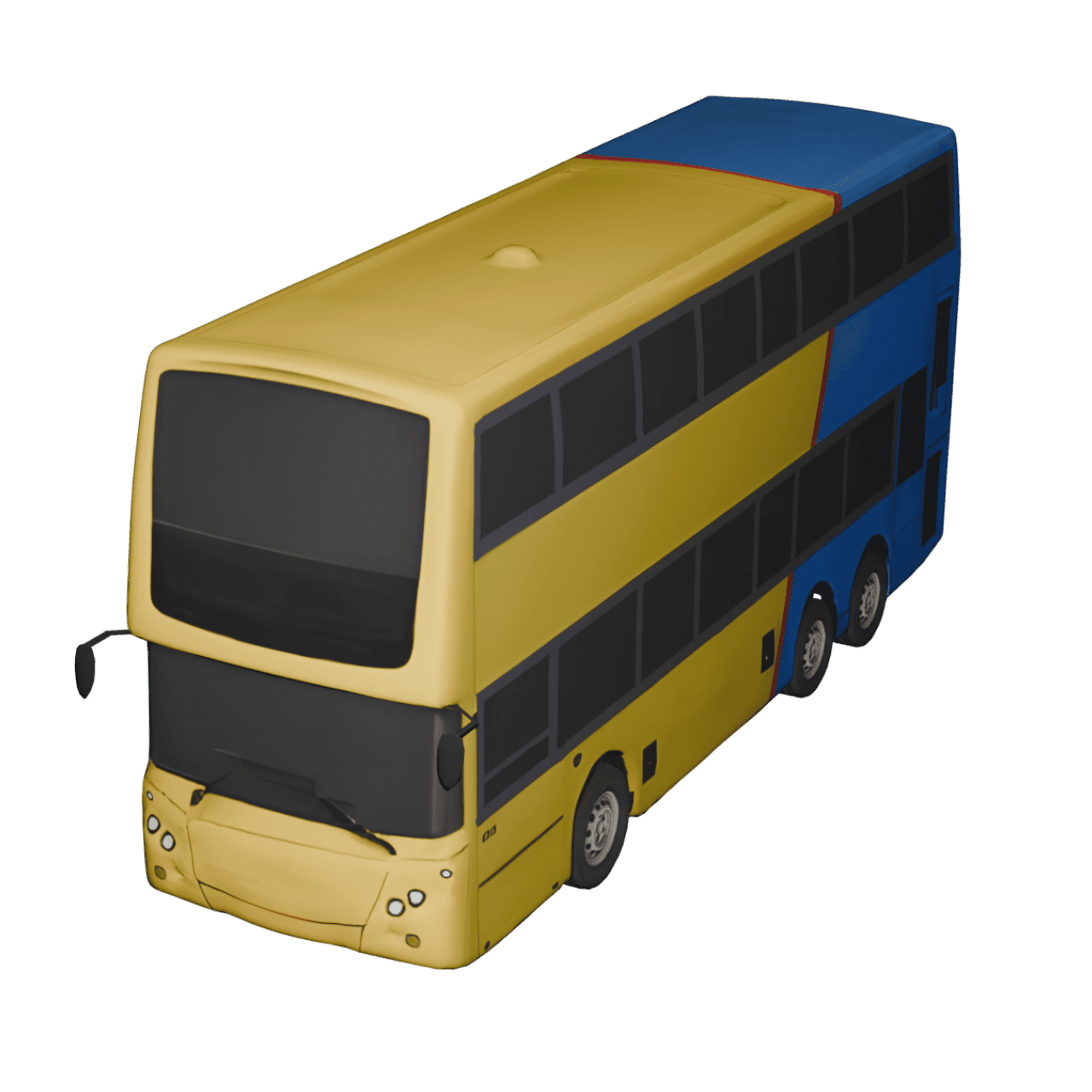
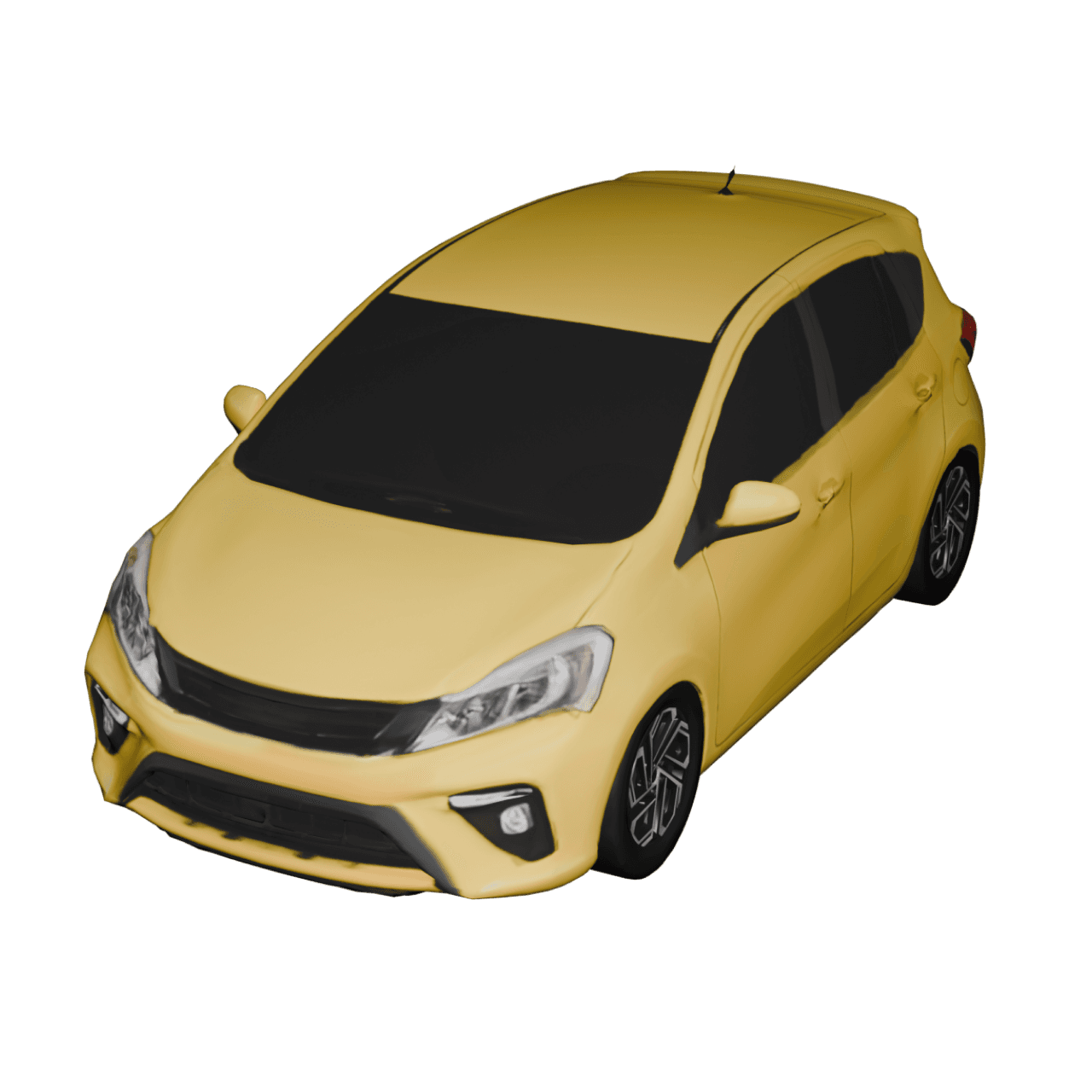
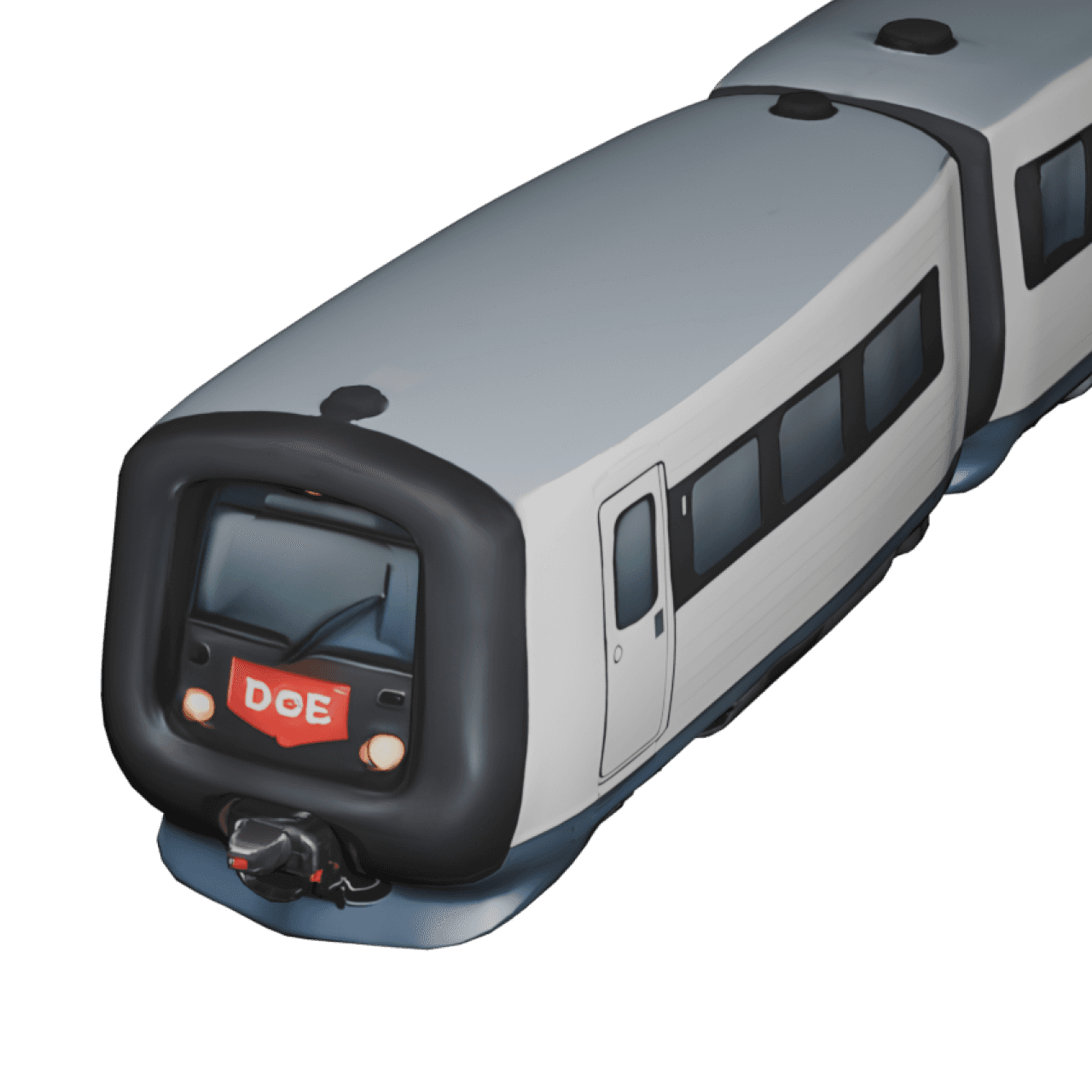
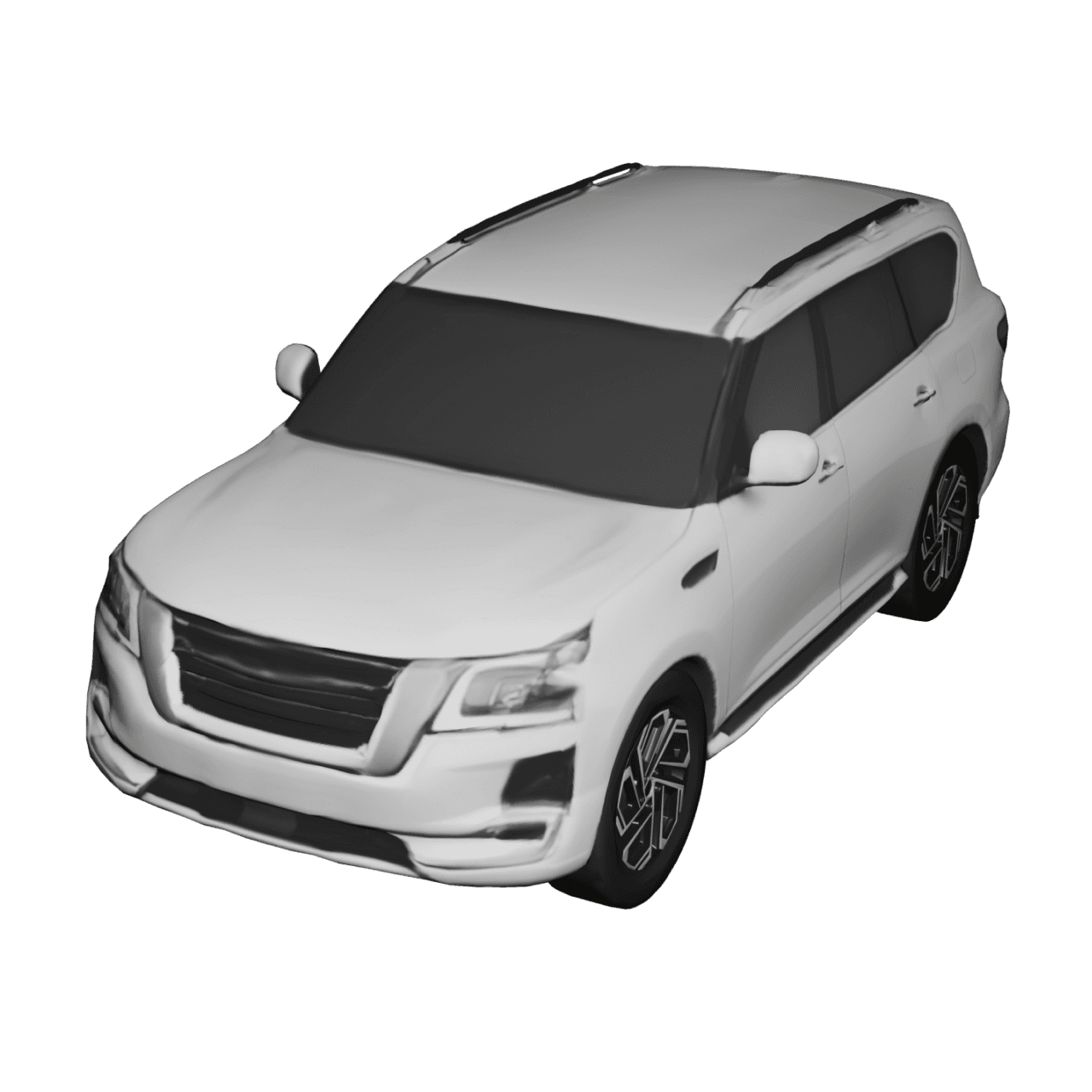
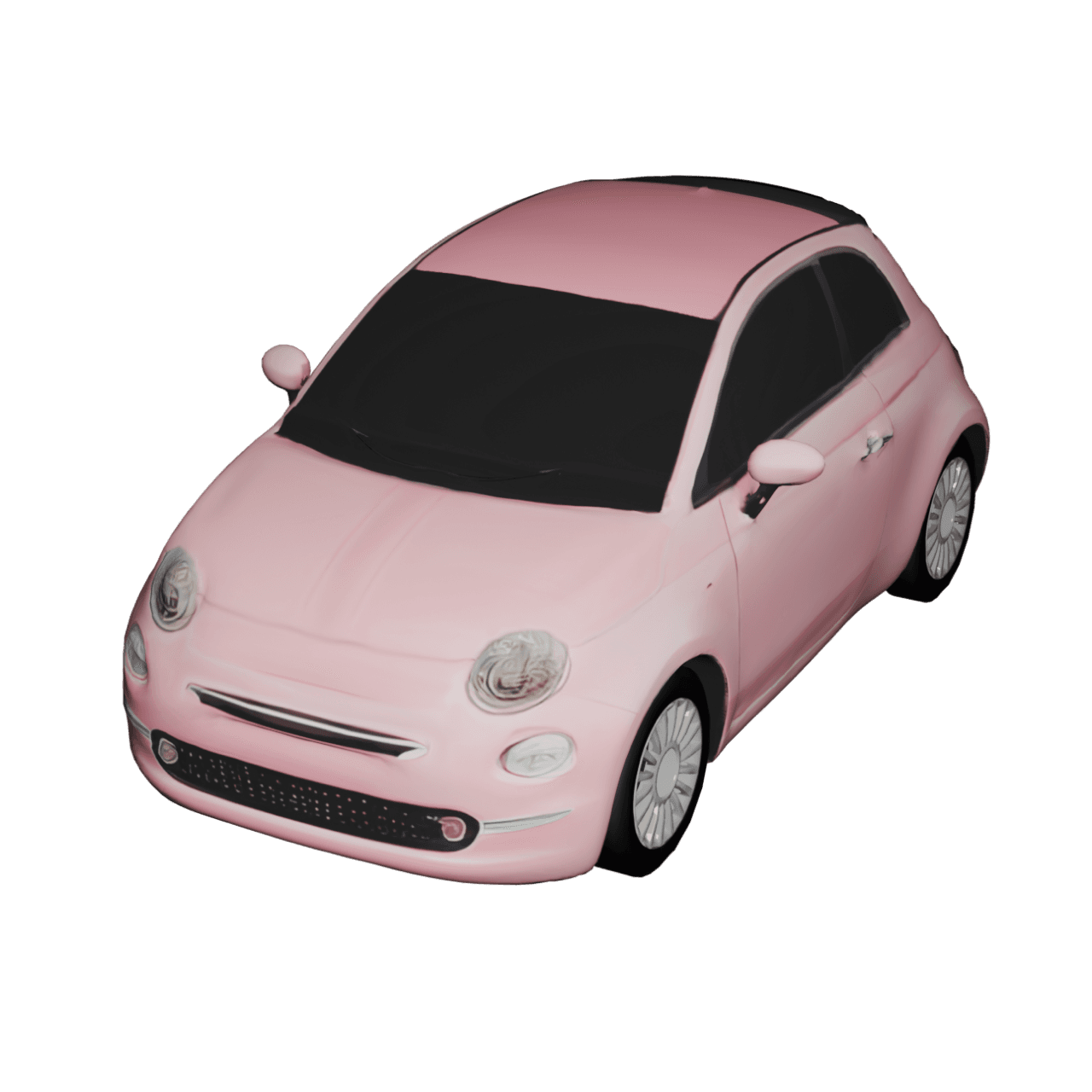
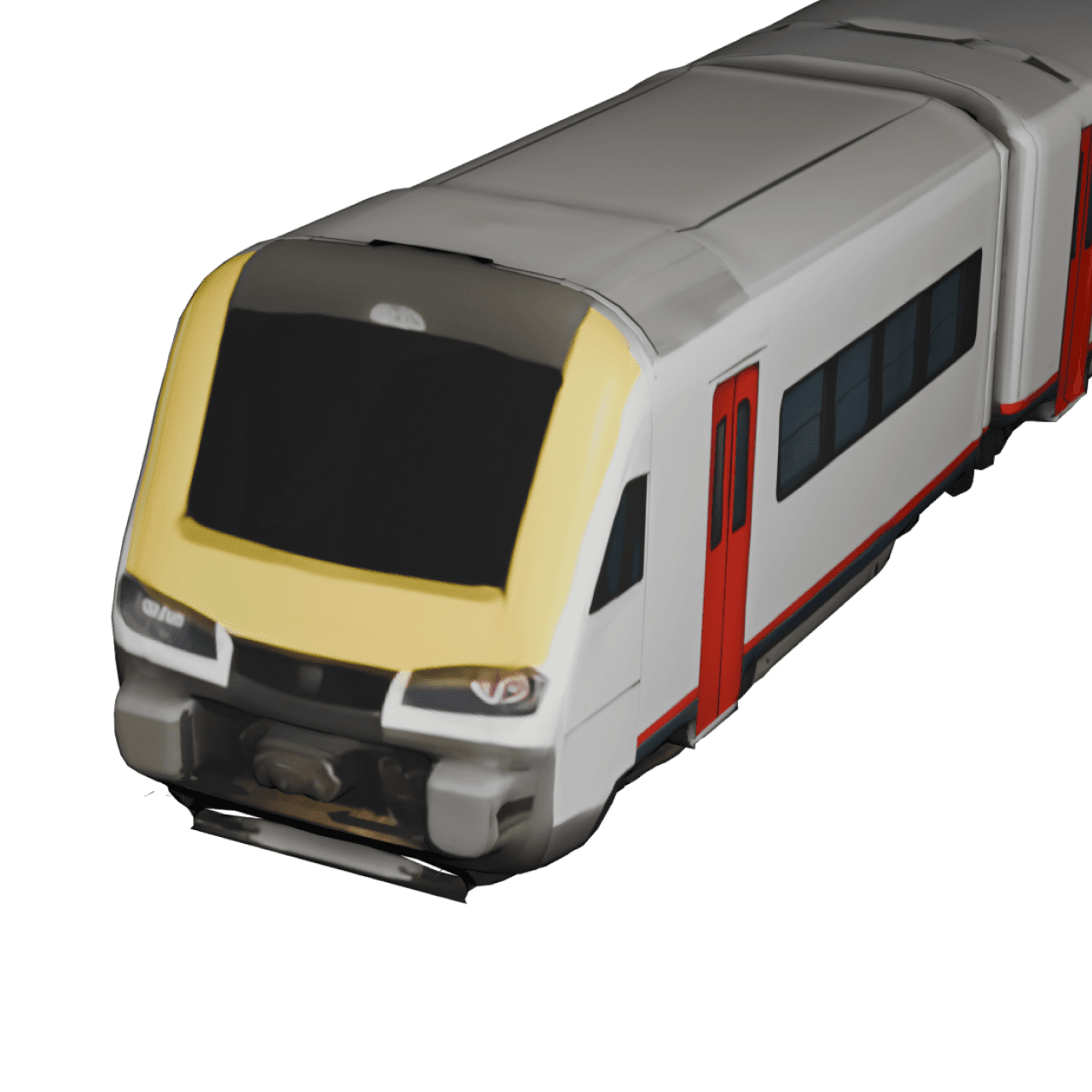
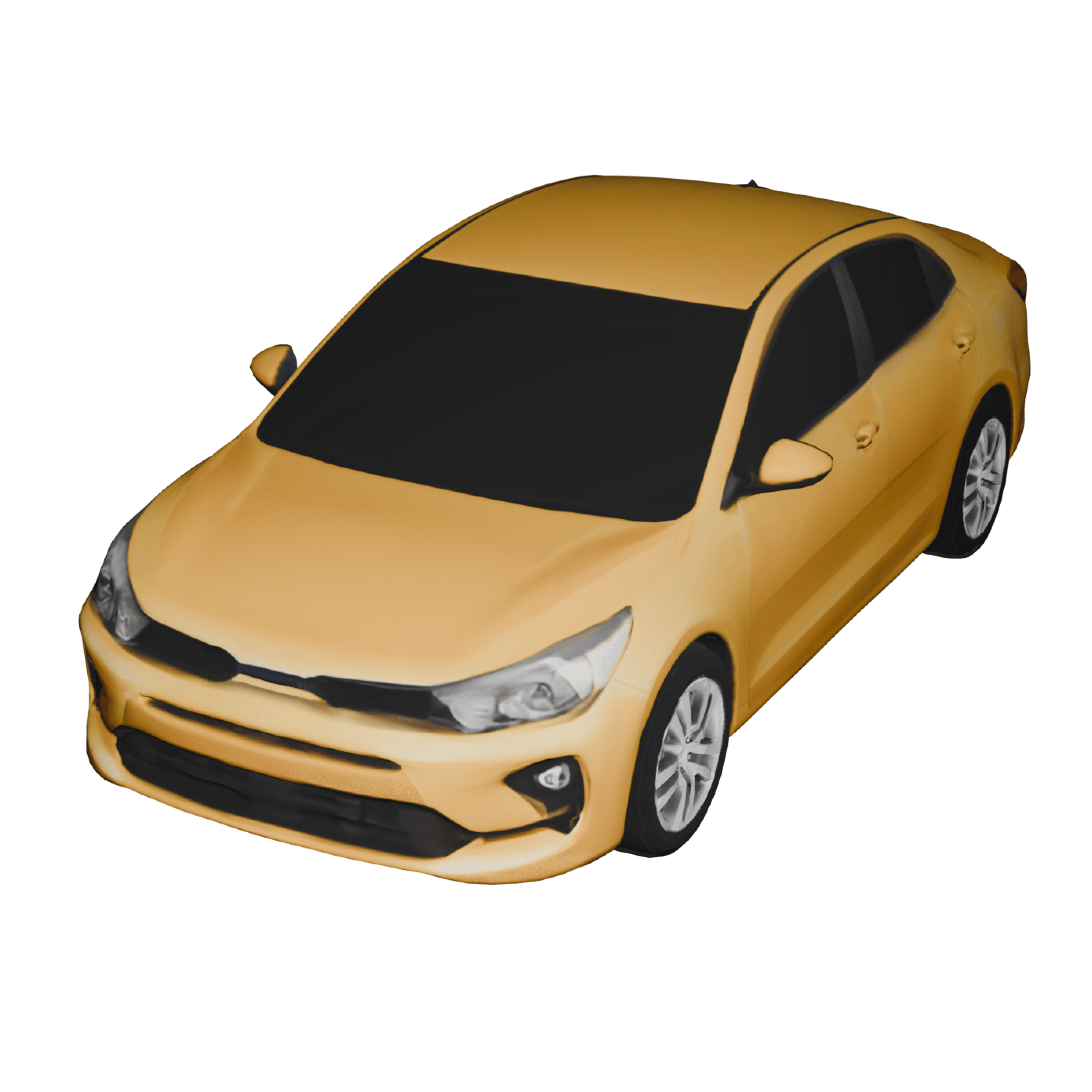
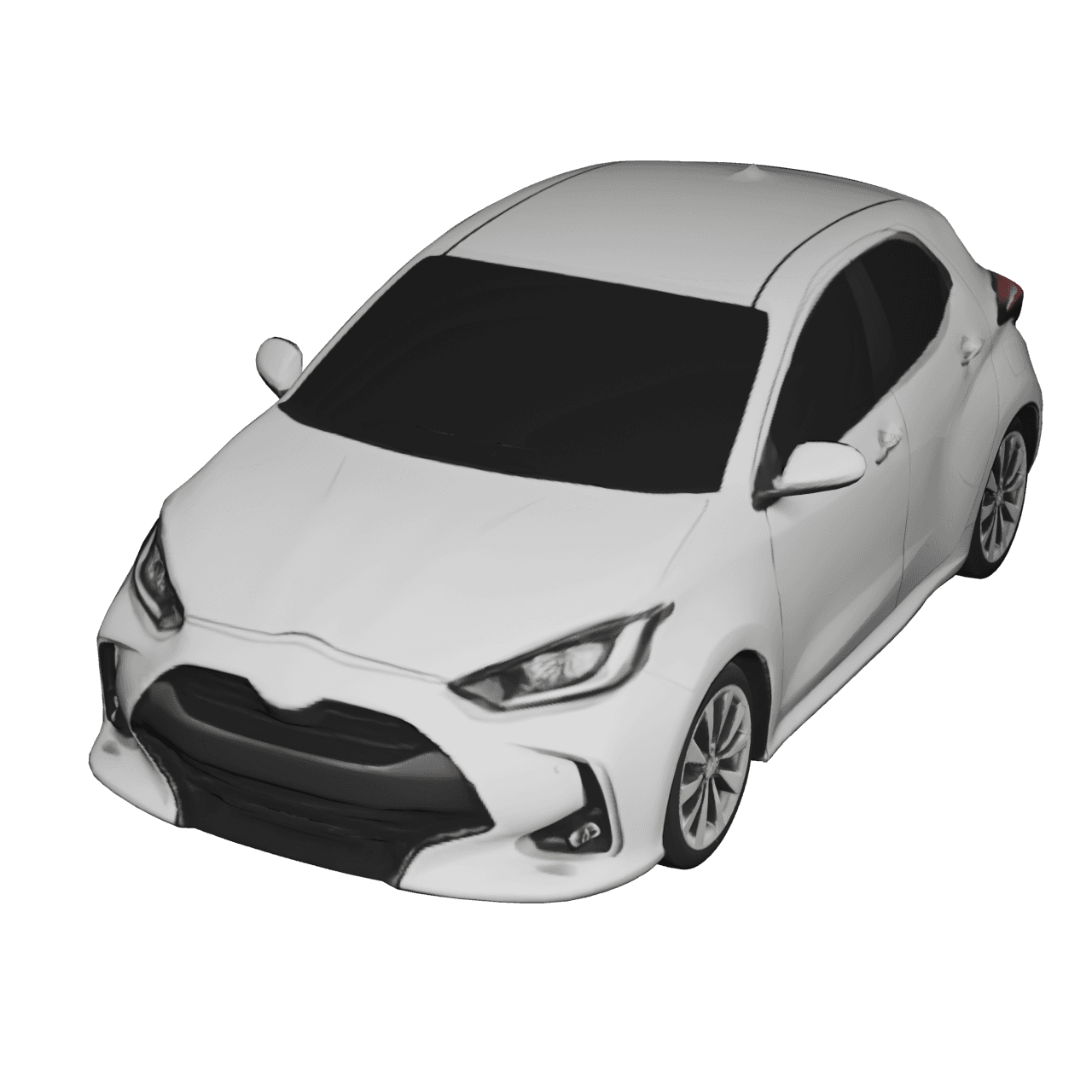
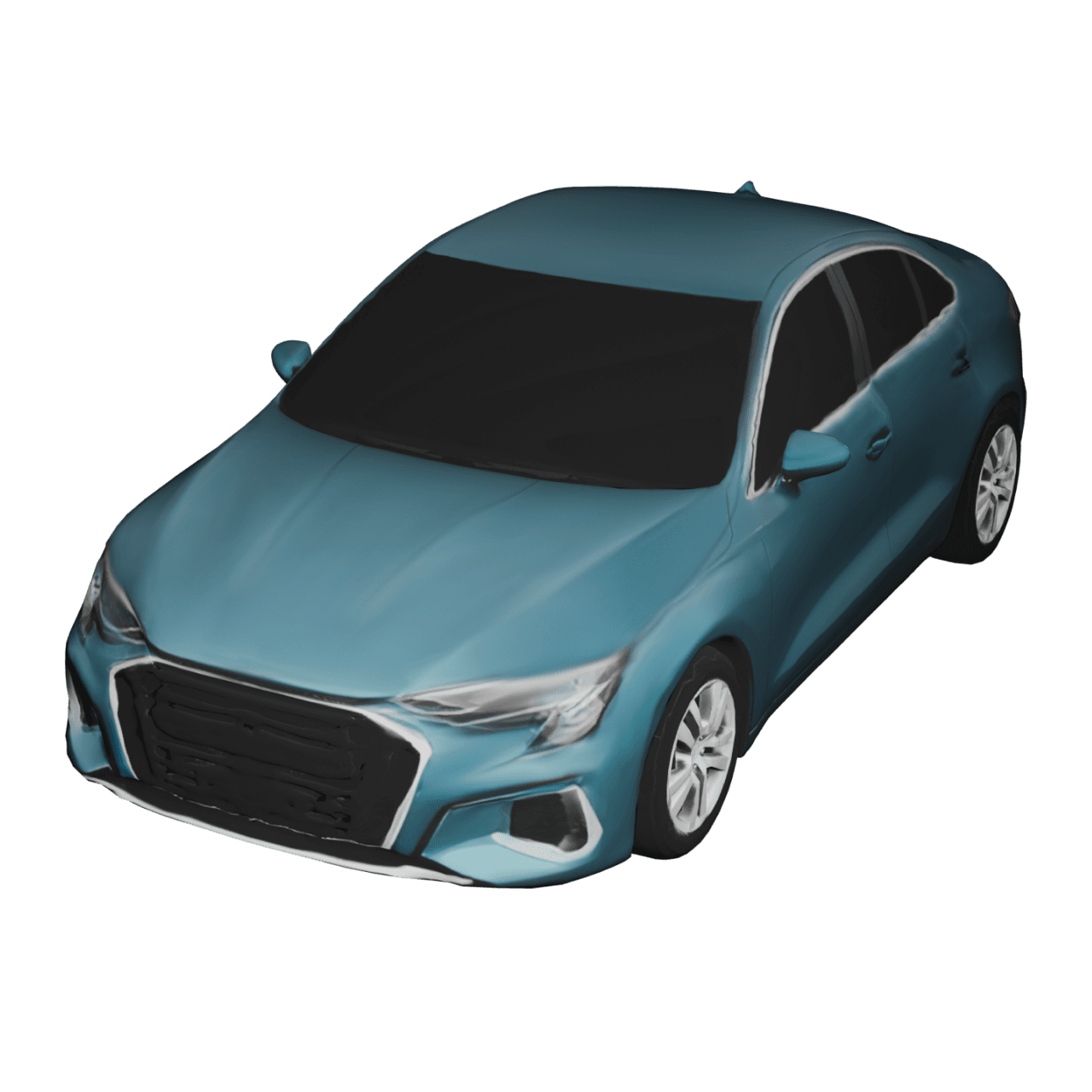
300+ 3D 모델
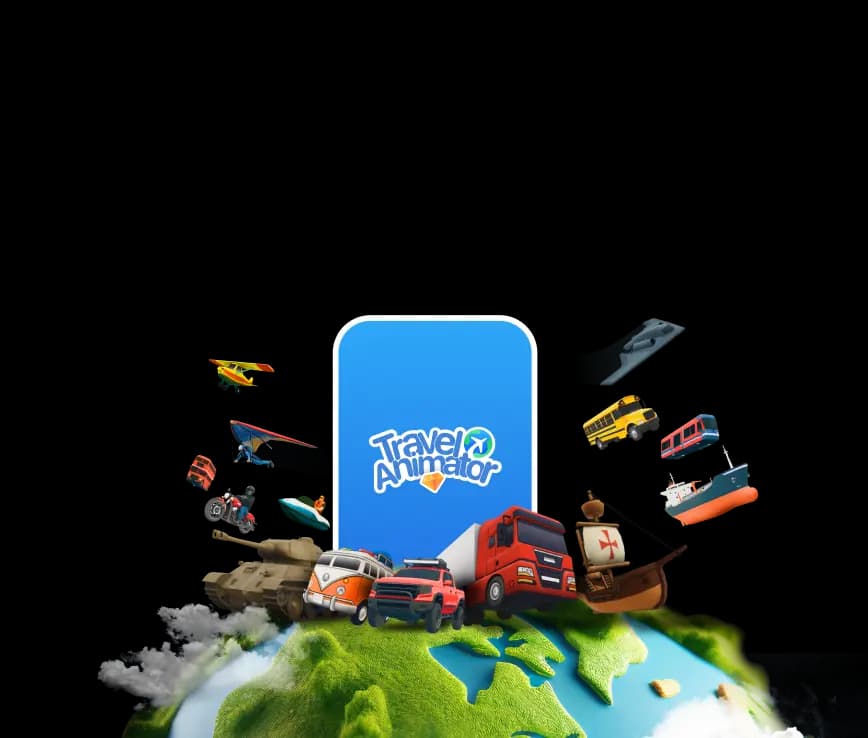
자동차, 비행기, 기차, 보트 등을 골라 모든 경로를 생생하게 만들어 보세요.










02
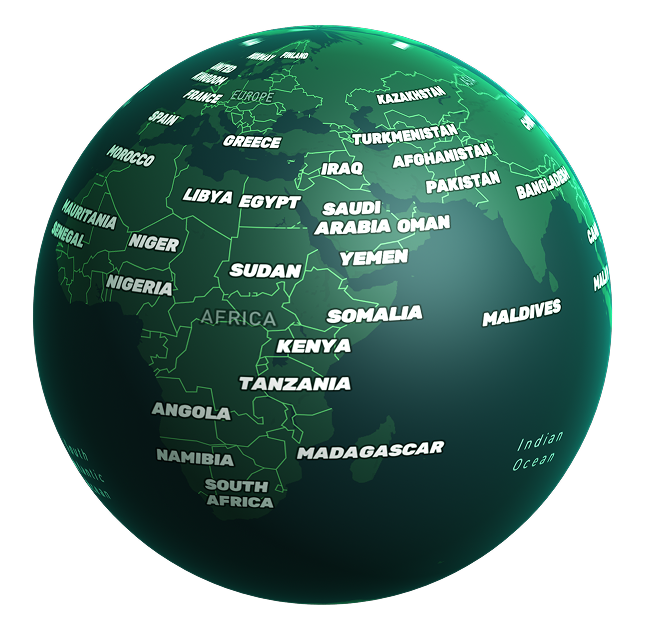
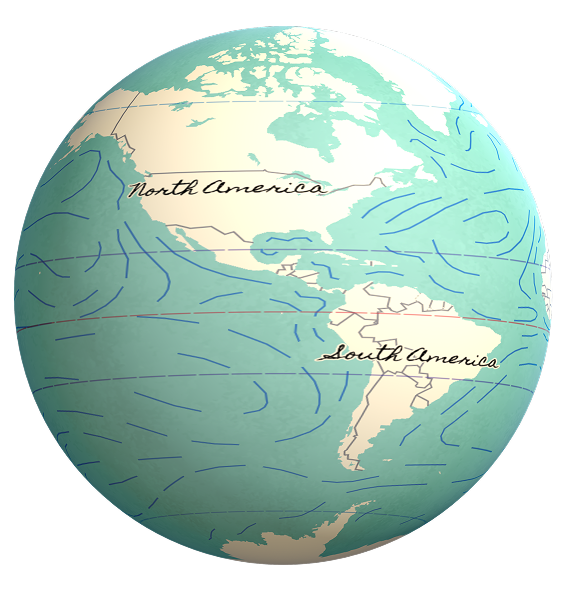
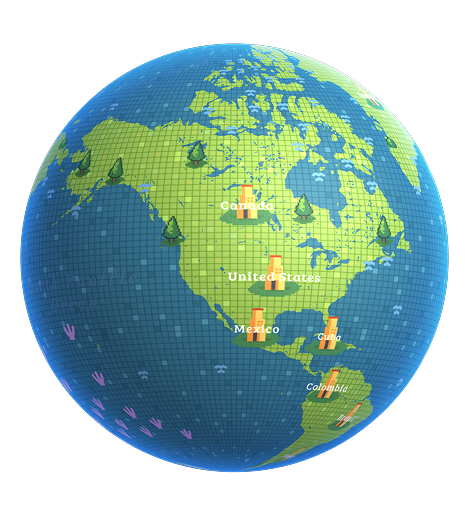
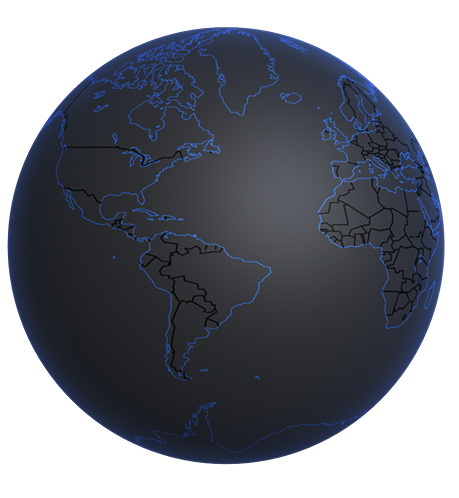
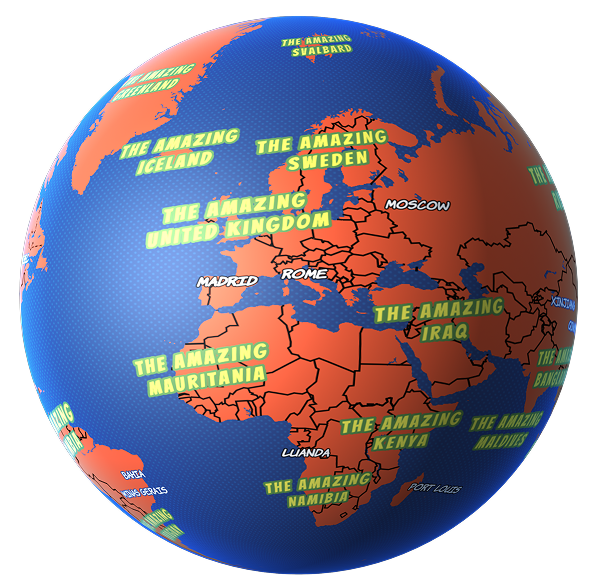
30+ 지도 스타일로 개인화하세요





03
80+ 드롭다운 모델
유명한 기념물, 랜드마크, 명소를 지도에 배치하세요 — 각 장소의 3D 모델이 경로를 따라 바로 나타납니다.
파리 · 아그라 · 리우 · 외 80+ 곳04
나만의 아바타 추가
사진을 업로드하고 나만의 아바타로 함께 여행하세요 — 여정 내내 당신의 얼굴이 함께합니다.


05
GPX 경로 가져오기
GPX 파일을 업로드하면 실제 이동 경로가 지도에 즉시 표시됩니다.

06
Google Maps에서 경로 그리기
원하는 장소를 검색하고 Google Maps에서 바로 지점별로 여정을 그려 보세요.

07
4K 및 HD 영상 내보내기
애니메이션 지도를 선명한 4K 또는 HD로 렌더링하세요 — 어디에나 바로 올릴 수 있습니다.

여행 애니메이션 영상을 몇 가지 간단한 단계로

Travel Animator 튜토리얼 가이드 영상
출발지를 추가하세요
“Add Locations”를 탭하고 출발 지점과 도착 지점을 입력해 여행을 시작하세요.
목적지를 추가하세요
“+”를 탭하고 장소를 입력해 다음 경유지를 추가하세요. 경유지를 계속 더하면 전체 여행 경로가 완성됩니다.
경로를 다듬으세요
지점 사이의 선을 끌어 부드럽고 자연스러운 곡선을 만드세요. 어떤 지점이든 두 번 탭하면 삭제됩니다.
길게 눌러 꾸미세요
지점을 길게 눌러 3D 차량 모델을 지정하고, 여행 사진과 텍스트, 경로에 어울리는 요소를 추가하세요.
애니메이션 지도 영상을 내보내세요
영상을 미리 보고 원하는 대로 손본 다음, 완성된 애니메이션 경로 영상을 HD 또는 4K로 내보내 Instagram Reels, TikTok, YouTube에 바로 공유하세요.
300개 이상의 3D 차량 모델 중 최고를 골라보세요
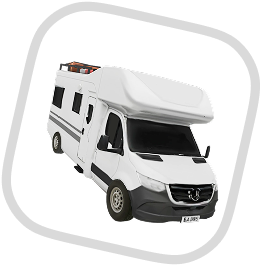
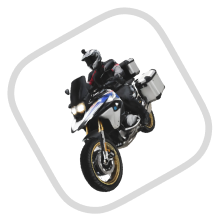
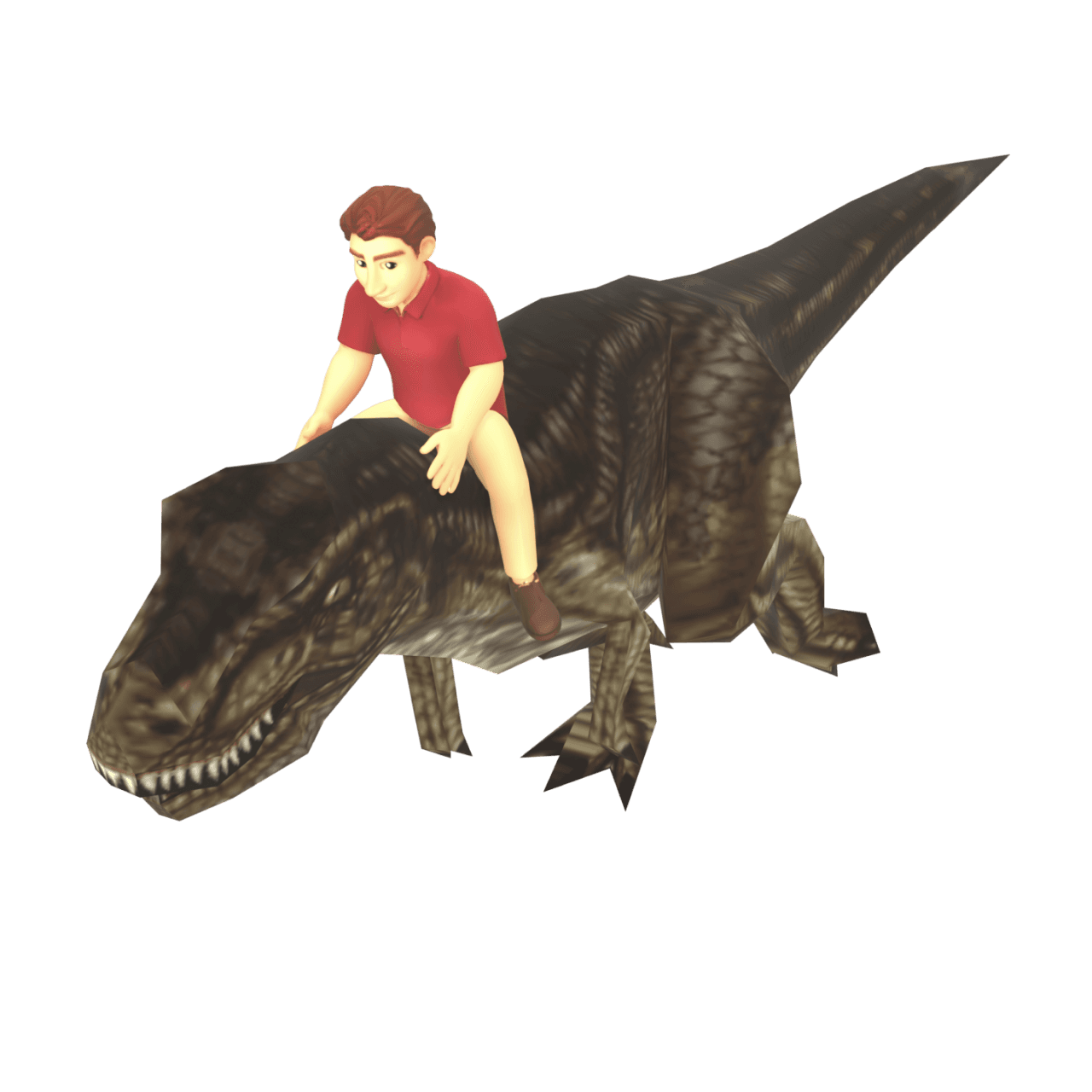
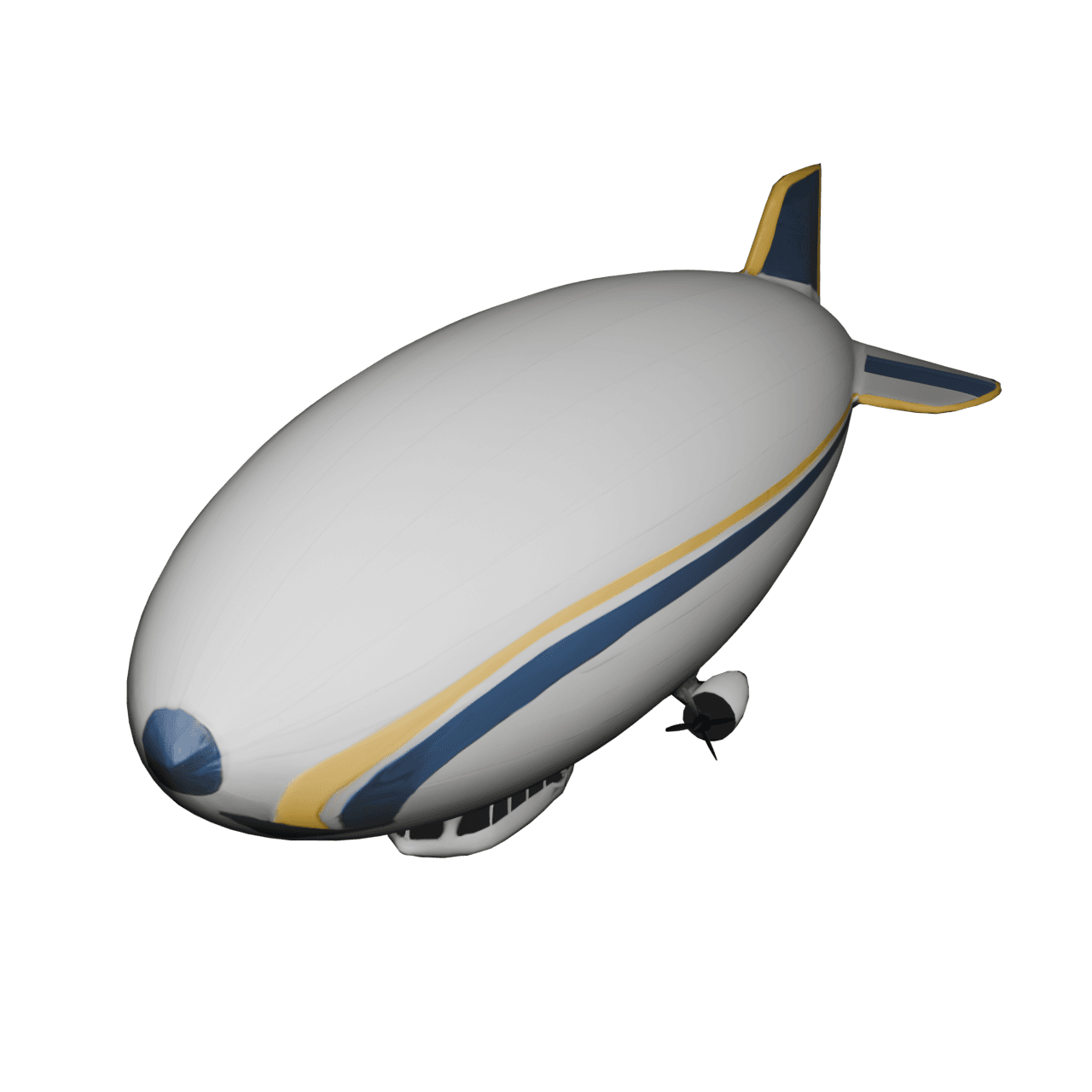
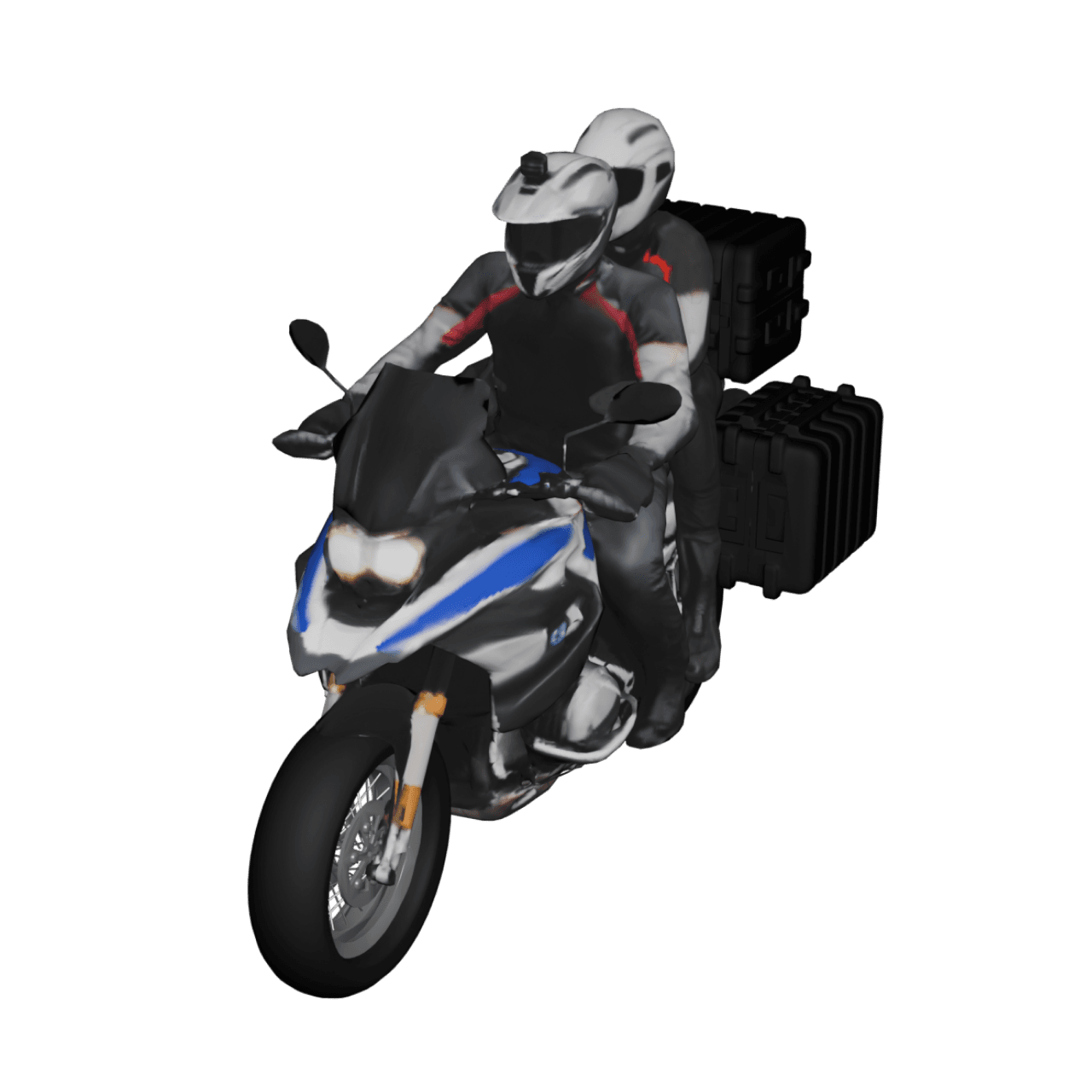
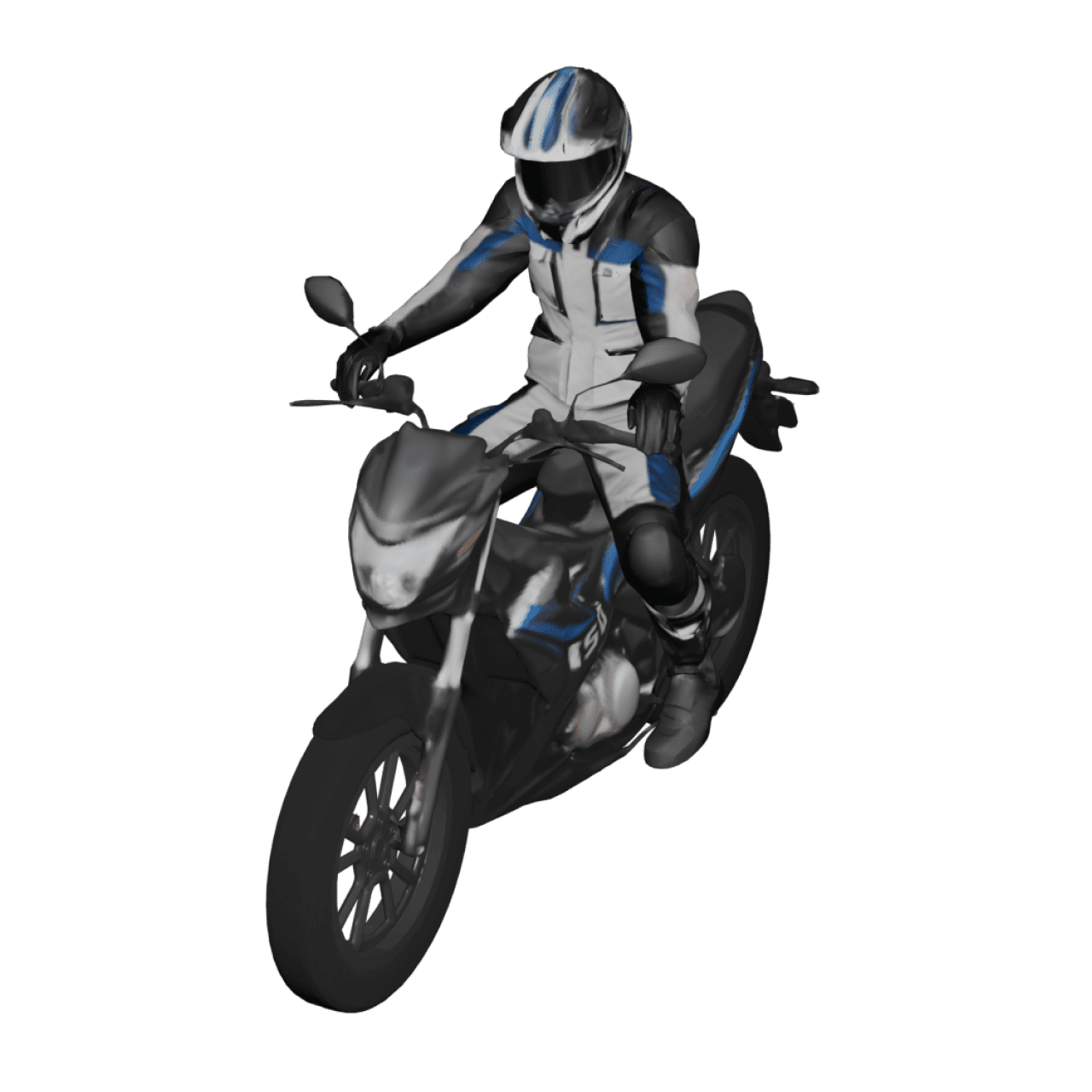
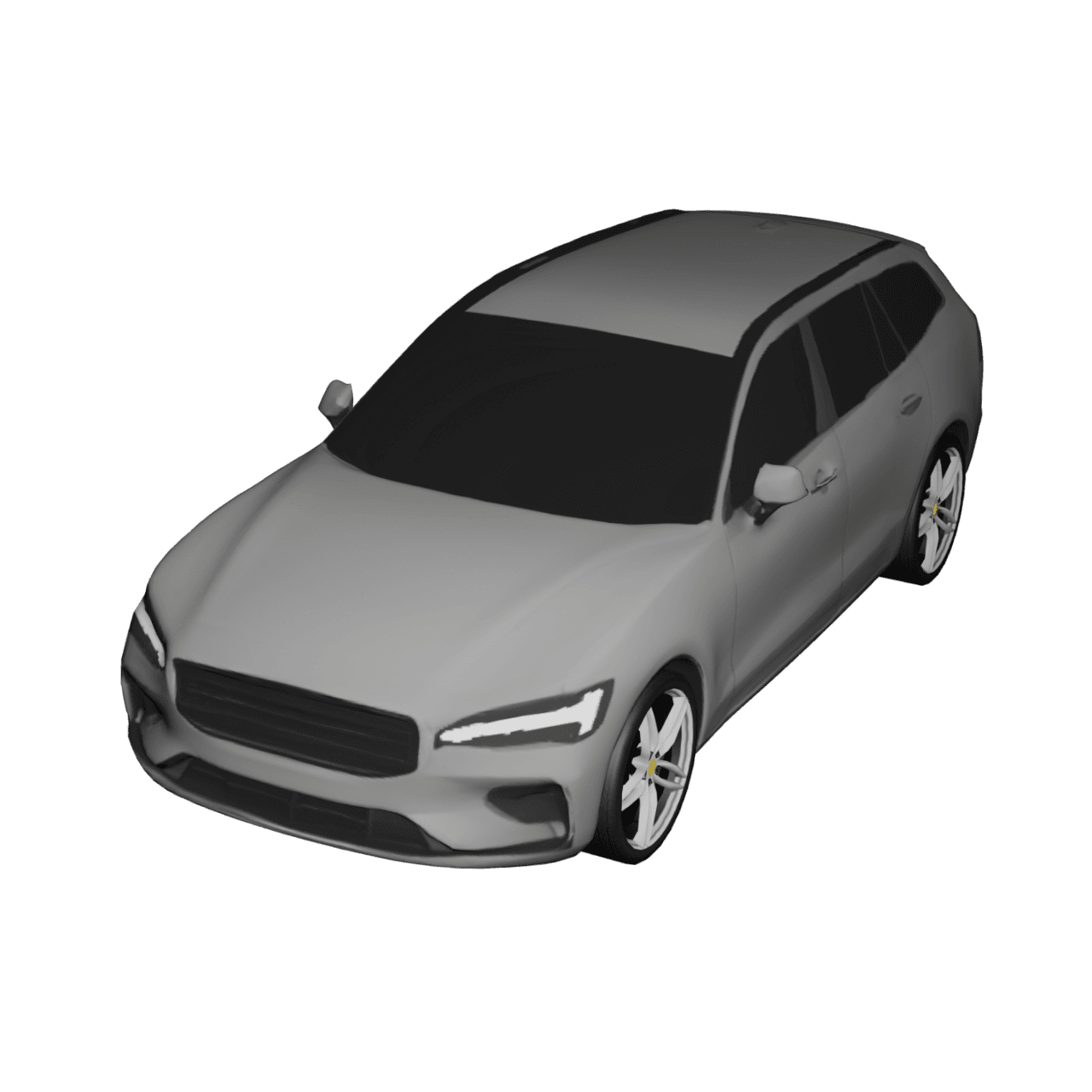
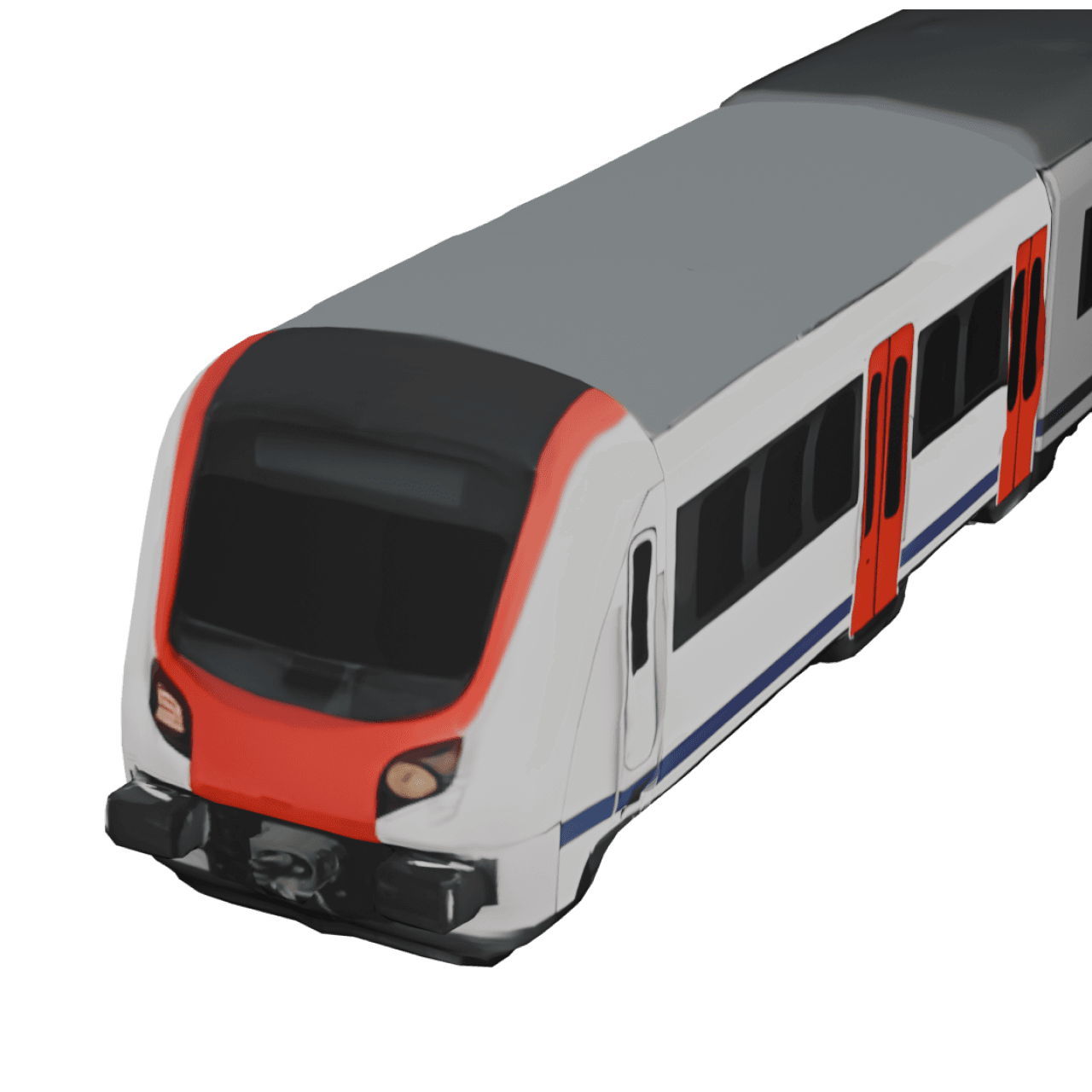
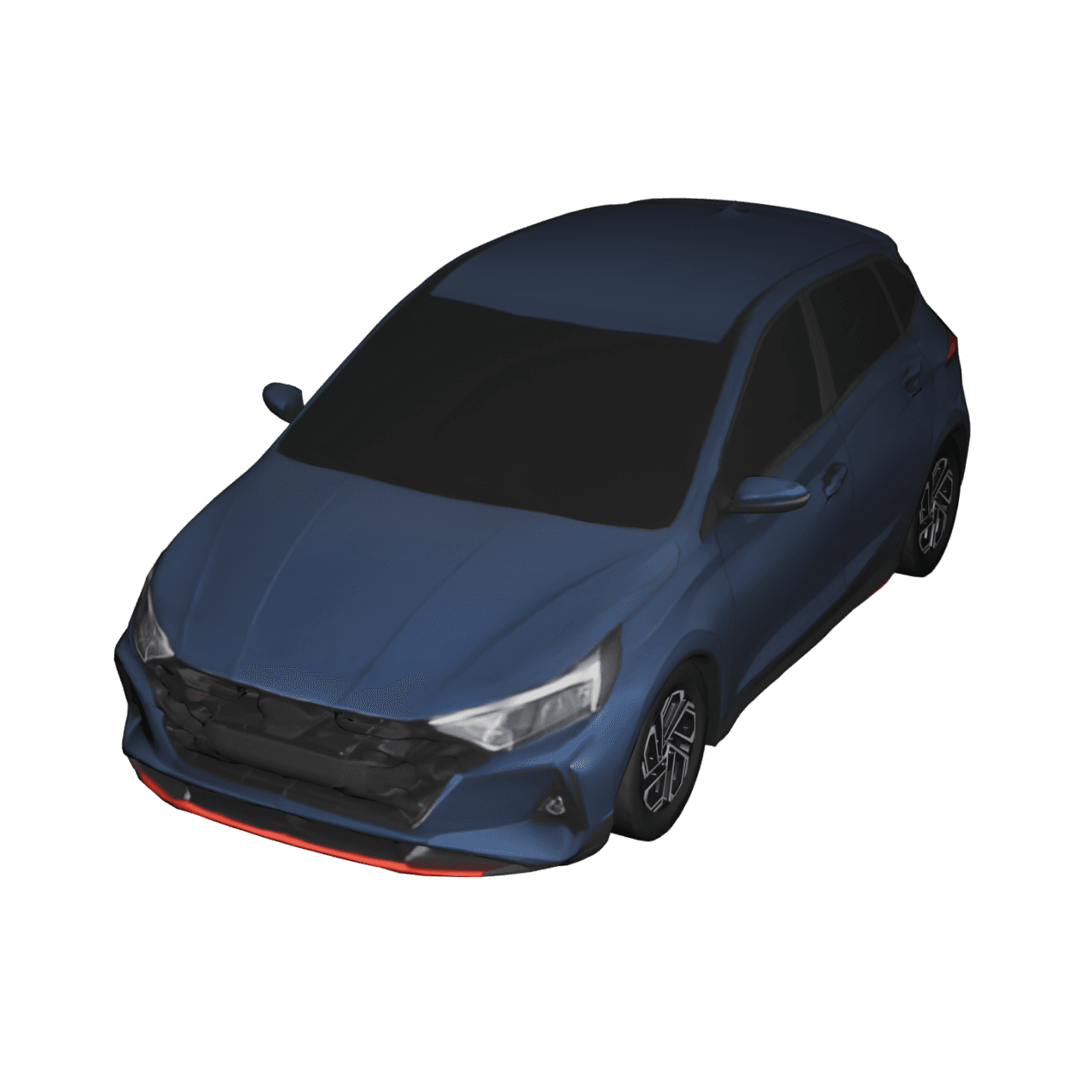
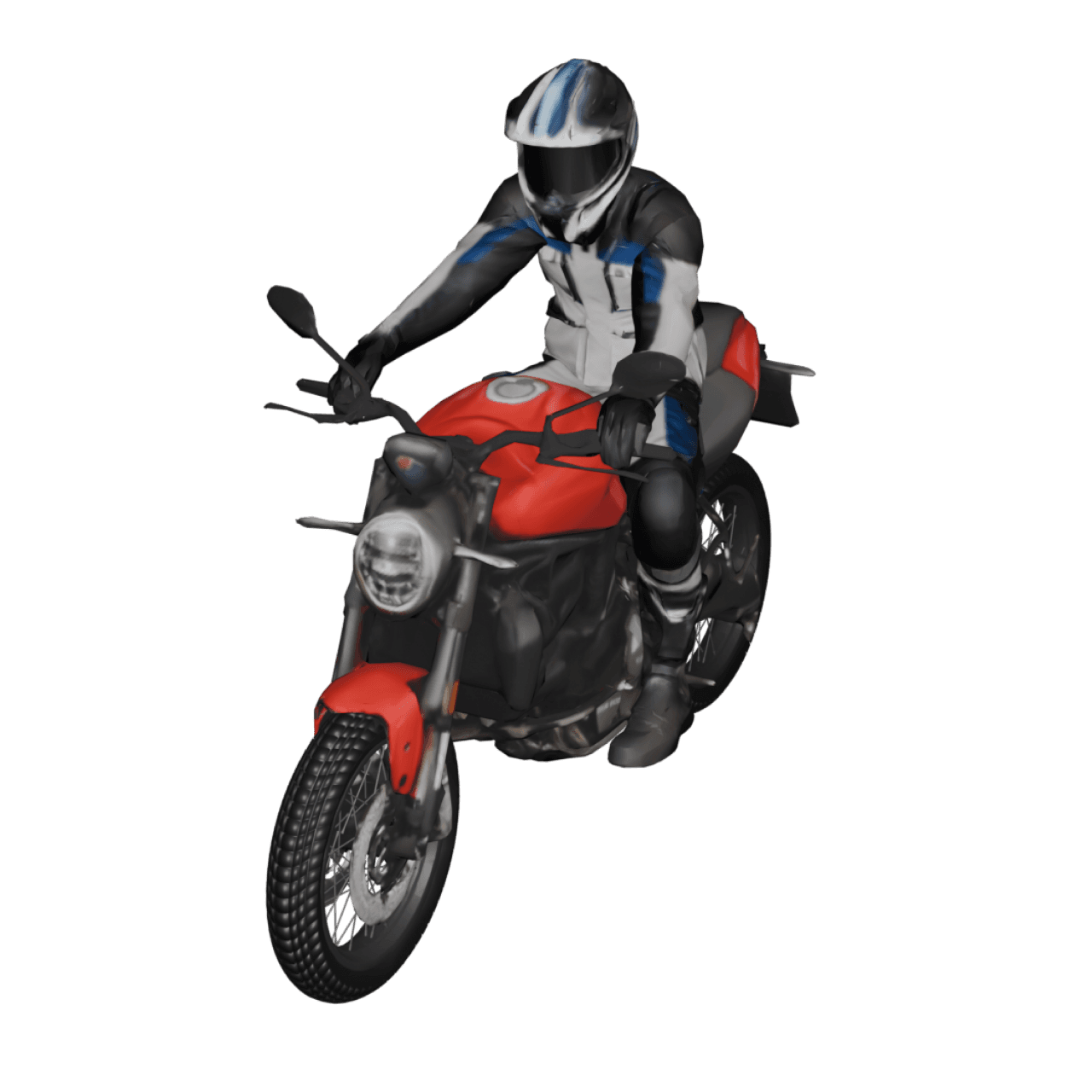
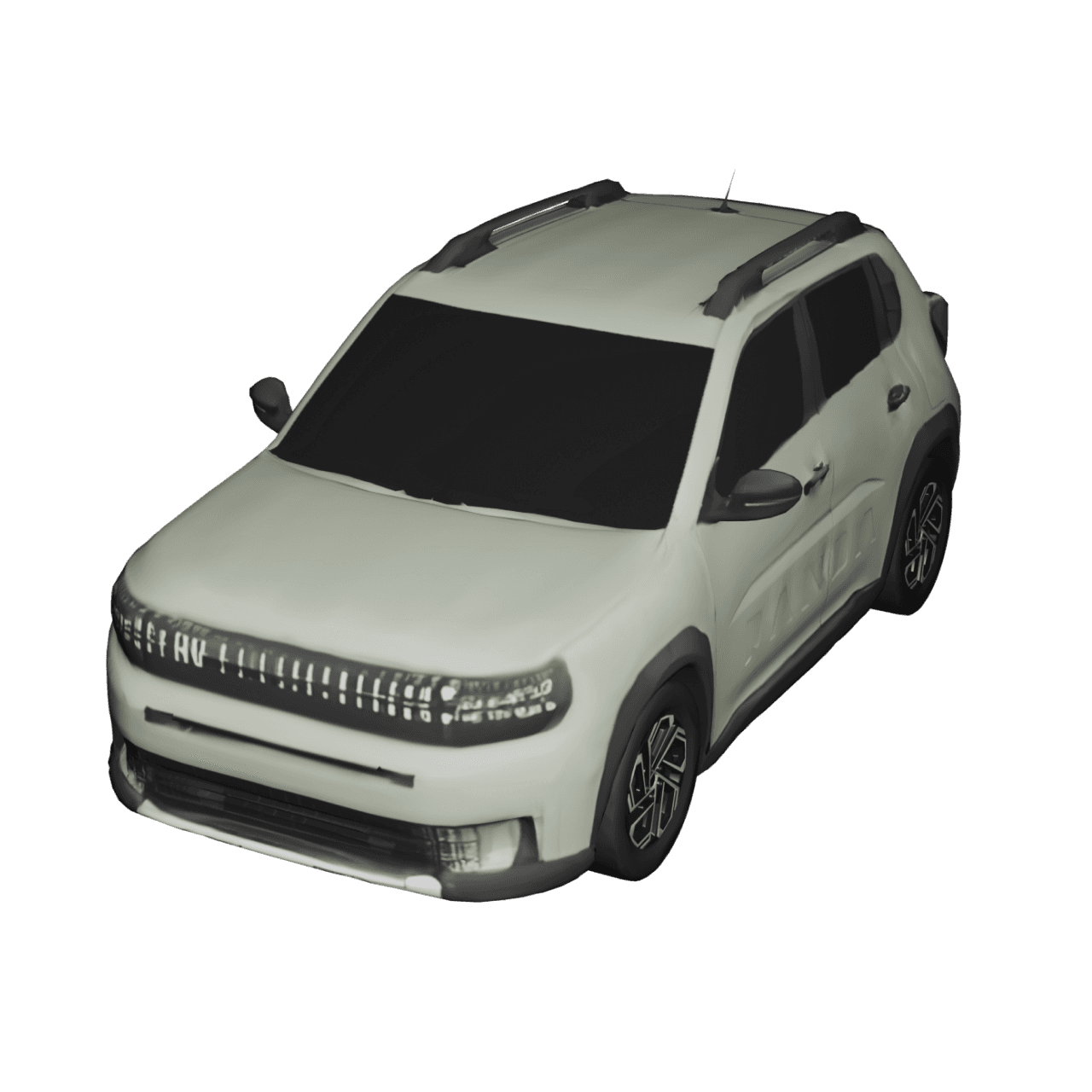
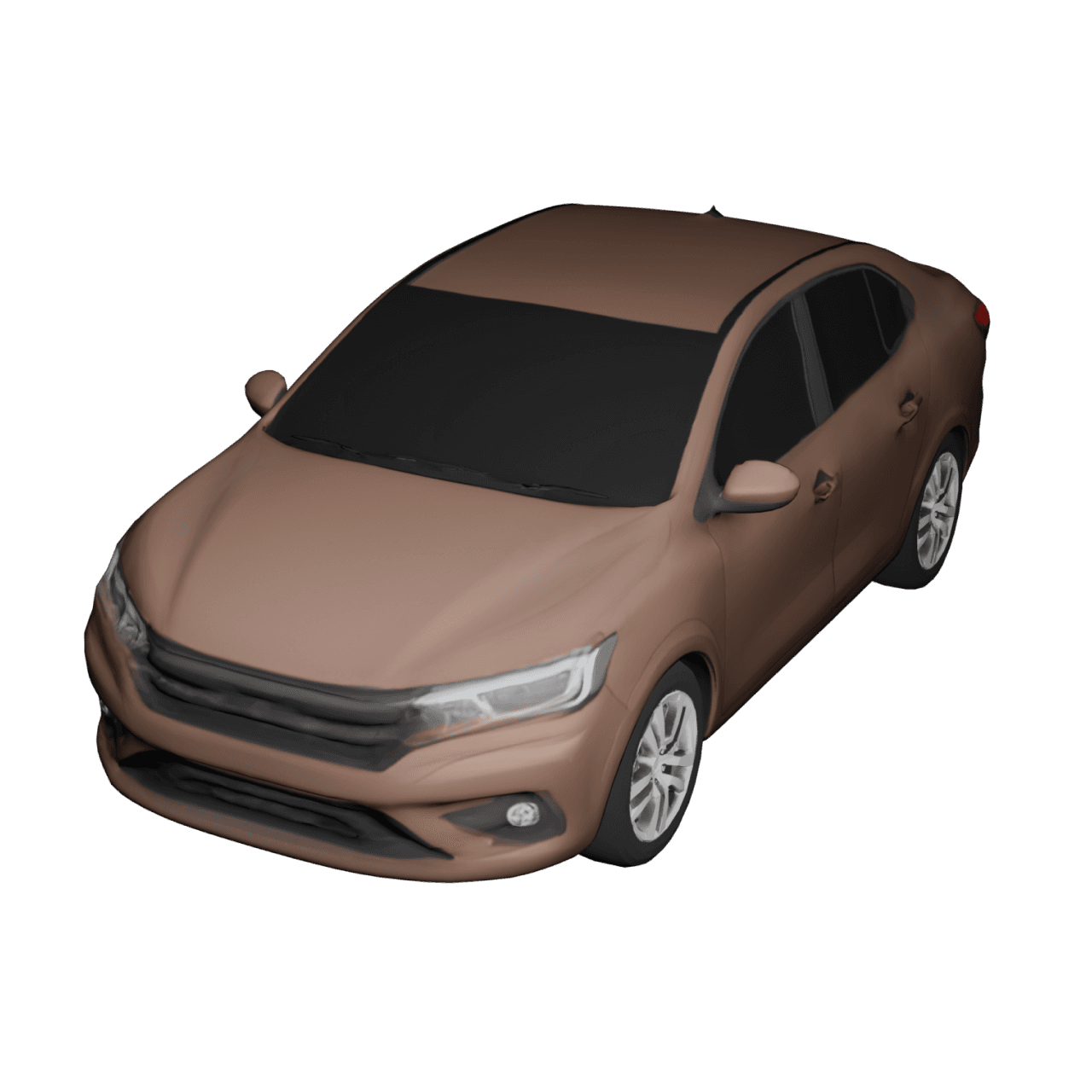
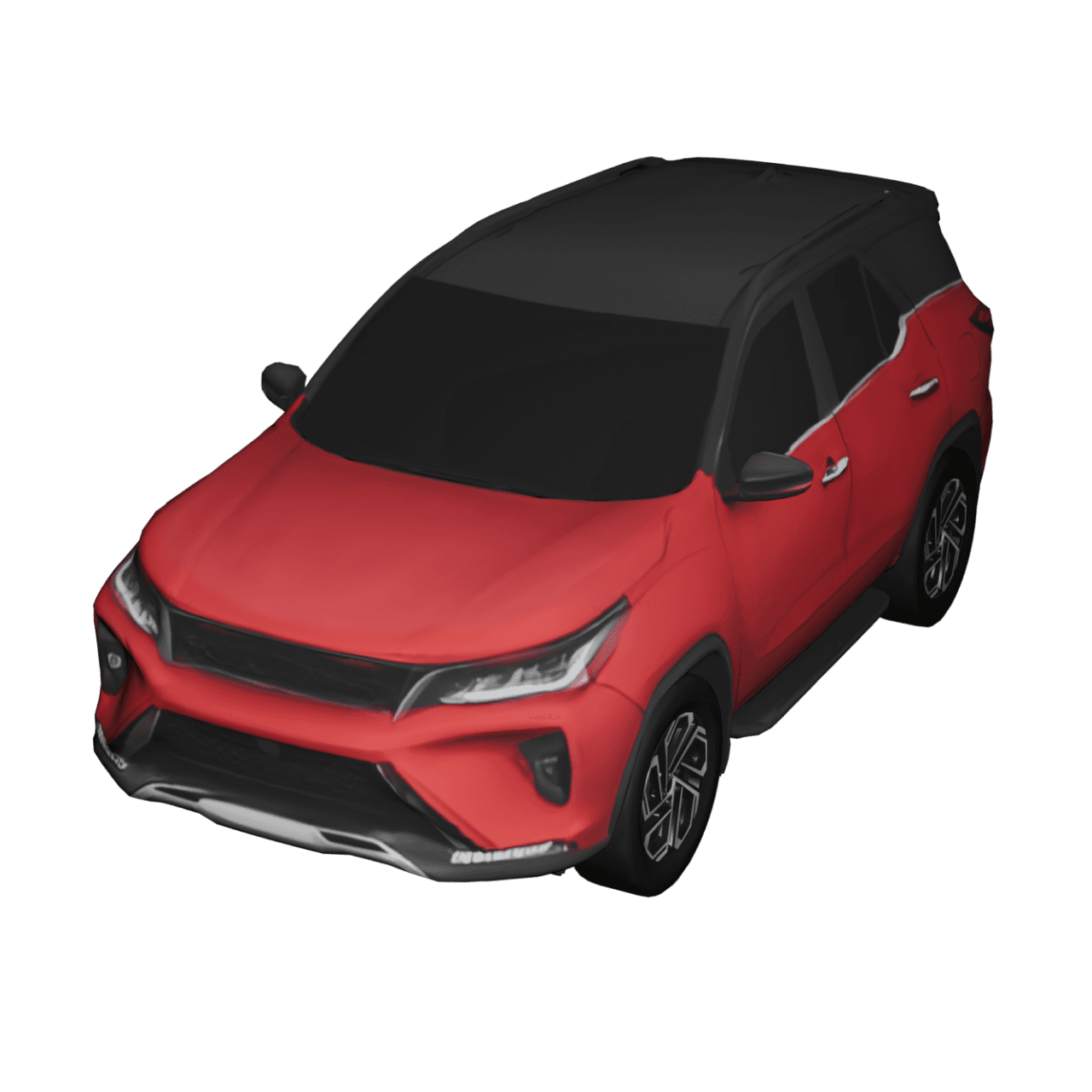
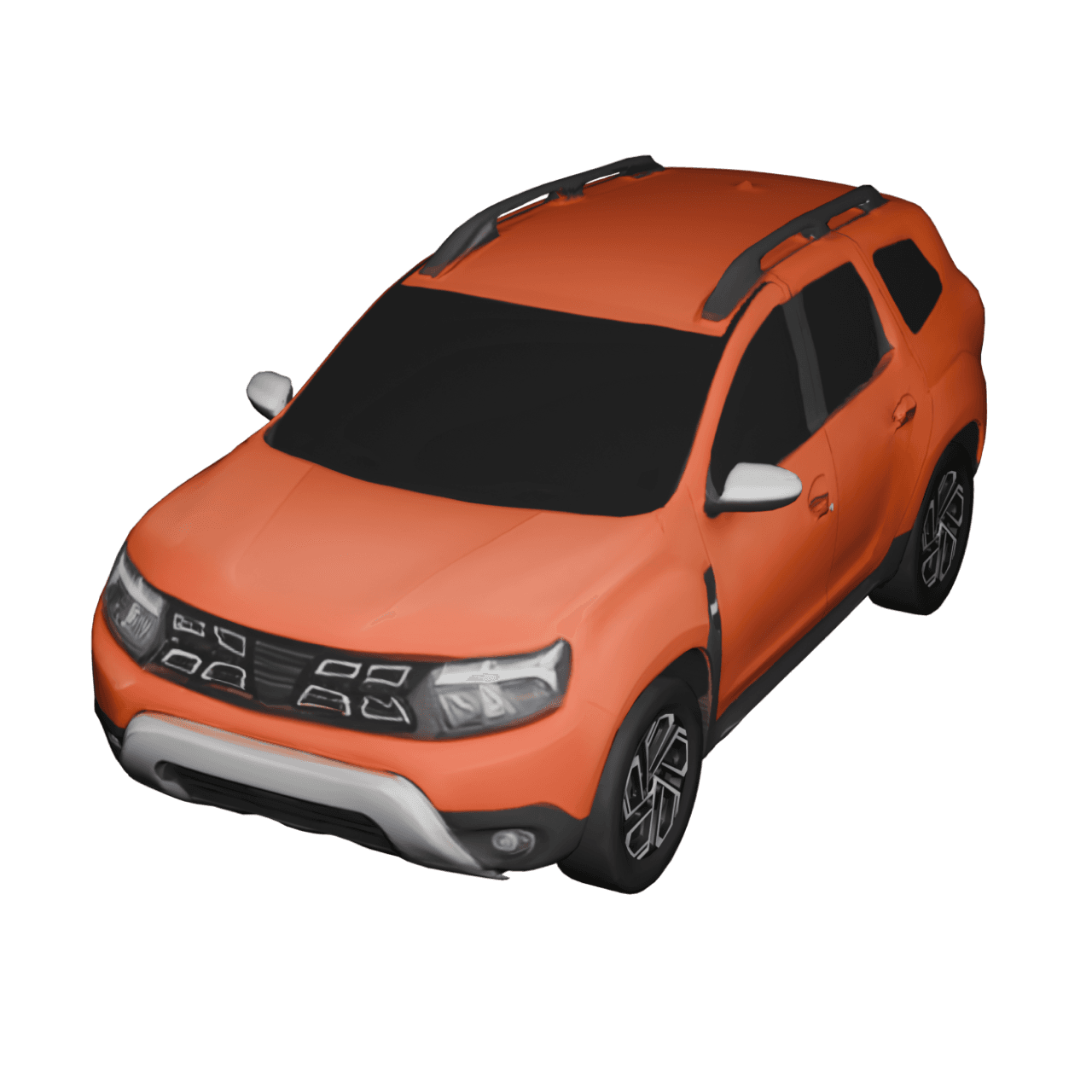
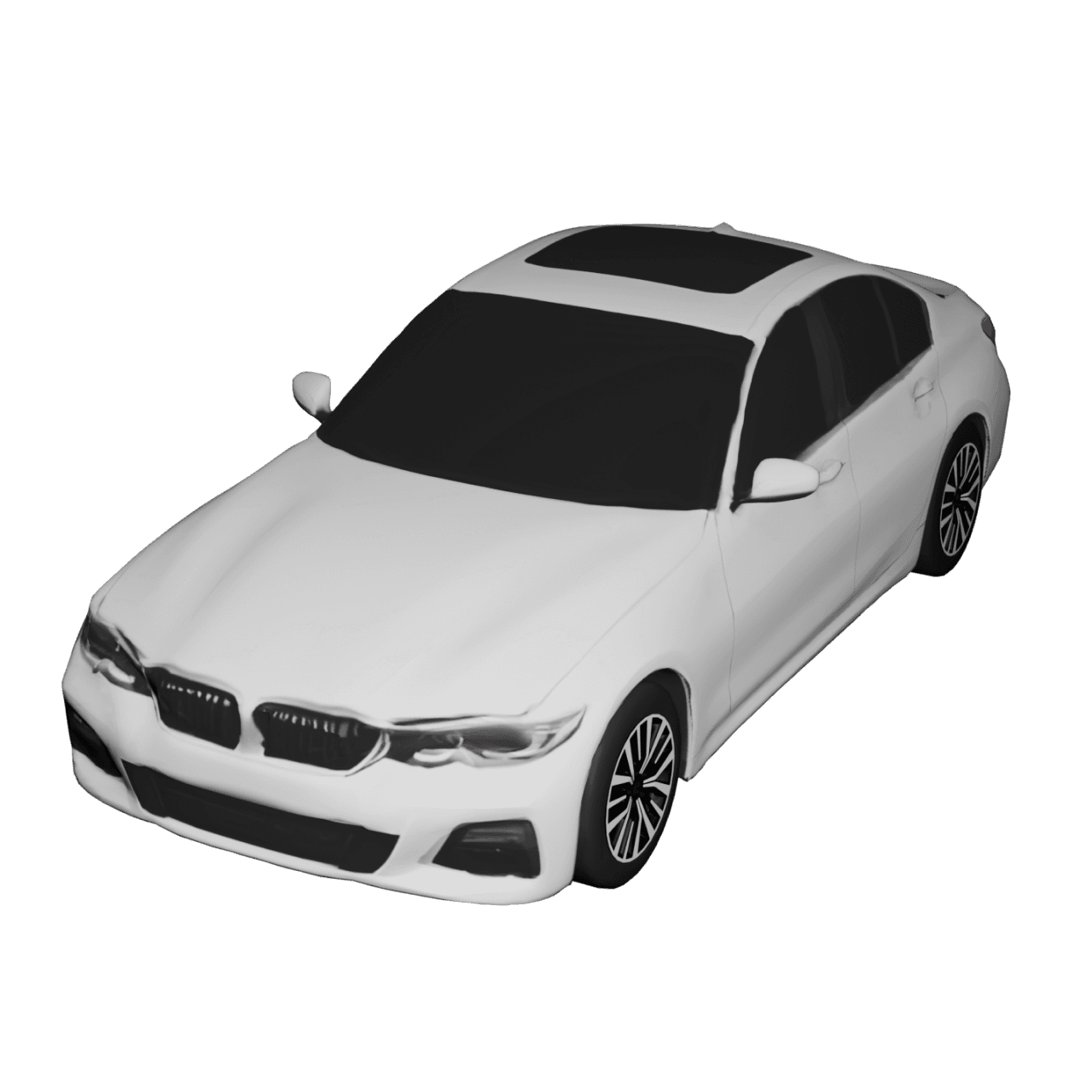
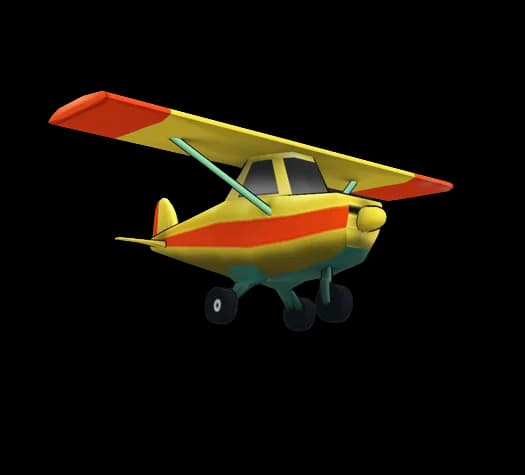
여행을 가장 잘 보여줄 차량을 고르세요. Travel Animator에는 로드트립 캠퍼밴, 오토바이, 수상비행기, 스피드보트, 말, 기차까지 정교한 3D 모델이 300개 넘게 있습니다. 하나 또는 여러 개를 골라 내 경로를 움직이게 만들어 보세요. 모든 모델을 살펴보거나, 나만을 위한 맞춤 3D 모델을 요청할 수도 있습니다.





















Travel Animator는 누가 쓰나요?
100만 명이 넘는 크리에이터가 Travel Animator로 자신의 여행을 살아 움직이게 만들고 있습니다. 지금 애니메이션 지도 영상을 만드는 사람들은 이런 분들입니다.
여행 블로거 & 브이로거
YouTube와 여행 블로그를 위한 프로급 애니메이션 경로 영상을 만들어 보세요. 어디를 다녀왔는지 도시별로, 나라별로 시청자에게 정확히 보여줄 수 있습니다.
로드트립 여행자
로드트립 전체를 멋진 애니메이션 영상 하나에 담아보세요. 경로를 소셜 미디어에 공유하고 달린 거리를 다시 따라가 보세요.
Instagram & TikTok 크리에이터
Reels와 TikTok에 바로 쓸 수 있는 세로형 또는 가로형 애니메이션 경로 영상을 내보내세요. 아무도 만들지 않는 지도 애니메이션으로 눈에 띄어 보세요.
하이커, 사이클리스트 & 어드벤처 여행자
Strava나 Garmin에서 GPX 트랙을 가져와, 3D 산악자전거 라이더나 승마 캐릭터, 하이커 모델로 실제 GPS 경로를 그대로 움직이게 하세요.



Travel Animator 비교
Travel Animator는 iOS와 Android에서 무료이며 Pro는 월 $5.99입니다. 가장 많이 비교되는 두 앱과 나란히 두면 다음과 같습니다.
| 기능 | Travel Animator | 경쟁 앱 |
|---|---|---|
| 무료 요금제 | 무료 — 핵심 제작 기능 전부, 광고 없음 | 무료, 광고 포함 |
| 3D 차량 모델 | 300+ (자동차, 비행기, 기차, 보트, 열기구 등) | 250개 이상 차량으로 안내 |
| 지도 스타일 | 30+ 평면 및 3D 지구본 스타일 | 여러 스타일, 기기에서 확인 |
| GPX 경로 가져오기 | 있음 | GPX, KML, GeoJSON (Pro) |
| 영상 내보내기 품질 | HD 및 4K | HD 및 4K (Pro) |
| 워터마크 없는 내보내기 | 있음 | 있음 |
| 맞춤 차량 모델 | 있음 | 없음 |
| 장면 스타일(줌) | 있음 | 자동 경로, 시작·종료 줌 조절 |
| 장소 라벨 | 있음 | 있음 |
| 커버 이미지 | 있음 | 없음 |
| 맞춤 로고 / 브랜딩 | 있음 | 없음 |
| 플랫폼 | iOS 및 Android | 브라우저 작업 |
수치는 전체 비교와 일치하며 마지막 확인일은 2026-09-17입니다. 모든 비교 보기
여행자들의 진짜 후기
리뷰는 영어 원문을 번역한 것입니다.
S
Sophia L
와, 이 앱 정말 좋아요! 세심하게 만들어 주신 분들께 진심으로 감사드려요. 최대한 매끄럽게 쓸 수 있도록 정말 많이 신경 쓰신 게 느껴져요. 최고예요!
C
Cristian Camilio
최근에 이 앱을 써 봤는데 기대 이상이었어요! 여행 경험을 생생하고 공유하고 싶은 이야기로 만들고 싶은 분이라면 꼭 있어야 할 앱이에요!
M
Michael Lebrun
결과물을 봤을 때 너무 기뻤어요. 말 그대로 놀라워요! 우리 여행 계획에 딱 맞춰 최고의 애니메이션 여행 경로를 만들어 줘요.
J
John Quinto
지도 애니메이션 영상을 빠르게 만들어 줘요. 다양한 지도 디자인이 있고, 사용하기 쉽고 조작도 아주 똑똑해요.
R
Robertus Trikumoro
Facebook에서 발견했는데, 여행을 정말 자주 다니는 사람으로서 제 여행을 생생하게 되살리기에 아주 좋은 방법이라고 생각해요.
A
Adriano Scarabelli
3D 지도와 다양한 탈것들이 정말 마음에 들어요. 영상이 확 살아나요!
J
Joel Gonzalez
스토리텔링에 최고인 앱이에요. 추억을 생생하게 되살려 주는 사진을 넣는 게 너무 좋아요.
C
Carlos Pop
설명 그대로 제 역할을 하는 앱이에요. 여행을 자주 다닌다면 1년 투자할 가치가 충분해요.
자주 묻는 질문
Travel Animator는 무료로 다운로드할 수 있나요?
네, Travel Animator는 iOS(App Store)와 Android(Google Play) 모두에서 무료로 다운로드할 수 있습니다. 핵심 기능을 쓸 수 있는 무료 요금제가 있고, 프리미엄 요금제에서는 지도 스타일과 차량 모델 추가, 4K 내보내기 등이 열립니다. 자세한 내용은 Plans 페이지를 확인하세요.
Travel Animator는 Android에서도 되나요?
네. Travel Animator는 iPhone(iOS)과 Android 기기 모두에서 사용할 수 있습니다. Google Play Store나 Apple App Store에서 무료로 받으세요.
애니메이션 여행 영상을 4K로 내보낼 수 있나요?
네. Travel Animator는 HD와 4K 내보내기를 지원하며, 4K 내보내기는 프리미엄 요금제에서 제공됩니다. 완성된 애니메이션 지도 영상은 Instagram Reels, TikTok, YouTube 등 원하는 플랫폼에 바로 올릴 수 있습니다.
Travel Animator에는 어떤 지도 스타일이 있나요?
Travel Animator에는 클래식 도로 지도, 다크 모드, 위성 뷰, 지형도, 몰입감 있는 3D 지구 모드 등 30가지가 넘는 지도 스타일이 있습니다. 일부 스타일은 프리미엄 요금제에서 제공됩니다.
Strava나 Garmin의 GPX 파일을 가져올 수 있나요?
네. Travel Animator는 GPX 파일 가져오기를 지원합니다. Strava, Garmin 또는 다른 GPS 기기로 러닝, 하이킹, 자전거 라이딩, 로드트립을 기록했다면 GPX 파일을 가져와 원하는 3D 모델로 실제 경로를 그대로 움직이게 할 수 있습니다.
Google Maps 경로는 어떻게 가져오나요?
Google Maps를 열어 여행 경로를 검색하고 링크를 복사한 뒤 Travel Animator 앱에 붙여 넣으세요. 경로가 애니메이션 지도에 자동으로 그려지므로 구간을 하나씩 입력할 필요가 없습니다. 이후 3D 모델과 사진, 지도 스타일로 자유롭게 꾸미면 됩니다.
애니메이션 여행 영상에 사진을 넣을 수 있나요?
네. 경로의 어떤 지점에든 실제 여행 사진을 올릴 수 있습니다. 각 사진이 애니메이션 지도 위에 나타나기 때문에, 영상이 진행되는 동안 시청자가 실제로 다녀온 장소를 볼 수 있습니다.
제 차량을 맞춤 3D 모델로 만들 수 있나요?
네. Travel Animator는 맞춤 3D 모델 제작 서비스를 제공합니다. 차량 정보를 보내주시면 애니메이션 여행 영상에 쓸 전용 3D 모델을 만들어 드립니다. 자세한 내용은 Custom Models 페이지를 확인하세요.
아직 고민 중이신가요? 요금 페이지에서 무료 플랜에 포함된 기능과 Pro에서 열리는 기능을 확인할 수 있고, 루트 애니메이션 앱을 비교하고 있다면 Travel Animator와 TravelBoast를 나란히 비교해 두었습니다.
애니메이션 여행 경로 영상 만드는 법 배우기
모든 튜토리얼 보기 →Travel Animator를 막 시작했나요? Resource Hub에는 첫 GPX 경로 가져오기부터 Instagram Reels와 YouTube용 4K 애니메이션 지도 영상 내보내기까지, 모든 기능을 단계별로 안내하는 튜토리얼이 있습니다.


TravelAnimator - 2026