The Best Free Alternative to Wanderlog in 2026
 Jaseel S10 min read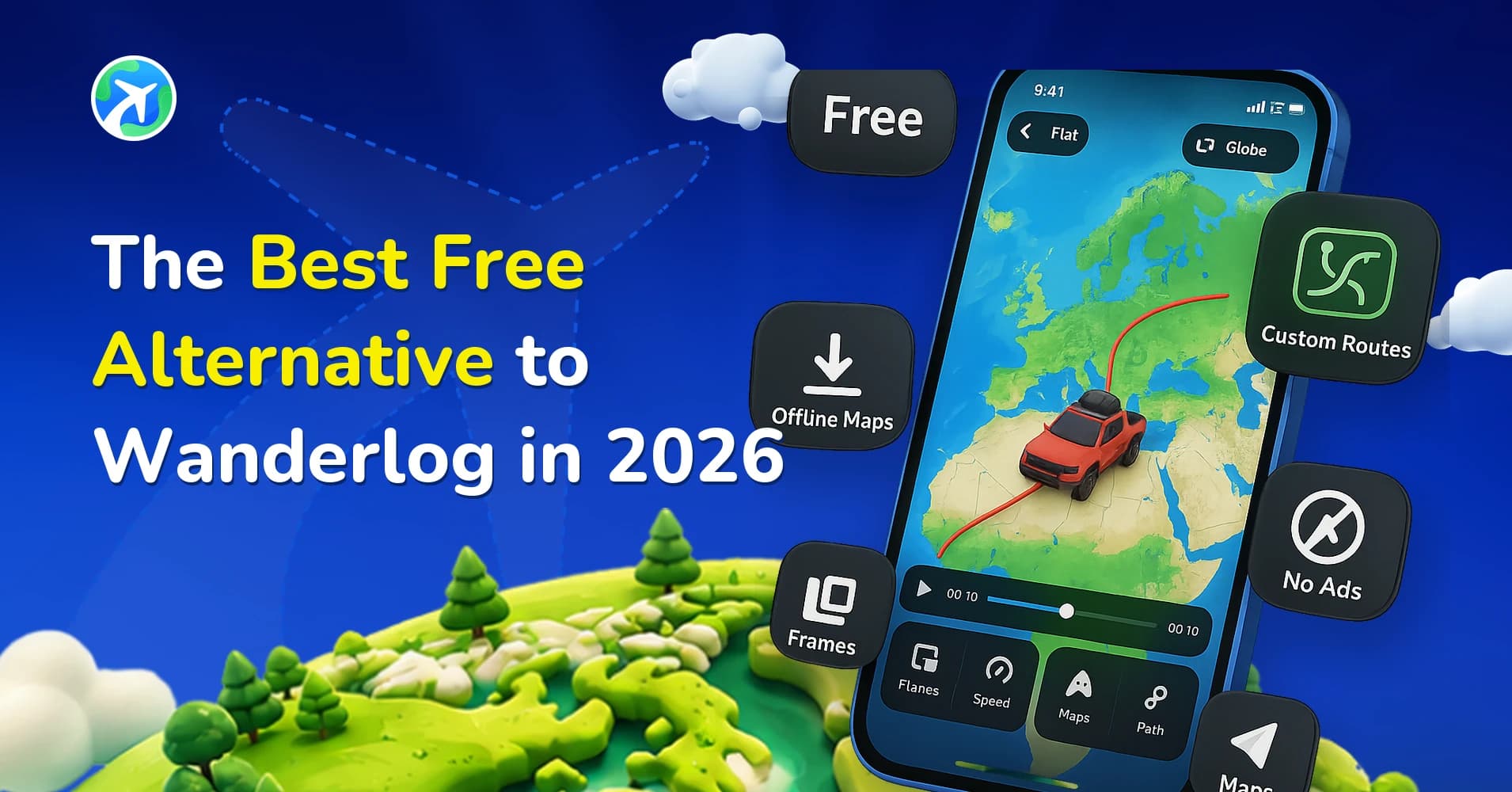
In this article 13 sections
Wanderlog is the app most people open first once a trip starts taking real shape: a shared itinerary, pins on a map, a running budget everyone in the group can see. What it won’t do is give you anything to post once you’re home.
That gap is exactly why so many Wanderlog users go looking for a Wanderlog alternative. It’s the problem TravelAnimator was built to solve, not by replacing the planning, but by finishing what Wanderlog can’t finish: an animated video of the actual route. It’s free, and it doesn’t need an account tied to a credit card.
Publisher disclosure: this guide is published by the team behind TravelAnimator. It compares our product with Wanderlog and is not an independent review. Feature details for Wanderlog reflect its current app store listing and public reviews, and can change without notice.
What Wanderlog Actually Does
Wanderlog is a trip planner first. You build a day by day itinerary, drop pins for the places you want to see, and invite whoever else is coming so everyone edits the same map instead of trading screenshots in a group chat. The free tier is generous about it too: unlimited stops, distance and time estimates between them, a shared budget, a running journal for notes and photos as the trip happens. Where it earns its reputation is the logistics nobody enjoys doing by hand: forward a flight confirmation or a hotel booking to the app’s import address and it slots the reservation into the right day on its own, and Pro adds offline maps for the stretch between towns where signal drops, plus an export of the whole route to Google Maps.
Where Wanderlog Stops Short
None of that produces anything you’d actually want to share. The map view is static, a set of pins and lines you can screenshot, not a video with movement, pacing, or a vehicle that follows the road. People who like everything else about the app describe the same limit once the trip is over and they want to show it off: you send a link to the itinerary, or export a PDF, and that’s where it ends.
Say the plan is a week in Portugal. Fly into Lisbon, drive down through Évora, end at the cliffs in Sagres. Wanderlog will tell you the driving time between each stop.
It will not turn that drive into eighteen seconds of a car moving across a map that you can actually post.
What TravelAnimator Does Instead
TravelAnimator picks up exactly where that map view stops. Bring in a route and it animates a vehicle moving along the path on a real map, in either a flat top down view or a rotating 3D globe. Add stops along the way and each one gets its own pause and label. Add curves to a route that would otherwise look like a ruler line, and the path reads like a road actually bending through hills, not a straight edge drawn across a city. There’s also a Real Routes option, which snaps the animation to the actual roads between two points instead of a straight line through buildings and fields that no car could drive through.
The vehicle model matters more than it sounds like it should.
A route rendered with a car reads as a road trip. The same route with a plane model reads as a flight. The library covers cars, motorcycles, bicycles, trains, boats, and planes, and picking the right one is the difference between that Portugal trip looking like a road trip and looking like a commute. Speed and duration are both adjustable, so a six hour drive doesn’t have to play out as a six hour video. You set how long the animation runs, and the vehicle’s pace is matched to it.
Flat Map, Globe Mode, and the 3D Details
Flat mode is the one most people reach for first, since it looks closest to the map people already use to plan. Globe mode is slower to warm up to but earns its place on longer trips, a multi country rail trip across Europe looks genuinely different rotating on a globe than it does as a flat strip across a rectangle, because the globe actually shows how far the trip curved around the planet instead of flattening it into a straight diagonal line.
TravelAnimator also supports 3D elements along the route itself, small landmarks and terrain details rather than a flat line on a flat texture. None of this is necessary for a basic export. A straight flat-mode video with a car model and a couple of stops covers most trips fine. The extra modes matter more for a trip that’s actually unusual, a boat route through fjords, a long flight across oceans, something where the shape of the route is the whole point.
Turning a Wanderlog Trip Into a TravelAnimator Video
Moving a trip that’s already planned in Wanderlog into an animated video takes a few minutes once the stops are settled.
- Open the Wanderlog itinerary and copy the route’s Google Maps link, or export it as a GPX file if the trip started as a hiking or cycling log.
- In TravelAnimator, add a Google Maps link directly, or import the GPX or KML file the same way.
- Pick flat or globe mode, then choose a vehicle model that matches how the trip was actually taken: car, train, plane, whatever the leg was.
- Add the stops that mattered, the overnight in Évora, the detour down to the coast, so each one gets a label instead of disappearing into a straight line.
- Set the duration, preview it, and export. The free export carries a small watermark. Removing it is a Pro feature.
Bringing In a Route From Google My Maps or a GPX Track
Not every trip starts life as a Wanderlog itinerary. If the route already exists somewhere else, TravelAnimator reads routes straight out of Google My Maps too, which helps if a trip from a previous year is already mapped and rebuilding it from scratch isn’t appealing. The process is the same regardless of where the route came from. You can import routes from Google My Maps and the app treats it the same as a fresh Google Maps link.
Hikers and cyclists who track routes with a GPS watch or an app like Strava usually already have a GPX file sitting in a downloads folder somewhere. TravelAnimator accepts GPX and KML/KMZ directly, so a trail run logged months ago can become a video without redrawing anything by hand.
What TravelAnimator Doesn't Do
It doesn’t build itineraries. It doesn’t track a shared budget, and it doesn’t pull flight confirmations out of an inbox. If six people need to agree on where to stay in October, Wanderlog’s collaborative map is still the better tool for that particular argument. There’s also no real time co-editing in TravelAnimator the way there is in Wanderlog. One person builds the video, from one route, and exports it. That’s fine for turning a finished trip into something to post, but it’s not a planning tool and was never meant to replace one.
The two apps are solving different problems, and most people end up keeping both. Wanderlog for the weeks of back and forth planning, TravelAnimator for the few minutes it takes to turn the finished route into something worth posting.
Free Export, the Watermark, and What Pro Changes
TravelAnimator’s free tier exports the finished video with a small watermark in the corner. Removing it is a Pro feature. What else separates the two tiers is covered in TravelAnimator’s own free versus Pro plan comparison, worth reading before committing to either app ahead of a trip that’s already on the calendar.
Who Should Keep Wanderlog, and Who Should Switch
If the hard part of the trip is logistics, several people, several cities, a budget everyone needs visibility into, keep Wanderlog. Nothing here replaces a shared, editable itinerary.
But once the planning is mostly done and what’s missing is a way to show people the trip instead of describing it, that’s where TravelAnimator earns its place. A lot of the people searching for a Wanderlog alternative aren’t actually unhappy with the planning side at all. They’re looking for the step that comes after it.
What If the Trip Is Mostly Hiking or Trail Running?
Wanderlog isn’t the only app this comparison applies to. Someone whose trip is a multi day trek rather than a road trip, where elevation and terrain matter more than a vehicle moving between cities, is usually better served by a tool built around that, and TravelAnimator’s own free alternative to PictraMap covers that exact comparison in more depth. The short version: TravelAnimator still handles a GPX track from a hike fine, but an app built specifically around trail elevation is worth a look if that’s most of what gets animated.
A Trip, Start to Finish
A two week drive through Portugal is a reasonable example of how the two apps actually work together. The planning happens entirely in Wanderlog: Lisbon for three nights, a detour inland to Évora for the Roman ruins, down to the cliffs at Sagres, back along the coast through Lagos. Hotels get forwarded into the itinerary as they’re booked, the group argues about the budget in the shared view, and by the time the trip actually starts, the route is set.
The TravelAnimator side takes maybe ten minutes once everyone’s home. The Google Maps link comes out of Wanderlog, goes into TravelAnimator, and becomes a forty second video with a car icon moving down through each city, pausing a beat longer at Évora because that’s where the group spent an extra night. Flat mode, since nothing about a Portugal road trip needs a globe. Export, watermark and all on the free tier, and it’s in the group chat within the hour.
None of that replaces the three weeks of back and forth it took to actually plan the thing. It just means the planning wasn’t the only output.
Sharing the Finished Video
Once the video is exported, it behaves like any other video file: vertical or horizontal, ready to post wherever it needs to go.
TravelAnimator has a direct option to share your finished video straight to Instagram, WhatsApp, or whatever group chat planned the trip in the first place. That’s the step a Wanderlog itinerary link was never built to manage.
Nobody watches a PDF of someone else’s vacation.
FAQs
Is TravelAnimator a full replacement for Wanderlog?
No, and it isn’t trying to be. Wanderlog handles the planning: building the itinerary, tracking the shared budget, keeping everyone’s edits in sync. TravelAnimator takes the route that’s already been planned and turns it into a video. Most people asking this are really asking whether they still need Wanderlog once they start using TravelAnimator, and the honest answer is yes, for the parts TravelAnimator was never built to do.
Can I bring a route I built in Wanderlog into TravelAnimator?
Yes. Copy the route’s Google Maps link out of Wanderlog and paste it into TravelAnimator, or export it as a GPX file first if Wanderlog’s share option offers that for the trip type. Multi stop trips carry over fine too, each stop in the Wanderlog itinerary can be re-added as its own labeled point once the route is in TravelAnimator.
Does the free version of TravelAnimator add a watermark?
Yes, free exports carry a small watermark. Removing it requires TravelAnimator Pro.
What file formats does TravelAnimator accept for a route?
A Google Maps link, a route imported from Google My Maps, or a GPX or KML/KMZ file exported from a GPS watch, Strava, or a hiking app. All three are handled the same way once they’re in the app. Map mode, vehicle, and stops are all chosen afterward regardless of the source.
Is TravelAnimator actually free, or is that a trial?
It isn’t a trial with an expiry date. Watermarked exports stay available indefinitely on the free tier. Pro is the paid option for removing the watermark.
Does Wanderlog have any kind of map animation at all?
No. Its map view plots the itinerary as static pins connected by lines, which is useful for checking the order of a trip at a glance but doesn’t move or export as a video. That’s the specific gap a tool like TravelAnimator fills once the itinerary itself is done.