How to Request a Feature in Travel Animator
 Jaseel S6 min read
In this article 9 sections
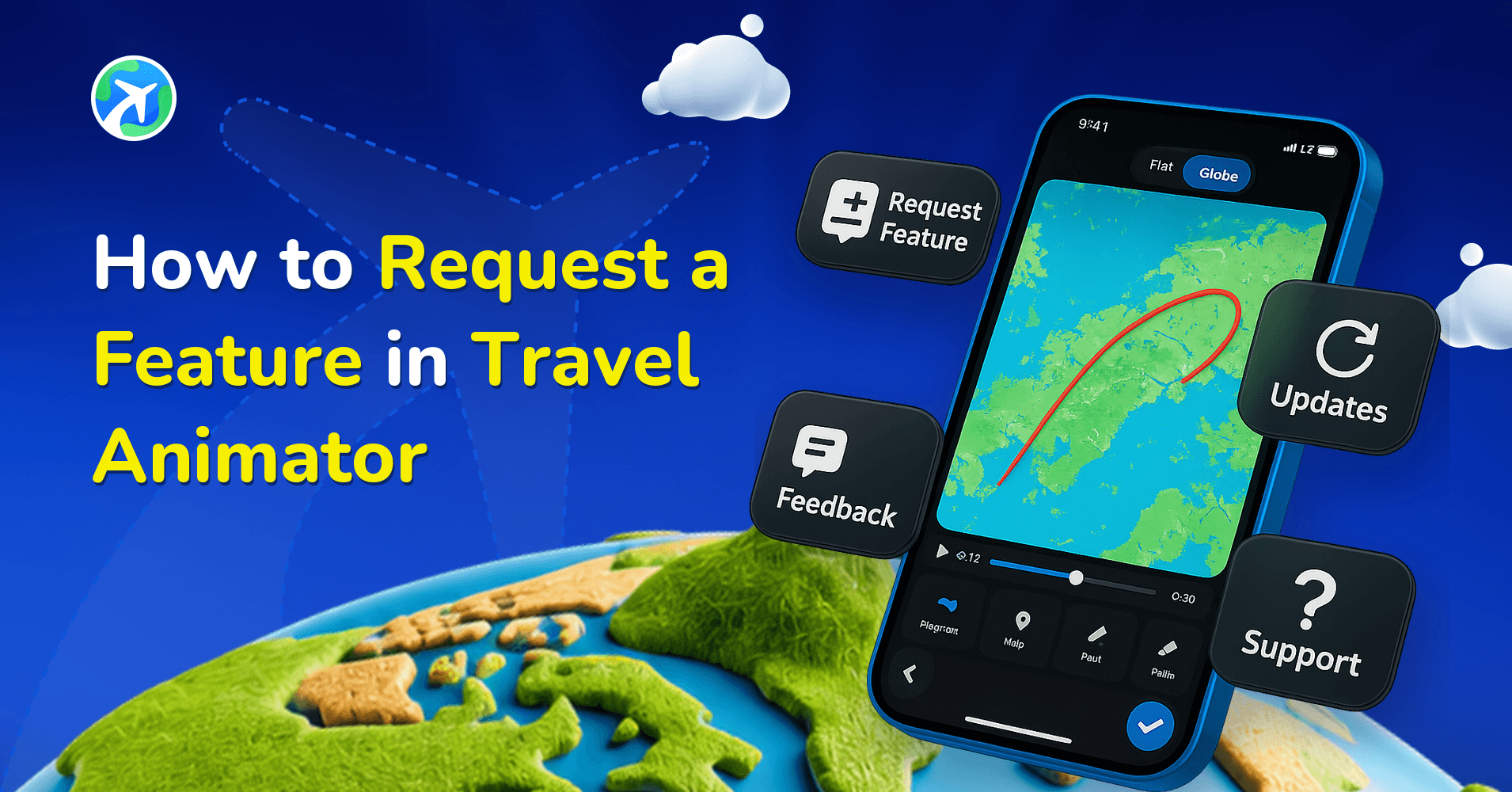
Travel Animator provides every user with the opportunity to request new features directly within the app.
Whether it’s a transport model, a unique map style, an advanced export option, or even a new way to customize routes, your ideas can help shape the future of the platform. Once submitted, the Travel Animator team reviews each request to decide if it’s relevant and practical for the app’s upcoming improvements.
This blog will guide you through how to request a new feature in Travel Animator.
How Your Ideas Shape Travel Animator?
Travel Animator has always been a community-driven platform. Many of the features that exist today, from new transport models to unique map styles, were born from user requests. By sharing your ideas, you’re helping guide the direction of the app.
When a suggestion is submitted, it gives the team insight into what travelers, content creators, and storytellers really need. If multiple users request the same improvement, it means it has demand and helps the team prioritize it for future updates. In other words, every idea adds weight to shaping future updates.
How to Request a Feature in Travel Animator (Step-by-Step Guide)
- Open the Travel Animator App and go to the main settings of the app.
- Scroll down until you see the Request a feature option.
- Click on it, and you will be directed to the Travel Animator Forum.
- Log in to the forum, and you can see the Features in Travel Animator option among many topics.
- Go and share your suggestions, like any new models, maps, or other feature ideas.
Tips & Best Practices for Requesting a Feature in Travel Animator
- Make sure the requesting feature is currently not available in the Travel Animator app.
- Browse the forum to see if the feature has already been suggested by someone else. If it has, you can support or re-request it to show the Travel Animator team that more users want this feature, while also avoiding duplicate requests.
- Use simple and clear language. The English language is more convenient than other languages.
- Be specific about the problem you are solving and outline the benefits users will gain from this feature.
- Avoid unrealistic comments and maintain professionalism.
What a Useful Feature Request Looks Like
The requests that get traction usually describe a real situation, not just a feature name. Compare these two:
- “Add export location option pls”
- “When I export a 4K video, I’d like to choose which folder it saves to. I make client itineraries and end up hunting for files in my gallery afterwards.”
The second one tells the team what you were doing, what got in the way and who else might hit the same problem. That context is what helps a request get prioritised.
A simple structure works well: a short title, one or two sentences on what you were trying to make, what you’d like the app to do, and how you work around it today. Keep personal details like your email out of the post, since the forum is public.
What Happens After You Submit a Request?
Once you submit a feature request in Travel Animator, every request is reviewed by the Travel Animator team through the app’s forum. The team carefully evaluates each suggestion to see how it fits into the app’s long-term vision and how useful it would be for the wider community.
Popular or highly relevant requests often make their way onto the development. For example, new map styles, transport models, and manual route adding were originally ideas from users who wanted more creative flexibility. If a large number of creators ask for the same feature, the chances of it being prioritized are even higher.
That said, not every request can be implemented right away. Some may take more time due to technical complexity or the need to balance with other improvements already in progress. Others may not be implemented at all, especially if they don’t align with the core purpose of the app.
Common Feature Requests from Users of Travel Animator
- Travelers are requesting more transport model options, such as adventure motorcycles, female rider characters, and other unique vehicles.
- Additional map styles that align with their different themes and storytelling needs.
- Expanded export options, including the ability to choose a specific file location when saving.
- Flexibility to adjust and change routes imported from Google Maps.
- Controls to customize zoom levels and animation speed for better storytelling and to focus on specific routes and models.
Feature Request, Bug Report or Quick Question?
Not everything belongs under Features. If something that already exists isn’t working, like an export failing or a map not loading, post it in the forum’s Help category as a bug instead, and list the steps that cause the problem. For a quick how-to question while you’re editing, the in-app chatbot is faster. See chatbot support in Travel Animator. For everything else the Travel Animator forum guide explains each category.
How Your Ideas Shape Travel Animator
Travel Animator has an open forum community to share your reviews and suggest your ideas. The community input is also a part of Travel Animator’s growth. We consider every input and verify its relevance to implementation, as users are best positioned to identify their needs. If you are creating an animation video with Travel Animator and need some features, submit your idea now to make your future travel animation video even better.
Frequently Asked Questions
How Your Ideas Shape Travel Animator?
The team uses feature requests to understand what users need. A clear explanation of the problem and how the proposed feature would help gives the team more useful context for planning.
How do I request a Feature in Travel Animator?
Open the Travel Animator App and go to the main settings of the app. Scroll down until you see the Request a feature option. Click on it, and you will be directed to the Travel Animator Forum. Log in to the forum, and you can see the Features in Travel Animator option among many topics. Go and share your suggestions, like any new models, maps, or other feature ideas.
What Happens After You Submit a Request?
Once you submit a feature request in Travel Animator, every request is reviewed by the Travel Animator team through the app’s forum. The team carefully evaluates each suggestion to see how it fits into the app’s long-term vision and how useful it would be for the wider community.
Do I need an account to request a feature in Travel Animator?
You can browse the forum and read existing requests without logging in. To post a new feature request, add a comment or vote on someone else’s idea, you’ll need to log in from the top right corner of the forum. Search first, because adding your support to an existing request carries more weight than a duplicate.
How do I support a feature someone else already requested?
Open the existing topic in the forum’s Features category and add your vote or a comment. A short note on how you’d use the feature, such as for client itineraries or school projects, gives the team useful context. Requests that many users support are more likely to be prioritised for future updates.