
Instrukcje krok po kroku
Krok po kroku do gotowego filmu z podróży w Travel Animator: wyznaczanie i edycja trasy, wybór modelu 3D oraz stylu mapy, a następnie eksport w formacie wymaganym przez daną platformę. Zacznij tutaj, jeśli już wiesz, co chcesz stworzyć, i potrzebujesz tylko dokładnych instrukcji.
Artykuły są obecnie dostępne w języku angielskim.
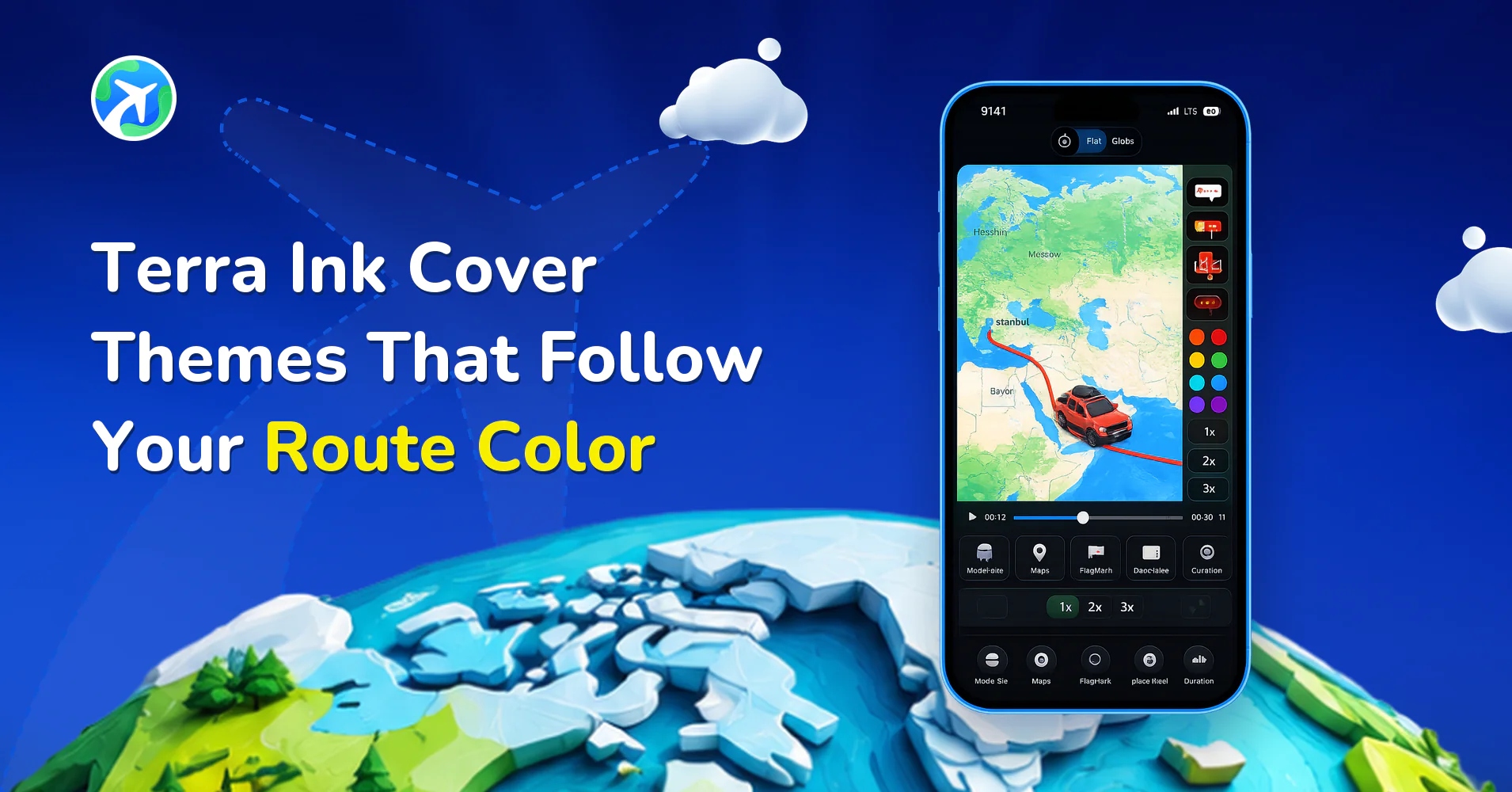
Terra Ink Cover Themes That Follow Your Route Color
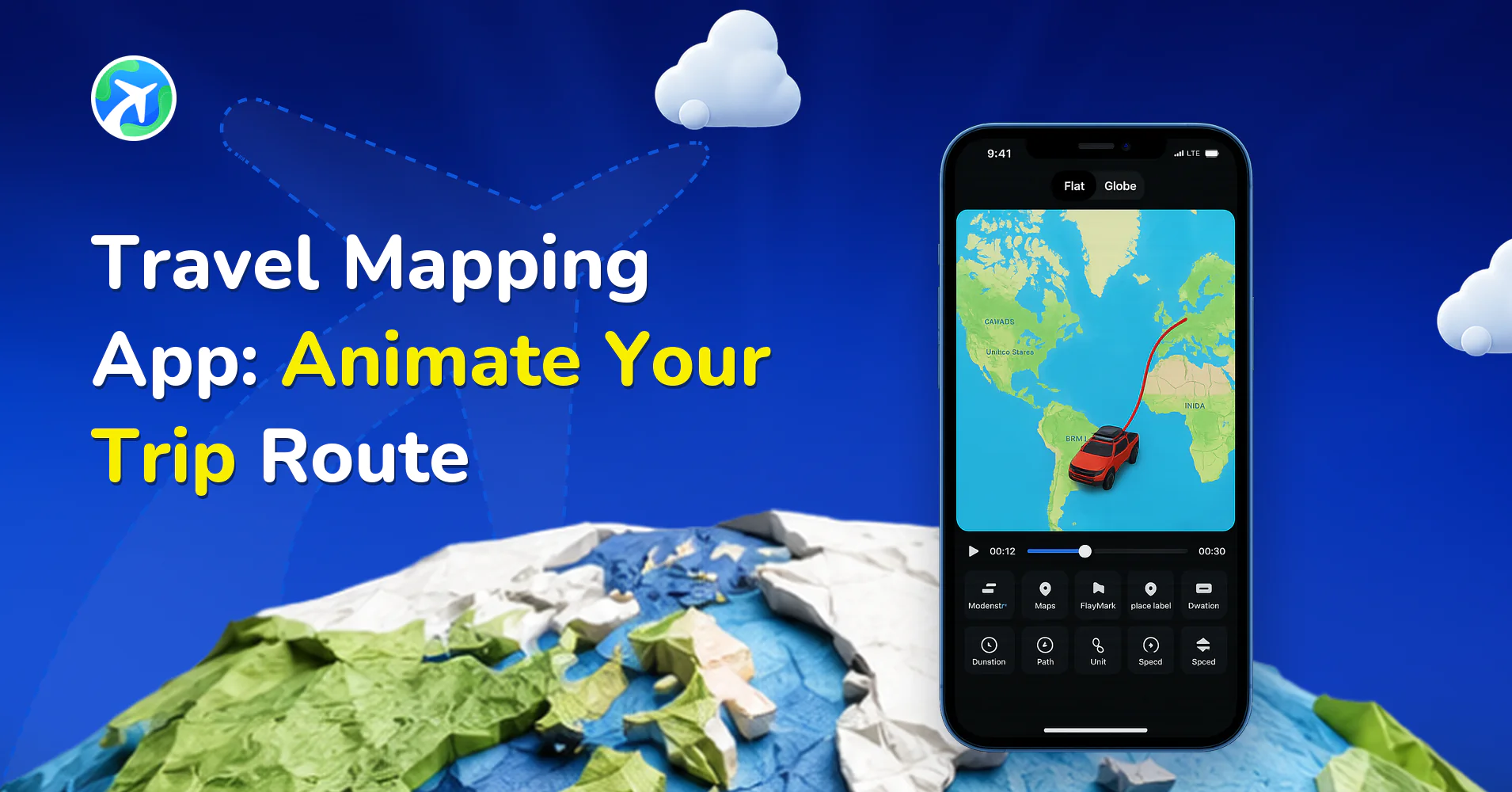
Travel Mapping App: Animate Your Trip Route
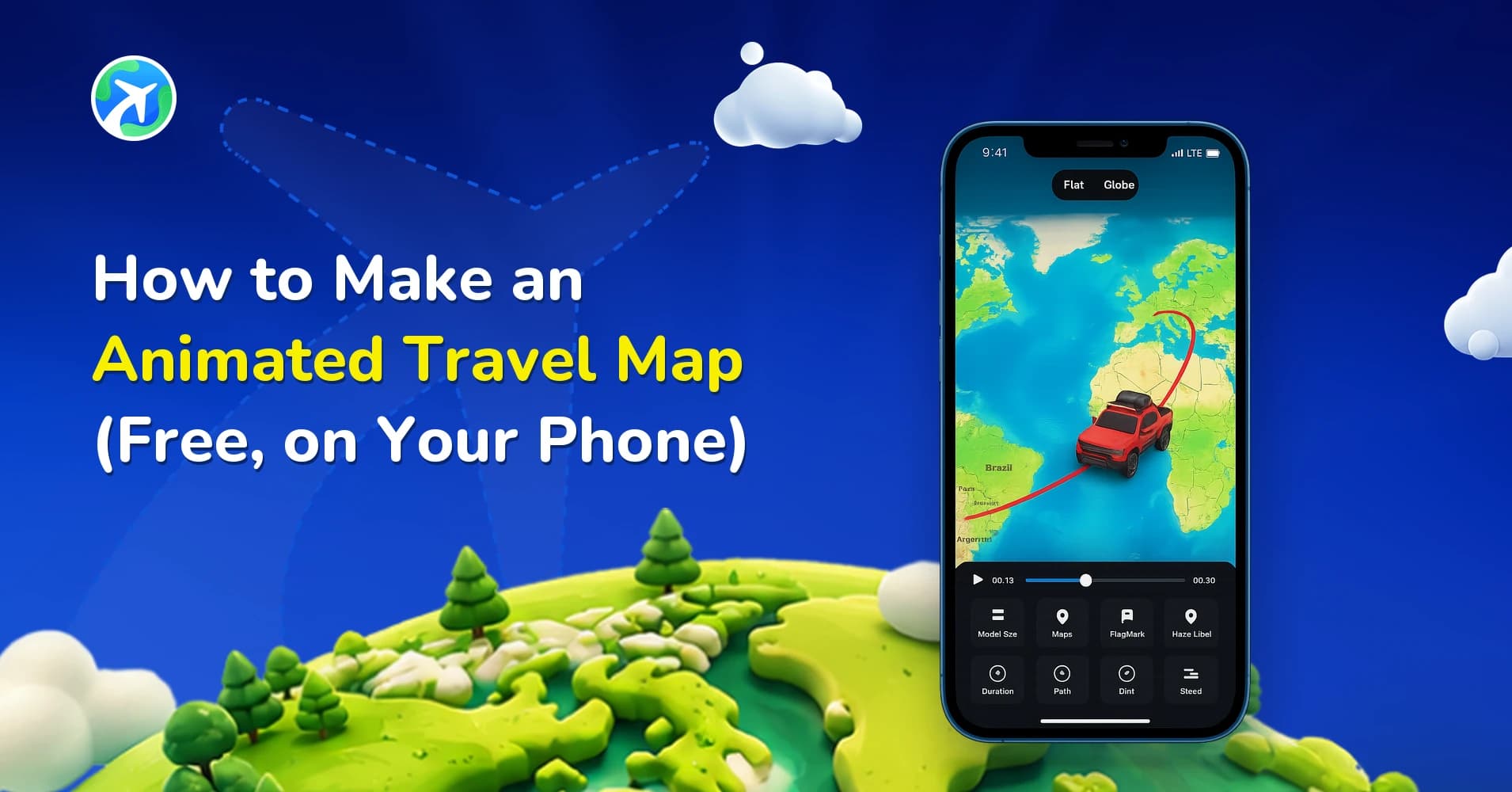
How to Make an Animated Travel Map (Free, on Your Phone)
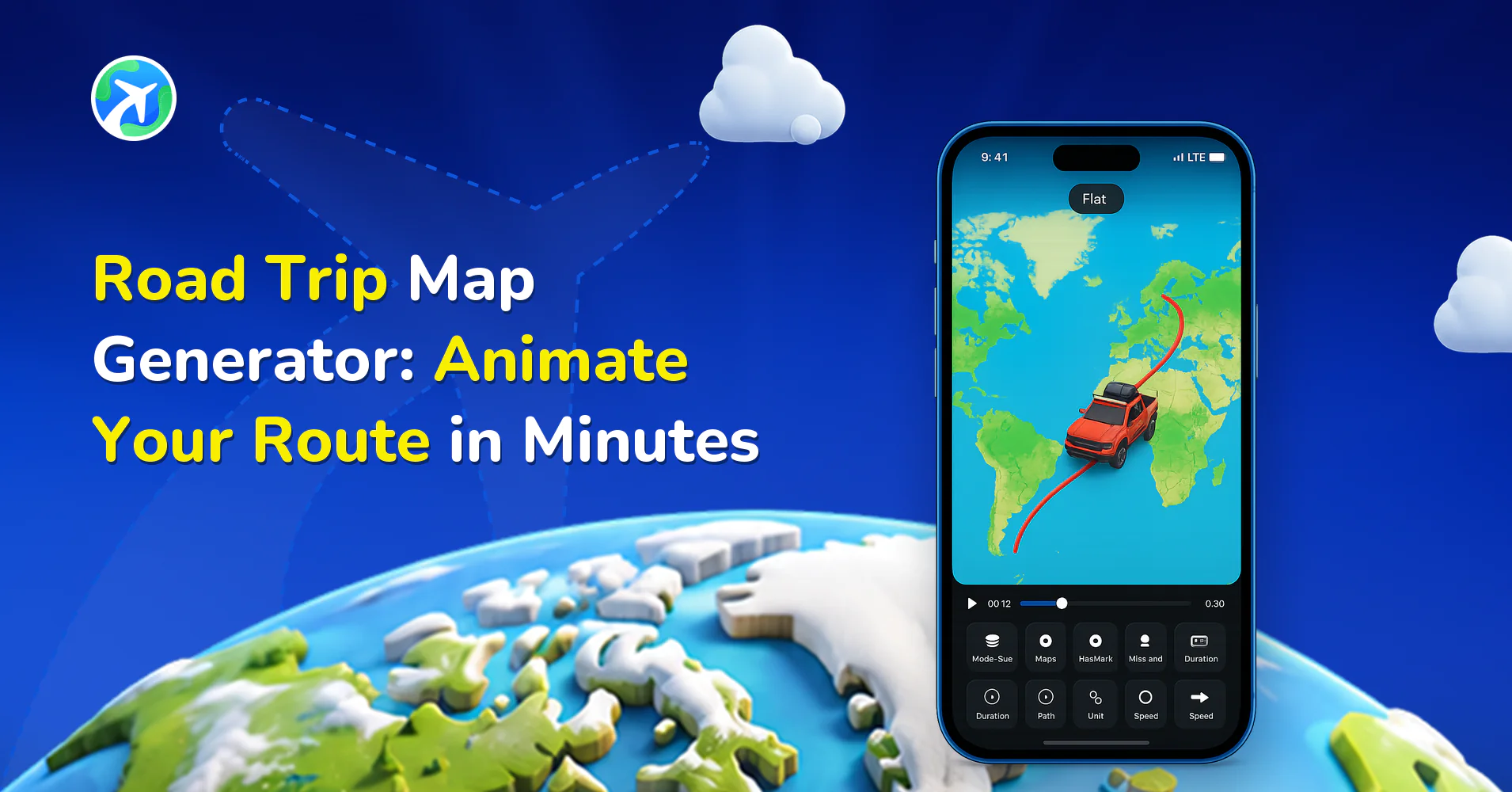
Road Trip Map Generator: Animate Your Route in Minutes
How to Plan a Trip with the Journey AI Route Assistant
How to Install the Travel Animator MCP Server : 2026 Guide
How to Create a Flight Path Animation for Any Two Airports
How to Use TravelAnimator App: Step-by-Step App Guide (2026)
How to Create a Travel Animation for Instagram Stories & Reels

How to Participate in the #MadeUpCountry Creator Challenge
How to Customize Your Animation’s Scene Style in TravelAnimator
How to Add Your Brand Logo to Travel Animator Videos
How to Import Routes from Google My Maps into Travel Animator
How to Add Your Avatar in TravelAnimator Videos
How to Access Saved Routes on Another Device in TravelAnimator
How to Add 3D Elements to Your TravelAnimator Videos
How to Highlight Specific Areas in TravelAnimator Maps
How to Add a Cover Image to Your TravelAnimator Video
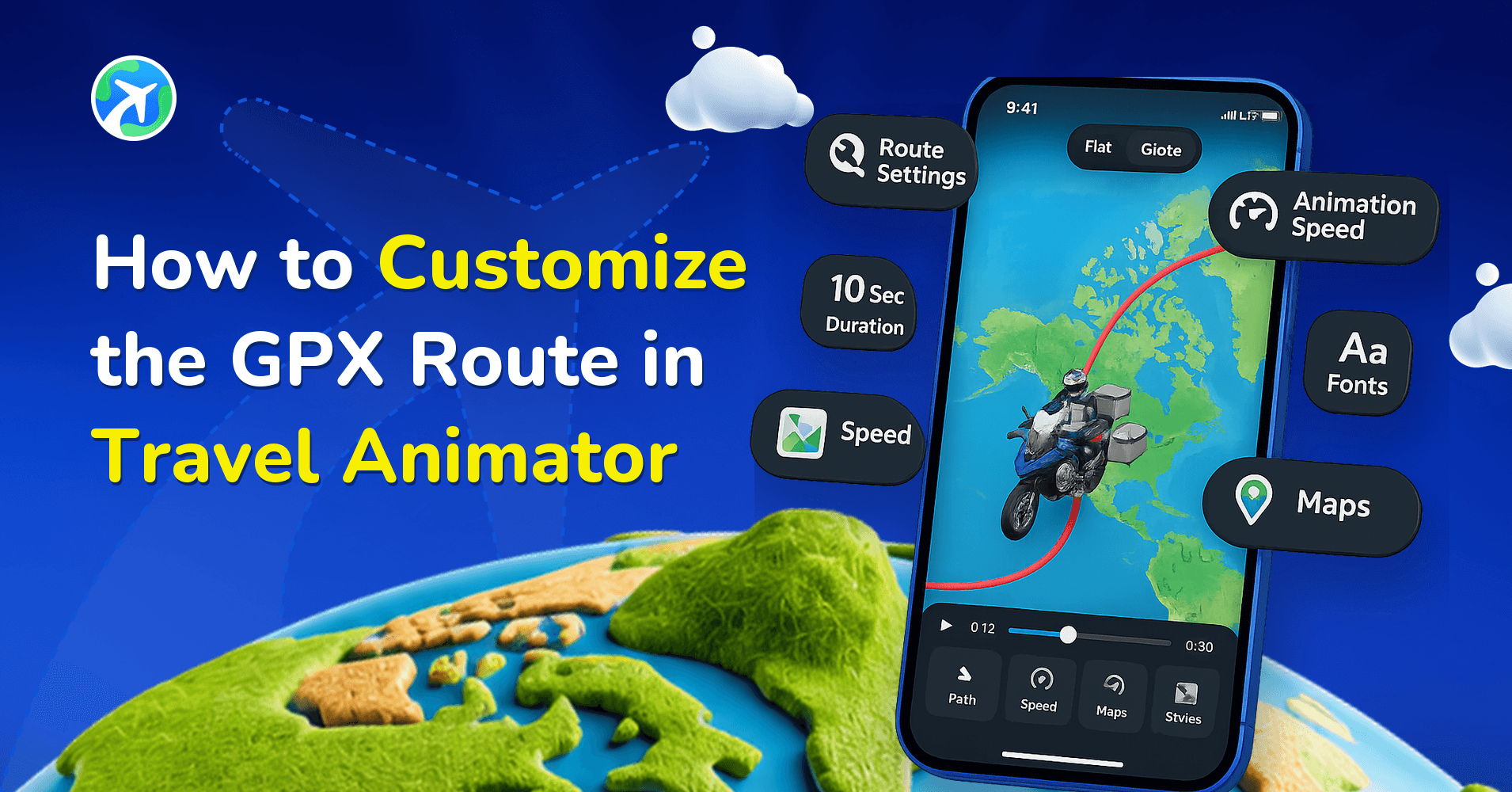
How to Customize the GPX Route in Travel Animator
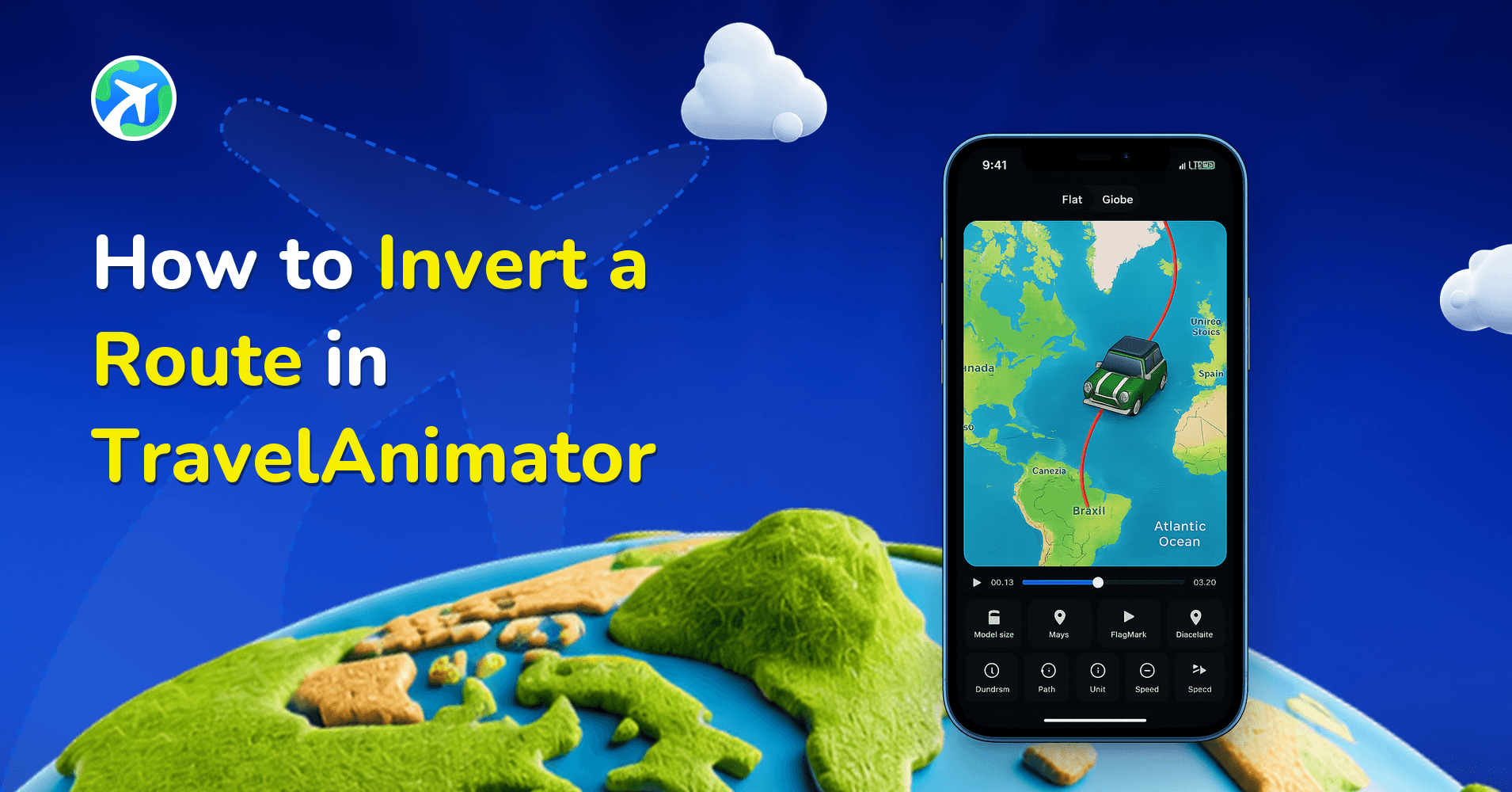
How to Invert a Route in TravelAnimator
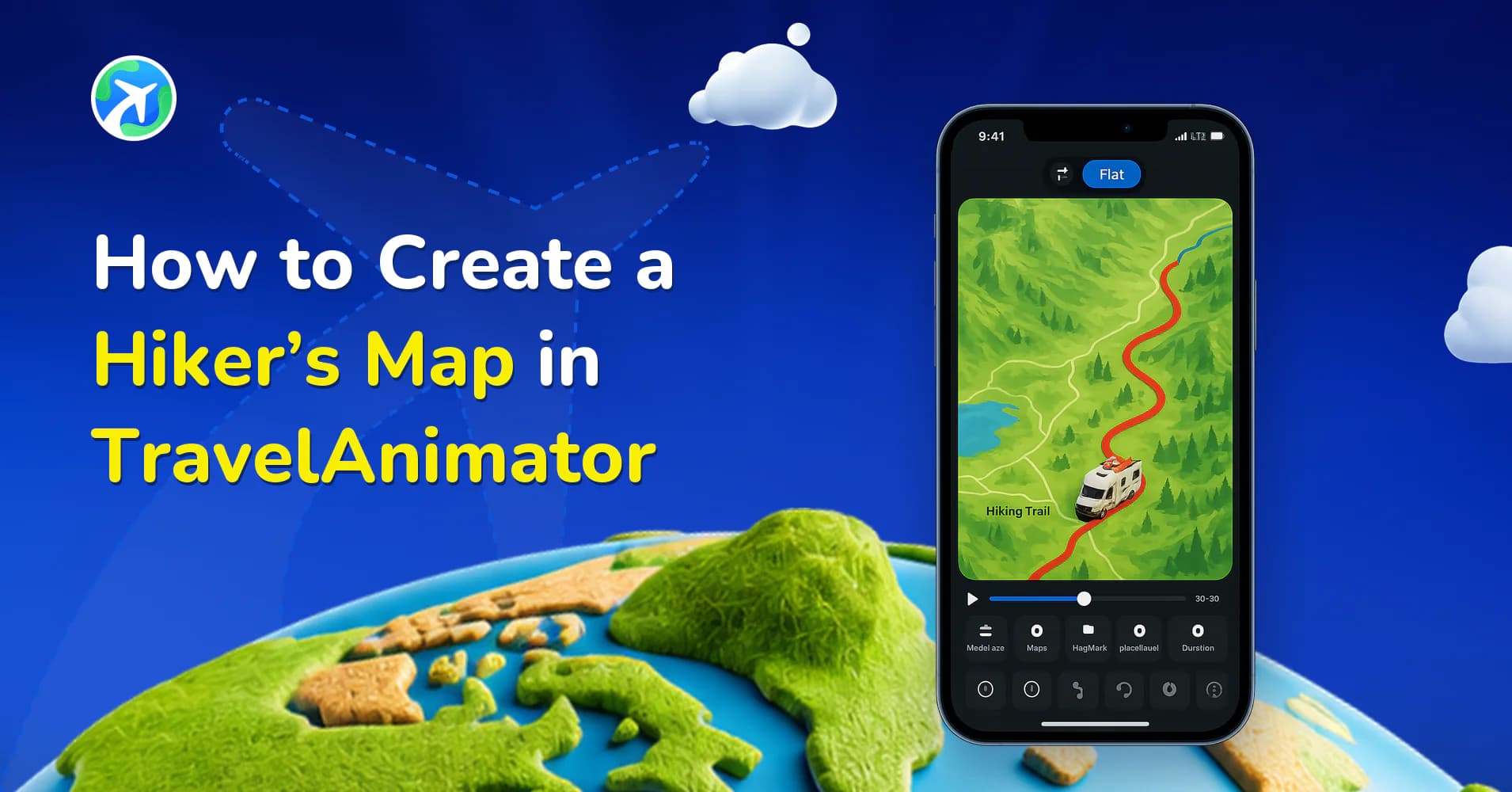
How to Create a Hiker’s Map in TravelAnimator
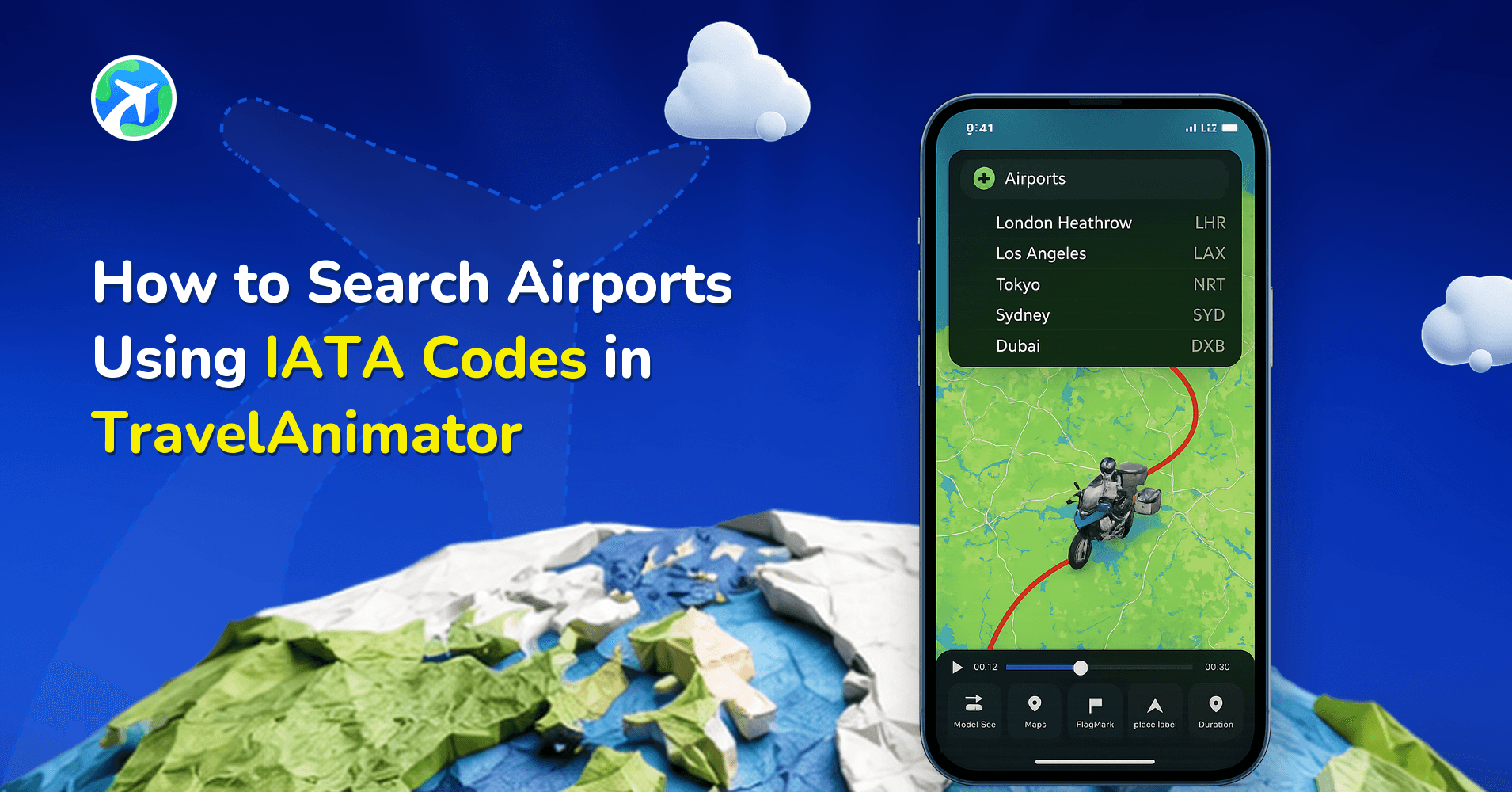
How to Search Airports Using IATA Codes in TravelAnimator
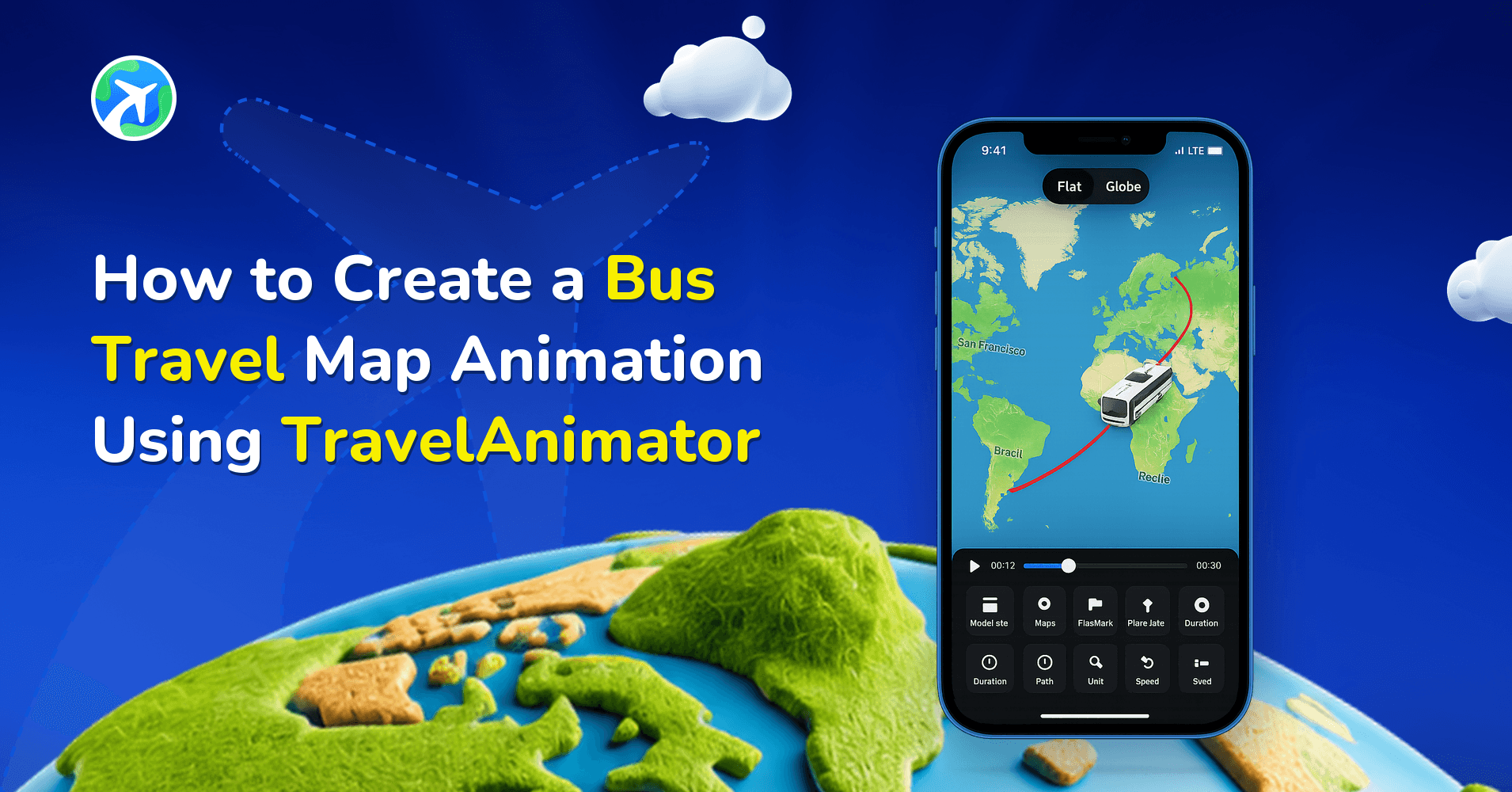
How to Create a Bus Travel Map Animation Using TravelAnimator
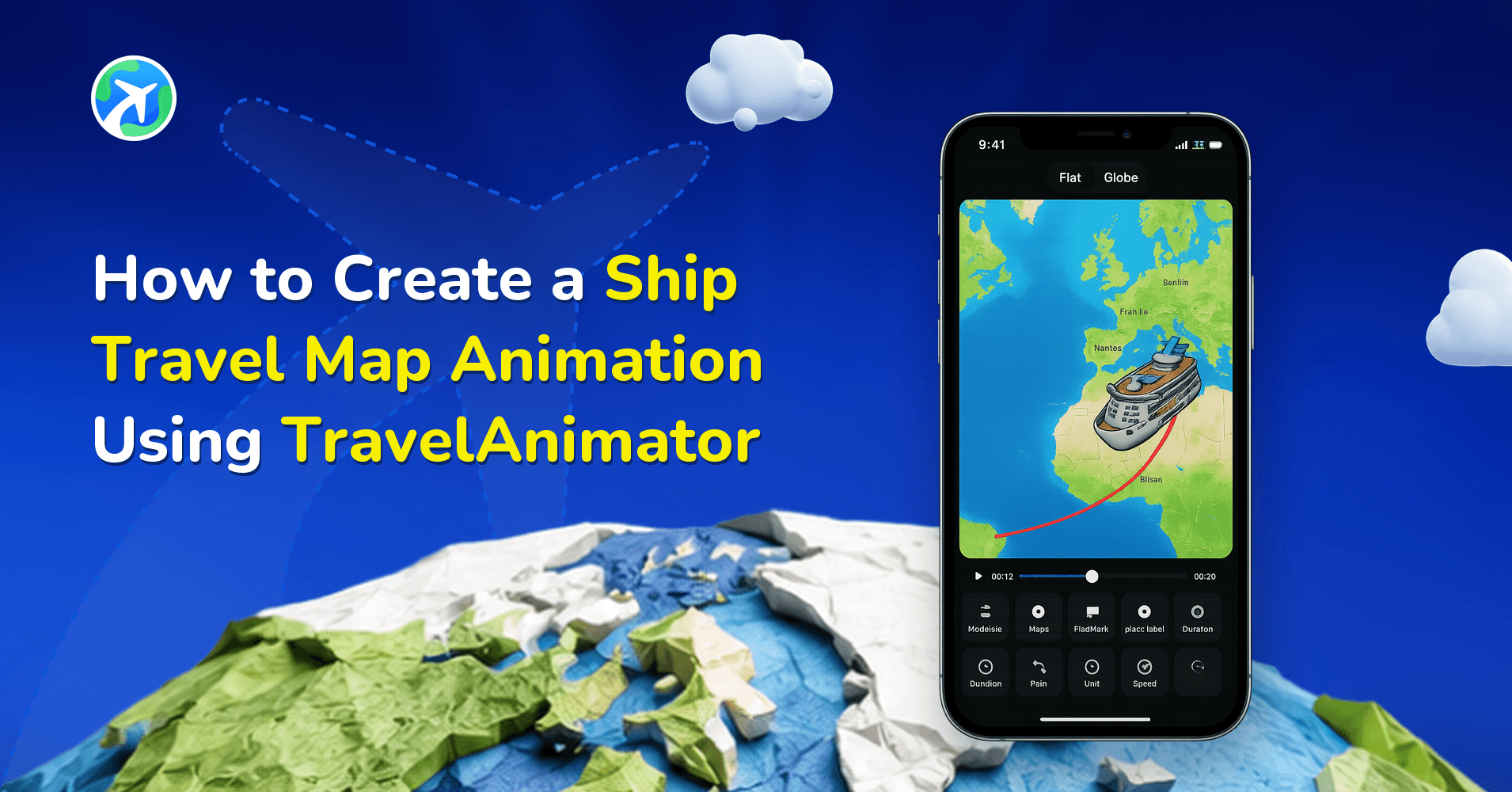
How to Create a Ship Travel Map Animation Using Travel Animator
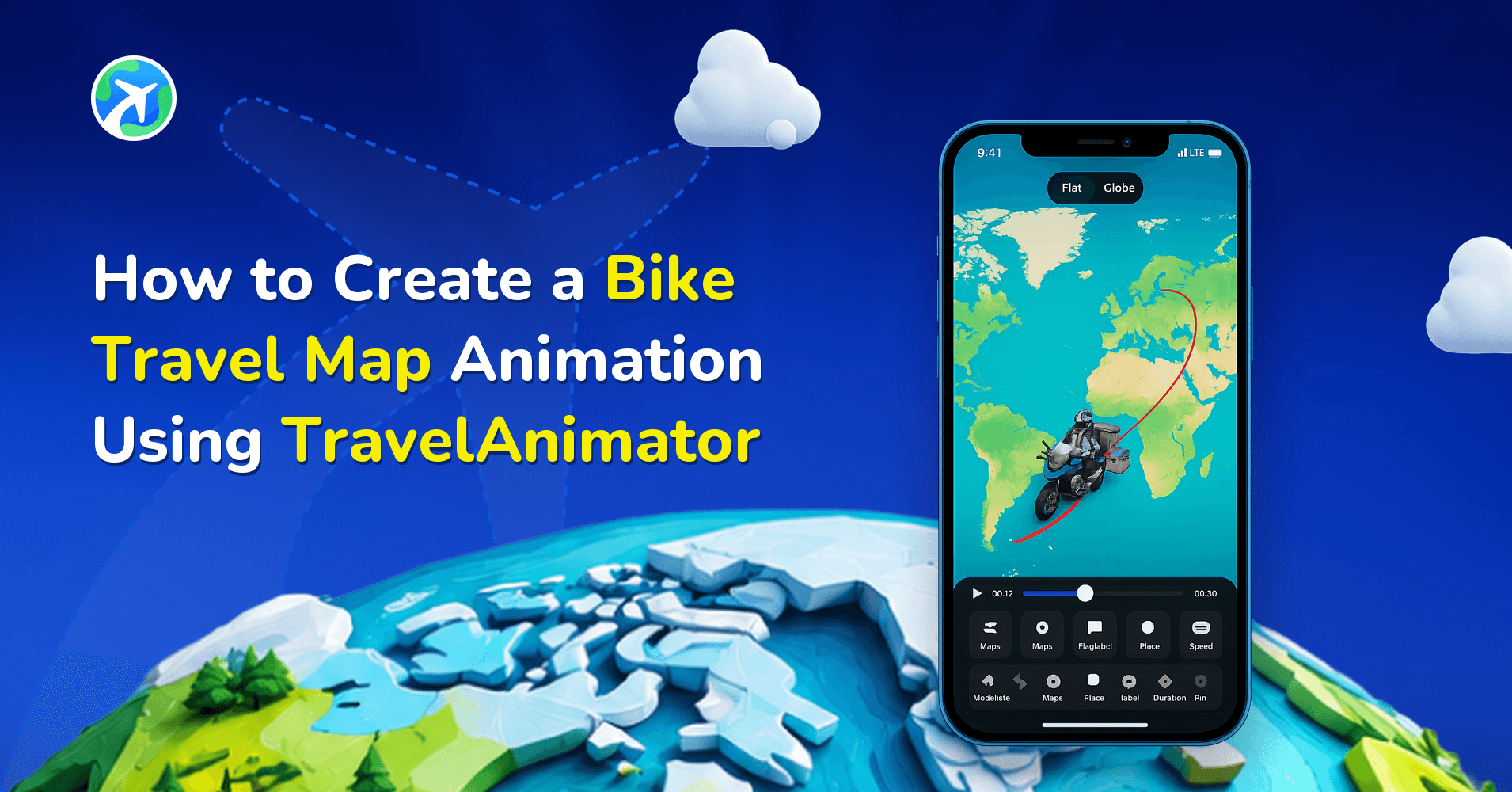
How to Create a Bike Travel Map Animation Using Travel Animator
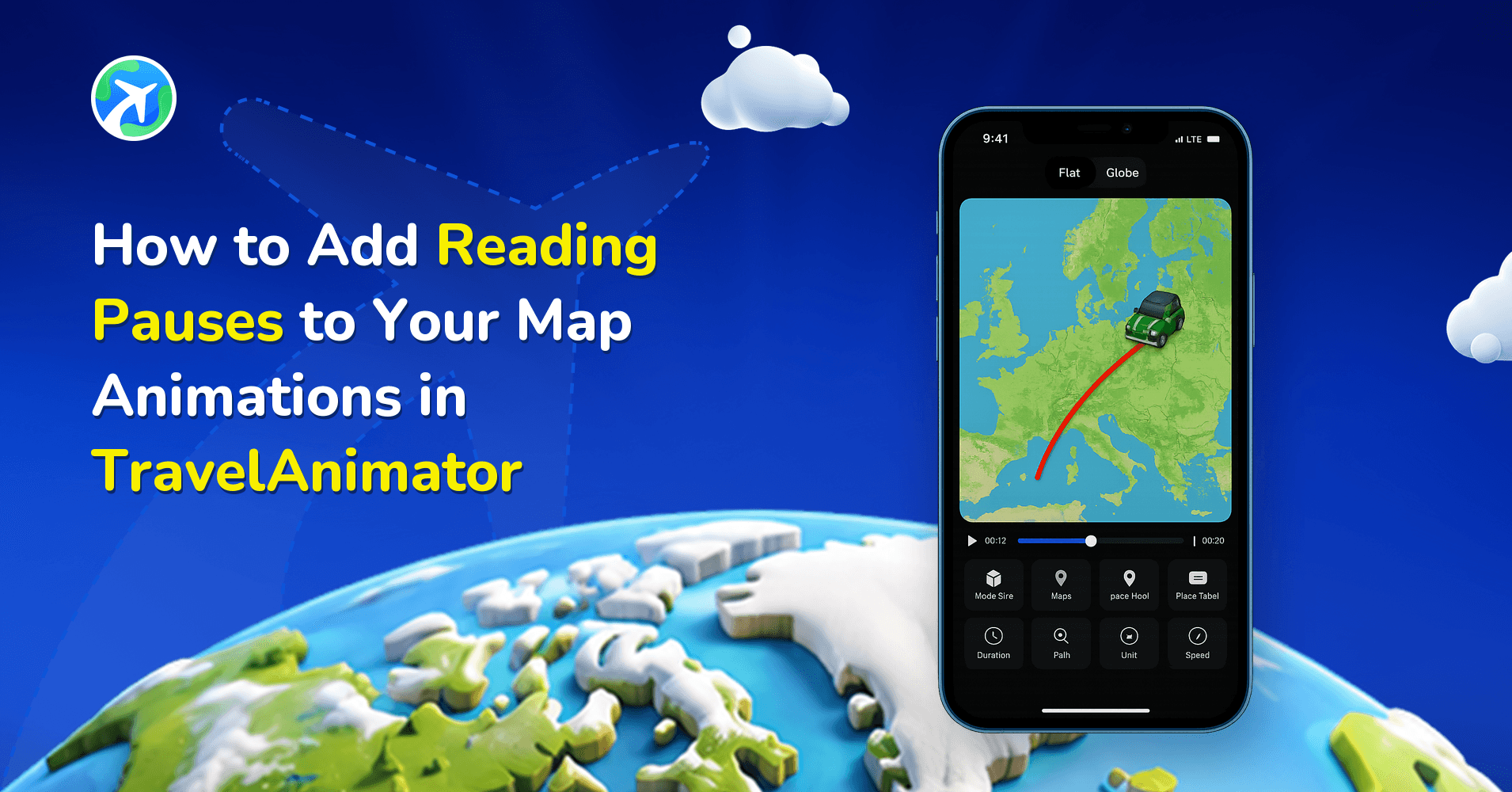
How to Add Reading Pauses to Your Map Animations in TravelAnimator
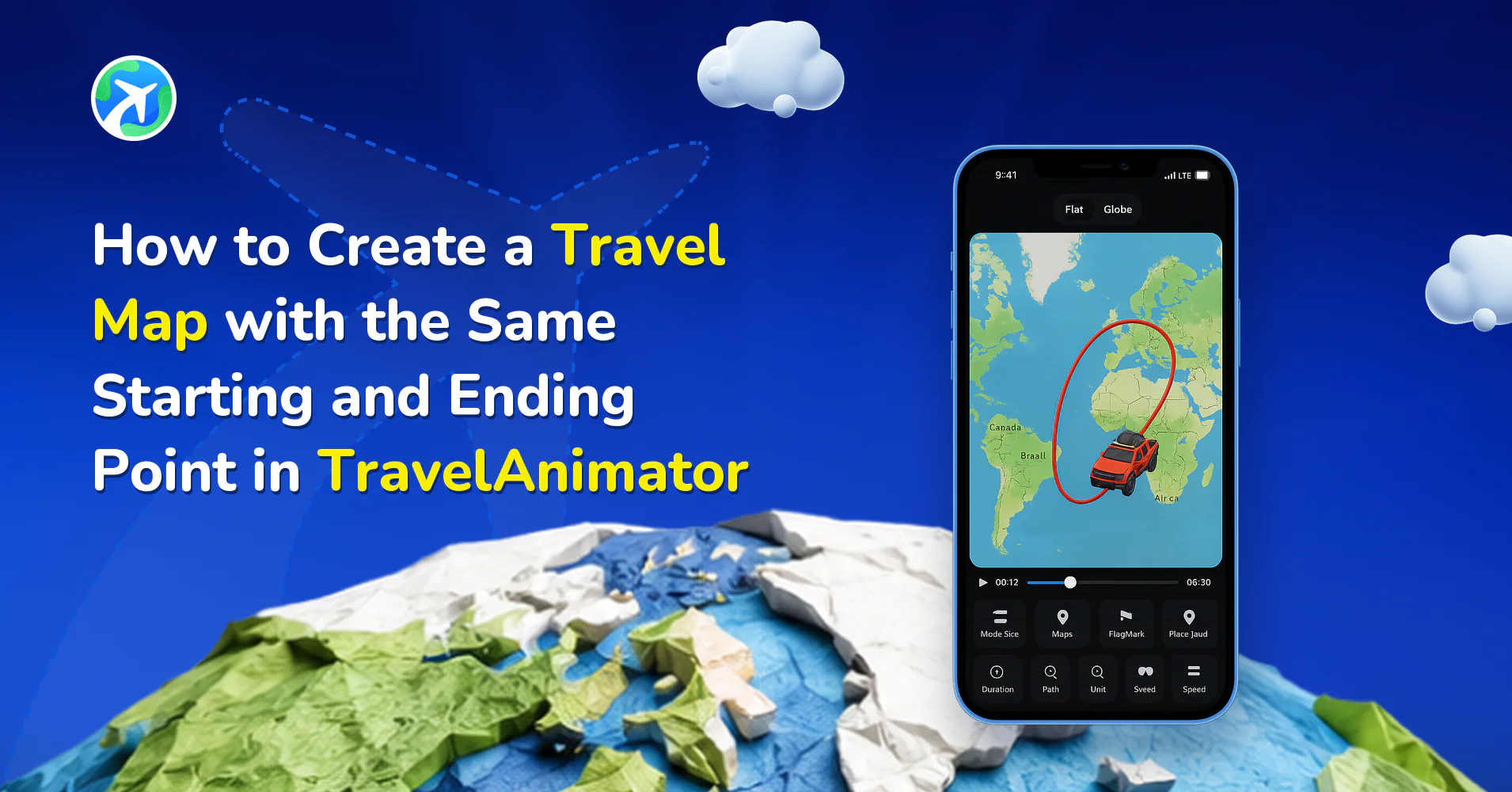
How to Create a Round-Trip Travel Map in TravelAnimator
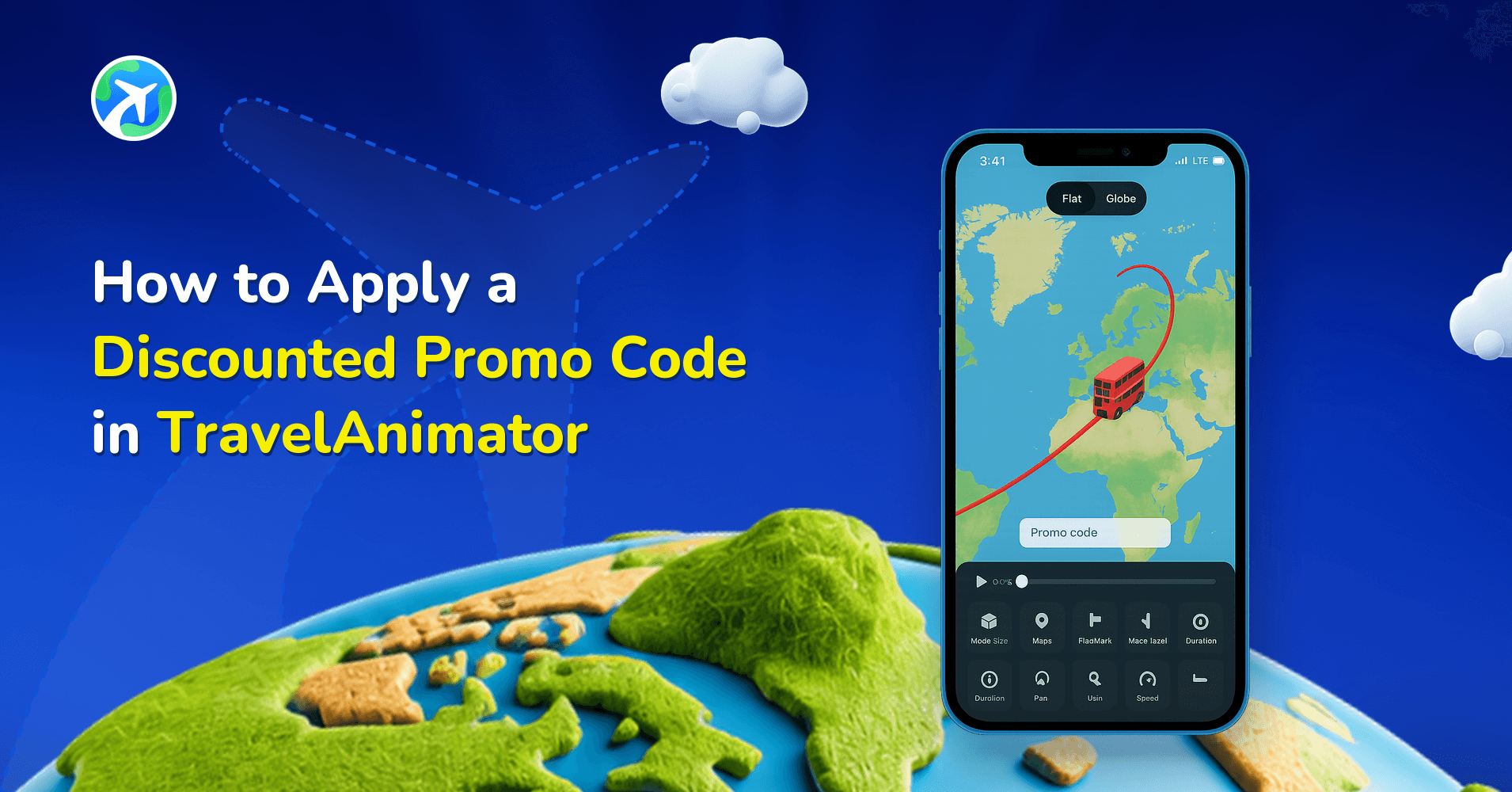
How to Apply a Discounted Promo Code in TravelAnimator
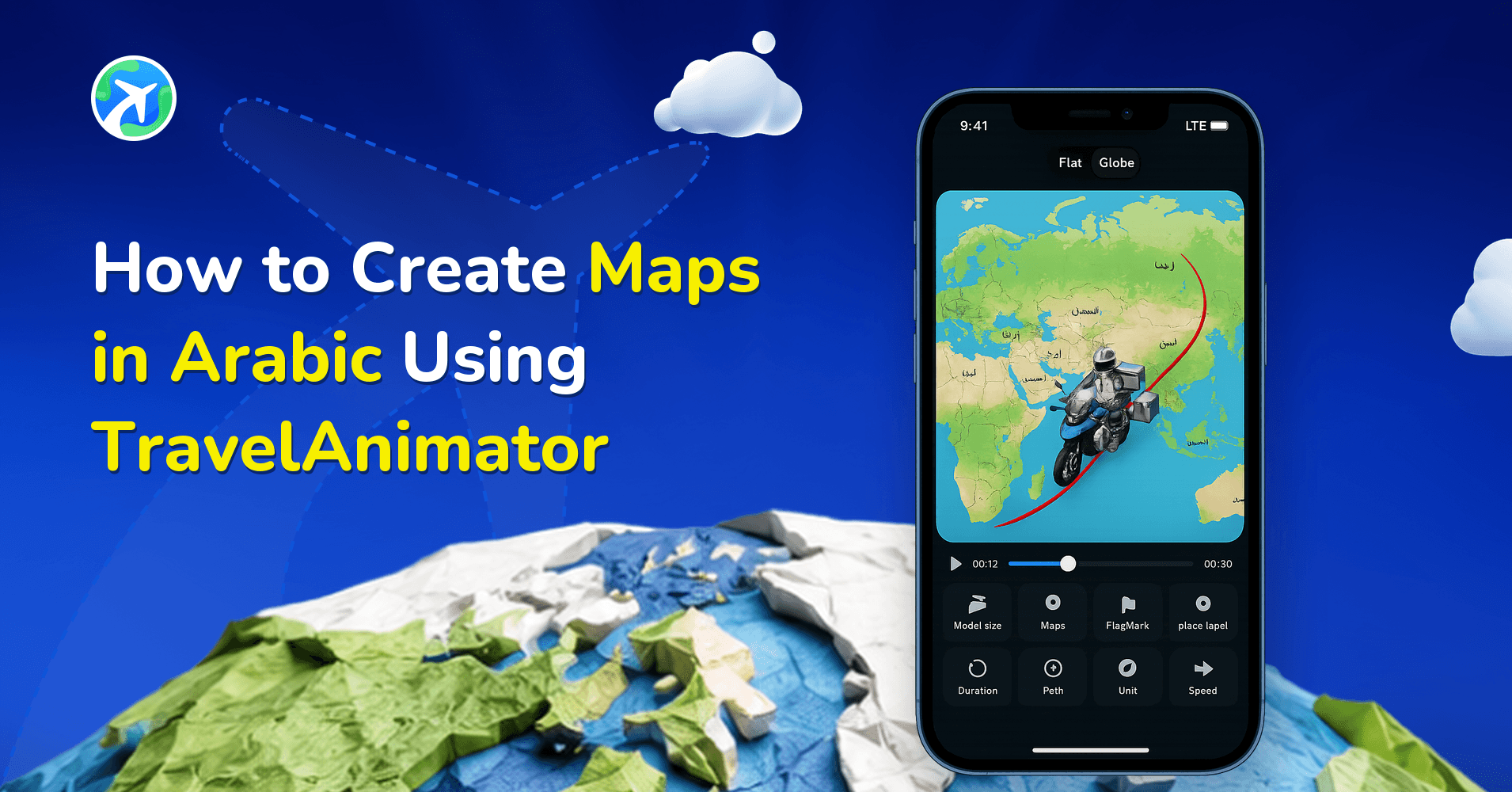
How to Create Maps in Arabic Using Travel Animator
How to Search by Coordinates in TravelAnimator
How to Edit Location Names in Travel Animator
How to Customize Place Labels in TravelAnimator
How to Undo or Redo a Route in TravelAnimator
How to Resize an Image in Travel Animator
How to Delete an Image in Travel Animator
How to Create a Stunning Travel Recap Map with Travel Animator
How to Import KML/KMZ files in TravelAnimator
How to Customize the Image in TravelAnimator
How to Customize Text in Travel Animator
How to Customize the Route Line in TravelAnimator
How to Easily Create Travel Animations Between Busy Schedules
How to Claim a Pro Model for Free in TravelAnimator
How to Create and Plan Multi-Stop Routes in TravelAnimator
How to Customize the Google Maps Route in Travel Animator
How to Create Stunning 3D Earth Route Videos in TravelAnimator
How to Animate Your Winter Journey with TravelAnimator
How to Turn TravelAnimator into Your Digital Travel Book
How to Log Out of Your Account in TravelAnimator
Tips to Edit and Adjust Points in TravelAnimator
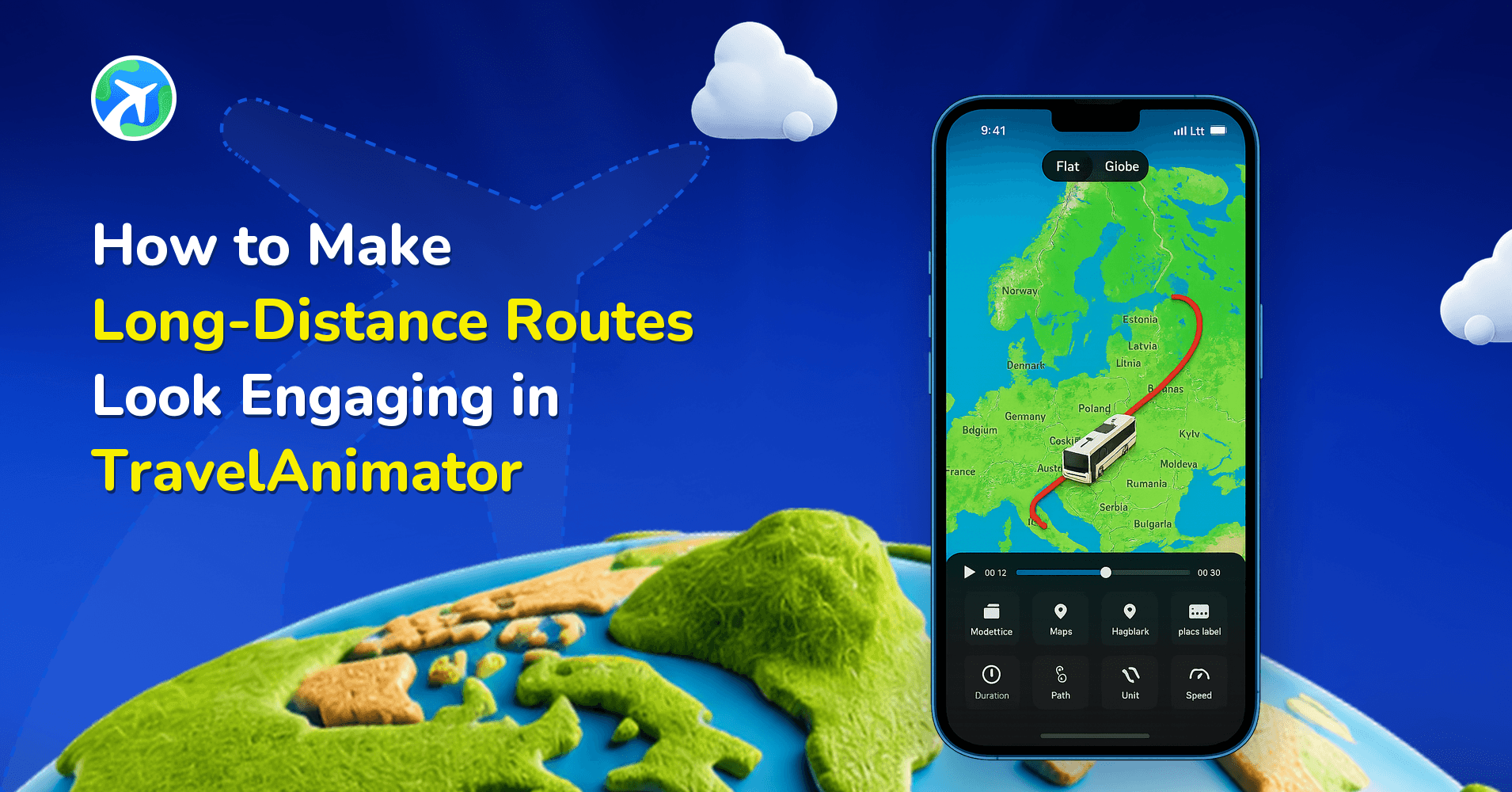
How to Make Long-Distance Routes Look Engaging in TravelAnimator
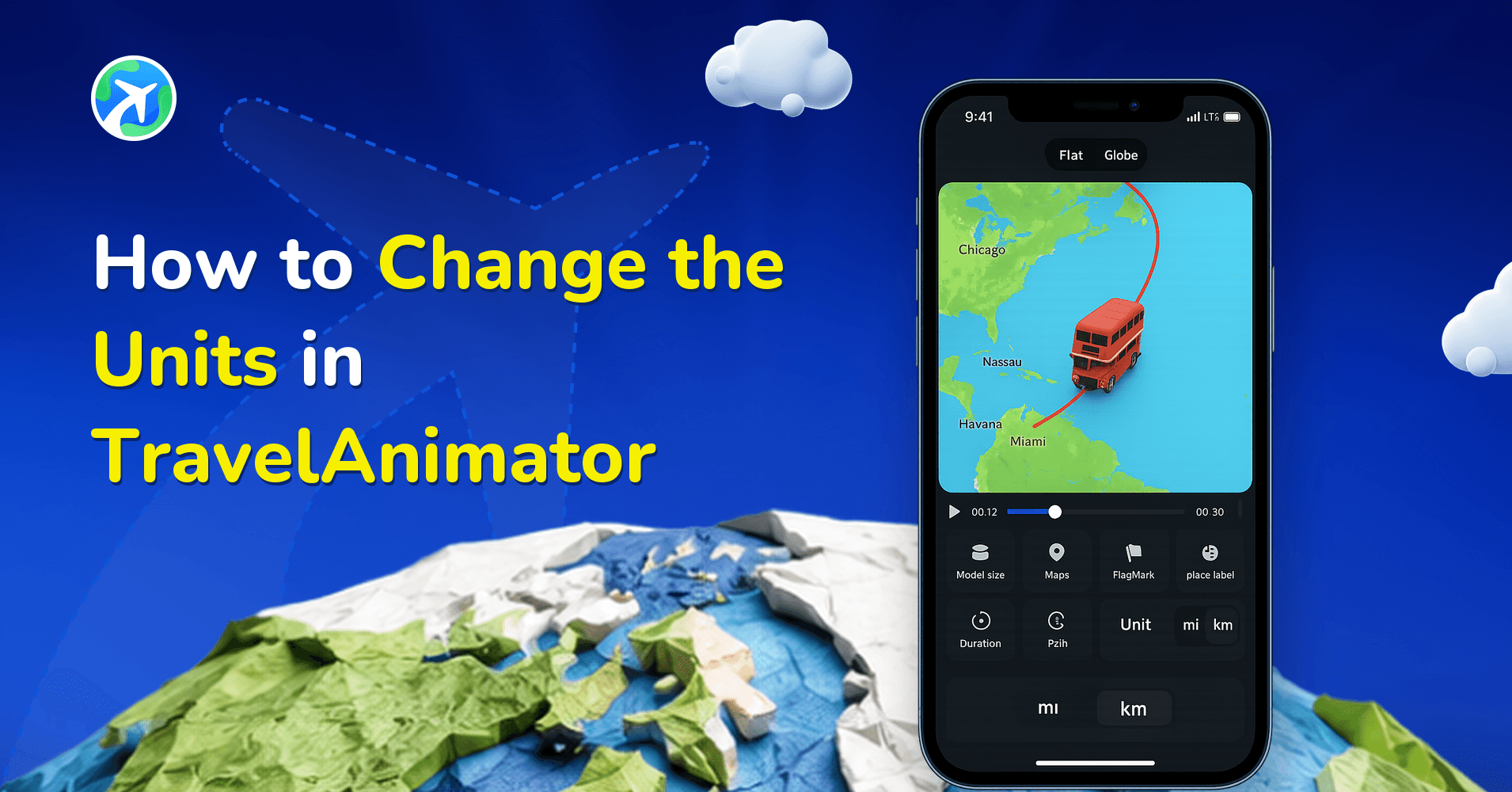
How to Change the Units in TravelAnimator
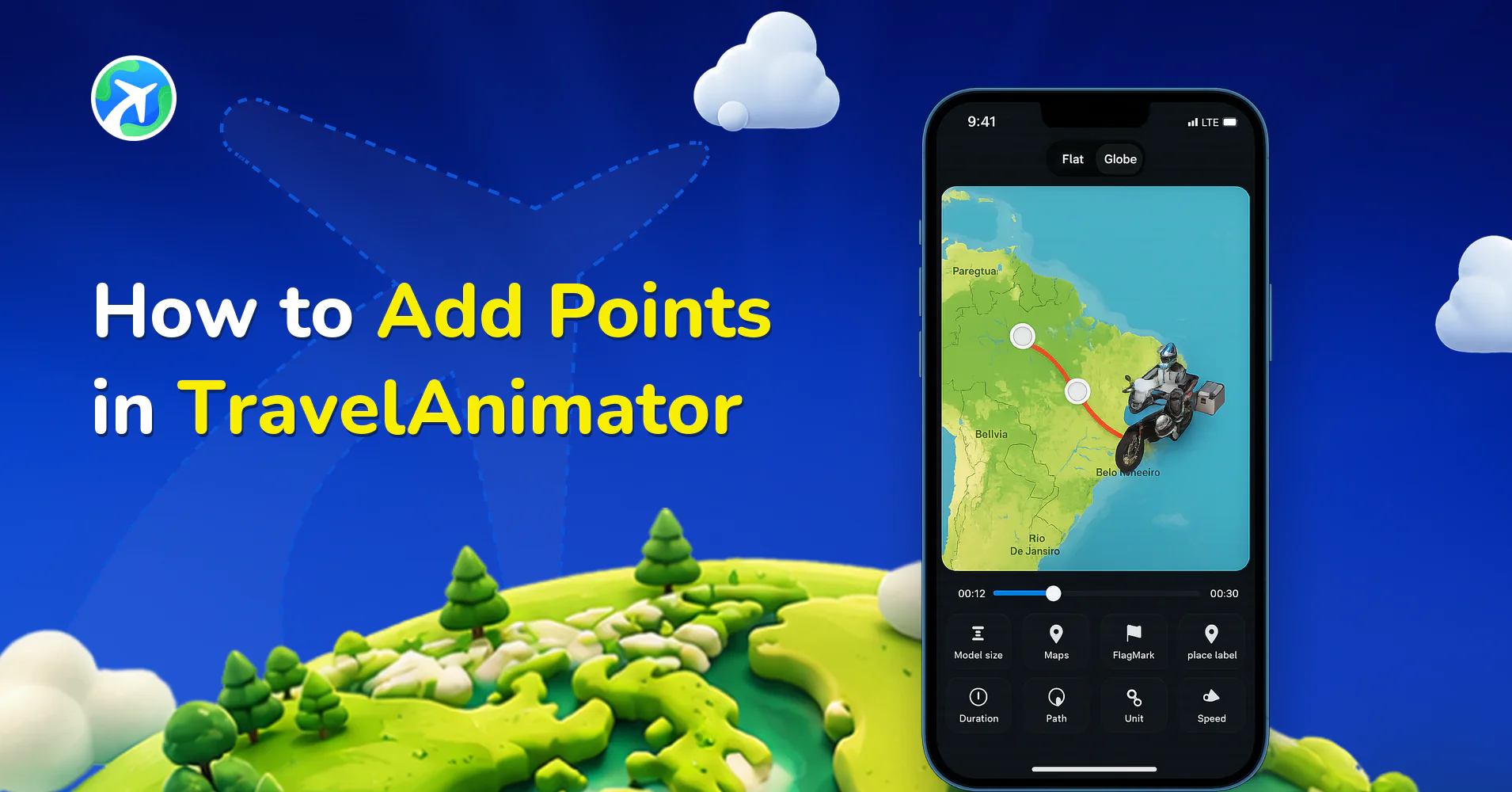
How to Add Points in TravelAnimator
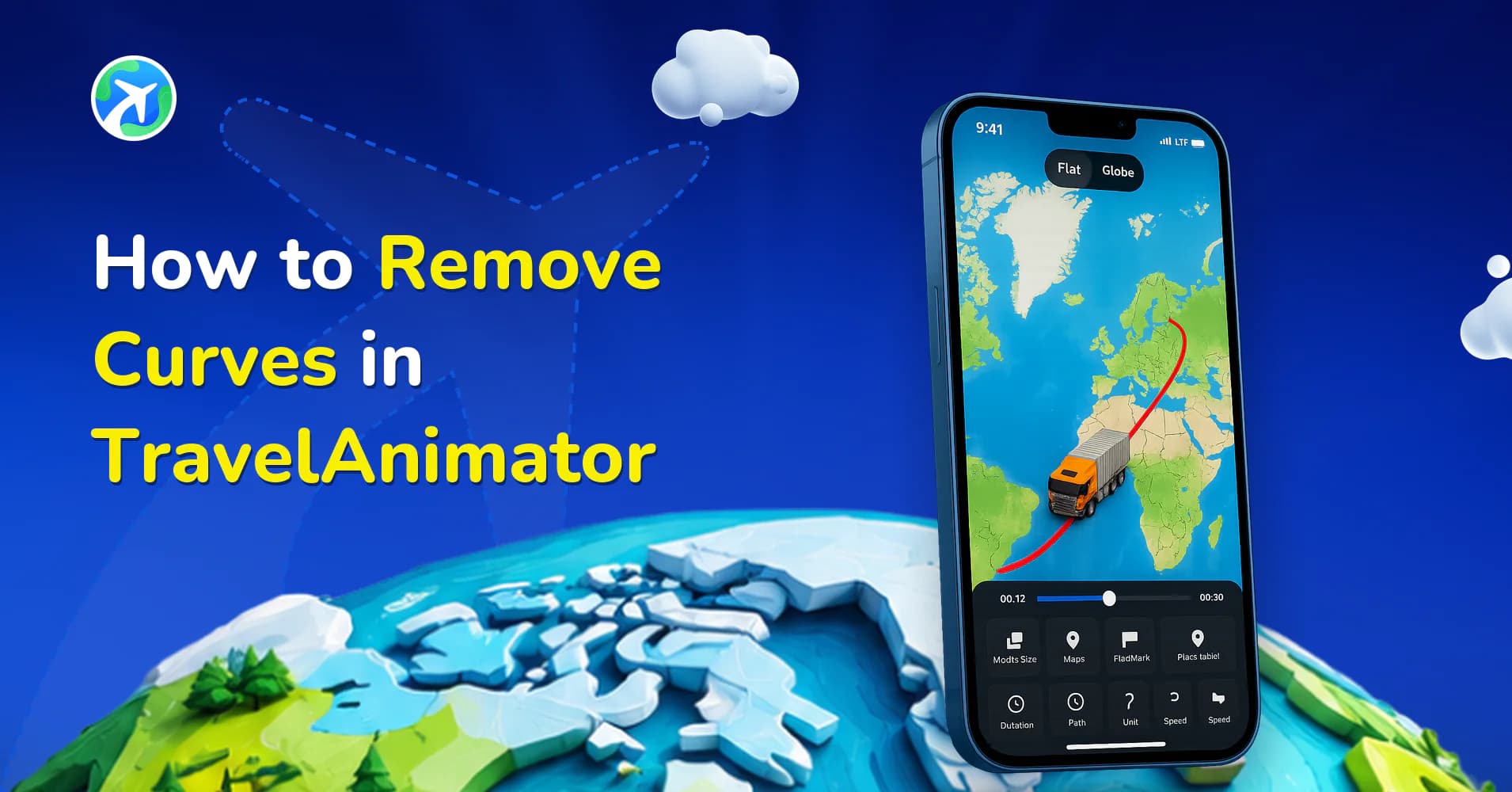
How to Remove Curves in TravelAnimator
How to Create Engaging Route Patterns in TravelAnimator
How to Create a Rough Animation in Travel Animator
How to Create Green Screen Animation in Travel Animator
How to Smoothen GPX Routes in Travel Animator
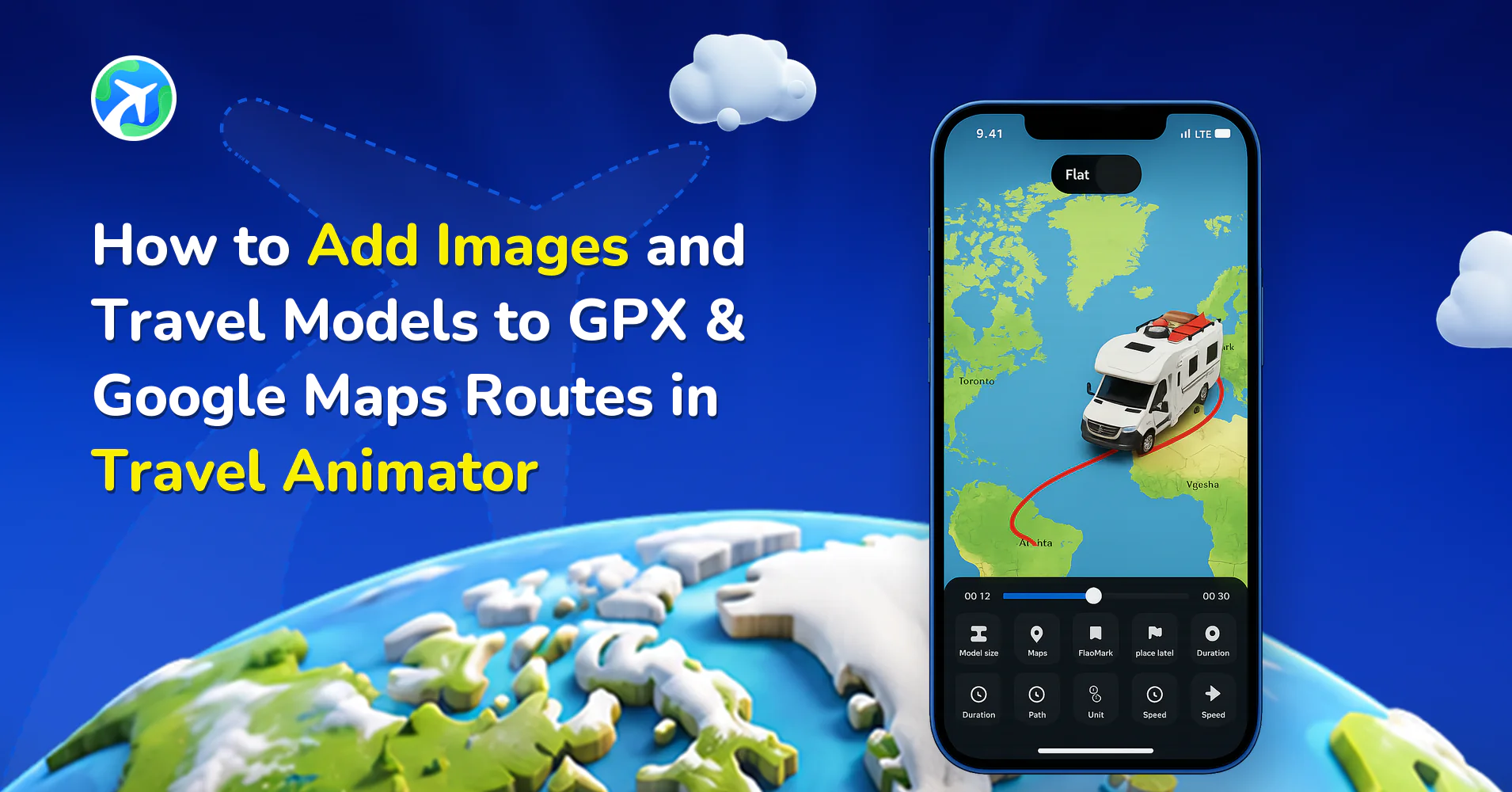
How to Add Images and Travel Models to GPX & Google Maps Routes in Travel Animator
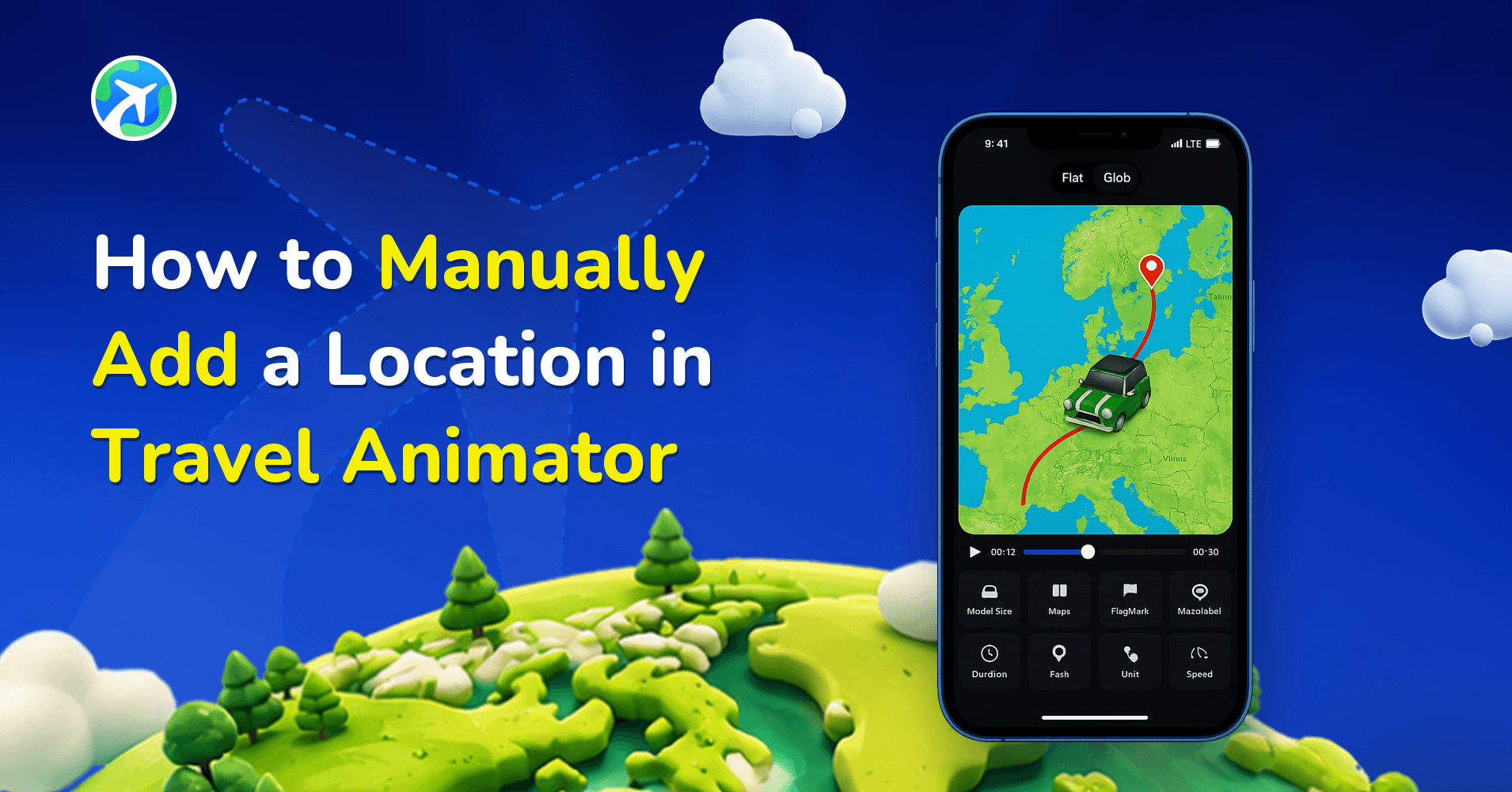
How to Manually Add a Location in Travel Animator
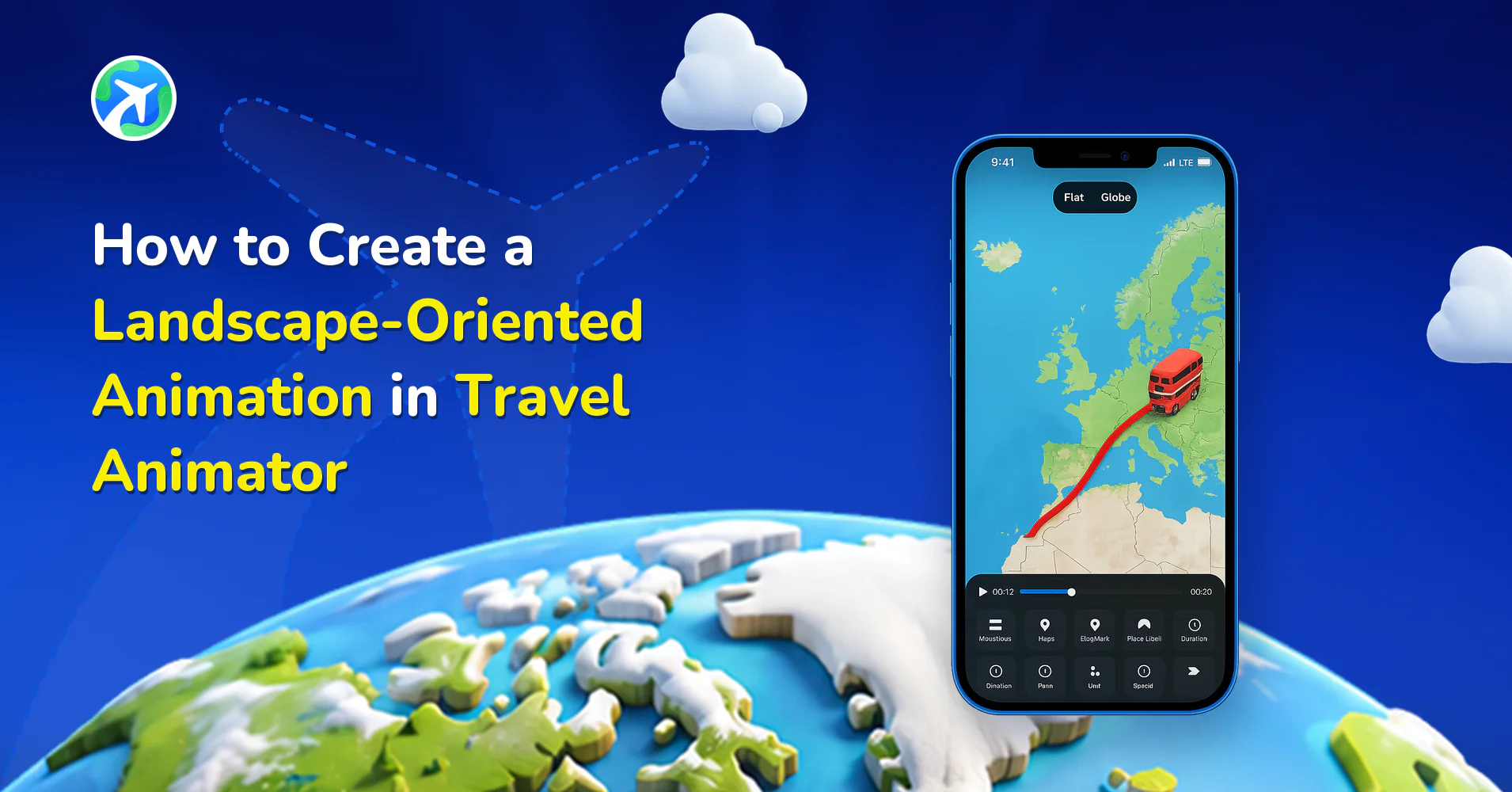
How to Create a Landscape-Oriented Animation in Travel Animator
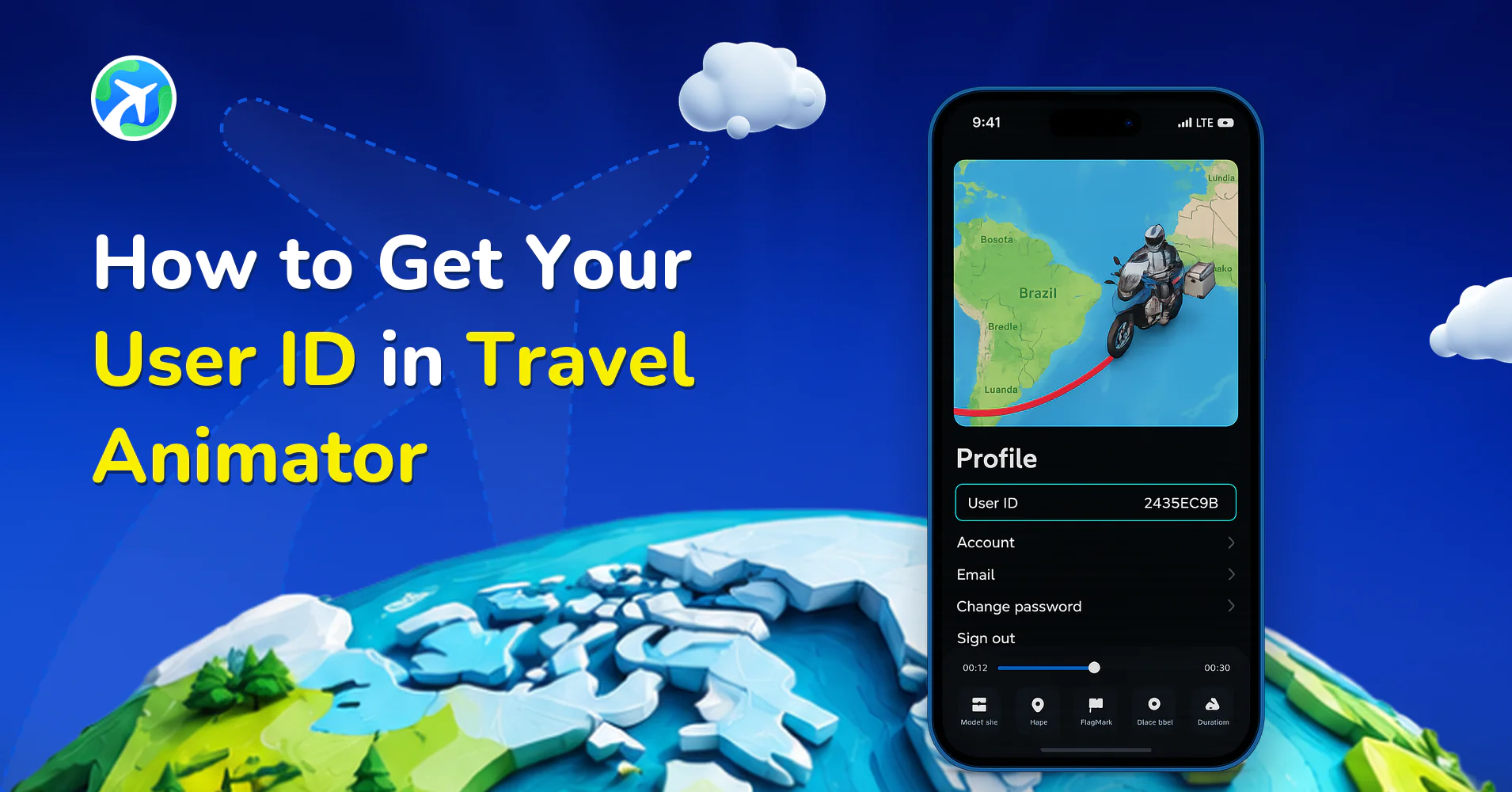
How to Get Your User ID in Travel Animator
How to Request a Feature in Travel Animator
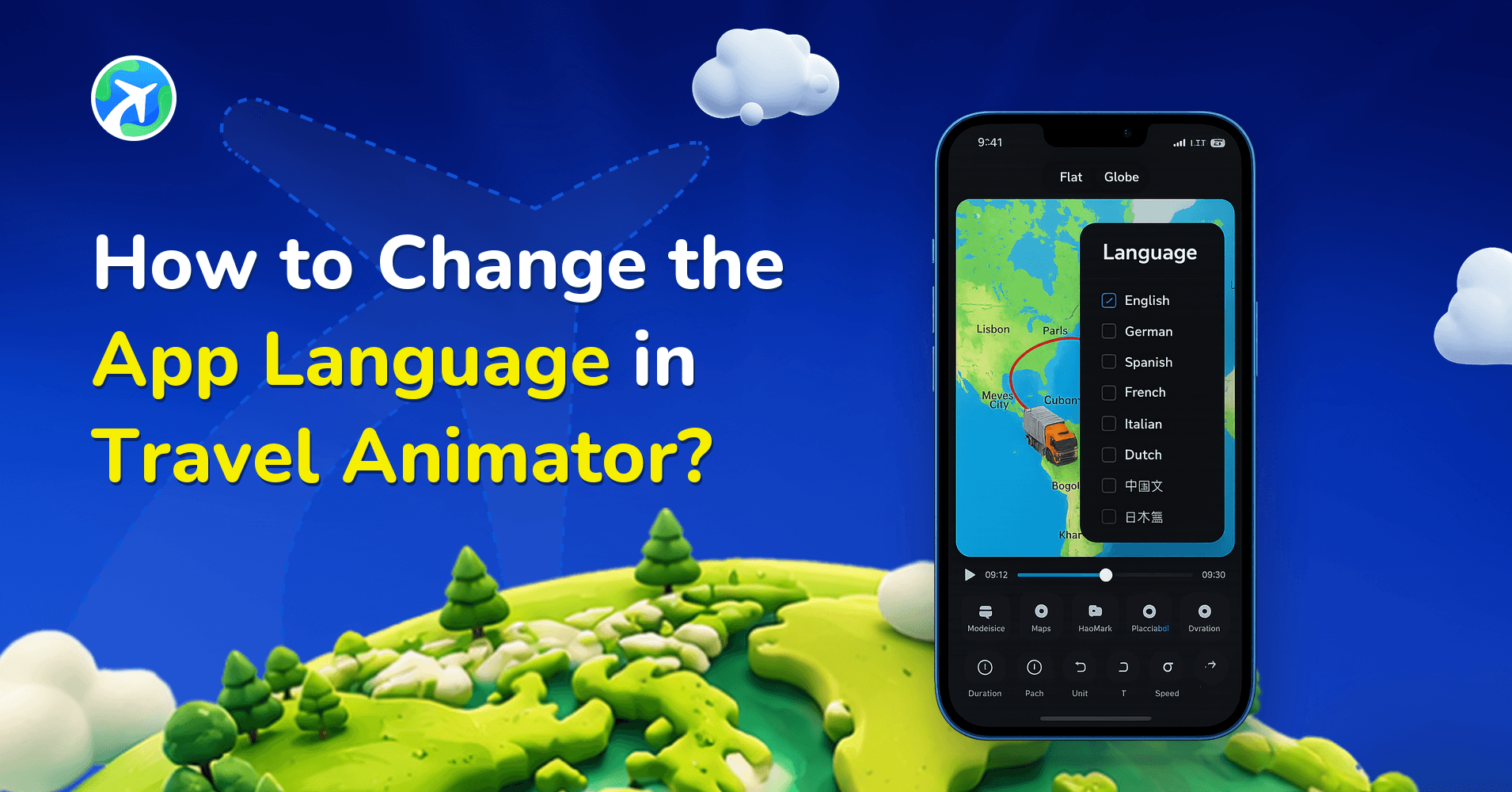
How to Change the App Language in Travel Animator?
Common Mistakes in Travel Animator Videos
How to Screen Record on iPhone for TravelAnimator Support
How to Screen Record on Android for TravelAnimator Support
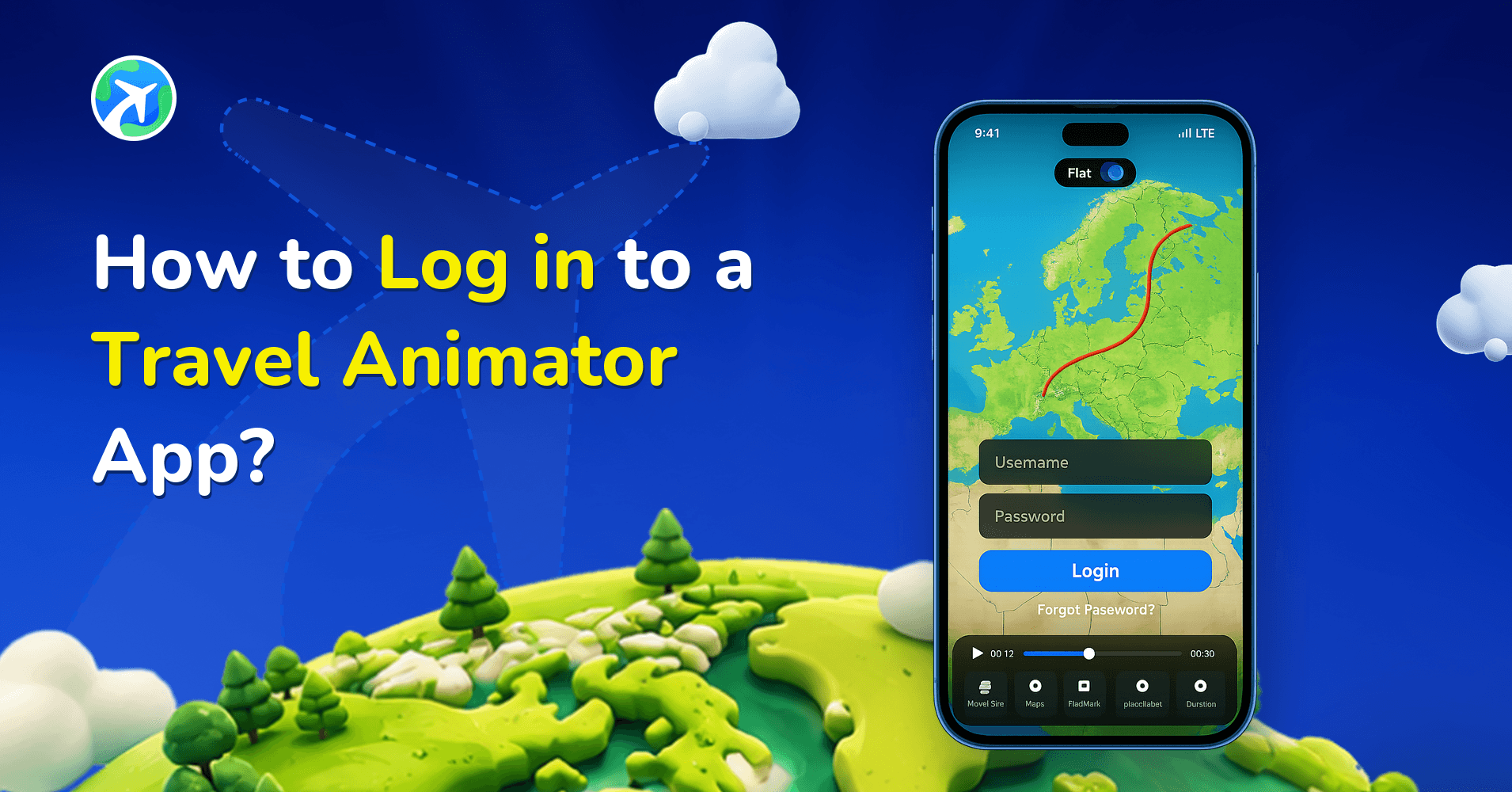
How to Log in to a Travel Animator App?
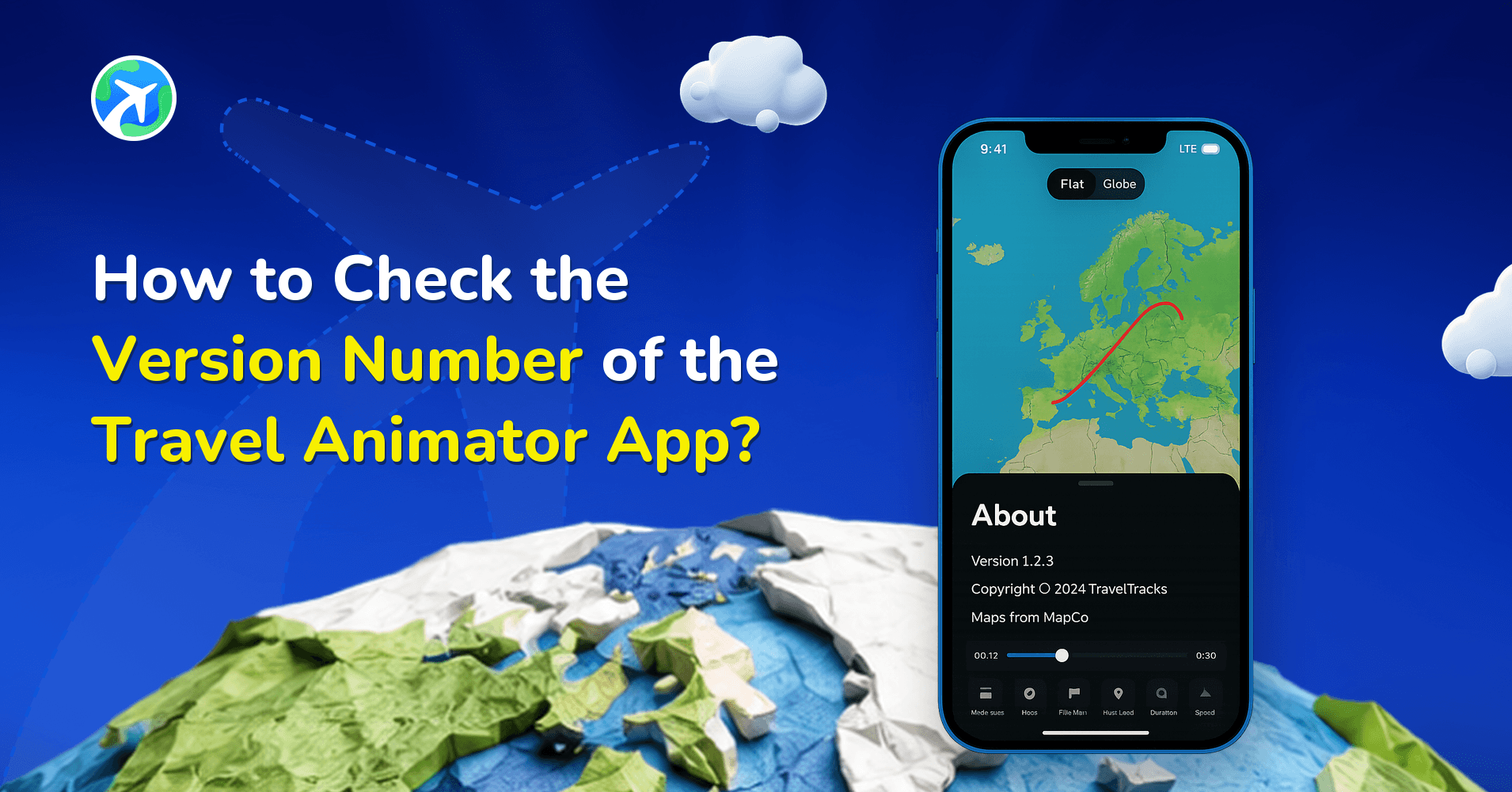
How to Check the Version Number of the Travel Animator App?
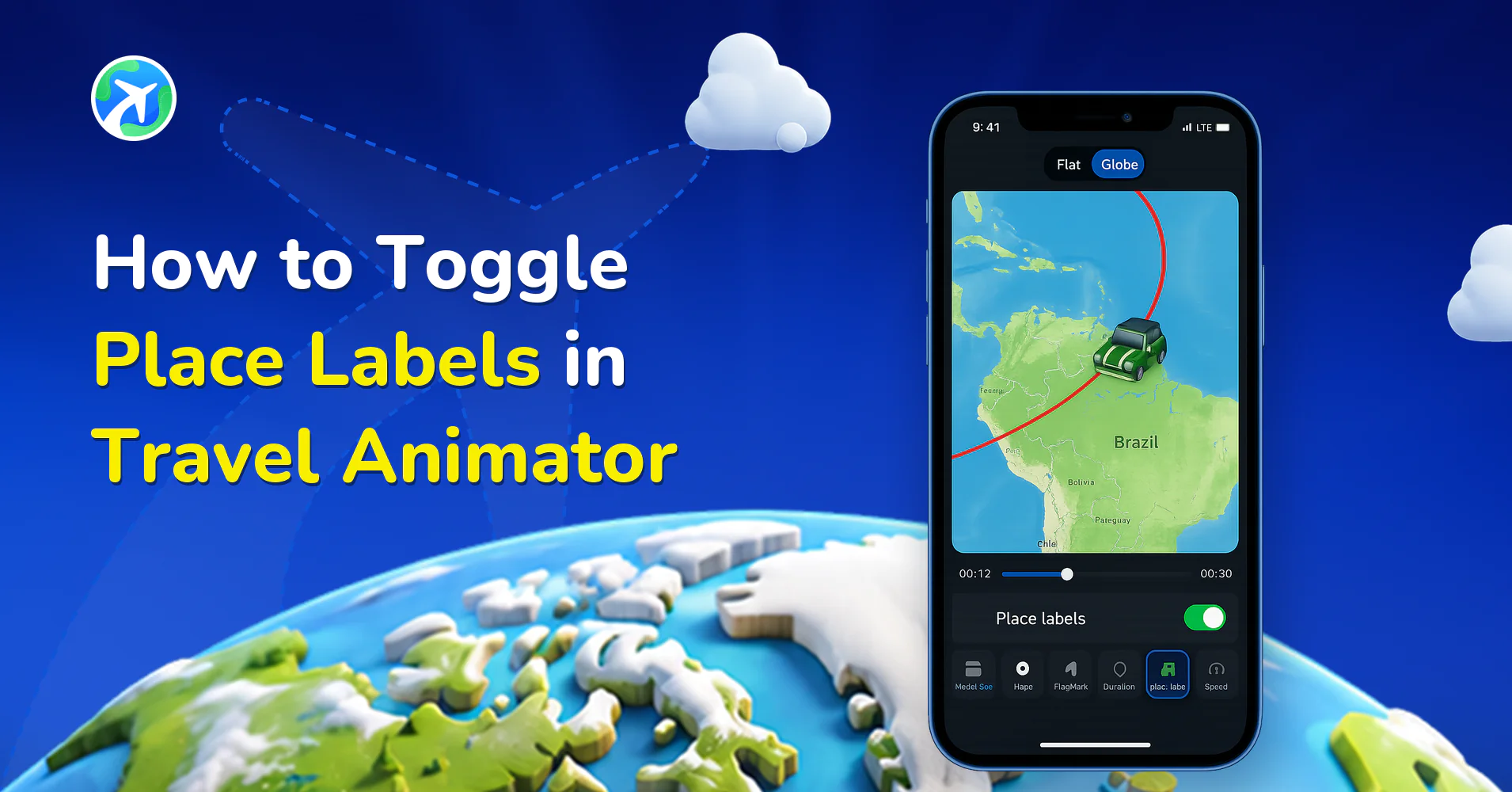
How to Toggle Place Labels in Travel Animator
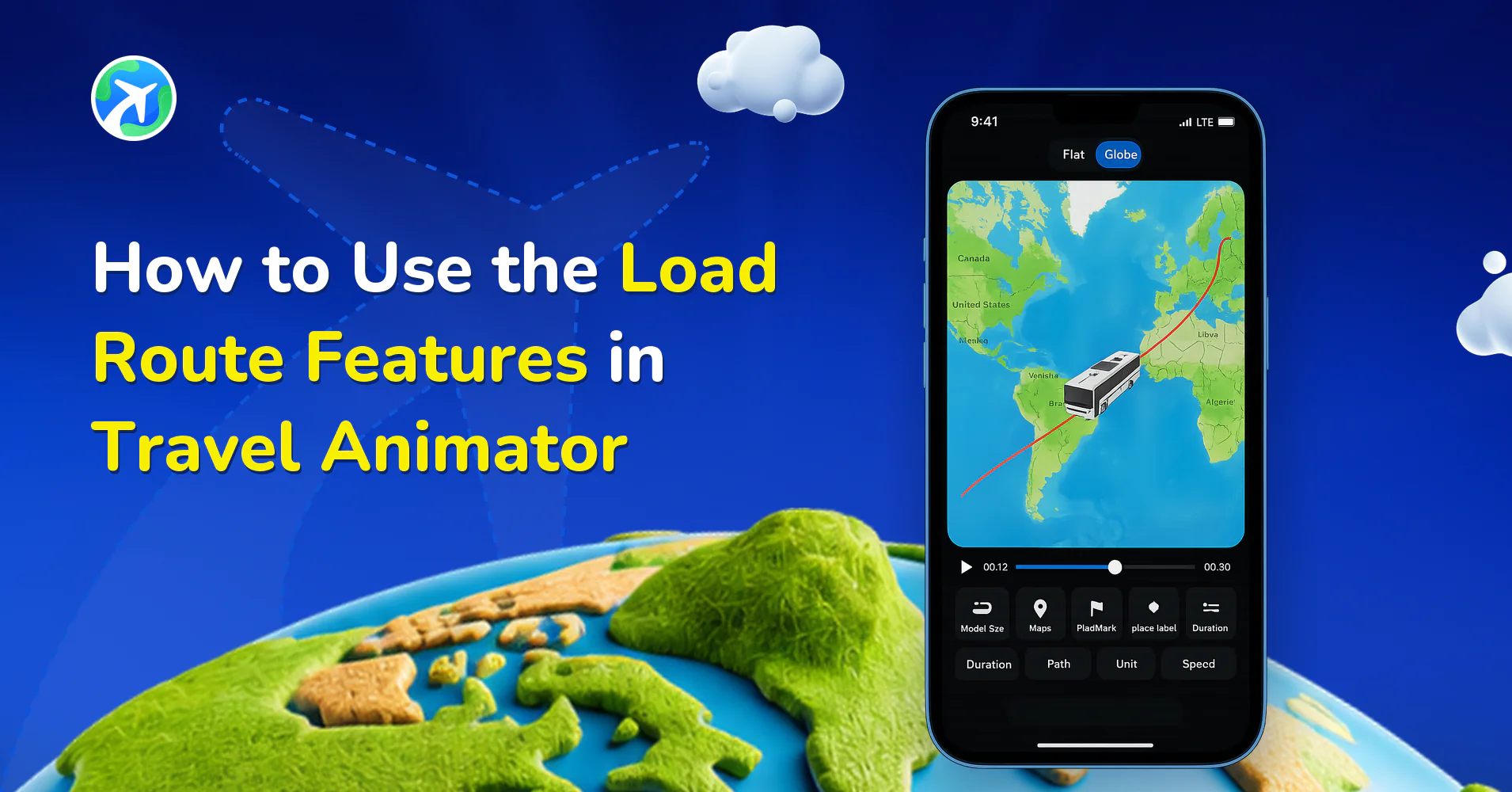
How to Use the Load Route Features in Travel Animator
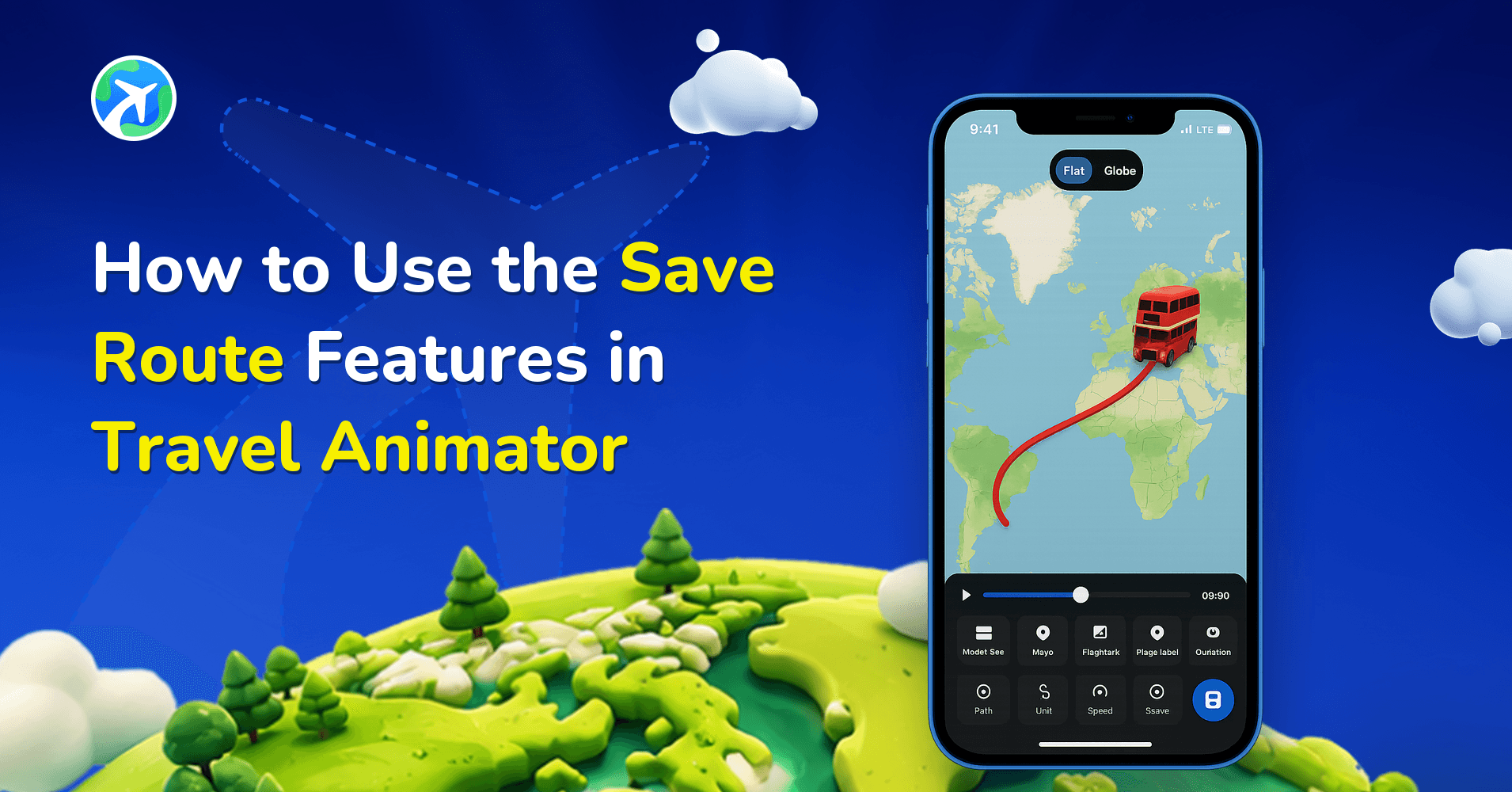
How to Use the Save Route Features in Travel Animator
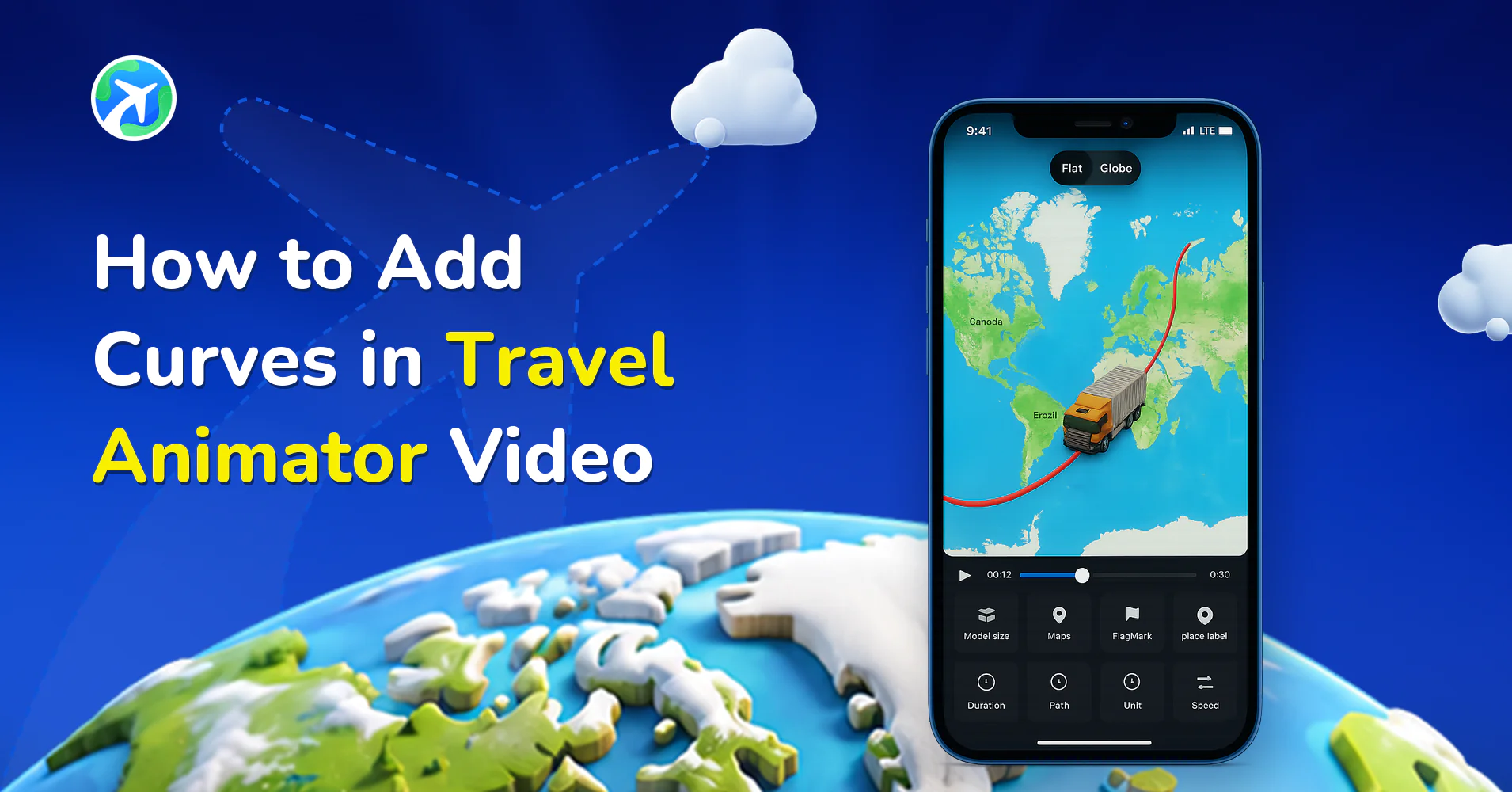
How to Add Curves in Travel Animator Video
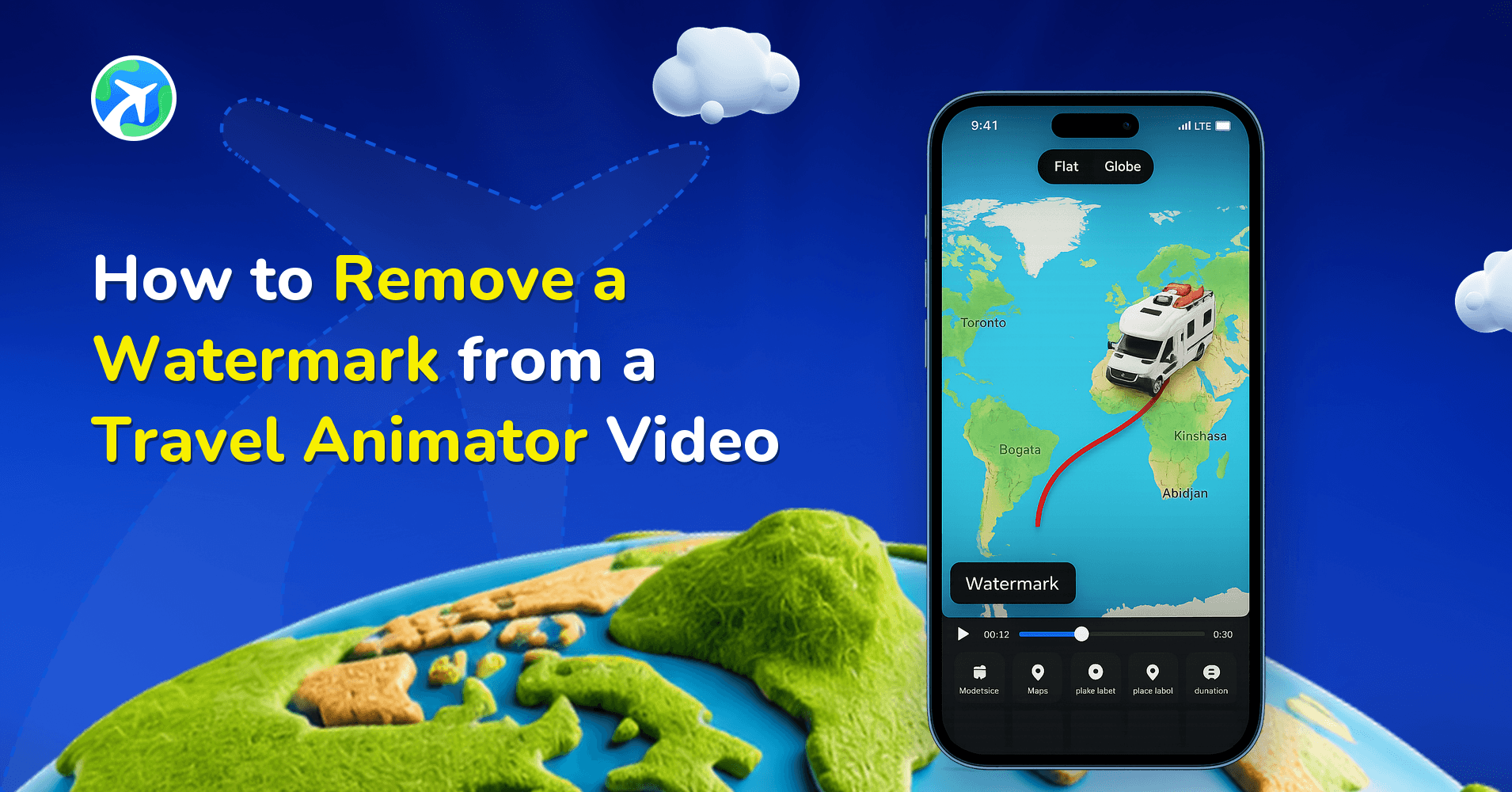
How to Remove a Watermark from a Travel Animator Video
How to Share Your TravelAnimator Video on Social Media
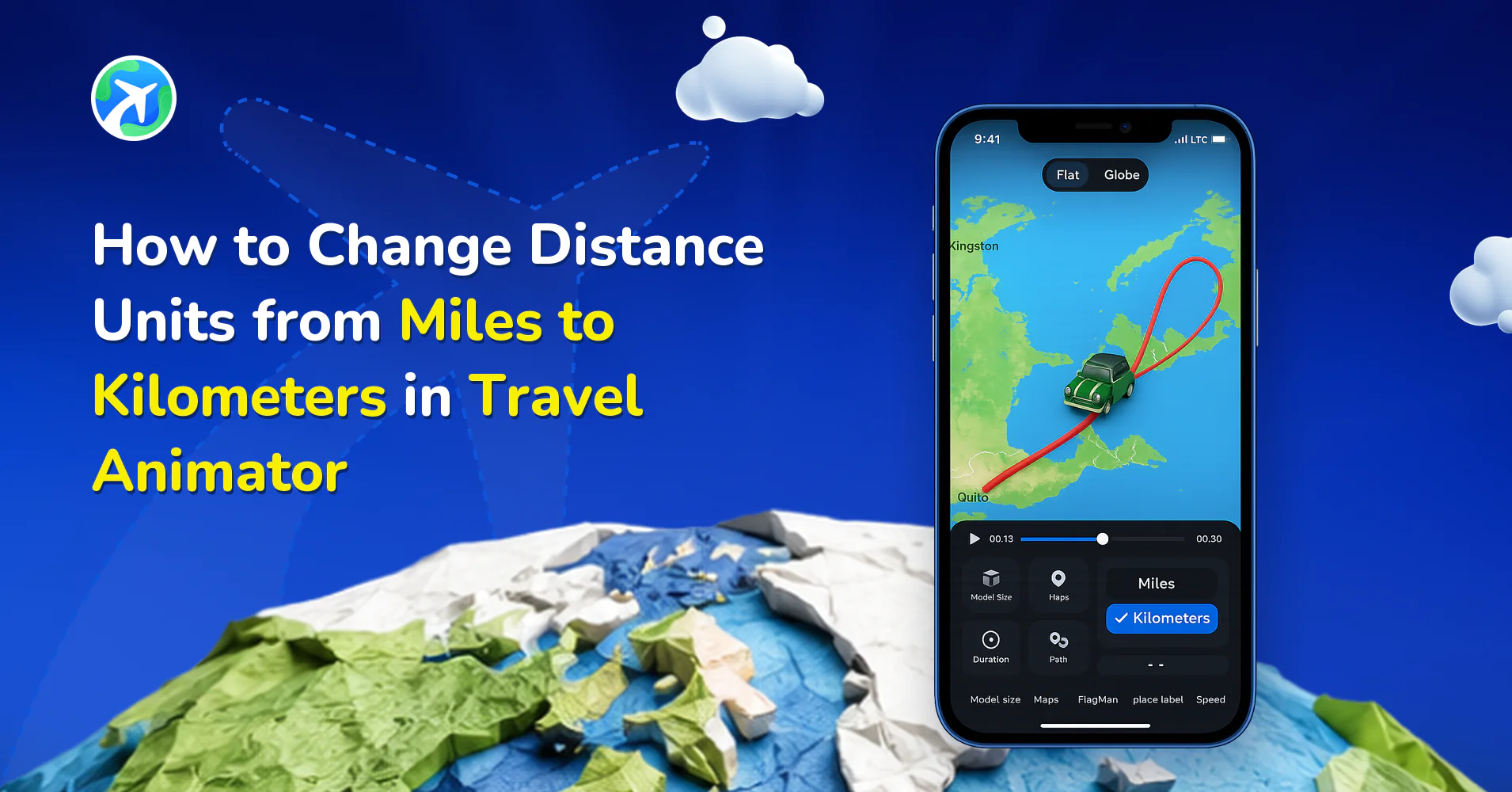
How to Change Distance Units from Miles to Km in TravelAnimator
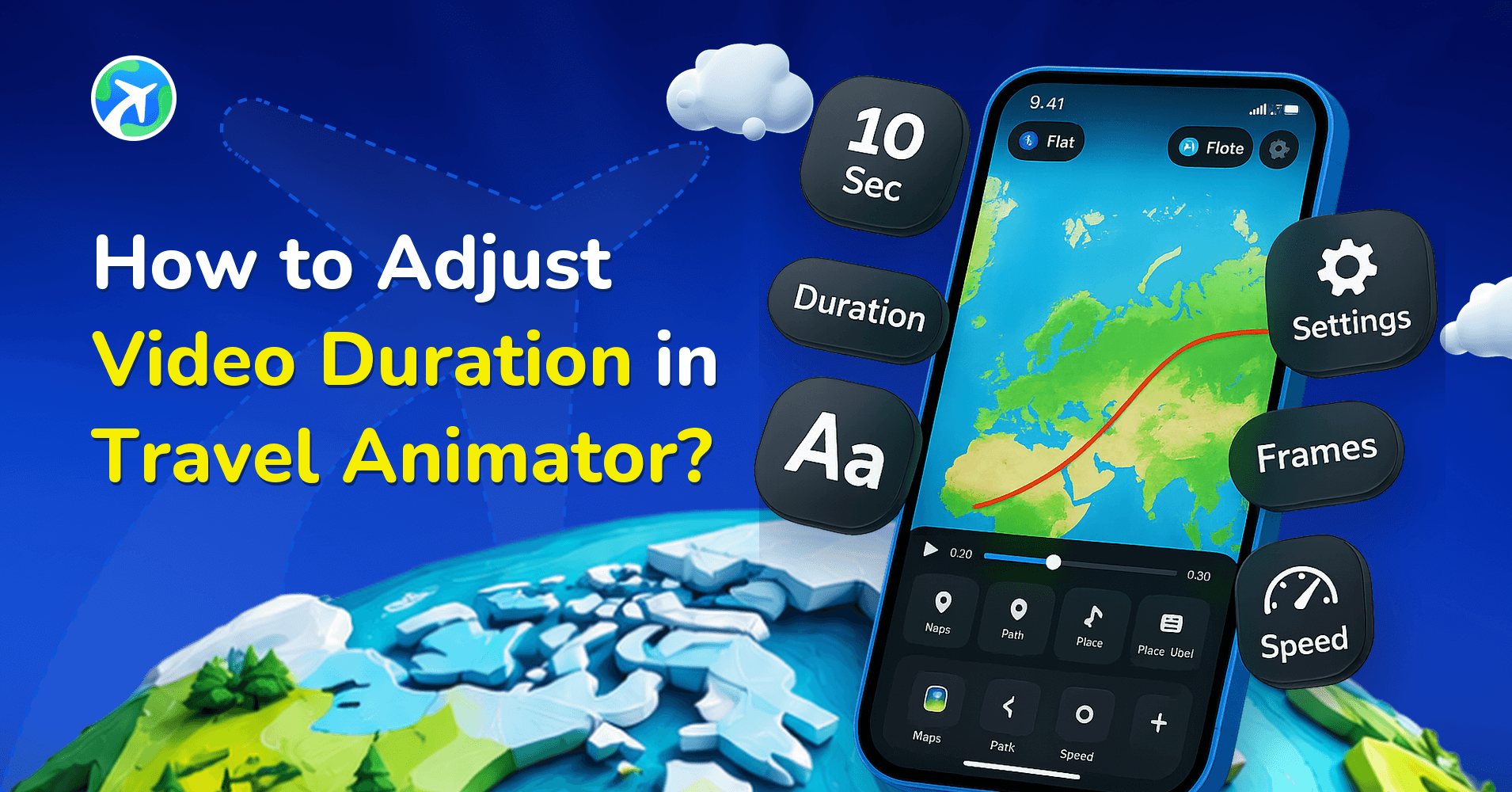
How to Adjust Video Duration in Travel Animator?
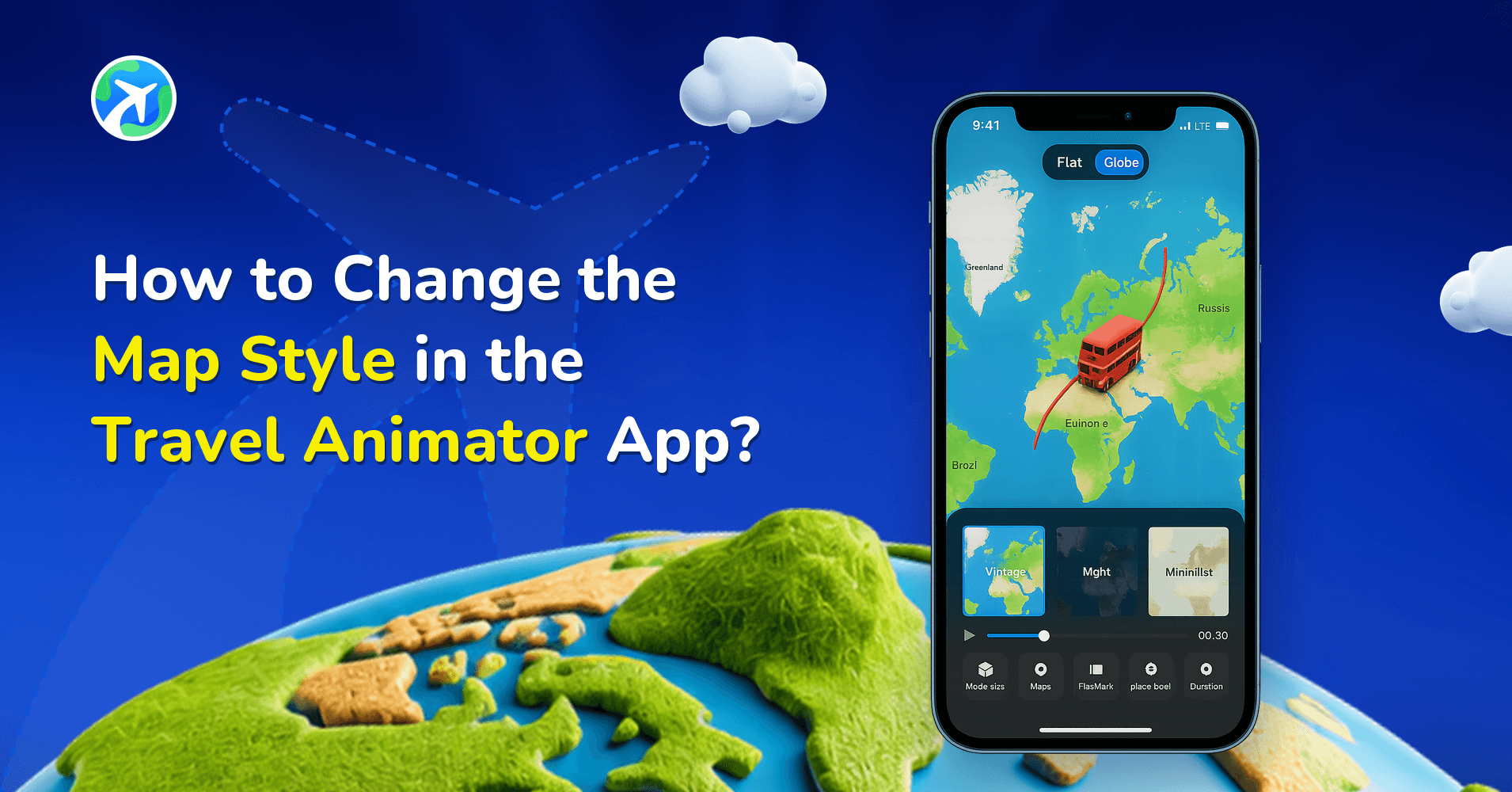
How to Change the Map Style in the Travel Animator App?
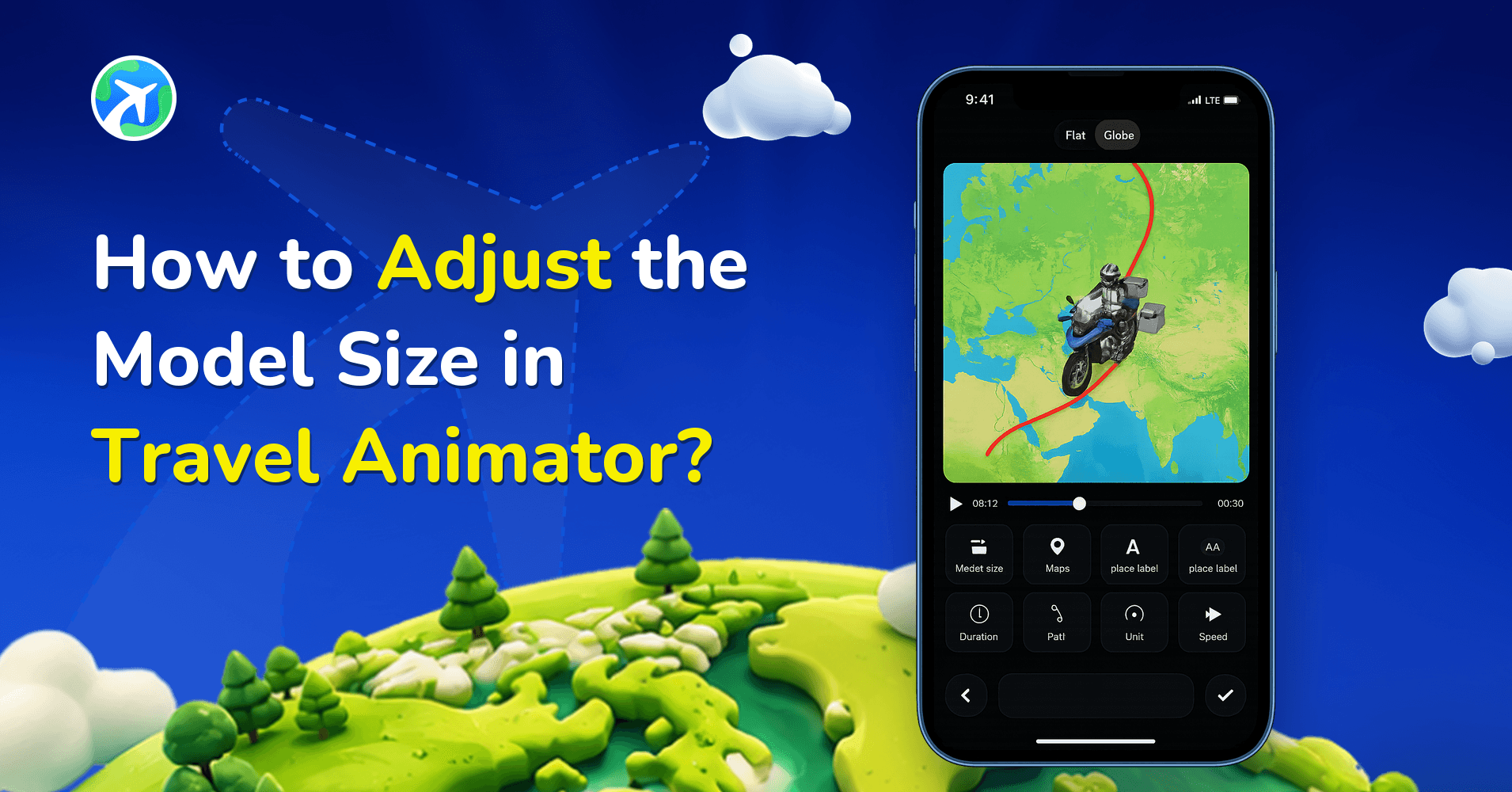
How to Adjust the Model Size in Travel Animator?
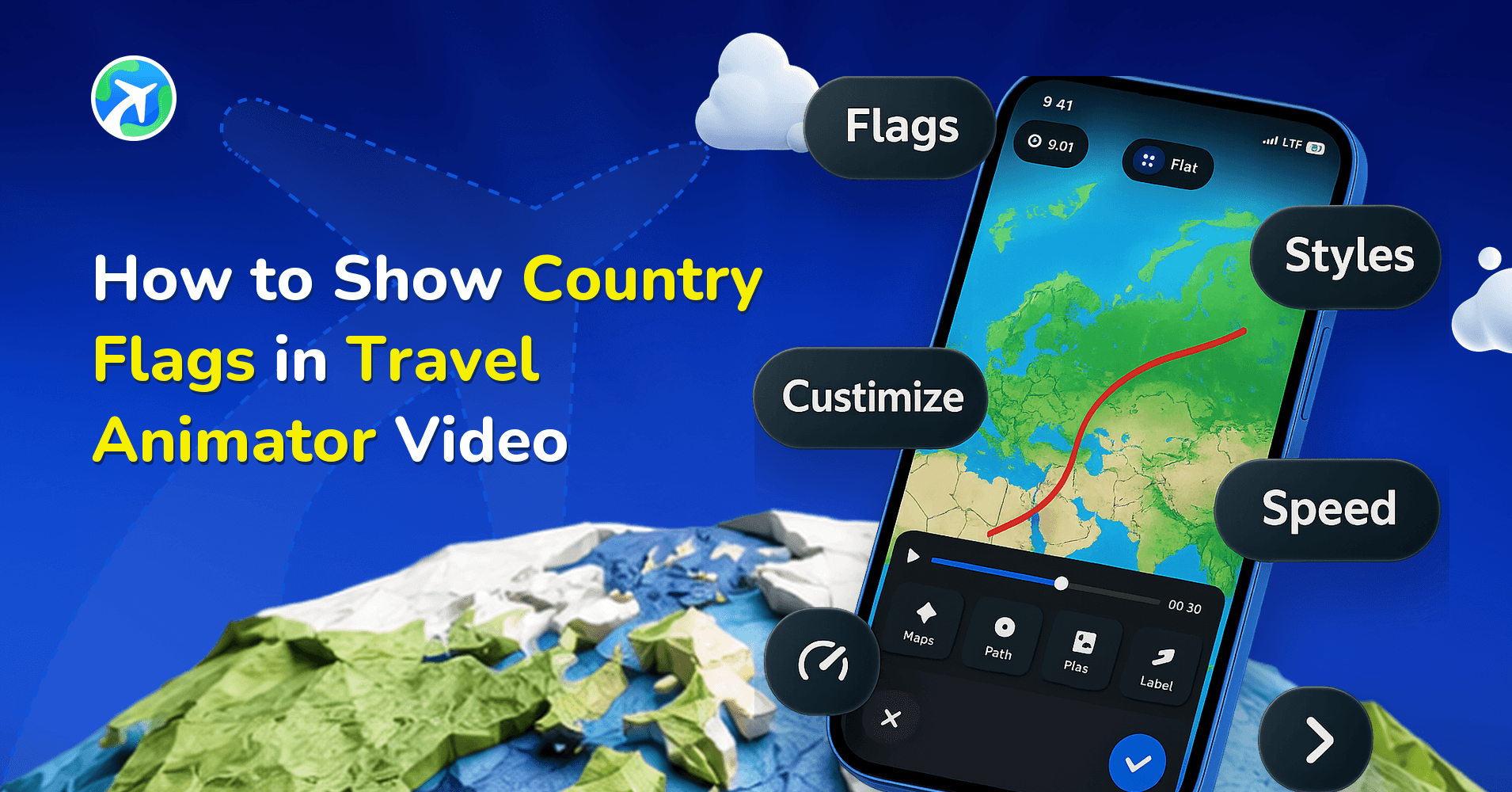
How to Show Country Flags in Travel Animator Video
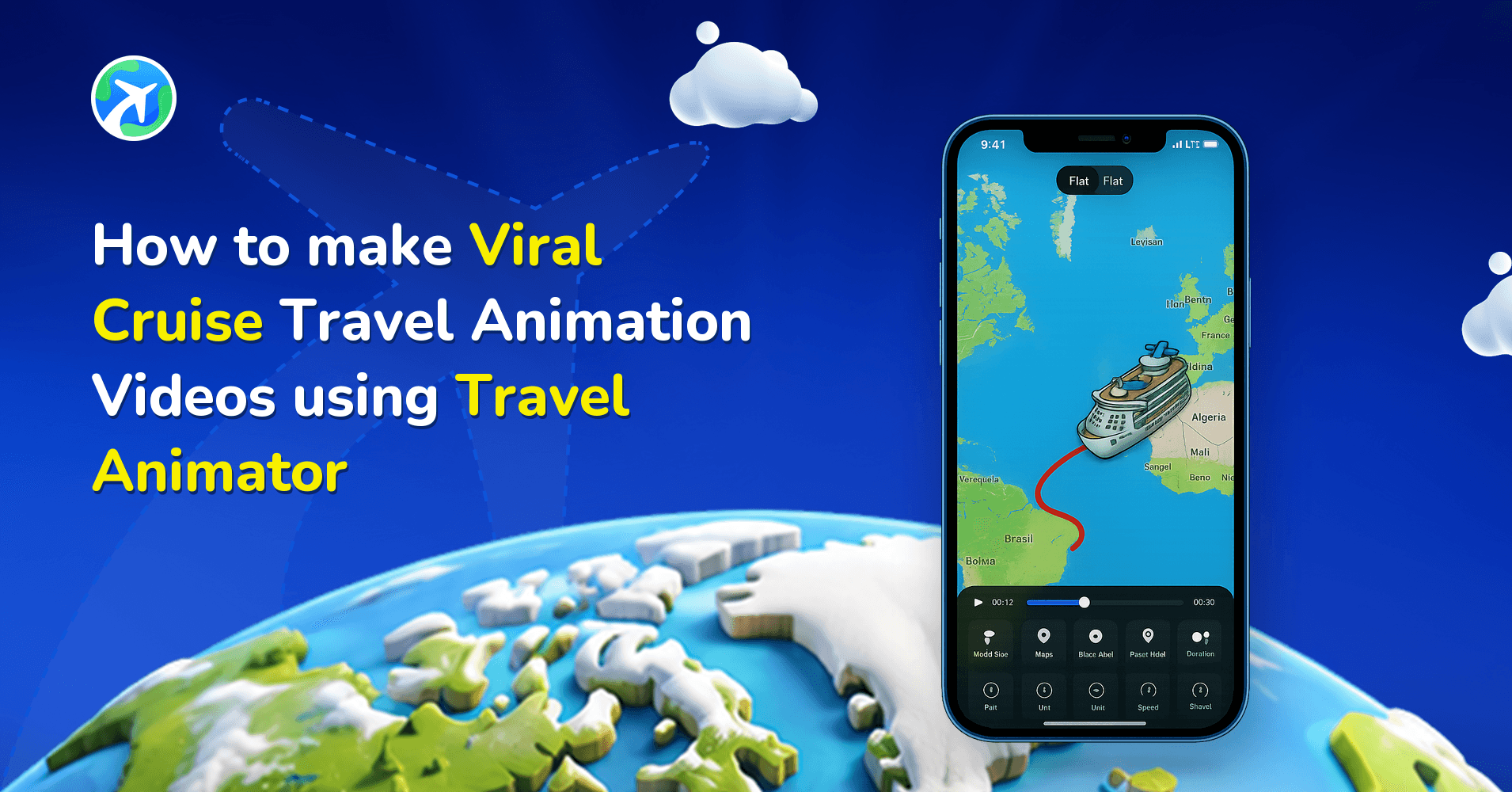
How to make Viral Cruise Travel Animation Video using TravelAnimator
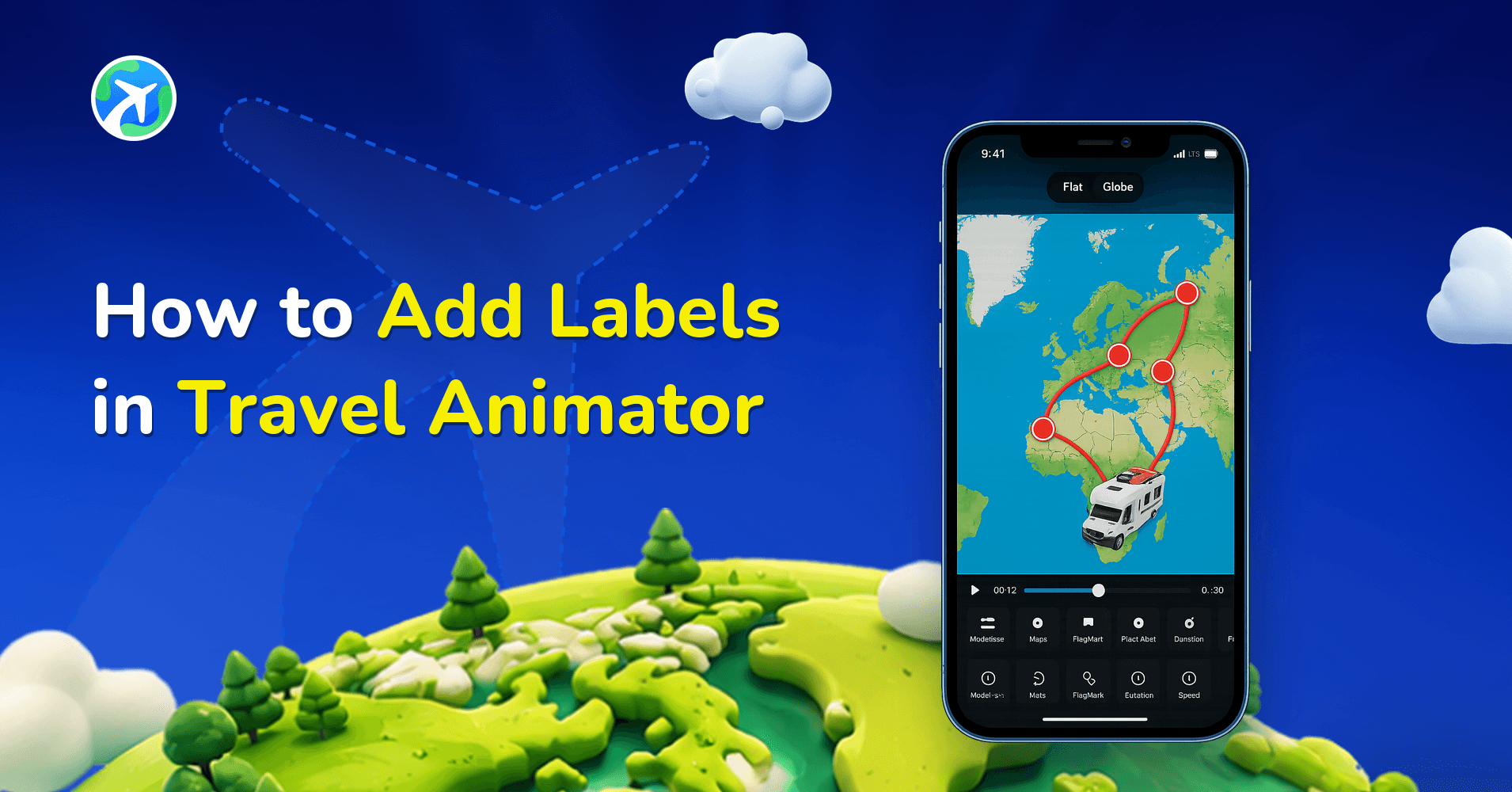
How to Add Labels in Travel Animator
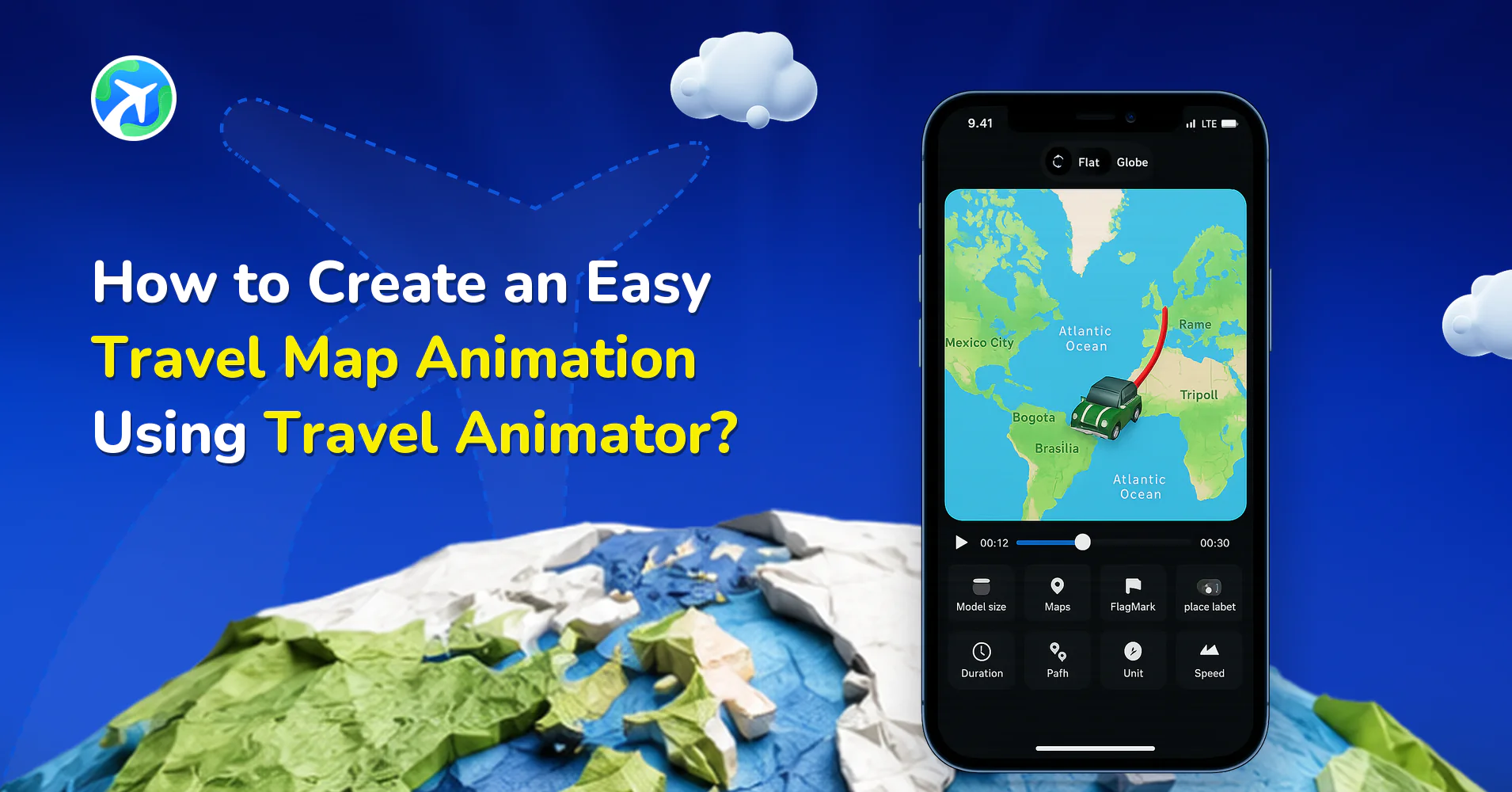
How to Create an Easy Travel Map Animation Using Travel Animator?
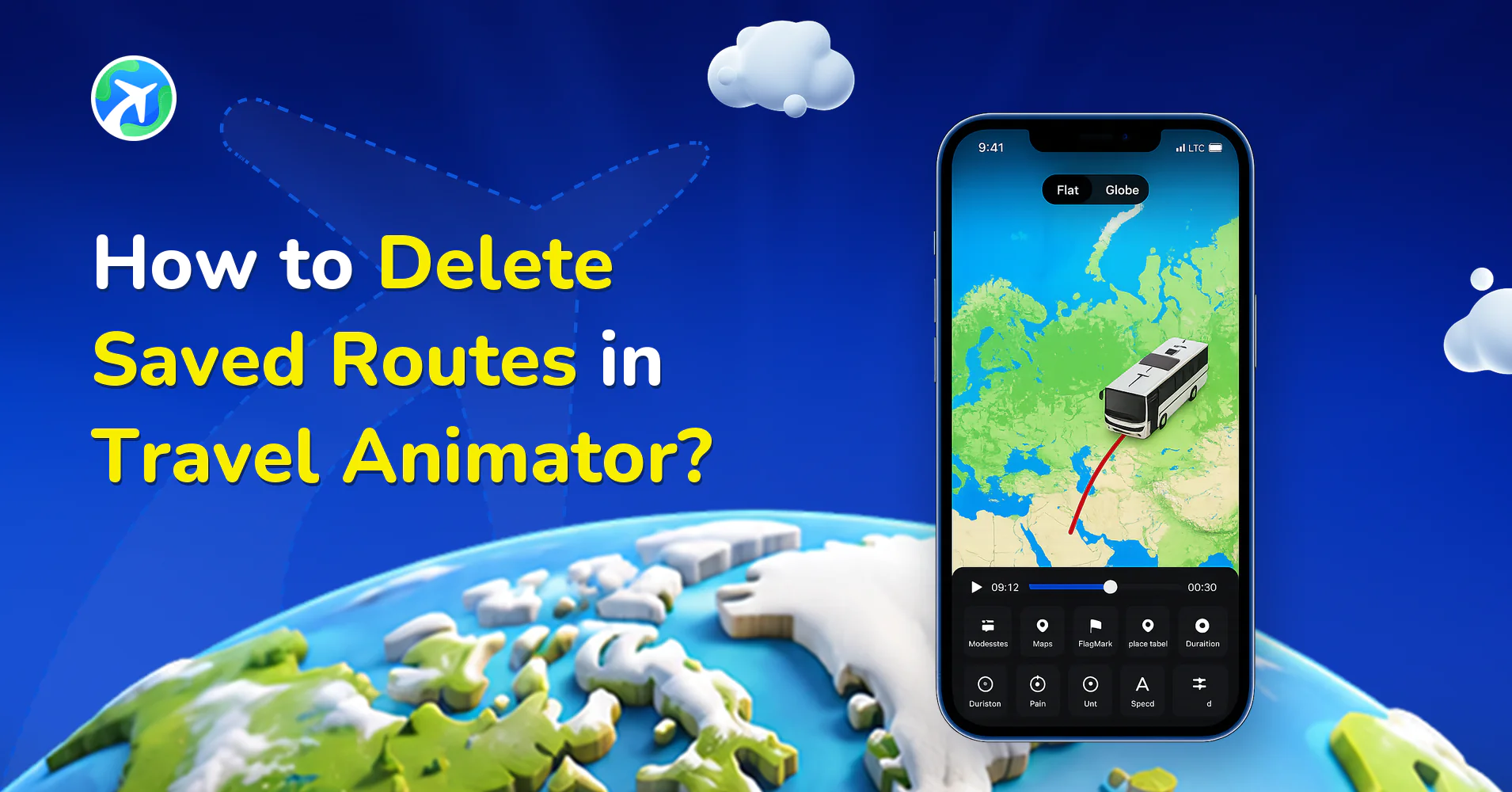
How to Delete Saved Routes in Travel Animator?
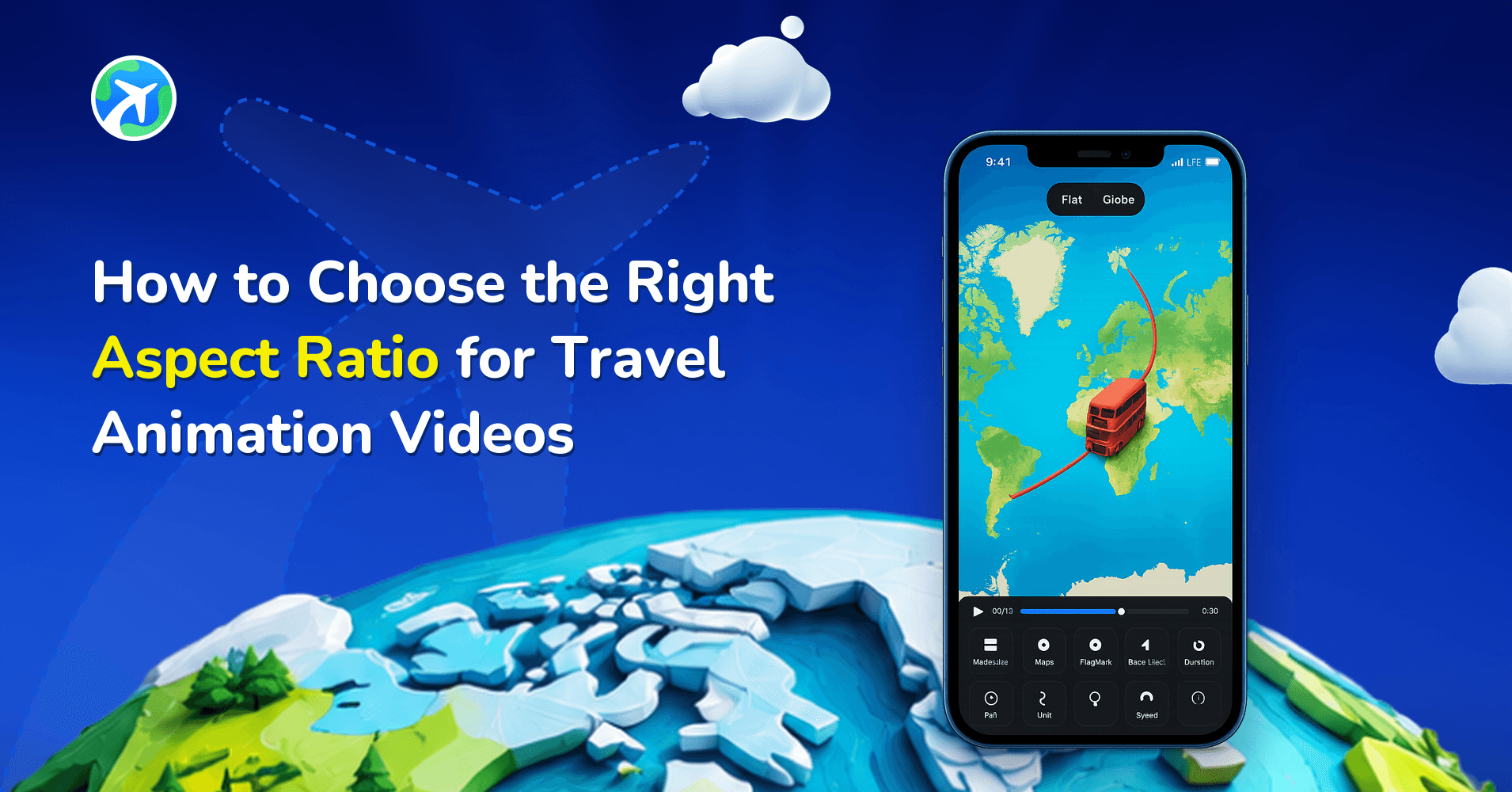
How to Choose the Right Aspect Ratio for Travel Animation Videos
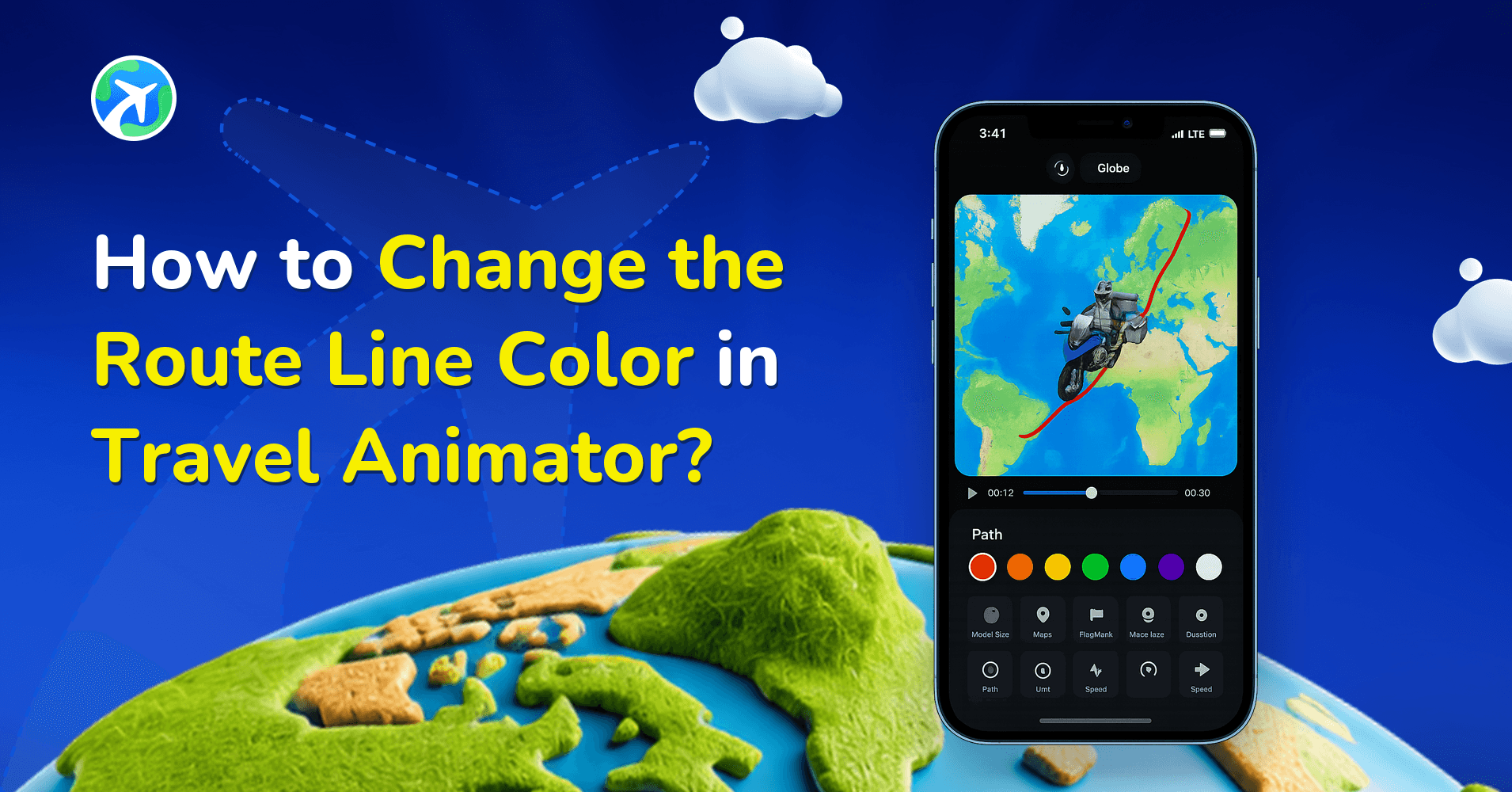
How to Change the Route Line Color in Travel Animator?
How to Delete a Route in Travel Animator?
How Do You Generate GPX Files From Google Maps?
How Do You Generate GPX Files from Apple Maps?
What Does The Purple Line Around Land Mean in Travel Animator?
How to Get an Invoice for Your TravelAnimator Subscription
How to Add Location Names to Each Destination in TravelAnimator
How to Upload and Use GPX Files in Travel Animator?
How Can I Add Multiple Models in Travel Animator?
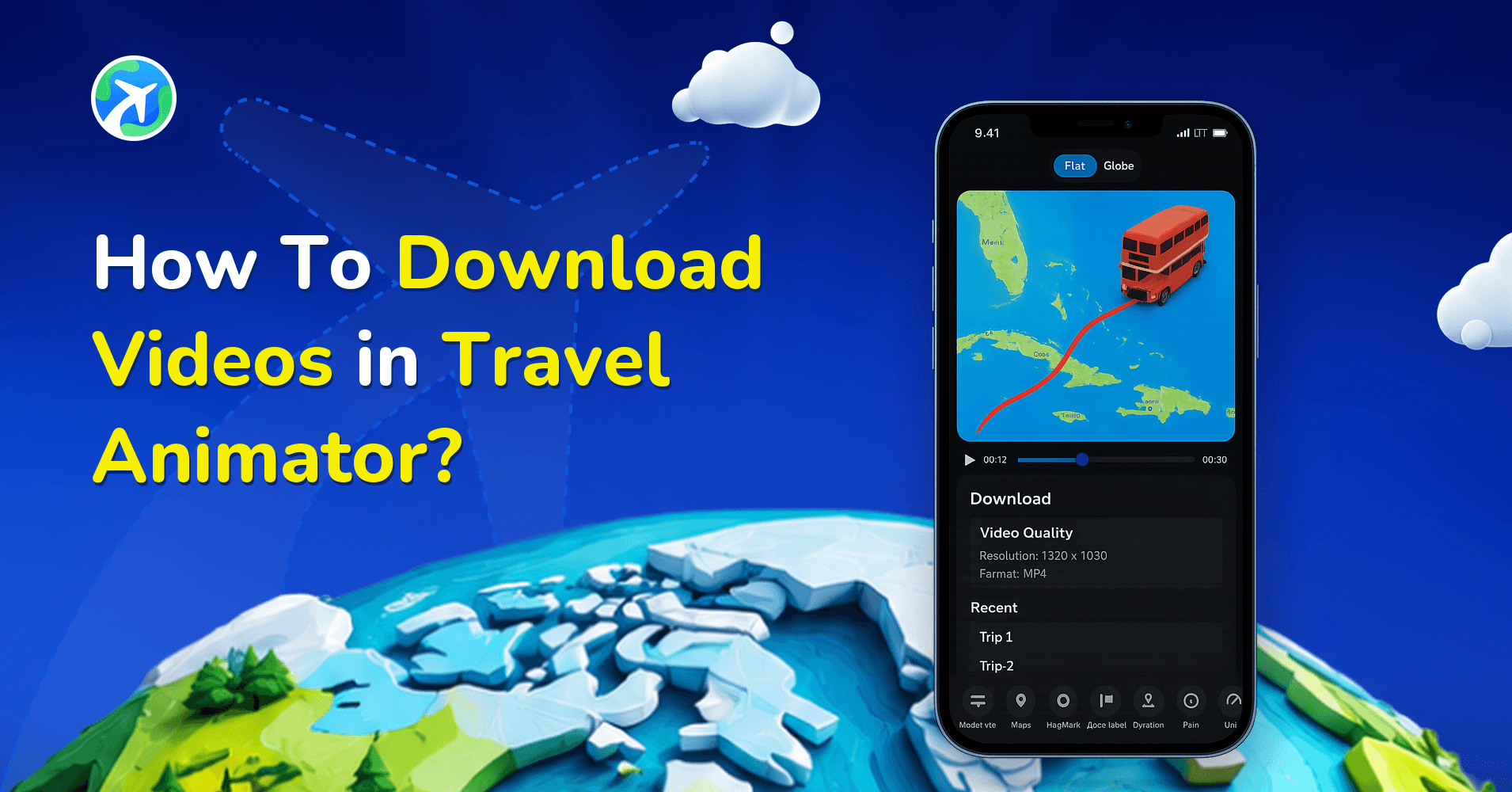
How To Download Videos in Travel Animator?
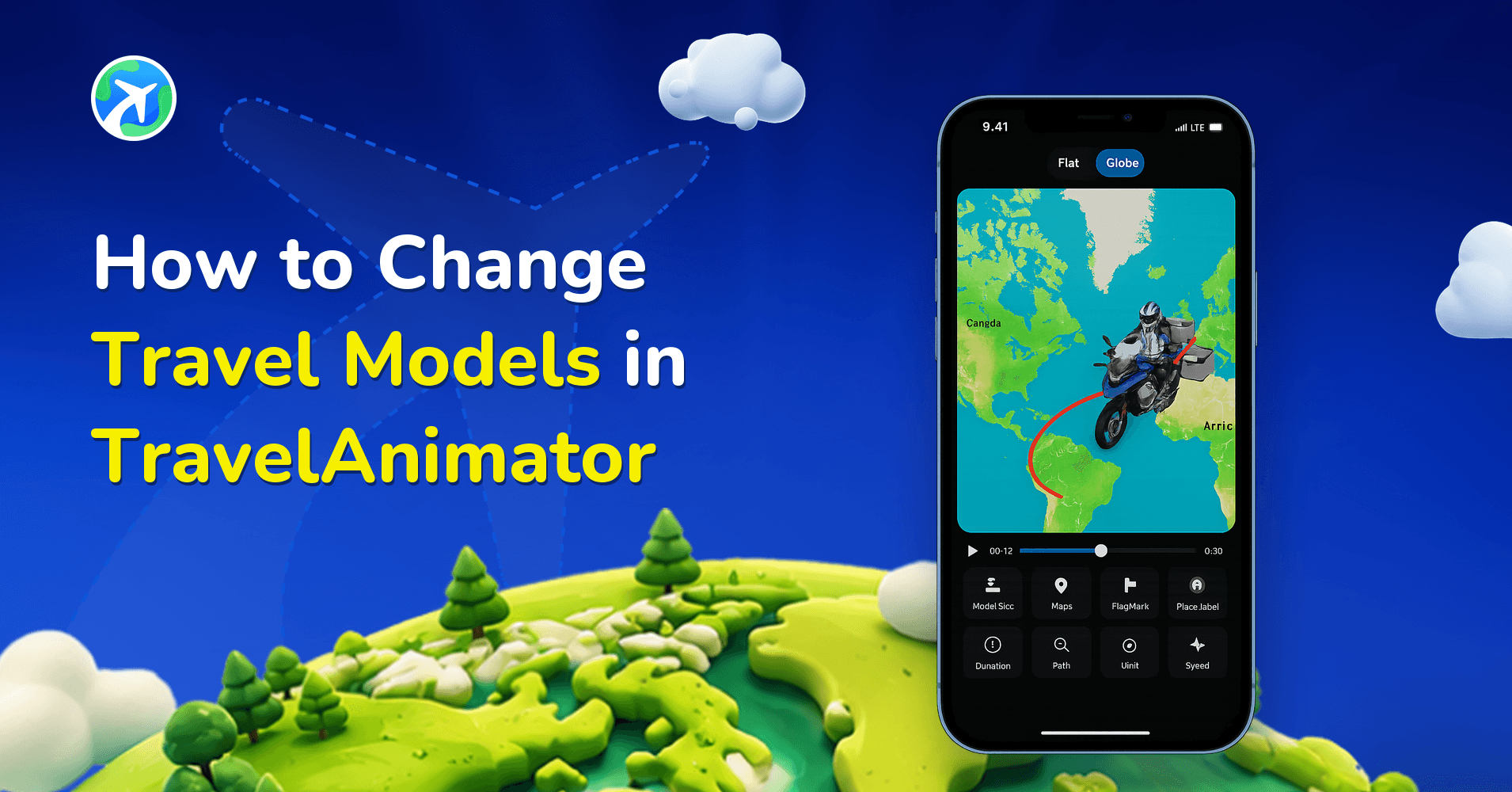
How to Change Travel Models in TravelAnimator
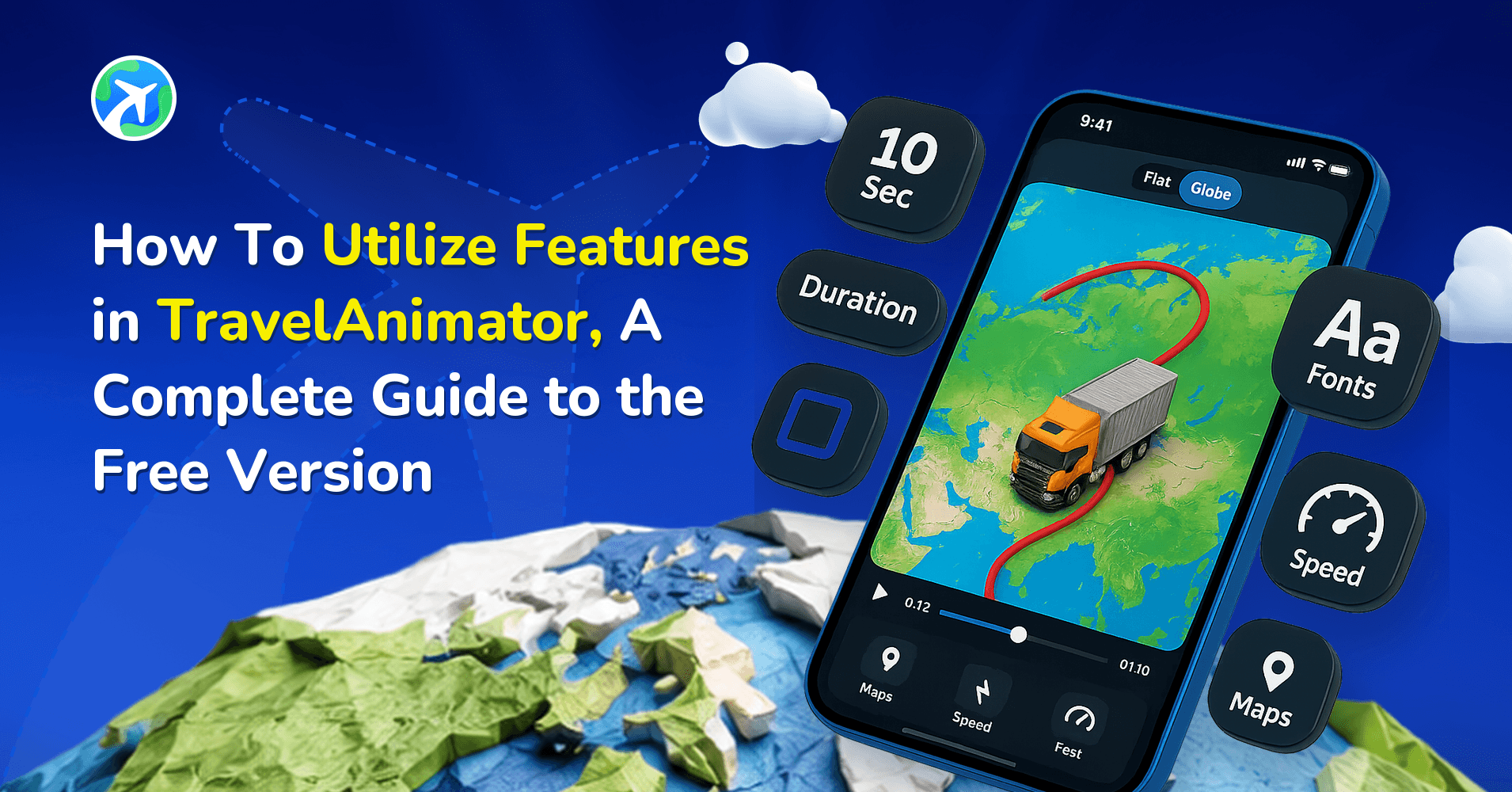
How to Utilize Free Features in TravelAnimator: Full Guide
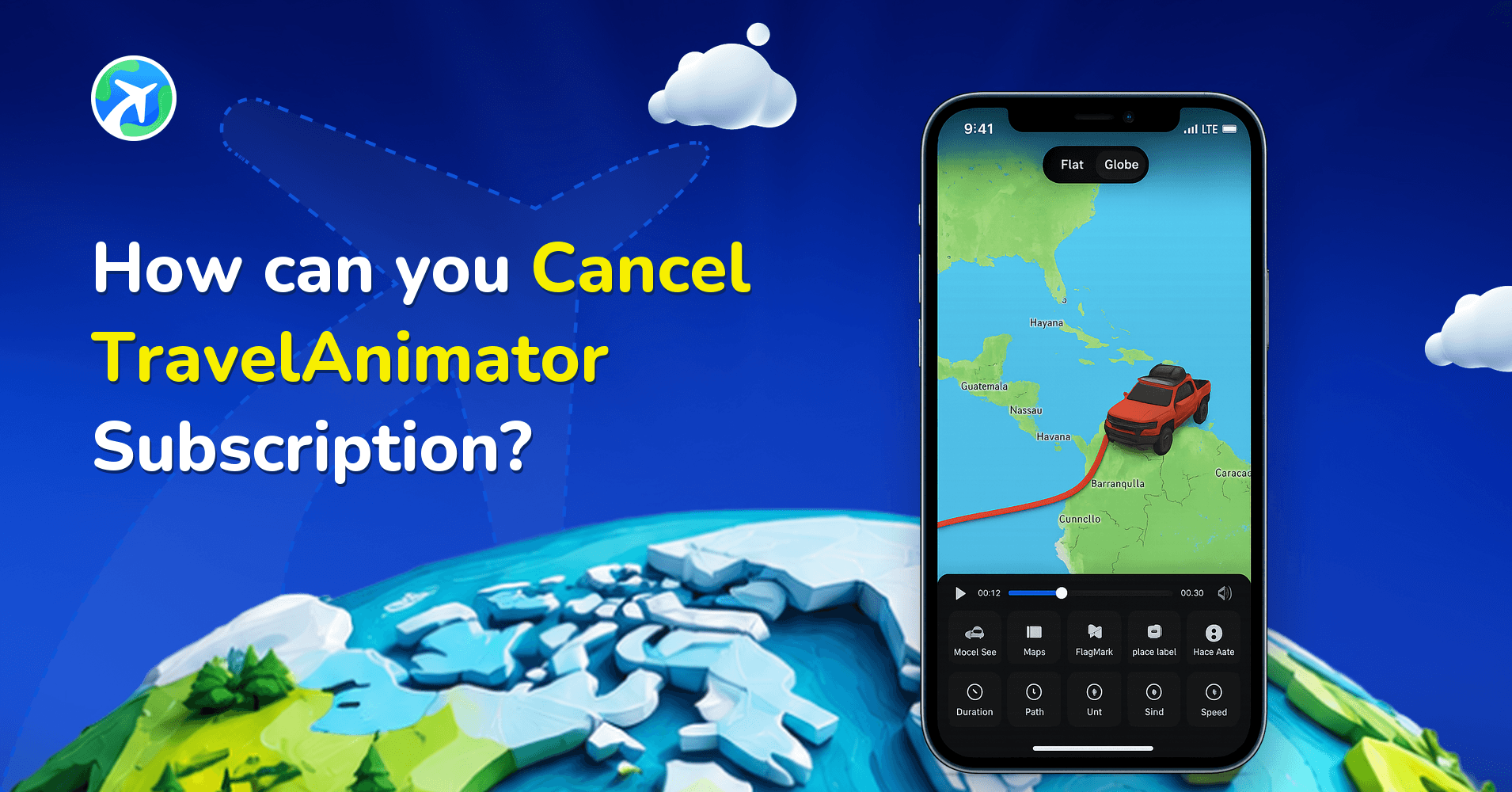
How can you Cancel TravelAnimator Subscription?
How To Delete Points in TravelAnimator?
How to Unlock Pro Features in TravelAnimator: Full Guide
How to Add Multiple Destinations in TravelAnimator
How to Apply a Promo Code in Travel Animator to Get Pro Features?
How to Add Photos in Travel Animation Videos
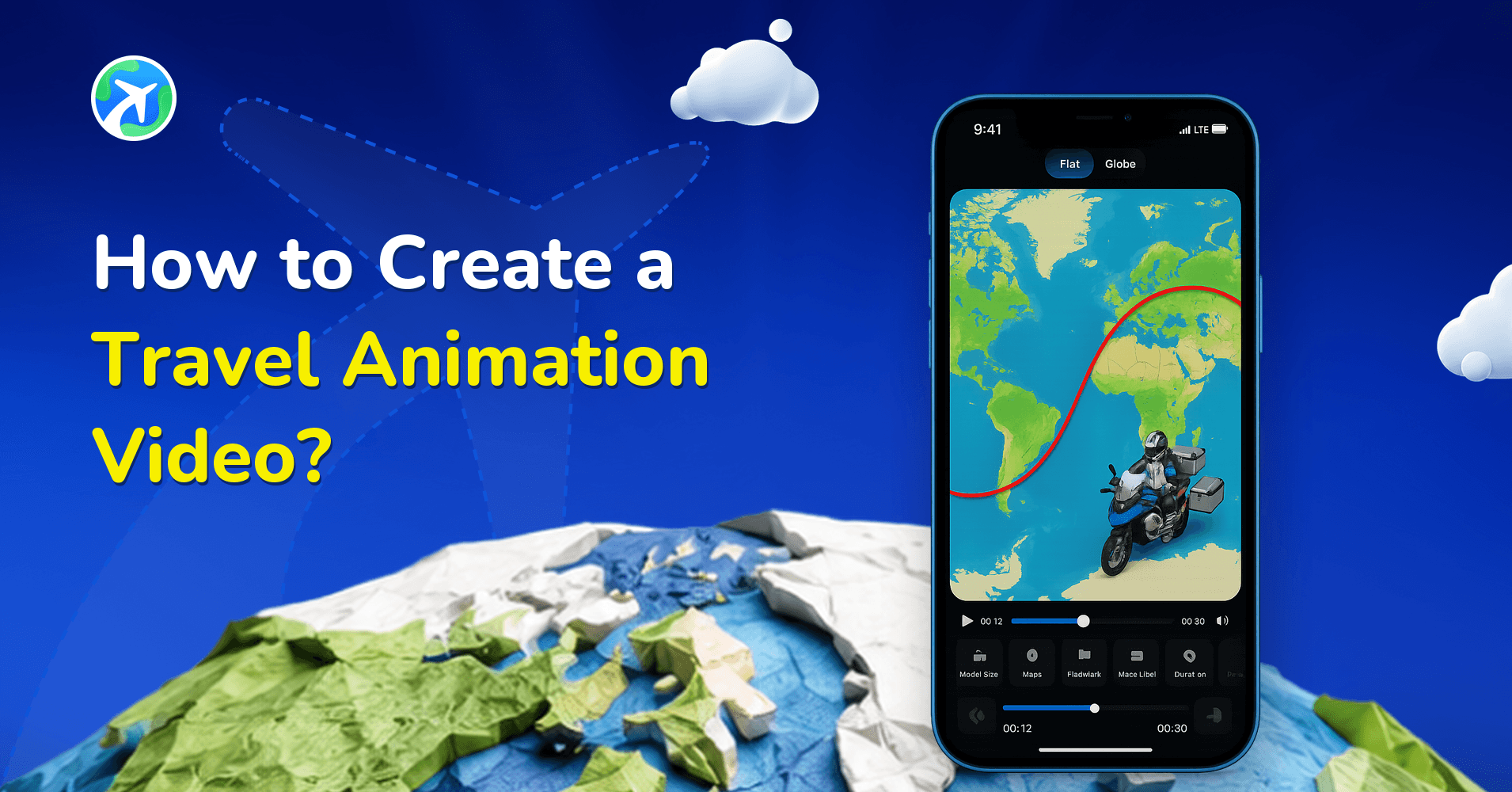
How to Create a Travel Animation Video?
Poradniki krok po kroku: najczęstsze pytania
Co obejmują poradniki krok po kroku?
Dokładne kroki jednego konkretnego zadania — wytyczenie animowanej trasy, edycję ścieżki po jej narysowaniu, import pliku GPX lub trasy z Google Maps, wybór pojazdu 3D i stylu mapy oraz eksport w formacie, którego oczekuje dana platforma.
Czy trzeba mieć doświadczenie, żeby z nich korzystać?
Nie. Każdy poradnik zaczyna od ekranu, na którym jesteś, i nazywa przyciski dokładnie tak, jak się wyświetlają, zarówno na iPhone, jak i na Androidzie. Jeśli nigdy nie otwierałeś aplikacji, kategoria samouczków poprowadzi Cię od pierwszego uruchomienia.
Czy kroki pasują do mojej wersji aplikacji?
Poradniki powstają na podstawie bieżącego wydania w App Store i Google Play i są poprawiane, gdy zmienia się interfejs; każdy artykuł pokazuje datę ostatniej aktualizacji. Jeśli któryś krok nie pasuje do tego, co widzisz, najpierw zaktualizuj aplikację.

