
操作指南
跟着步骤在Travel Animator中完成一部旅行视频:绘制路线、编辑路径、选择3D模型和地图样式,再按各平台要求的格式导出。如果你已经知道想做什么,只需要具体操作步骤,就从这里开始。
文章目前仅提供英文版本。
操作指南
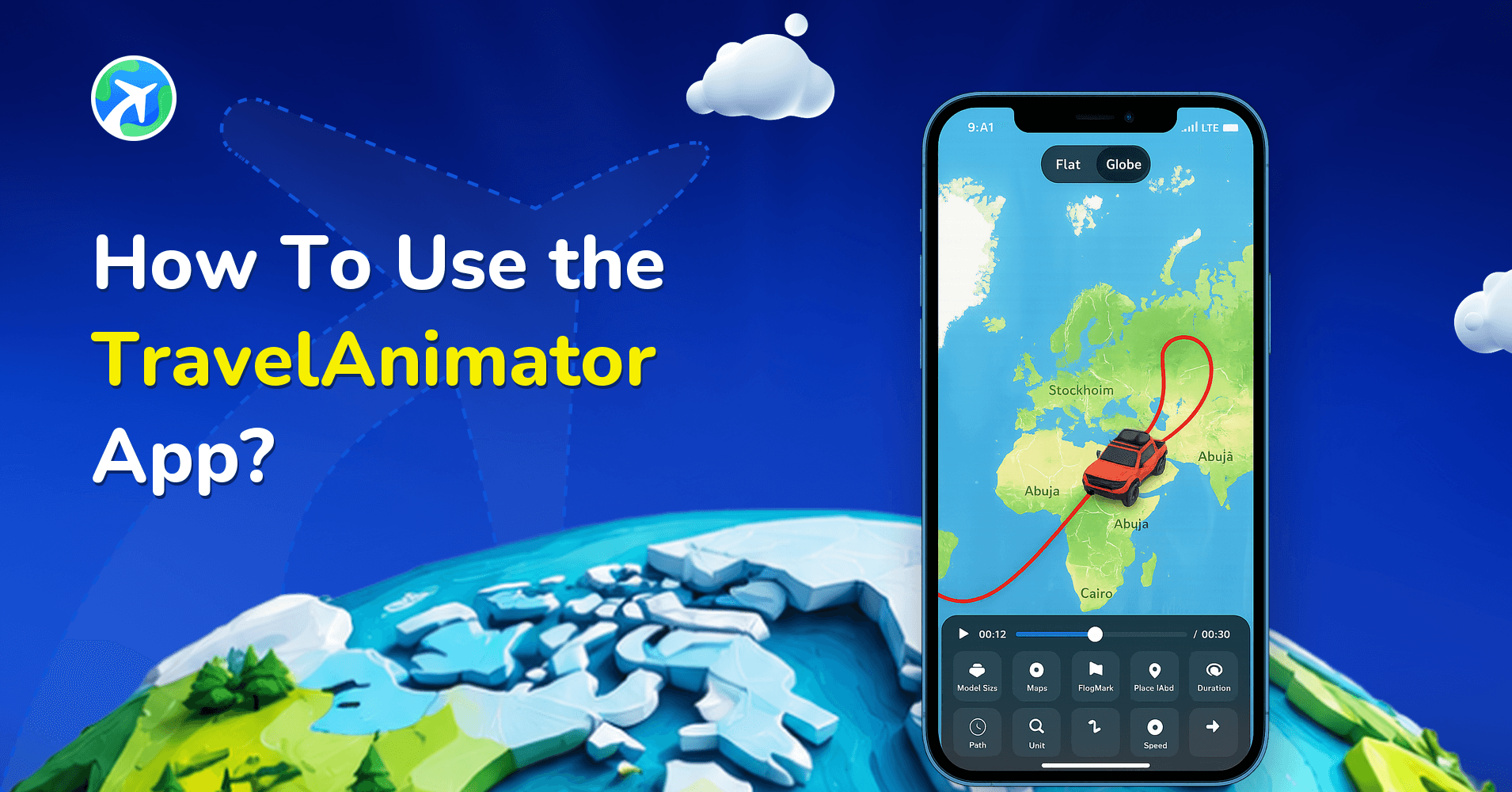
How to Use TravelAnimator App: Step-by-Step App Guide (2026)
操作指南
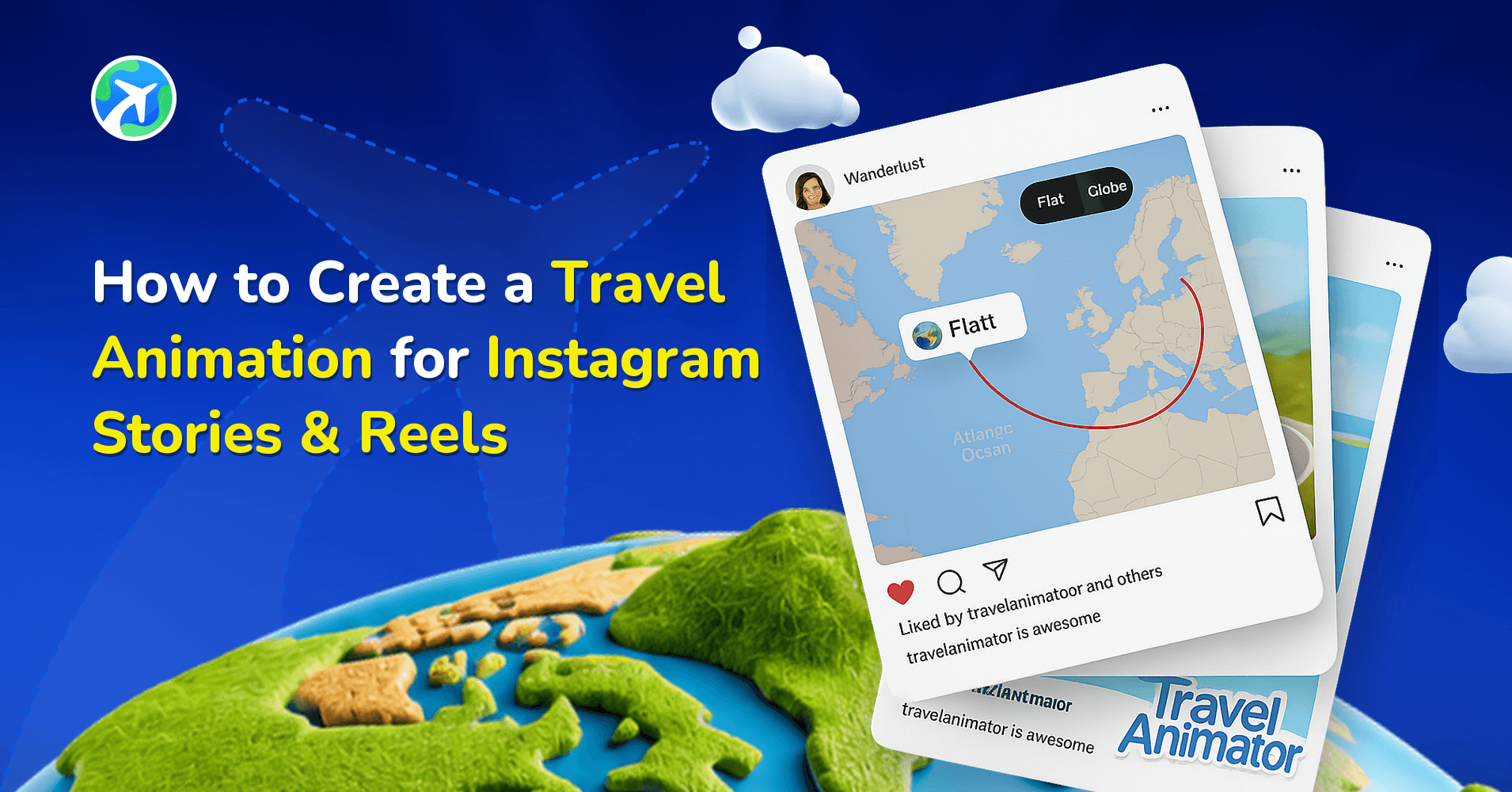
How to Create a Travel Animation for Instagram Stories & Reels

应用功能
How to Participate in the #MadeUpCountry Creator Challenge
应用功能
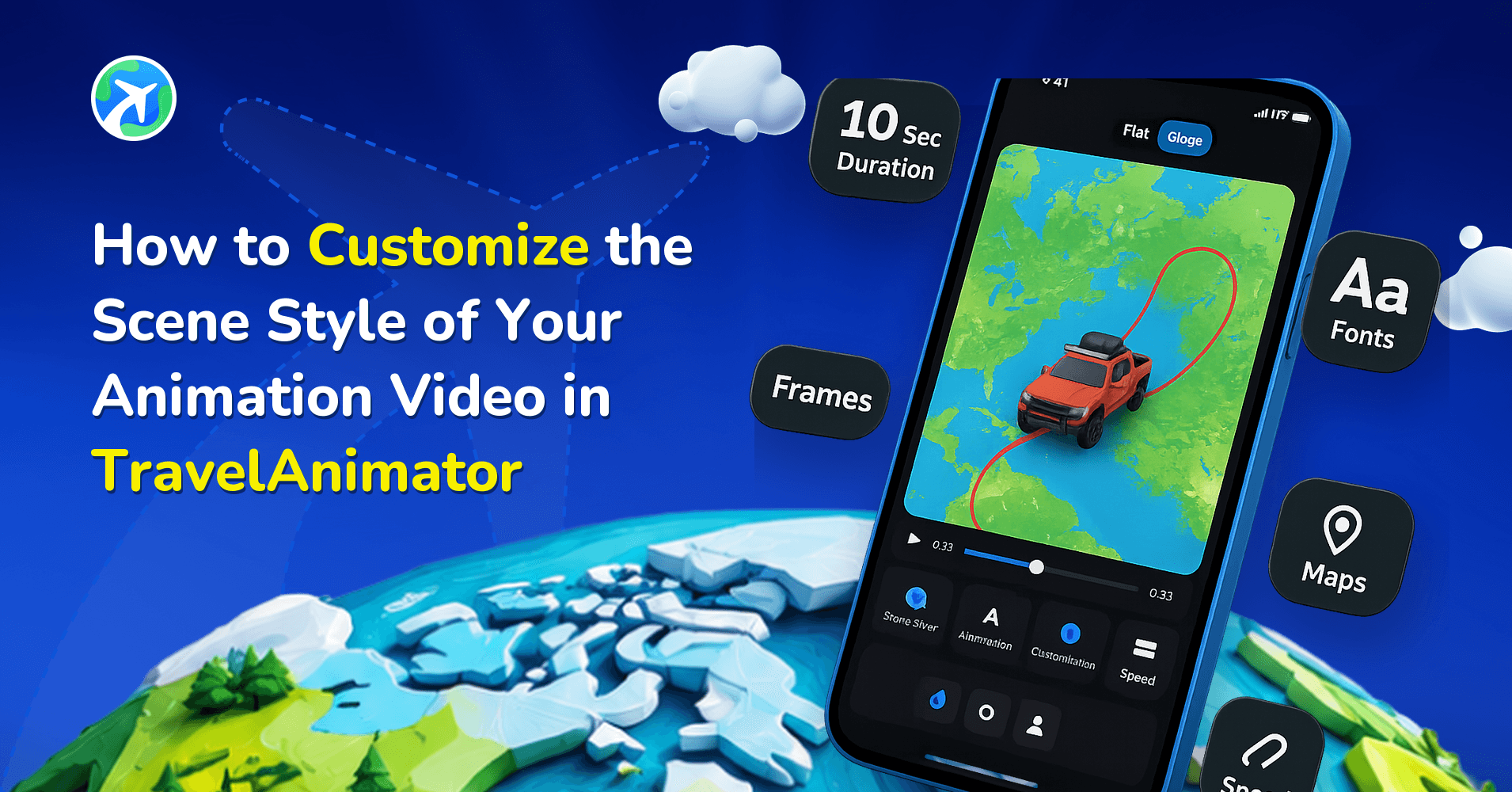
How to Customize Your Animation’s Scene Style in TravelAnimator
操作指南
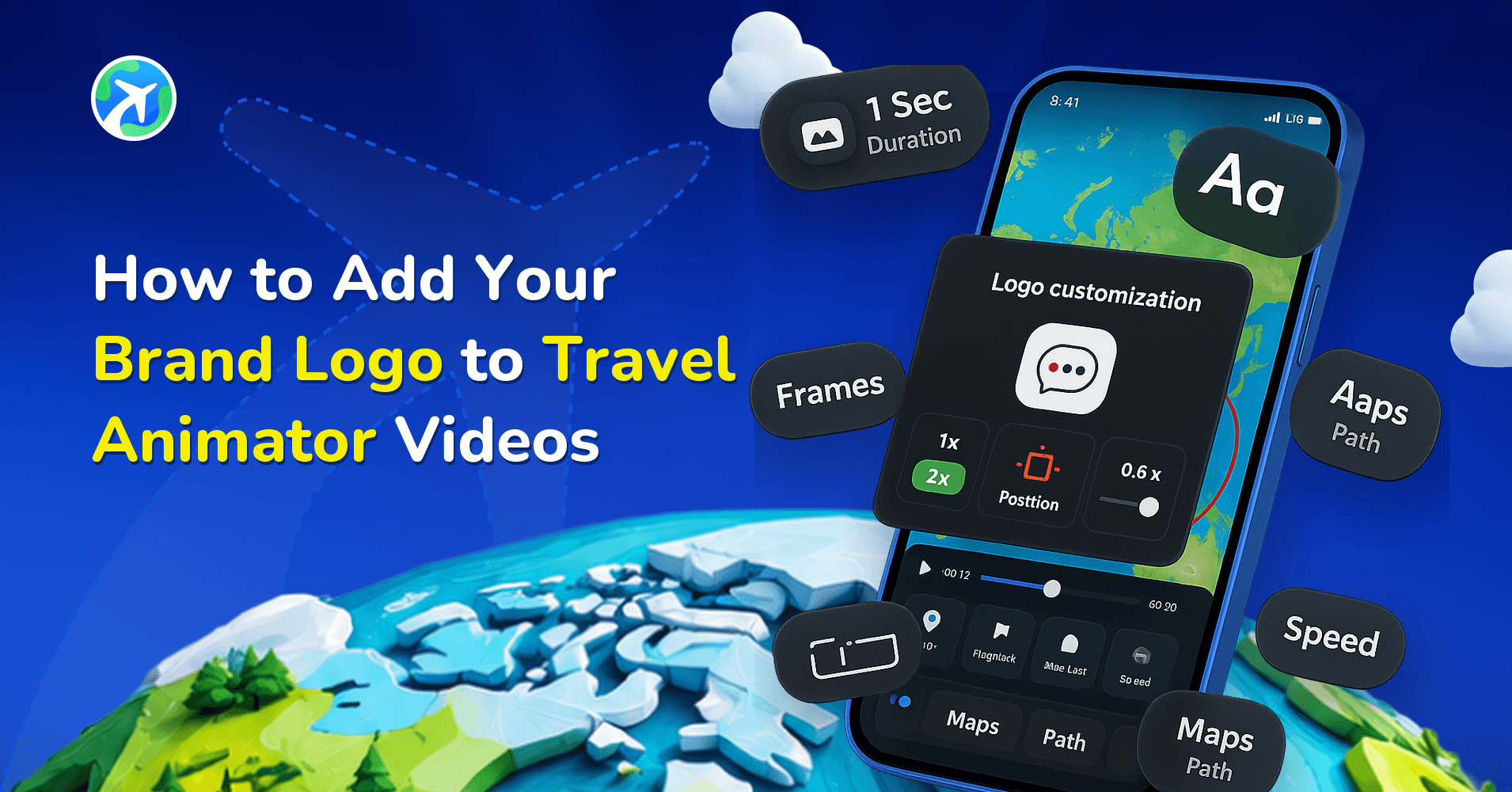
How to Add Your Brand Logo to Travel Animator Videos
应用功能
How to Add Your Avatar in TravelAnimator Videos
应用功能
How to Access Saved Routes on Another Device in TravelAnimator
应用功能
How to Add 3D Elements to Your TravelAnimator Videos
应用功能
How to Highlight Specific Areas in TravelAnimator Maps
应用功能
How to Add a Cover Image to Your TravelAnimator Video
应用功能
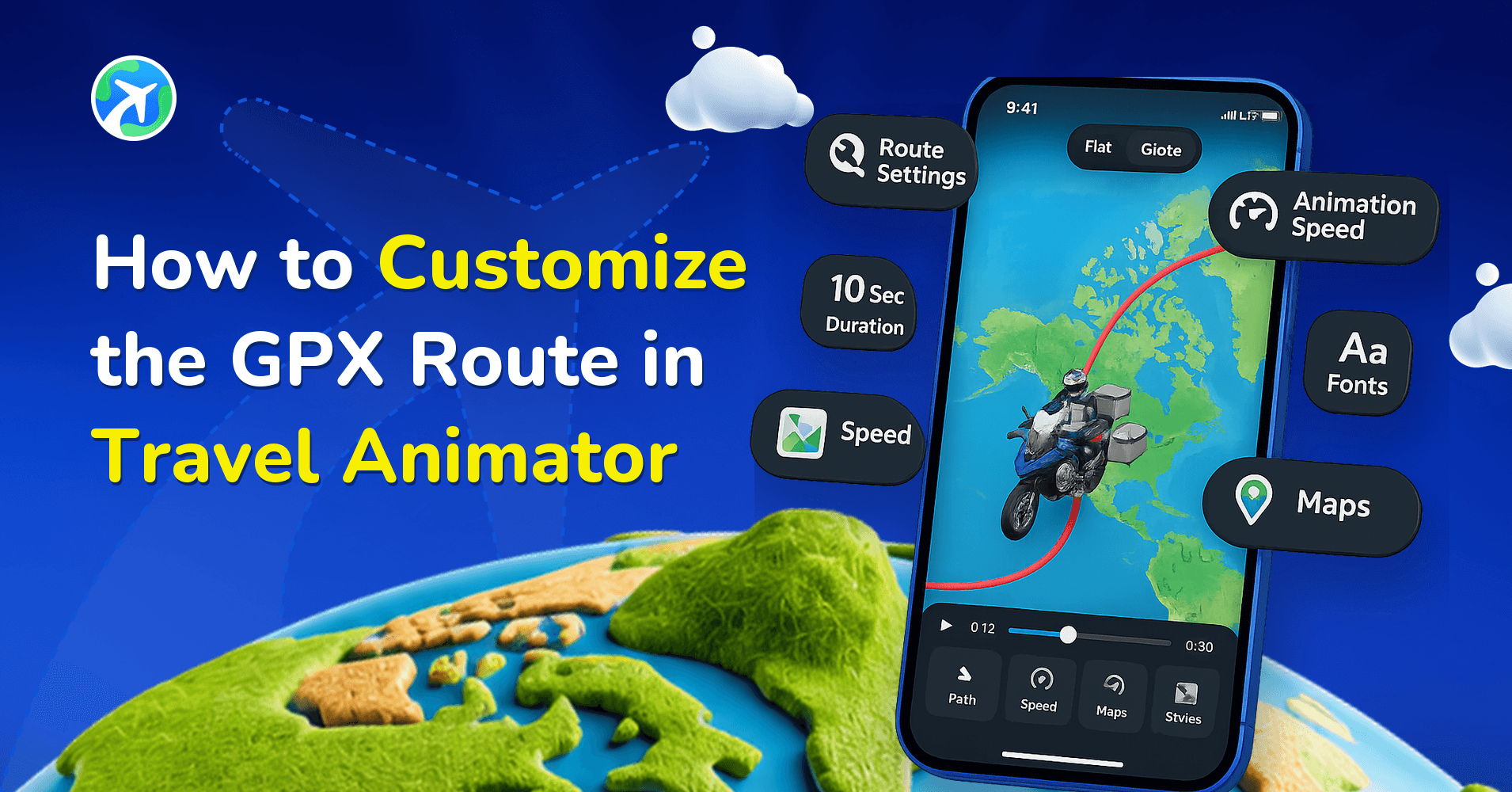
How to Customize the GPX Route in Travel Animator
应用功能
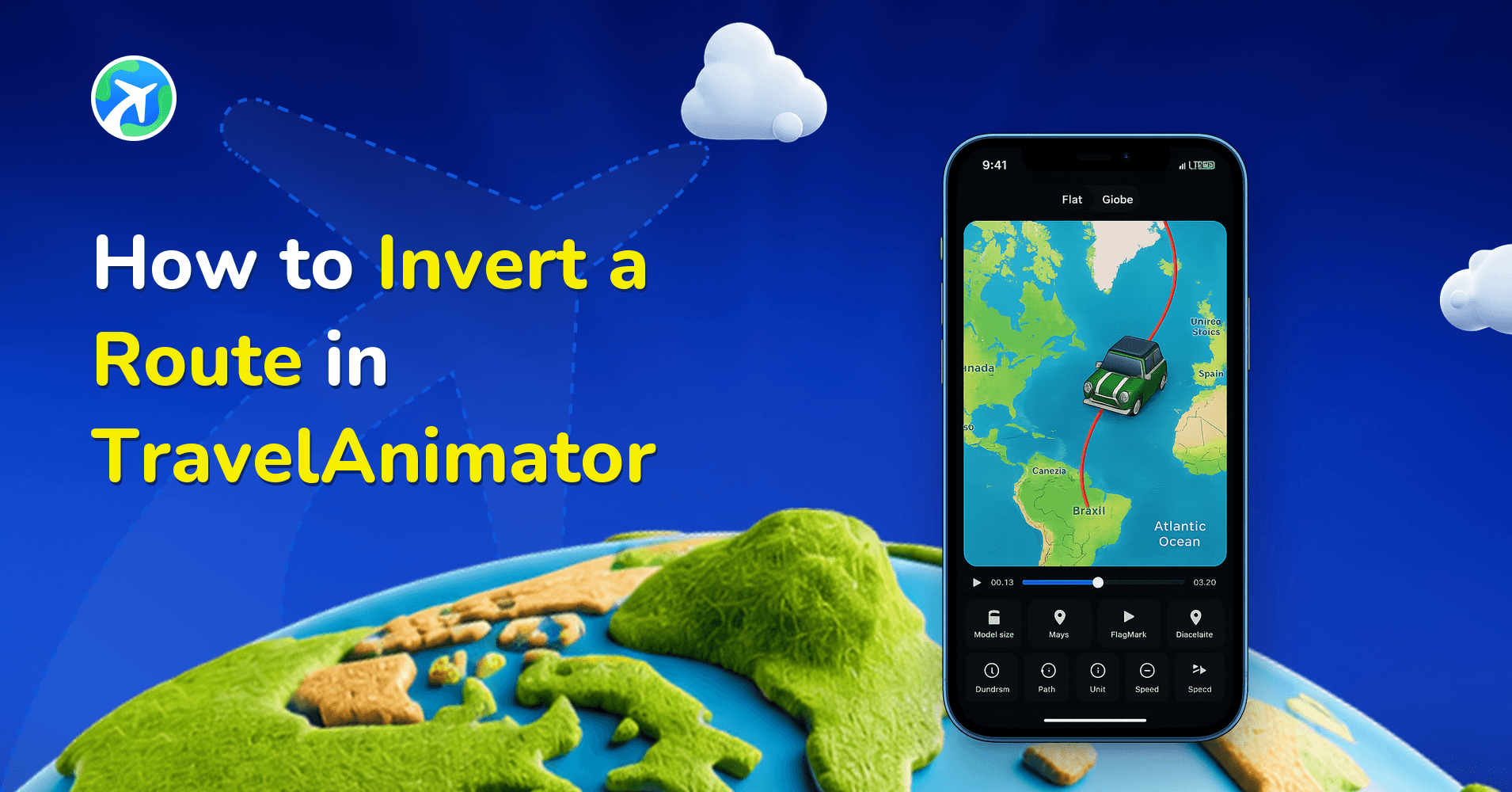
How to Invert a Route in TravelAnimator
操作指南
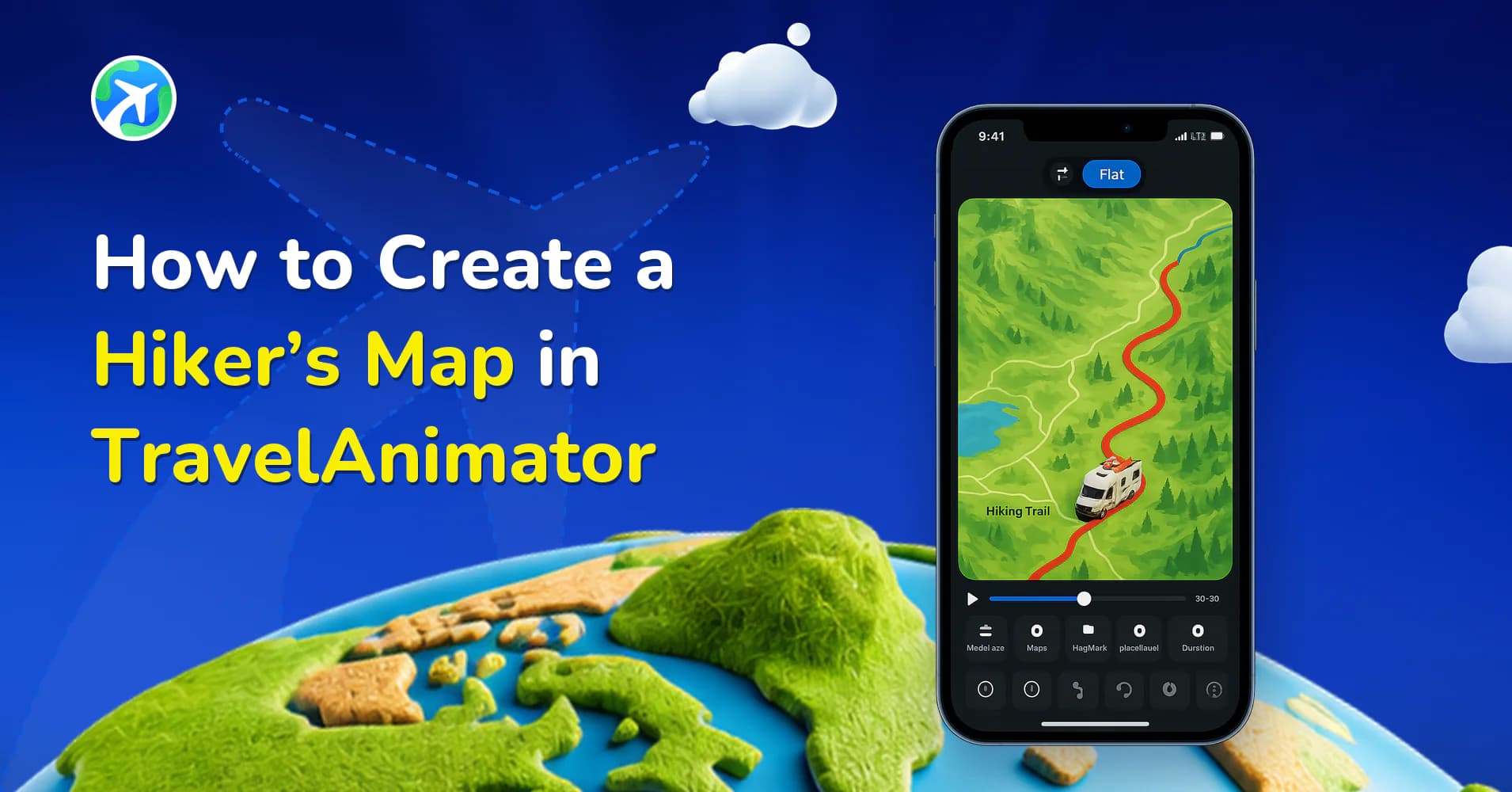
How to Create a Hiker’s Map in TravelAnimator
应用功能
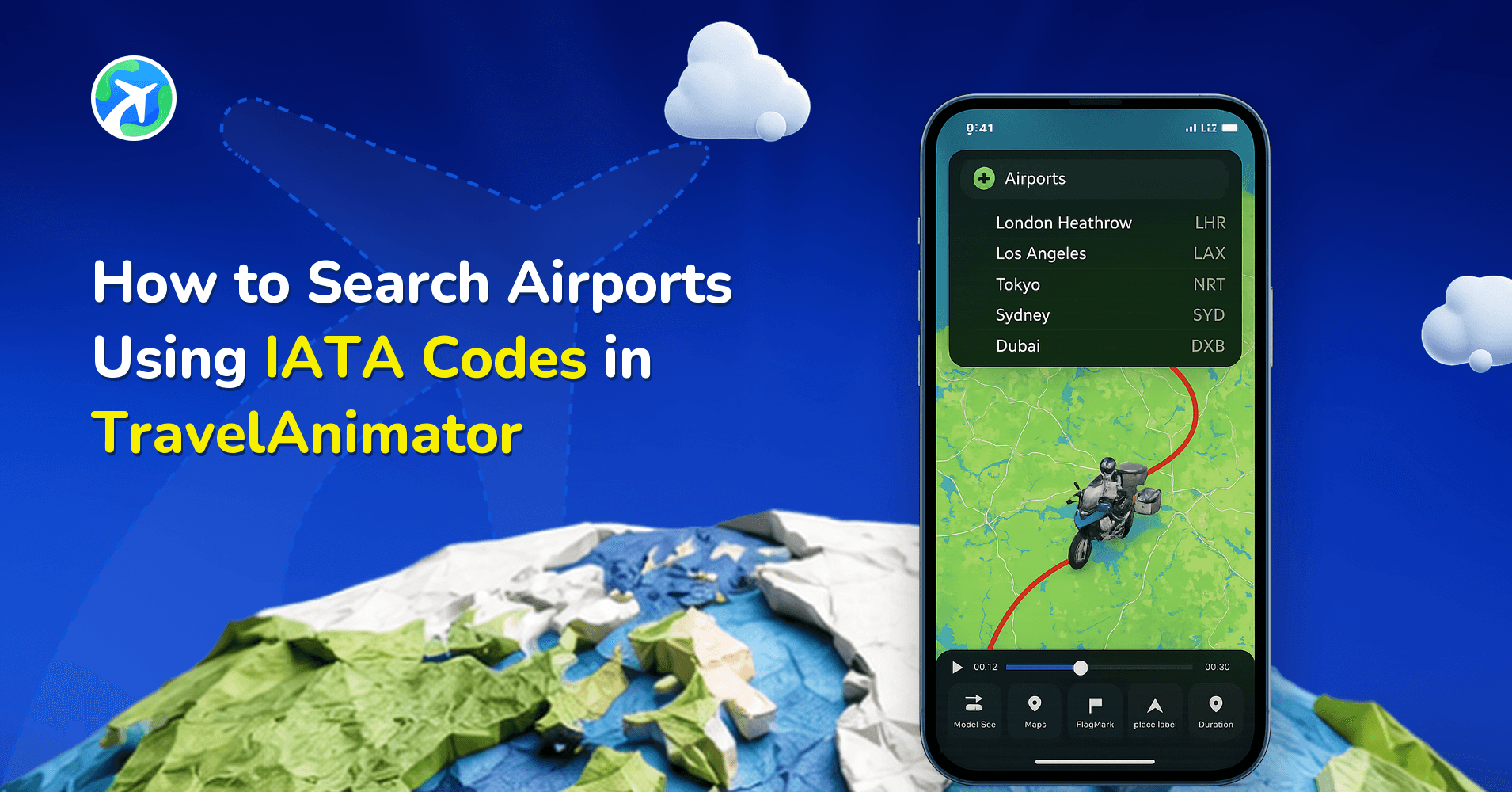
How to Search Airports Using IATA Codes in TravelAnimator
操作指南
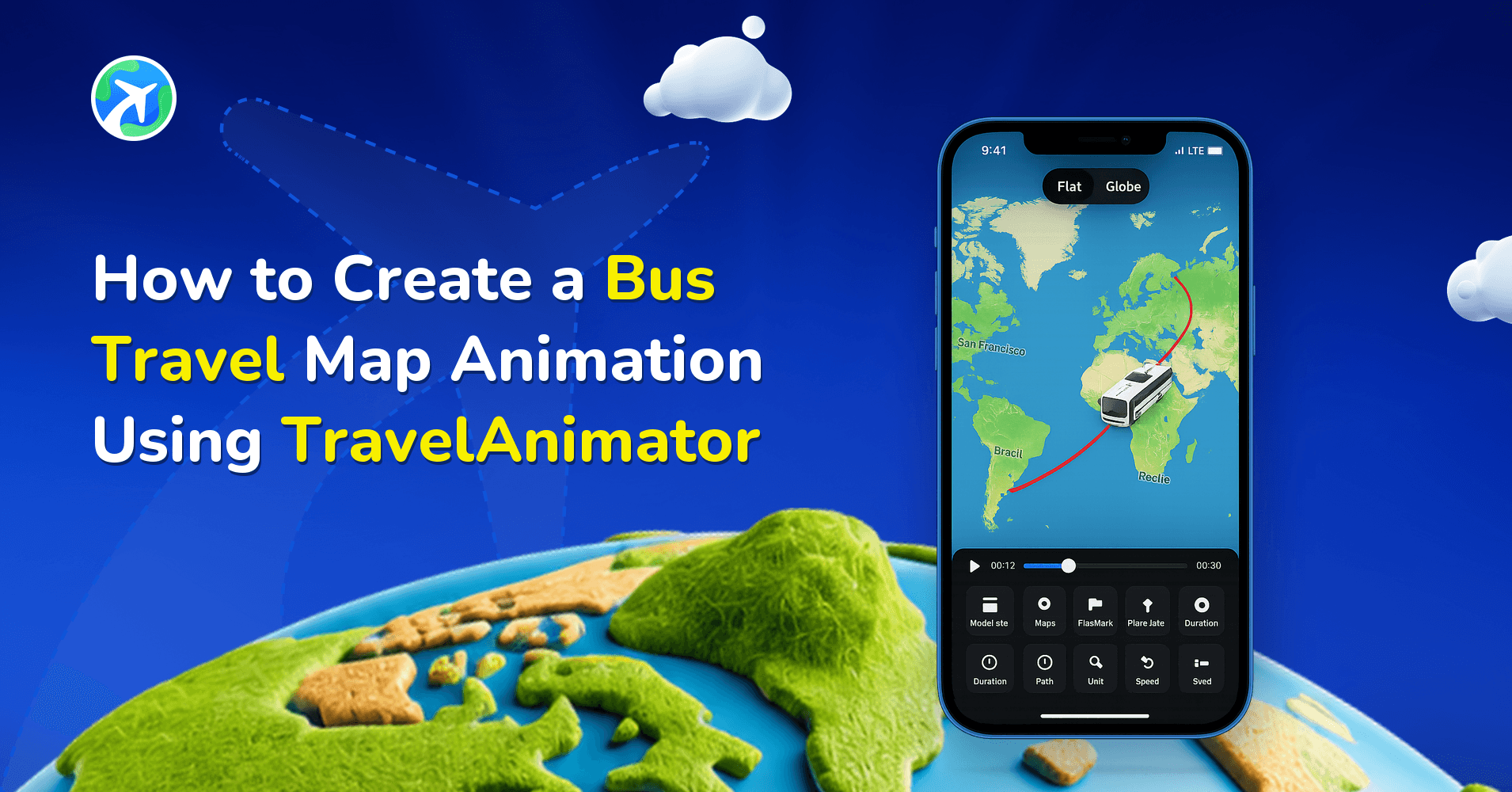
How to Create a Bus Travel Map Animation Using TravelAnimator
操作指南
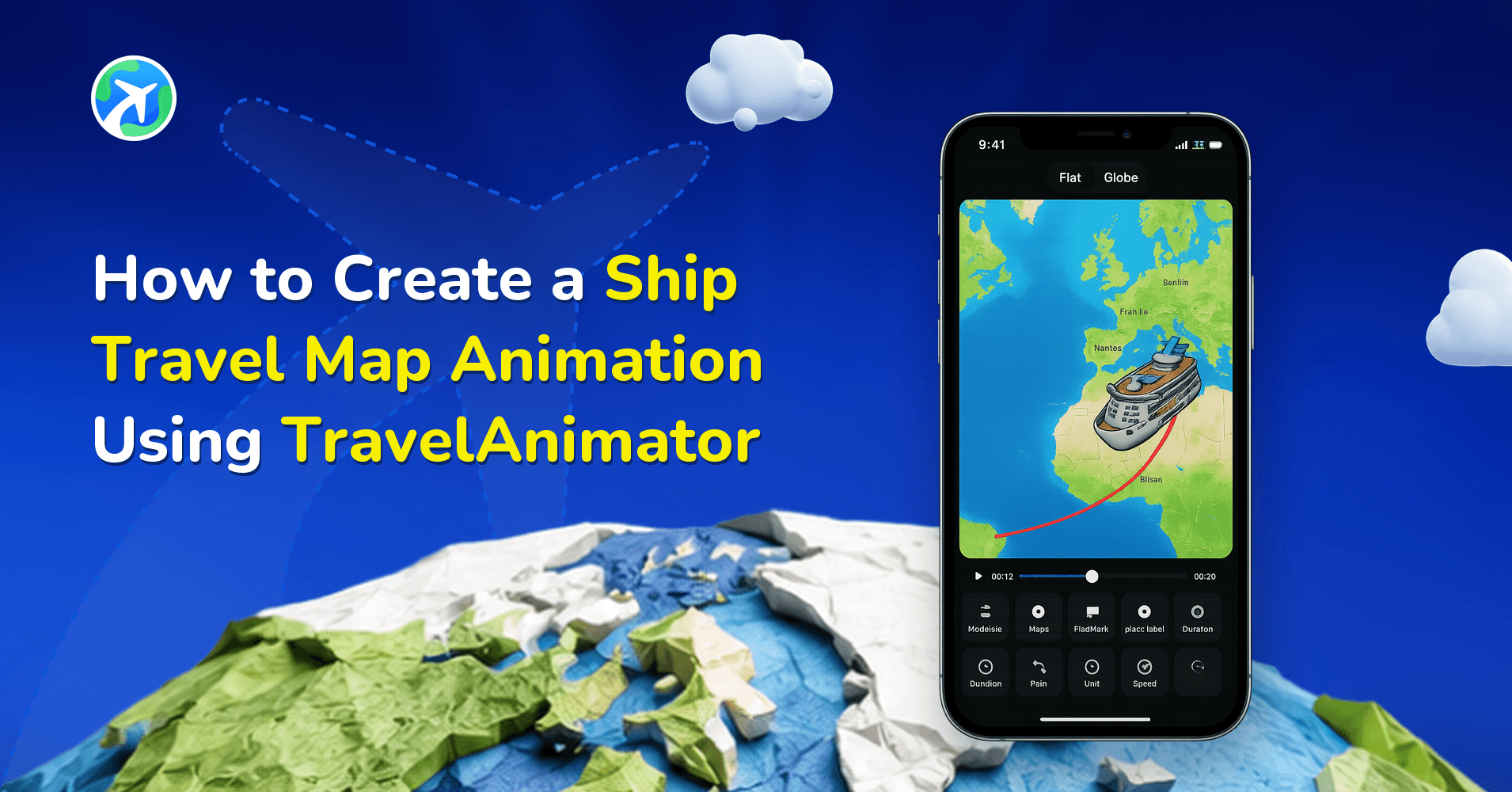
How to Create a Ship Travel Map Animation Using TravelAnimator
操作指南
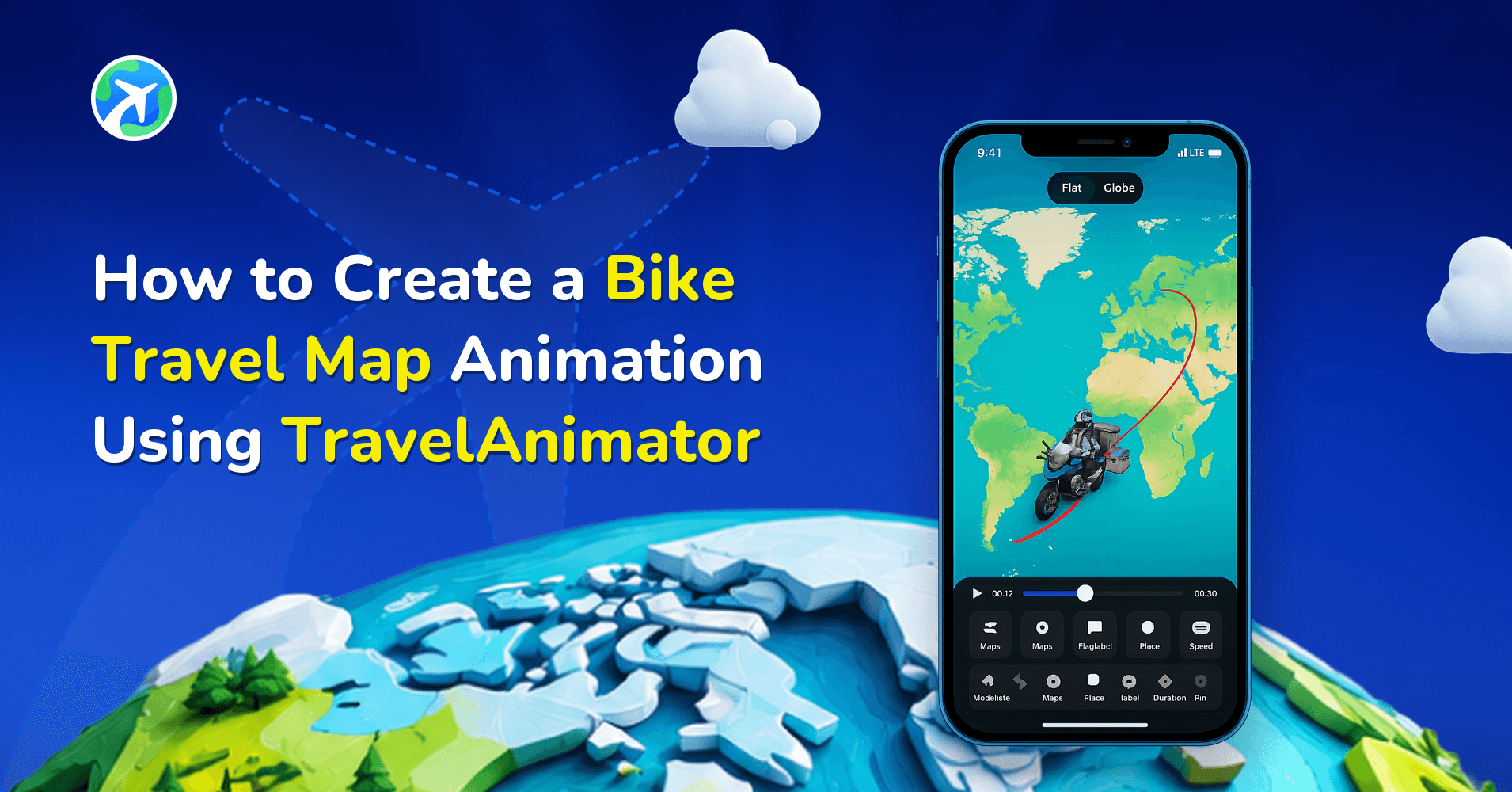
How to Create a Bike Travel Map Animation Using TravelAnimator
操作指南
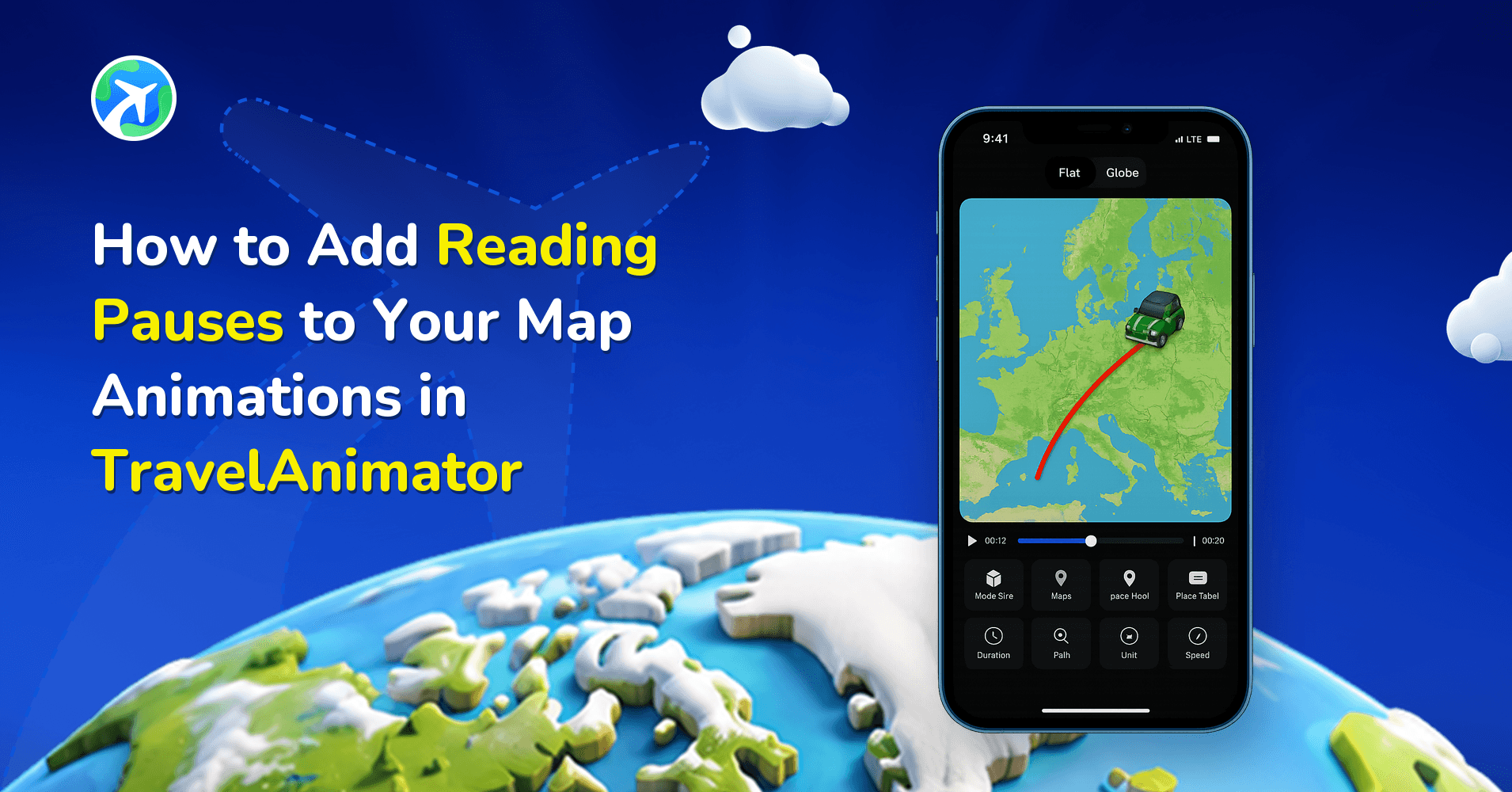
How to Add Reading Pauses to Your Map Animations in TravelAnimator
操作指南
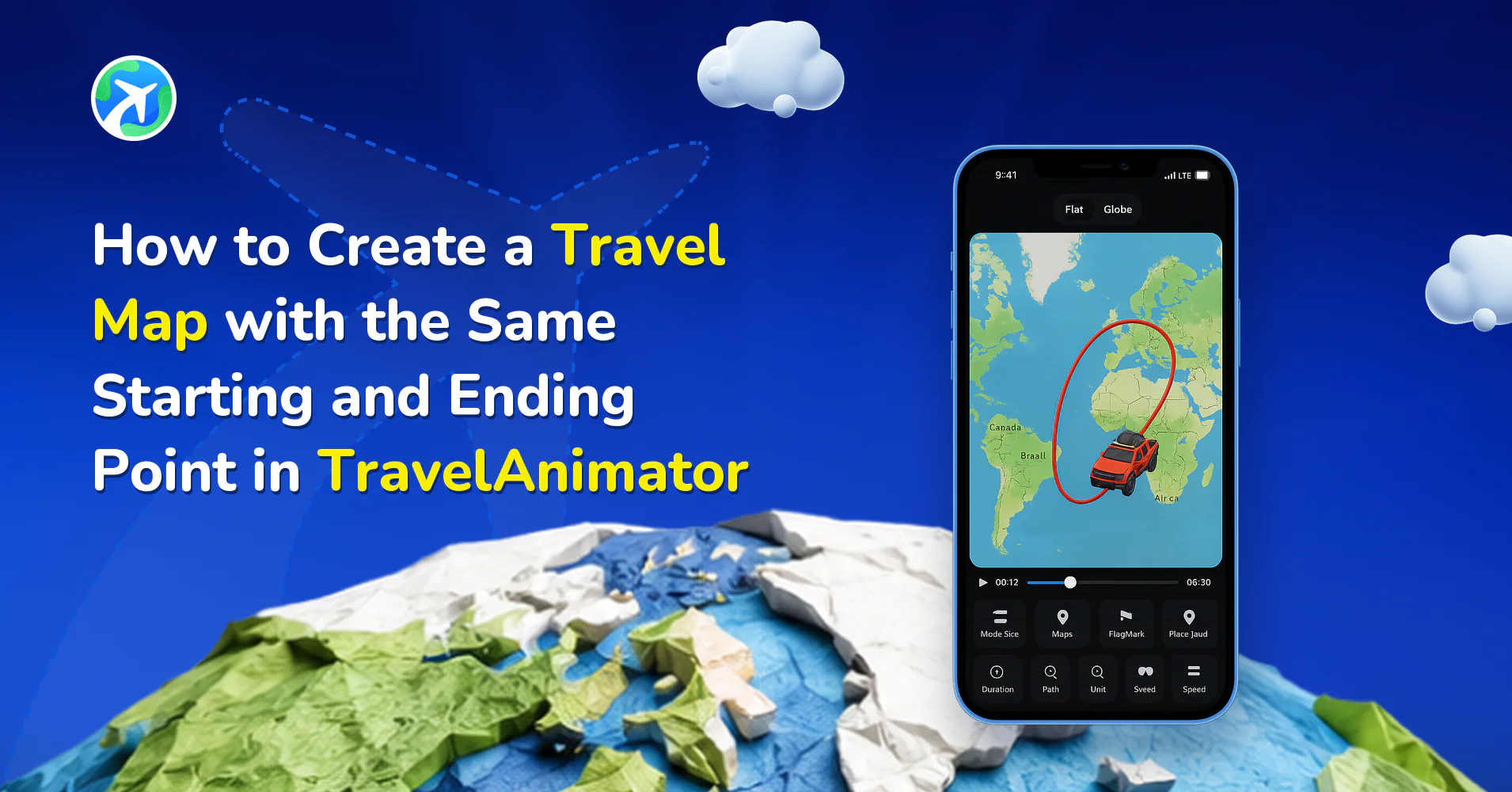
How to Create a Round-Trip Travel Map in TravelAnimator
操作指南
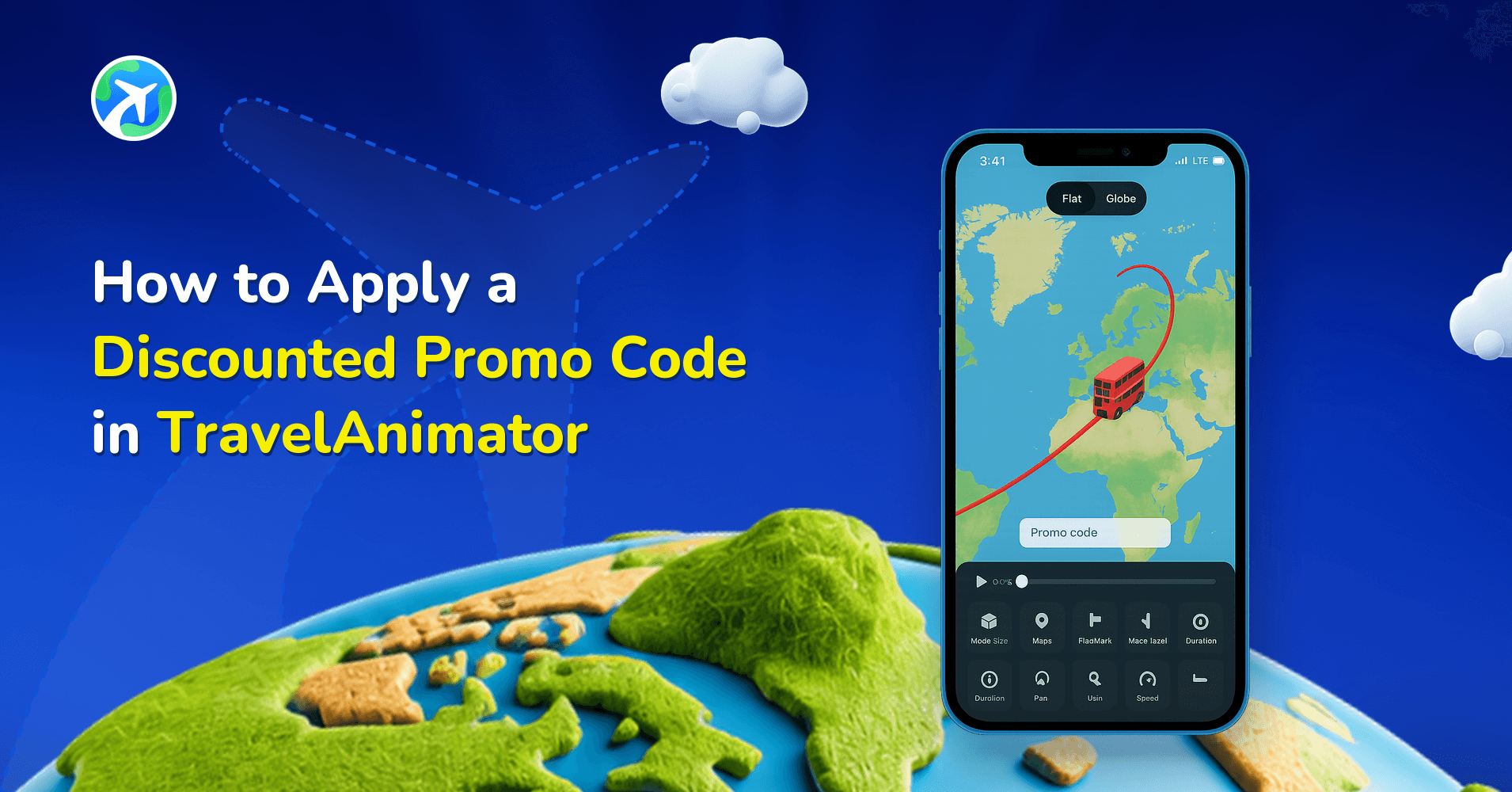
How to Apply a Discounted Promo Code in TravelAnimator
操作指南
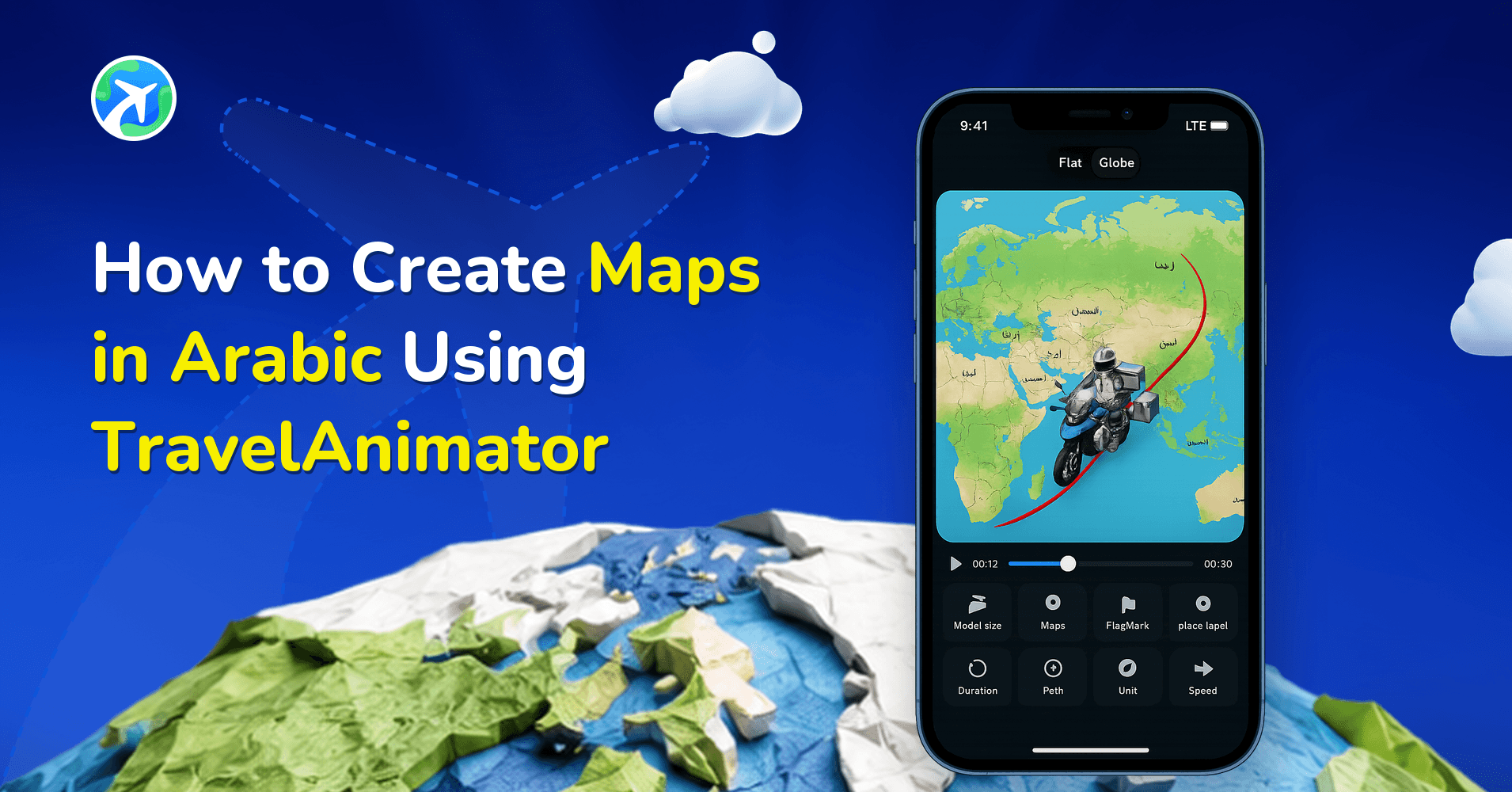
How to Create Maps in Arabic Using TravelAnimator
操作指南
How to Search by Coordinates in TravelAnimator
操作指南
How to Edit Location Names in TravelAnimator
操作指南
How to Customize Place Labels in TravelAnimator
操作指南
How to Undo or Redo a Route in TravelAnimator
操作指南
How to Resize an Image in TravelAnimator
操作指南
How to Delete an Image in TravelAnimator
操作指南
How to Create a Stunning Travel Recap Map with TravelAnimator
操作指南
How to Import Routes from Google My Maps into TravelAnimator
操作指南
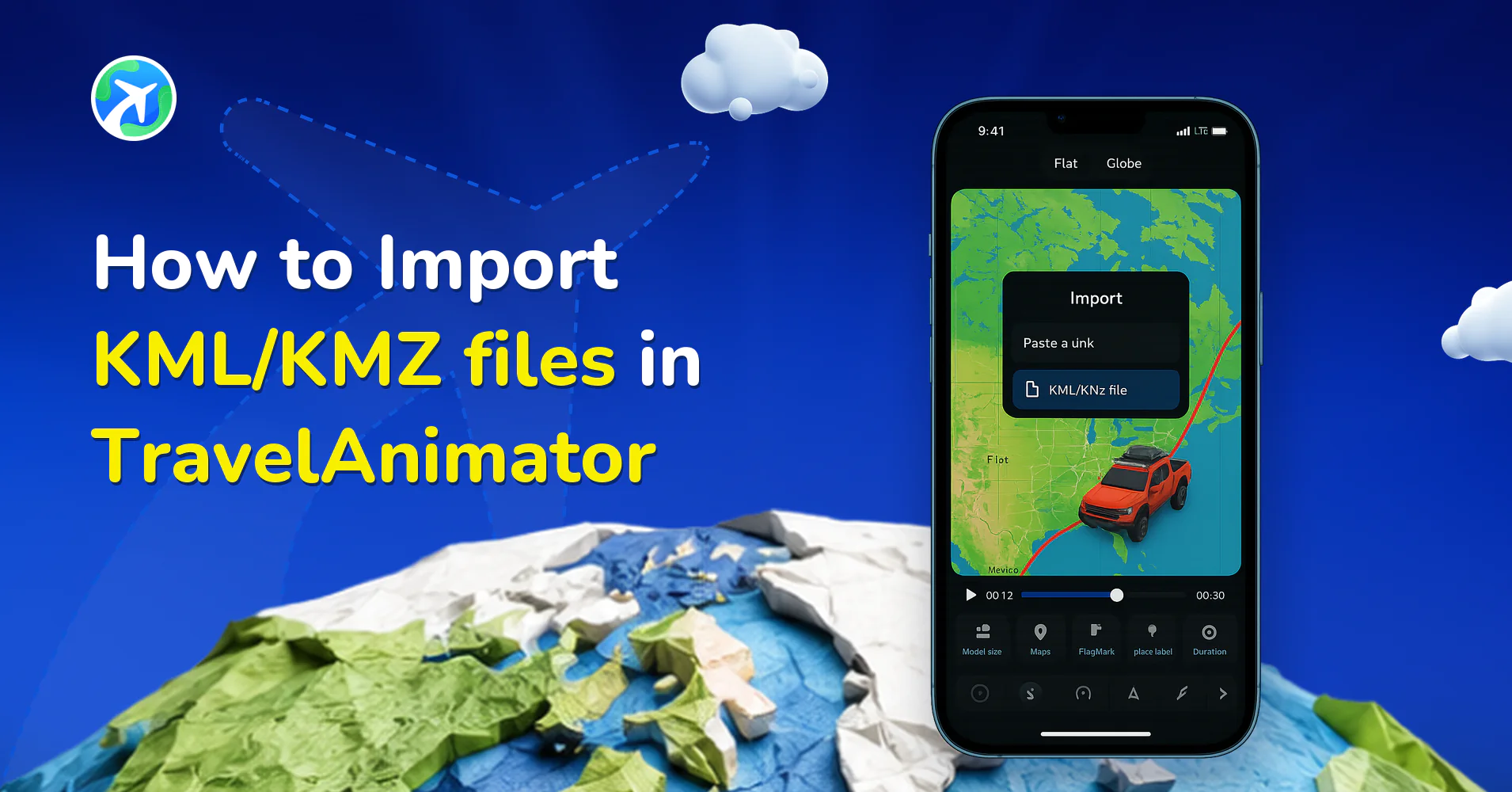
How to Import KML/KMZ files in TravelAnimator
操作指南
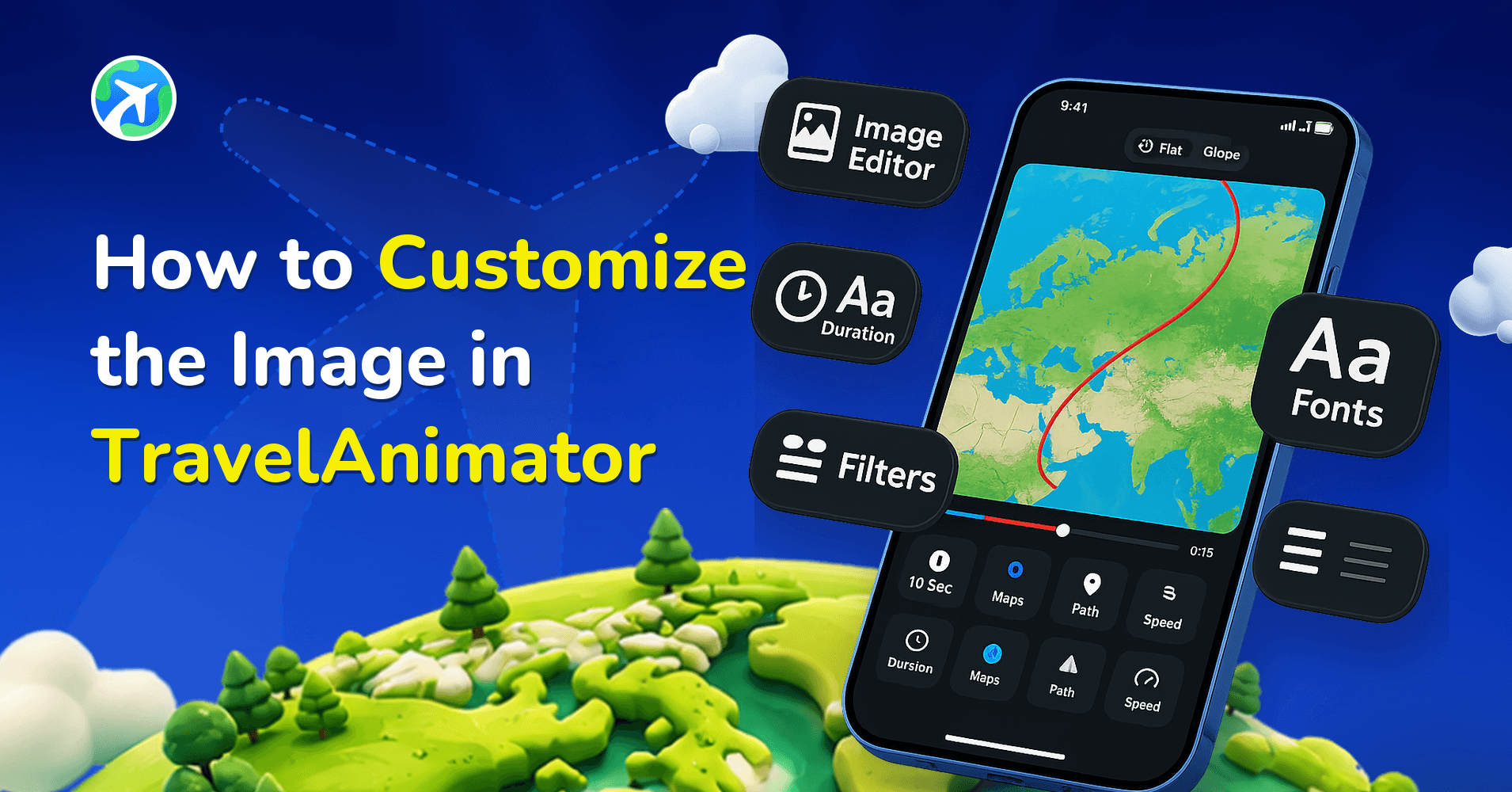
How to Customize the Image in TravelAnimator
操作指南
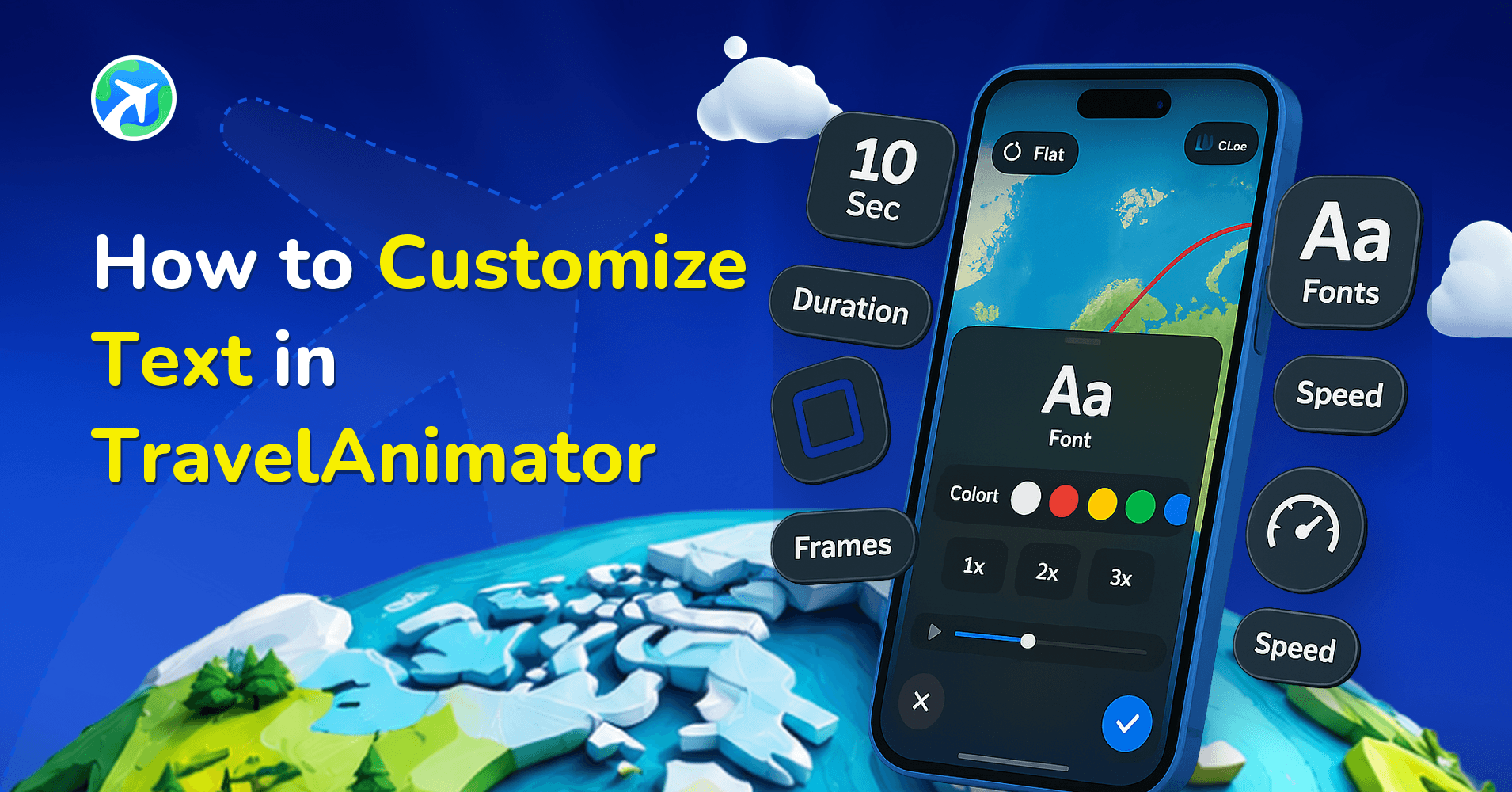
How to Customize Text in TravelAnimator
操作指南
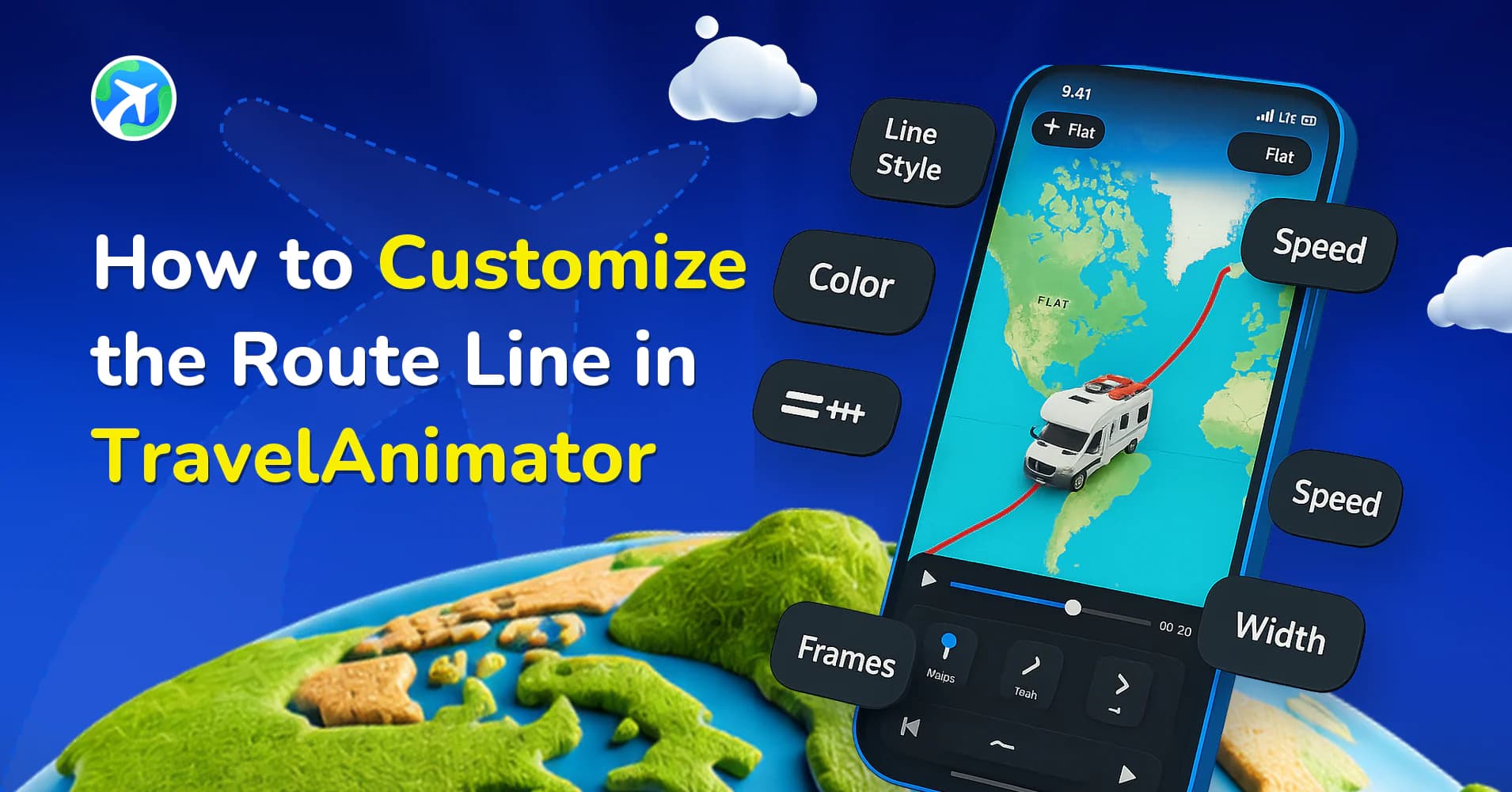
How to Customize the Route Line in TravelAnimator
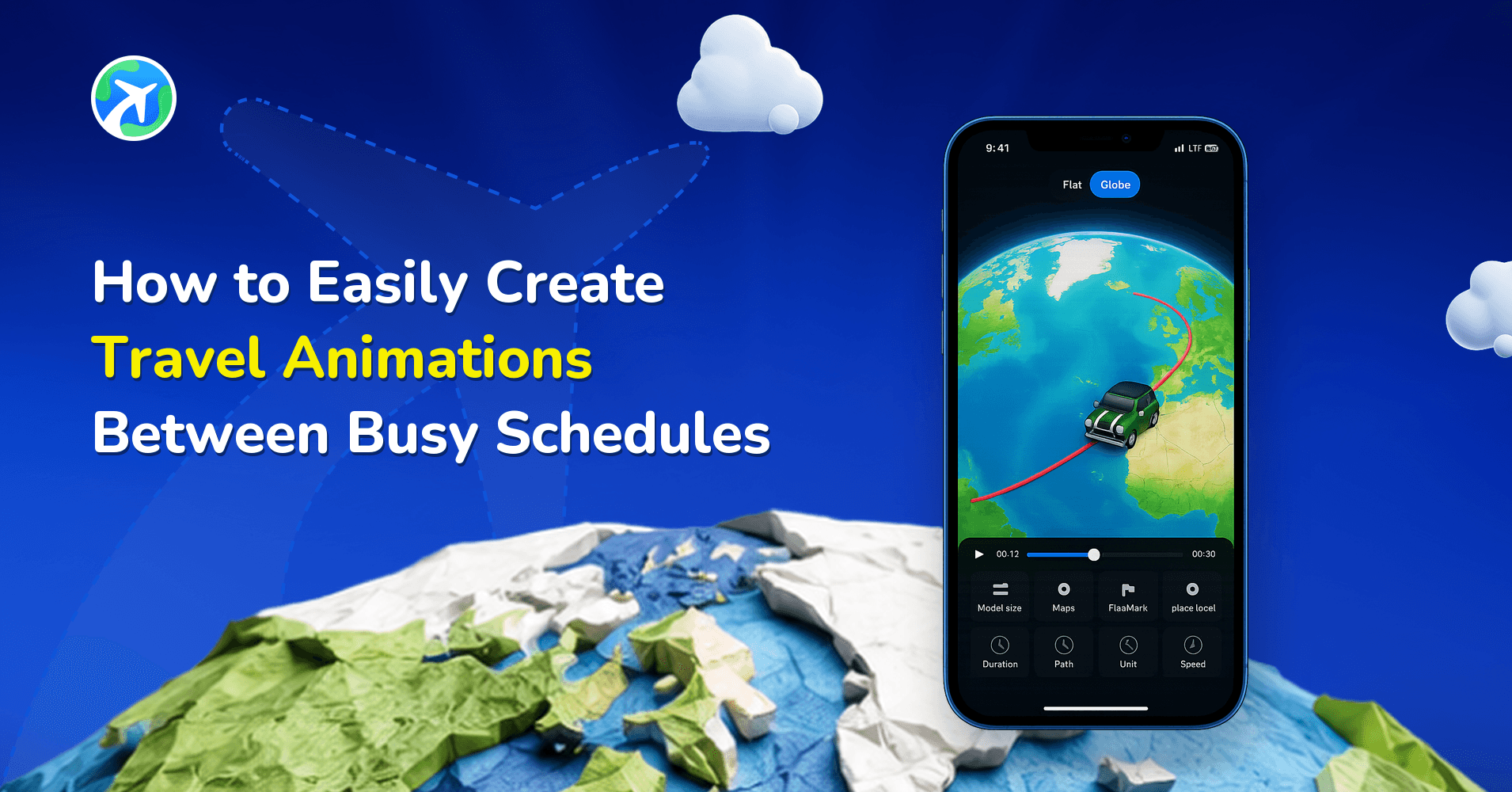
操作指南
How to Easily Create Travel Animations Between Busy Schedules
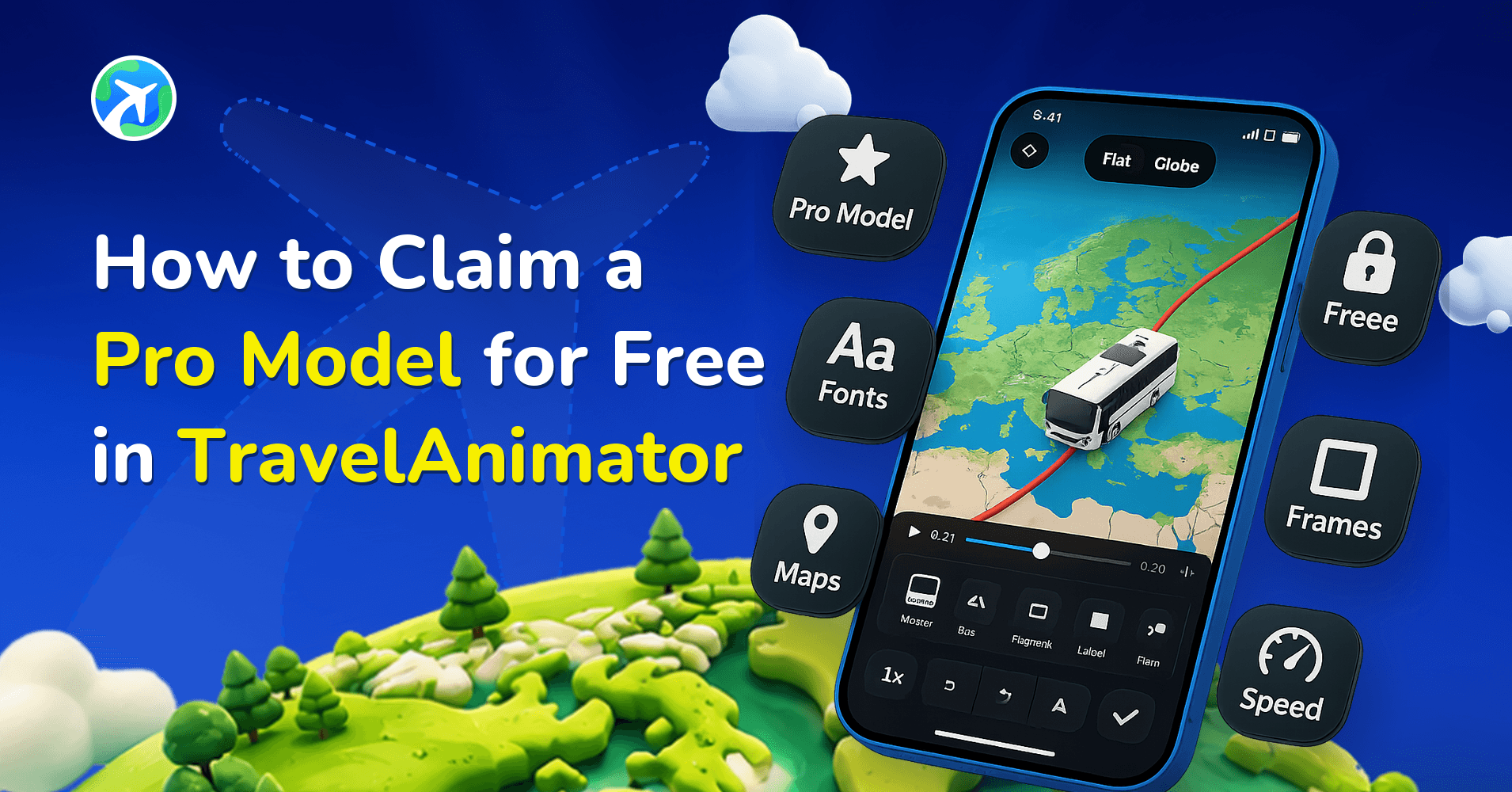
操作指南
How to Claim a Pro Model for Free in TravelAnimator
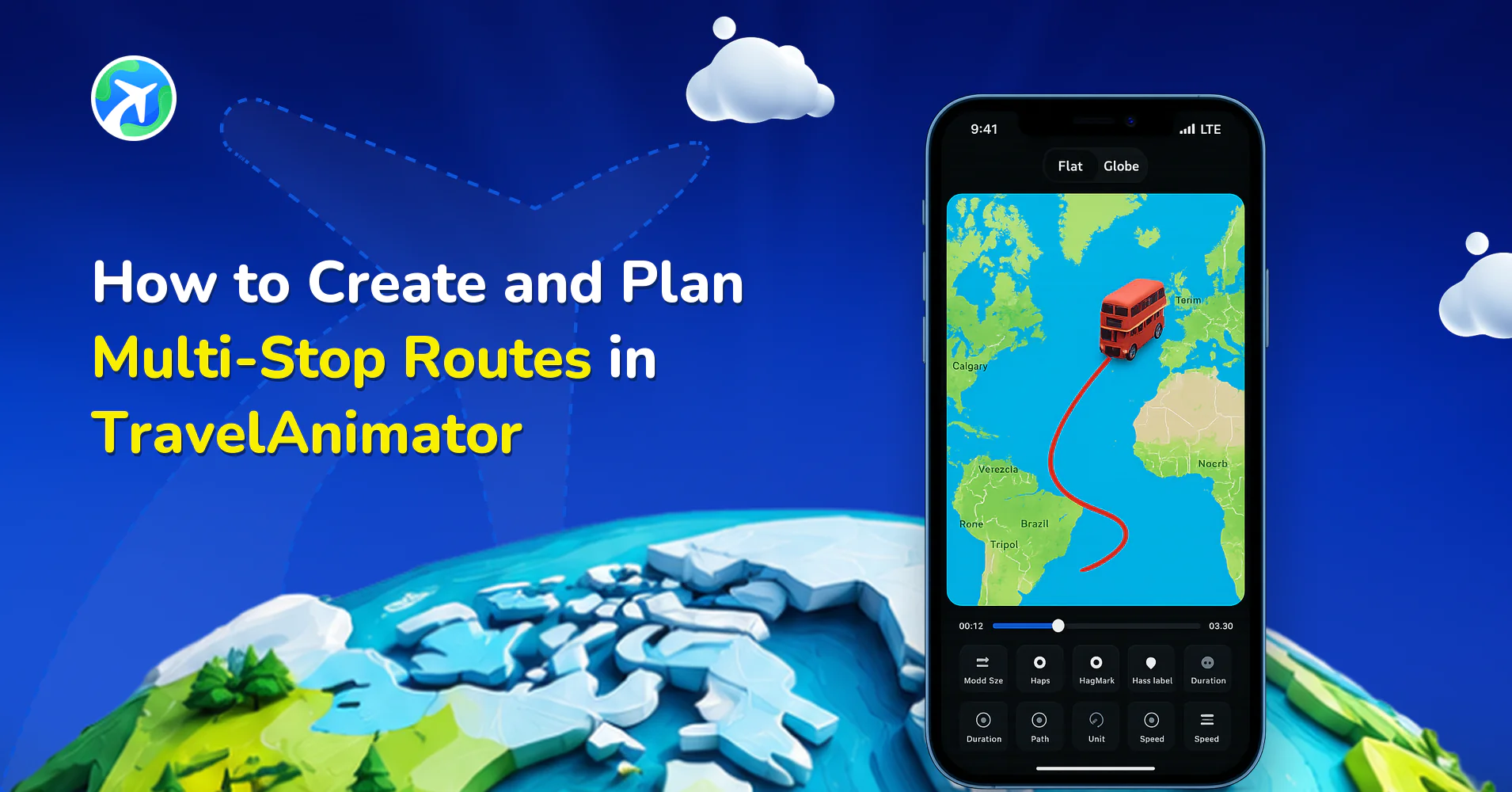
操作指南
How to Create and Plan Multi-Stop Routes in TravelAnimator
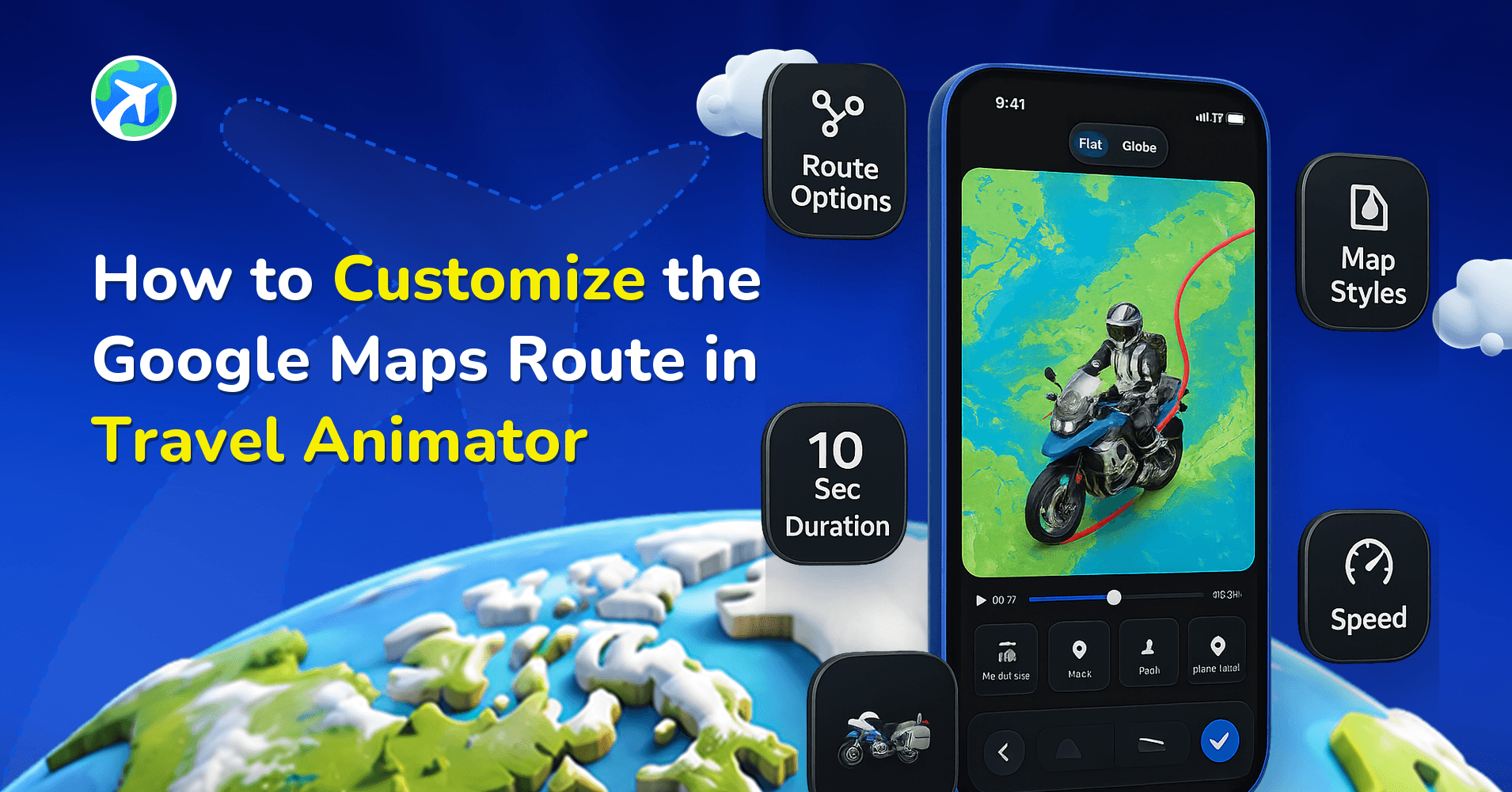
操作指南
How to Customize the Google Maps Route in Travel Animator
操作指南
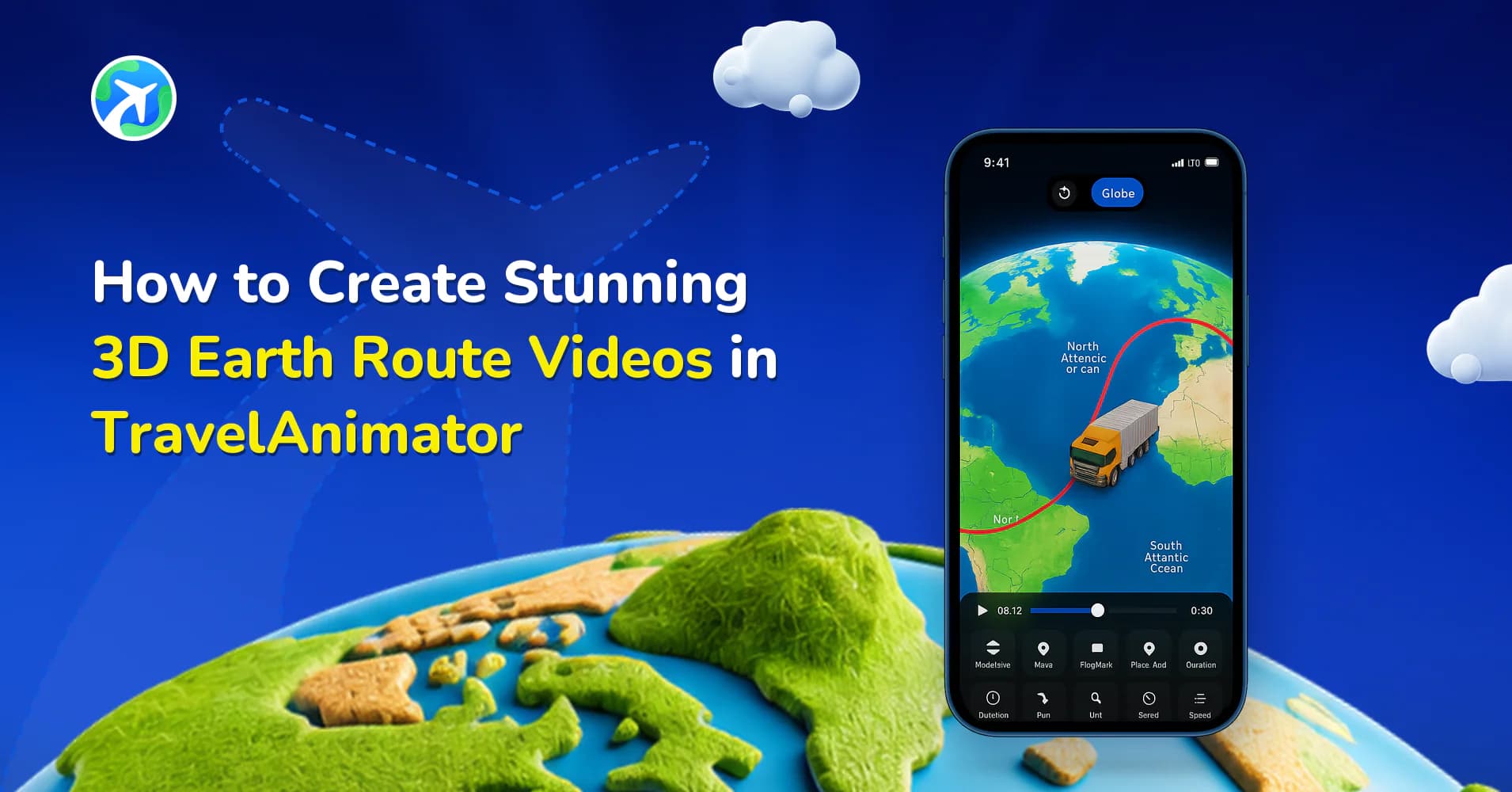
How to Create Stunning 3D Earth Route Videos in TravelAnimator
操作指南
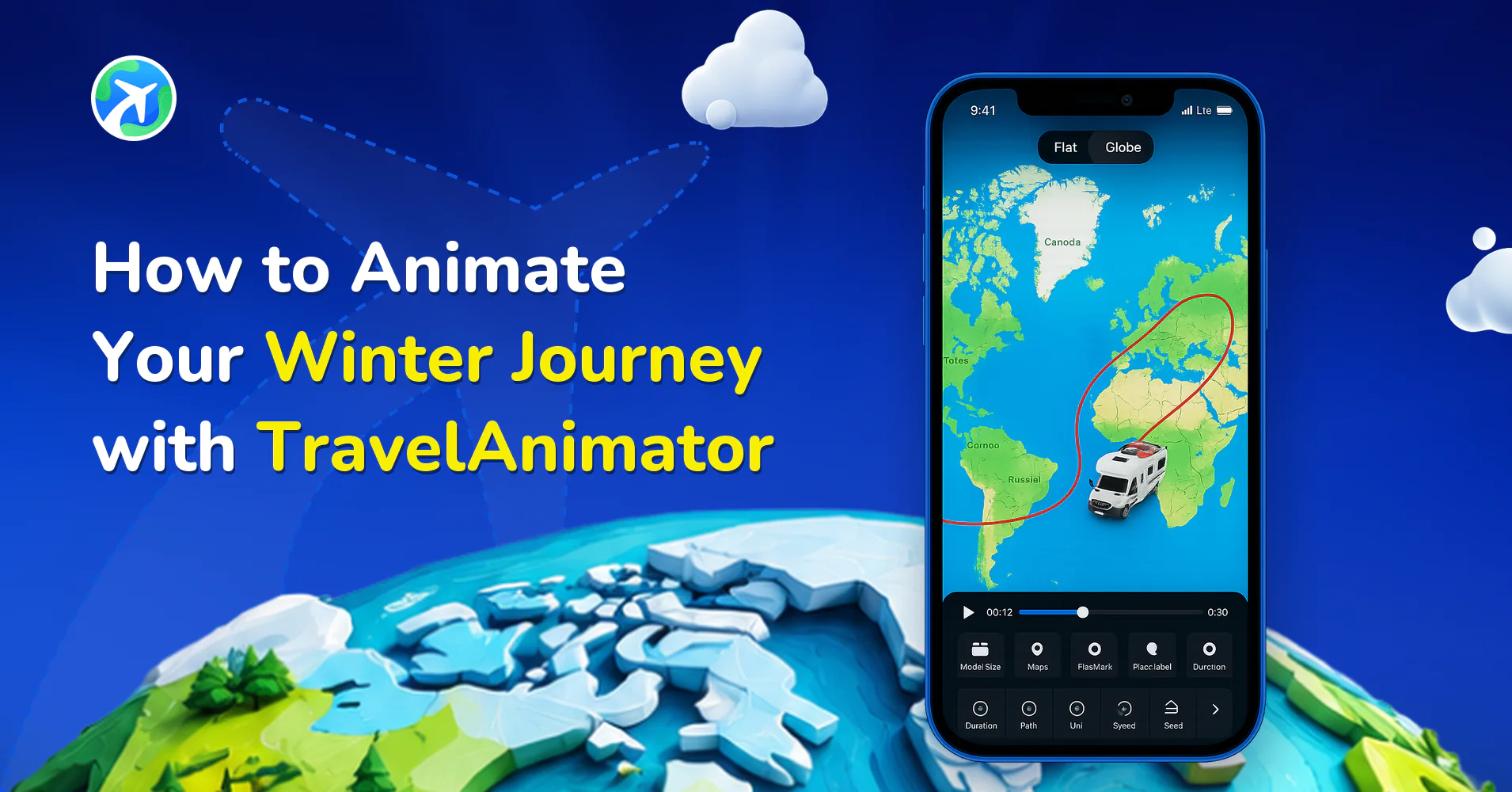
How to Animate Your Winter Journey with TravelAnimator
操作指南
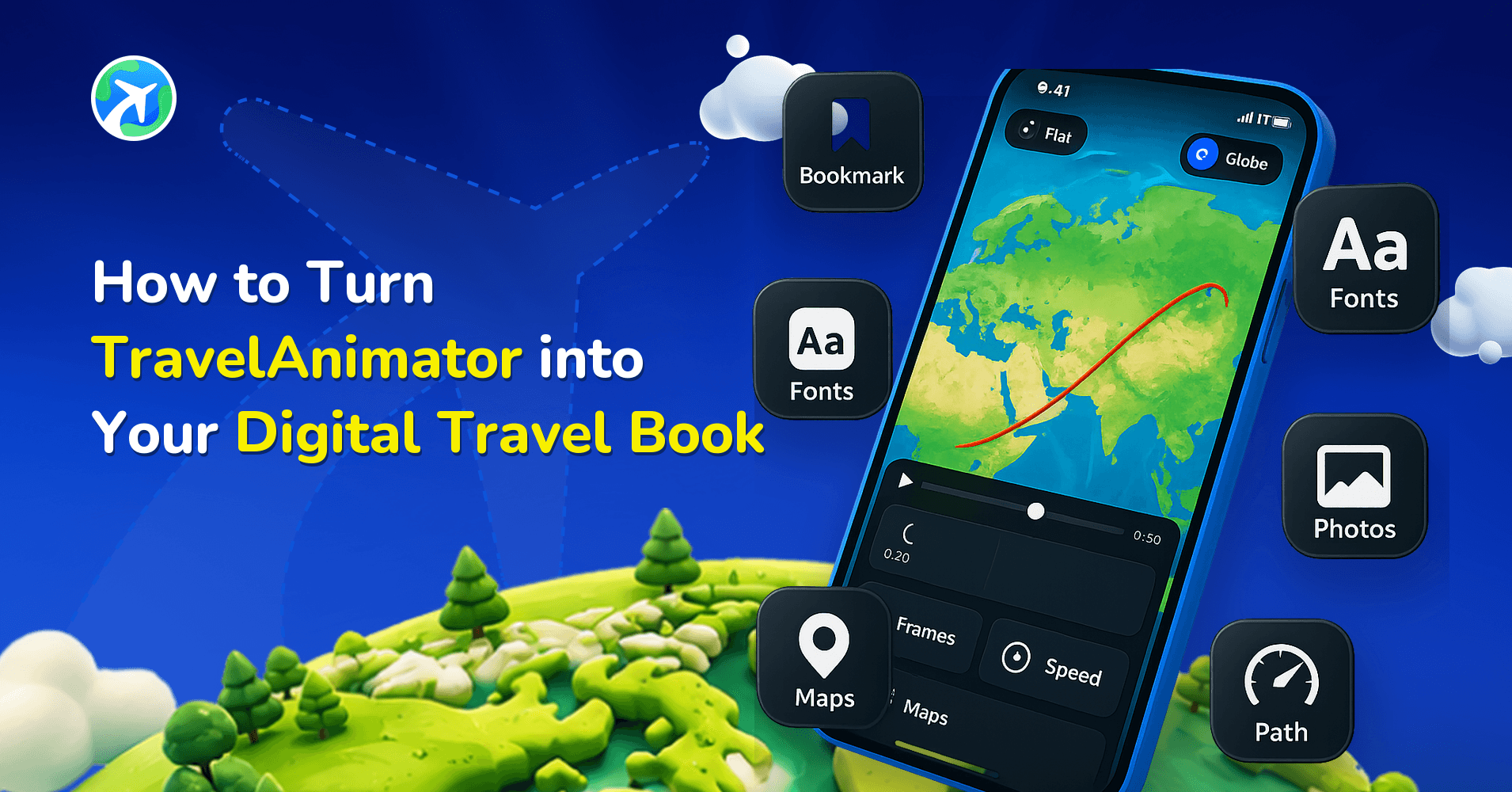
How to Turn TravelAnimator into Your Digital Travel Book
操作指南
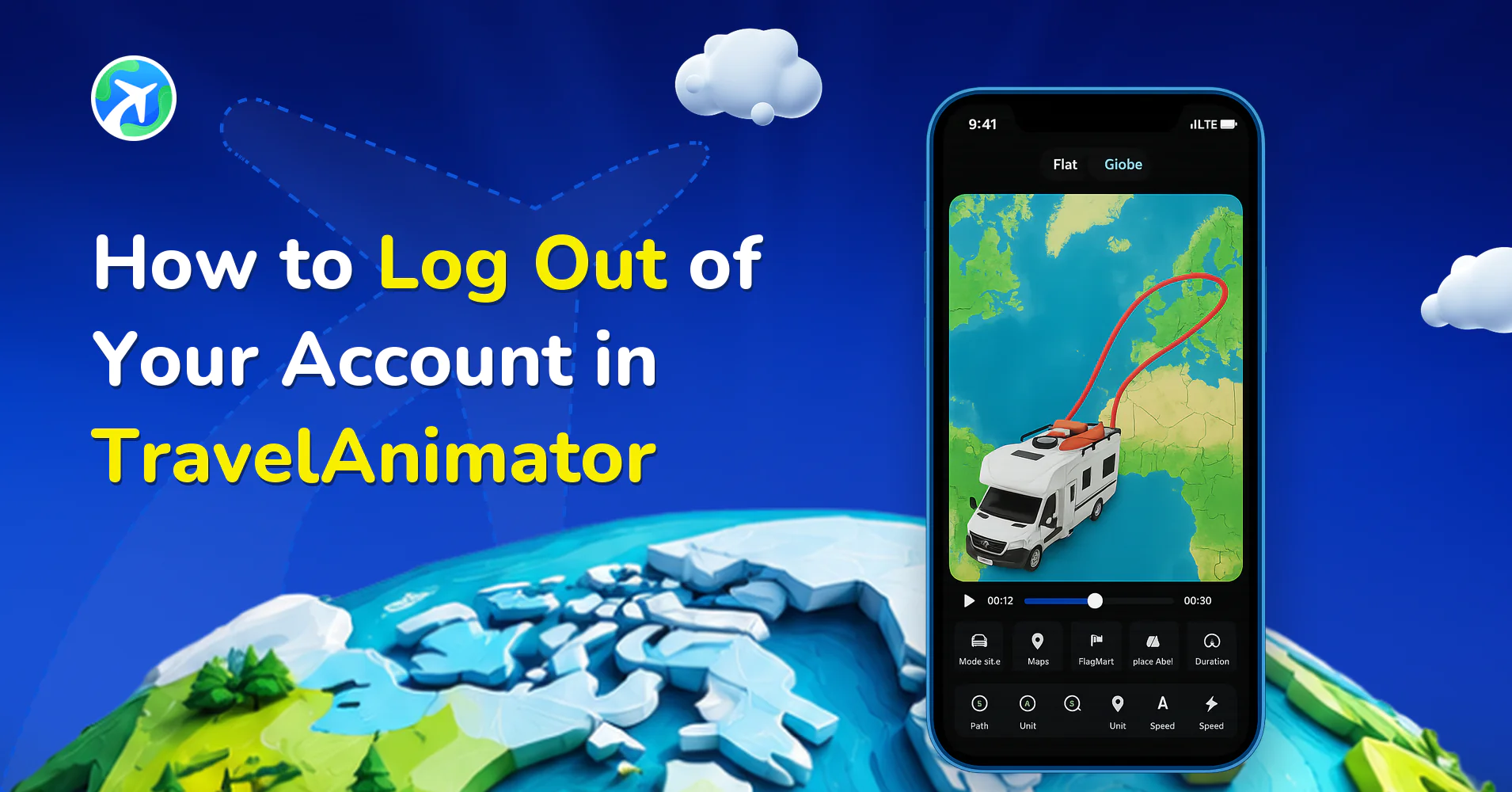
How to Log Out of Your Account in TravelAnimator
操作指南
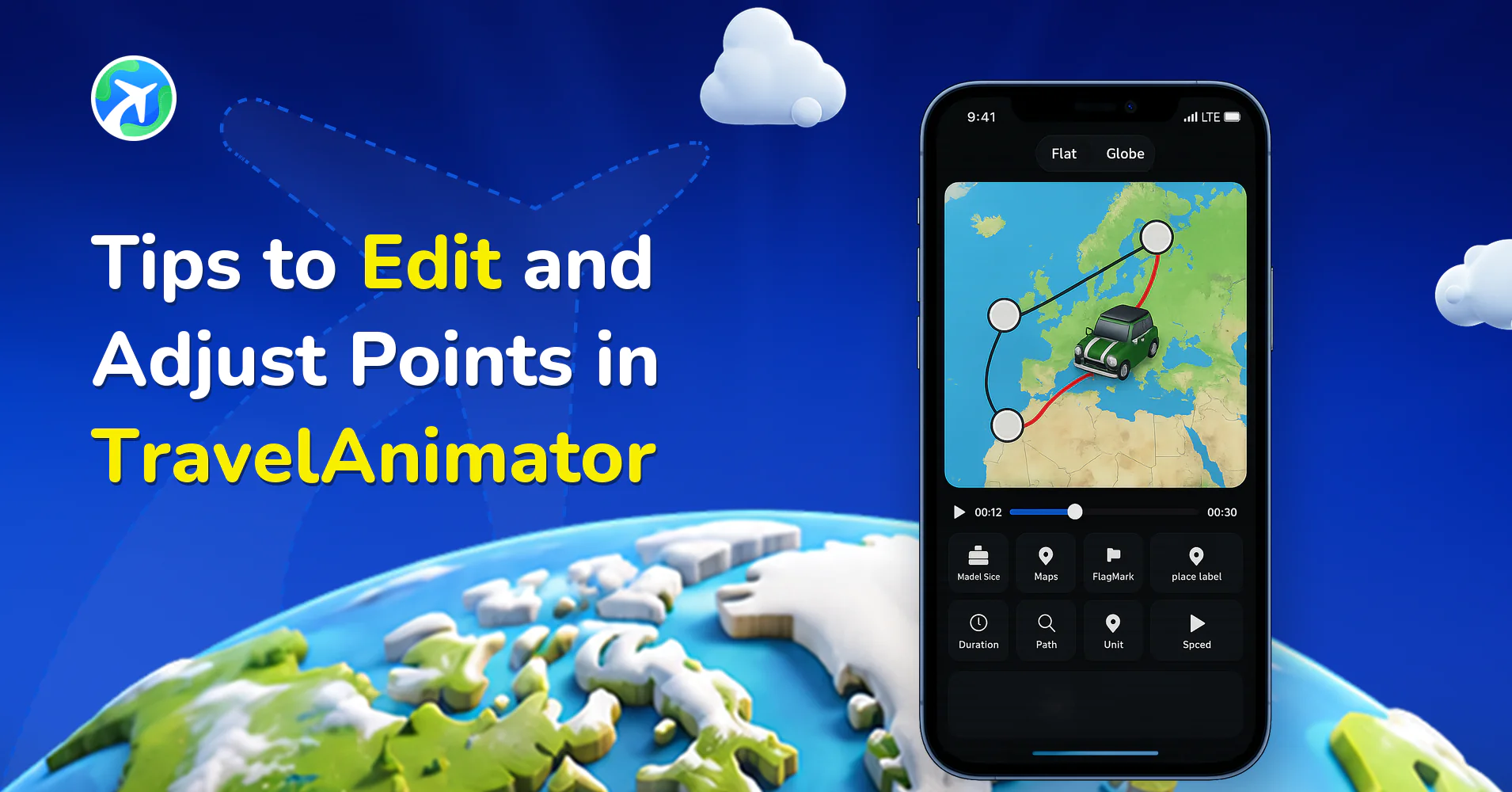
Tips to Edit and Adjust Points in TravelAnimator
操作指南
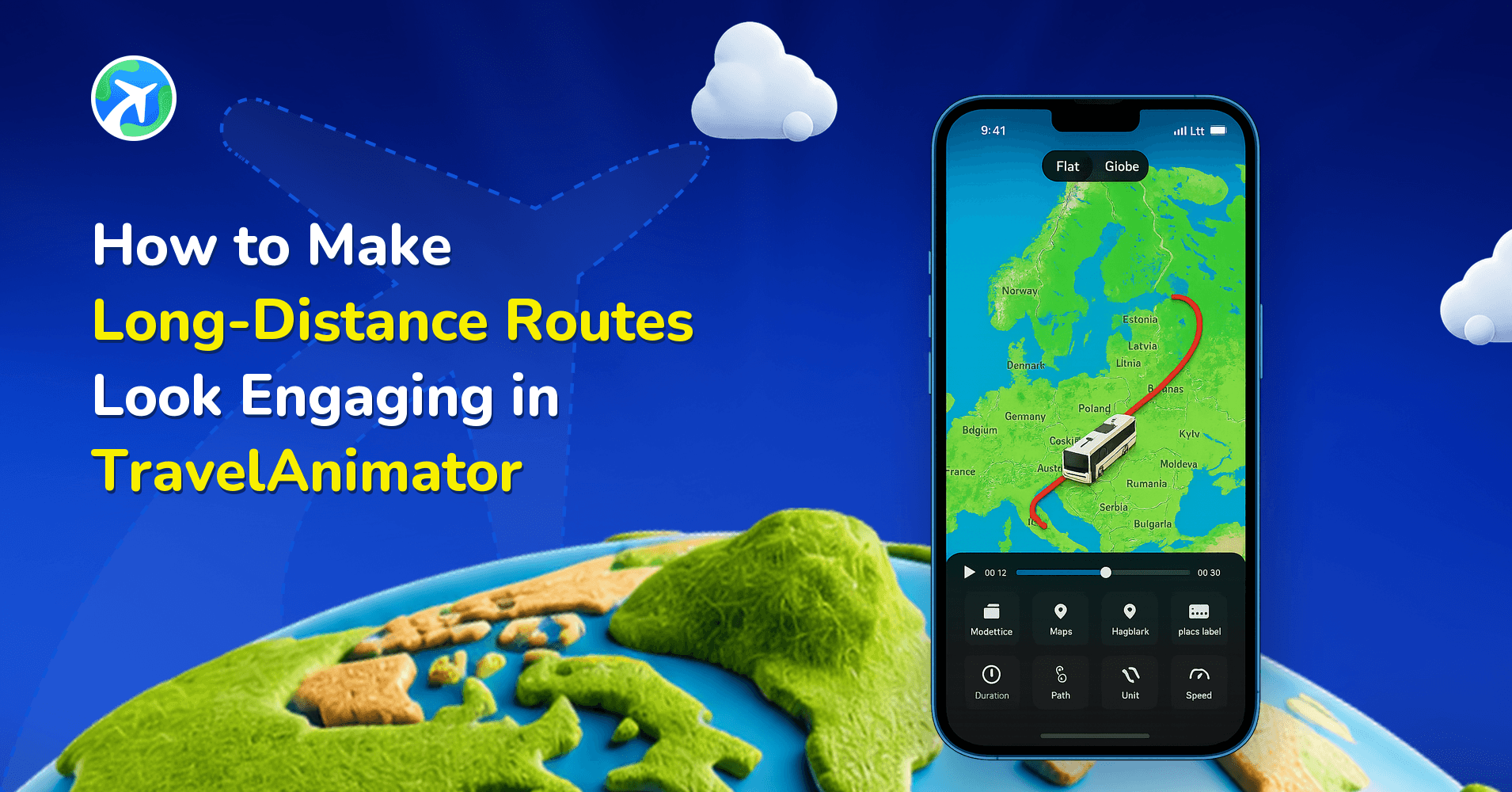
How to Make Long-Distance Routes Look Engaging in TravelAnimator
操作指南
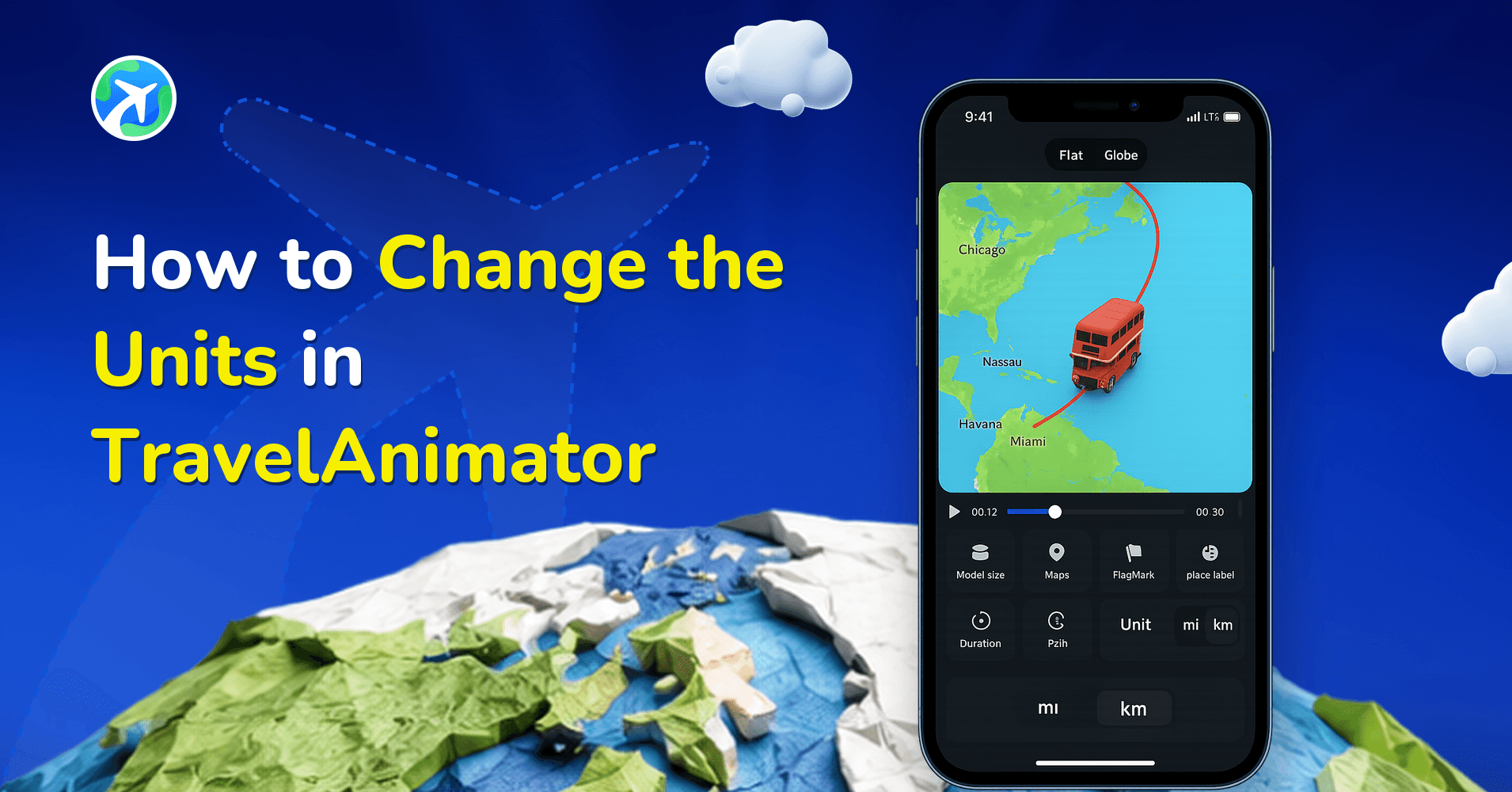
How to Change the Units in TravelAnimator
操作指南
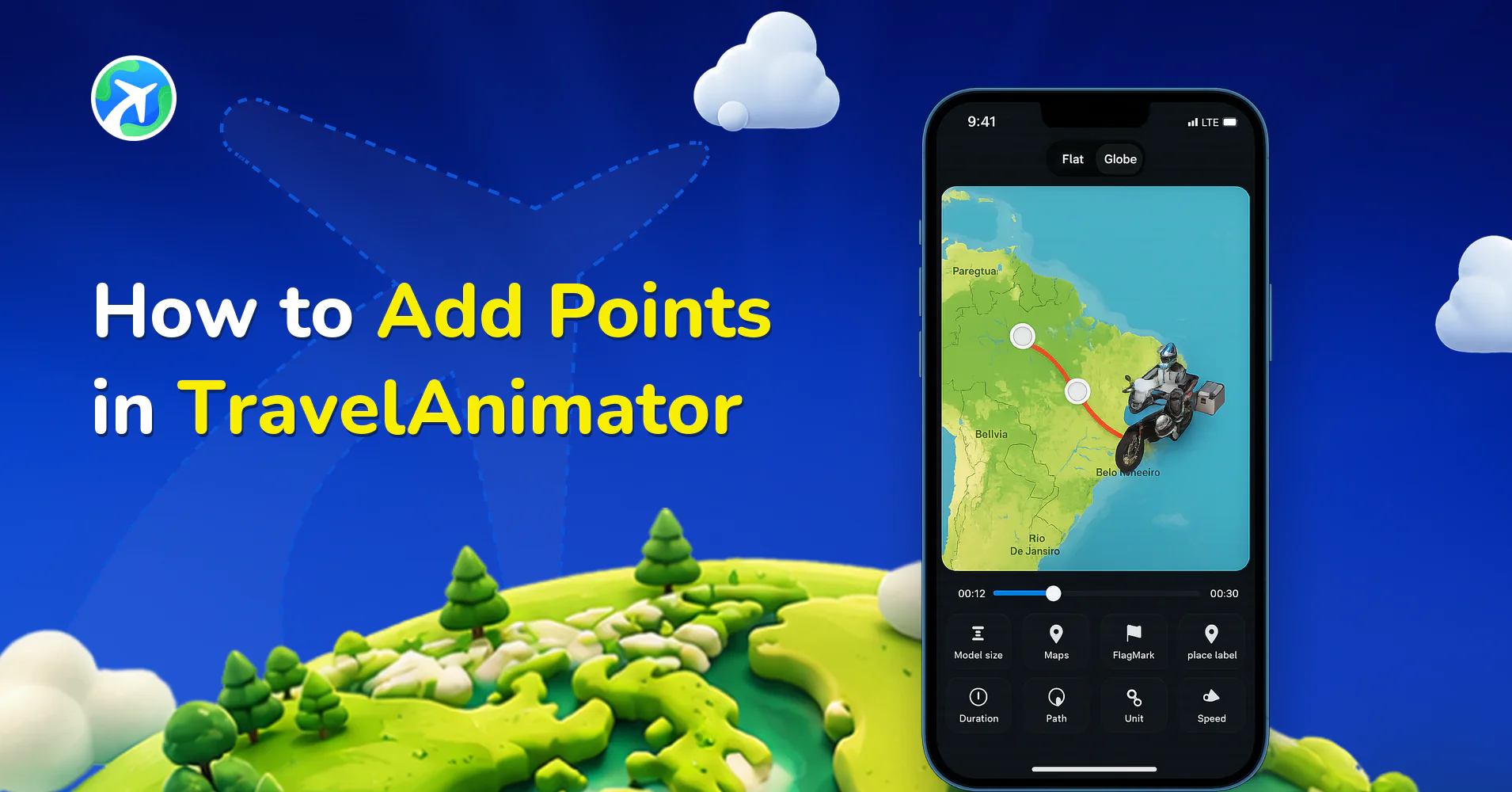
How to Add Points in TravelAnimator
操作指南
How to Remove Curves in TravelAnimator
操作指南
How to Create Engaging Route Patterns in TravelAnimator
操作指南
How to Create a Rough Animation in Travel Animator
操作指南
How to Create Green Screen Animation in Travel Animator
应用功能
How to Smoothen GPX Routes in Travel Animator
操作指南
How to Add Images and Travel Models to GPX & Google Maps Routes in Travel Animator
操作指南
How to Manually Add a Location in Travel Animator
操作指南
How to Create a Landscape-Oriented Animation in Travel Animator
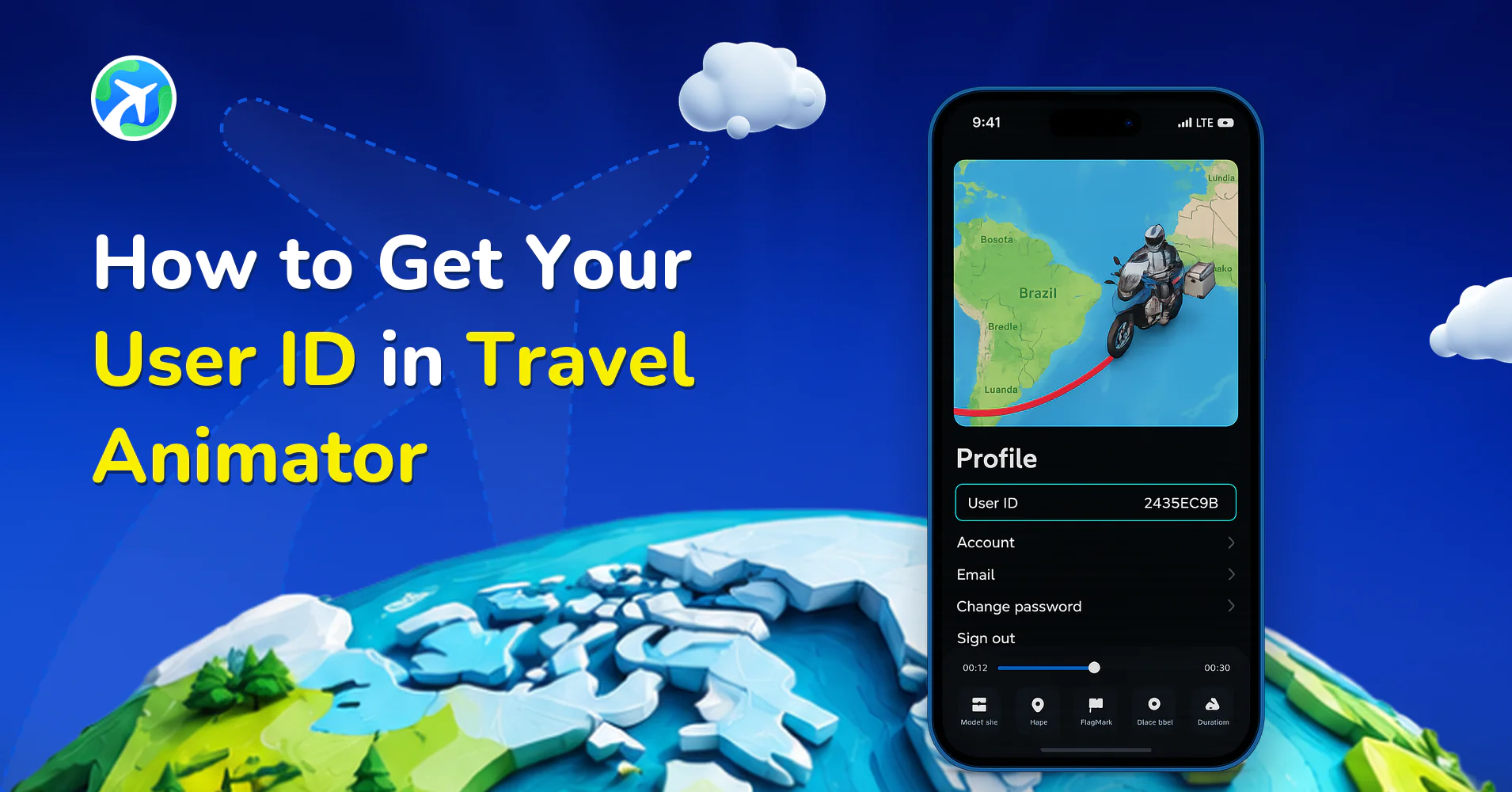
操作指南
How to Get Your User ID in Travel Animator
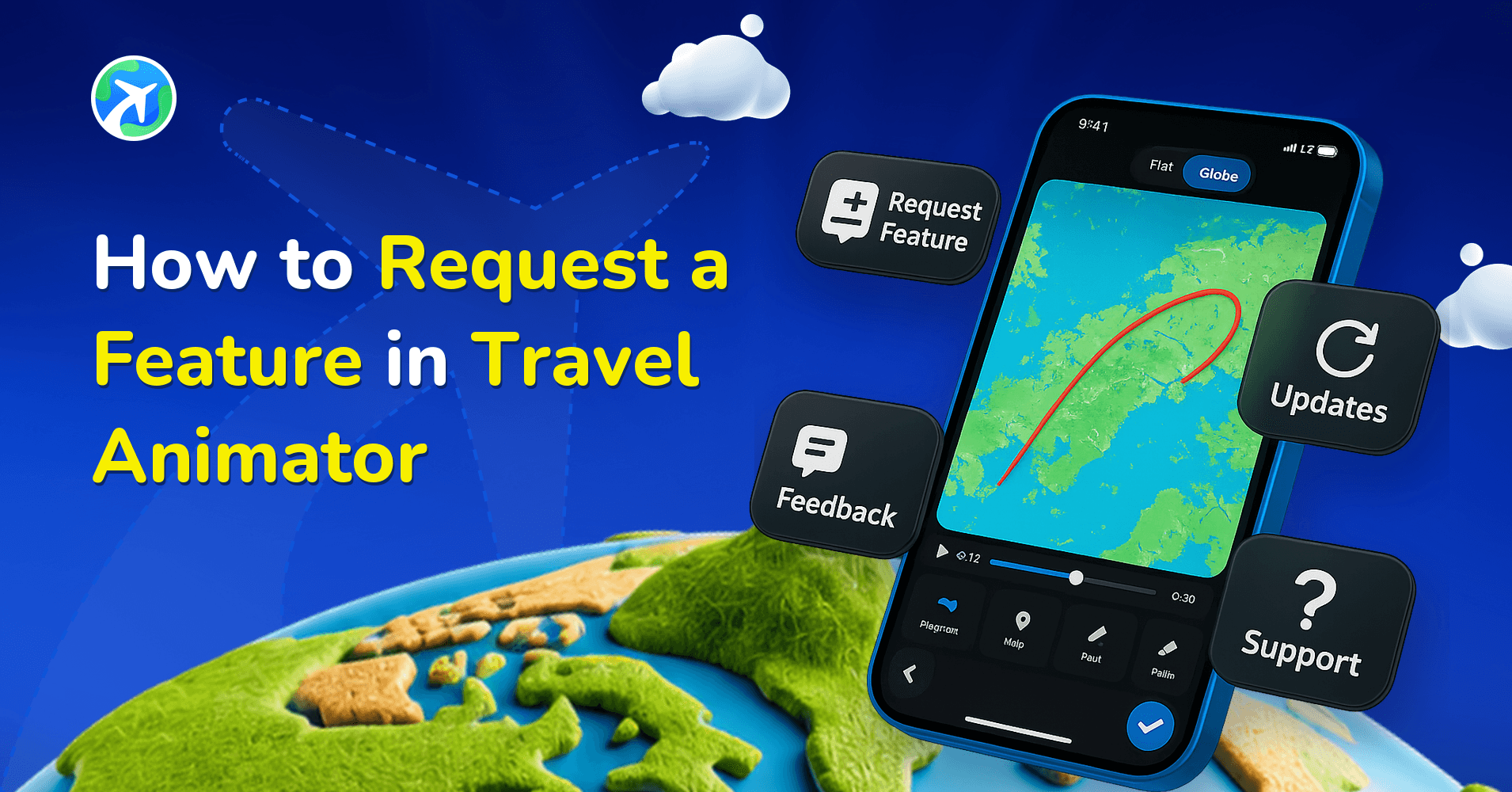
操作指南
How to Request a Feature in Travel Animator
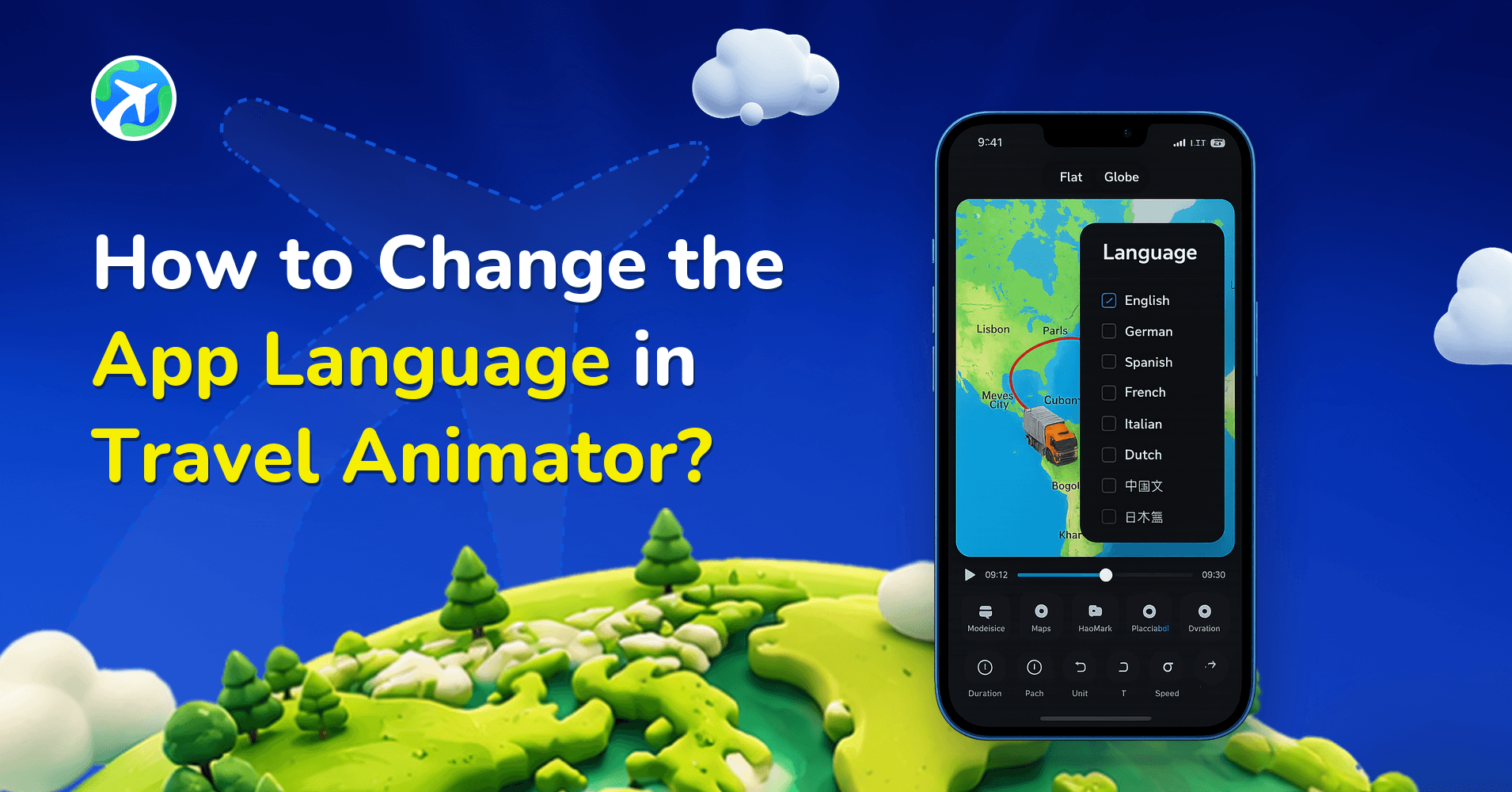
操作指南
How to Change the App Language in Travel Animator?
操作指南
Common Mistakes in Travel Animator Videos
操作指南
How to Screen Record on iPhone for TravelAnimator Support
操作指南
How to Screen Record on Android for TravelAnimator Support
操作指南
How to Log in to a Travel Animator App?
操作指南
How to Check the Version Number of the Travel Animator App?
操作指南
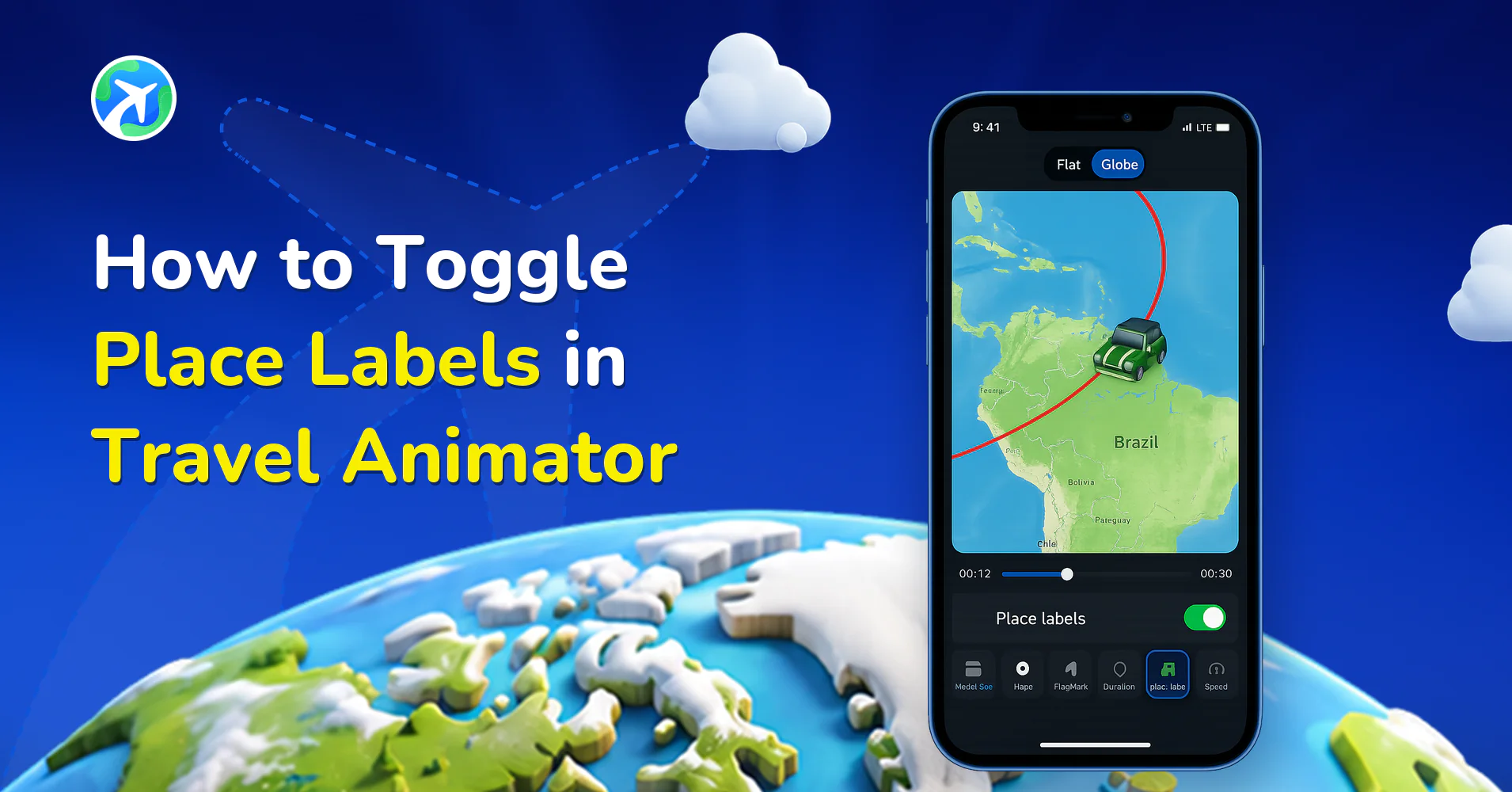
How to Toggle Place Labels in Travel Animator
操作指南
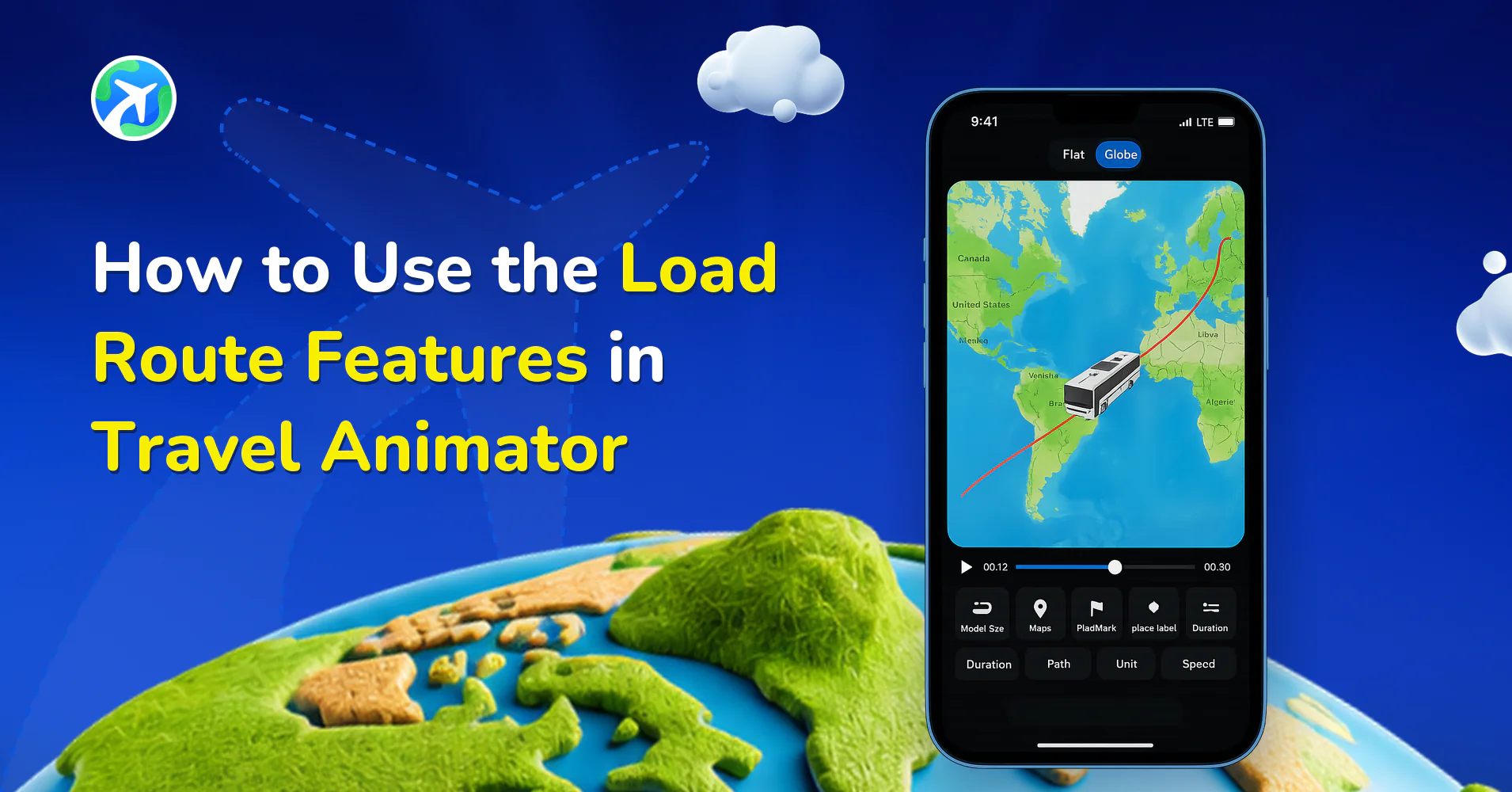
How to Use the Load Route Features in Travel Animator
操作指南
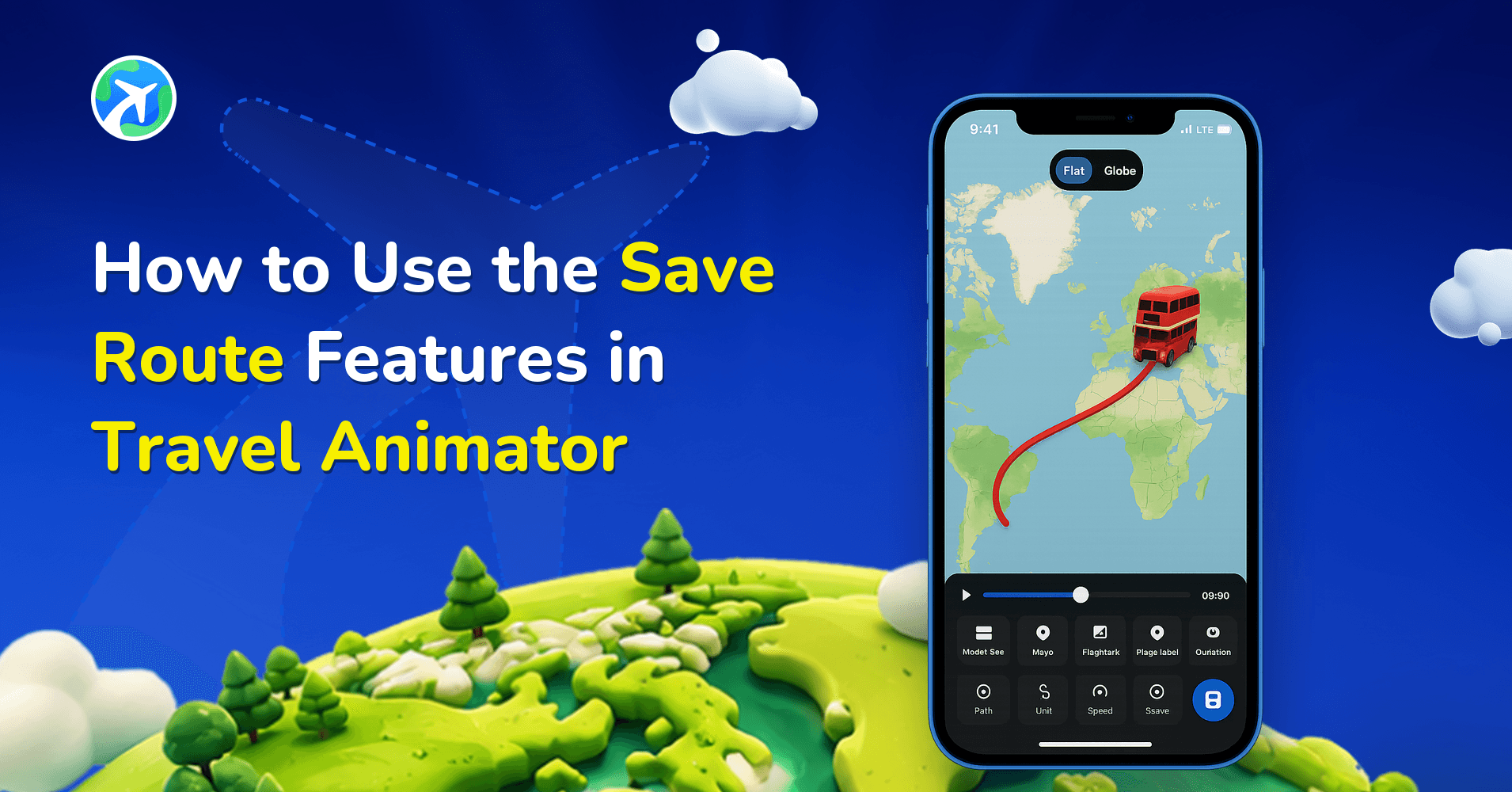
How to Use the Save Route Features in Travel Animator
操作指南
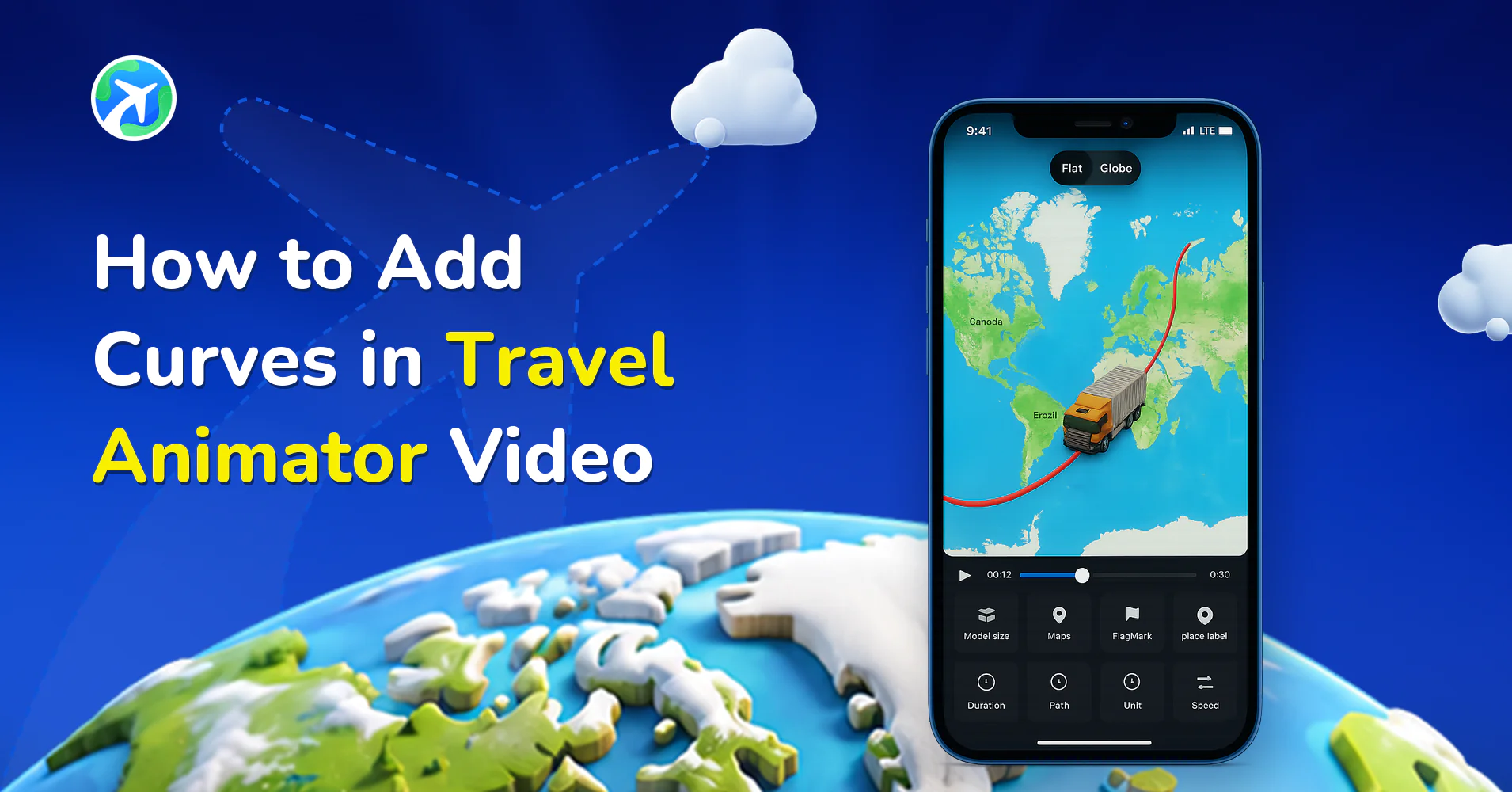
How to Add Curves in Travel Animator Video
操作指南
How to Remove a Watermark from a Travel Animator Video
操作指南
How to Share Your TravelAnimator Video on Social Media
操作指南
How to Change Distance Units from Miles to Km in TravelAnimator
操作指南
How to Adjust Video Duration in Travel Animator?
操作指南
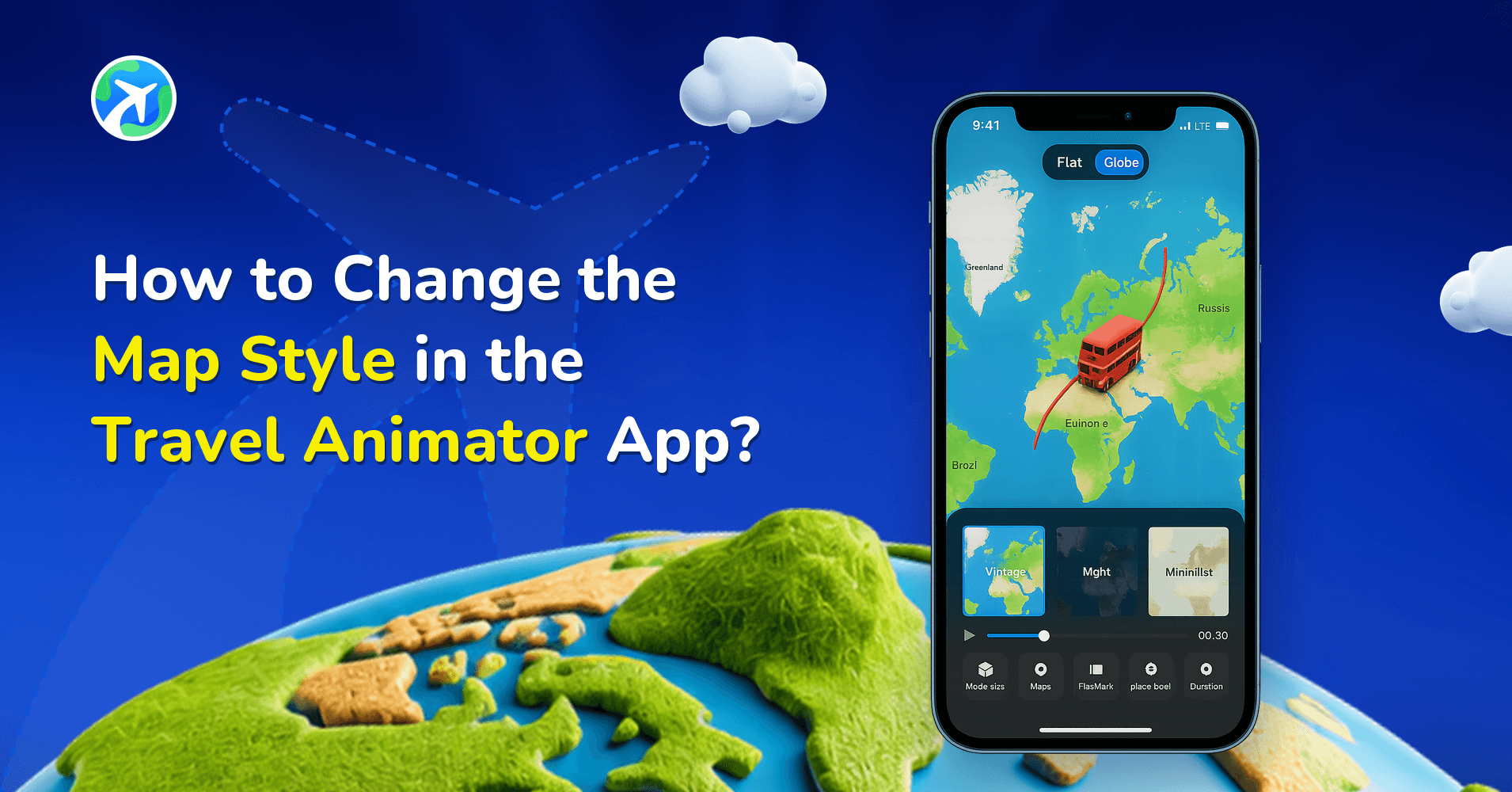
How to Change the Map Style in the Travel Animator App?
操作指南
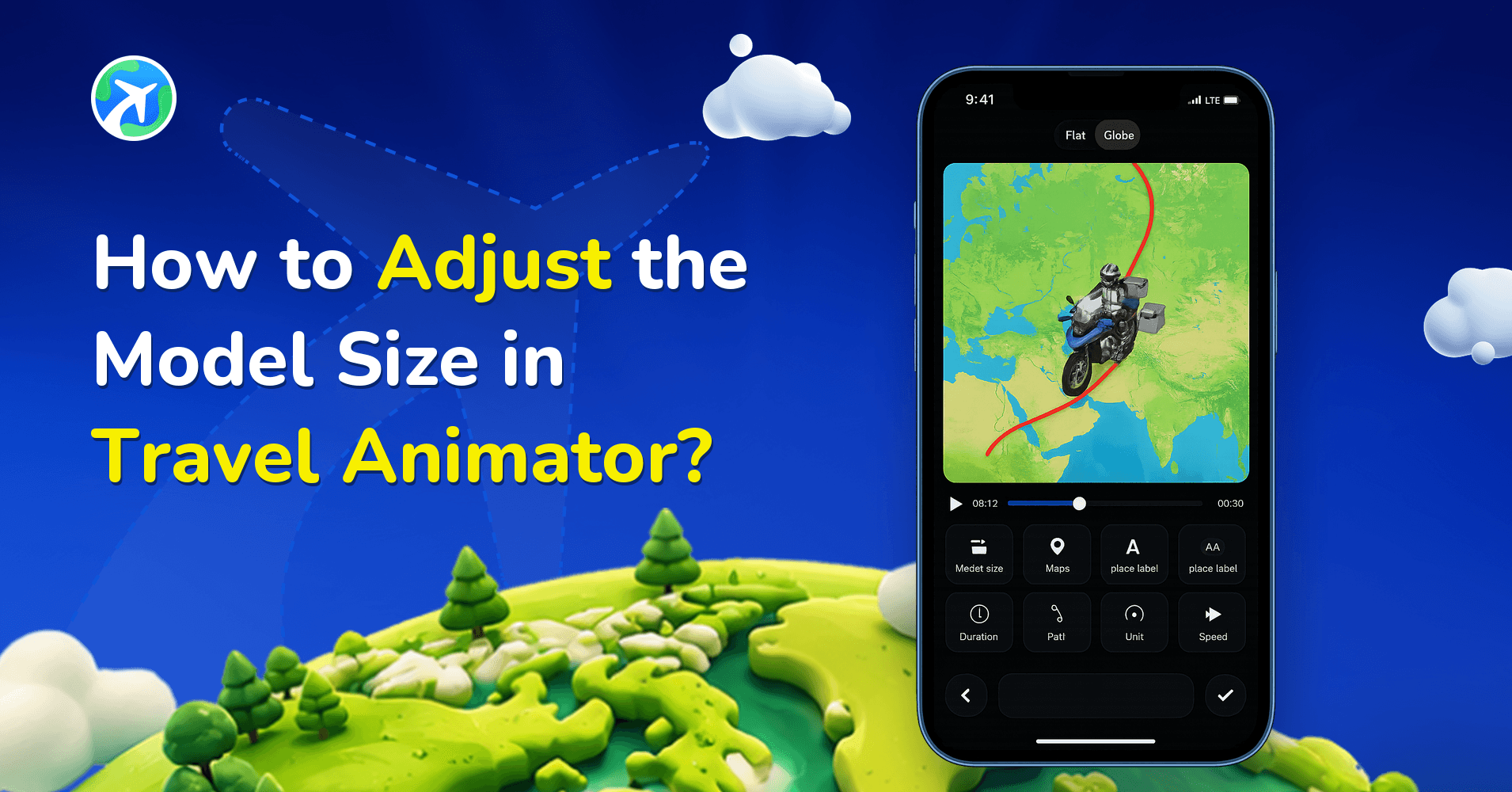
How to Adjust the Model Size in Travel Animator?
操作指南
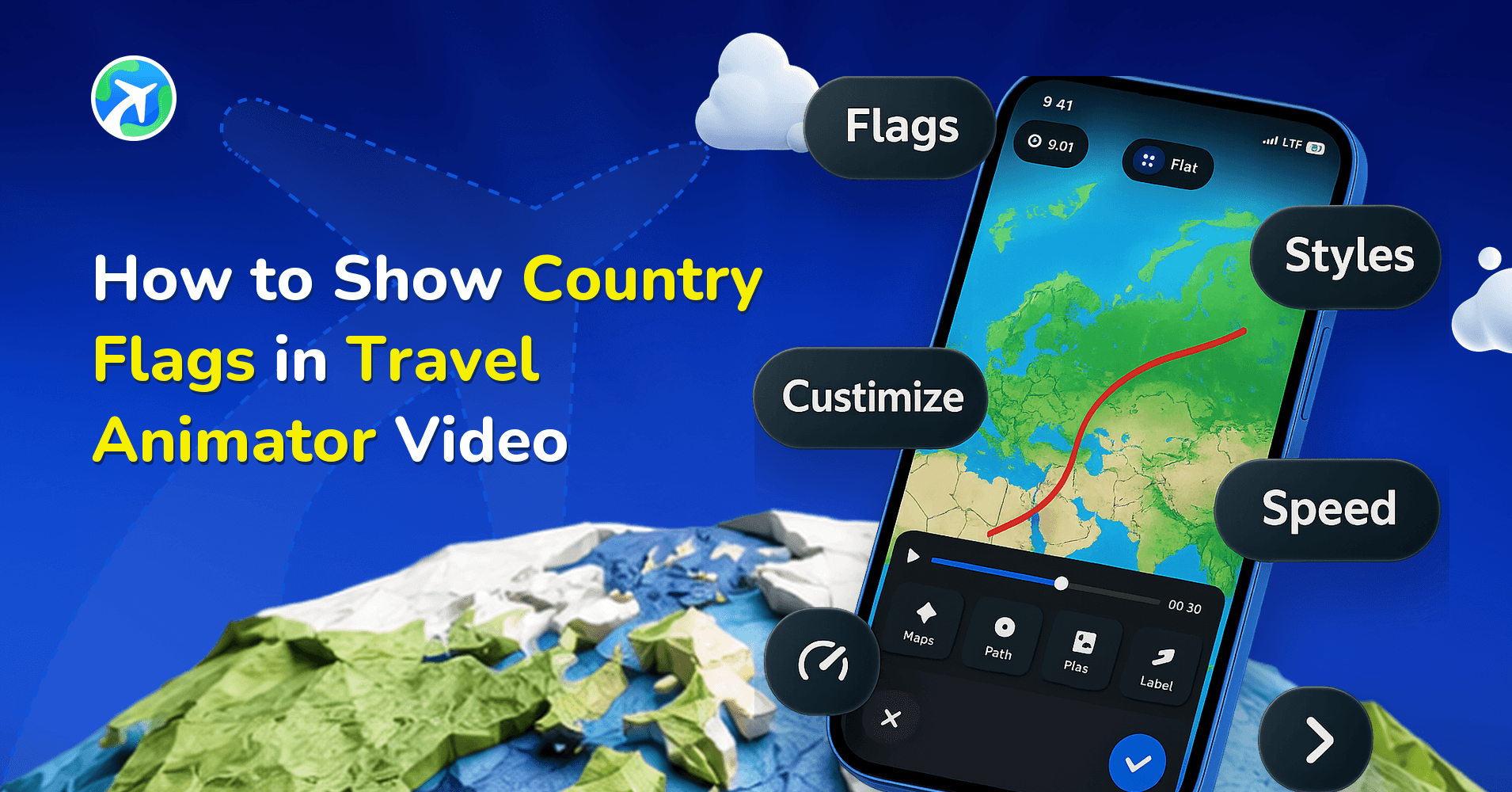
How to Show Country Flags in Travel Animator Video
操作指南
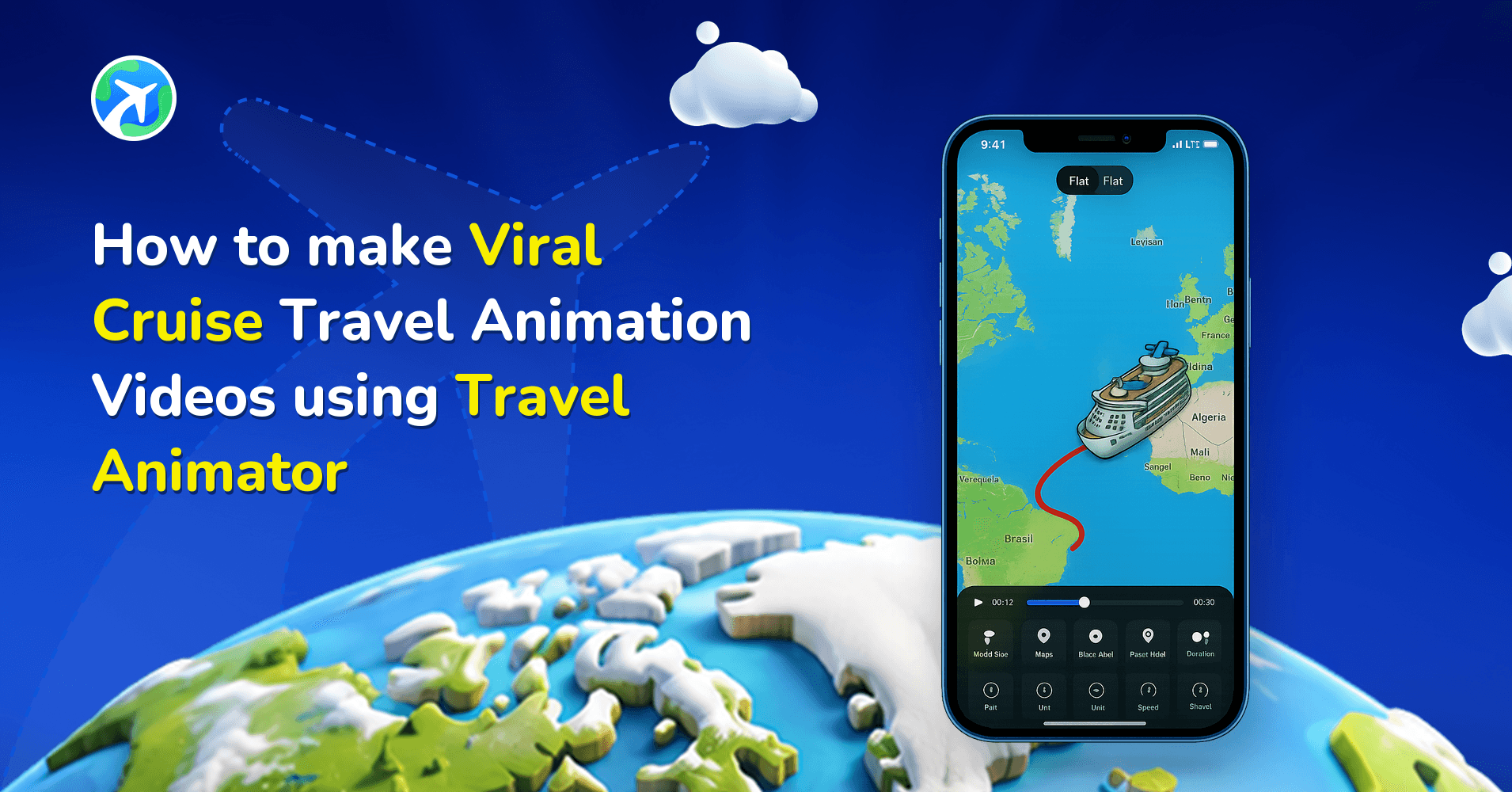
How to make Viral Cruise Travel Animation Video using TravelAnimator
操作指南
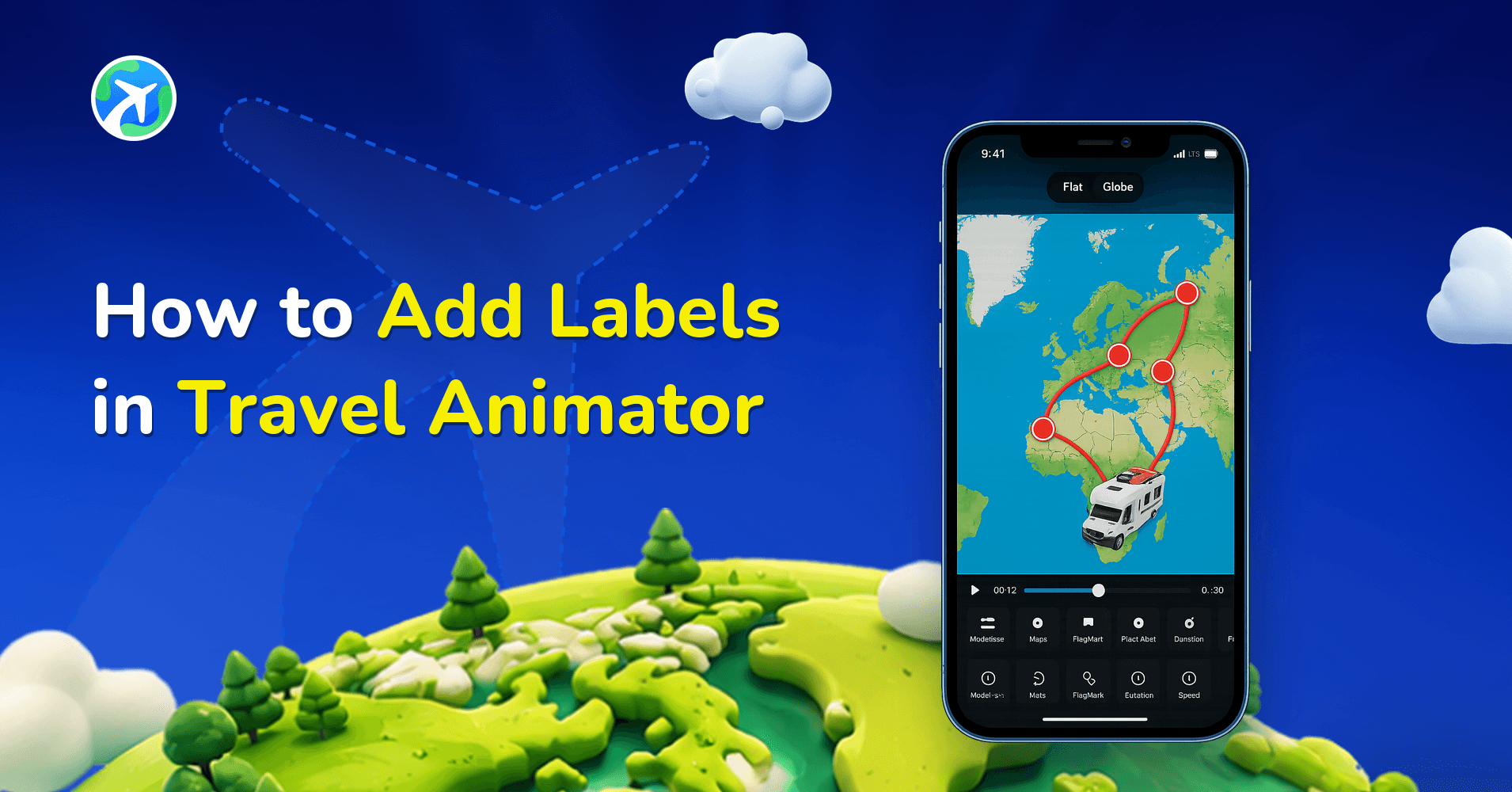
How to Add Labels in Travel Animator
操作指南
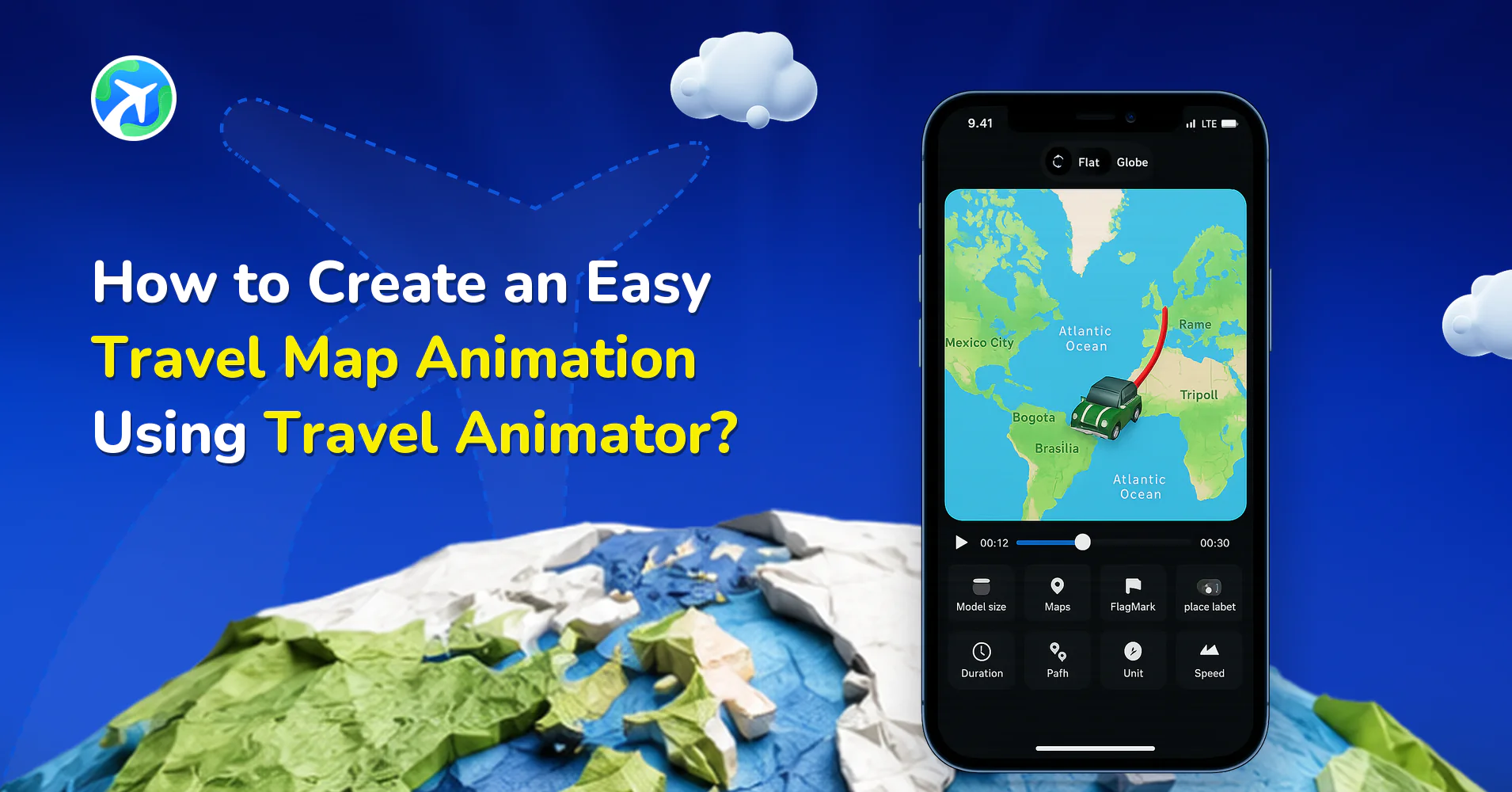
How to Create an Easy Travel Map Animation Using Travel Animator?
操作指南
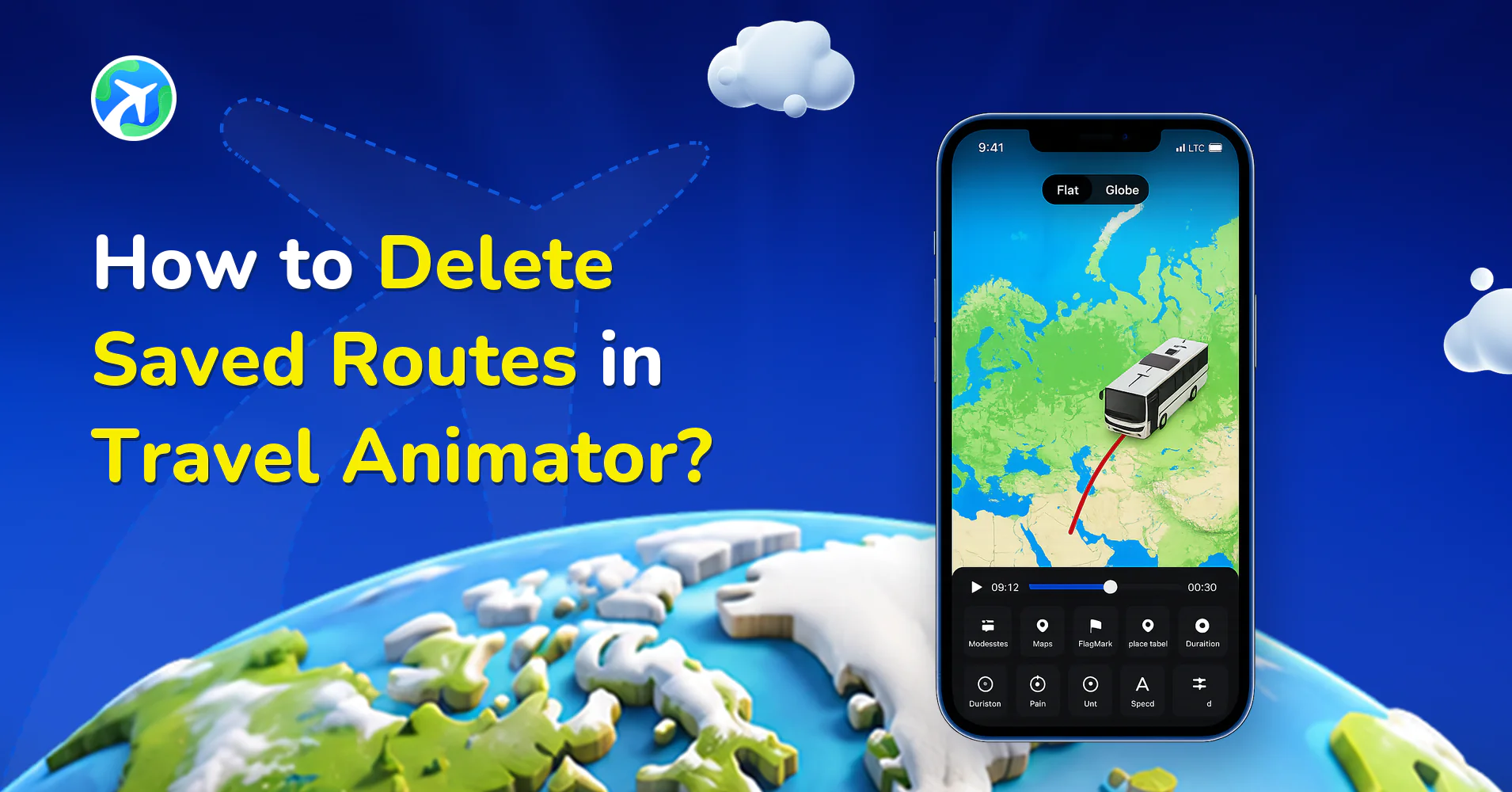
How to Delete Saved Routes in Travel Animator?
操作指南
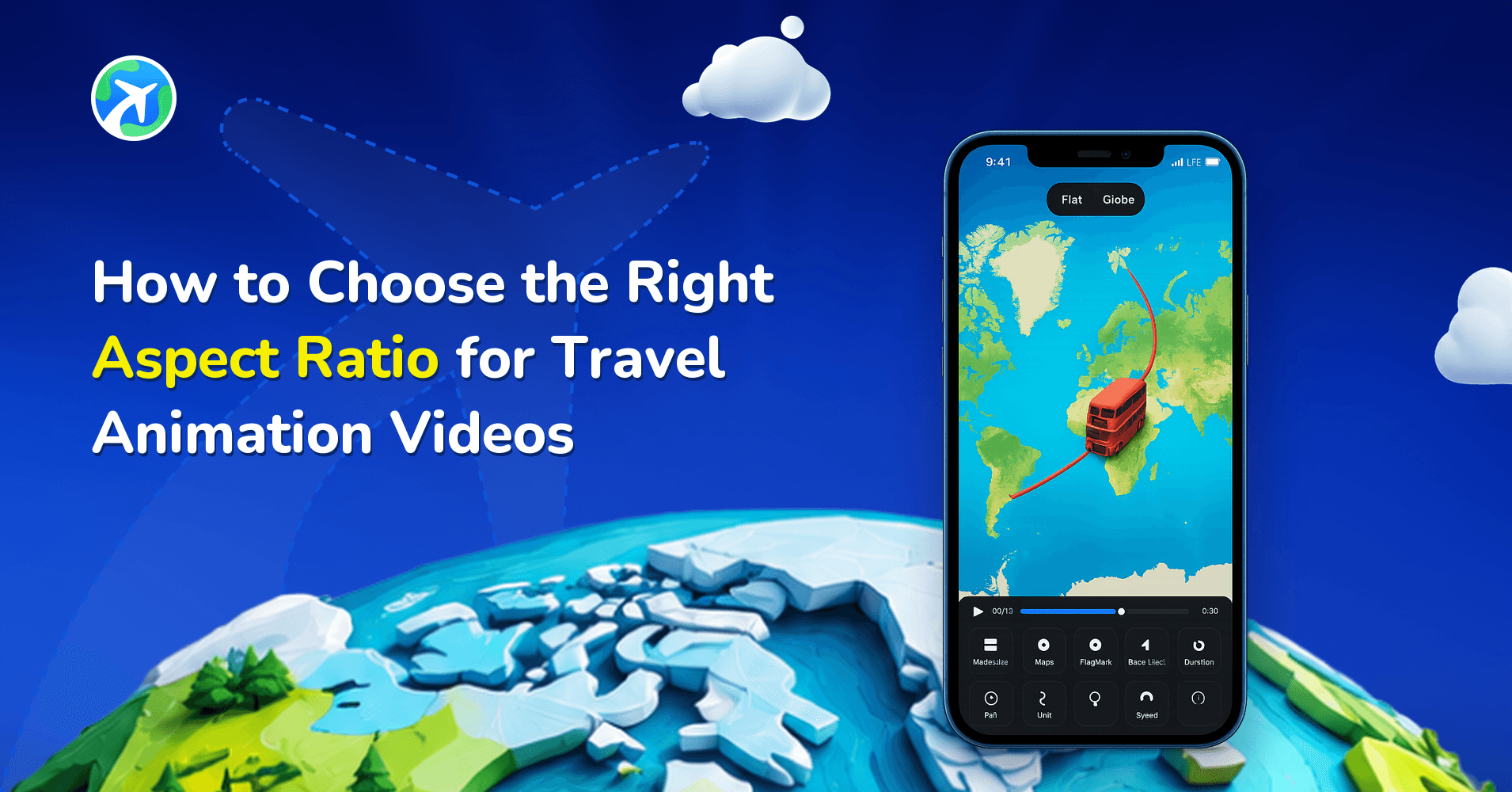
How to Choose the Right Aspect Ratio for Travel Animation Videos
操作指南
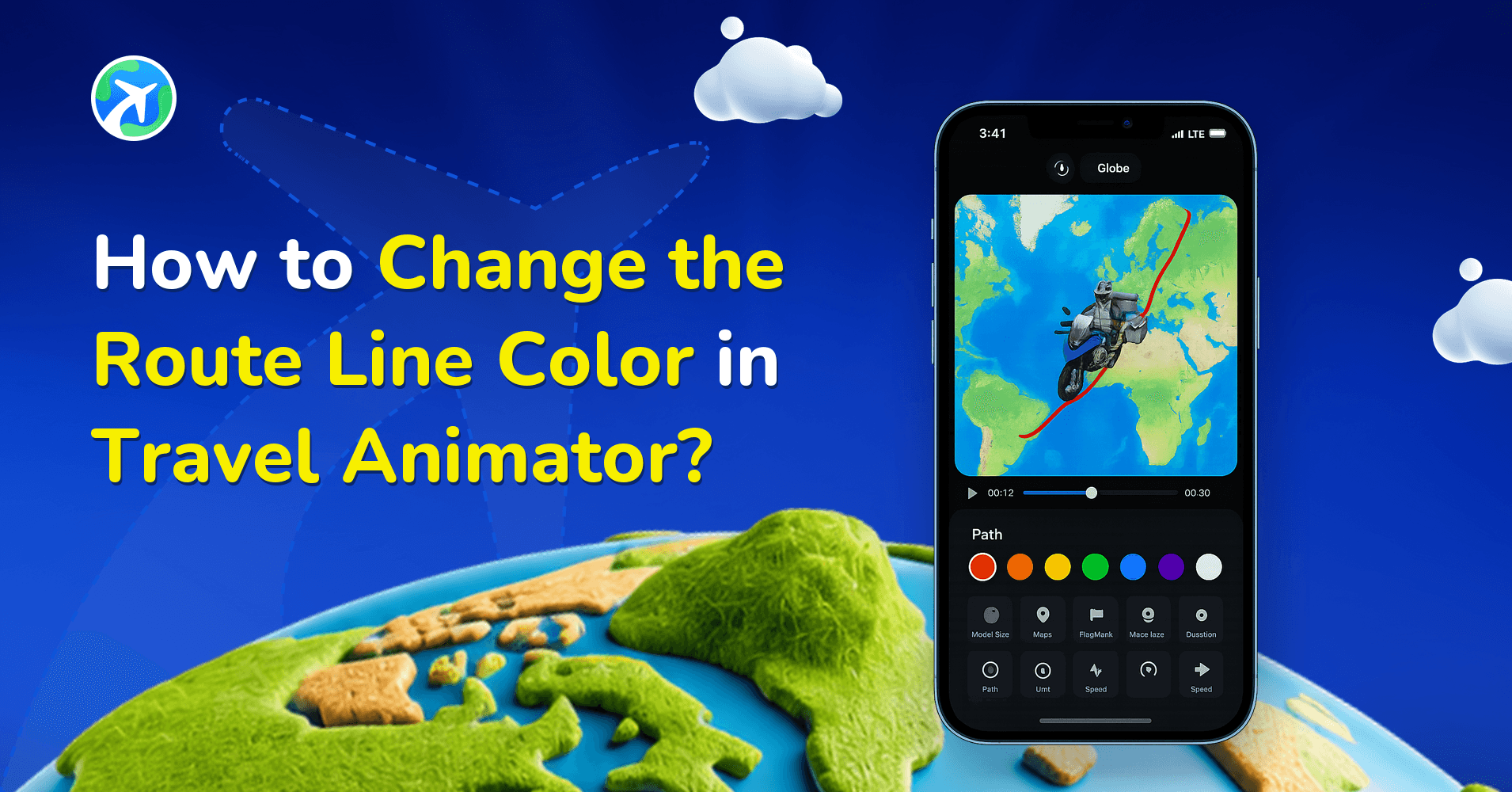
How to Change the Route Line Color in Travel Animator?
操作指南
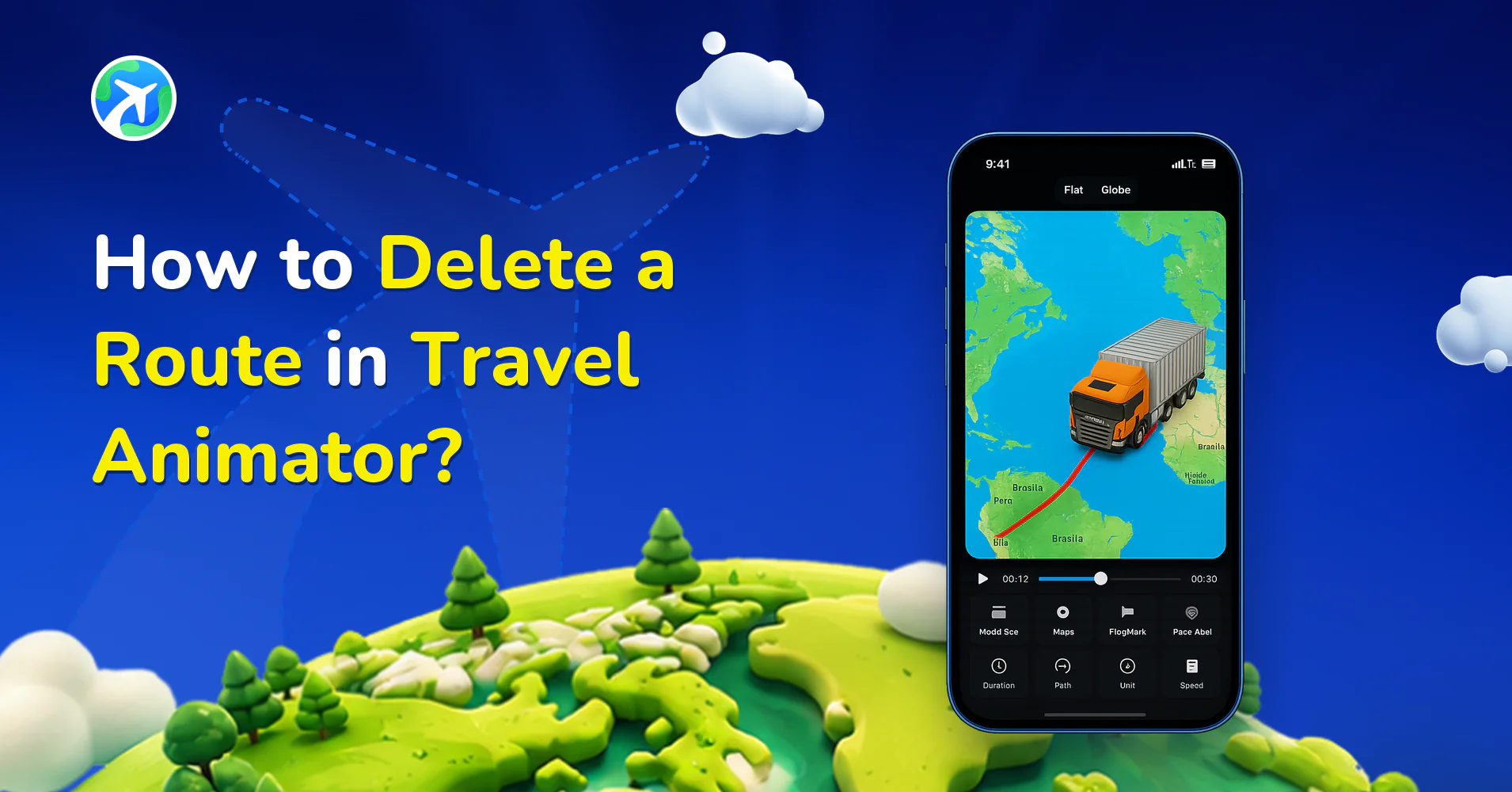
How to Delete a Route in Travel Animator?
操作指南
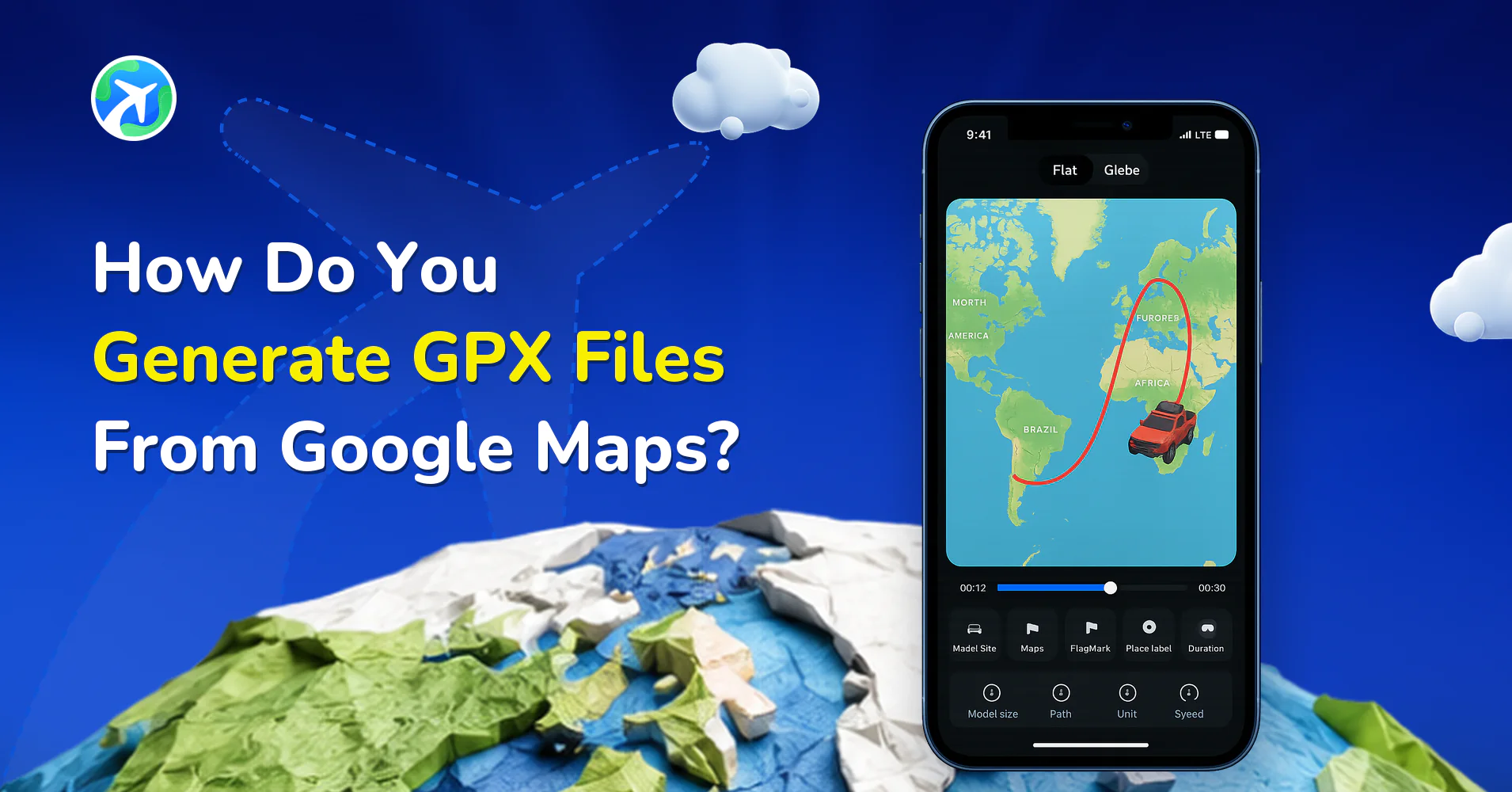
How Do You Generate GPX Files From Google Maps?
操作指南
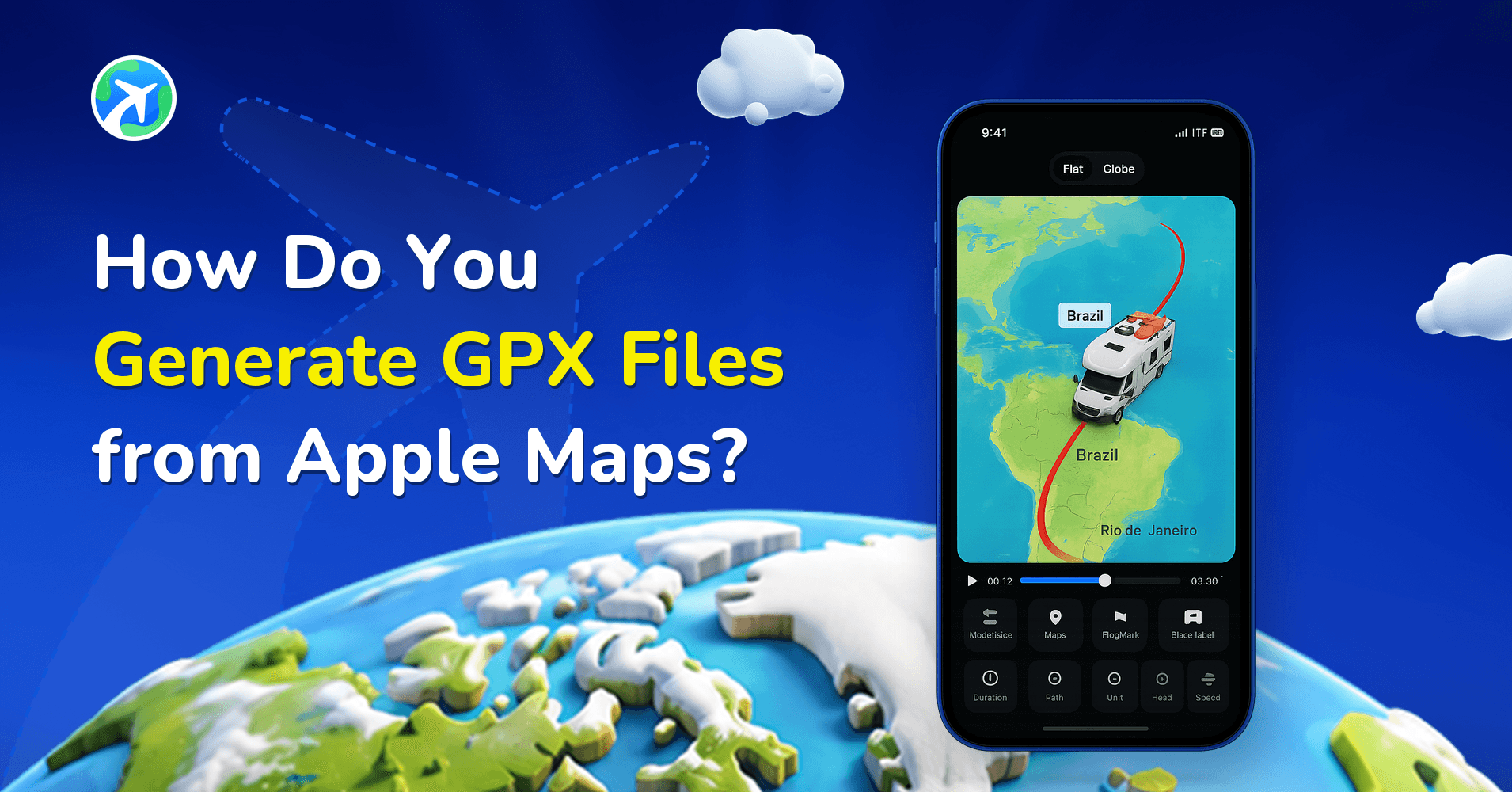
How Do You Generate GPX Files from Apple Maps?
操作指南
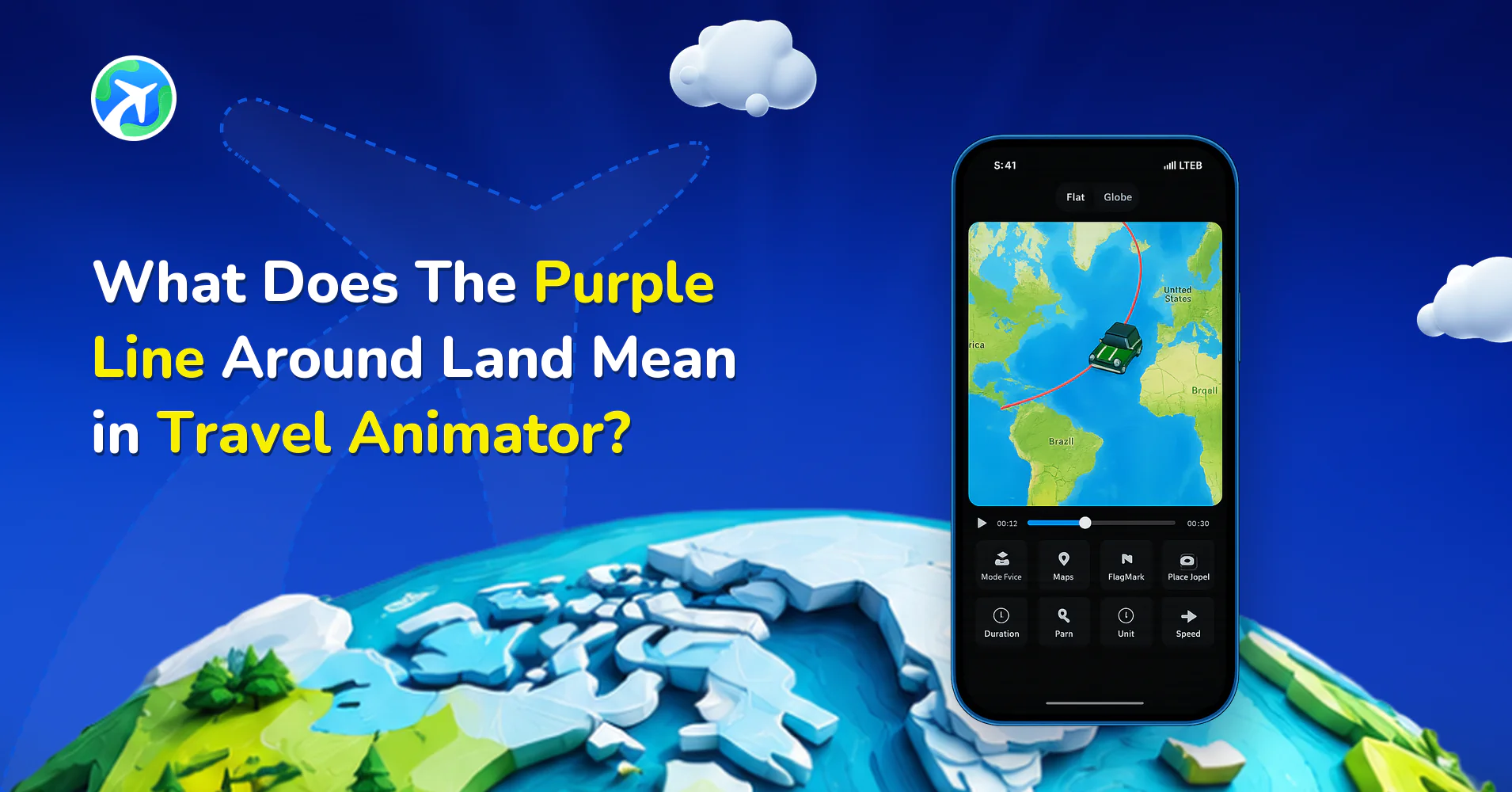
What Does The Purple Line Around Land Mean in Travel Animator?
操作指南
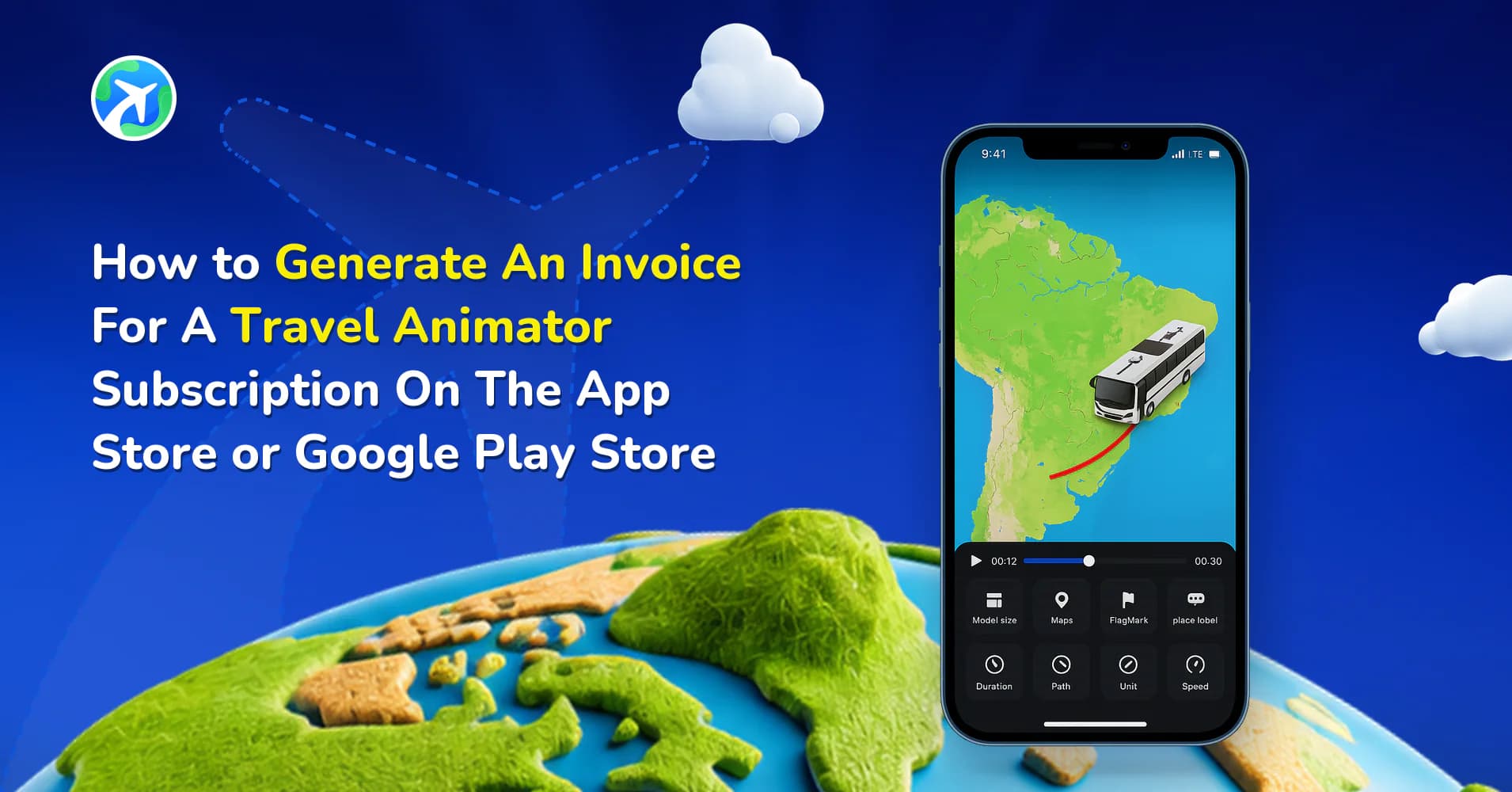
How to Get an Invoice for Your TravelAnimator Subscription
操作指南
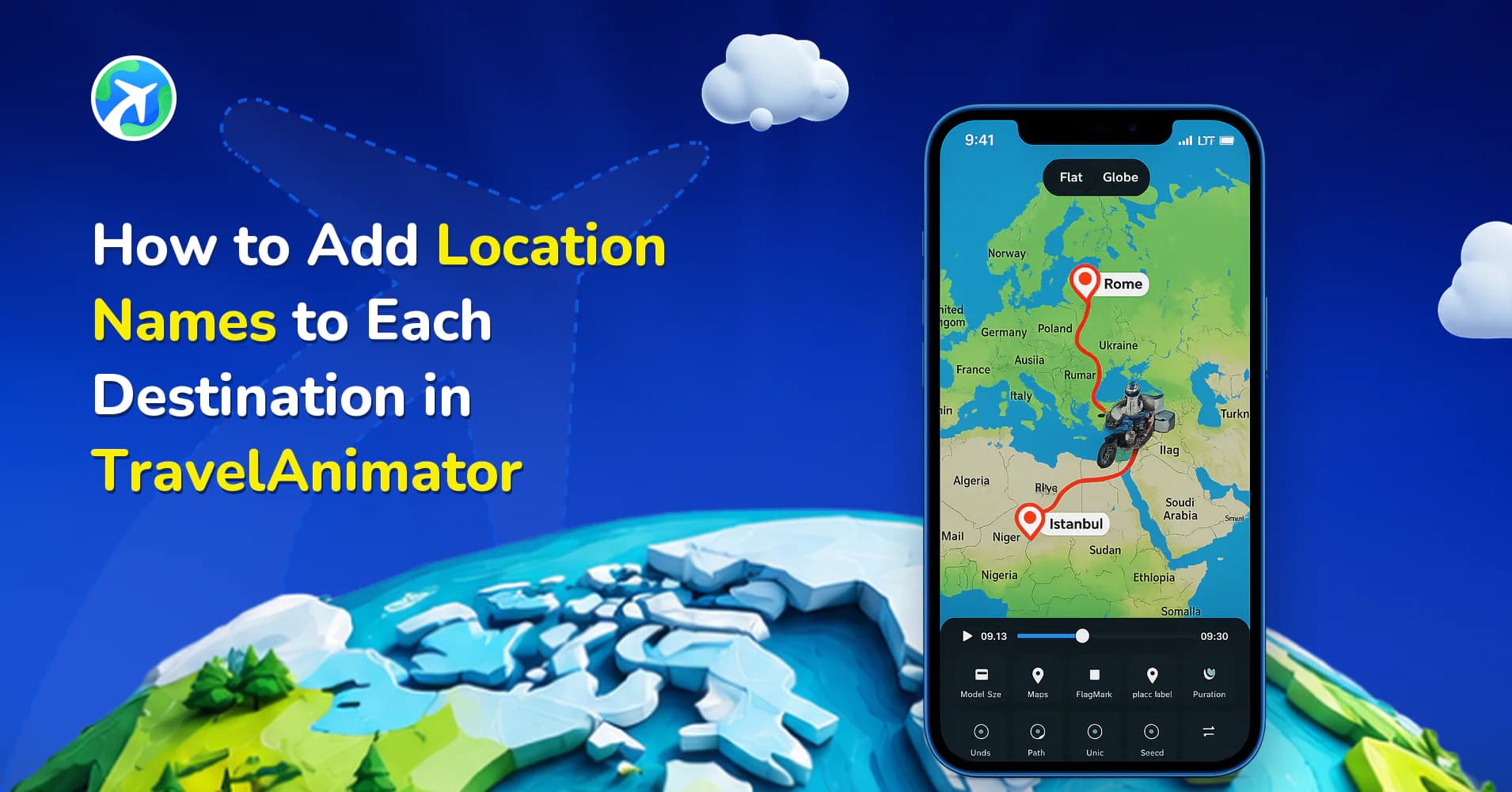
How to Add Location Names to Each Destination in TravelAnimator
操作指南
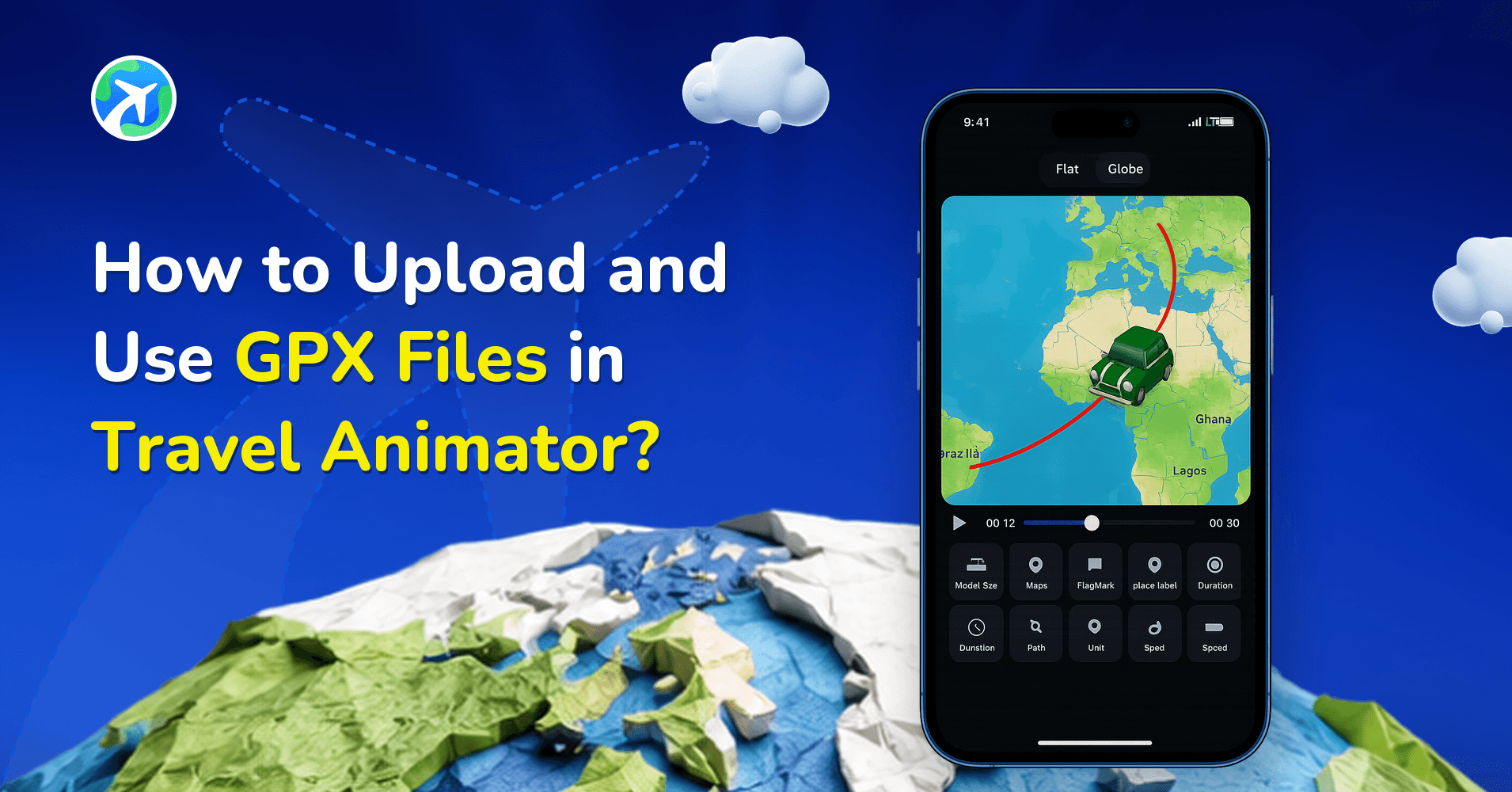
How to Upload and Use GPX Files in Travel Animator?
操作指南
How Can I Add Multiple Models in Travel Animator?
操作指南
How To Download Videos in Travel Animator?
操作指南
How to Change Travel Models in TravelAnimator
操作指南
How to Utilize Free Features in TravelAnimator: Full Guide
操作指南
How can you Cancel TravelAnimator Subscription?
操作指南
How To Delete Points in TravelAnimator?
操作指南
How to Unlock Pro Features in TravelAnimator: Full Guide
操作指南
How to Add Multiple Destinations in TravelAnimator
操作指南
How to Apply a Promo Code in Travel Animator to Get Pro Features?
操作指南
How to Add Photos in Travel Animation Videos
操作指南

